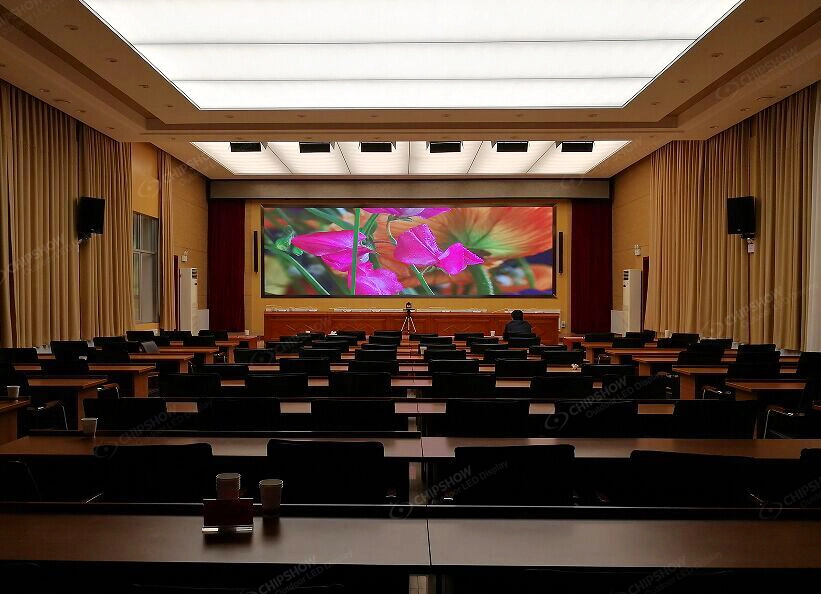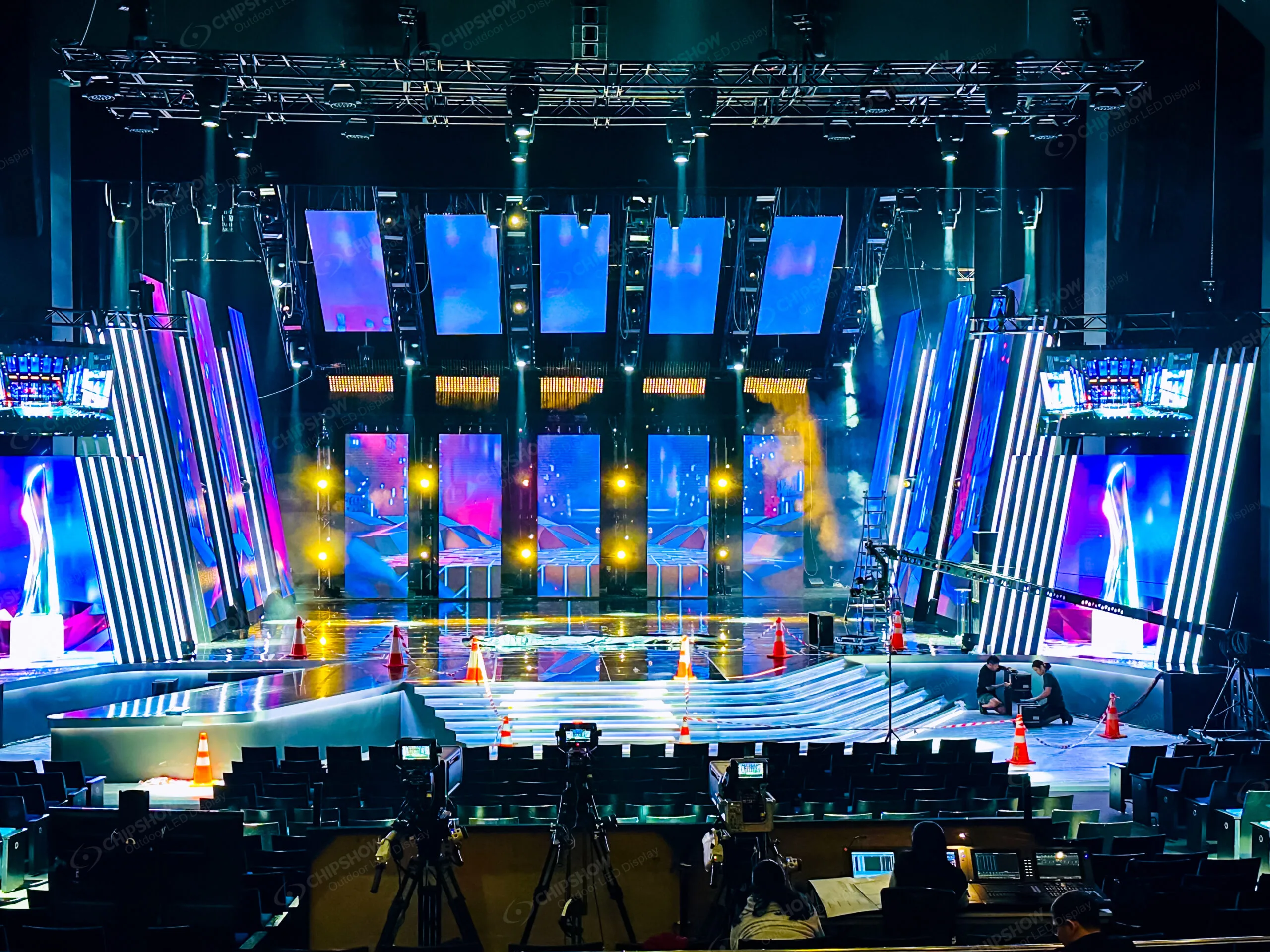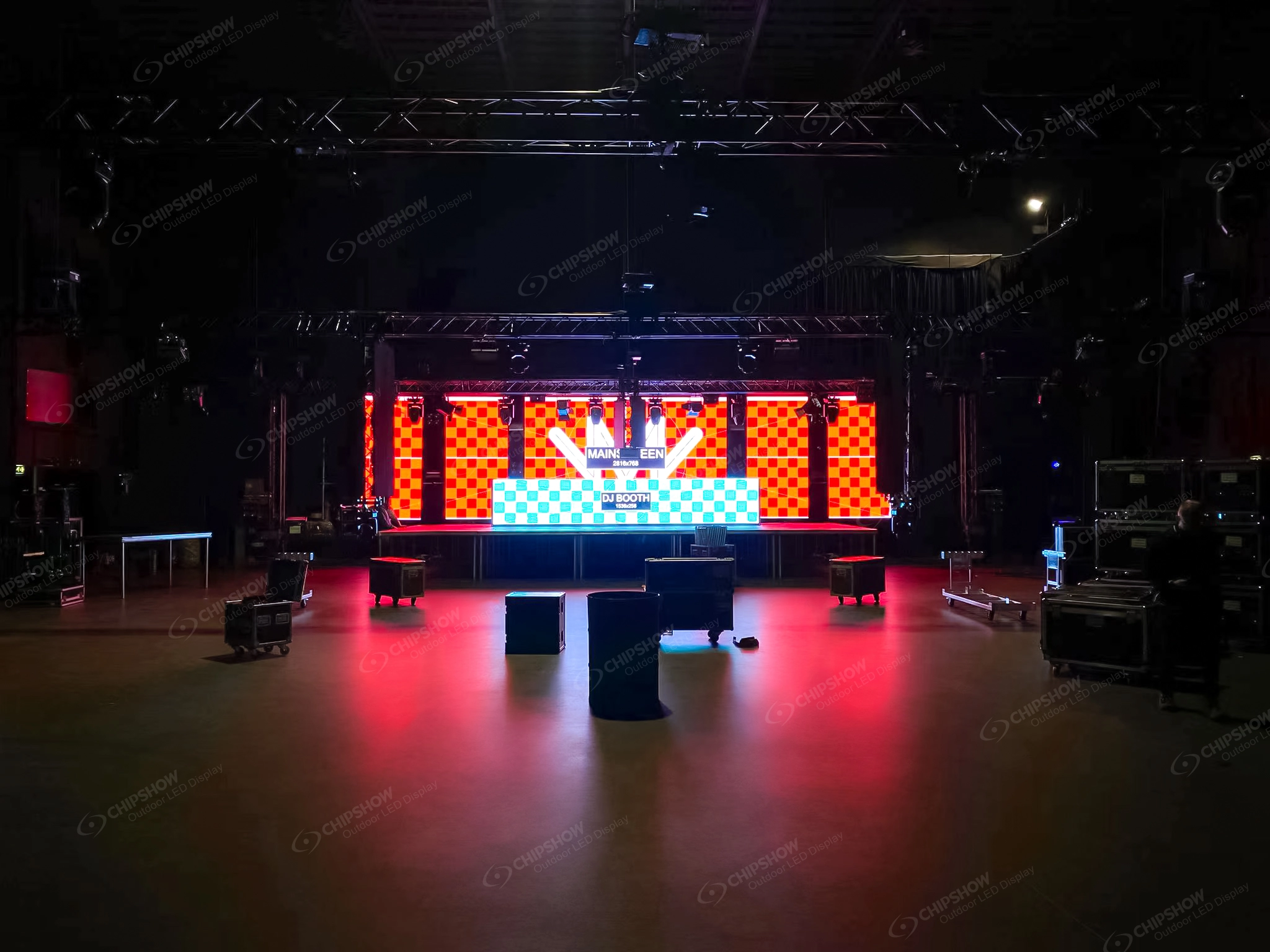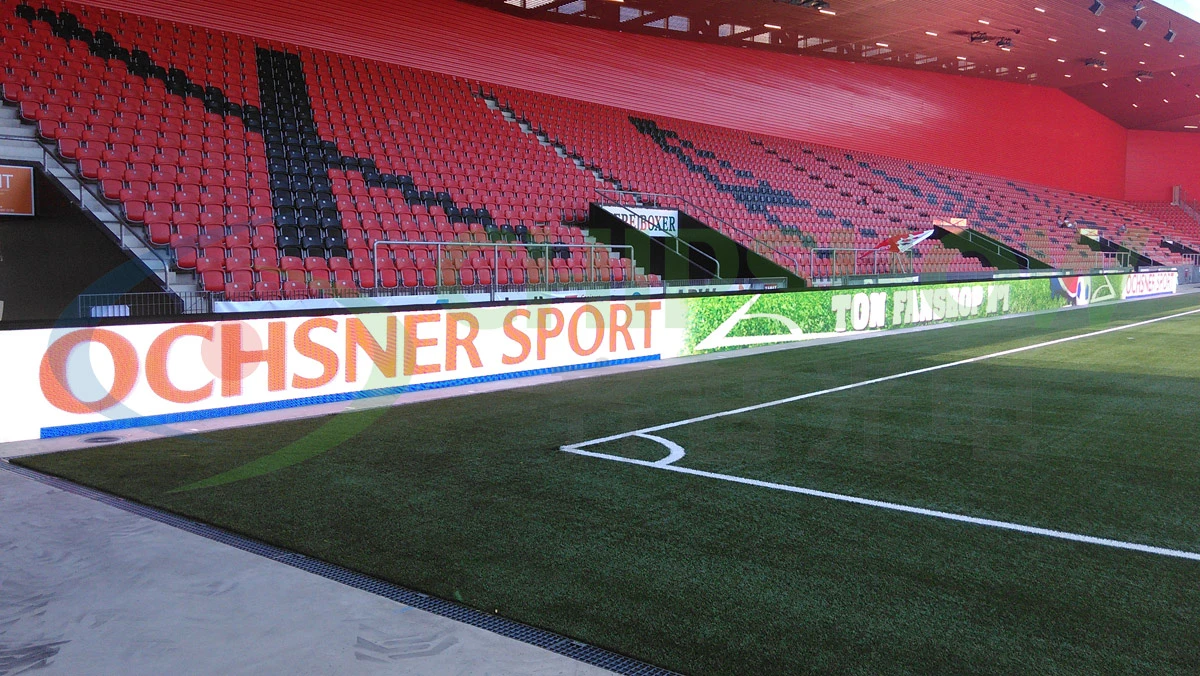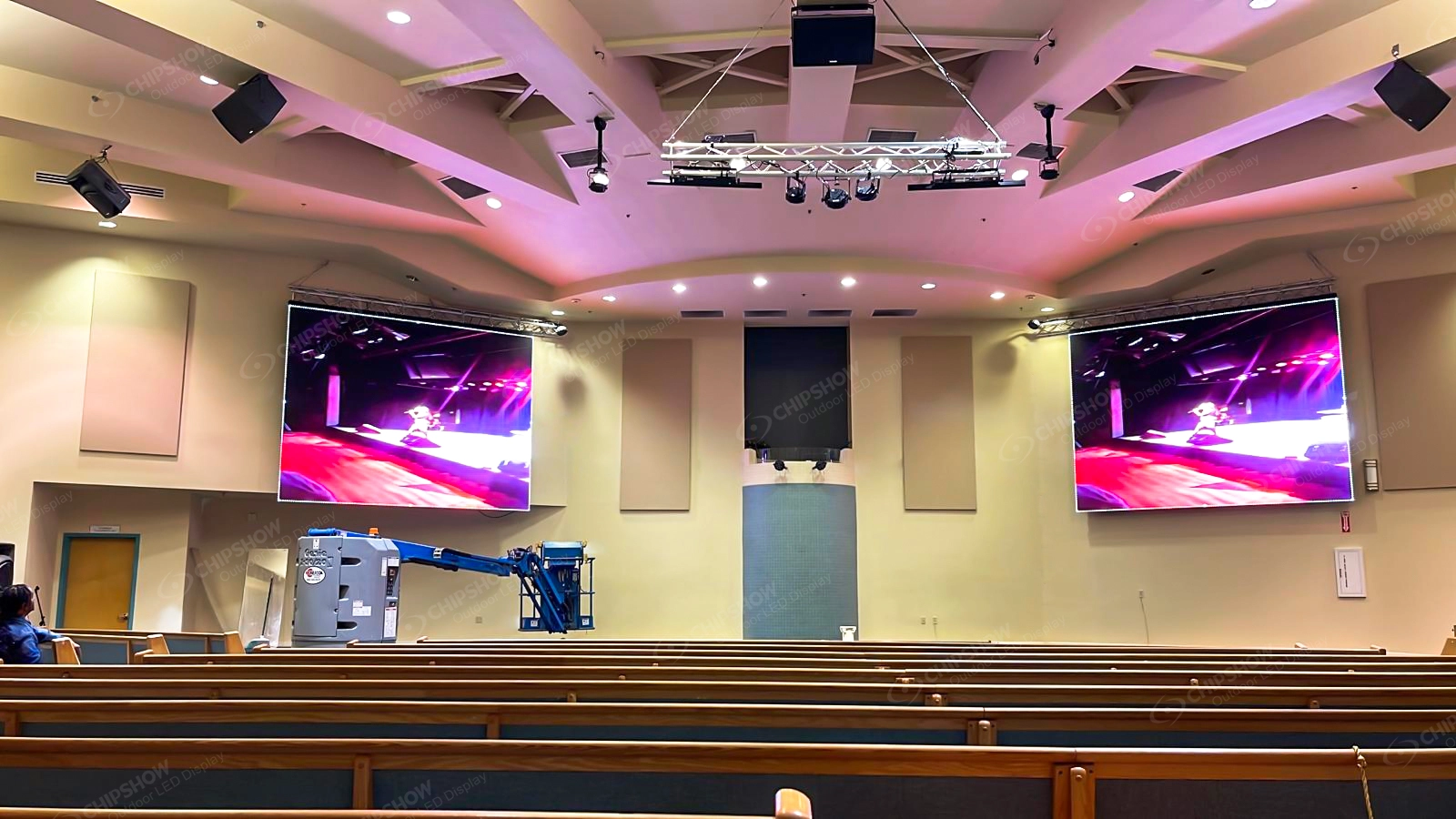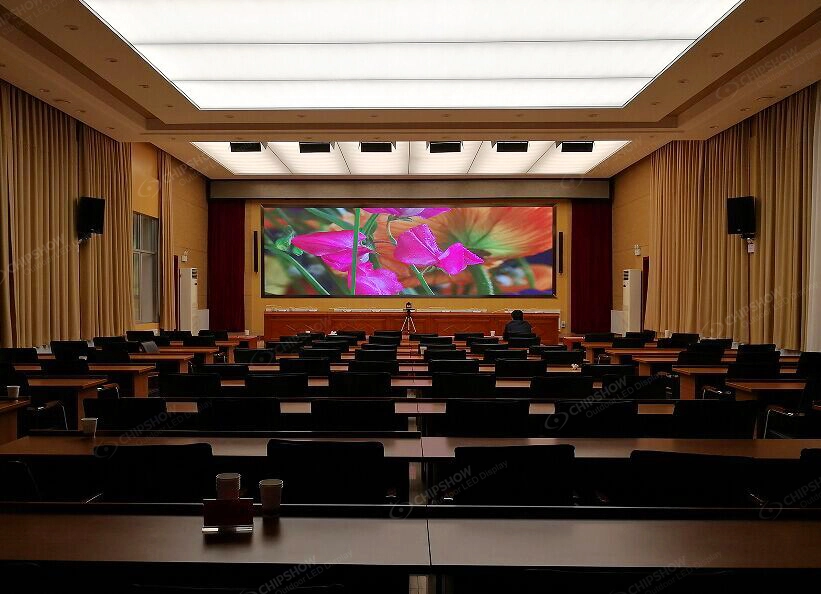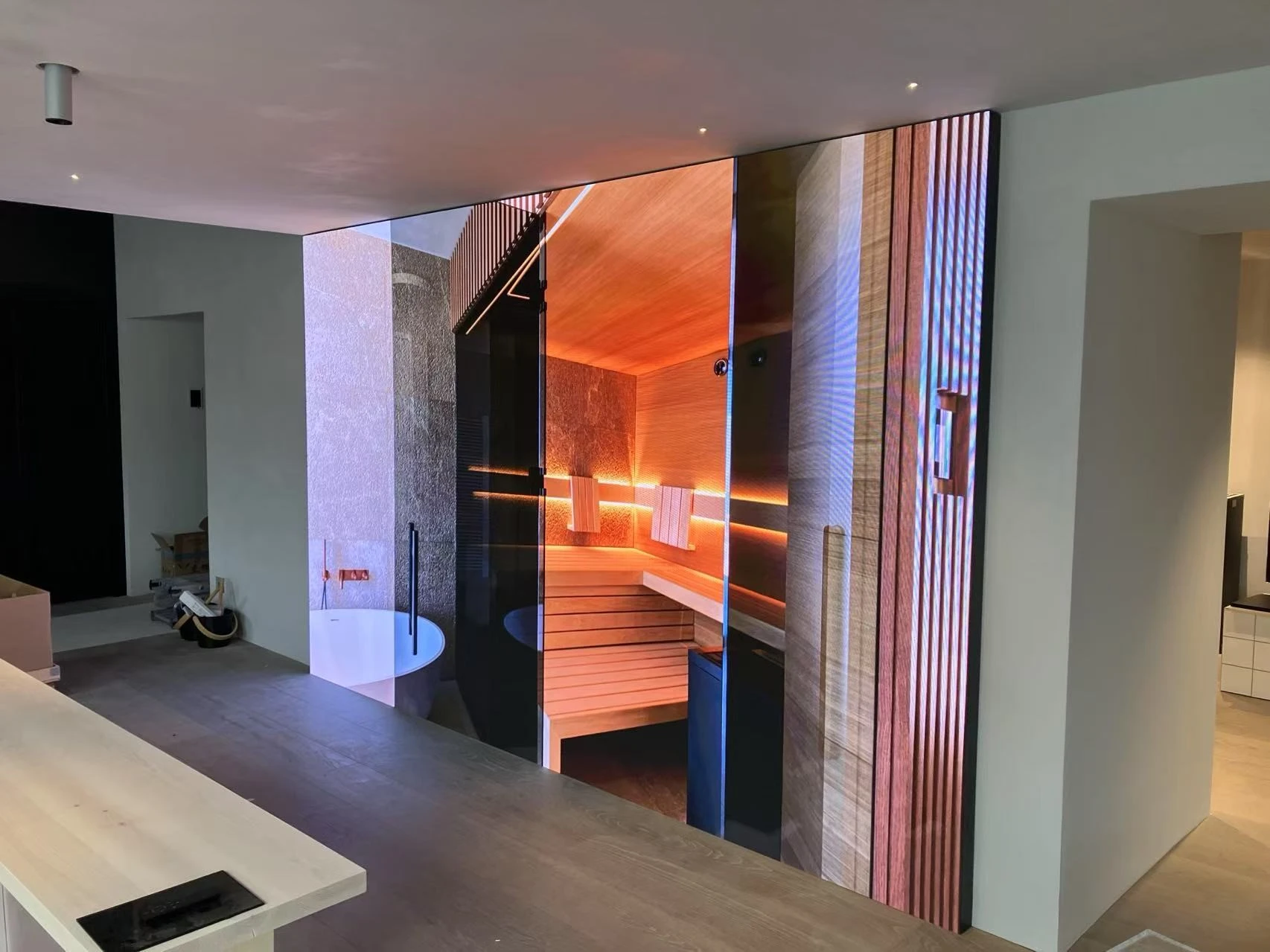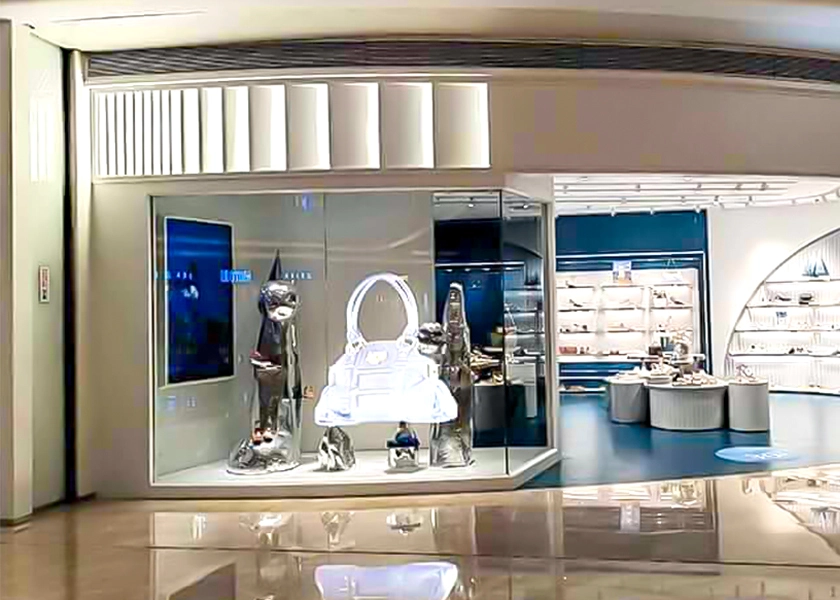
Installing an indoor LED video wall is one of the smartest upgrades you can make to a corporate lobby, retail store, conference room, or community space. In North America, where commercial real estate costs are high, labor rates matter, and businesses expect fast ROI, a well-executed installation delivers seamless visuals, energy efficiency, and minimal disruption.
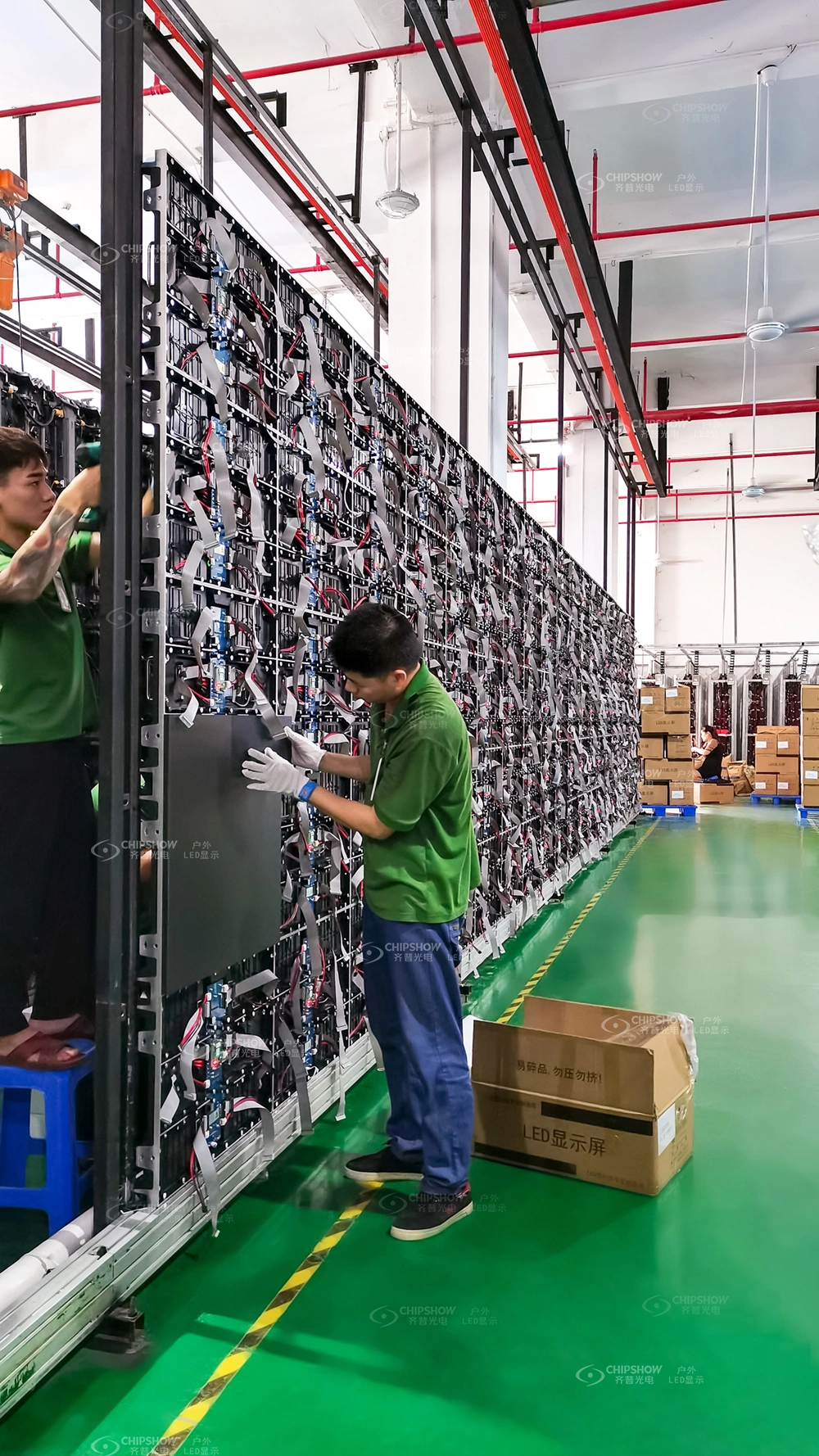
With Chipshow’s local warehouse in North America, you can get premium C-Max series LED cabinets faster, reduce shipping costs and lead times, and enjoy quicker technical support — all while keeping your project on schedule.
Whether you’re replacing aging LCD video walls or building a fresh digital signage solution, the right approach prevents costly surprises like uneven seams, overloaded circuits, or maintenance nightmares. This guide outlines the five critical stages of indoor LED display installation, tailored to the realities of U.S. and Canadian commercial projects.
Step 1: Perform a Thorough Site Survey
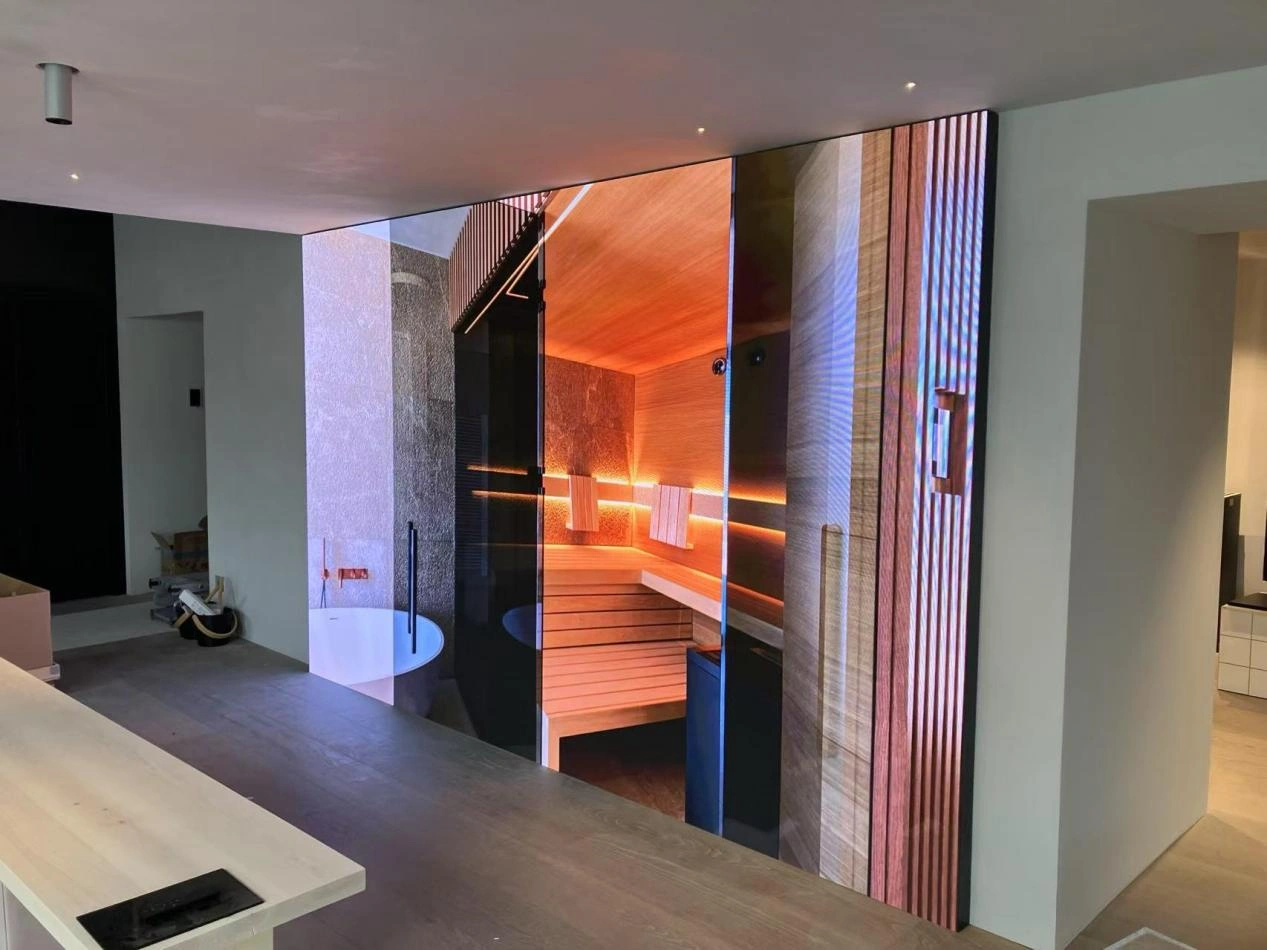
Every successful indoor LED video wall starts with a detailed site survey — never skip it. North American buildings often feature drywall, older electrical infrastructure, and strict local codes, so early verification saves time and money.
Key items to assess:
- Wall or structural capacity: A 10 m² (approx. 108 sq ft) display plus framework can weigh 660–1,100 lbs (300–500 kg). Confirm load-bearing capability and, if needed, add steel reinforcement or plywood backing.
- Viewing distance and room layout: Use the rule of thumb that minimum viewing distance (in feet) ≈ pixel pitch × 3. Closer viewing (under 6–8 ft) favors finer pitches like P1.86; 8–16 ft works well with P2.5–P3.
- Ambient lighting and power availability: Bright retail or lobby environments need balanced brightness (500+ nits) without excessive power draw. Verify dedicated circuits — indoor LED walls typically consume 300–600 W per square meter at full brightness.
- NEC compliance and ventilation: Map power and signal routes to meet National Electrical Code (NEC) requirements. Ensure airflow behind the screen or plan for integration with existing HVAC to manage heat in enclosed or recessed installs.
Step 2: Create a Comprehensive Installation Plan
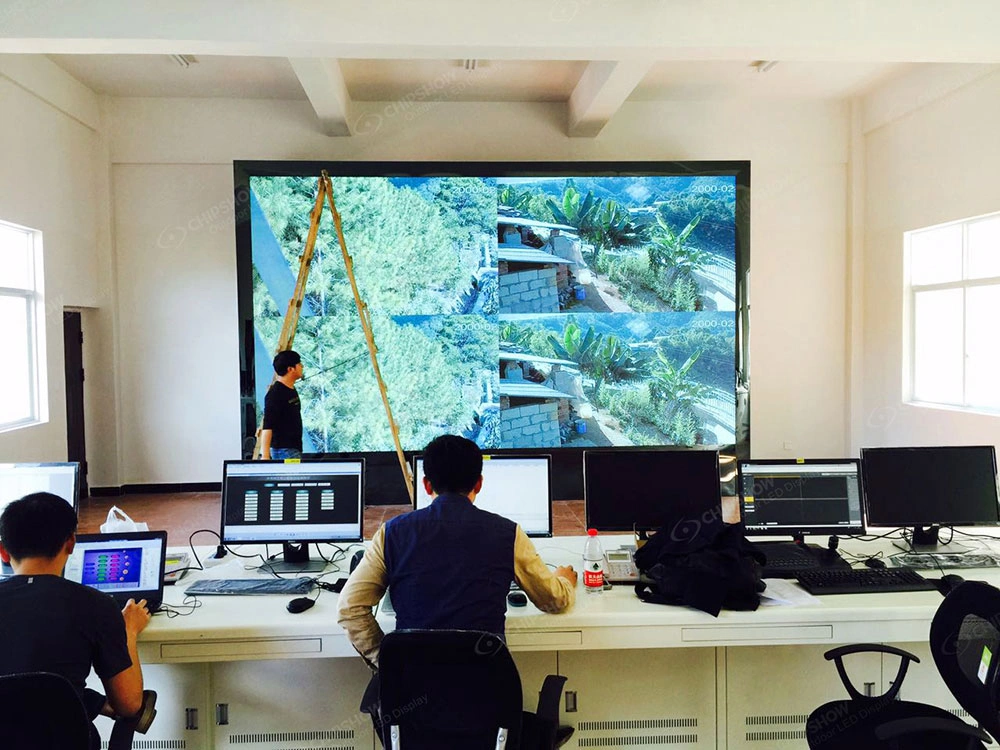
Turn survey data into an actionable plan that aligns with your budget, space, and business goals. North American integrators and end-users consistently prioritize three things: easy LCD retrofits, space-saving maintenance, and rapid ROI.
Pixel Pitch & Screen Size
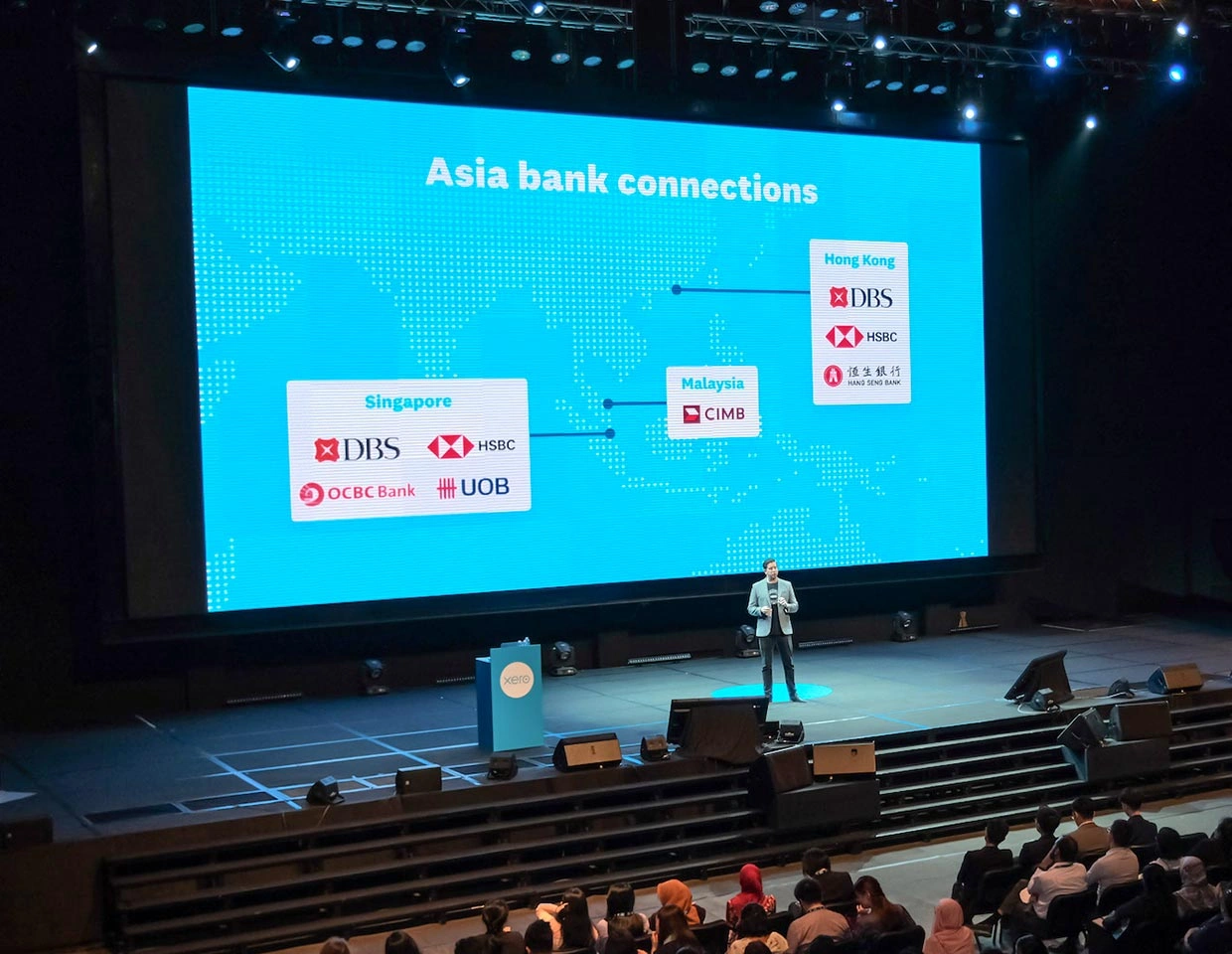
Match pitch to real-world viewing distances. For tight retail or reception areas, P1.86 or P2.5 delivers crisp HD without overkill. Larger venues (conference halls, atriums) can use P3–P4 for excellent value.
Mounting Method
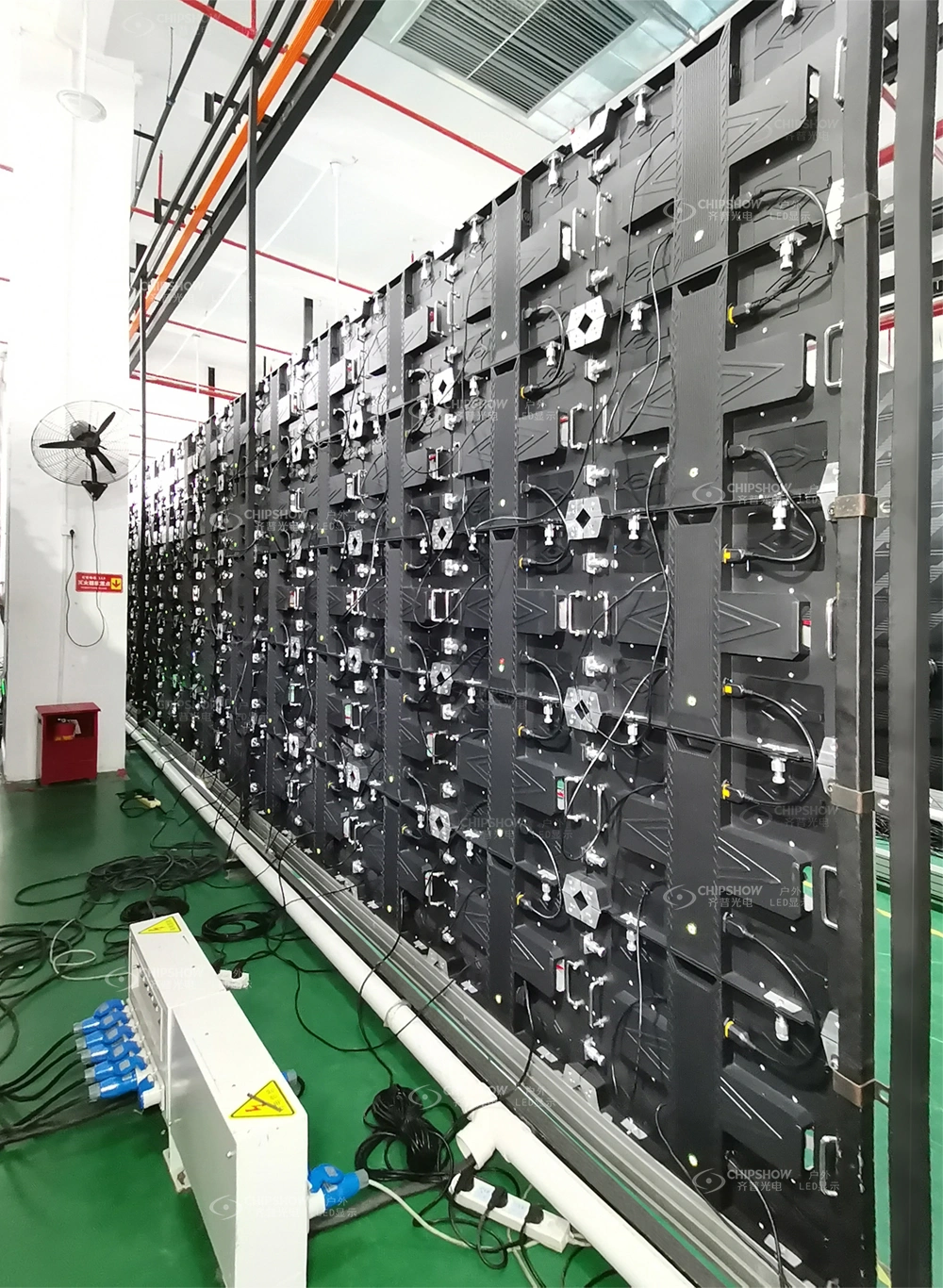
Choose based on your space and access needs:
- Wall-mounted: Most popular for lobbies and retail — ideal when paired with front-service designs that sit flush against the wall.
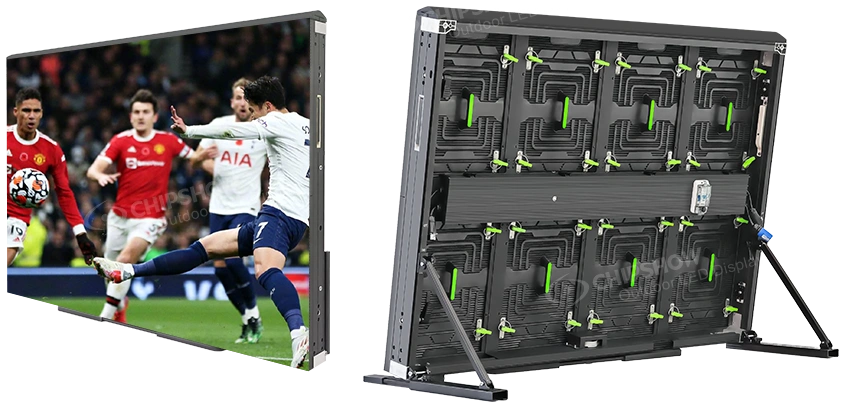
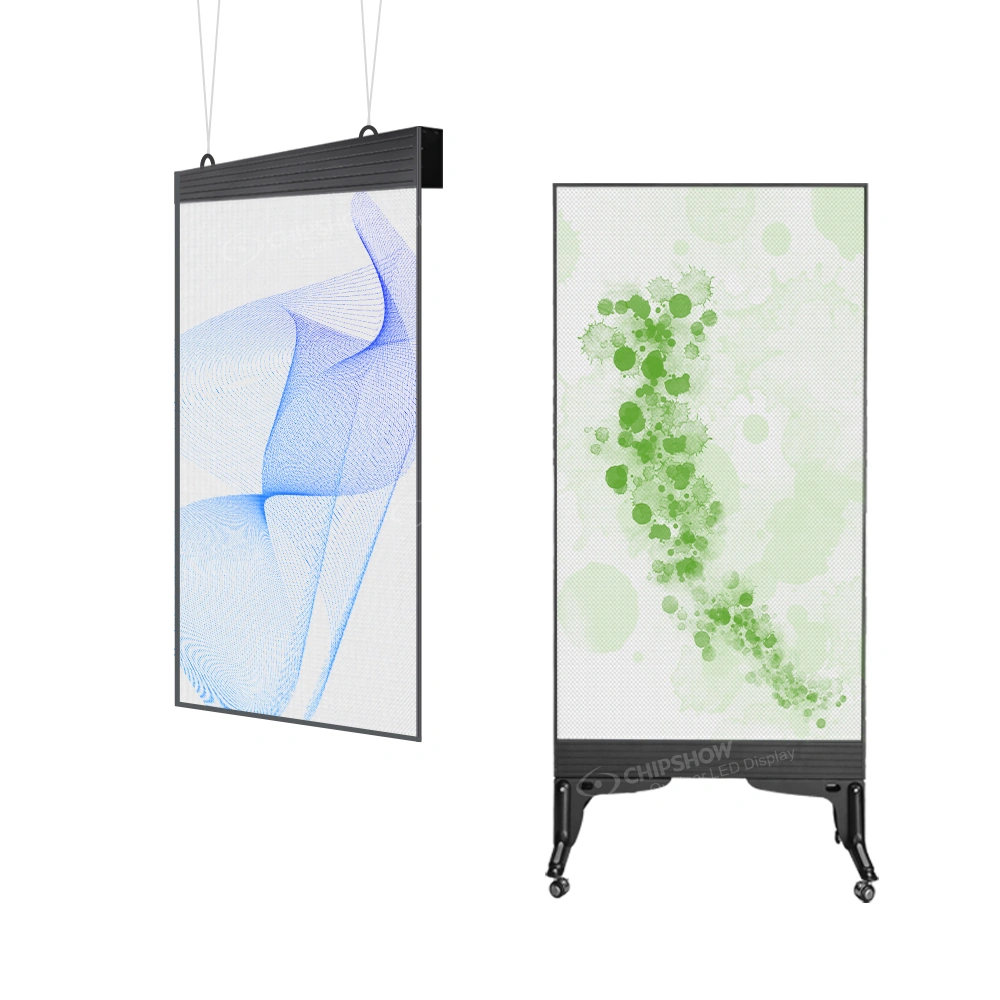
- Floor-standing: Great for temporary events or trade shows where floor space is available.
- Ceiling-hung: Perfect for airports or open atriums, but requires certified rigging points.
Power, Signal & Access Strategy
Plan dedicated circuits, Ethernet runs, and content management upfront. Cable paths are nearly impossible to change post-install.
Front-Access vs. Rear-Access
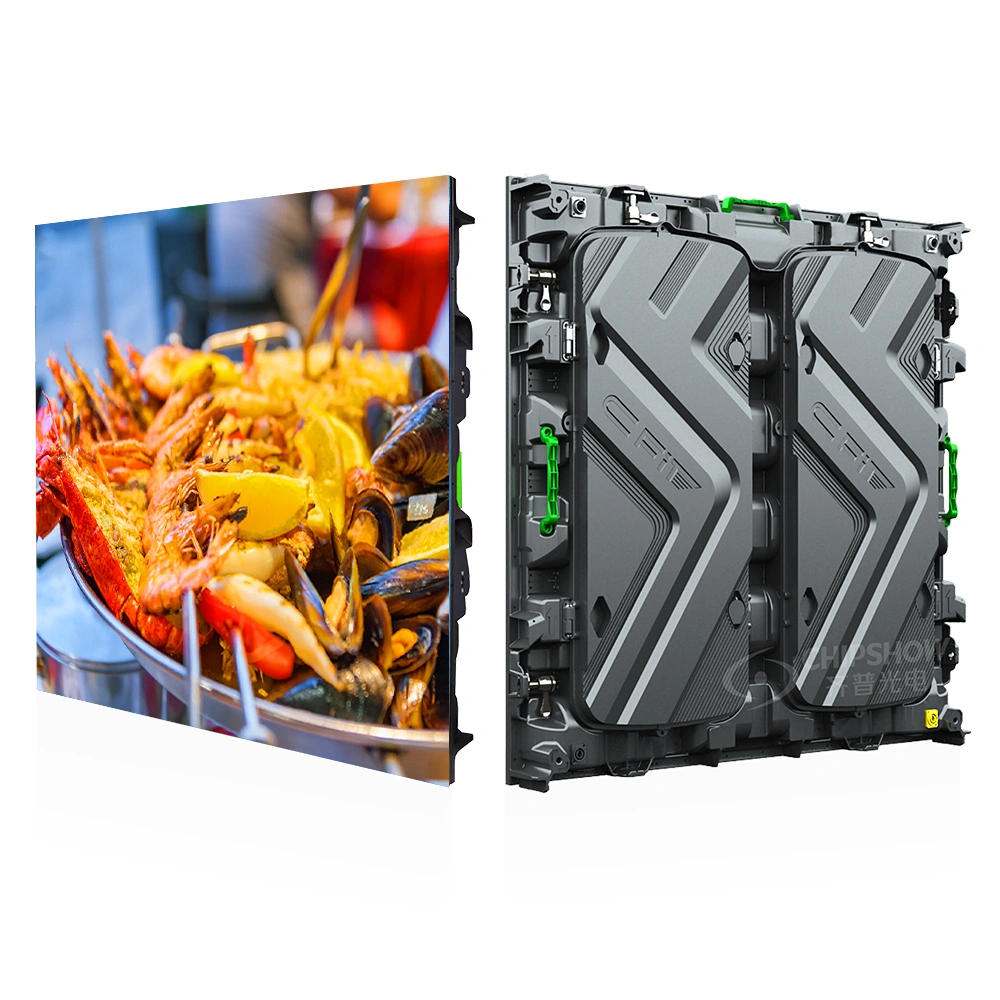
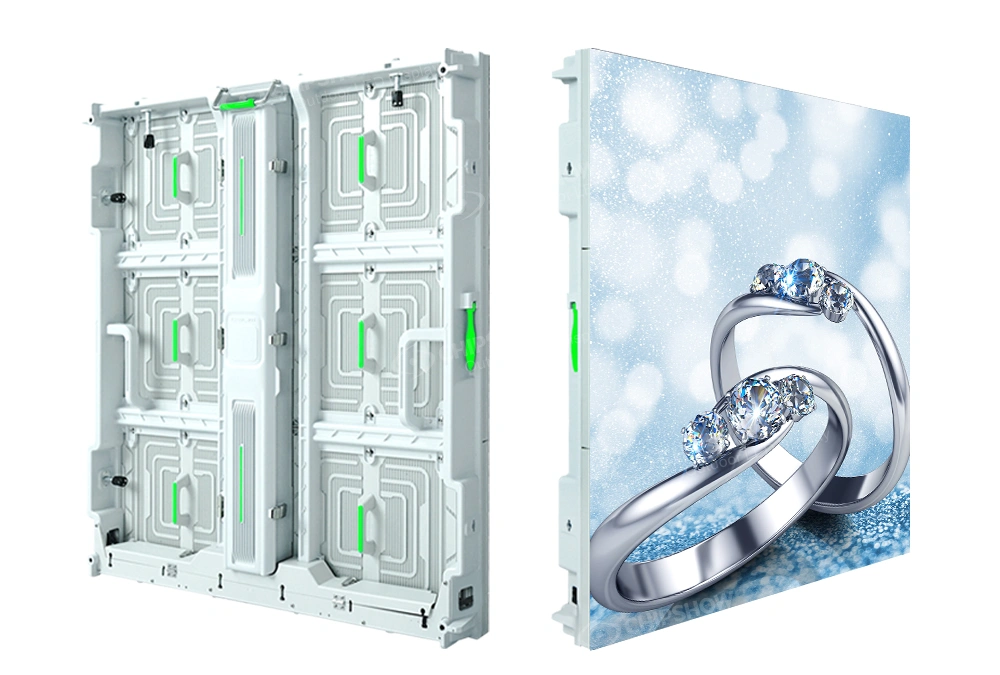
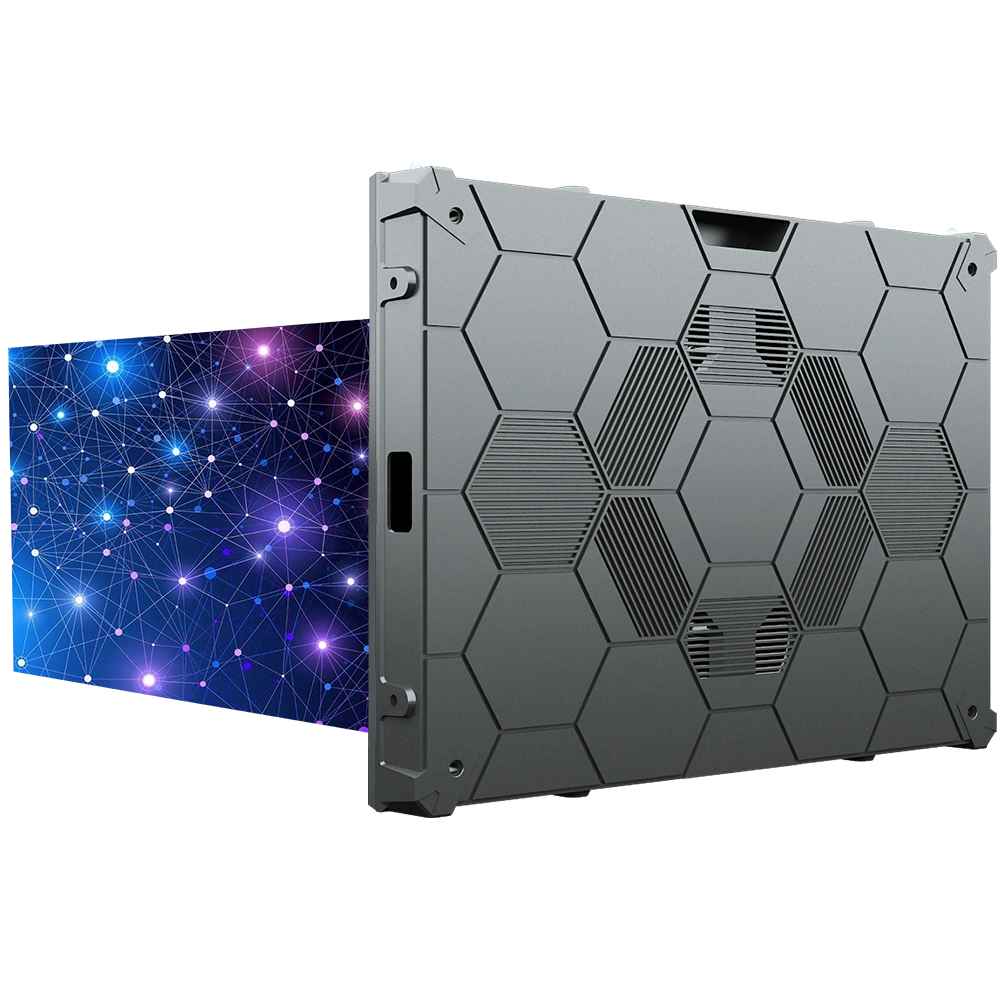
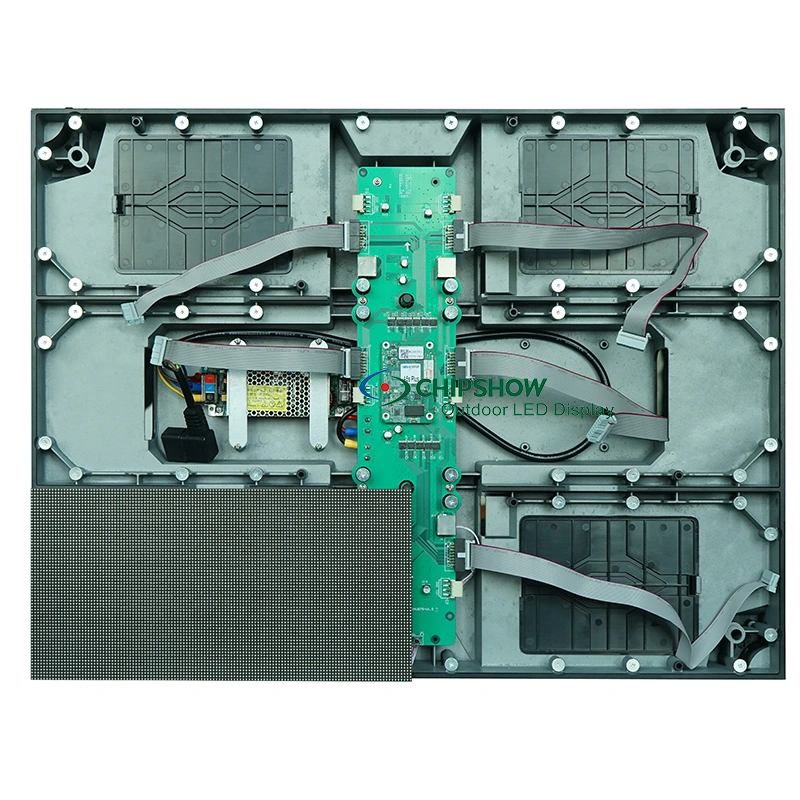
n space-constrained North American retail and offices, 100% front-service cabinets are often non-negotiable. They eliminate the need for a 24–32 inch (600–800 mm) rear corridor, saving valuable square footage and cutting labor costs.
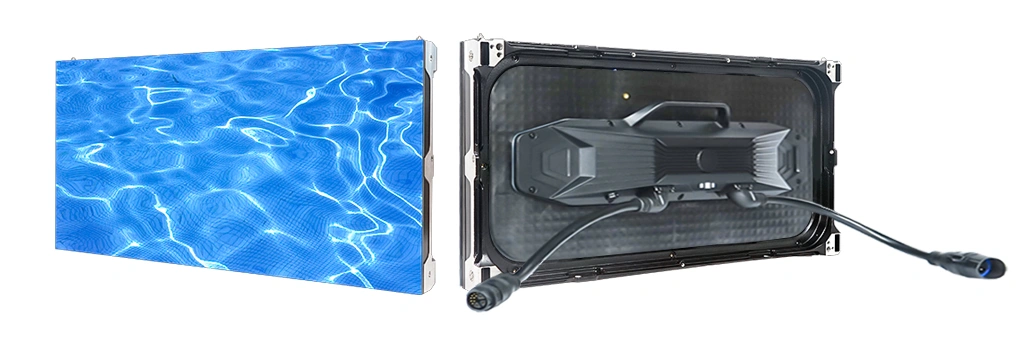
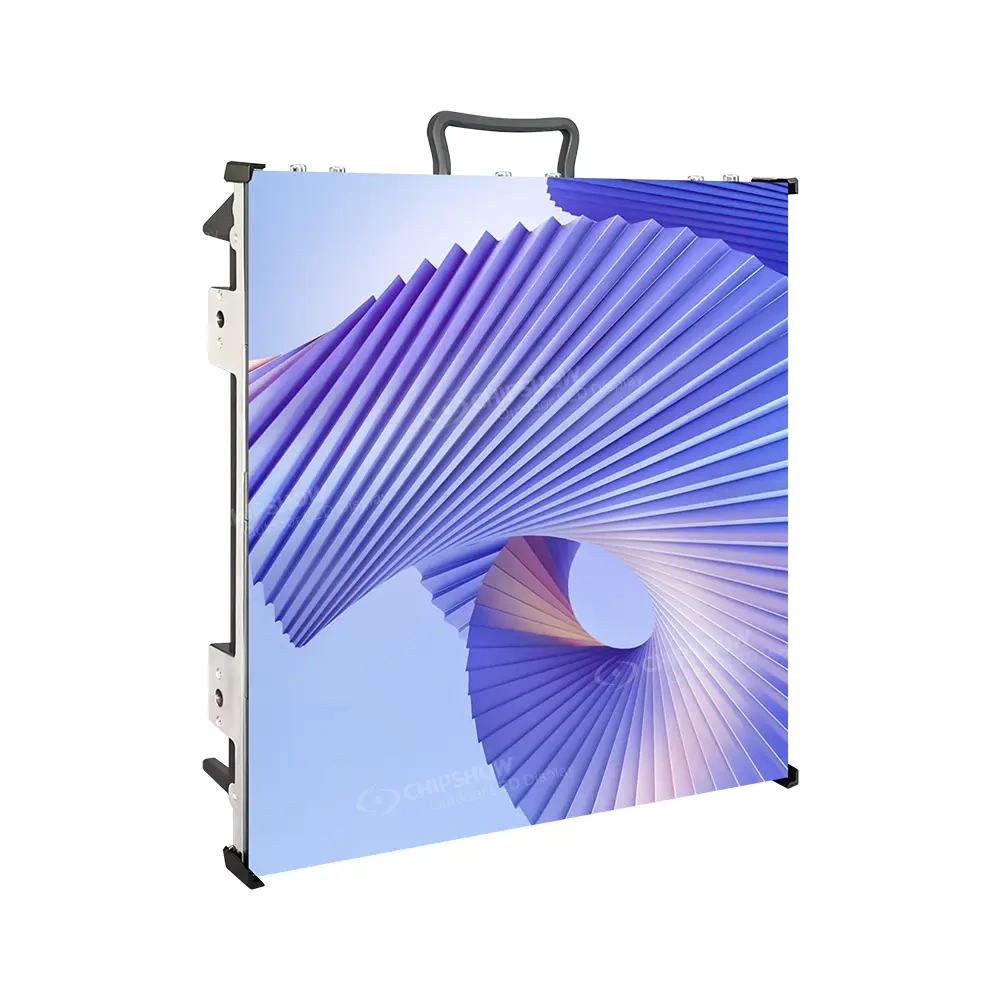
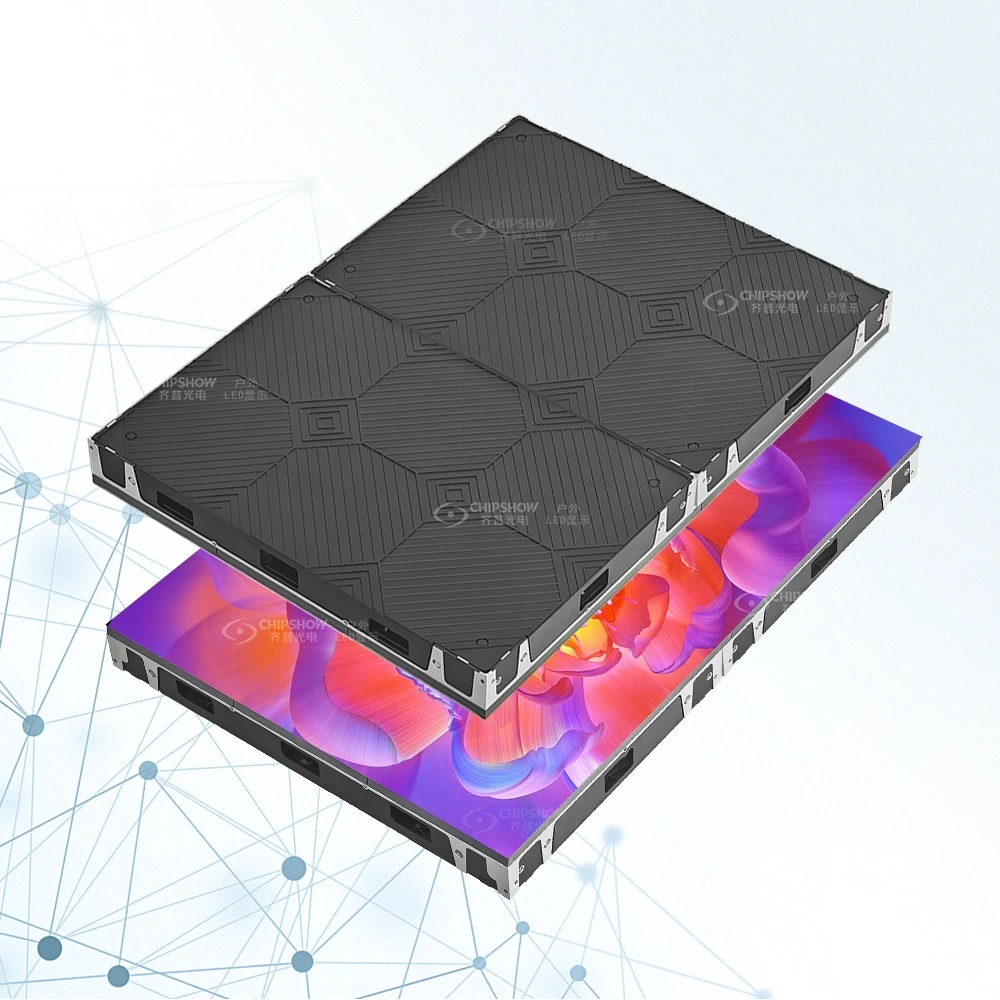
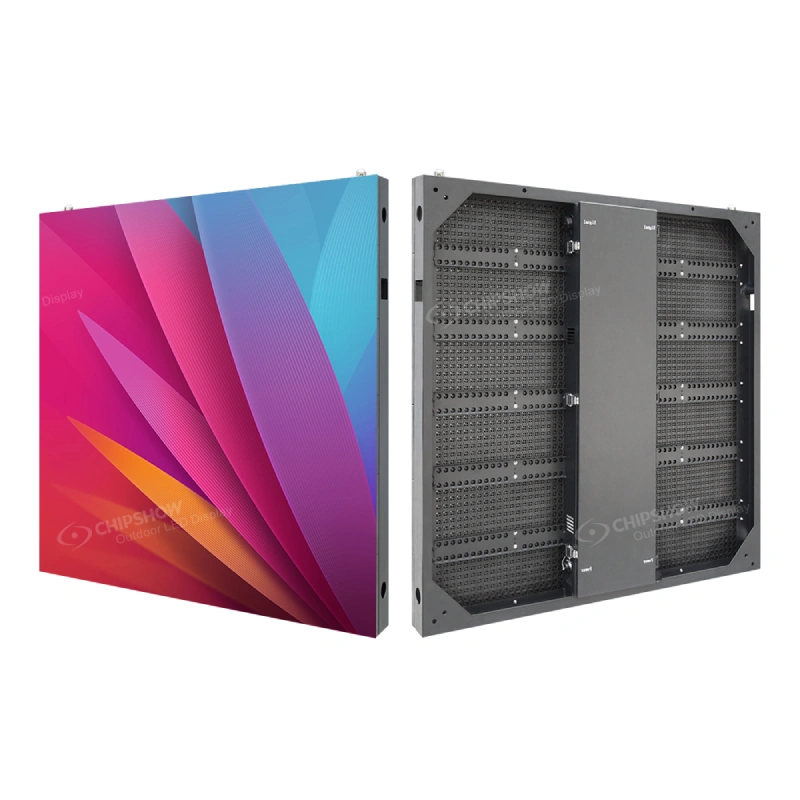
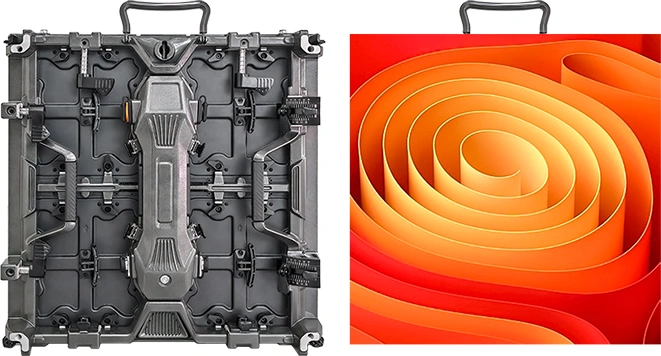
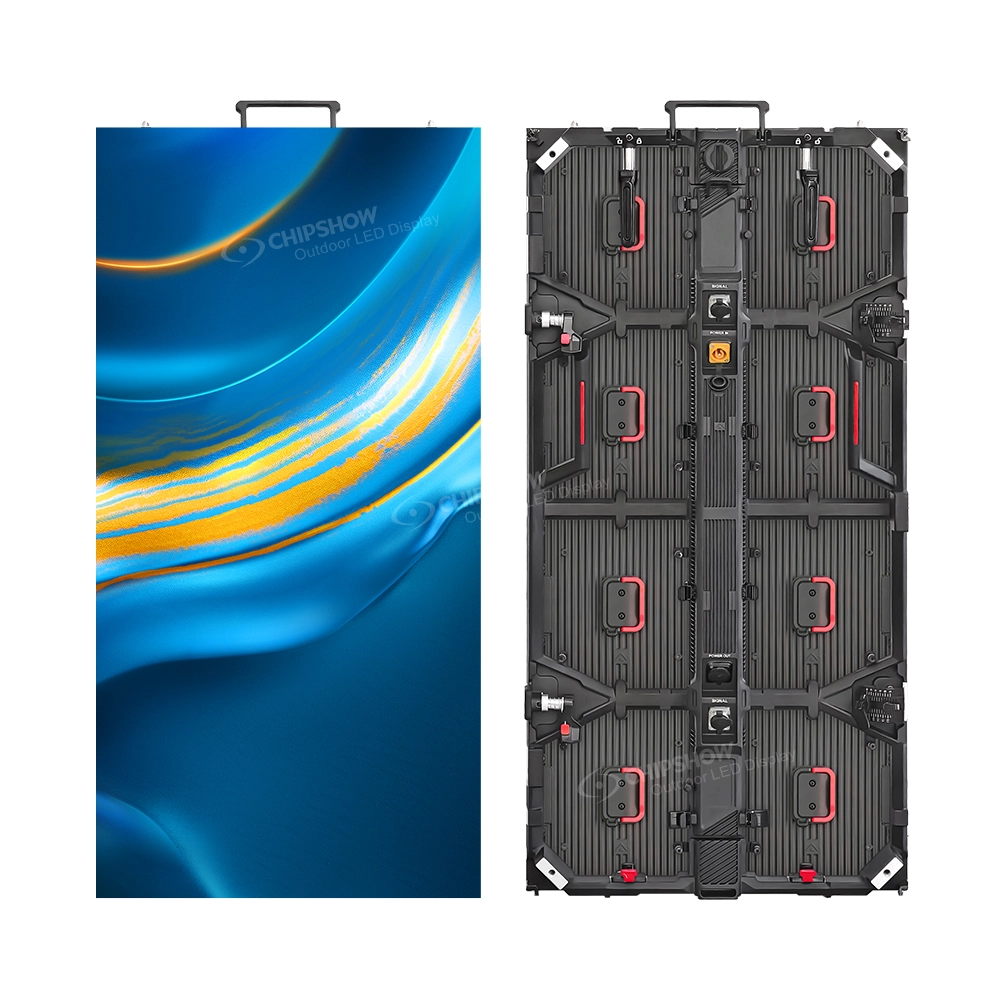
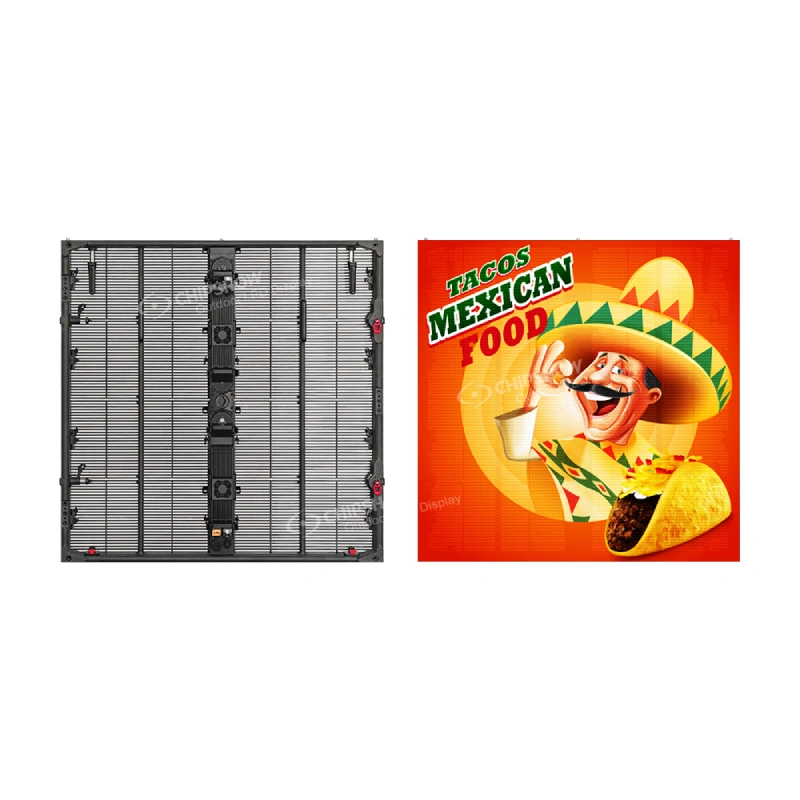
Modern platforms like Chipshow’s C-Max series — stocked in our North American local warehouse — address these exact needs with native 4:3 cabinet geometry (640 × 480 mm), making direct LCD video wall swaps simple and cost-effective while maintaining die-cast aluminum precision and full front accessibility.
Step 3: Install the Support Framework
The framework is the invisible backbone — get it wrong and you’ll see wavy seams or cabinet misalignment once the screen powers on.
Prepare the Mounting Surface
For typical North American drywall or older construction, install steel studs or plywood backing first. Use laser levels to mark every anchor point with millimeter accuracy. Route power and data cables at this stage.
Secure and Level the Frame
Wall-mounted frames bolt directly into structural elements. Floor-standing units use self-supporting bases with bracing. Ceiling rigs require load-rated points with safety margins.
Why Leveling Is Critical
Even a 2–3 mm deviation across the frame becomes glaringly obvious on a powered LED wall. Double-check plumb, level, and flatness in every direction before proceeding. Correcting later is exponentially more expensive.
Step 4: Mount the LED Cabinets
Now the screen starts to come alive. Modular cabinets (typically 640 × 480 mm in the C-Max platform) install quickly when the framework is perfect.
Installation Sequence
Begin at the bottom-left corner and work row by row. Each cabinet locks into the frame with quick-lock mechanisms and connects via standardized power and data ports. Follow the manufacturer’s exact sequence for perfect alignment.
Seam Control & Flatness
High-precision die-cast aluminum cabinets (standard across C-Max models) naturally resist torsion and deliver superior flatness compared to sheet-metal alternatives. Adjust as you go and verify seams before final tightening.
Connect Power and Signal
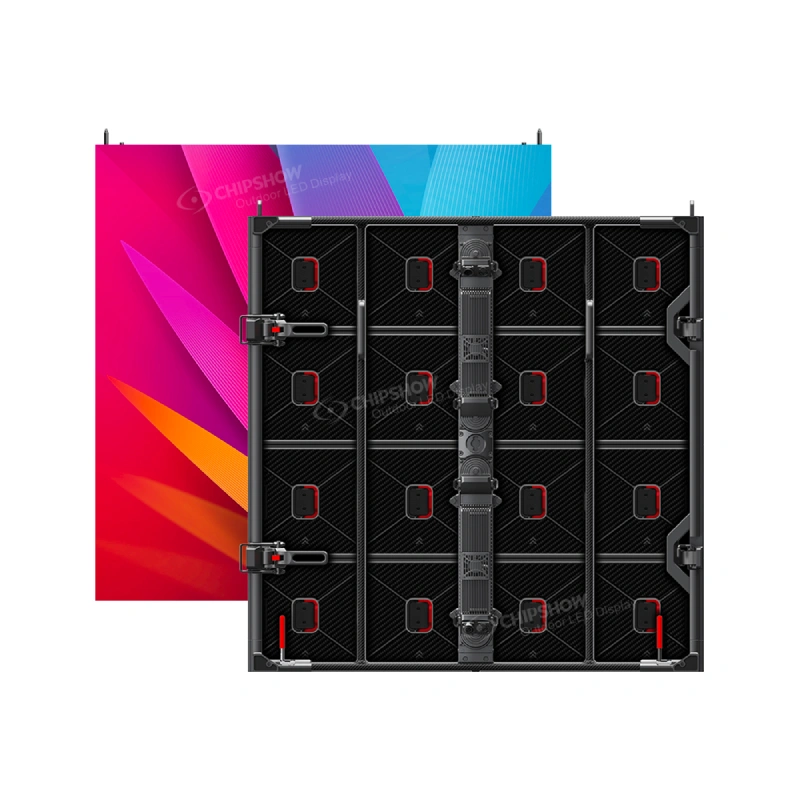
Link the video processor, sending card, and receiving cards inside each cabinet. Use organized cable management to prevent interference and simplify future service. Front-service designs allow full access to modules, power supplies, and control cards without pulling the entire wall away from the surface.
Because we maintain local inventory in North America, replacement modules and spare parts are usually available for immediate shipment, minimizing any potential downtime.
Step 5: Calibrate, Test, and Commission the Display
This final step turns individual cabinets into one flawless, professional video wall — and it’s where many projects fall short.
Brightness & Color Uniformity
Factory panels vary slightly. Professional calibration software equalizes every module for consistent color and brightness across the entire surface.
Dead-Pixel & Signal Testing
Run full-field color patterns to catch any non-functional pixels or connectivity issues. Test under normal operating conditions to ensure flicker-free 3840 Hz performance.
Content Playback & Long-Term Verification
Play real-world content (video, graphics, menus) to confirm everything performs as expected. Plan for periodic recalibration every 1–2 years as brightness naturally declines over time.
A properly commissioned screen not only looks premium — it delivers the reliability North American businesses demand for 24/7 retail, corporate, or command-center use.
Start Your Indoor LED Video Wall Project with Confidence
A successful indoor LED installation follows a logical sequence: survey → plan → framework → cabinets → calibration. Cutting corners early creates expensive fixes later.
By choosing modern platforms engineered for North American realities — native 4:3 LCD retrofits, 100% front service, die-cast aluminum precision, and energy-optimized brightness — and backed by local warehousing and support, you get professional results without the premium price tag or long lead times.
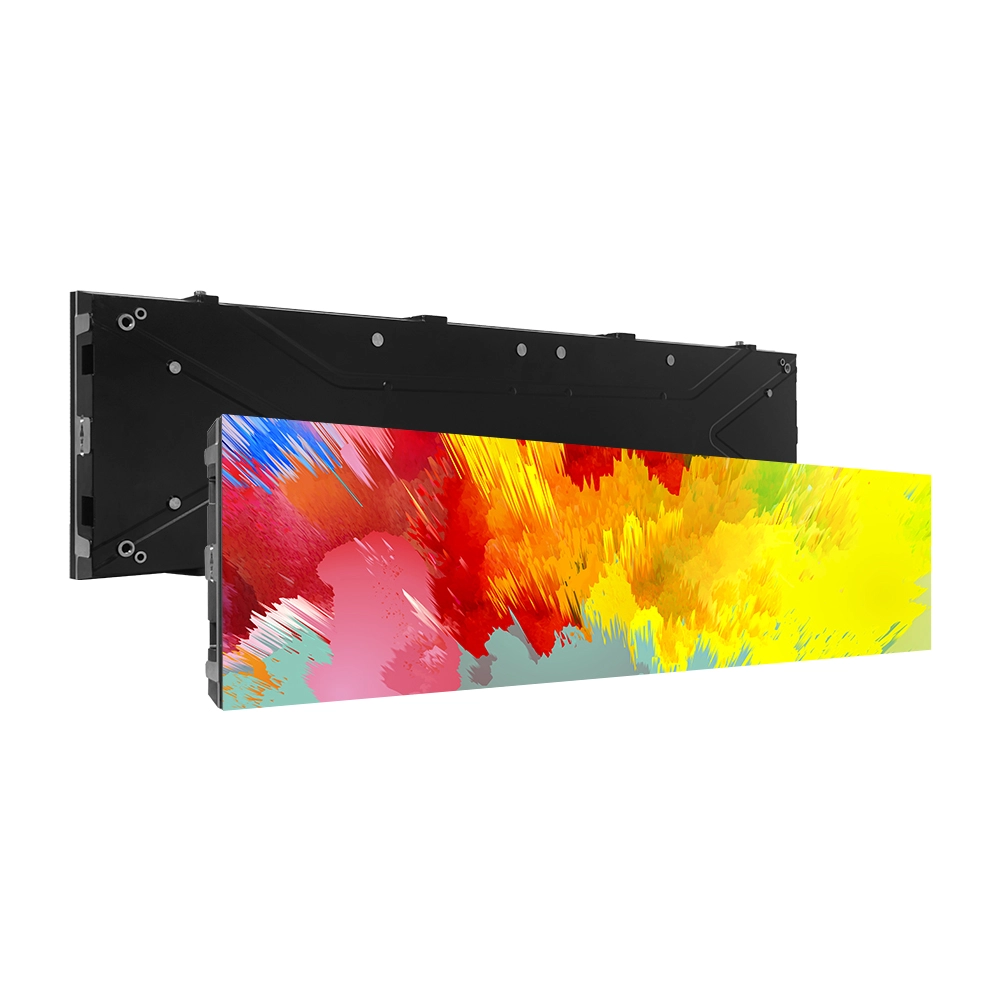
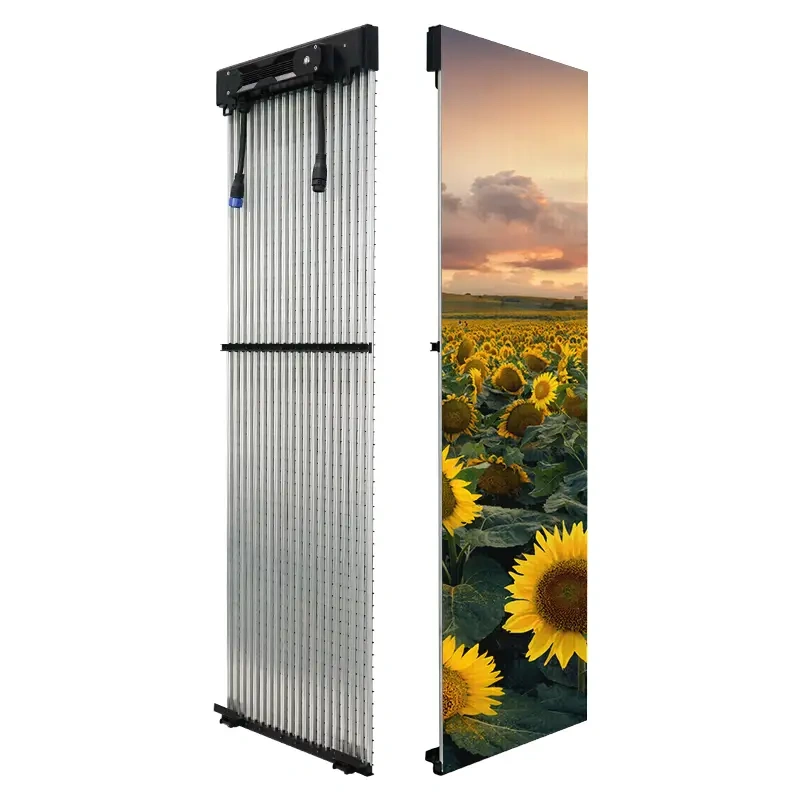
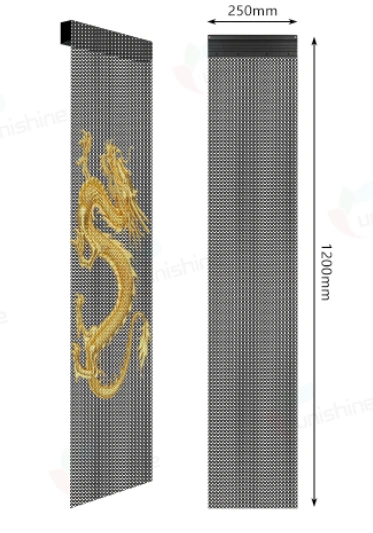
Ready to upgrade? Contact the Chipshow North America team for a site survey and tailored recommendation. With stock readily available in our local warehouse, we can help you move from planning to launch faster than ever — whether you need the budget-friendly C-Max-Eco for retail, the versatile C-Max SMD workhorse, the ultra-durable C-Max COB for mission-critical spaces, or the creative C-Max-C ribbon displays for eye-catching store headers.