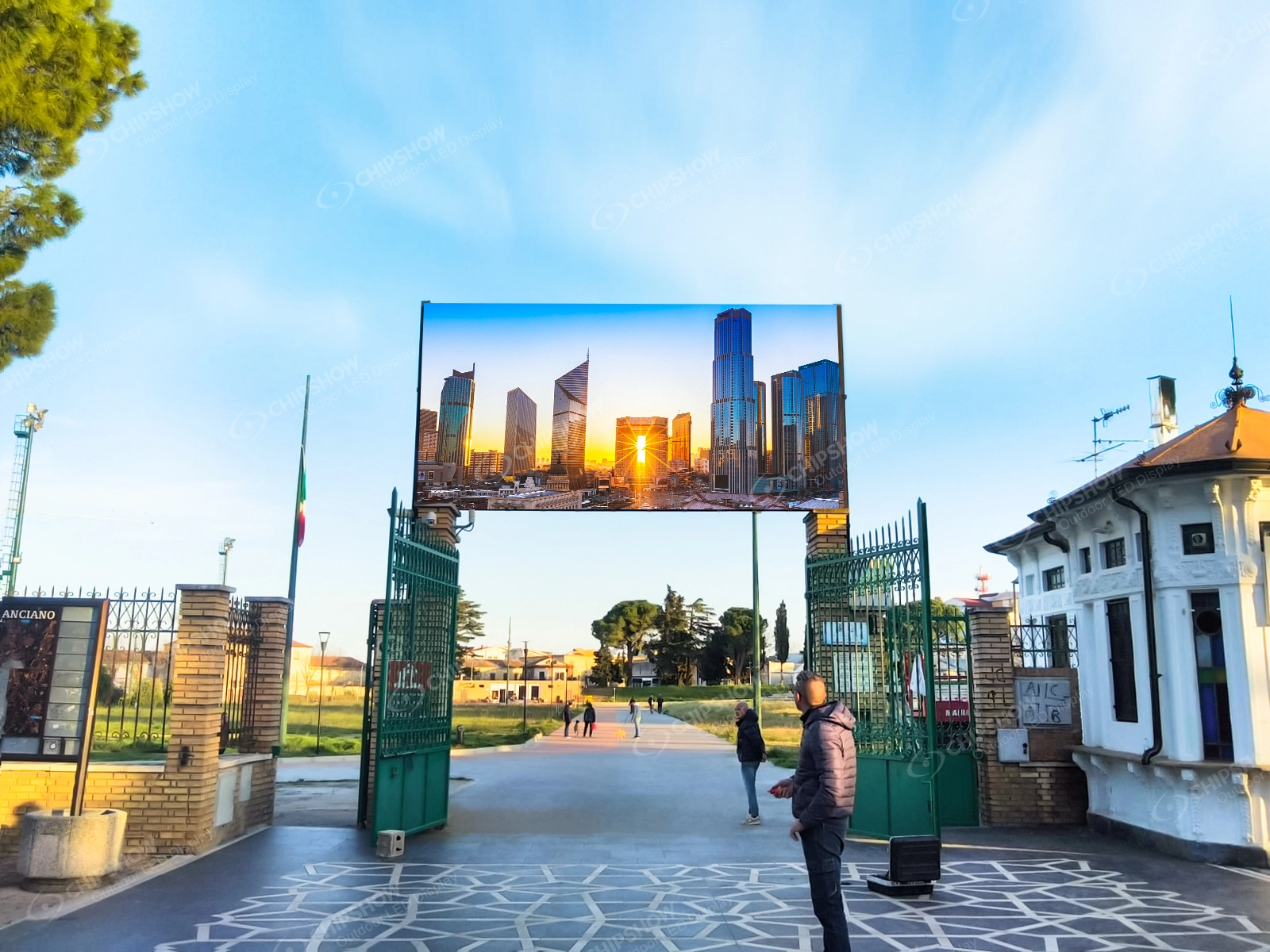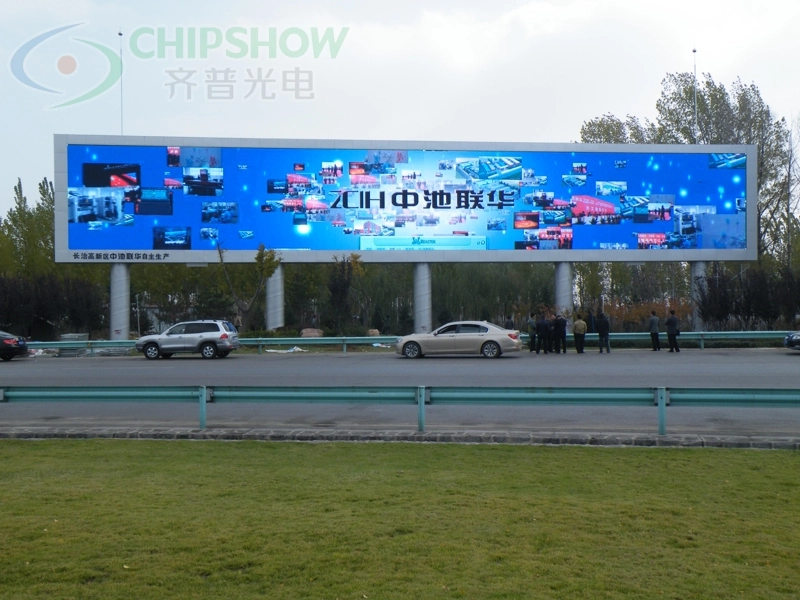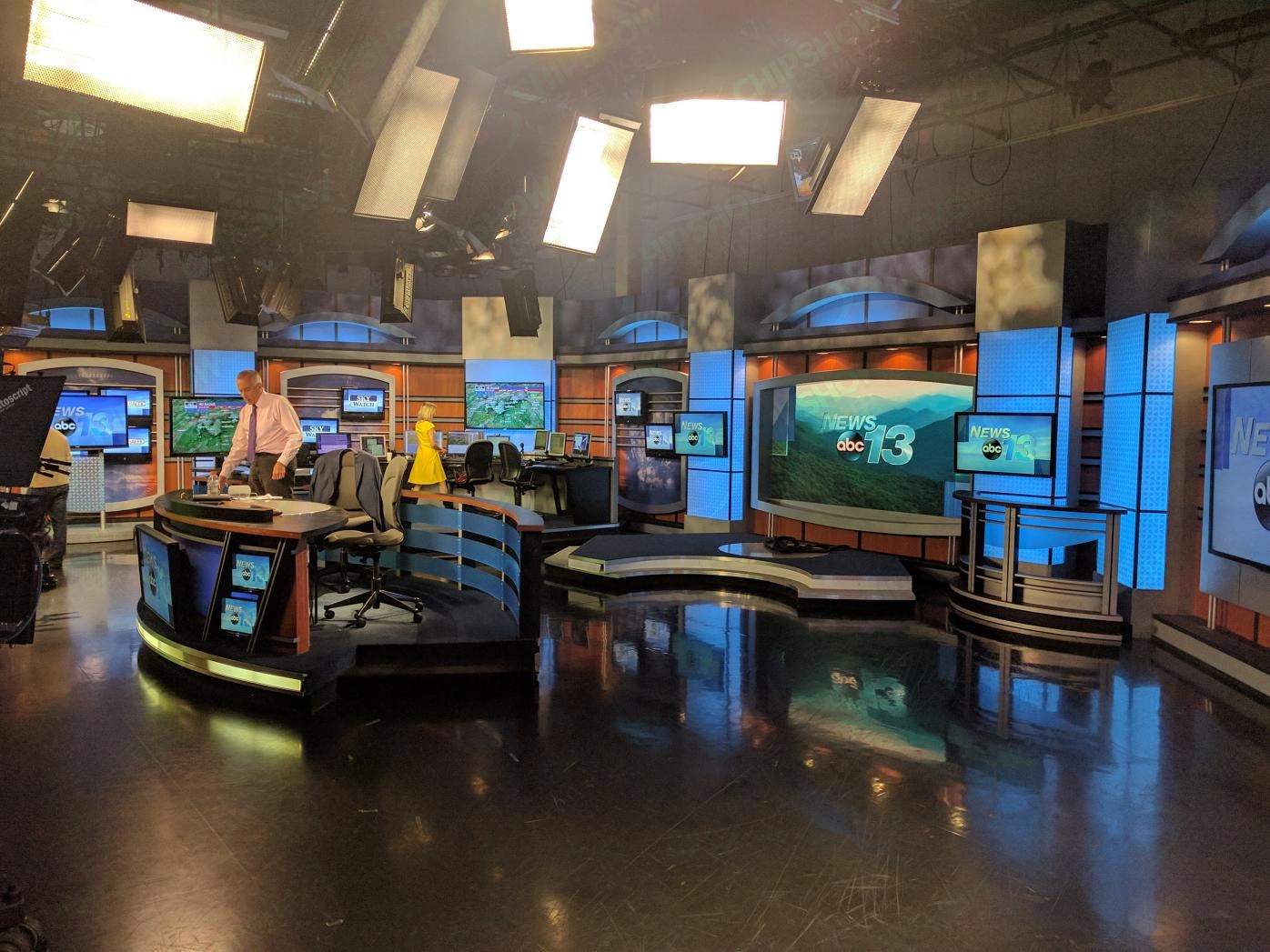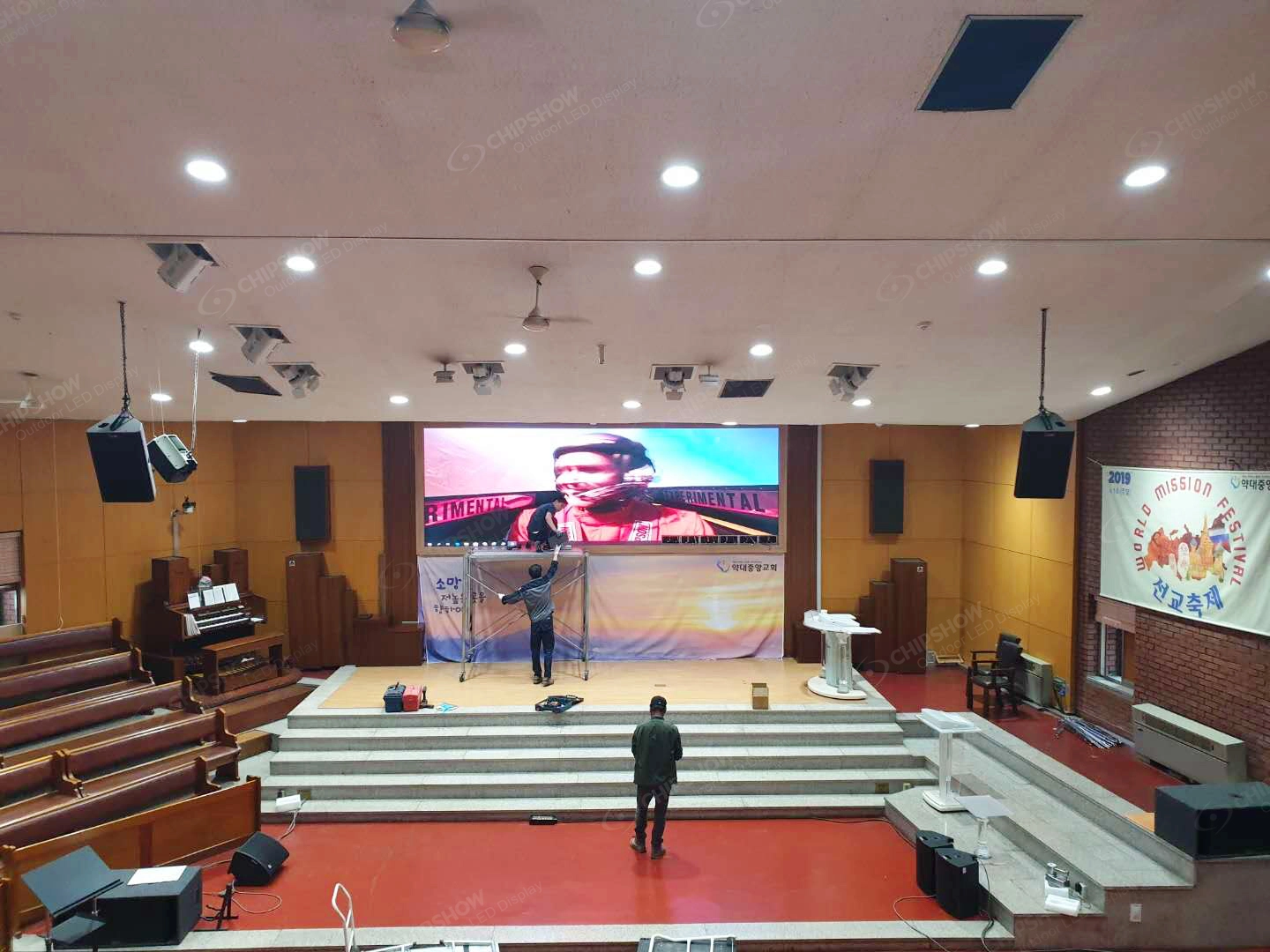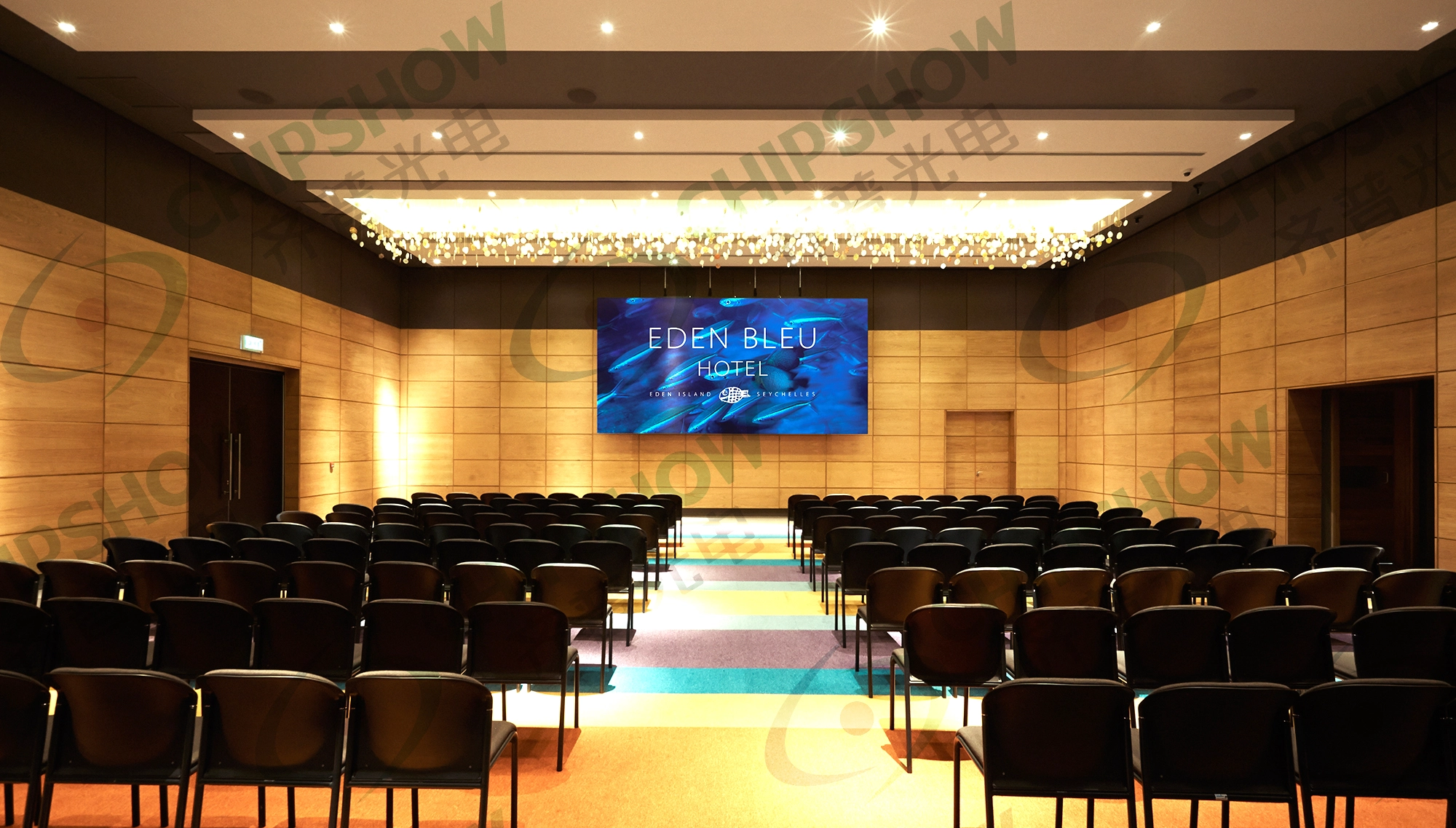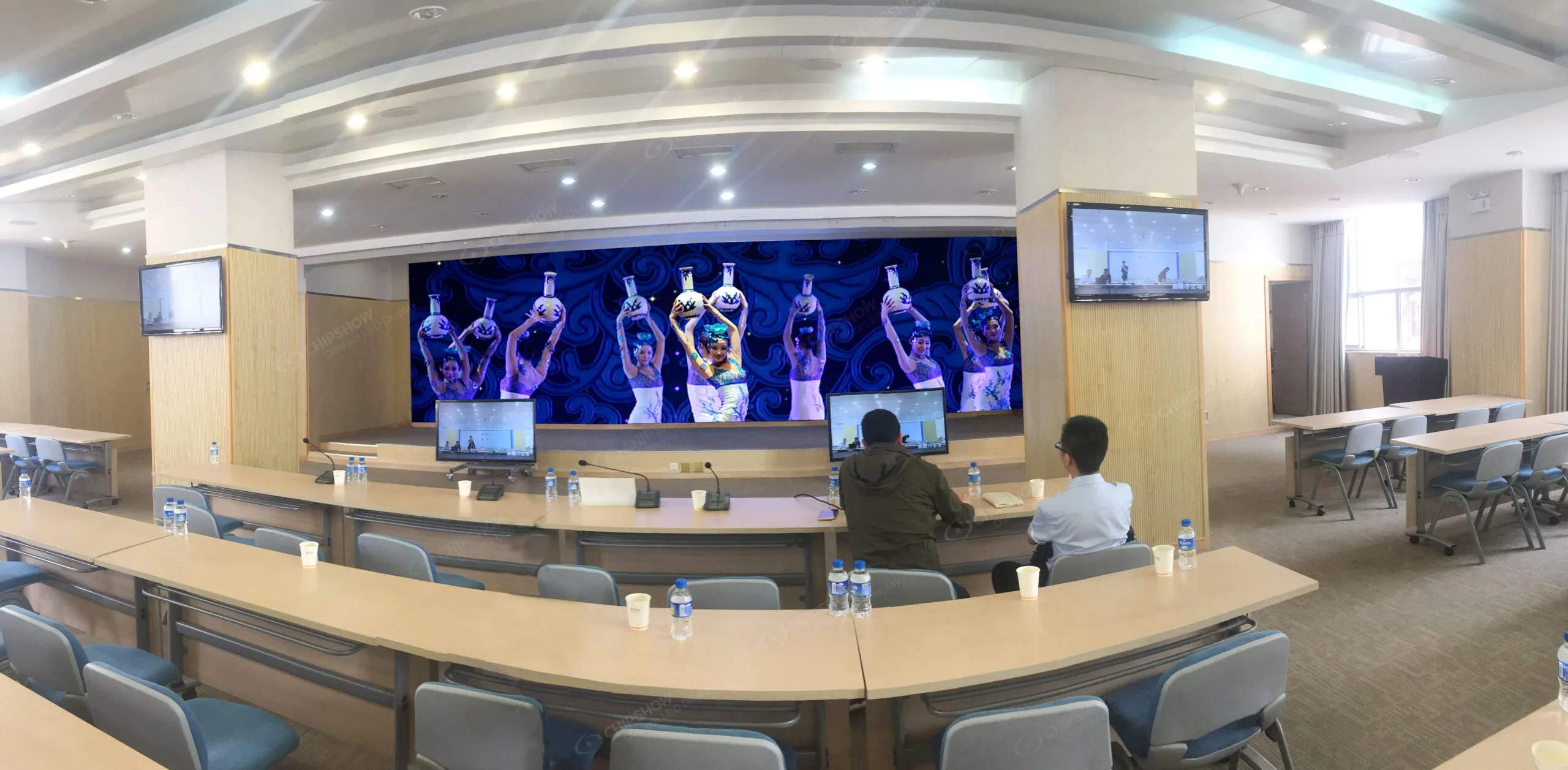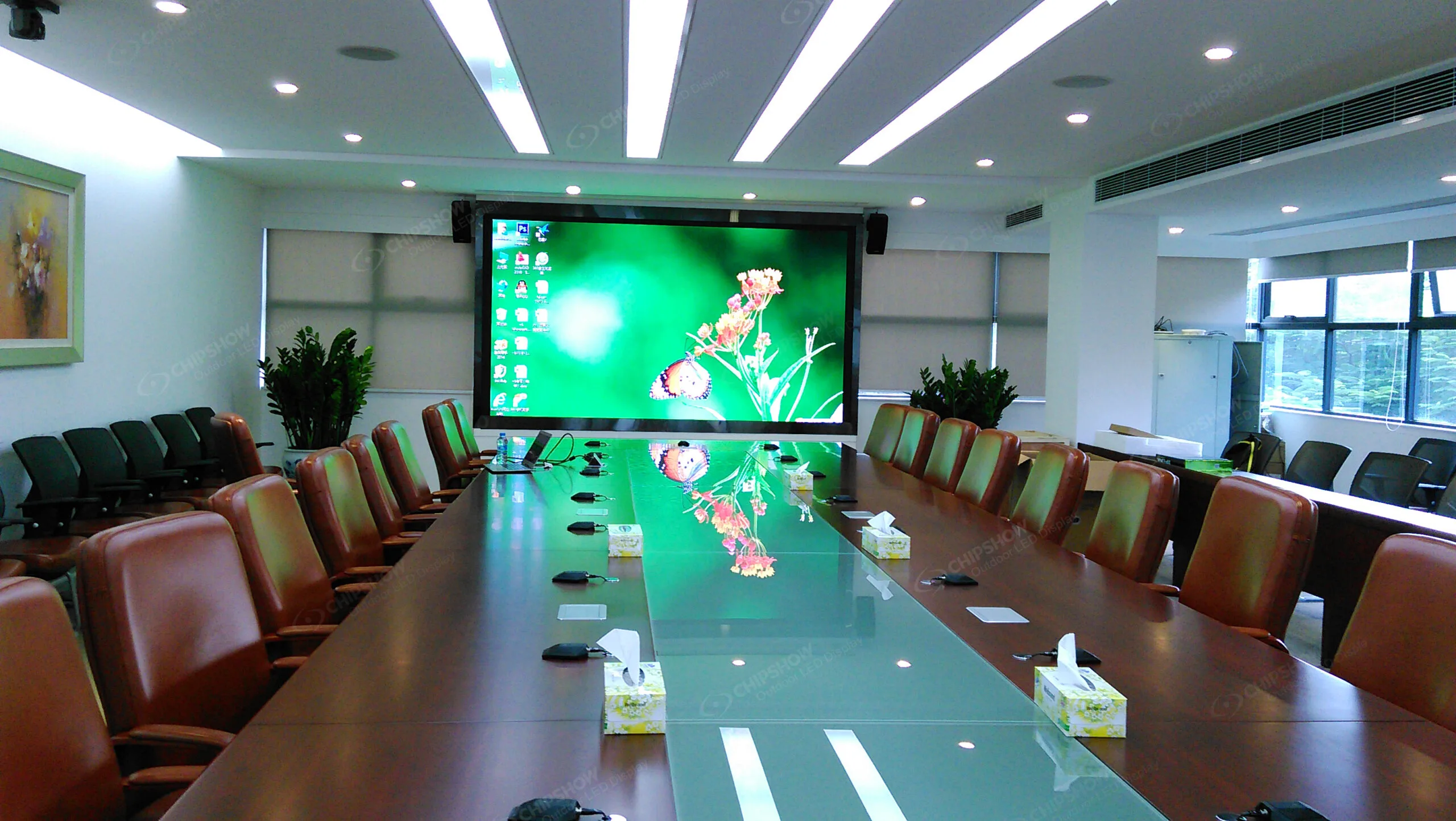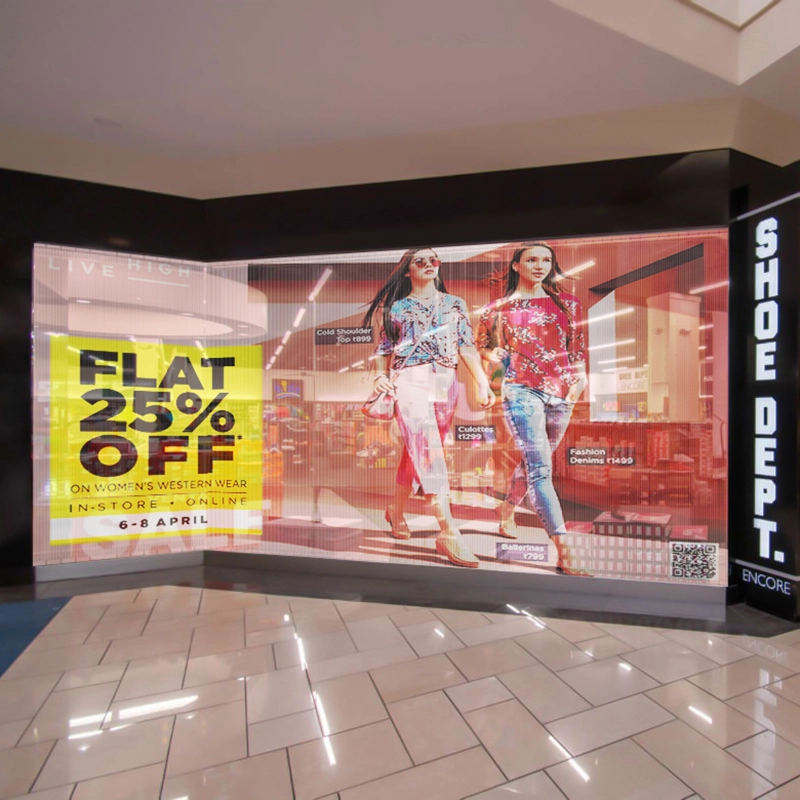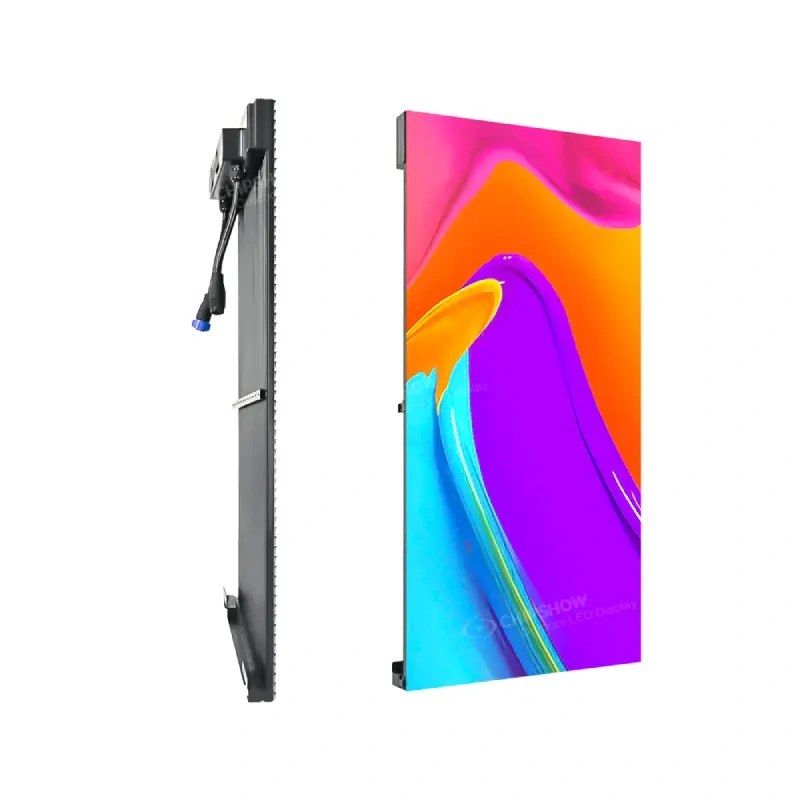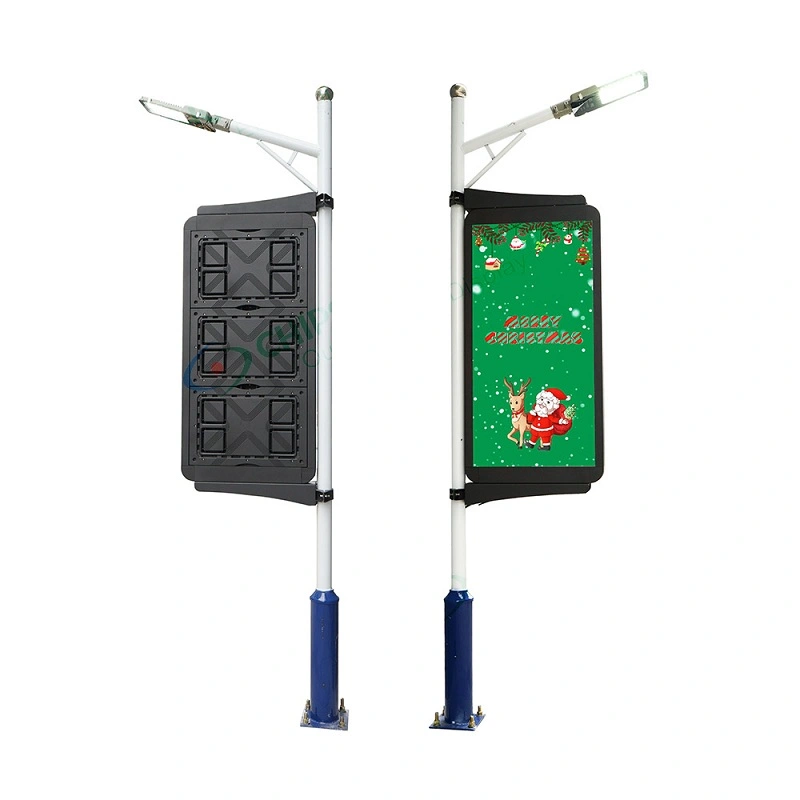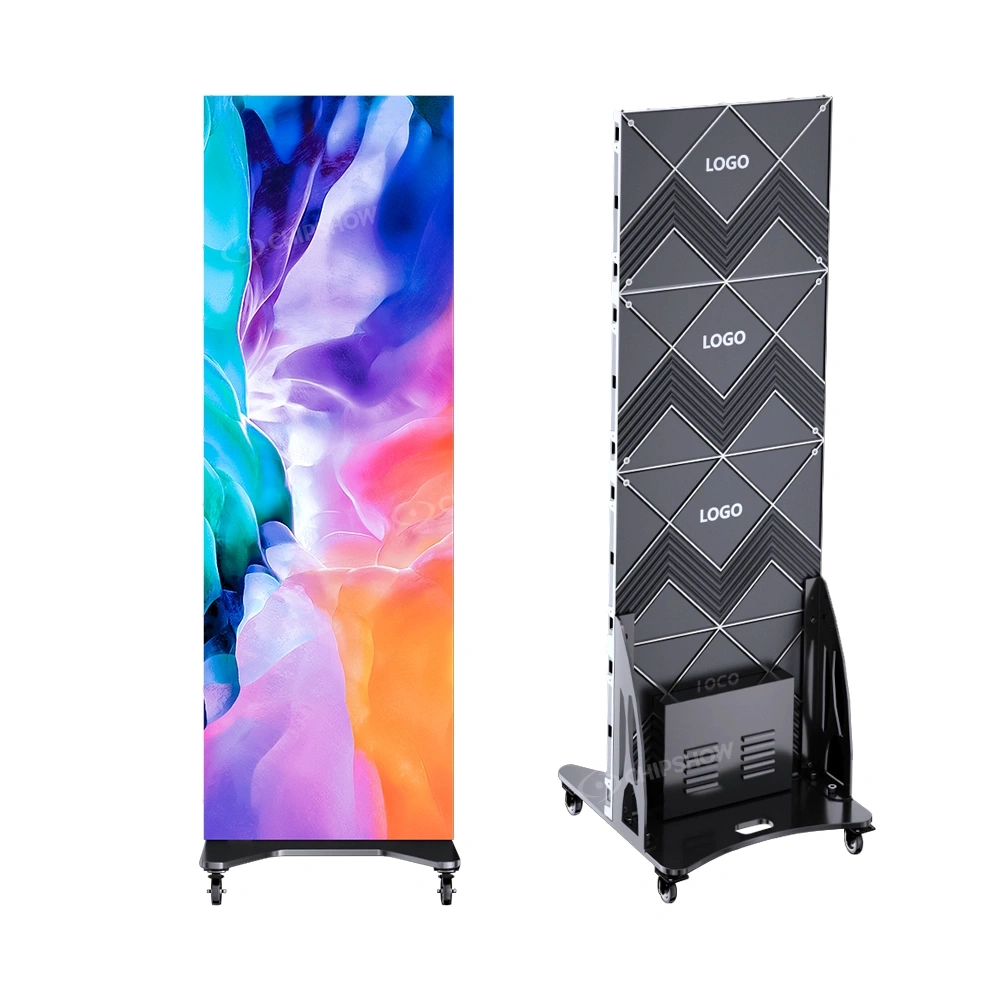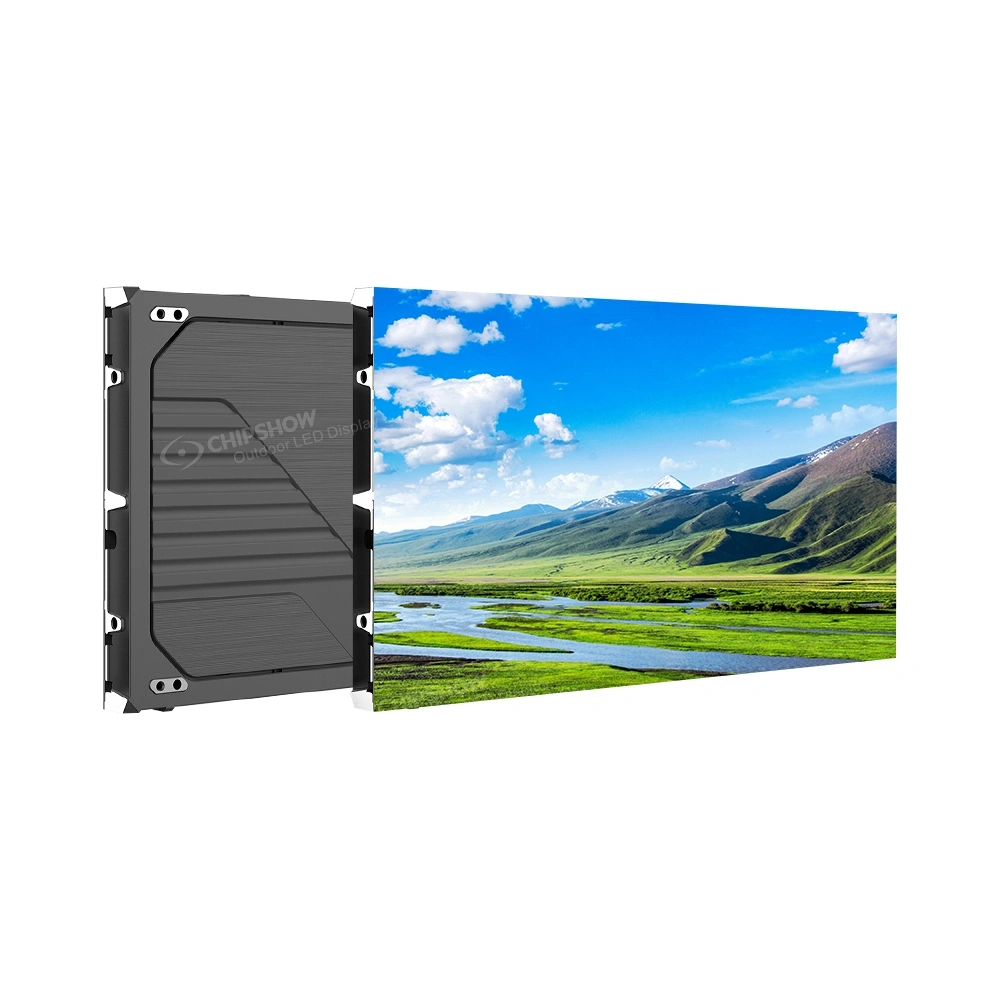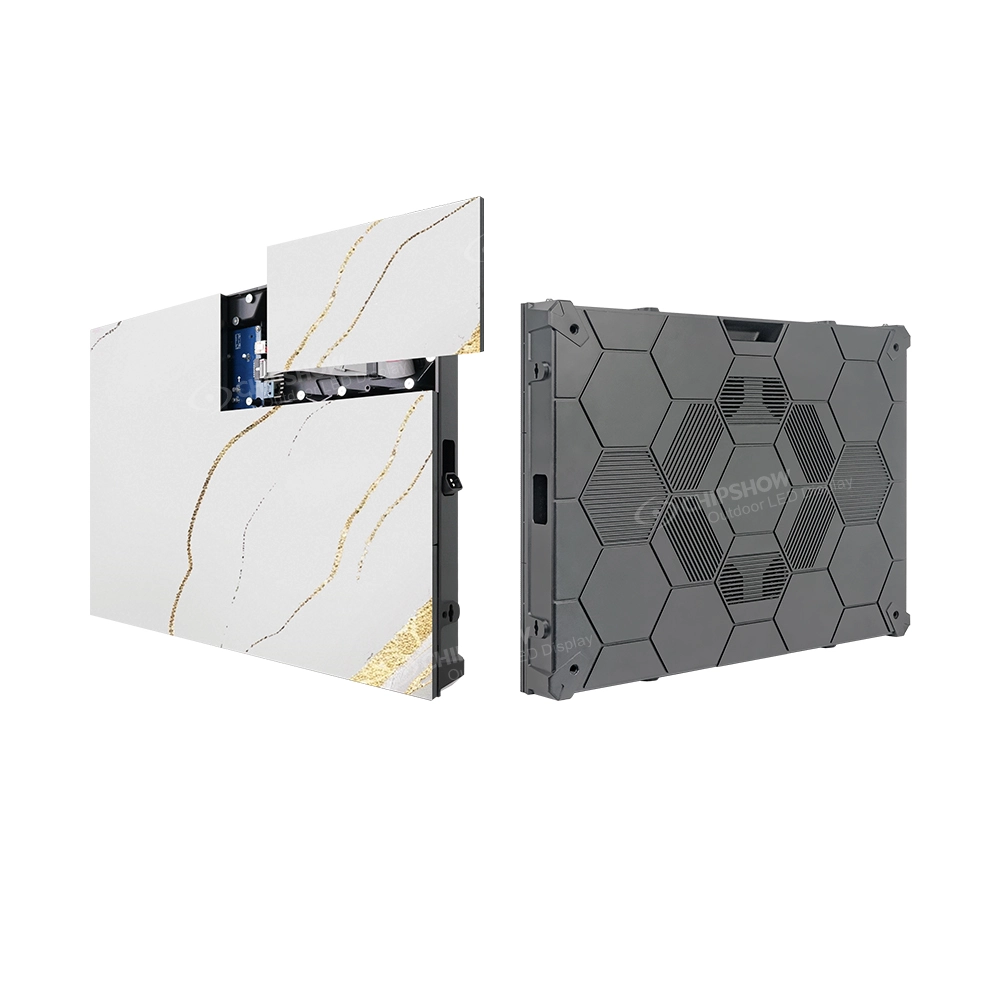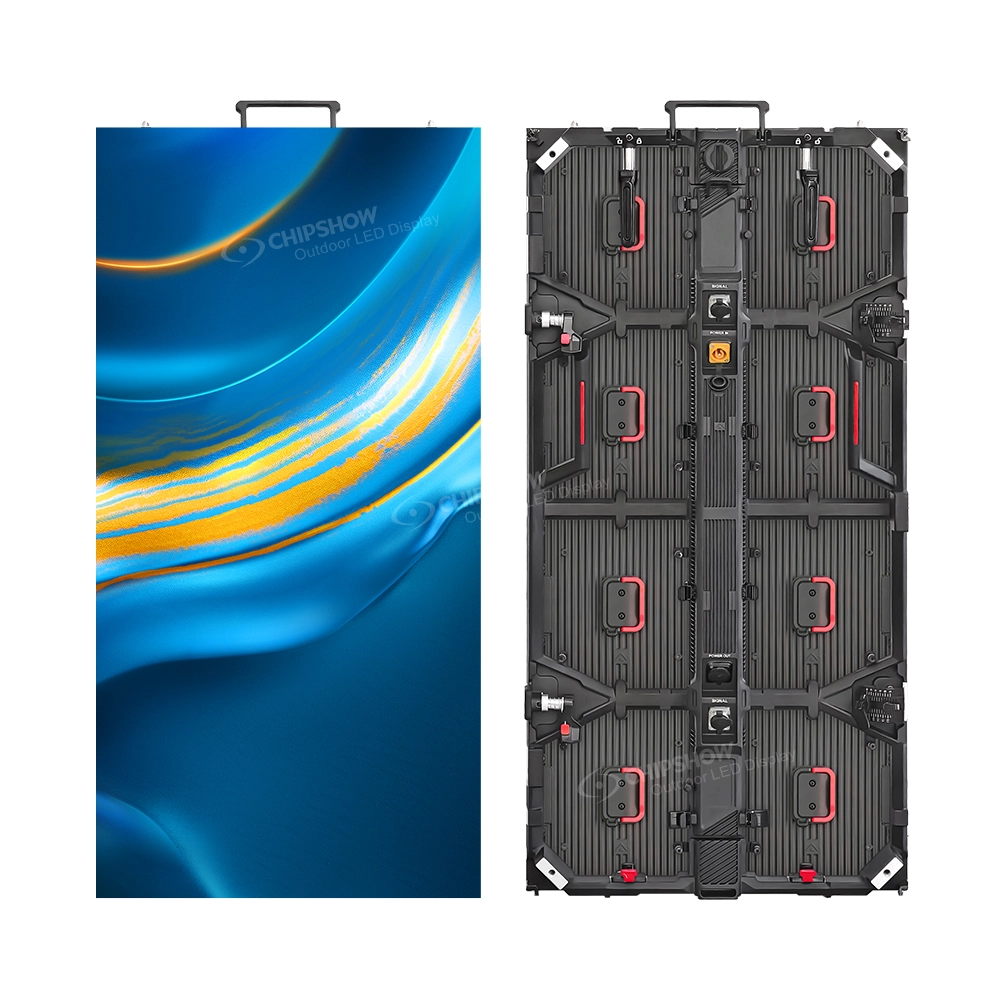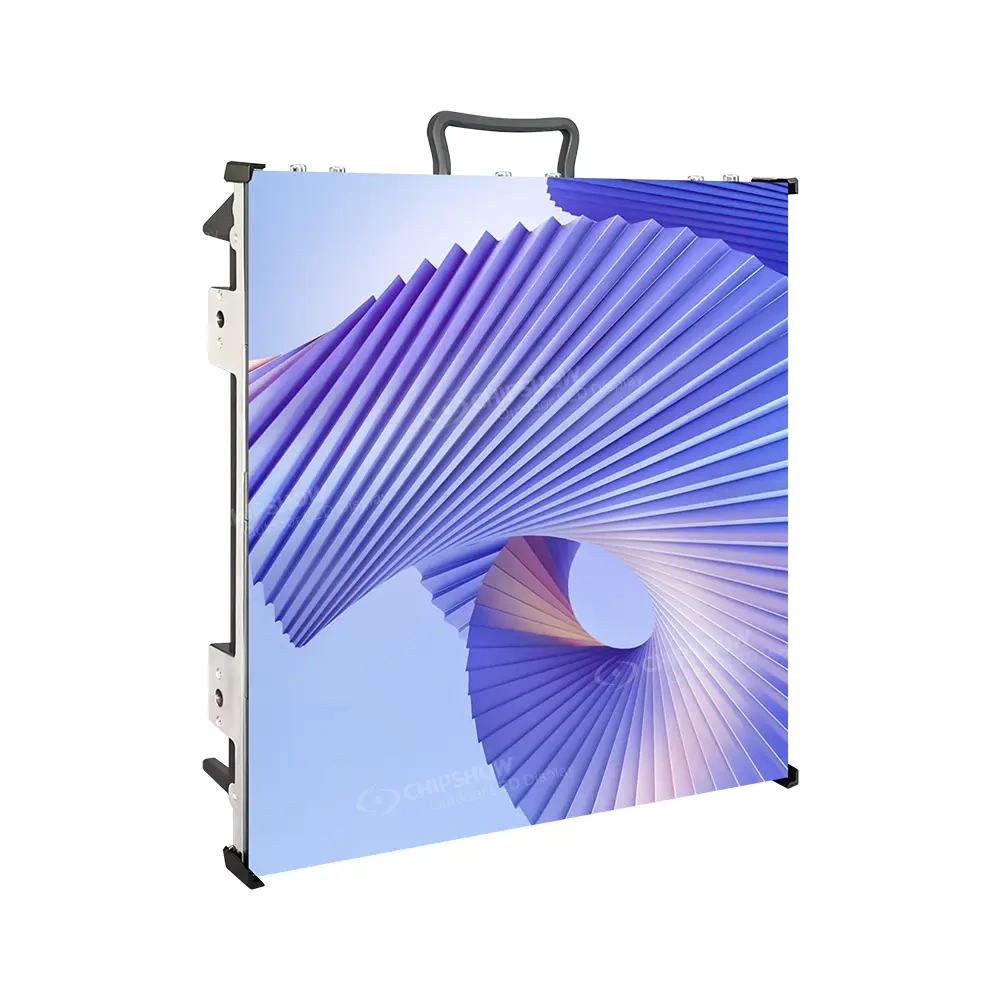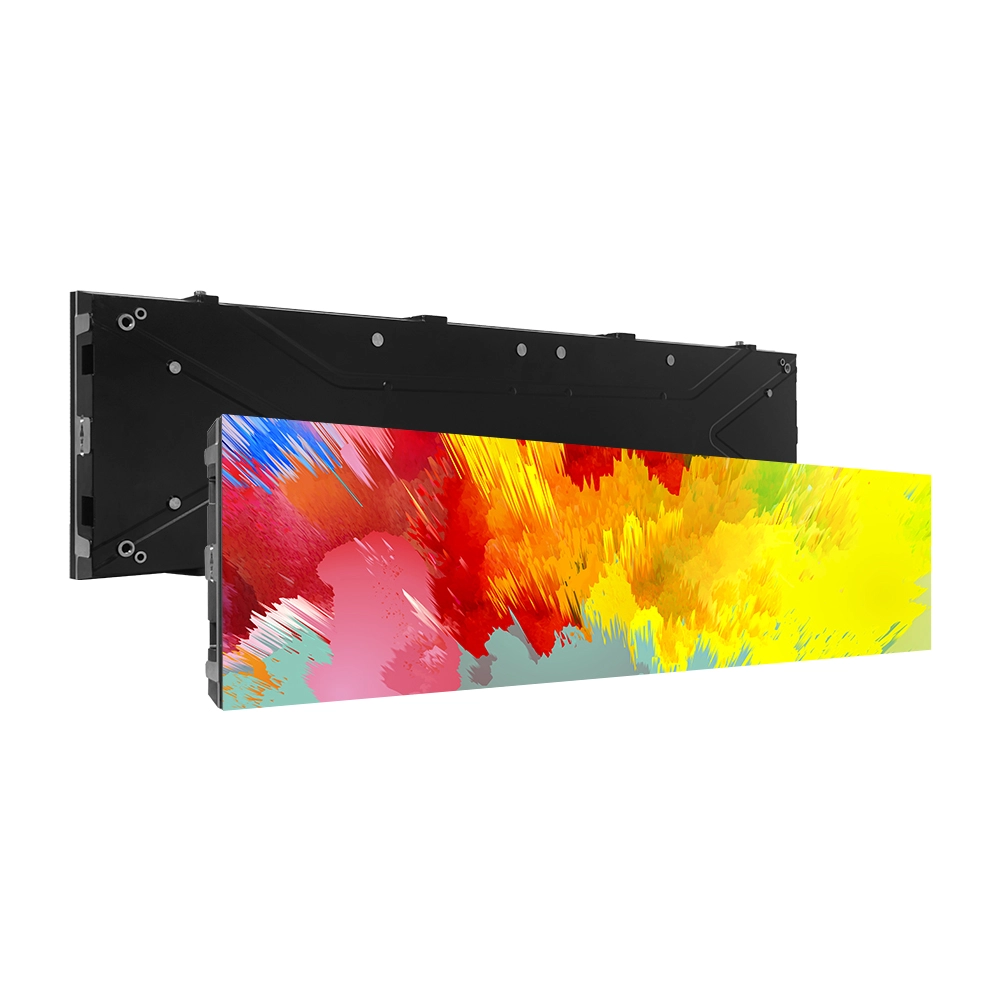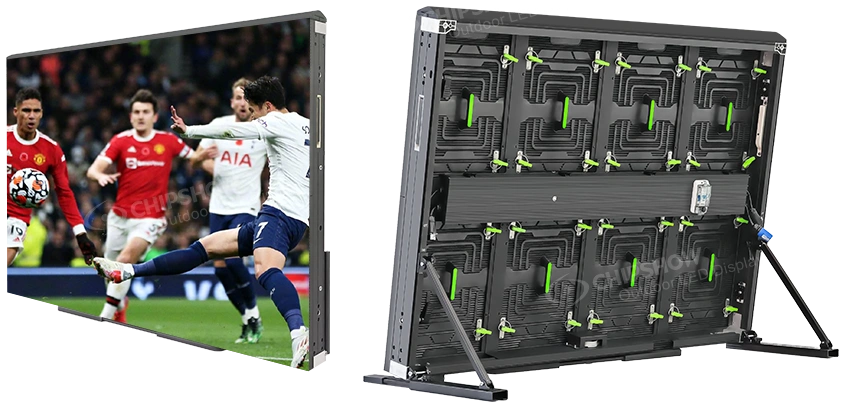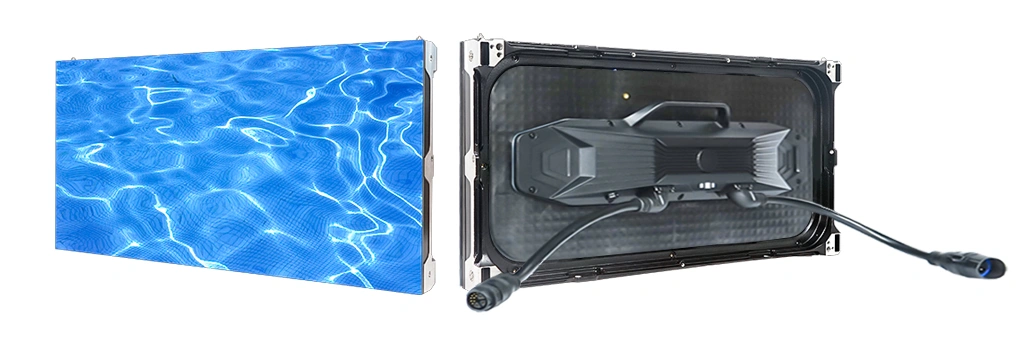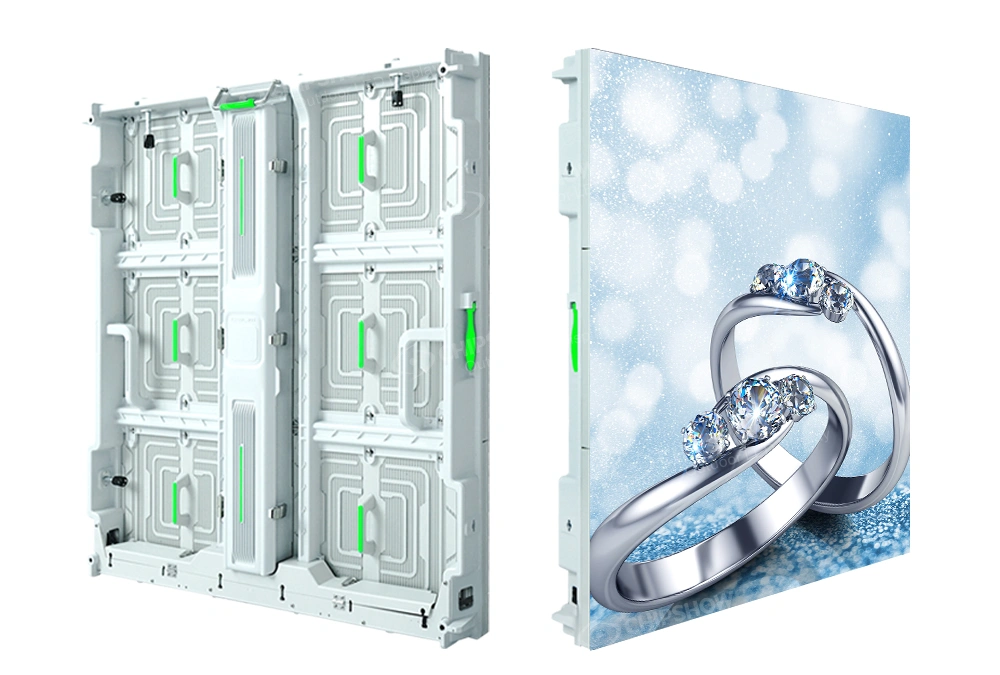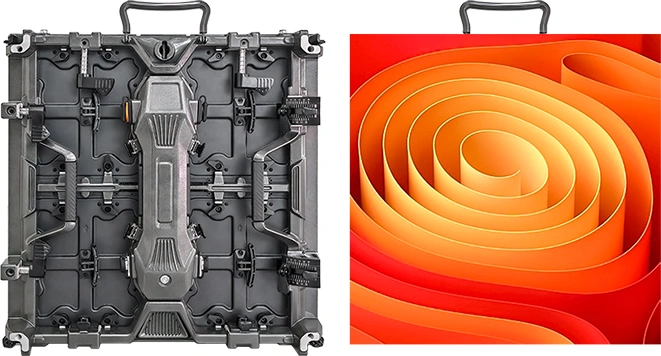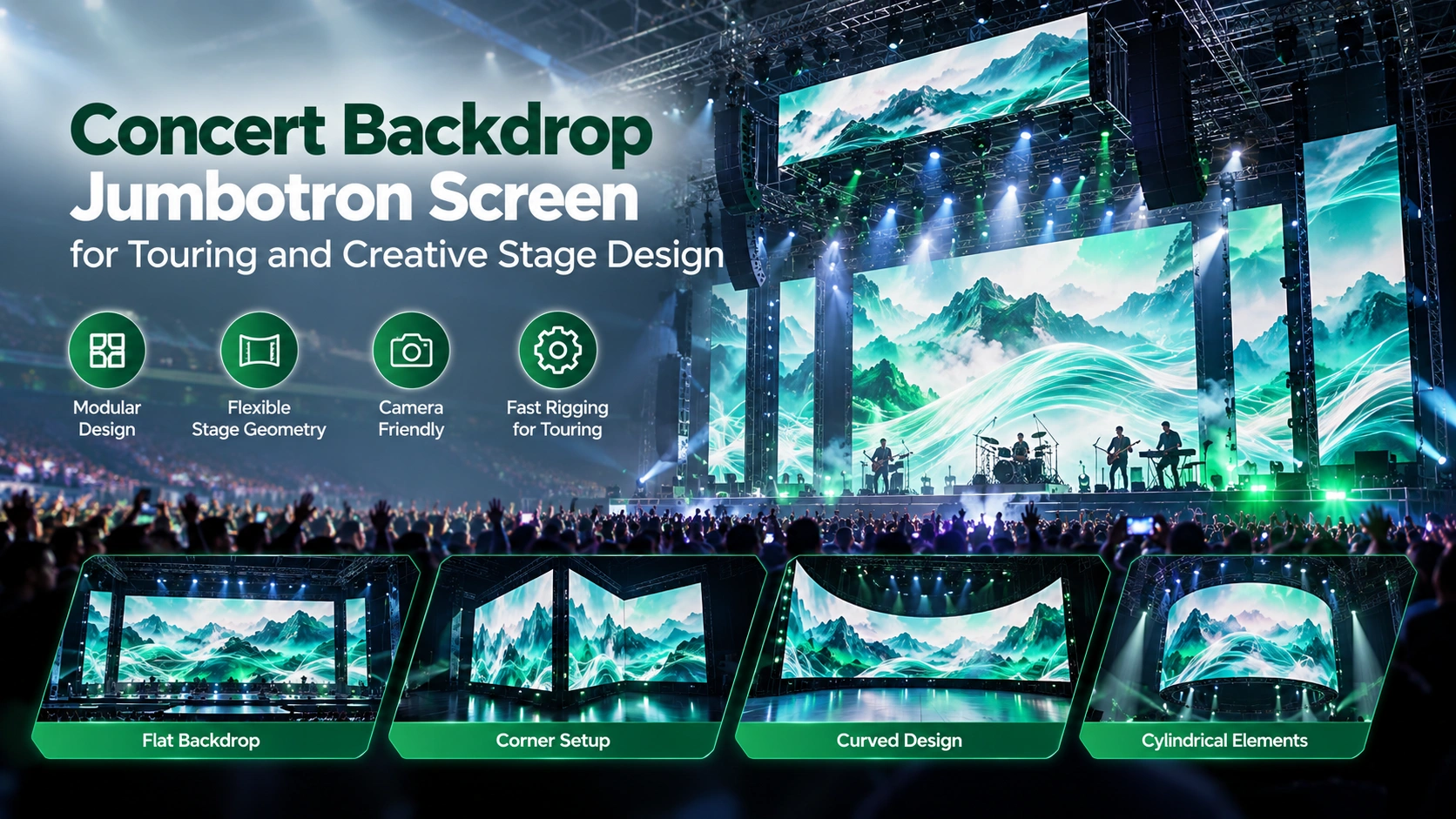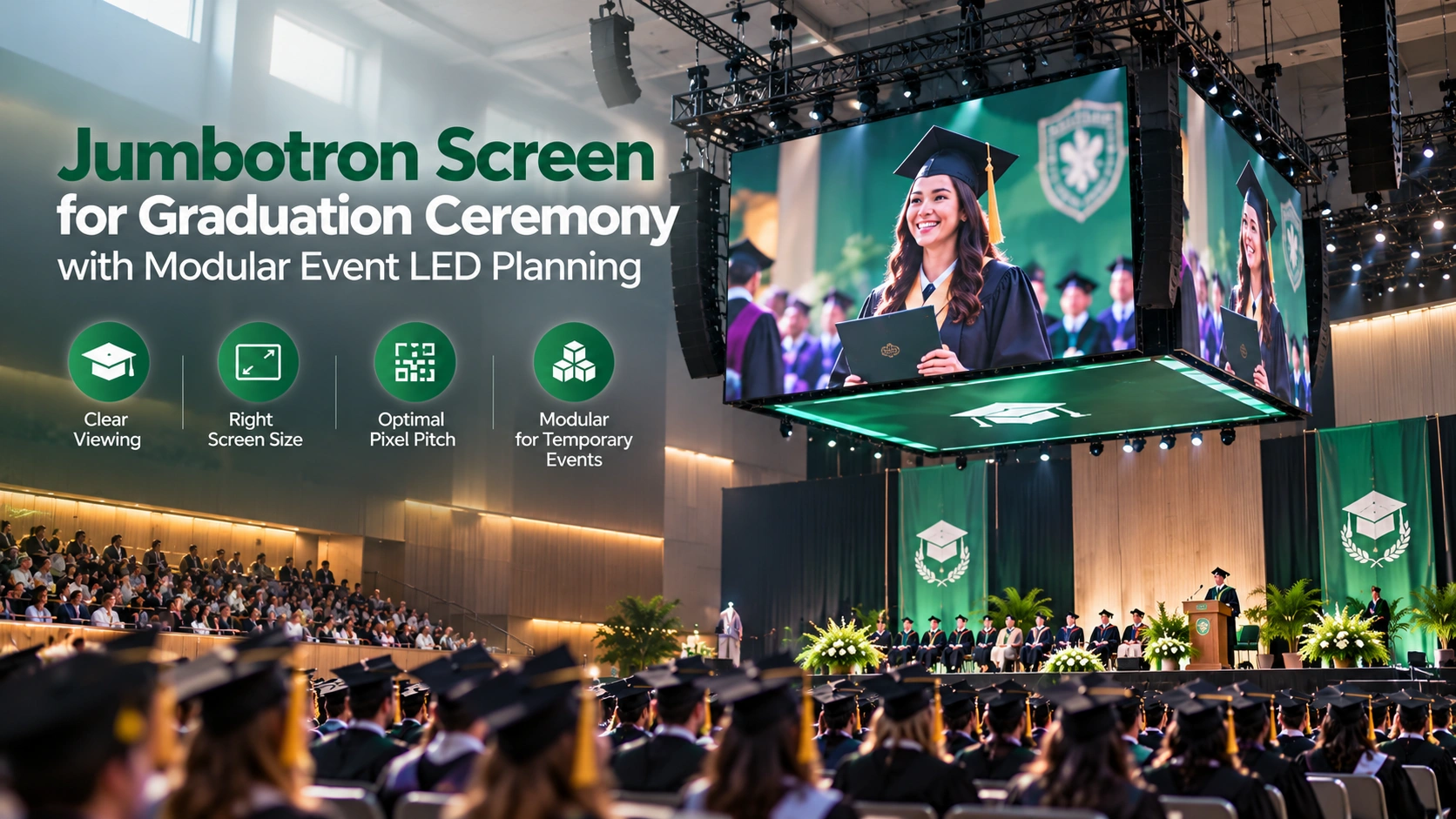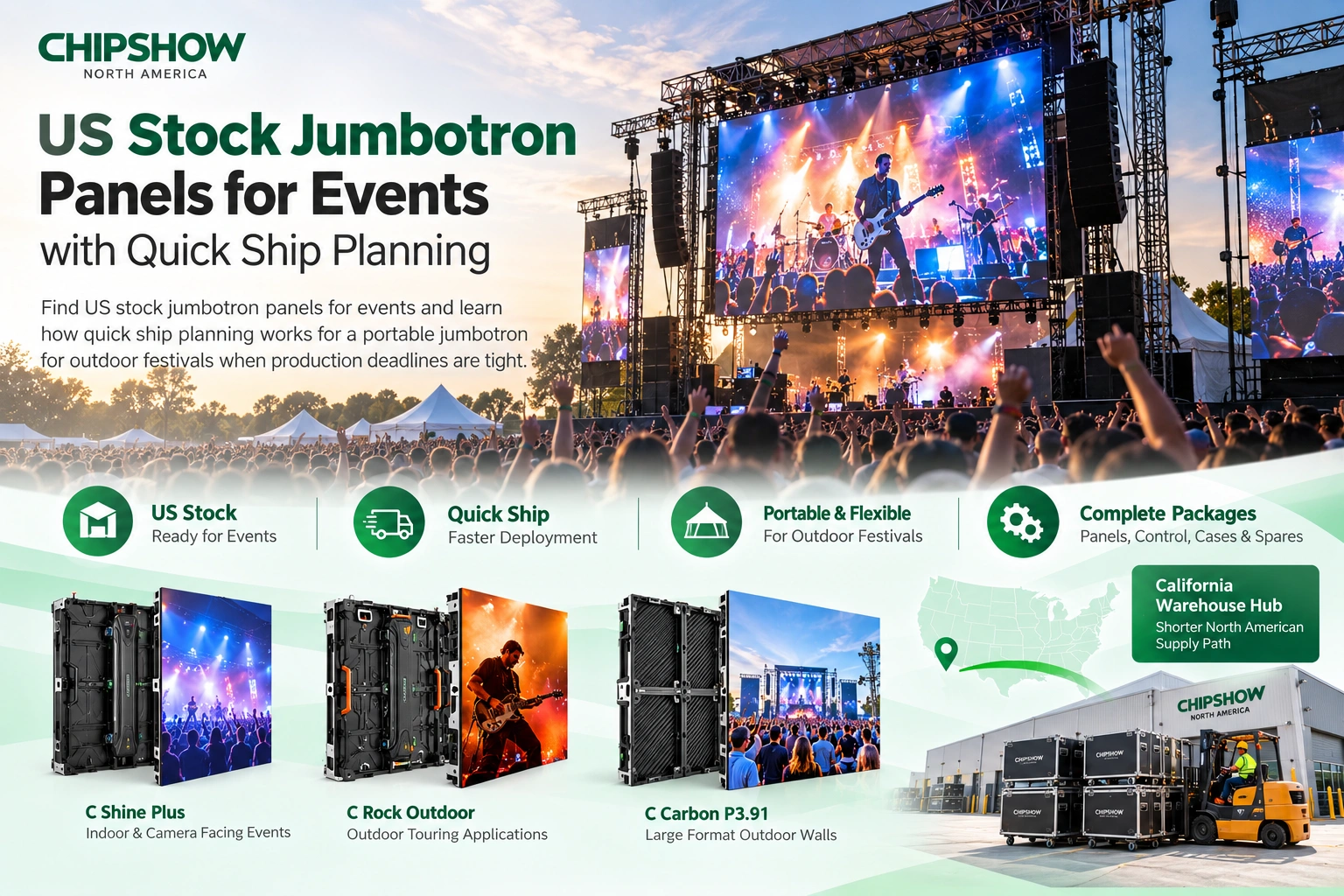
This guide covers what a US commercial buyer needs in order to specify an indoor LED video wall (also called a DVLED wall or direct-view LED display): the four site conditions that decide pitch and cabinet format, how requirements differ across retail, corporate lobby, control room, and trade show installations, where COB and SMD diverge in durability and service, and the hidden costs that sit outside the purchase price. It closes with a five-question installation checklist and the documentation to request from a supplier.
Choosing the best indoor LED video wall for a US commercial space means balancing technology specifications against site constraints: how close your audience sits, how the wall mounts, and what inventory your supplier holds. This guide covers the checkpoints a US buyer needs across four common commercial scenarios, from retail storefronts and corporate headquarters lobbies to control rooms and convention centers, so your installation goes live on schedule and stays that way.
Indoor LED Video Wall: Four Checkpoints Before You Compare
Most buyer’s guides start with pixel pitch. For a US commercial installation, four practical checkpoints come first:
- Viewing scenario. Who is looking at this wall, and from how far? A retail shopper three meters from a storefront display has different requirements than a control room operator tracking real-time data across ten-hour shifts.
- Ambient light. A brightly lit shopping atrium needs more nits than a dimmed corporate boardroom. Over-specified brightness in a dark room adds glare and eye fatigue, and under-specified brightness in a sunlit lobby washes out the content.
- Technology fit. COB, SMD, and Mini-LED trade off cost, durability, viewing comfort, and repairability in ways that affect total cost of ownership. ETL listing and FCC Part 15 documentation are the reference points US landlords and insurers typically ask for, so confirm both before comparing specifications.
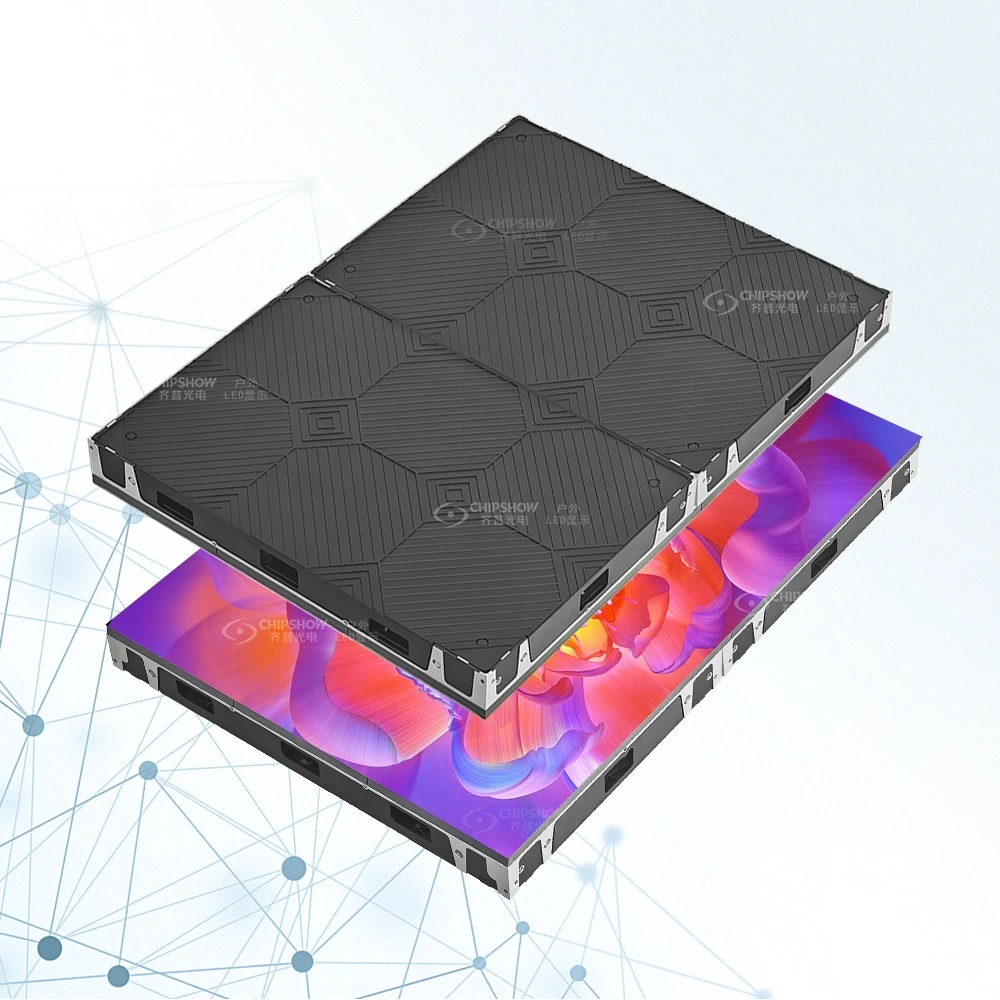
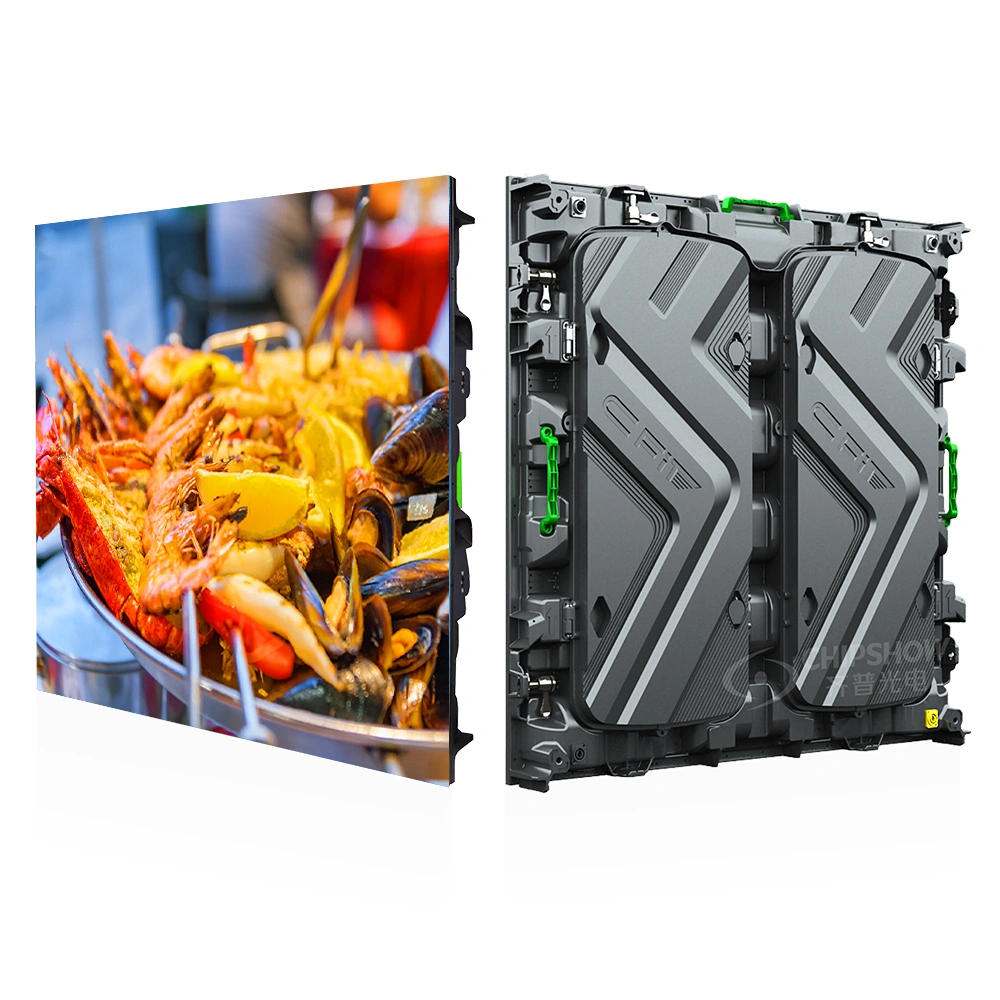
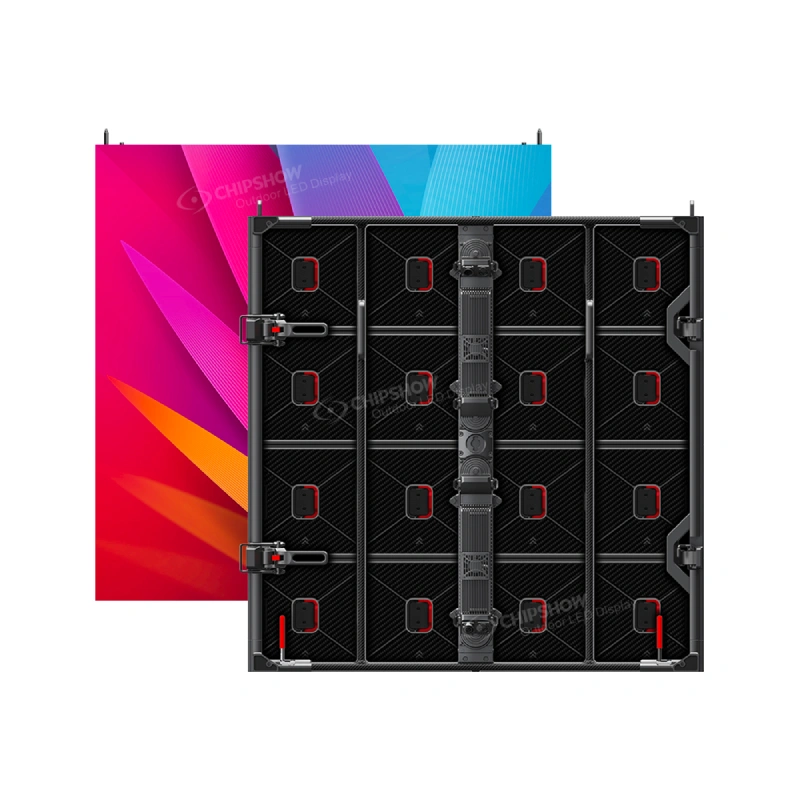
- Installation reality. Can the wall structure carry the load? Is there rear access for service, or do the modules come out from the front? At US labor rates, installation time is a line item worth comparing alongside panel price. Front-service cabinets that mount flush also keep protrusion low in public-area installations.
Once these four dimensions are clear, the product selection becomes straightforward. Skipping them usually means comparing specifications that do not match the room.
Match Your Space: Four US Installation Scenarios
Here is how four common US commercial scenarios differ in their requirements—and which specifications actually matter for each.
Scenario 1: Retail Chain Storefront
Typical viewing distance: 2–6 meters Key requirements: Daytime visibility under mixed lighting, cost-per-square-metre efficiency for franchise rollouts, front-service access
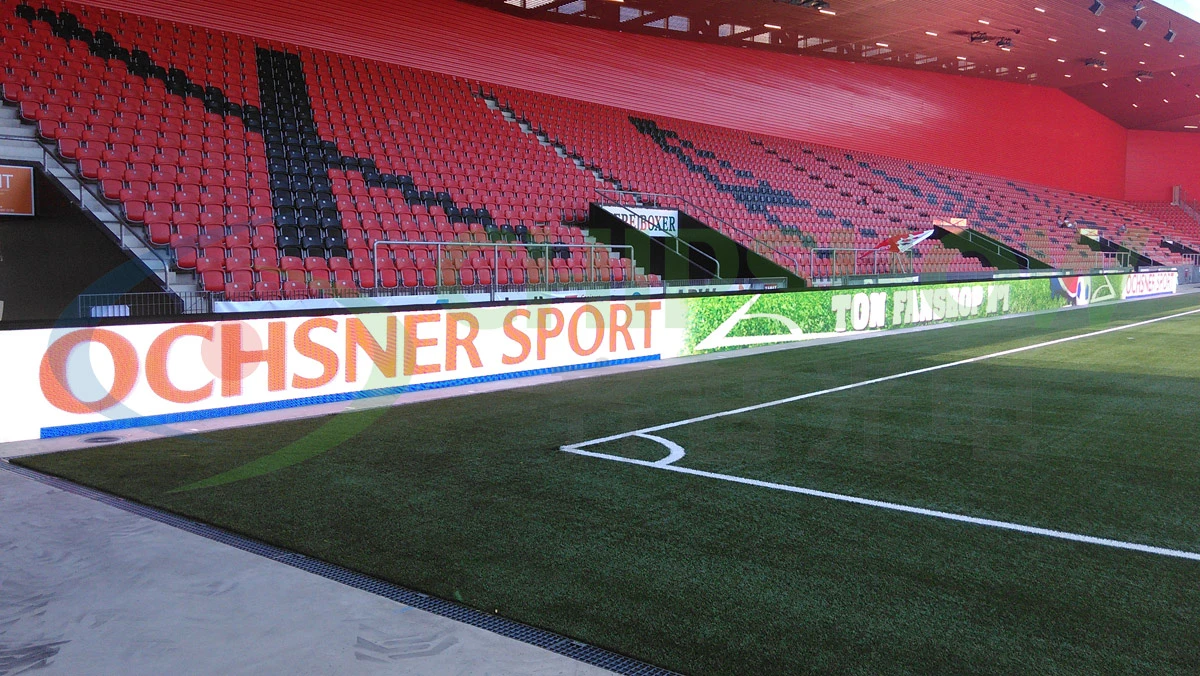
For US retail, P2.5 is the practical sweet spot for a flagship storefront: sharp enough at three meters, economical enough for walls of 10 m² or more deployed across a multi-site retail network. The display almost always backs against a wall, and a typical store layout leaves little rear clearance for maintenance, so front-service access matters. Slim cabinets also keep mounted depth low, which helps in public areas where wall protrusion is regulated. See retail store and shopping mall LED display solutions for the formats used in window-facing and in-store walls.
For multi-location rollouts, the pitch decision should follow the viewing distance rather than the panel price: at three meters, P2.5 and P1.8 are hard to tell apart, so the price gap between them buys little. Look for die-cast aluminum cabinets with front-service architecture, and confirm that the ETL documentation covers the model you are buying, so the listing on the spec sheet matches the equipment at inspection.
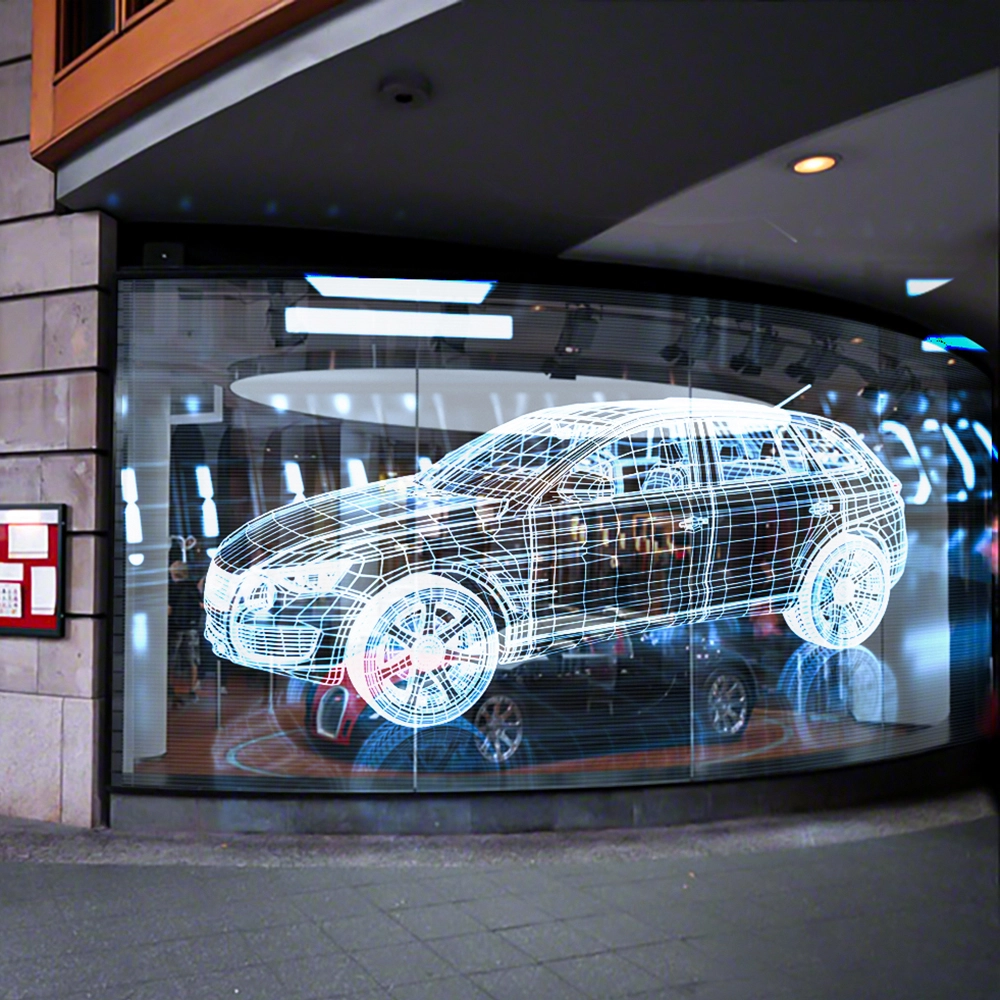
Scenario 2: Corporate Headquarters Lobby
Typical viewing distance: 3–8 meters
Key requirements: Premium aesthetics, flush wall integration, FCC Part 15 documentation, commercial-grade reliability
A US corporate lobby LED wall has to look resolved before it shows content. When investors, board members, and partners walk in, the wall should read as part of the architecture rather than a screen fixed to it afterward.
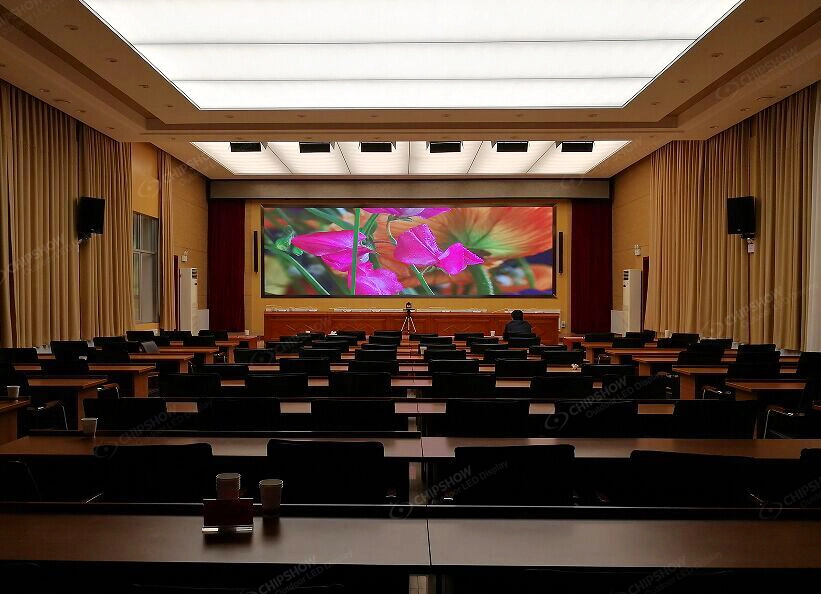
Pixel pitch between P2.0 and P2.5 is sufficient at corporate lobby viewing distances, including larger flagship lobbies. The item corporate IT departments ask about first is FCC Part 15 documentation for the supplied equipment. A slim cabinet profile allows flush wall mounting that integrates with the architecture rather than protruding from it. When the screen is off, a textured matte surface reads as an intentional design element, and when it is on, the content should hold consistent color across the wall. Lobby-specific layout and content questions are covered under corporate lobby LED video wall.
Scenario 3: Control Room & Emergency Operations Centre
Typical viewing distance: 1–3 metres (operators), 3–8 metres (overview wall)
Key requirements: continuous-duty reliability, consistent color across modules, dust protection, replacement modules held in regional stock, ETL or UL listing for the supplied equipment
Control rooms are the most demanding indoor application, and US public safety facilities carry intense reliability requirements. A 911 dispatch center or network operations center runs continuously for years, so outage planning starts with spare-parts availability: which modules are held in regional inventory, and how quickly a replacement can reach the site. For enterprise-grade control room projects, the RFP usually specifies which documentation the integrator must submit, so confirm that list before quoting. Listing documentation also matters where equipment is permanently installed, because insurers and inspectors typically ask for the NRTL mark on the equipment that was supplied. Typical wall layouts and the documentation set for these rooms are covered in the control room and command center LED display solution.
Surface protection on an indoor LED wall limits the dust ingress that degrades panels in continuous operation. At the resolution end, P0.78–P1.2 resolves detailed content such as GIS maps, network topology diagrams, and surveillance feeds. California-held inventory means replacement modules ship from within the US rather than from an overseas factory, which shortens the path when the wall cannot be offline for a shift.
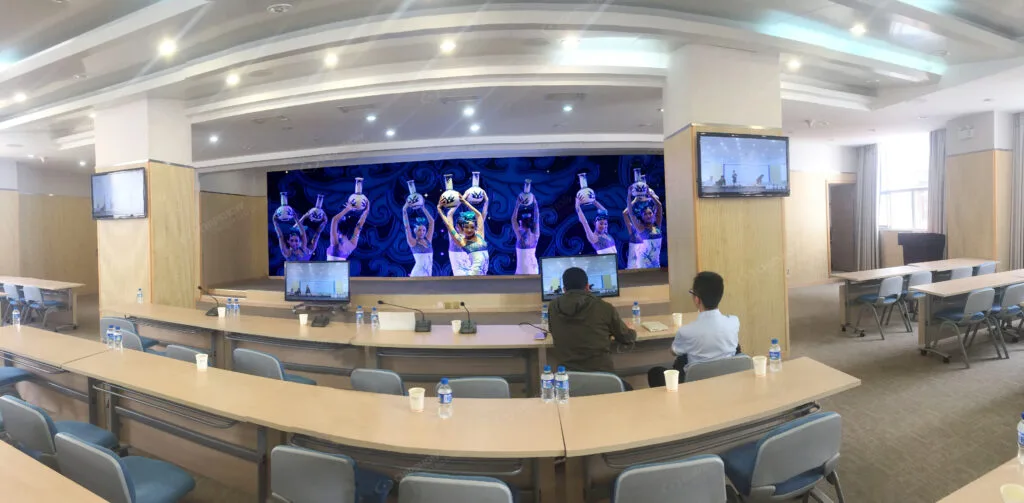
Scenario 4: School and Campus Auditoriums
Typical viewing distance: 1.5–5 metres
Key requirements: Content that reads from the last row, visibility under high ambient light, service windows that fit the campus calendar, consistent modules across multiple buildings
A campus rarely has a single display requirement. A lecture hall asks for text that reads from the last row, a gymnasium asks for a surface that holds up under high ambient light, and an auditorium asks for a wall behind the stage that also serves as a live-feed backdrop. Pixel pitch follows the seat farthest from the screen, so two rooms in the same building can call for two different pitches.
Campus projects often run through a bid or RFP cycle, which puts the documentation expectations in the project file from the start. Districts and universities also tend to place the same wall across several buildings, so confirm that the cabinet and module stay consistent between phases, that spares cover every building in the rollout, and that front service is possible where a display backs onto a classroom wall.
Bringing it together: Chipshow’s indoor LED display line covers this range, from COB panels for control-room resolution to front-service commercial displays supplied with ETL and FCC Part 15 documentation. Inventory held in California shortens the supply path for US projects. The key is matching the product to the scenario rather than defaulting to the most expensive option.
COB vs SMD: How the Two Surfaces Differ
The COB-versus-SMD comparison carries different weight in the US market, where labor rates, documentation requirements, and service logistics shift the equation:
| Dimension | COB (Chip-on-Board) | SMD (Surface-Mounted Device) |
| Surface durability | High: LEDs encapsulated under epoxy, typically 4H surface hardness | Medium: individual LED beads exposed |
| Viewing comfort | Smoother encapsulated surface at close range | Adequate: LEDs visible under 2 m |
| Colour consistency | Excellent—holds calibration longer under thermal cycling | Good—can drift as diodes age |
| Repairability | Module-level replacement | Individual LED rework on-site |
| Cost (per m²) | P1.5: higher upfront | P2.5: the cost-efficiency leader |
| US relevance | ETL and FCC Part 15 documentation available for the supplied configuration | Confirm listing and EMC documentation for the model quoted |
The Decision Rule for US Buyers
- Public-facing installations where viewers sit within 3 metres → COB. The surface difference is visible at close range, and the durability matters in high-traffic areas.
- Budget-driven retail rollouts with 3 m+ viewing distance → SMD at P2.5. At that distance the two look close enough that the budget usually decides.
- 24/7 control rooms and dispatch centres → COB. Module-level service and a shorter spare-parts list matter when the wall cannot be offline for a shift.
Pixel Pitch: What Viewing Distance Requires
Pixel pitch is the most over-specified variable in US LED procurement. One rule of thumb removes most of the bad decisions:
Minimum comfortable viewing distance (in metres) ≈ Pixel pitch (in mm)
| Pixel Pitch | Minimum Viewing Distance | Typical US Commercial Application |
| P0.9–P1.2 | 1.0–1.5 m | Financial trading floors, broadcast studios, 911 dispatch centres |
| P1.5–P1.8 | 1.5–2.0 m | Premium conference rooms, high-end retail, broadcast studios |
| P2.0–P2.5 | 2.0–2.5 m | Standard conference rooms, retail storefronts, corporate lobbies |
| P2.6–P4.0 | 2.5–4.0 m | Airport concourses, convention centre exhibit halls, large-format retail |
The most expensive mistake US buyers make: specifying P1.2 for a corporate lobby where the nearest viewer is five meters away. At that distance the extra resolution sits beyond what viewers can resolve, while the finer pitch carries a higher price per square meter and a higher power draw. Match the pitch to the room rather than to the marketing brochure. Price steps between pitches are set out in the LED pixel pitch price guide from P2.5 to P6.
Hidden Costs Beyond the Panel Price
The purchase price per square meter tells less than half the story in the US market. Four costs usually surface after the purchase order:
1. Power Consumption Over 5 Years
Different technologies consume power at different rates at the same brightness level. Common-cathode COB panels draw less power than conventional SMD at comparable pitch, and the gap widens over years of daily operation. Over a five-year operating cycle at 12 hours a day, that difference shows up in the electricity budget. In climate-controlled indoor environments, lower power draw also reduces HVAC load.
When comparing quotes, ask suppliers for the watt-per-square-meter specification at your target operating brightness rather than the headline maximum power draw. Maximum values are measured at peak brightness, a level most installations reach only occasionally.
2. Structural Reinforcement
An LED video wall is heavier than it looks, and a 10 m² wall with its steel mounting frame adds load that the wall behind it has to carry. If that wall is drywall over studs, structural reinforcement may be required before the first module arrives. US commercial building codes vary by municipality, so ask your integrator about load-bearing requirements in your jurisdiction before signing a purchase order.
3. Spare Parts and Calibration
Spare-parts planning is usually expressed as a percentage of the modules in the wall, and US buyers should confirm where the replacements ship from. Modules held in domestic inventory travel a shorter path than factory-direct international shipments. Compare the cost of holding one extra module against the cost of a dark wall during your retail store’s peak season. Plan for one calibration service call during the service life, and confirm the interval with your supplier.
4. Installation Labor and Site Access
An indoor wall is usually installed after the ceiling, lighting, and finishes are in place, so the work has to fit the hours when the building can be closed or sectioned off. Night and weekend installation windows, lift or scaffold rental, and the electrical rough-in completed before the wall is powered sit outside the panel price. On public and institutional projects, confirm whether the installation carries prevailing-wage or union labor requirements. Compare quotes on the same scope of work, including who supplies the lift and who handles the electrical connection.
Installation Checklist: What to Confirm Before You Order
Use this selection checklist before you sign, whether the site is a retail store or a control room. For installation and service scope, see working with AV integrators.
1. What is the total mounted depth from the wall surface?
Ask for a dimensioned side-view drawing that includes the mounting frame, cabinet depth, and any cable management. Slim, front-service cabinets provide the most installation flexibility, particularly in public-area locations where wall protrusion is regulated.
2. Is the electrical installation compliant with local code?
Your integrator should provide a wiring plan showing dedicated circuits, accessible disconnect switches, and proper grounding. A local electrical inspector will ask for this documentation before signing off on the installation.
3. Is the service access front or rear?
If your wall backs against concrete or glass, specify front-serviceable modules. Confirm this in the specification sheet rather than in the sales conversation.
4. What signal path feeds the wall, and what FCC Part 15 documentation covers it?
The video processor and the connected cabling form part of the supplied system. When you request the Part 15 documentation from a supplier or factory, ask for the file covering the model you are buying, so your IT department can review it alongside the rest of the equipment on the network.
5. Who does the on-site calibration, and when?
On-site calibration, performed after the wall has run through its initial settling period, aligns uniformity across modules. Confirm this step is included in the installation scope rather than quoted as a separate line item.
Documentation and Approval: Who Provides What
A US indoor LED video wall passes through several sets of hands before it is signed off, and each stage asks for a different document. Confirming who provides which file before the purchase order keeps a missing document from surfacing during inspection.
Design and quotation. The integrator prepares the drawings for the wall. The supplier provides the listing documentation (ETL or UL) and Part 15 documentation for the model quoted.
Bid and RFP. Where a project runs through a bid cycle, the RFP usually lists the documents the integrator must submit with the bid. Ask for that list before quoting.
Installation and inspection. The wiring plan goes from the electrical contractor or integrator to the authority having jurisdiction.
Handover. Landlords and insurers commonly ask for the listing mark on permanently installed equipment, so keep the product documentation with the project file.
Chipshow provides product documentation for the models quoted. Project approvals rest with the authority having jurisdiction and should be confirmed per project.
Conclusion
The best indoor LED video wall for a US commercial space usually rests on three decisions: how fine the pitch needs to be for the closest viewer, whether COB or SMD fits the room, and whether the supplier can supply from US stock and provide the documentation your project will be asked for. Get the hidden costs in writing, and give weight to US-held inventory if your opening date is fixed. DVLED walls vary by model, so confirm that the supplier’s documentation covers the model you specify. Contact Chipshow’s US team to discuss your project requirements and available inventory.
Frequently Asked Questions
Q1: What is the best indoor LED video wall for a US conference room?
For US conference rooms with viewing distances of 1.5–3 meters, a COB LED video wall at P1.5–P1.8 balances resolution, eye comfort, and cost. Confirm that the model you are buying is covered by ETL listing and Part 15 documentation, since corporate facilities usually review connected equipment before installation. Slim front-service cabinets keep the indoor LED screen flush against the wall and simplify maintenance access.
Q2: Do I need ETL or UL listing for an indoor LED video wall?
Where an indoor LED video wall is permanently installed and connected to building power, US projects generally expect an NRTL mark such as ETL or UL on the equipment that was supplied. Landlord requirements, insurer conditions, and local inspection practice vary by jurisdiction, so confirm the specific documentation your project needs with your integrator and the authority having jurisdiction. Documentation for the specified models is available on request. Certifications do not guarantee local approval; final approvals should be confirmed per project.
Q3: What pixel pitch do I need for an indoor LED wall in a US retail store?
For US retail stores with viewing distances of 2–6 meters, P2.5 covers product imagery and promotional video at a lower cost per square meter than finer pitches, and wall-mounted cabinets with front service keep the installation compact where rear access is unavailable. Compare quotations on total per-location cost rather than the panel price alone.
Q4: How do you choose the right video wall pitch for a corporate lobby or a control room?
Pitch follows the viewer farthest from the screen rather than the size of the room. Lobby walls are typically read from 3–8 meters, where P2.0–P2.5 is sufficient, while control rooms are read from 1–3 meters at the operator consoles, where P0.78–P1.2 resolves maps and surveillance detail. Start from the farthest viewing distance in each space, check the result against the pixel pitch table above, and confirm the model that covers it with your supplier.
Q5: Who supplies DVLED video wall packages in the US, and what should an integrator ask for?
Chipshow supplies DVLED video wall packages from US-held inventory and provides the listing and Part 15 documentation for the models quoted. An integrator should ask which models are stocked domestically, which documents come with the equipment, and who supplies the lift and handles the final electrical connection. Compare quotations on the same scope of work rather than on the panel price alone.
Not sure which format or pixel pitch fits your project? Try the Chipshow USA LED sign selector to shortlist options.