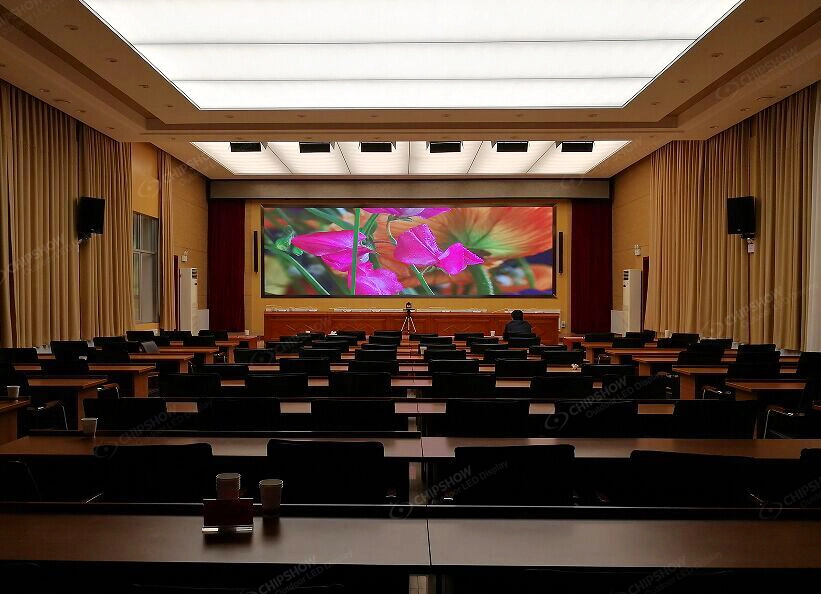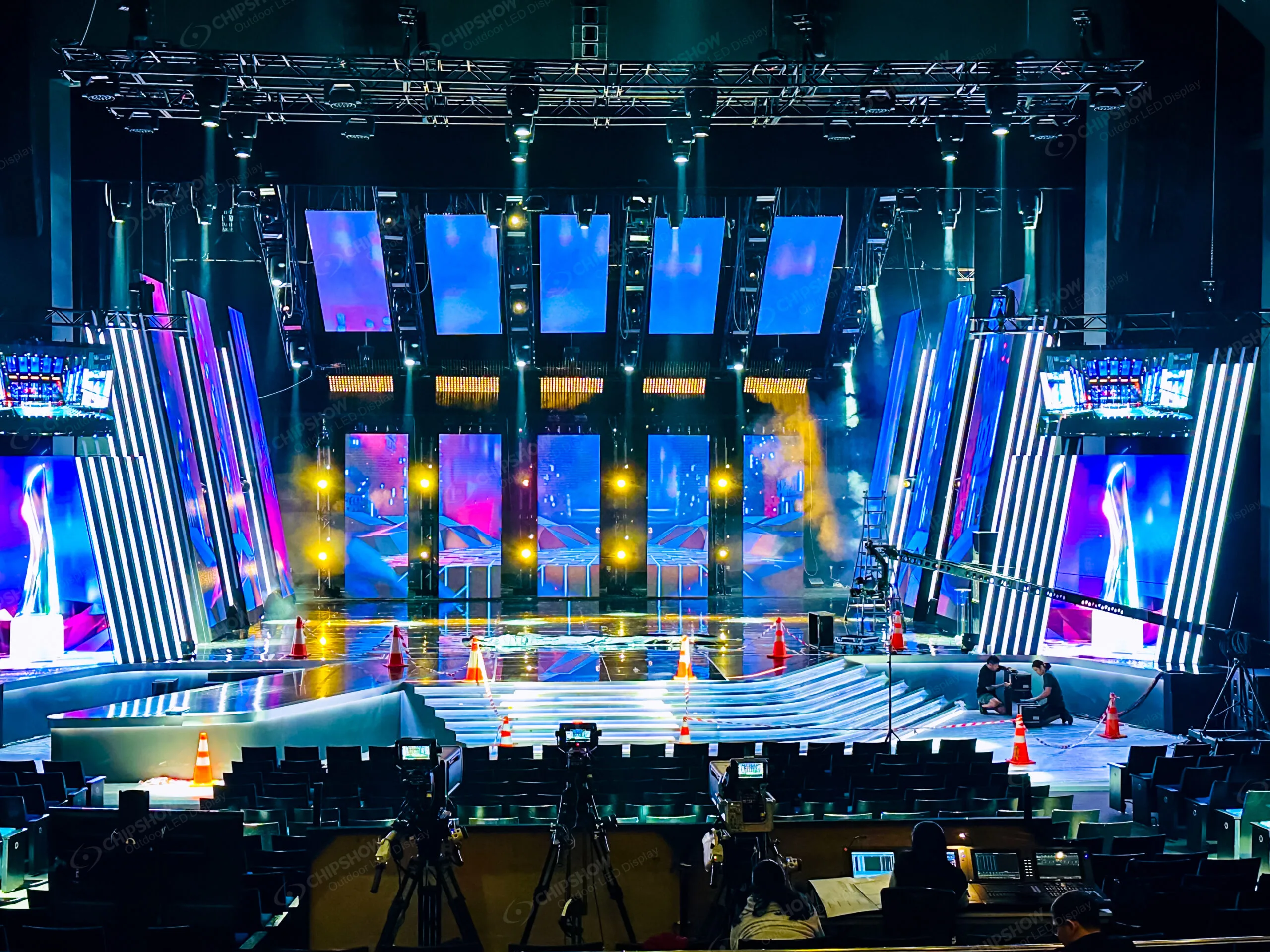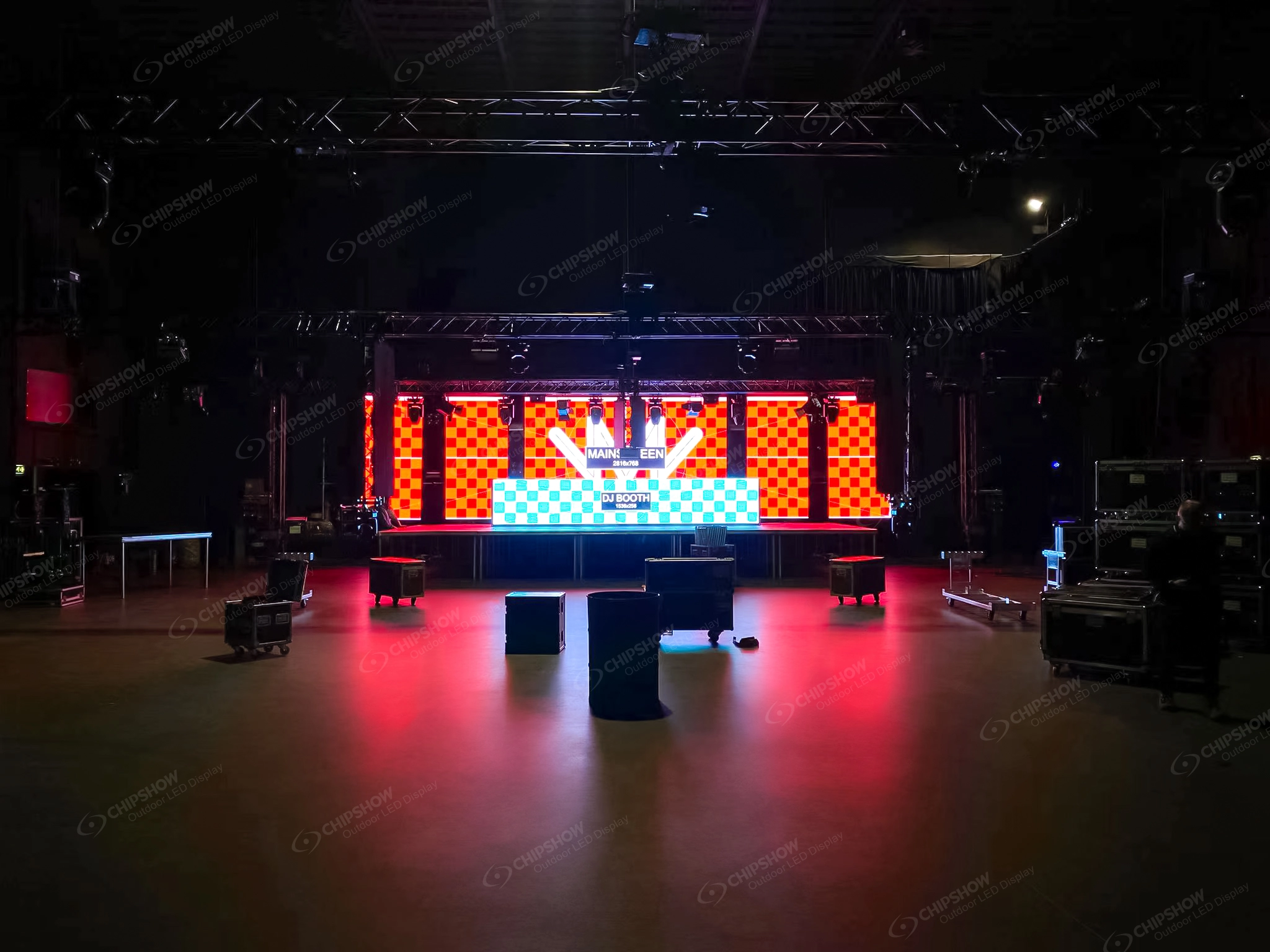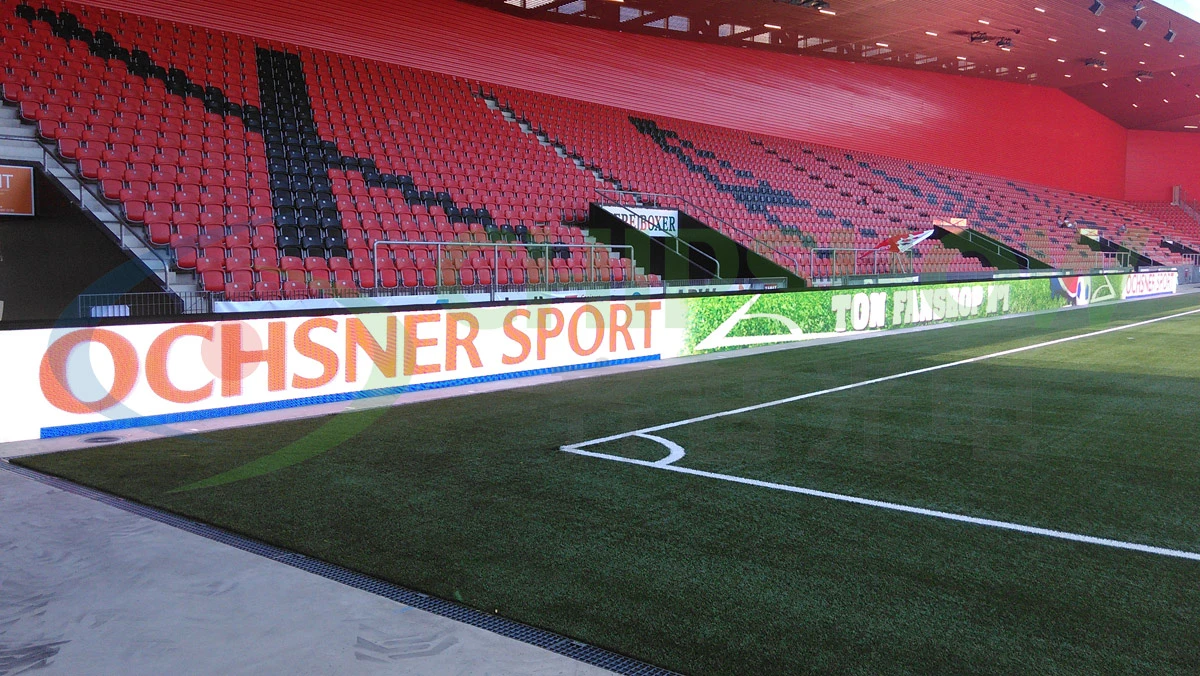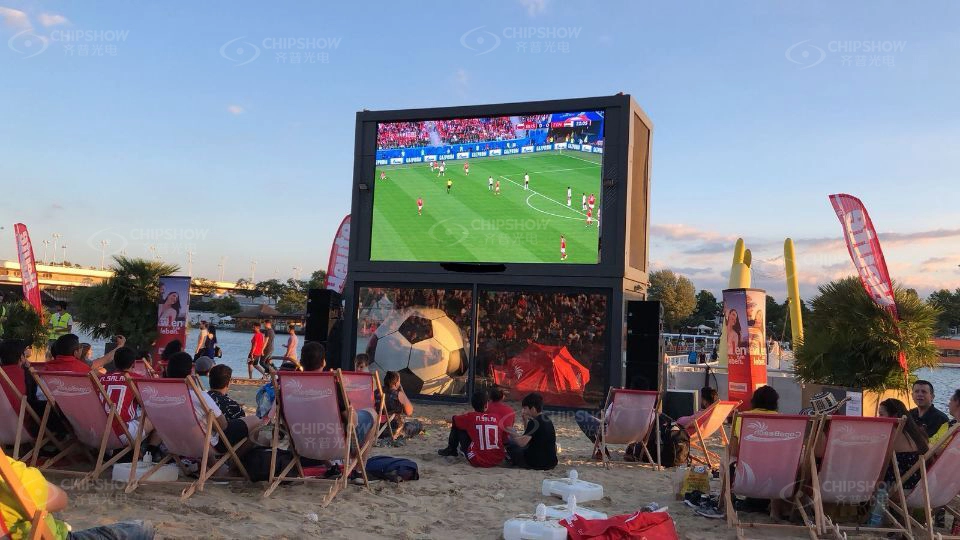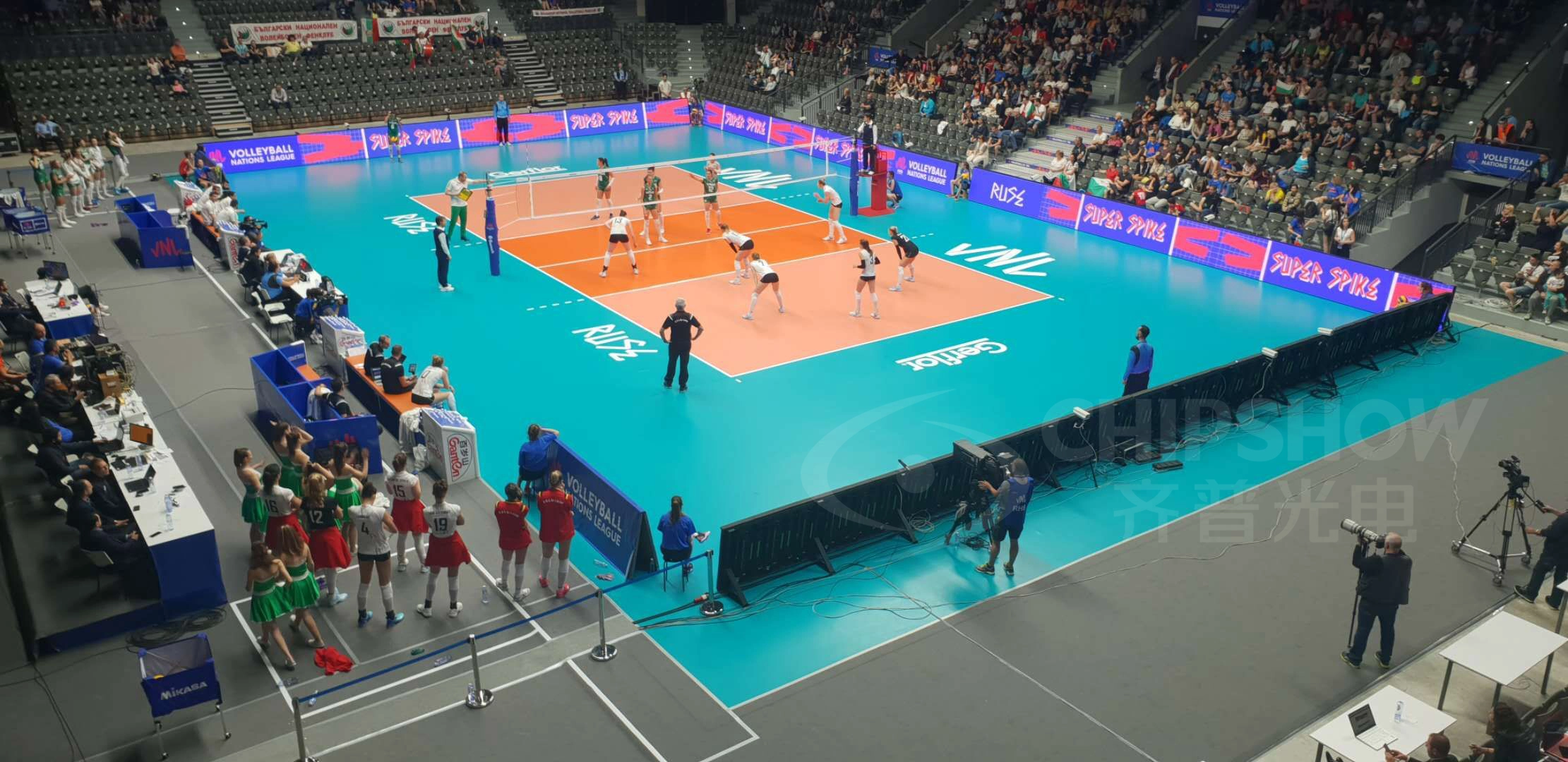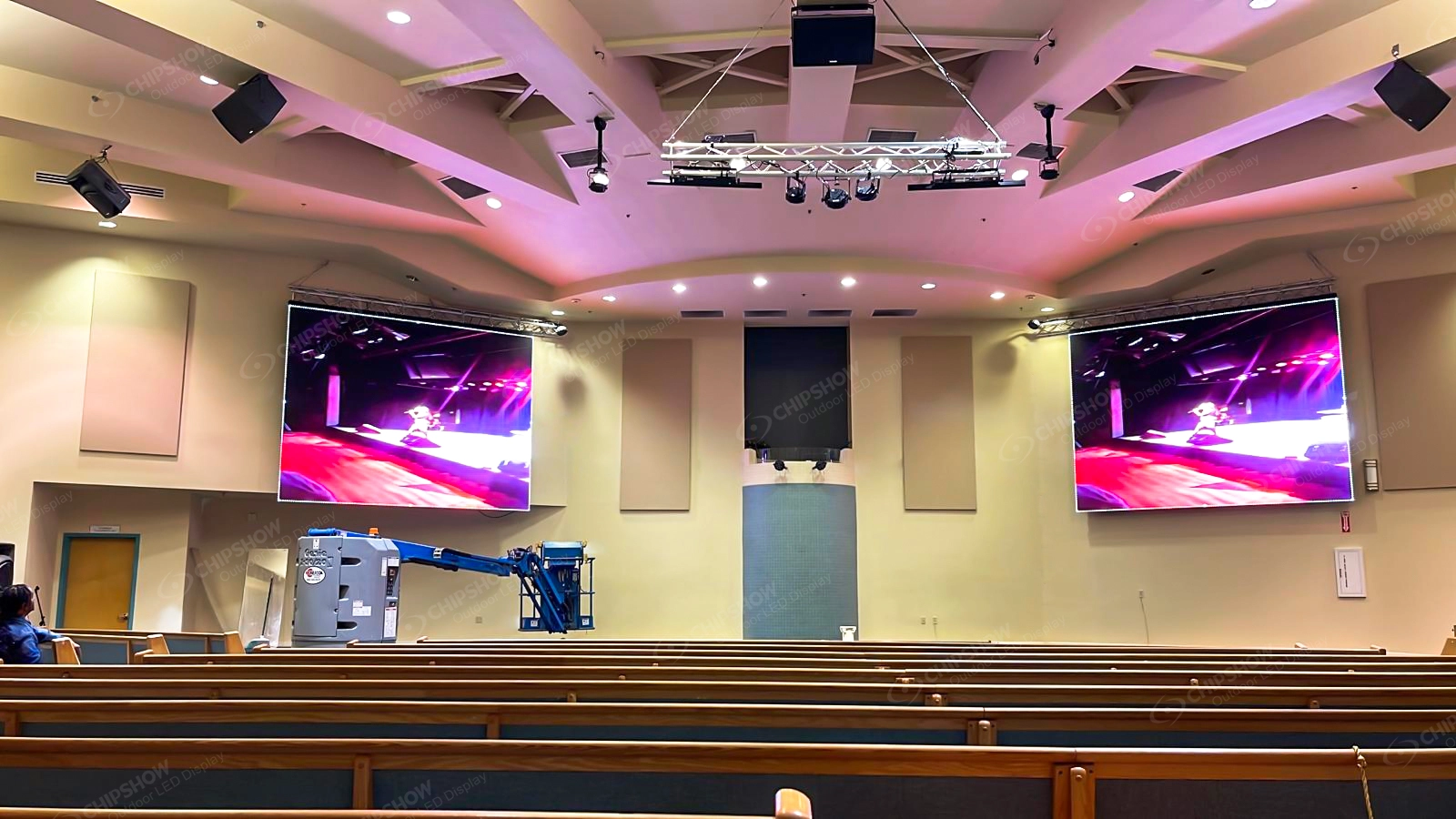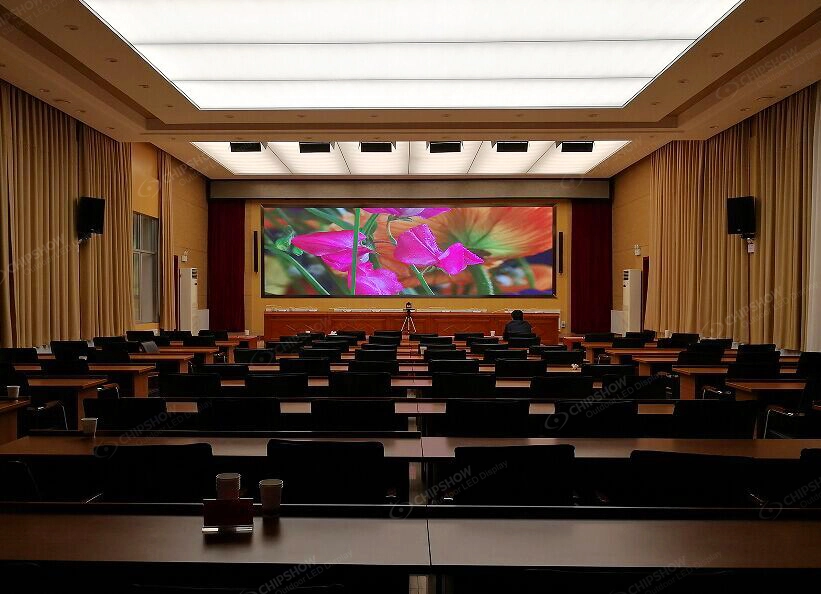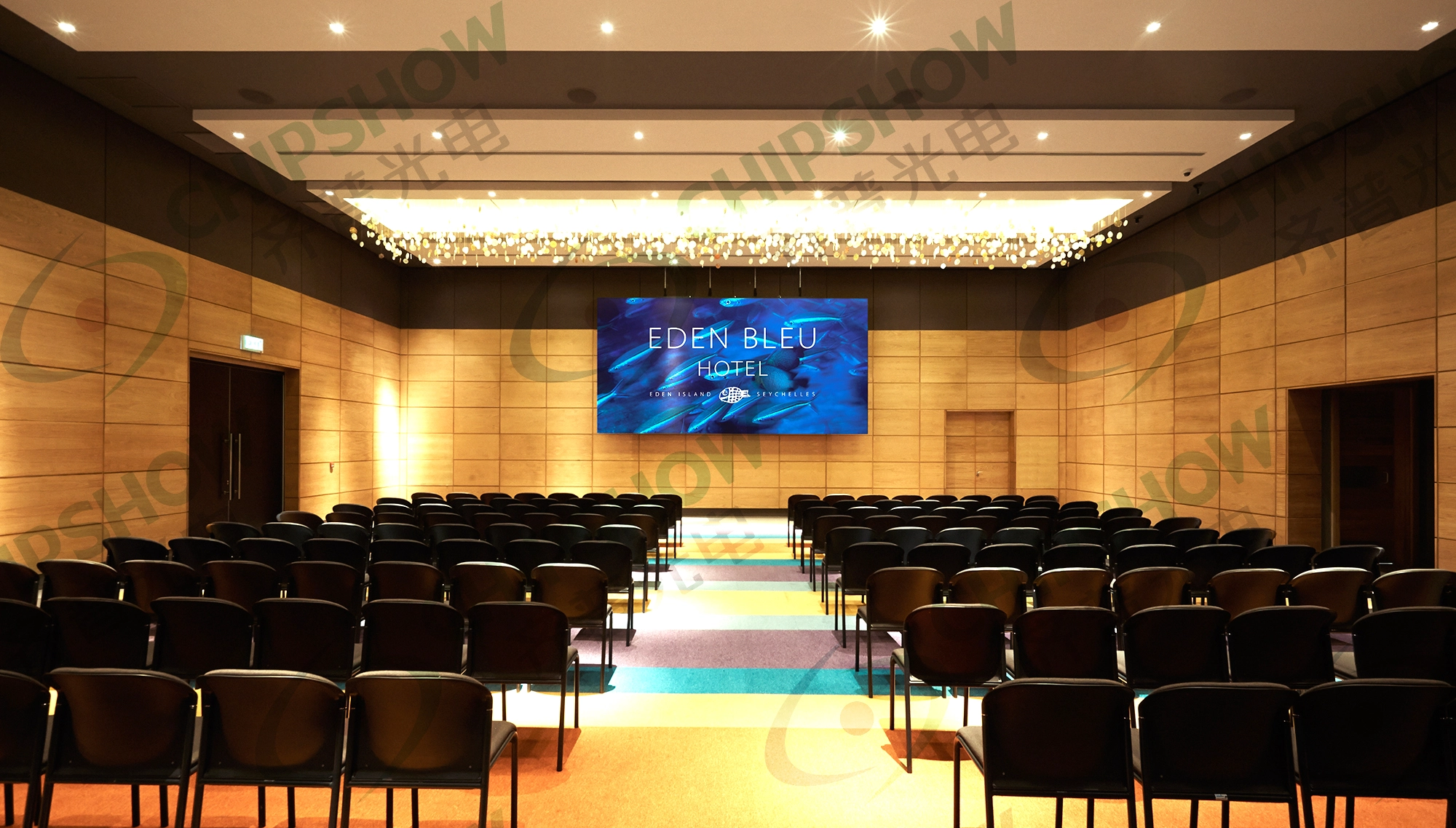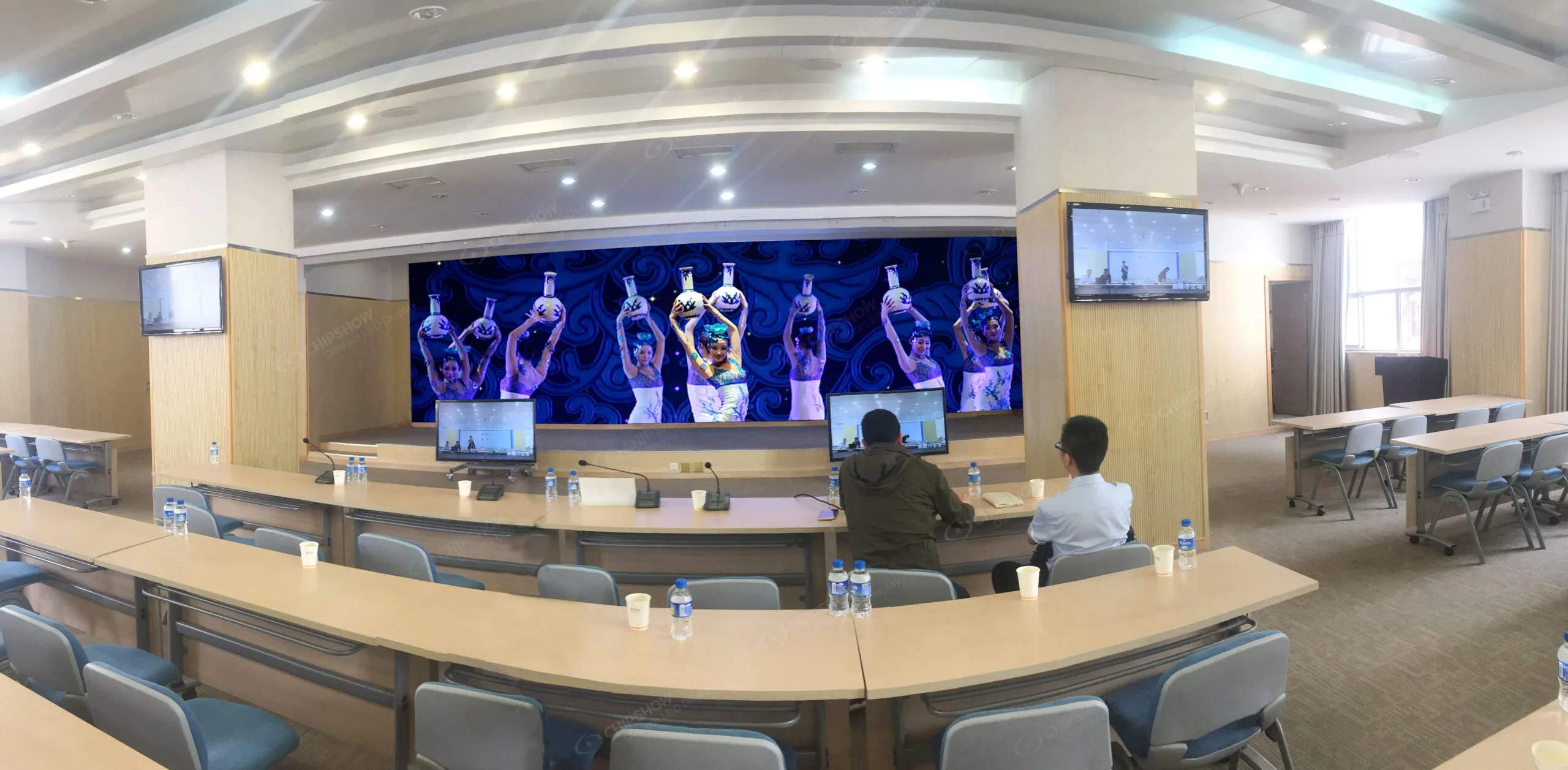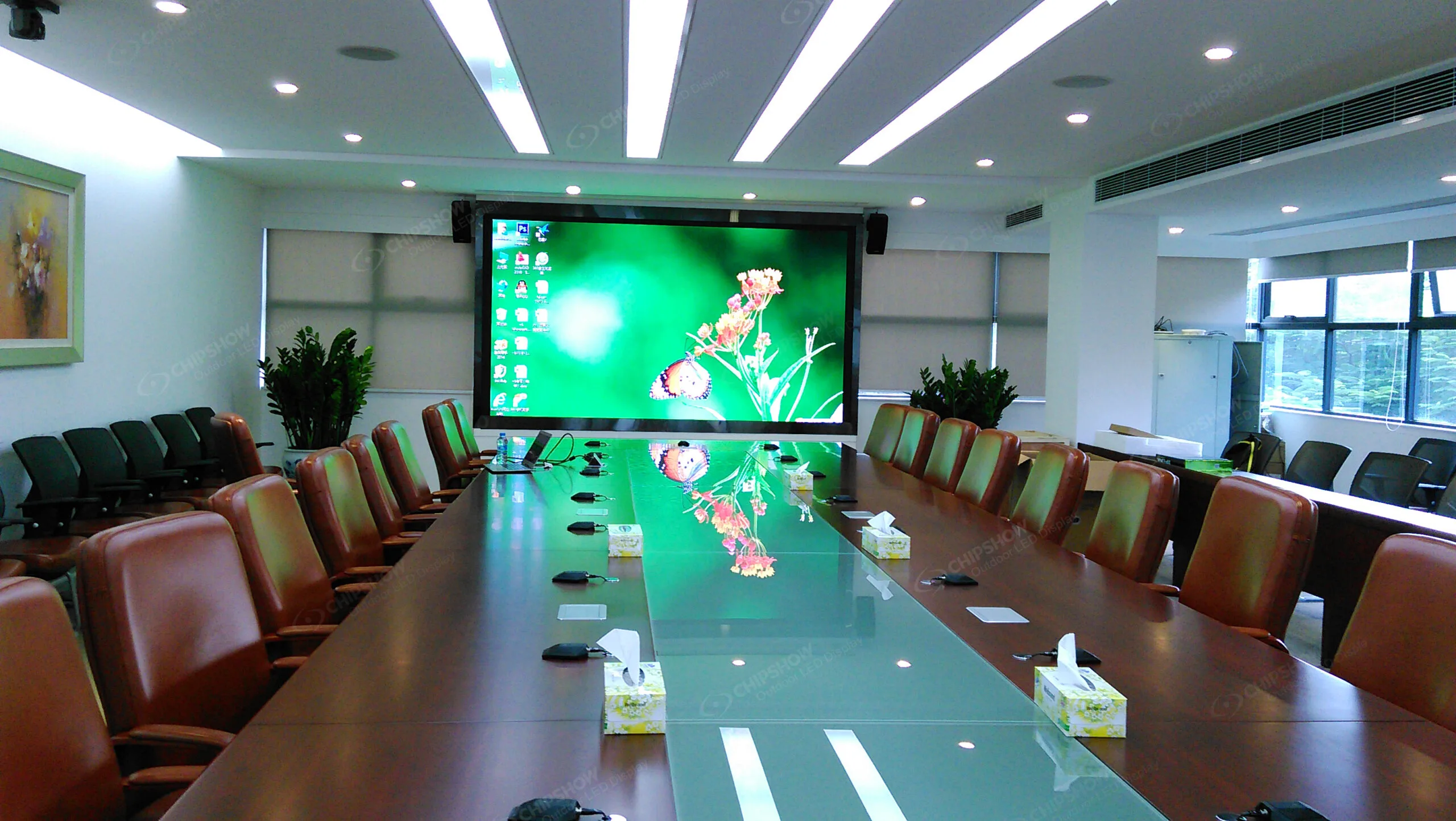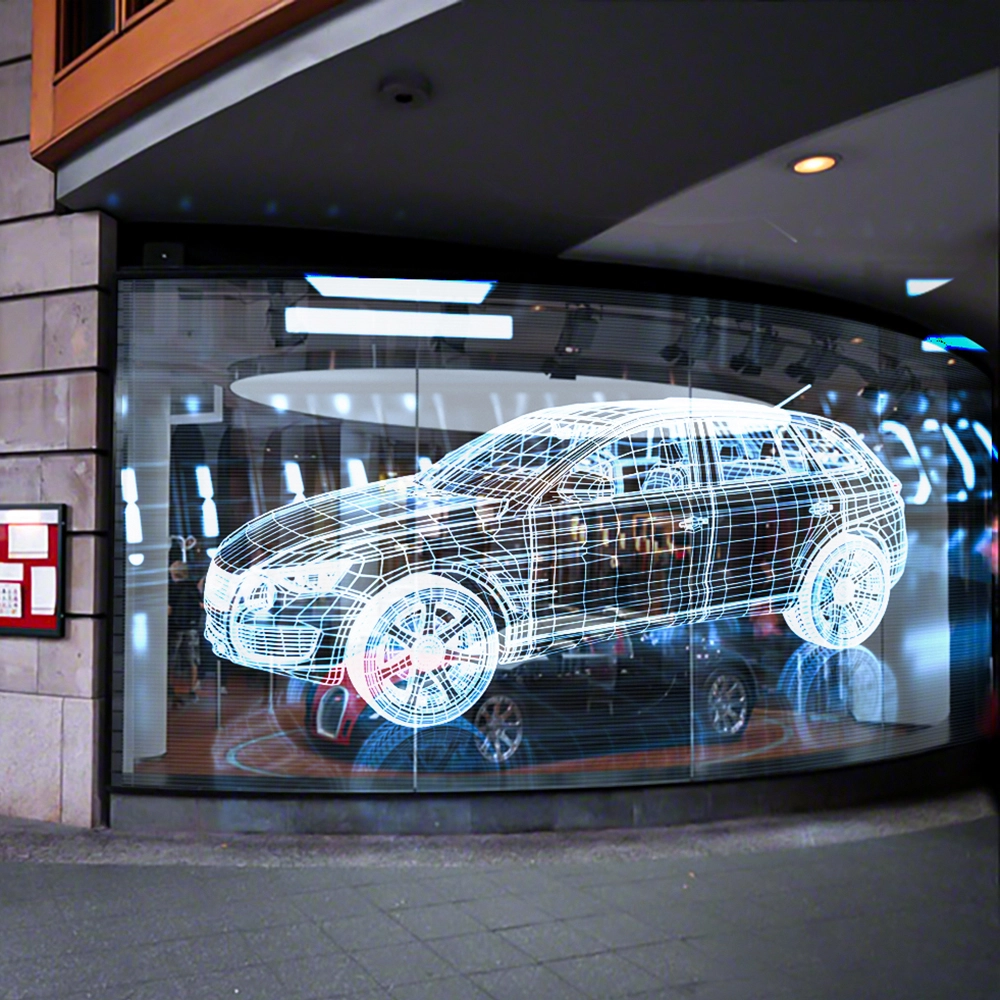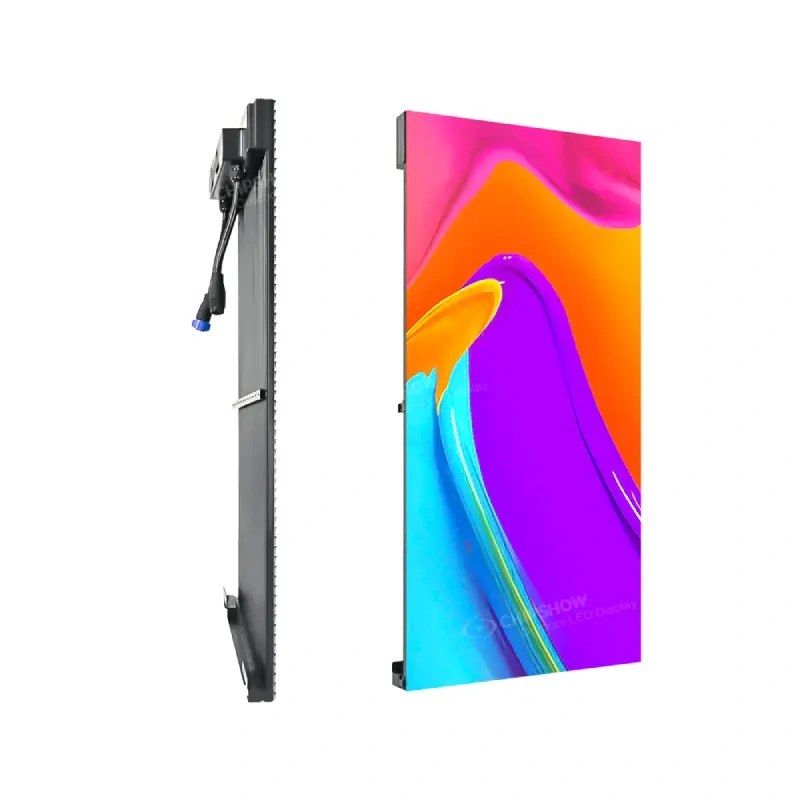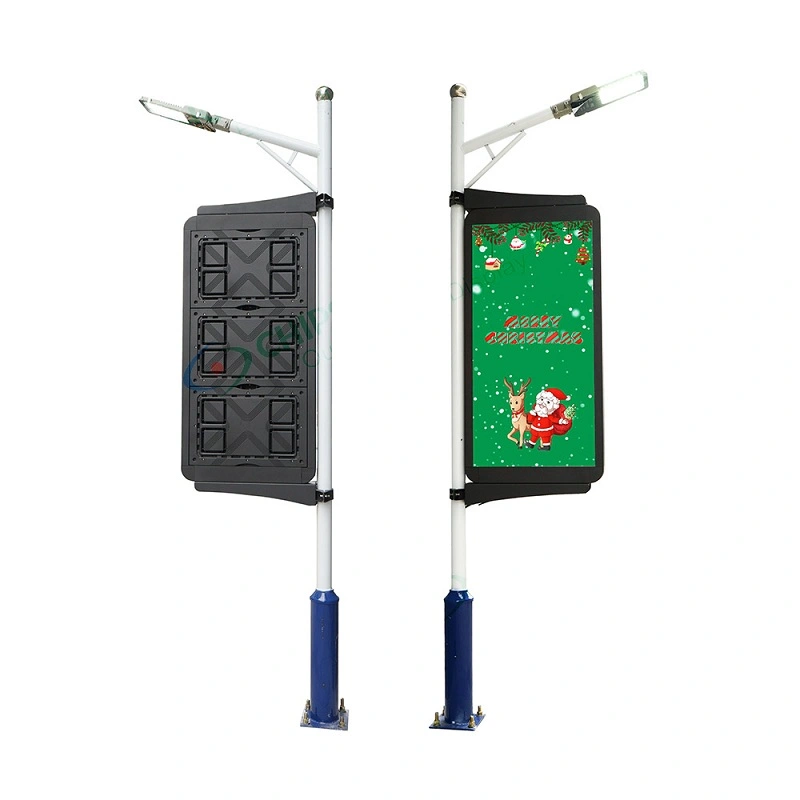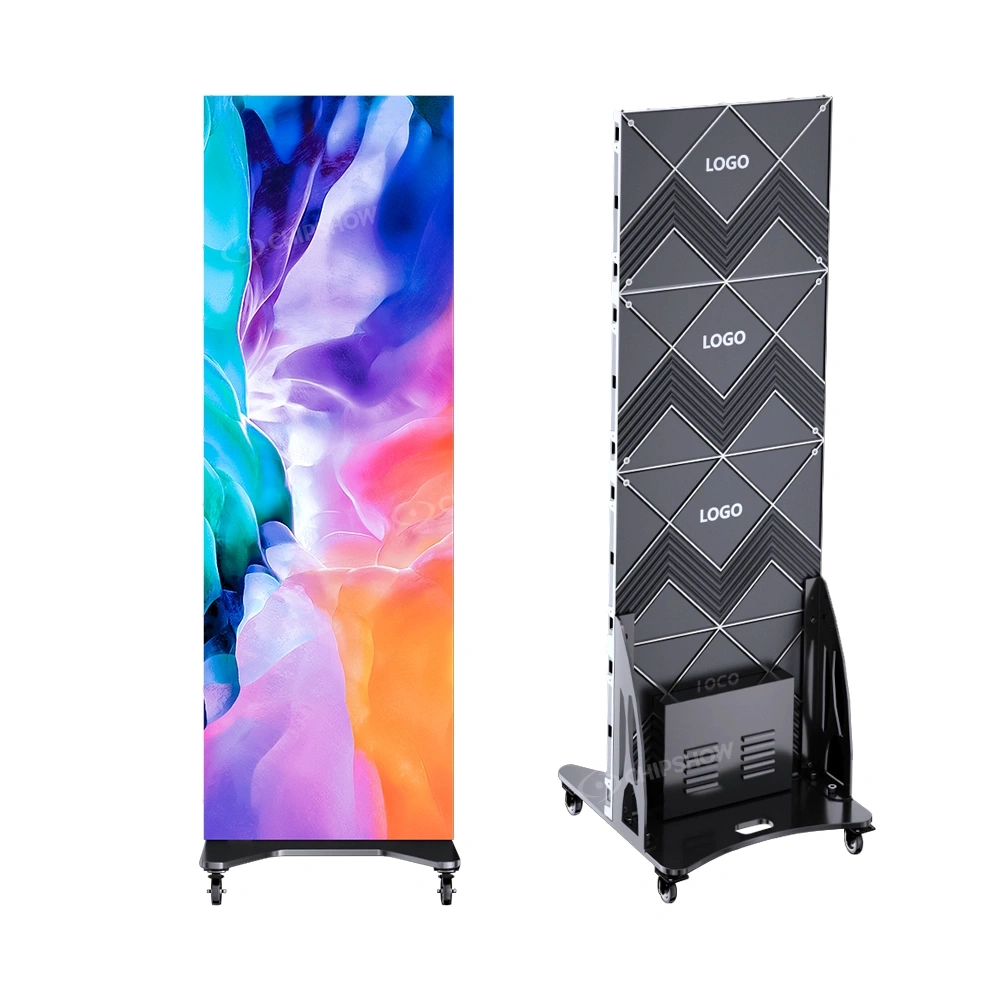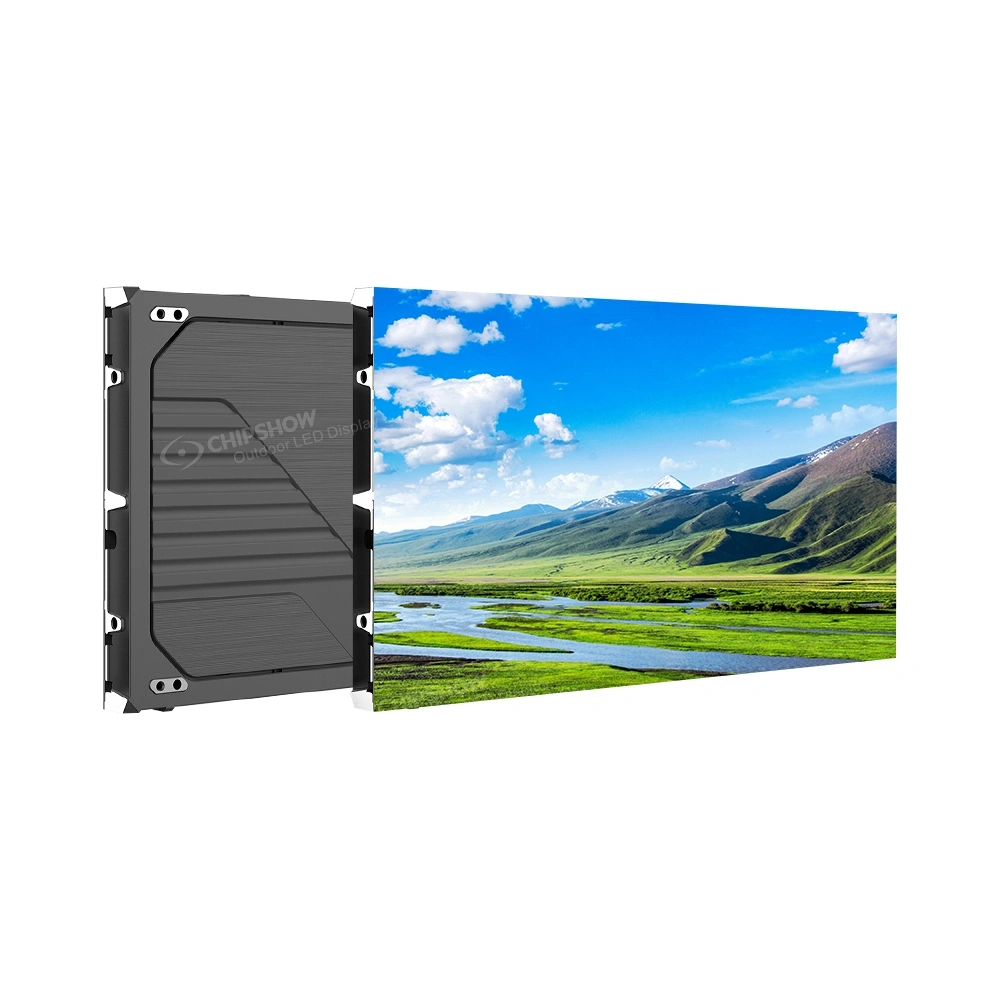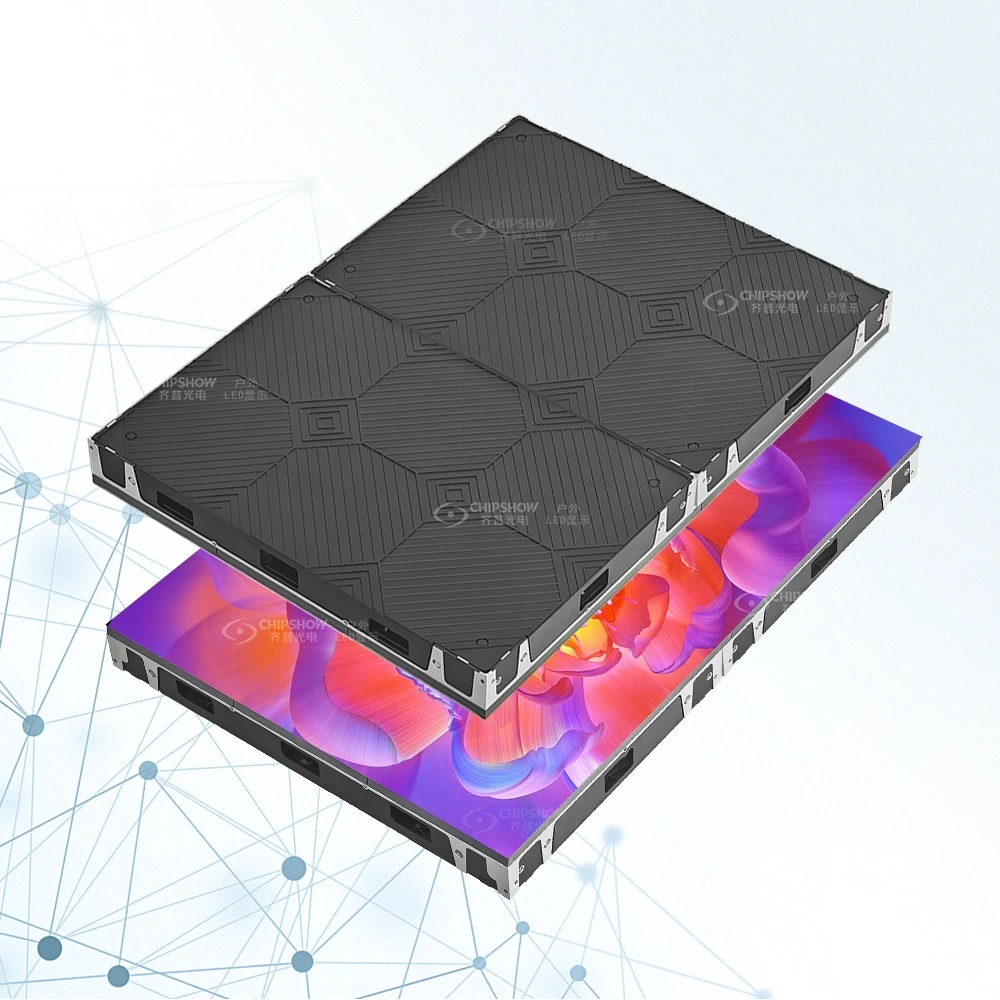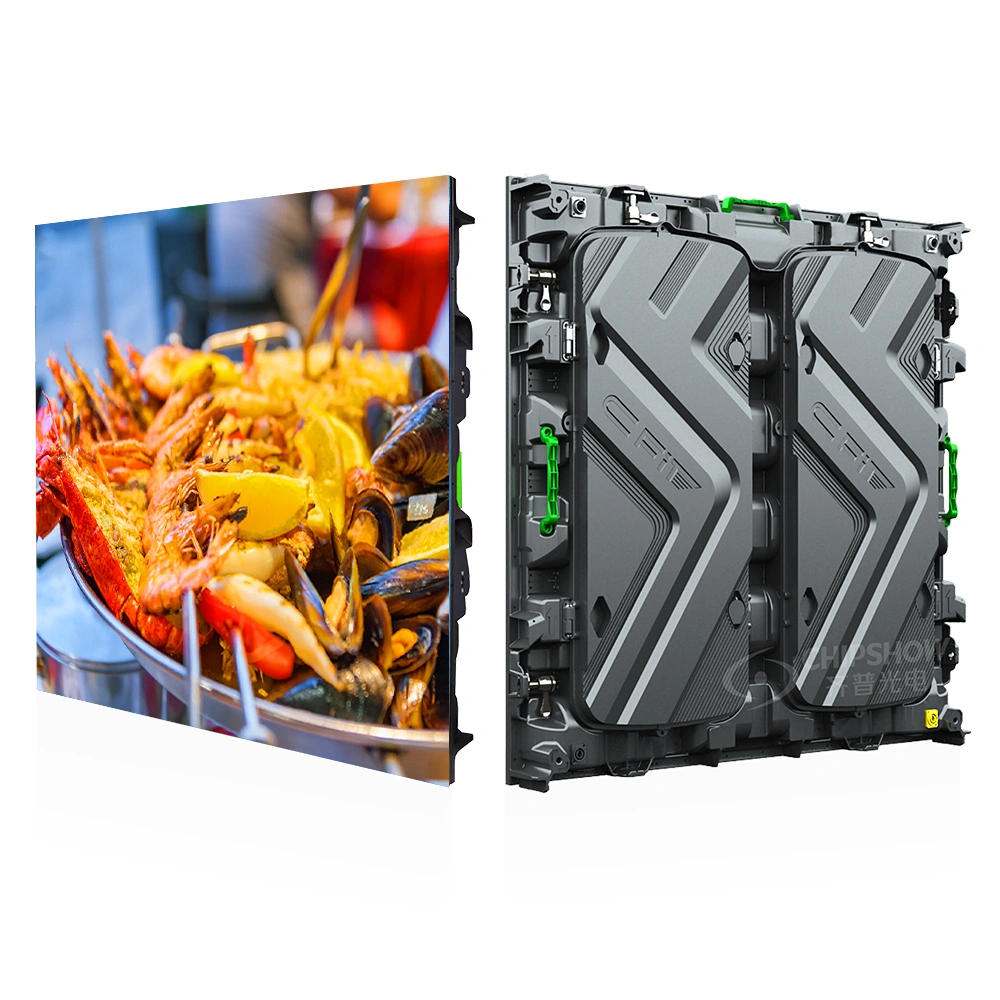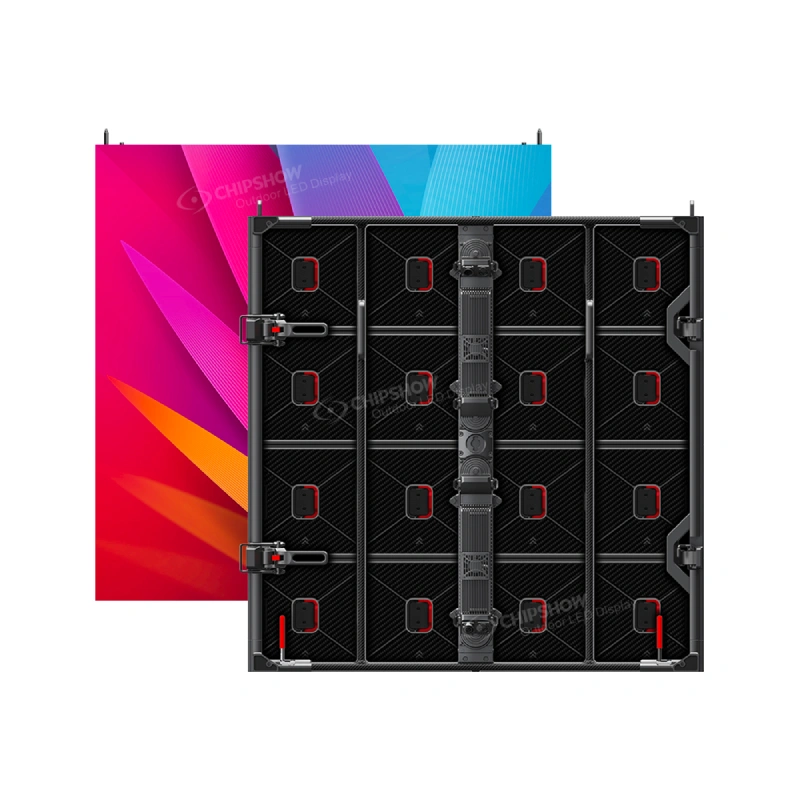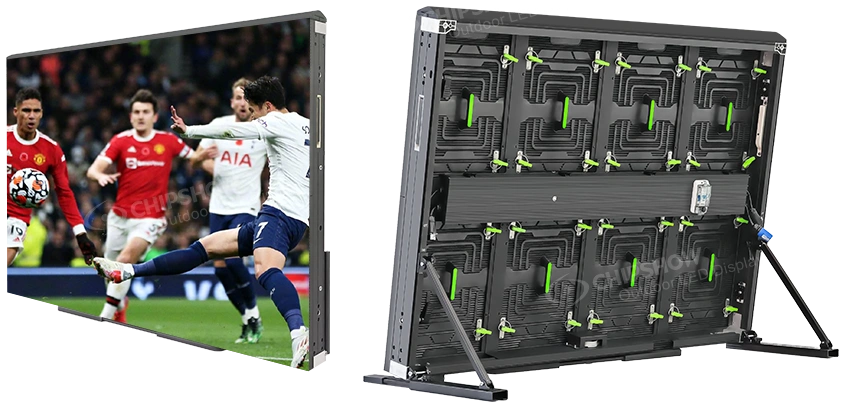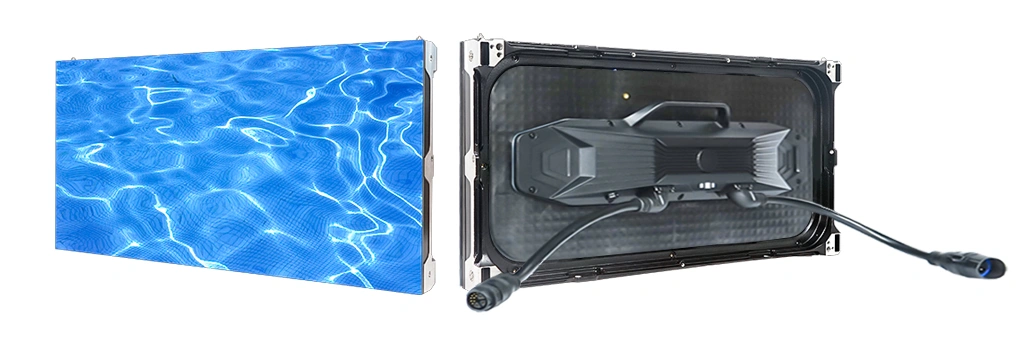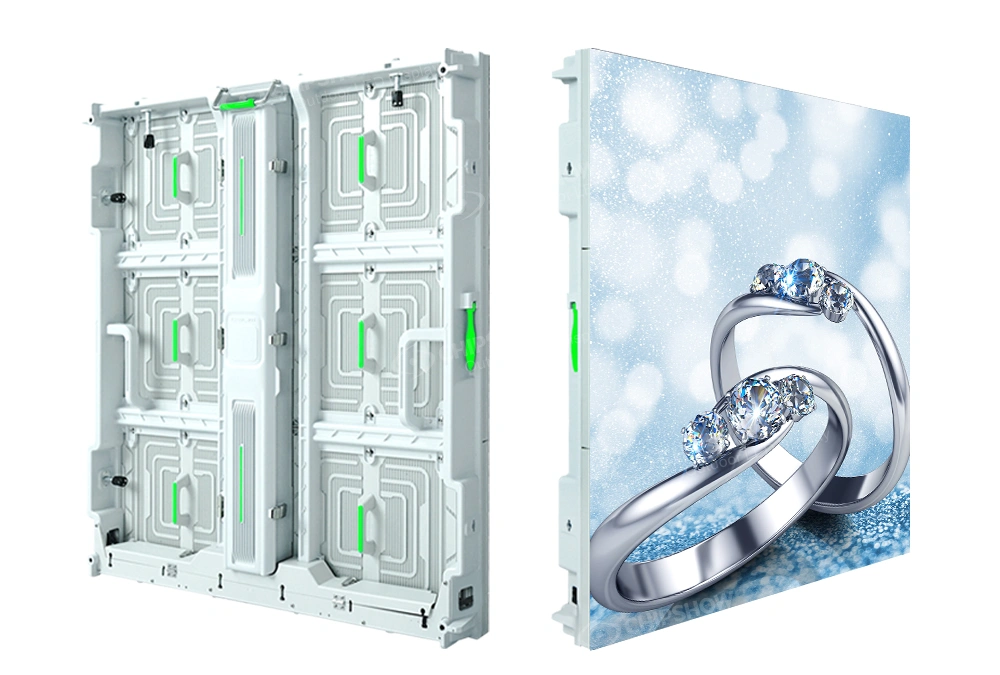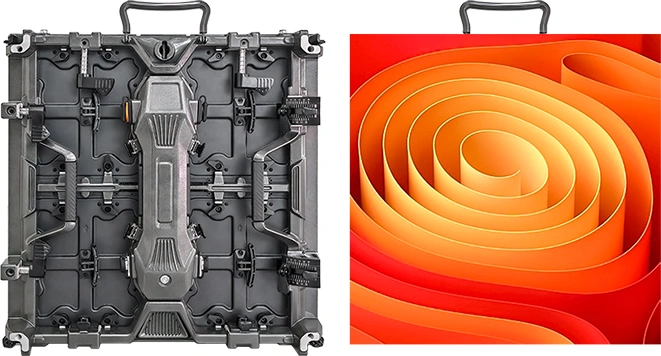
An indoor LED screen can serve a corporate lobby, retail display, conference room or control center. Select the system around the viewing positions, content, lighting, screen area and maintenance access, then compare the complete project cost.
Not sure which pitch or cabinet format fits your build? Run the requirements through the Chipshow USA LED sign selector to shortlist signs by nearest viewer and sign opening before requesting a quote.
Confirm current North American stock, delivery terms and spare-part availability for the selected configuration with Chipshow before setting the installation schedule.
This guide compares indoor display technologies, cabinet formats, cost inputs and service requirements for North American commercial projects.
What Are Indoor LED Displays and How Do They Work?
Basic Technology Behind Indoor LED Video Walls
An indoor LED video wall consists of thousands of tiny LEDs arranged in modular cabinets. Each pixel combines red, green, and blue LEDs to create full-color, high-resolution images.
The two primary technologies are SMD (Surface-Mounted Device) and COB (Chip-on-Board).
- SMD remains the mainstream choice for most commercial applications, offering excellent cost-effectiveness and reliability.
- COB encapsulates LED chips on the board. Compare the selected display’s surface protection, contrast, pixel pitch and repair method with the SMD alternative.
Viewing Distance Recommendations
- For close viewing, check representative text and images from the nearest seats. The C-Max COB product page lists P1.53 and P1.86; compare a sample at the intended operating brightness.
- The C-Max Commercial SMD product page lists pitches from P1.25 to P4.0. Shortlist them using the viewing positions, required detail and budget, then assess actual content.
Indoor LED Video Wall vs. LCD and Projector Systems
| Compare | Indoor LED wall | LCD wall | Projection |
|---|---|---|---|
| Image layout | Cabinets form a display surface without LCD panel bezels | Account for panel bezels in the layout | Check screen size, throw and any image blending |
| Brightness comparison | Check grayscale and color at the intended brightness | Check panel brightness and reflections in the room | Assess screen brightness with the chosen projector, screen and ambient light |
| Size and resolution | Plan cabinet count, active area and native resolution | Plan panel count and each panel’s resolution | Match optics, throw, screen and image resolution |
| Service-life basis | Ask for the luminance-depreciation criterion and module support period | Ask for panel/backlight ratings and a replacement plan | Specify lamp or laser source and the replacement or brightness-degradation criterion |
| Maintenance | Check module, power and control access for the selected model | Check access and the panel replacement procedure | Check optics, filters and light-source maintenance for the model |
LED video walls can provide a continuous display surface without LCD panel bezels. For cost and service-life comparisons, use the same image size, target brightness, operating schedule, warranty and maintenance assumptions.
Brightness and viewing conditions: Select brightness around the room’s daylight, ambient lighting and viewing task. Check grayscale and color at the intended operating level, and compare measured system power under the same content and settings.
Where Indoor LED Video Walls Are Used
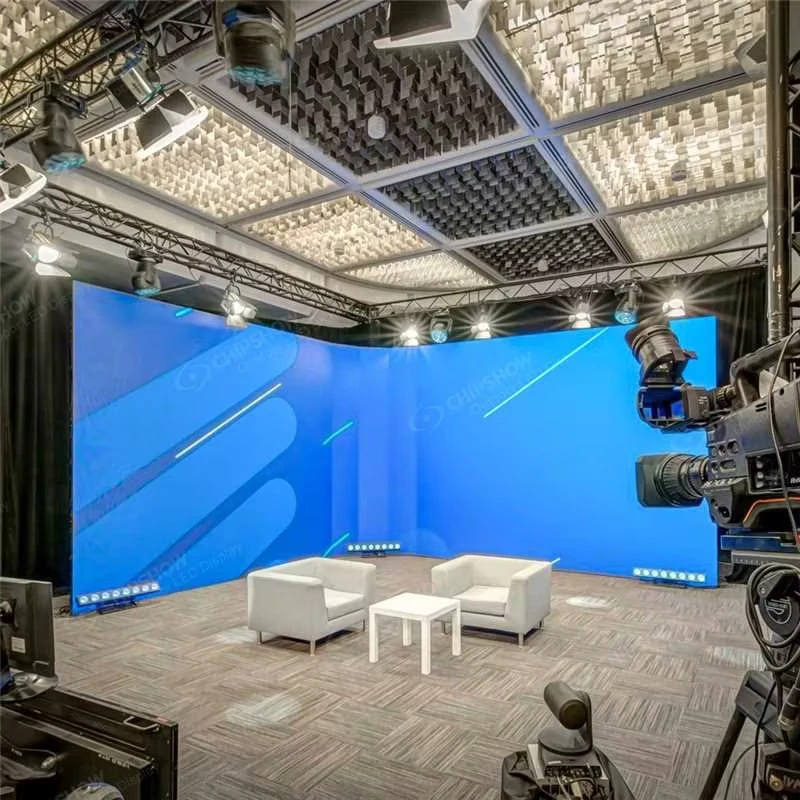
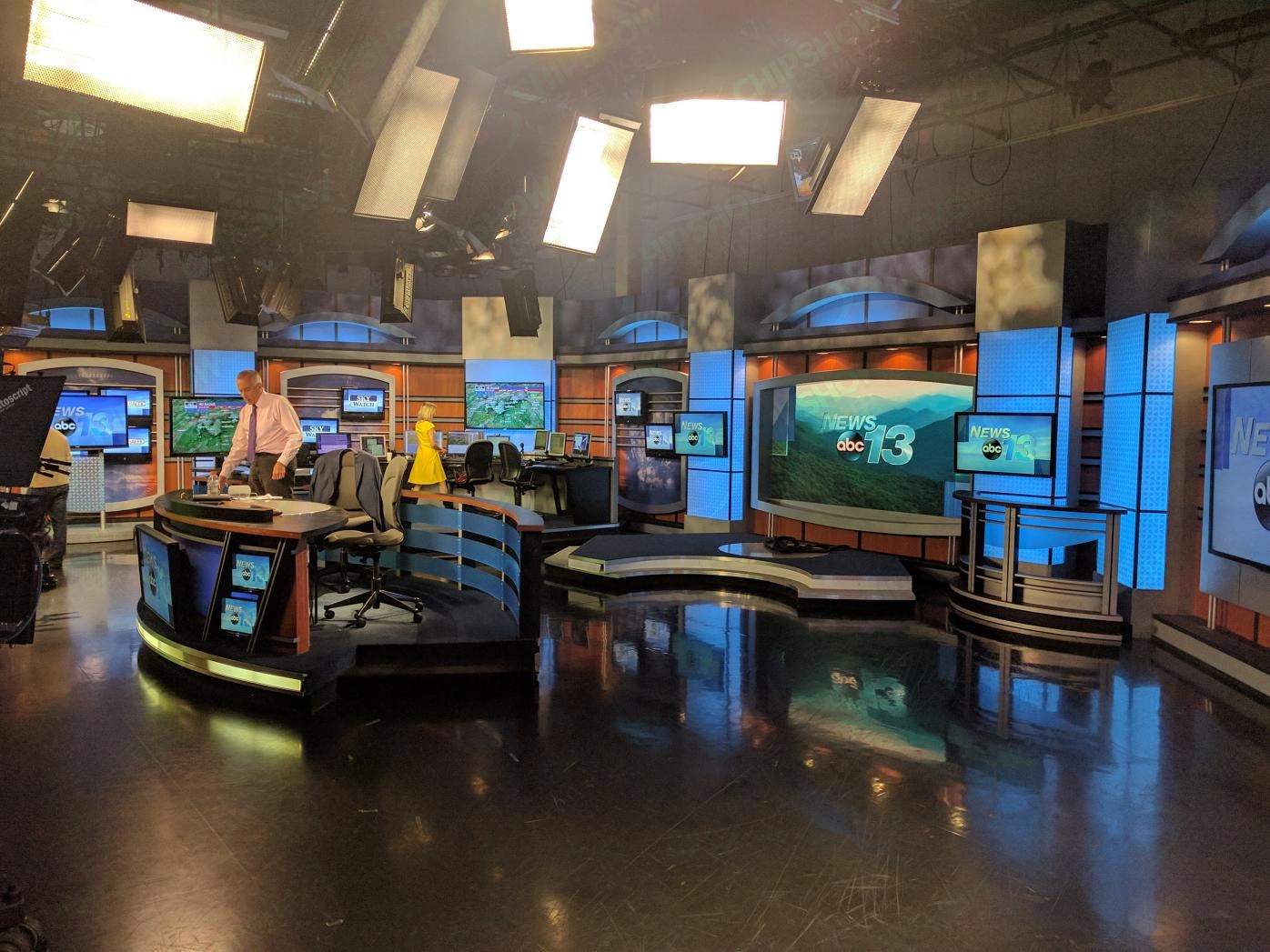
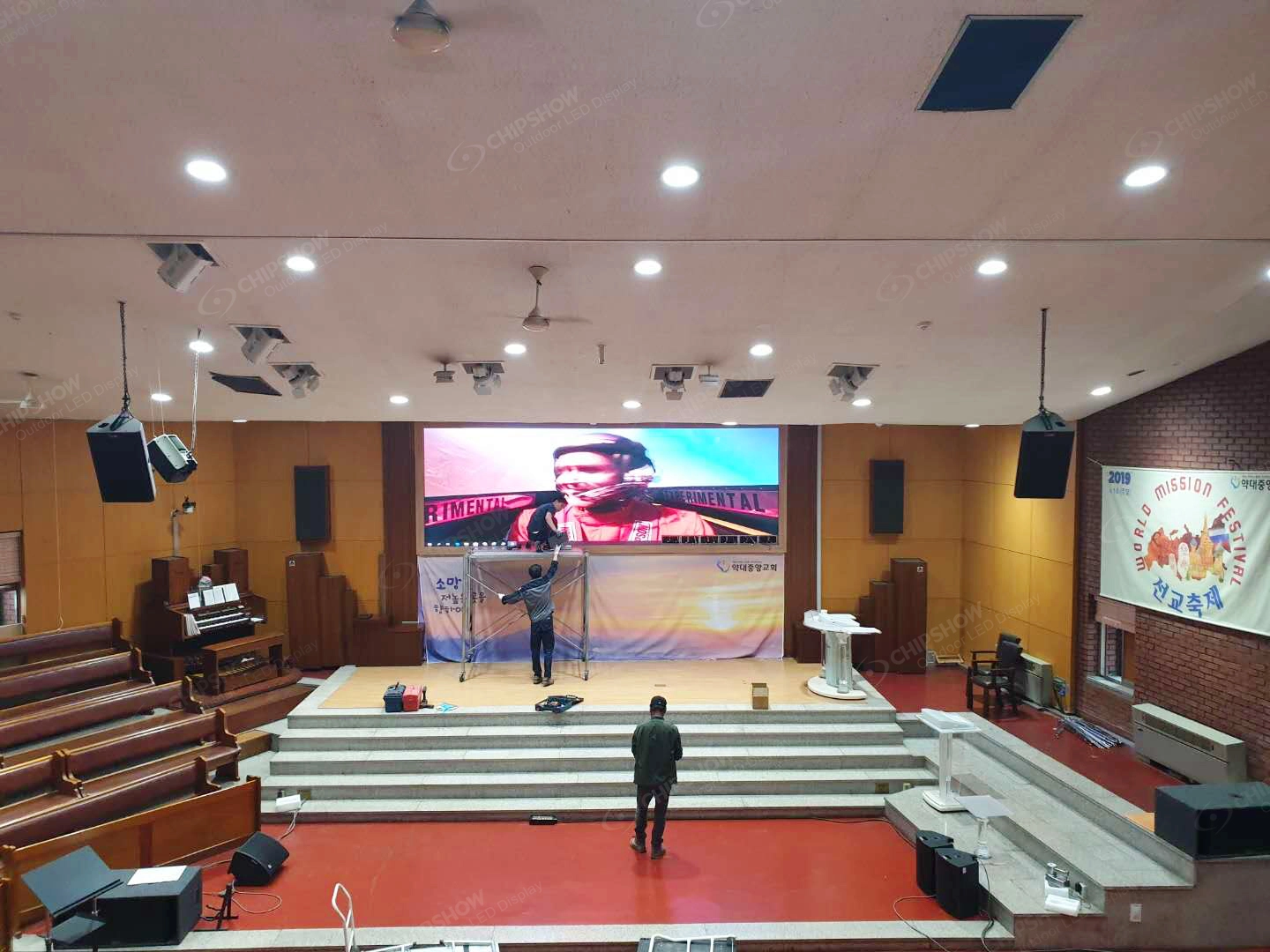
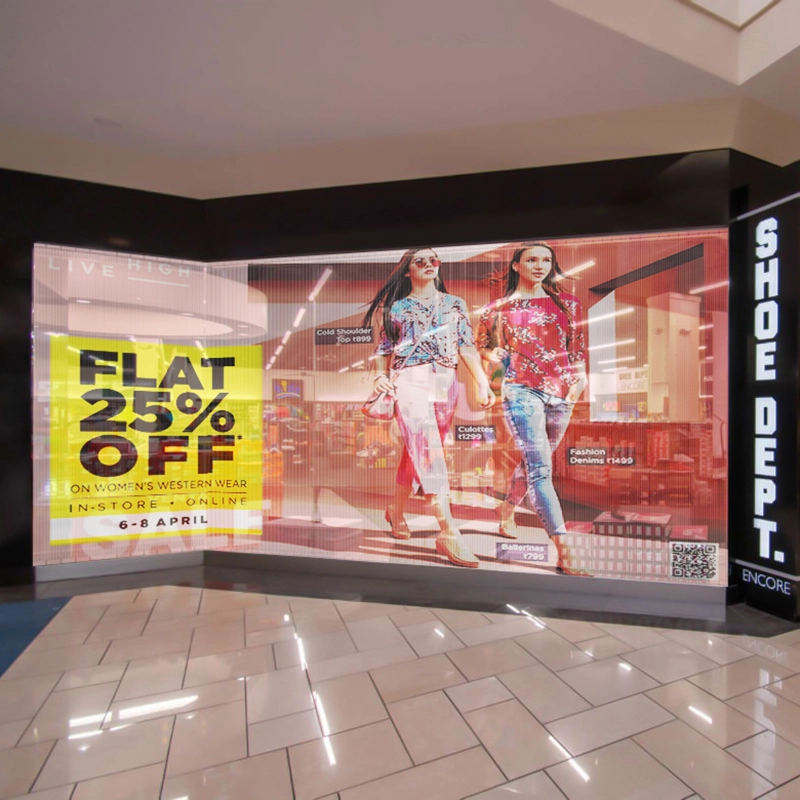
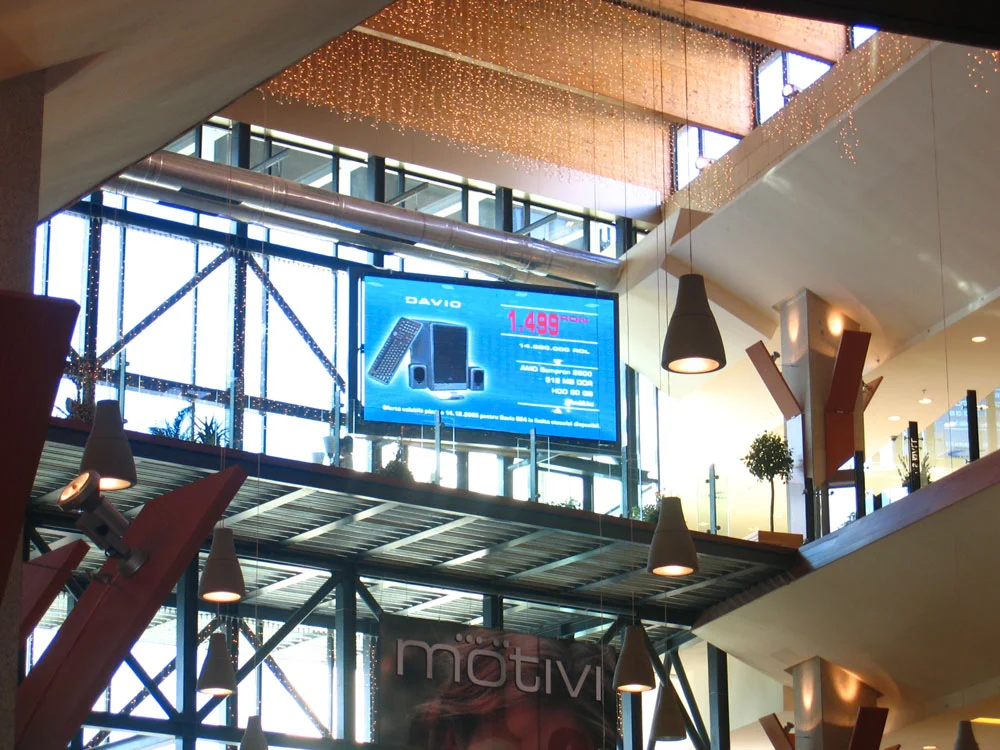
You’ll see indoor LED displays in corporate office video wall installations, retail stores, conference rooms, control rooms, houses of worship, shopping malls, and luxury lobbies. Fast-growing applications include corporate lobby LED video wall design, conference room displays, and digital signage for lobby areas that need to deliver dynamic, professional content.
What Types of Indoor LED Video Walls Are Available?
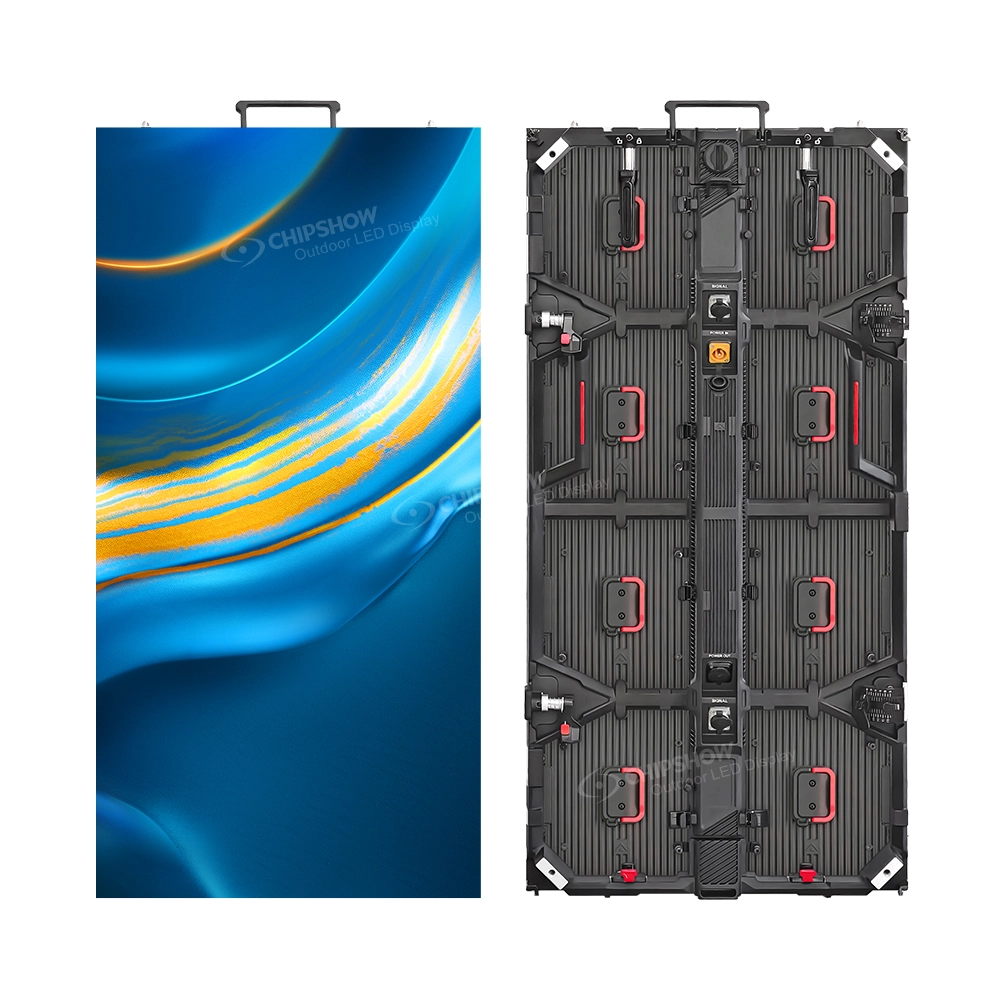
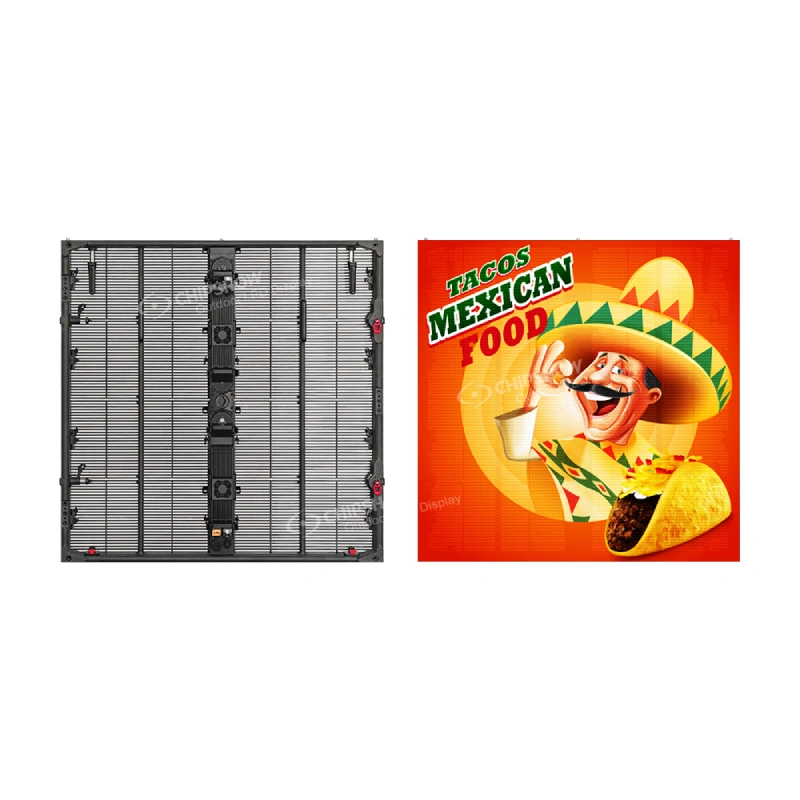
Fixed installation and rental: Fixed systems are planned around long-term mounting and service access; rental systems also need handling, transport and repeat assembly arrangements. The North American C-Max SMD page specifies die-cast aluminum, while C-Max COB specifies magnesium alloy. Obtain the weight and mounting data for the exact cabinet rather than applying one value to the whole series.
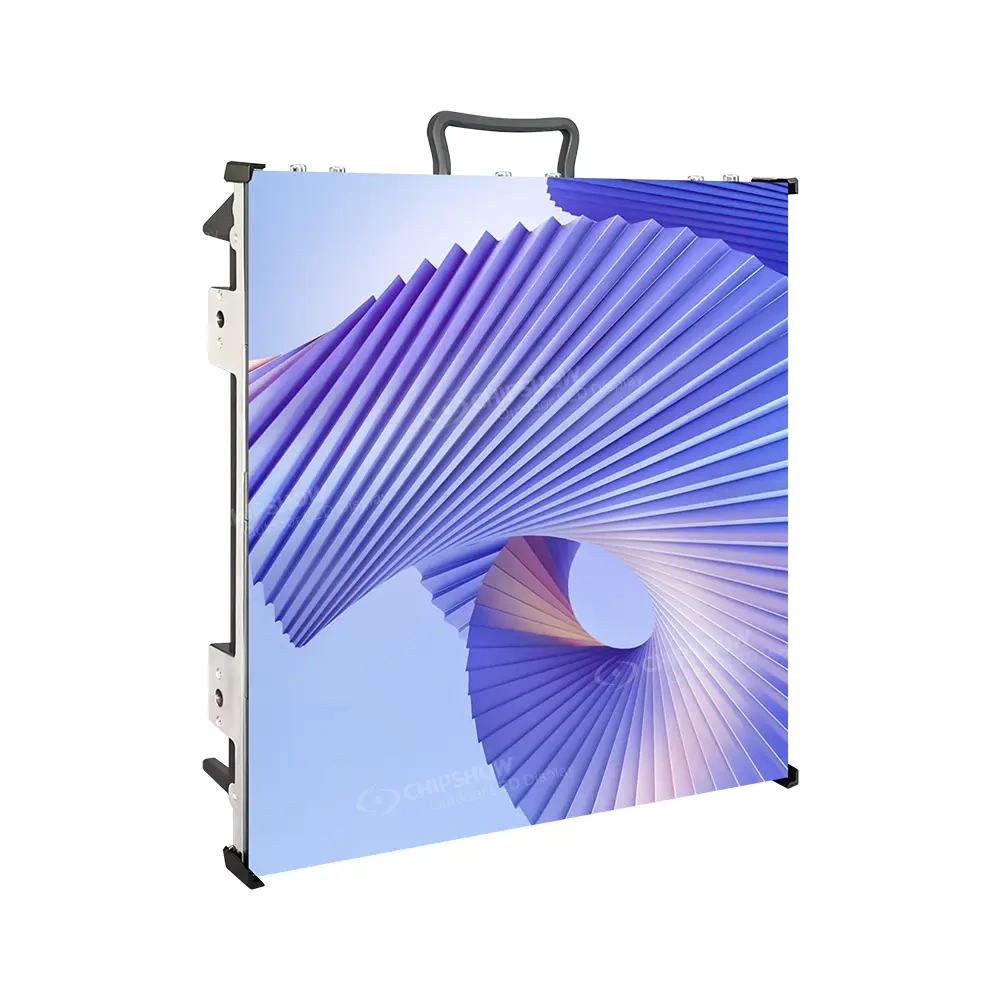
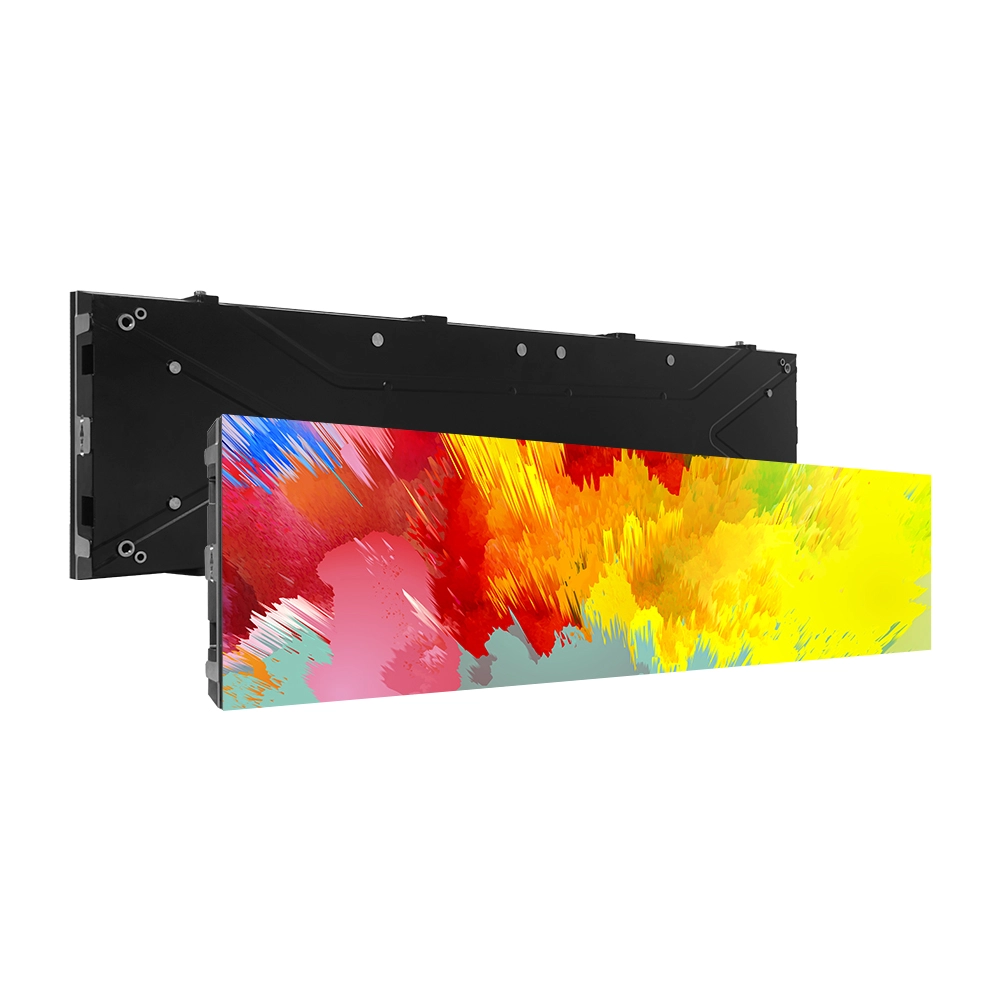
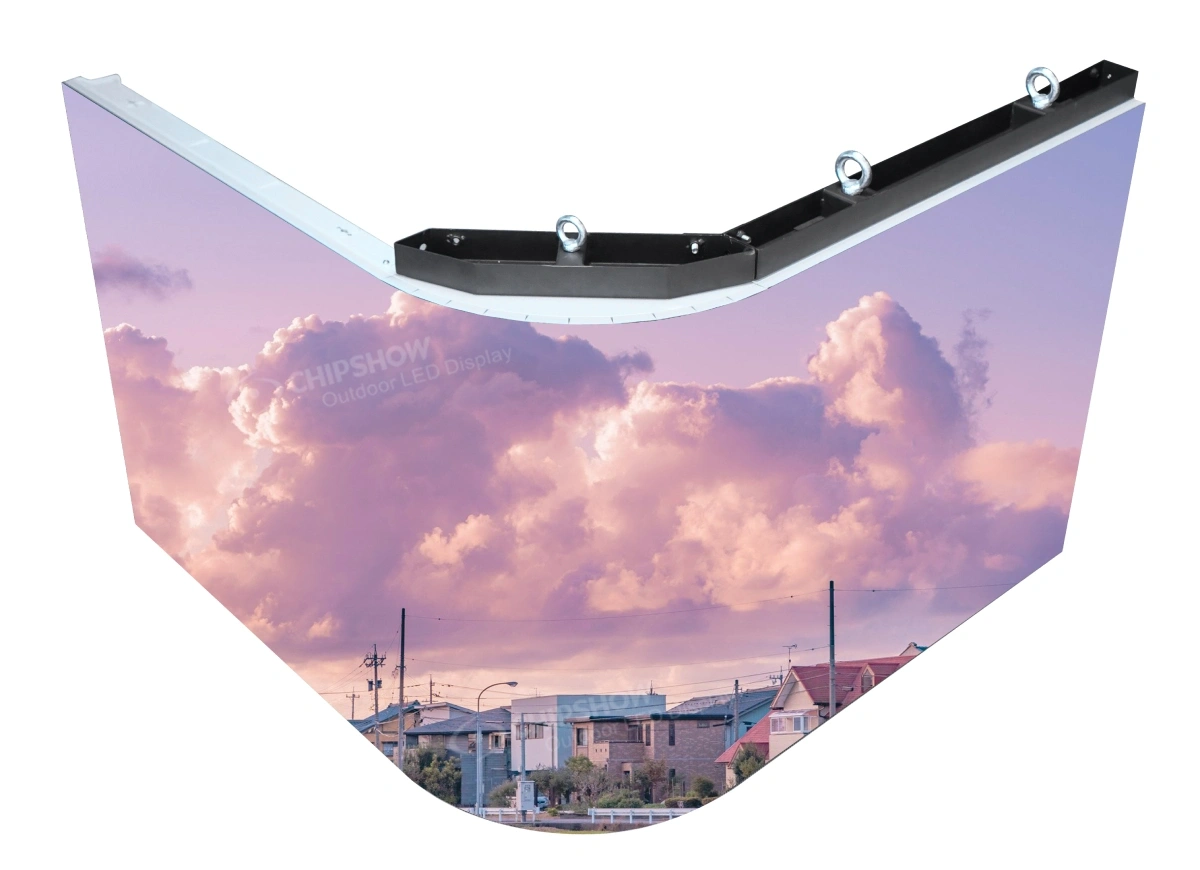
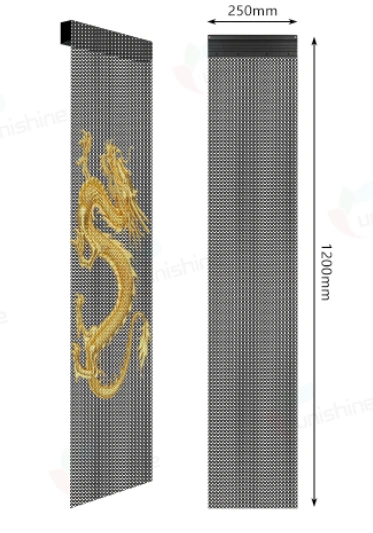
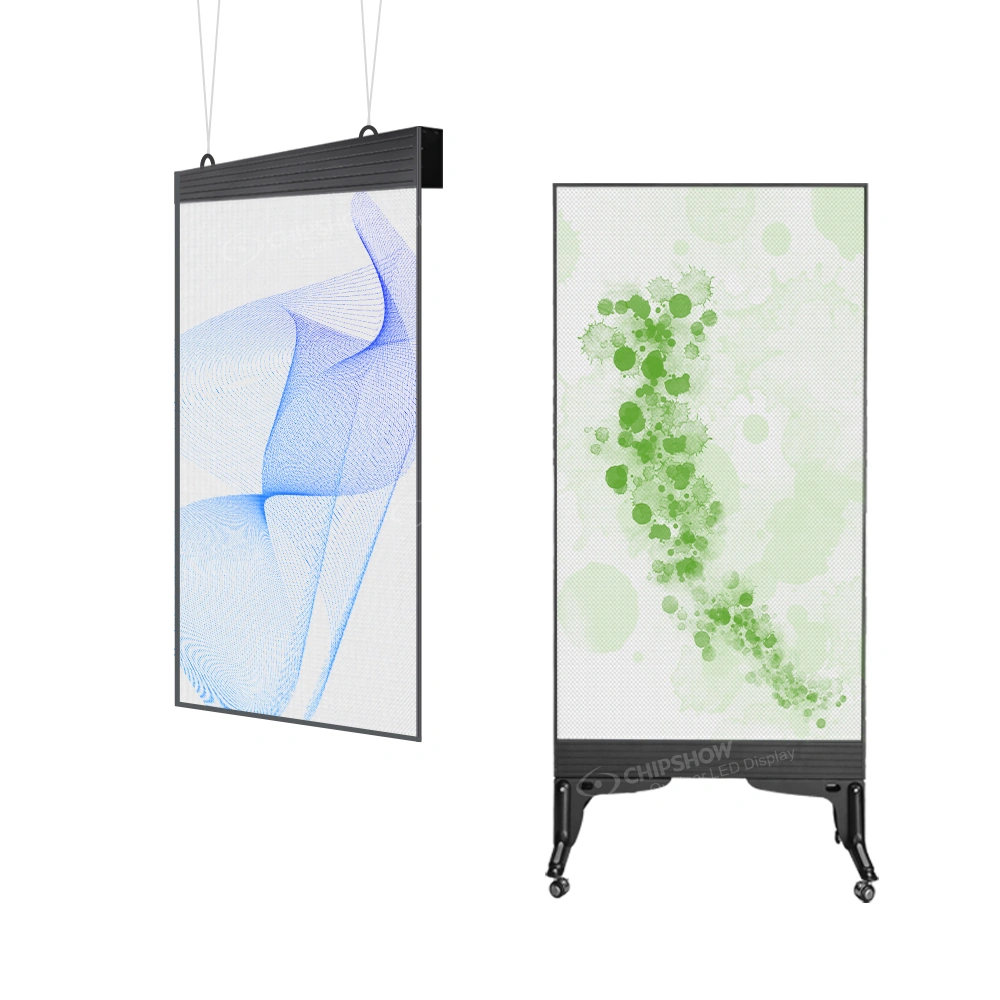
Standard and ribbon formats: C-Max SMD and COB use 640 × 480 mm cabinet faces. Check the finished active area, native resolution, mounting and service access when replacing an LCD wall. The C-Max-C Retail Ribbon series uses 1000, 750 or 500 × 250 mm cabinets and bevelled edges for 90-degree splicing, suited to headers and layouts with right-angle corners.
Fine Pixel Pitch vs. Standard Pixel Pitch
- Fine pitch candidates (P1.25–P2.0): Compare detailed text and graphics at the nearest viewing position; confirm availability for the chosen model.
- Other commercial pitch candidates (P2.5–P4.0): Consider these where the viewing distance and content allow; a room label alone does not select the pitch.
The C-Max SMD product page describes a frame supporting P1.25–P4.0 modules. Confirm module, receiving-card, processing and calibration compatibility before planning an upgrade; do not assume that every C-Max variant shares this arrangement.
Key Features to Look for in an Indoor LED Video Wall
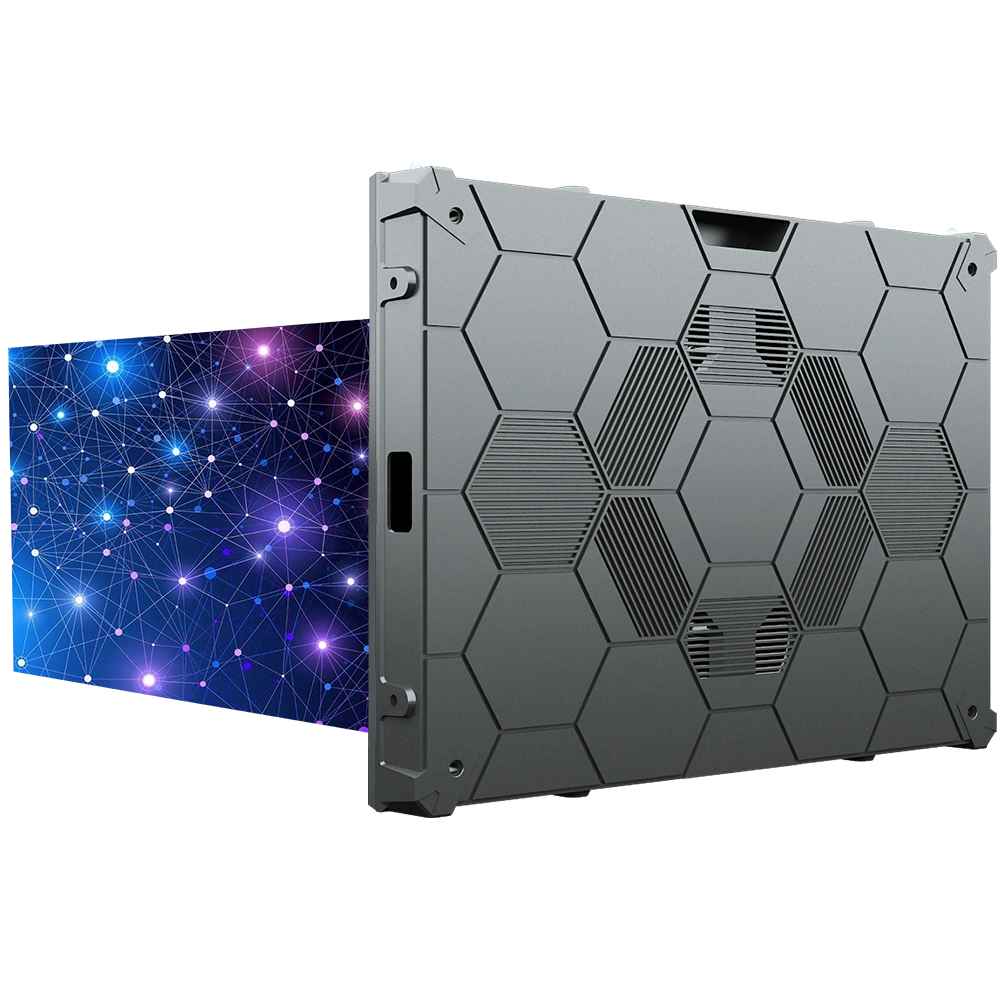
- Pixel Pitch & Native 4:3 Ratio: The C-Max SMD and COB cabinet face is 640 × 480 mm (4:3). Check the assembled wall’s active area and native resolution against the existing LCD installation; cabinet aspect ratio does not establish a direct physical or pixel-for-pixel replacement.
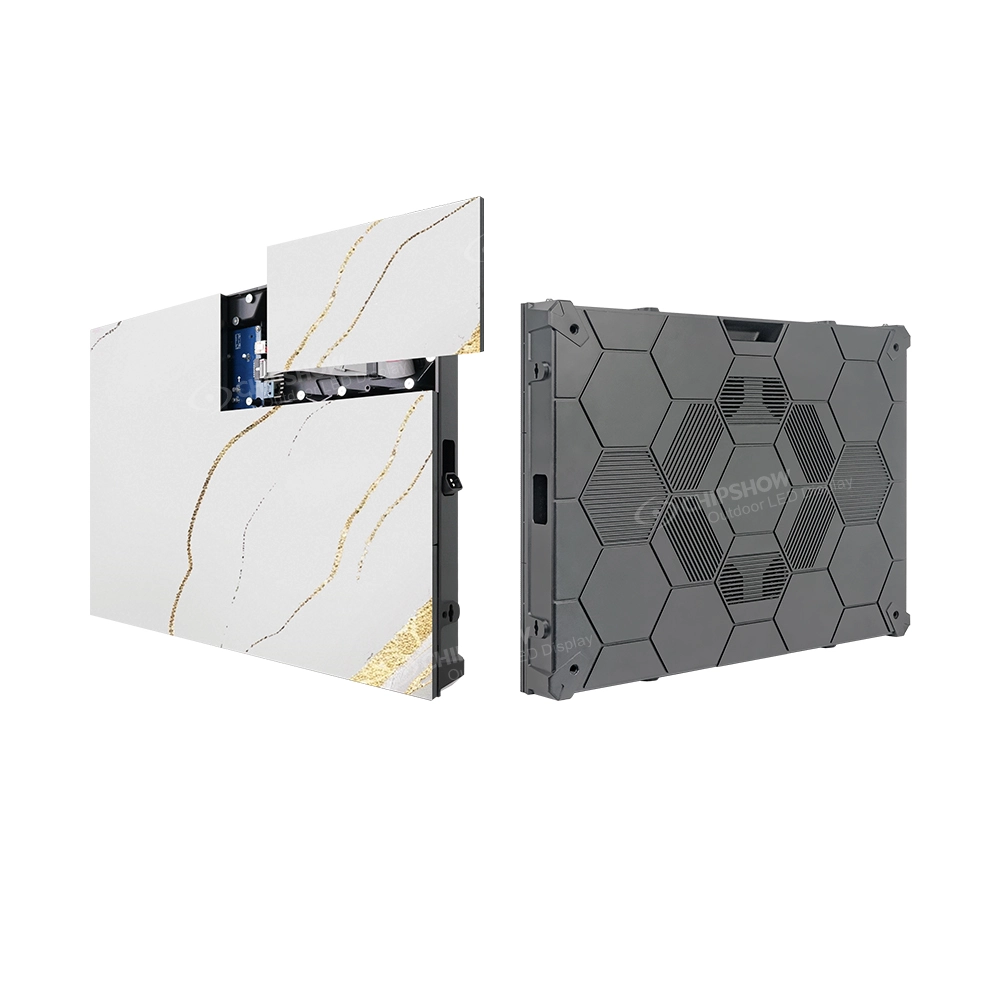
- Front Serviceability: C-Max SMD and COB provide front access to modules, power supplies and control cards. Confirm component-removal space and installation clearances for the selected system.
- Cabinet Material: Check the selected cabinet’s material, weight, connection design and alignment tolerances. Material alone does not establish installed flatness.
- Refresh Rate: Confirm the quoted refresh specification, then test the complete panel and processor setup with your intended cameras, exposure settings and lighting. A 3840 Hz label alone does not establish camera suitability.
- Local Stock & Fast Delivery: Confirm the selected configuration, spare parts and delivery date with the supplier; warehouse presence does not establish current stock.
How Much Do Indoor LED Video Walls Cost in North America?
Main Factors Affecting Price Cost depends on pixel pitch, total size, cabinet quality (die-cast aluminum vs. sheet metal), and serviceability. Finer pitches cost more, but choosing the right pitch for your actual viewing distance saves money.
Typical Price Ranges (Hardware Only)
- Small conference room display (2–4 sqm / 20–45 sq ft): $5,000–$20,000
- Medium retail or lobby signage (5–10 sqm / 55–110 sq ft): $15,000–$50,000
- Large indoor video wall (15–30+ sqm): $50,000–$200,000+
These USD ranges are illustrative hardware planning estimates, not current quotations. Request itemised prices for the specified screen and confirm taxes, freight, mounting, installation, control equipment, spares and support separately.
Total cost of ownership: Include installation, measured system power at planned settings, operating hours, spare parts and maintenance. Compare freight, service arrangements and replacement lead times in the quotation.
Pros and Cons of Indoor LED Video Walls
Advantages
- A display surface without LCD panel bezels, assembled from modular cabinets
- Modular construction can allow individual display sections to be serviced.
- Thermal and noise characteristics can be selected for the room; confirm the quoted model’s cooling arrangement and operating conditions
- Front access on the specified C-Max SMD and COB systems can reduce the need for a rear maintenance route; installation and removal clearances still apply
- Modular cabinet layouts allow the completed image area and resolution to be planned around the application
- North American delivery and support arrangements can be included in the quotation; verify availability for the selected configuration
Limitations
- Upfront and ownership costs vary with the complete system; energy and maintenance savings are not automatic
- Fine-pitch options become expensive for very close viewing if not needed
- Requires proper planning for power and structural support
How to Choose the Right Indoor LED Video Wall for Your North American Project
- Match pixel pitch to viewing positions and required detail. Record distances consistently in feet or metres and assess actual content.
- Check the complete wall layout and resolution against the existing opening when replacing LCD panels.
- Plan service access for the selected model, including component-removal space.
- Evaluate Local Support — ask about USA warehouse stock and fast delivery
- Calculate Total Cost of Ownership, not just initial price
Suppliers like Chipshow offer the full C-Max series:
- C-Max-Eco: Budget-friendly for retail and SMBs
- C-Max SMD: Versatile mainstream workhorse with native 4:3
- C-Max COB: Encapsulated LED surface with P1.53 and P1.86 configurations listed for indoor applications
- C-Max-C: Ribbon cabinets for retail headers and layouts with 90-degree corners
Not sure which format or pixel pitch fits your project? Try the Chipshow USA LED sign selector to shortlist options.