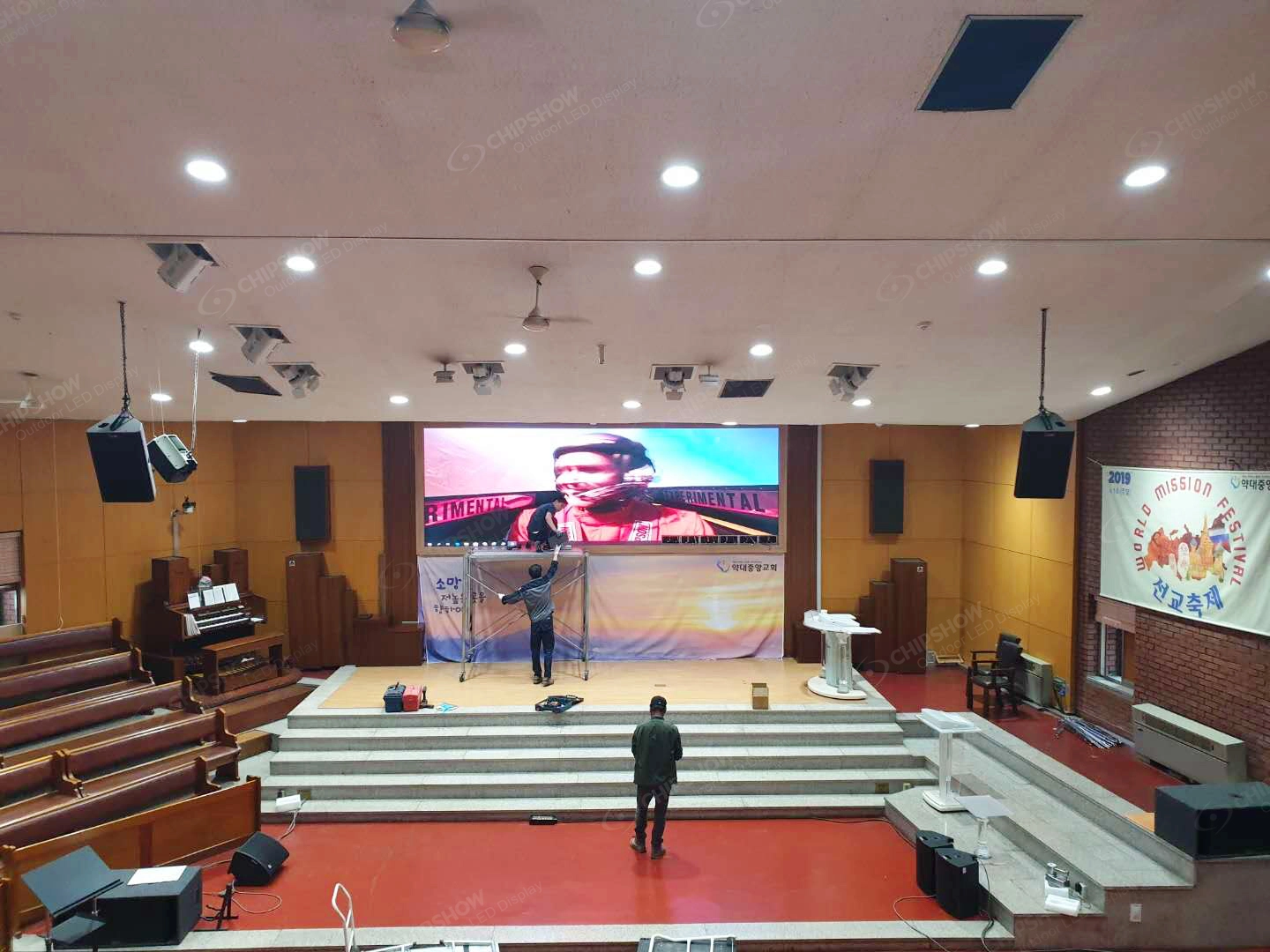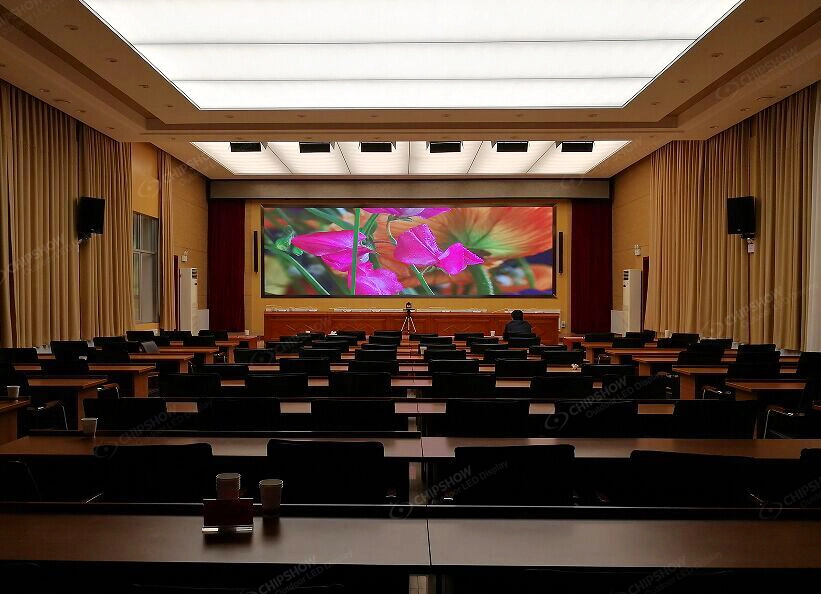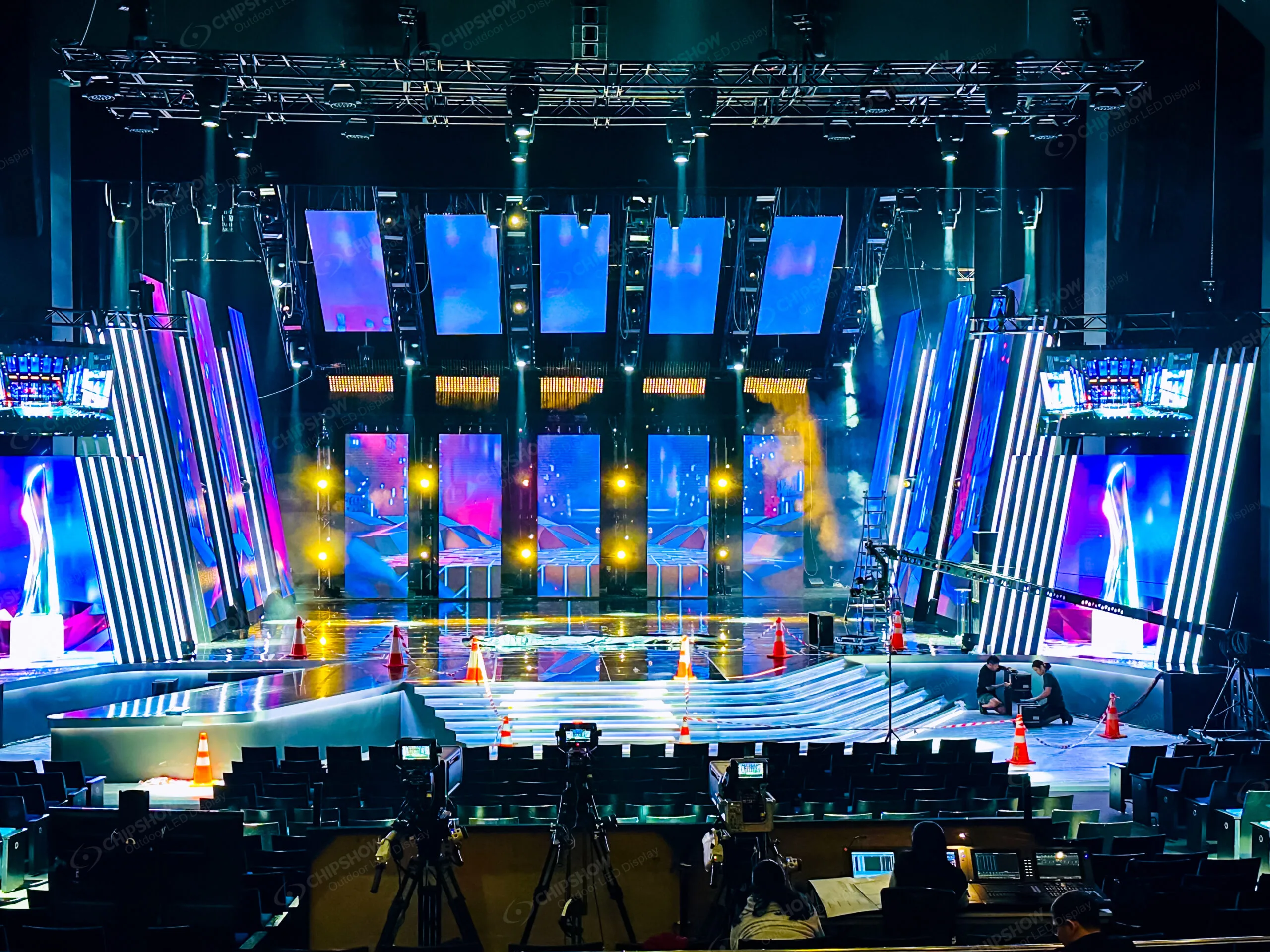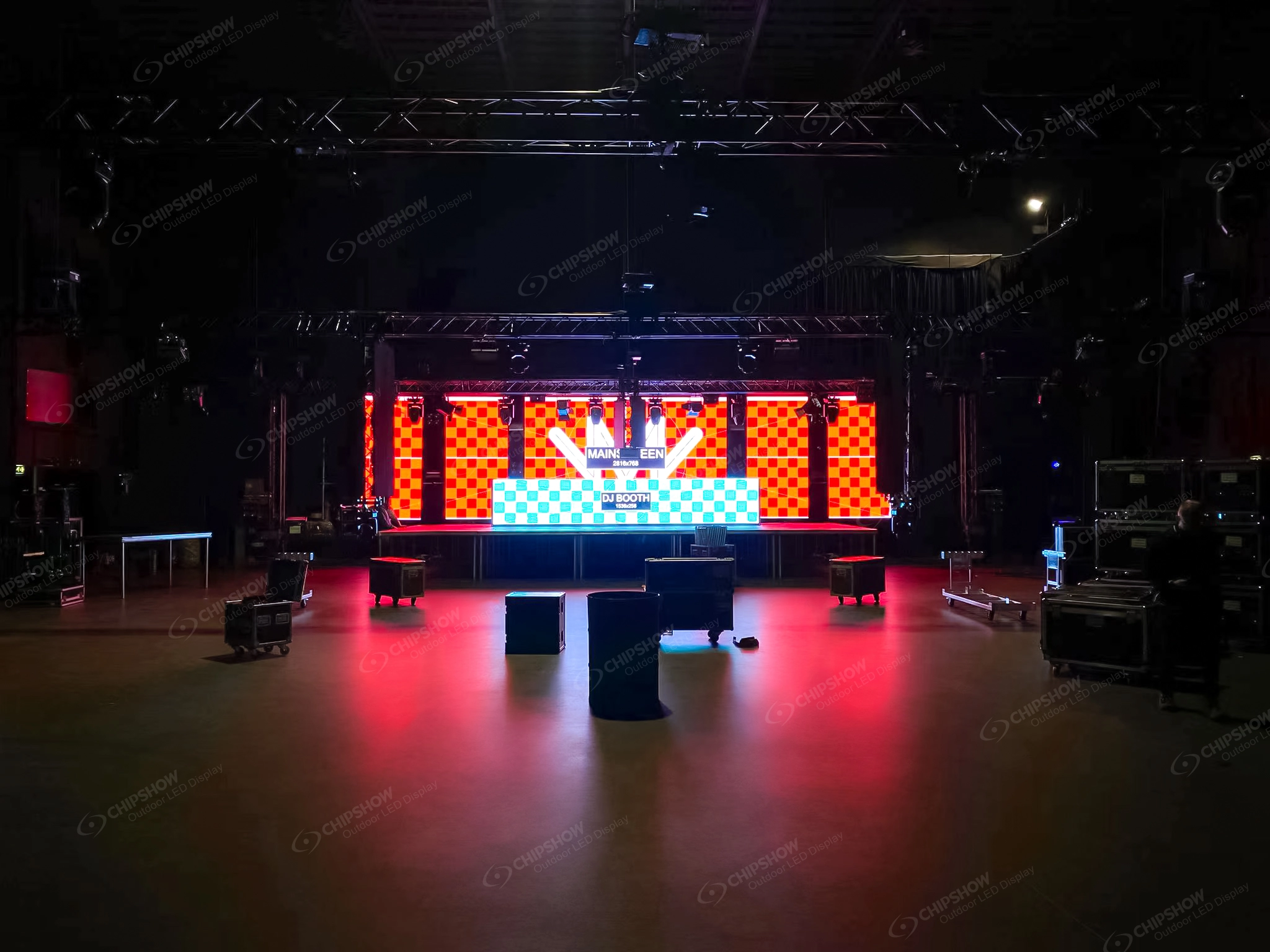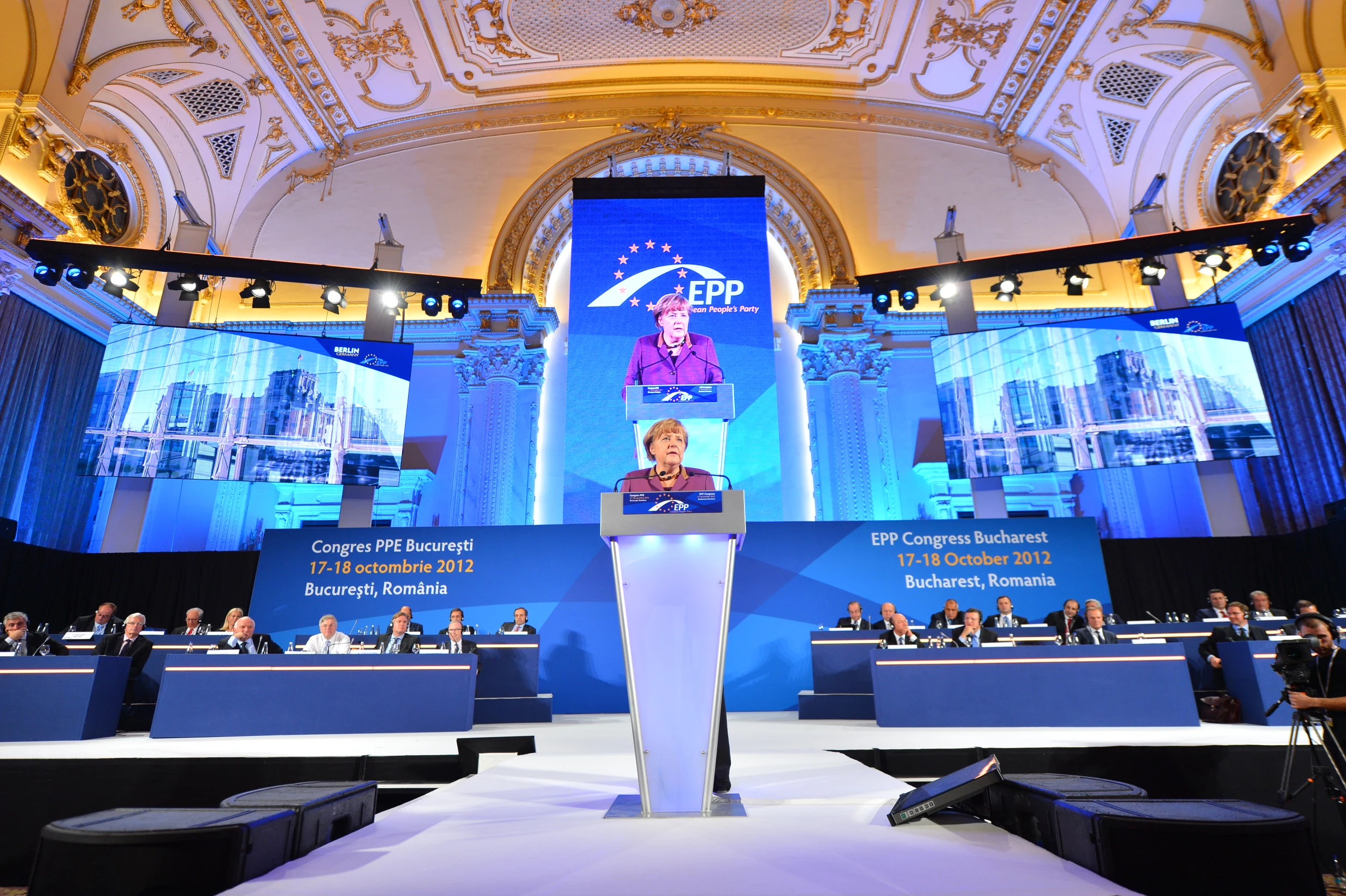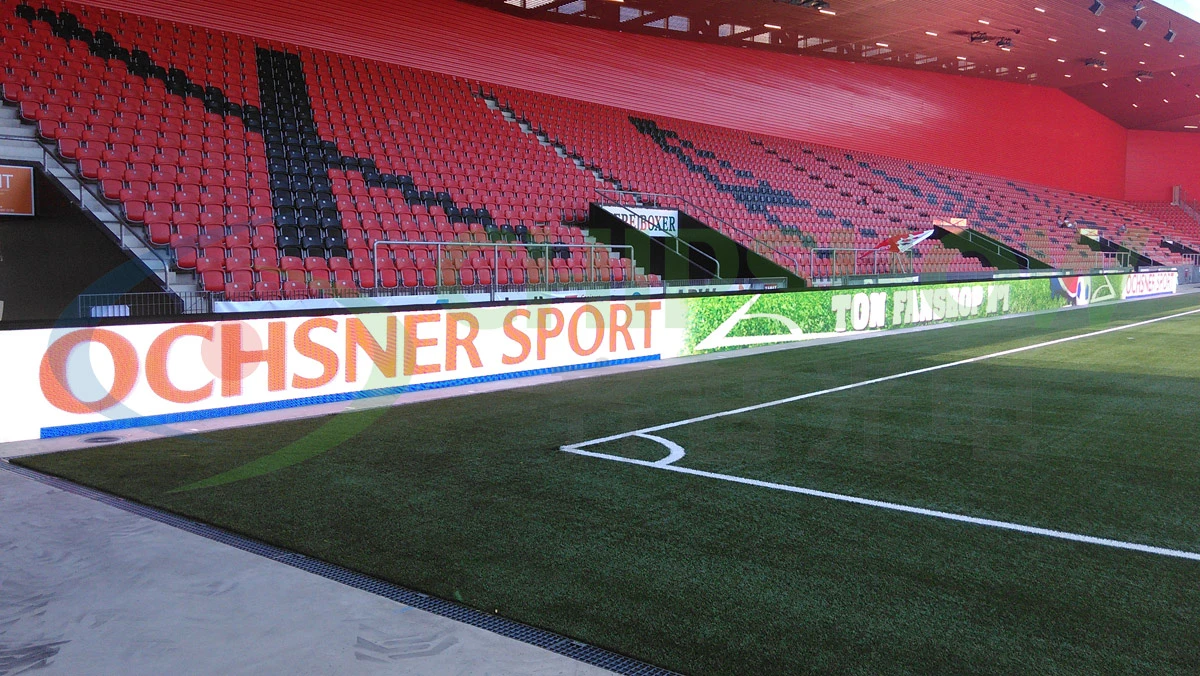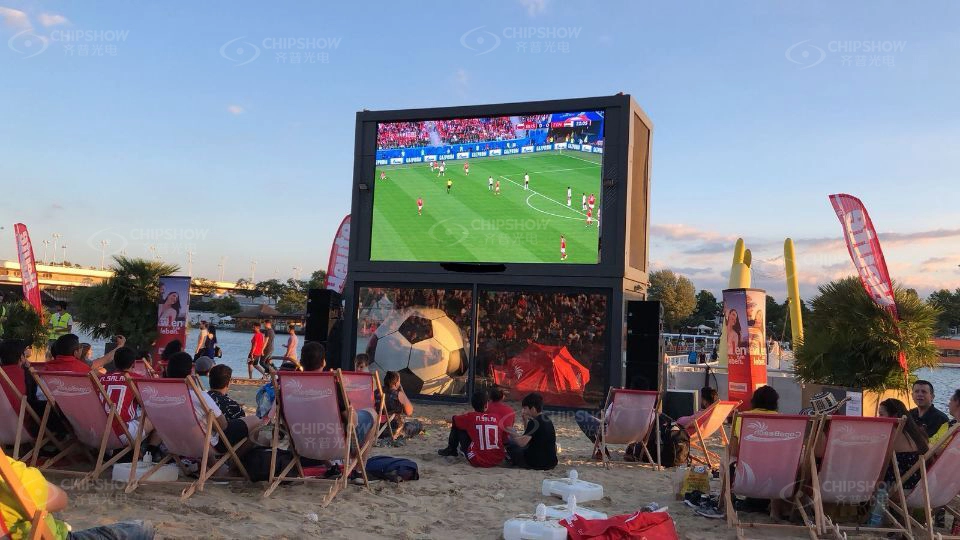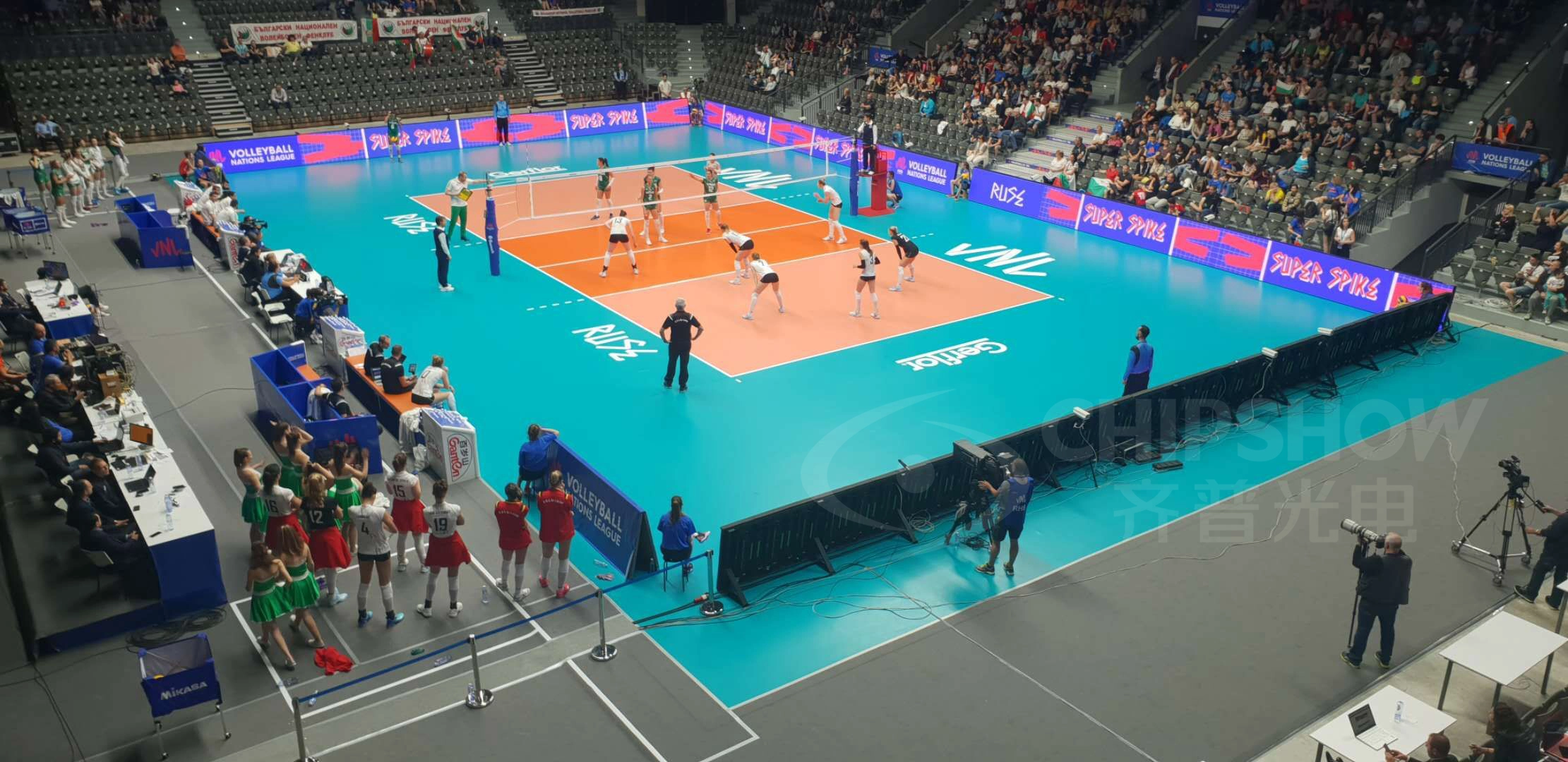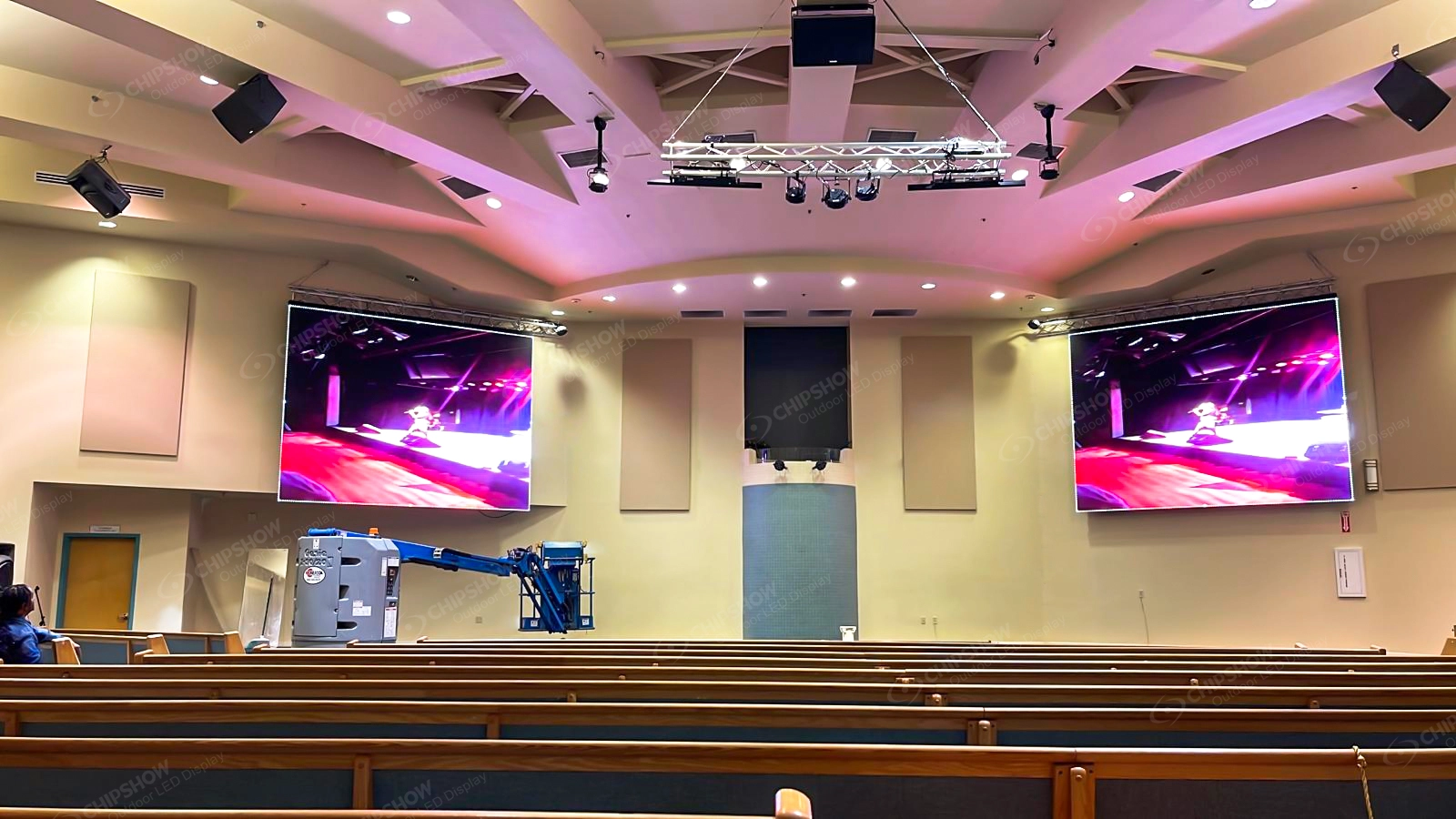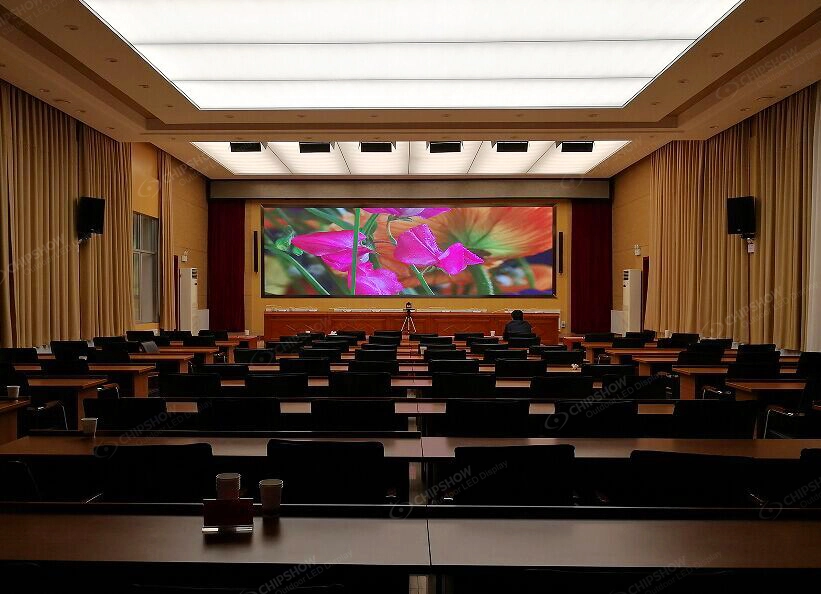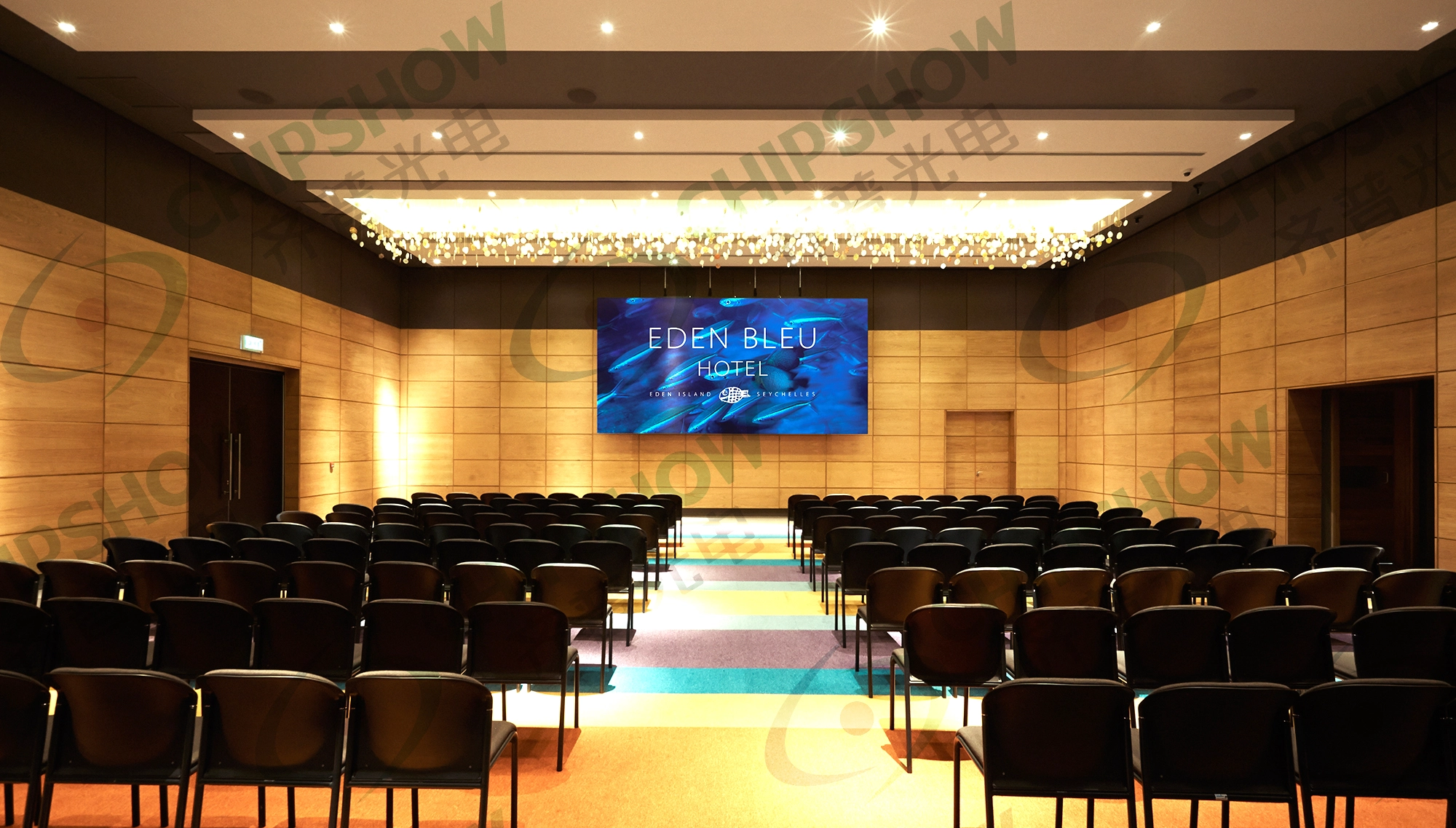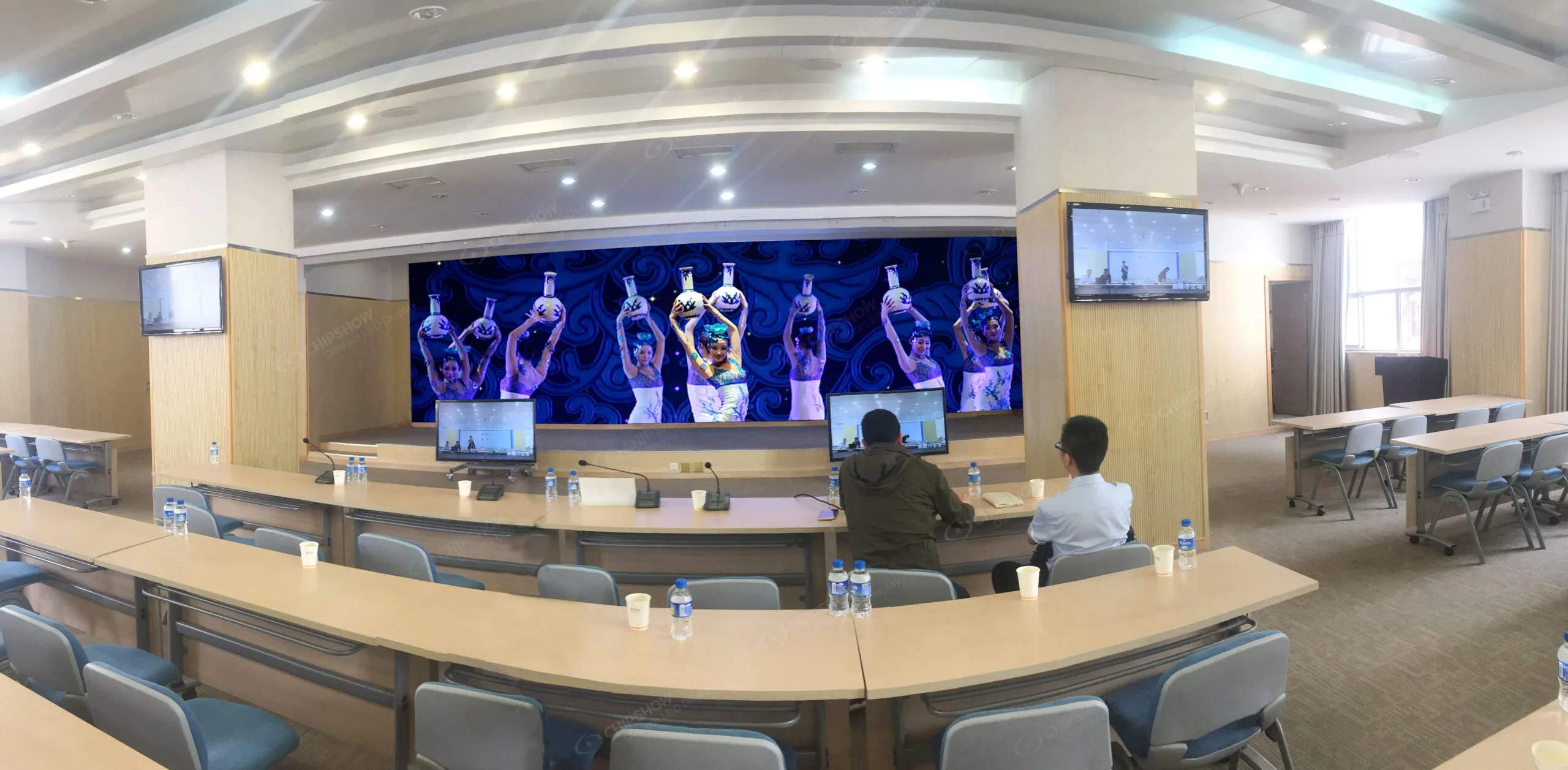
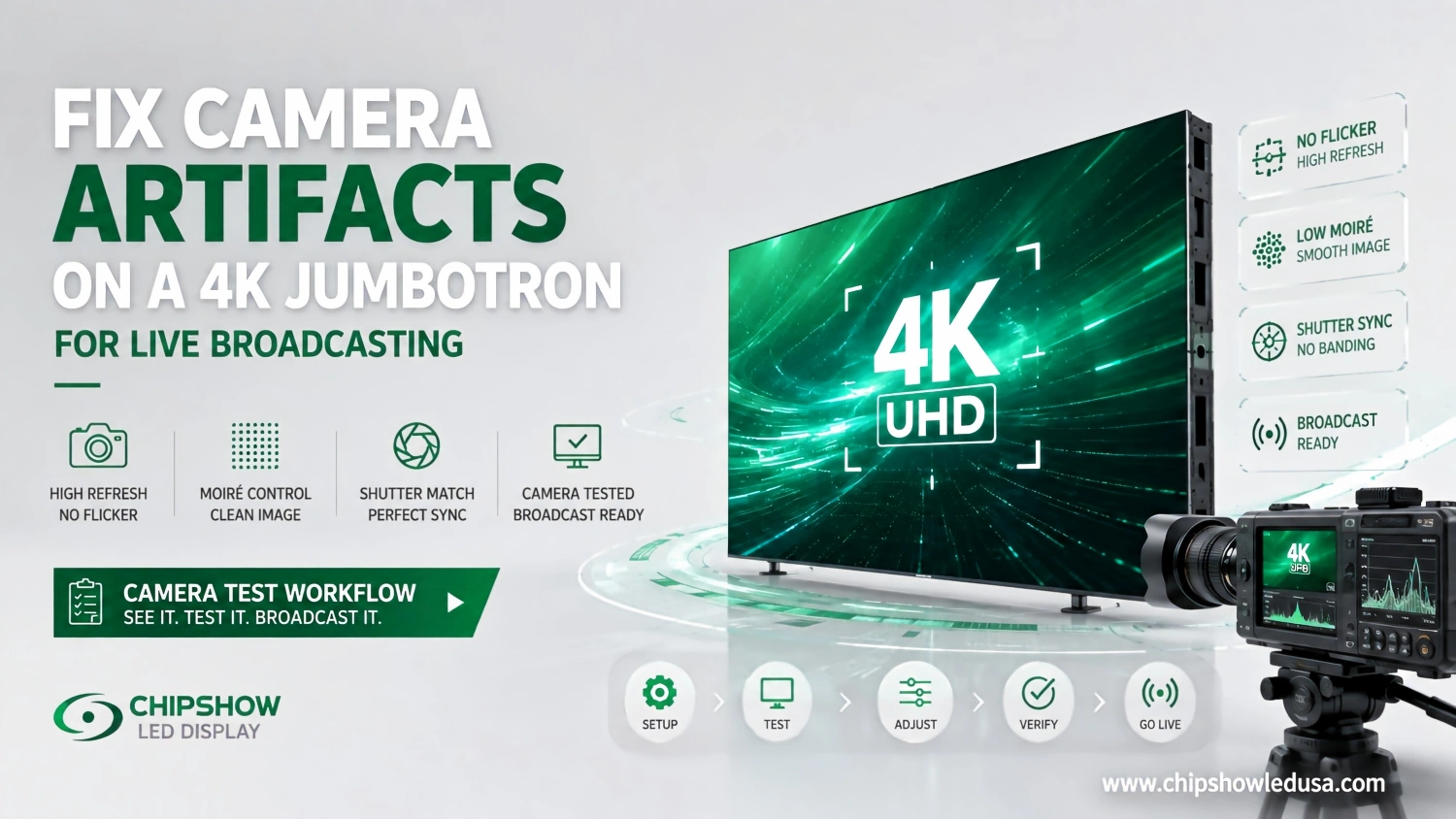
Una pared LED 4K puede verse excelente para el público y aun así fallar en el momento en que una cámara profesional la apunta.
Pueden aparecer bandas visibles en toda la imagen. Los píxeles LED finos pueden crear moiré. Los gráficos de los patrocinadores pueden recortarse a blanco. Una pantalla que parece lisa a simple vista puede comportarse de forma diferente después de que el operador de cámara cambie la velocidad de obturación. Incluso un lienzo nativo 4K puede crear problemas de producción cuando el escalado, el mapeo de señales y la latencia no se planifican correctamente.
Por eso un Jumbotrón 4K para retransmisión en directo Debe especificarse como parte de un flujo de trabajo de cámara y señal, no como una compra de resolución.
Para ingenieros de radiodifusión, equipos de producción de estadios y arenas, directores de producción de iglesias, empresas de audiovisuales para eventos en vivo e integradores de estudios, las primeras preguntas deben ser prácticas.
¿Dónde estarán las cámaras? ¿Qué objetivos usarán? ¿Qué tasas de fotogramas y ajustes de obturación se esperan? ¿La pared llevará IMAG o solo programará gráficos? ¿Qué es el lienzo de píxeles LED nativo? ¿Qué ocurre si falla el camino principal de la señal?
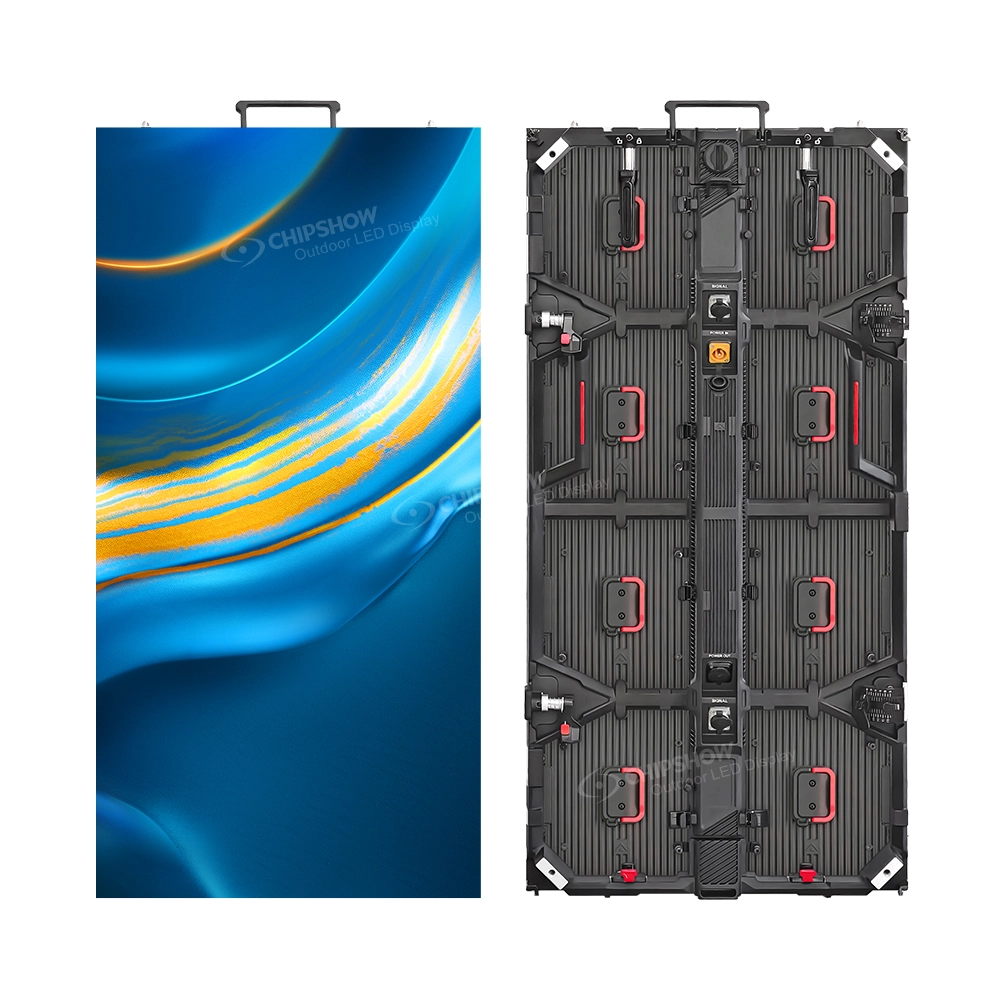
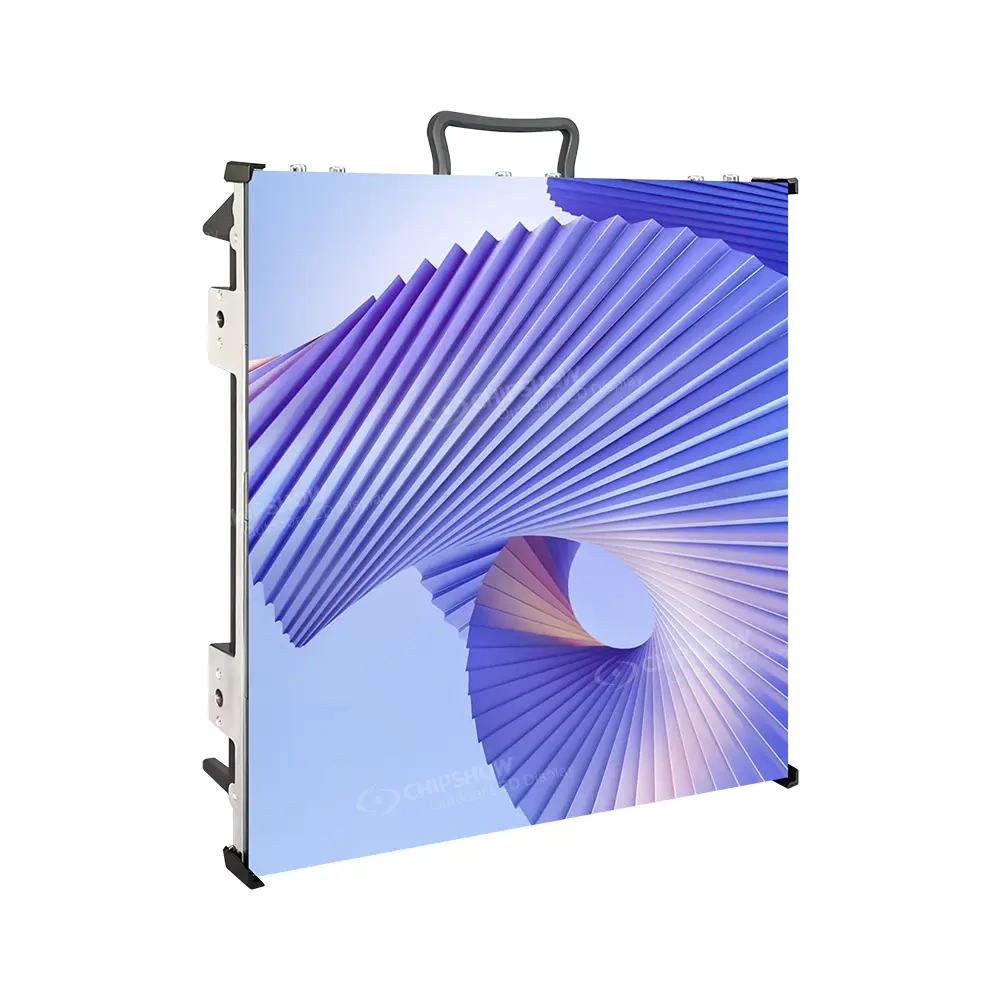
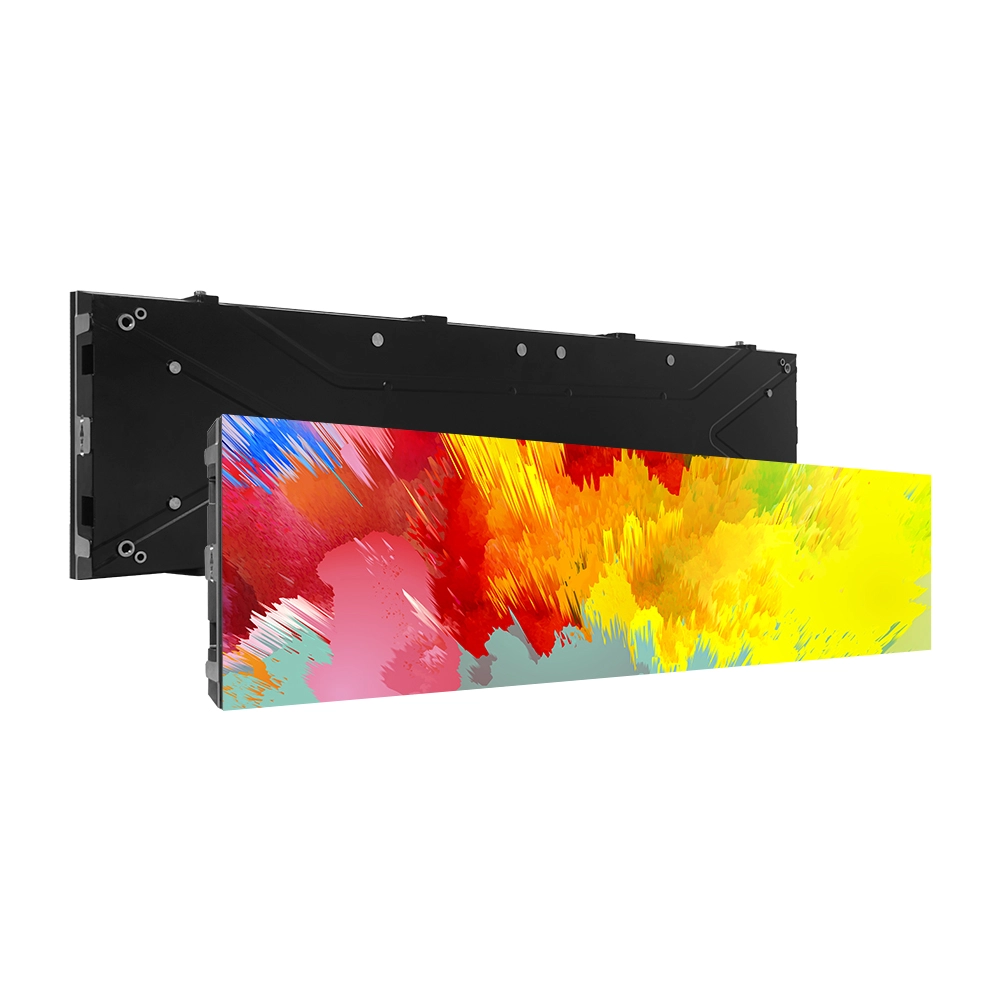
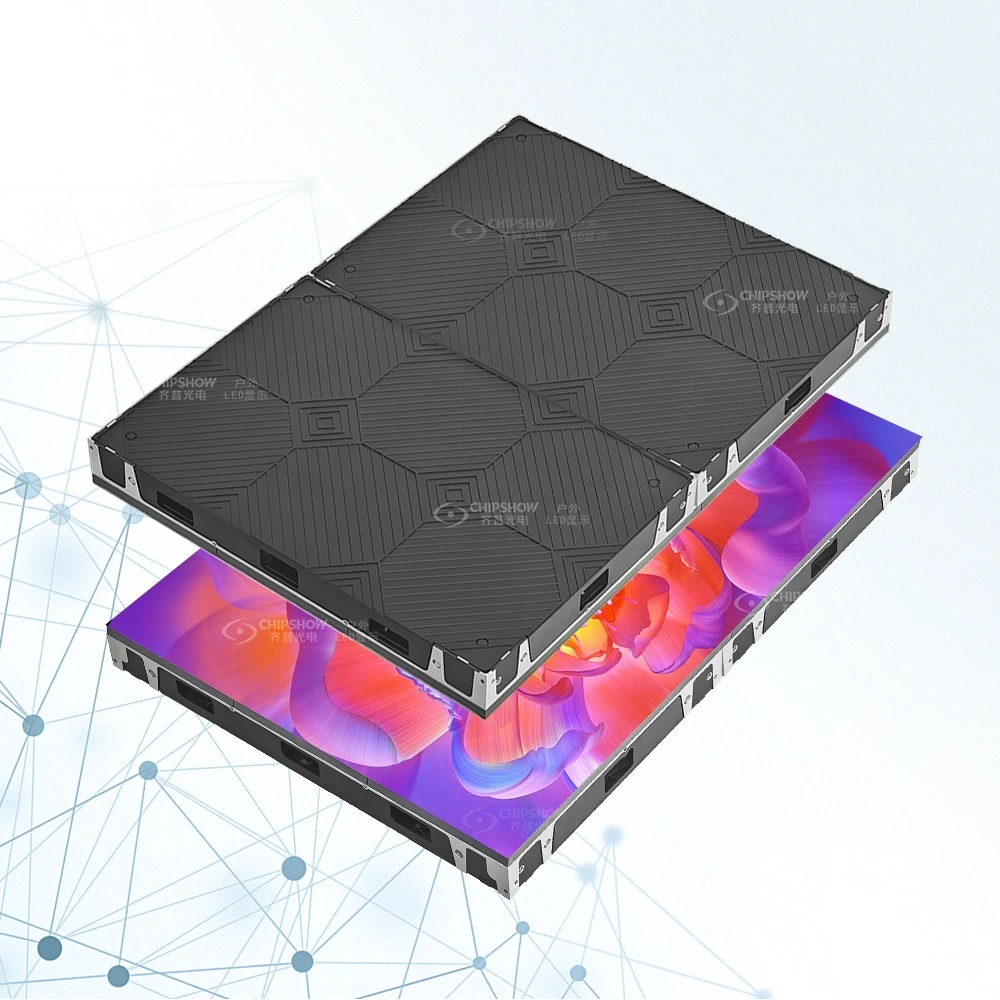
Chipshow ofrece diferentes plataformas de hardware LED para distintos entornos orientados a la cámara.
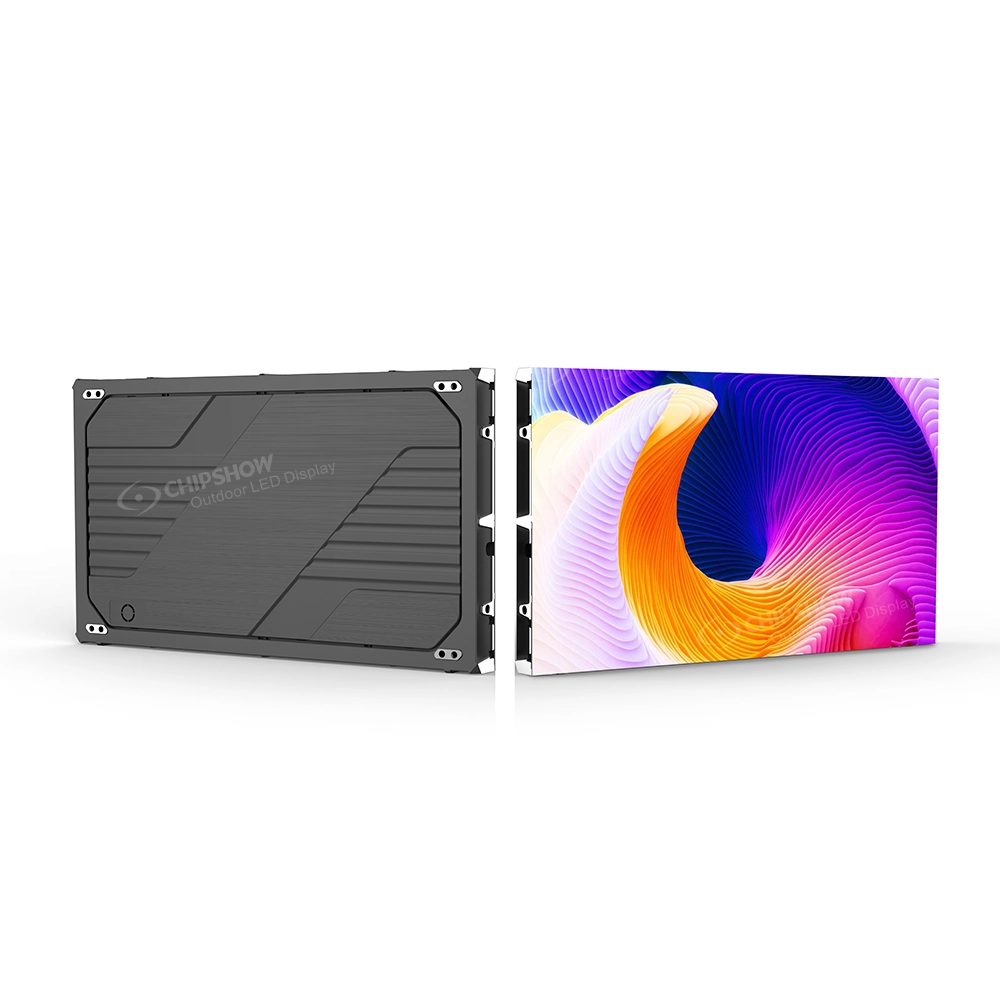
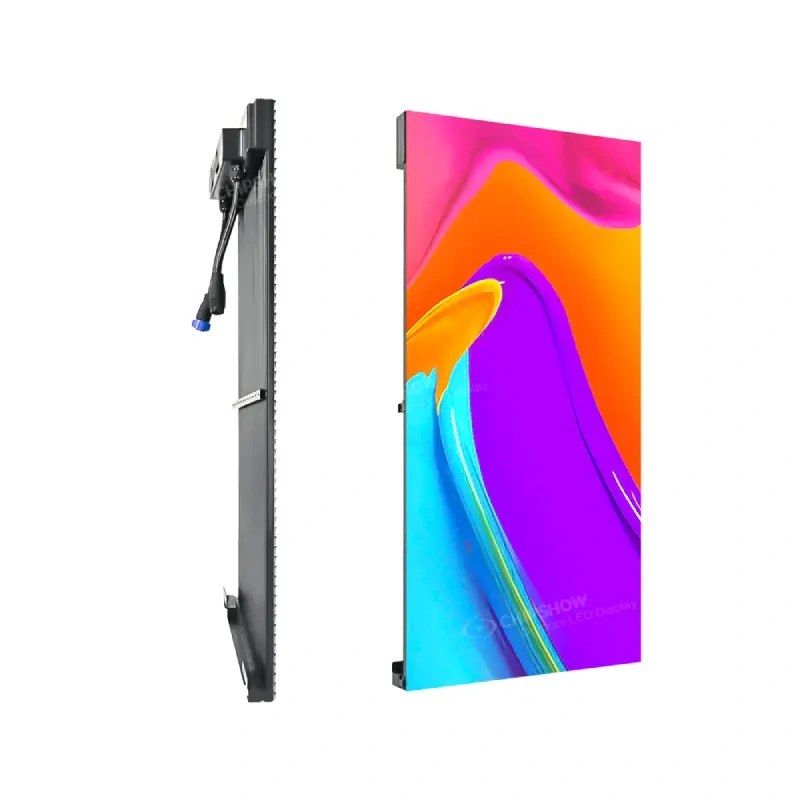
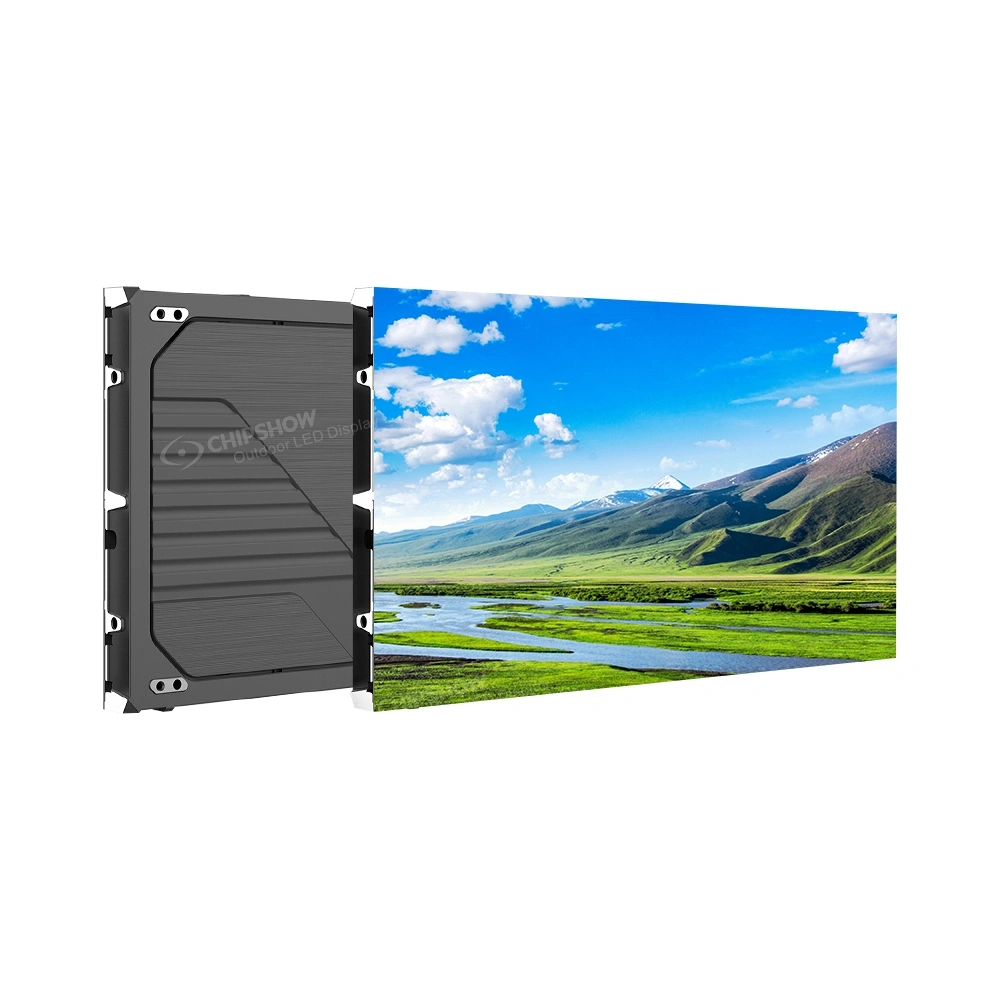
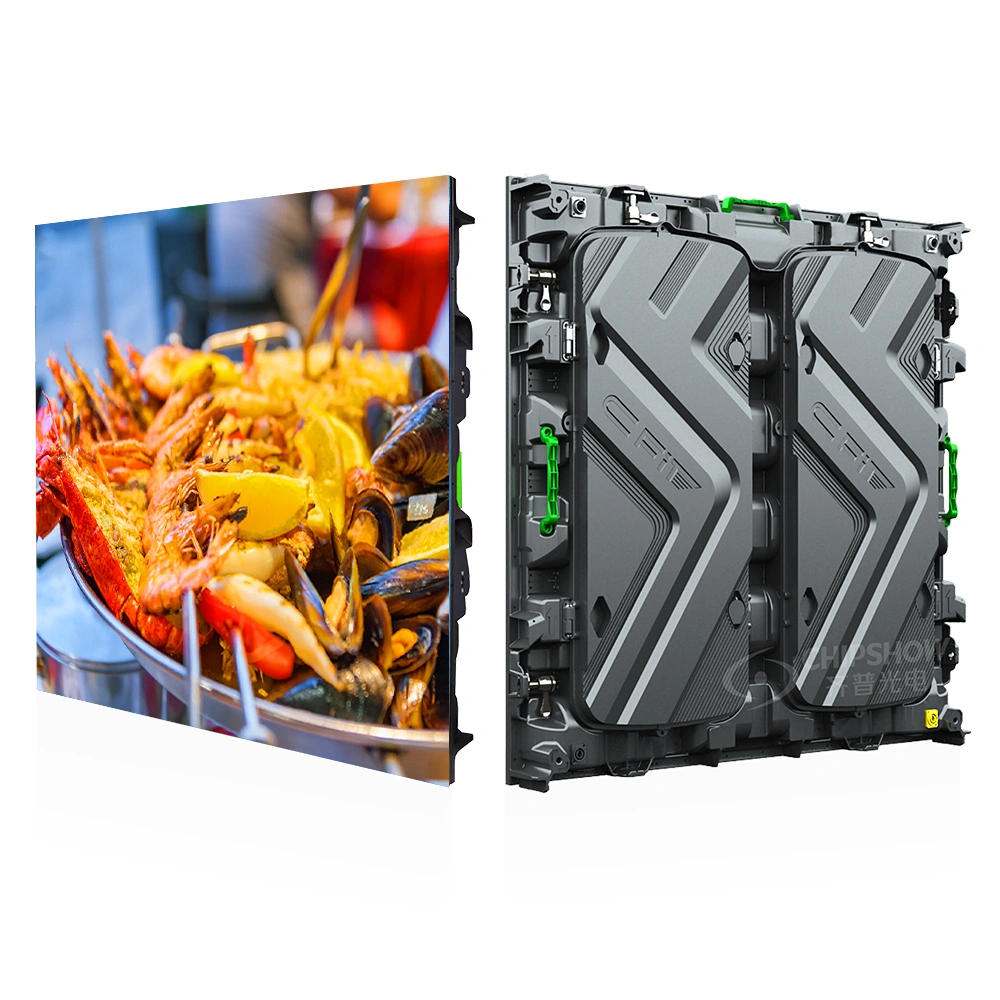
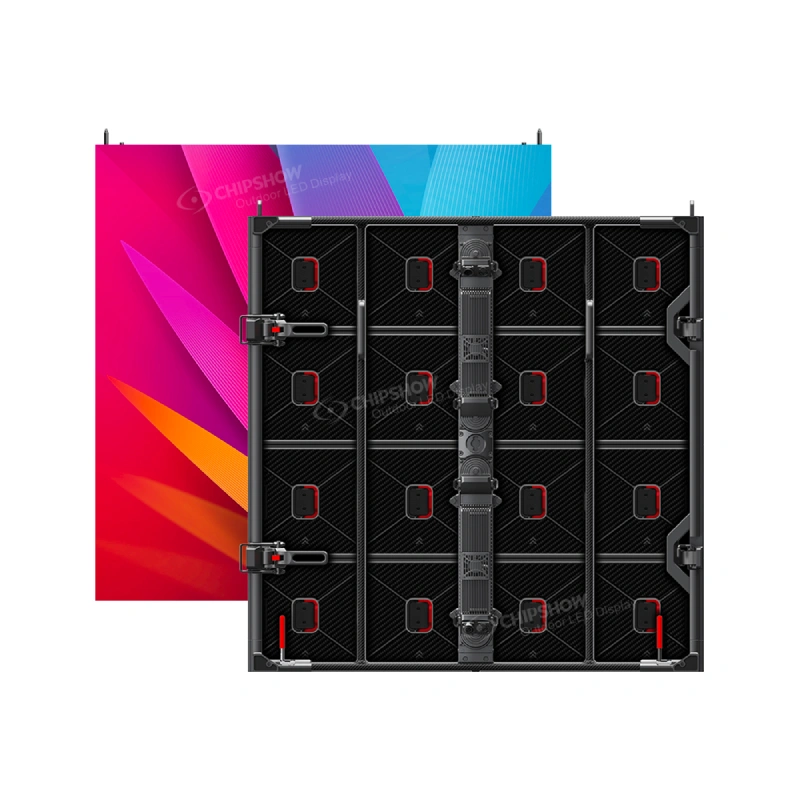
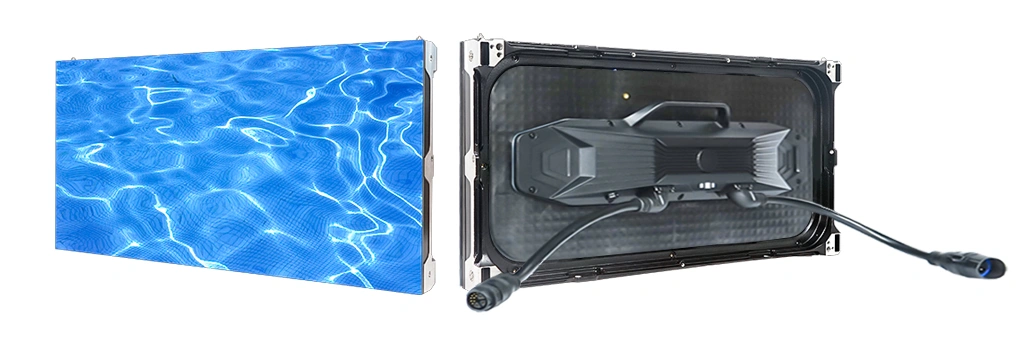
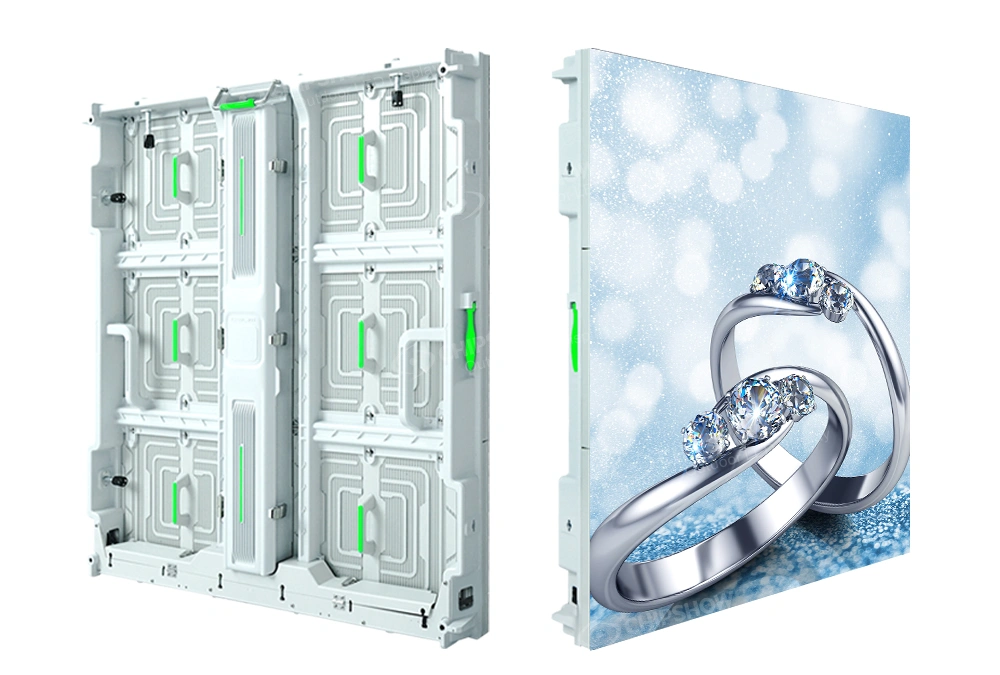
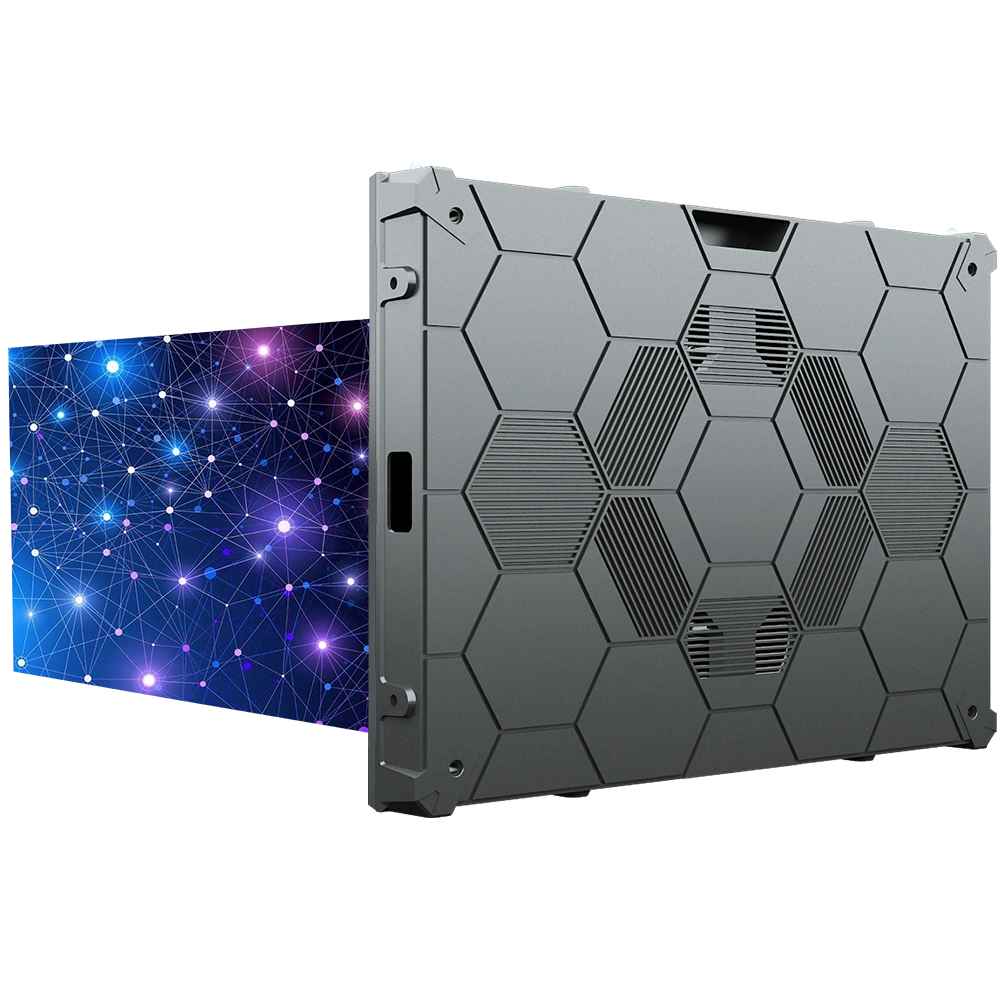
C-Max Commercial SMD es la ruta fija para interiores. Su especificación actual cubre de P1.25 a P4 en un armario de 640 x 480 mm con rendimiento de refresco a 3840 Hz y servicio frontal completo. C-Shine Plus ofrece producción temporal de escenario y alquiler y actualmente ofrece opciones para interiores P1.9, P2.6 y P3.9 con al menos 3840 Hz de rendimiento preparado para cámara. El C-Sport P8 pertenece específicamente a aplicaciones perimetrales de estadios y combina al menos la capacidad de refresco a 3840 Hz con una construcción física segura para los atletas.
Estas plataformas no deben tratarse como intercambiables simplemente porque compartan una alta especificación de actualización.
El rendimiento de difusión proviene de la coincidencia del hardware LED, la geometría de la cámara, la cadena de señal y los ajustes operativos, en lugar de depender de un solo número de frecuencia de refresco.
Chipshow suministra el hardware de pantalla LED, especificaciones específicas del modelo, información del armario y cartera de materiales de hardware. El ingeniero de radiodifusión y el equipo de integración AV mantienen el control de la configuración de la cámara, la conmutación, la distribución de señales, el flujo de trabajo de contenido y la instalación del sitio.
Tasa de refresco y tasa de fotogramas
La tasa de refresco y la tasa de fotogramas de cámara describen diferentes partes del sistema de producción.
Entender esa diferencia es el primer paso para diagnosticar correctamente los artefactos de la cámara.
Qué significa 3840 Hz
La tasa de refresco del LED describe con qué frecuencia la pantalla actualiza su salida de luz.
La tasa de fotogramas de cámara describe cuántas imágenes completas graba la cámara cada segundo.
Una cámara que funciona a 30 fps no requiere que la pantalla LED funcione a 30 Hz. Del mismo modo, una pantalla de 3840 Hz no significa que la cámara de producción esté capturando 3840 imágenes por segundo.
La alta tasa de refresco LED le da a la cámara varios ciclos de pantalla durante su periodo de exposición.
Eso generalmente proporciona un mayor margen de funcionamiento para configuraciones profesionales de cámara y reduce el riesgo de que la cámara muestree, una parte evidente del ciclo de accionamiento del LED.
C-Max Commercial SMD publica actualmente una tasa de refresco de 3840 Hz. C-Shine Plus publica al menos 3840 Hz para aplicaciones de difusión e IMAG. C-Sport P8 también publica al menos 3840 Hz como parte de su especificación de emisión para estadios.
Esos números califican el hardware para una evaluación adicional en la emisión.
No eliminan la necesidad de uno.
La tasa de fotogramas pertenece a la cámara
La cámara puede funcionar a 24, 30, 60 o a otra tasa de fotogramas dependiendo del formato de producción.
Esa elección no cambia el pitch físico del píxel del LED ni la arquitectura de la cabina.
Cambia cómo la cámara muestrea la imagen.
Una producción que graba vídeo en directo convencional puede comportarse de forma diferente a una que captura imágenes de repetición a alta tasa de fotogramas. Por tanto, la misma pared LED puede producir resultados diferentes cuando cambian los ajustes de la cámara.
Esto es especialmente importante en deportes y espectáculos en vivo.
Los sistemas de cámara lenta pueden imponer exigencias muy diferentes a la interacción de la cámara de pantalla que una cámara de programa estándar.
No apruebes la pared LED de un solo modo de cámara y asume que todos los modos de captura a alta velocidad se comportarán de forma idéntica.
La velocidad de obturación cambia la ventana de muestreo
La tasa de fotogramas indica a la cámara con qué frecuencia debe capturar.
La velocidad de obturación controla cuánto tiempo capta cada fotograma capturado en la luz de la fotograma.
Una exposición más corta puede revelar un comportamiento temporal del LED que es mucho menos evidente con una exposición más larga.
Esa es una de las razones por las que una pantalla puede verse estable cuando el operador de cámara empieza a probar y luego mostrar bandas tras el cambio de obturador.
La respuesta correcta no es automáticamente aumentar el brillo del LED ni reemplazar la pantalla.
Primero determina si el artefacto sigue el ajuste del obturador.
Si es así, probablemente el equipo de producción esté lidiando con interacción temporal en lugar de un simple problema de resolución.
Esta distinción hace que la resolución de problemas sea más rápida.
Moiré, líneas de escaneo e interacción del obturador
Las líneas de escaneo y parpadeo de Moiré suelen agruparse porque todas pueden aparecer cuando una cámara graba LED.
No tienen la misma causa.
Tratar cada artefacto como un problema de refresco lleva a cambios innecesarios y a veces empeora el disparo.
Moiré es principalmente un problema espacial
Una pared LED contiene una cuadrícula repetitiva de píxeles.
Un sensor de cámara digital también utiliza una estructura de muestreo repetidor.
Cuando esos dos patrones interactúan a distancias, distancias focales y ángulos determinados, la cámara puede crear un patrón de interferencia que no existe en la imagen original.
Eso es moiré.
Aumentar la tasa de refresco del LED no elimina directamente esa interacción espacial.
El pitch de píxeles importa porque cambia el espacio físico que ve la cámara.
La distancia de la cámara importa porque el espaciado aparente entre píxeles cambia a medida que la cámara se mueve.
La elección del objetivo, el ángulo de la cámara, la resolución del sensor y el enfoque también pueden influir en el resultado.
Por eso una pared LED de alta resolución aún puede producir moiré.
La distancia de la cámara puede cambiar la toma
Una cámara colocada muy cerca de la pared LED puede resolver la cuadrícula física de píxeles de forma más clara.
Alejarse más cambia la relación entre los píxeles LED y el sensor.
Cambiar la distancia focal puede volver a cambiarla.
Cuando el tratamiento creativo lo permite, mantener una pared LED de fondo ligeramente fuera del enfoque crítico también puede reducir la intensidad de la estructura física del píxel en cámara mientras el presentador o intérprete mantiene la nitidez del espectro.
Por tanto, el pitch correcto del píxel depende de más que la distancia de visión del público cuando la pantalla aparece regularmente en la toma.
La distancia de la cámara también está en la especificación.
Las líneas de escaneo apuntan hacia el tiempo
Las bandas horizontales o móviles visibles suelen indicar la interacción entre el tiempo del obturador de la cámara y el comportamiento de refresco o escaneo del LED.
Esto difiere del moiré espacial.
Una pista útil para solucionar problemas es cambiar una variable a la vez.
Si el artefacto cambia significativamente cuando cambia el obturador de la cámara, el equipo de producción debería investigar la interacción temporal.
Si el artefacto cambia principalmente cuando cambia la distancia de la cámara, la distancia focal, el ángulo o el enfoque, el problema probablemente esté relacionado con la geometría del píxel.
Una producción real puede experimentar ambas cosas a la vez.
La prueba de cámara necesita distinguirlos.
El ángulo de cámara cambia la geometría
La mayoría de los locales no usan una cámara perfectamente centrada.
Las producciones en arena pueden incluir cámaras amplias, ángulos inversos, cámaras en mano y posiciones laterales. Las iglesias pueden tener varias cámaras fijas y operadas que observan la misma pared LED desde diferentes direcciones. Las producciones teatrales temporales pueden mover cámaras entre los ensayos y el día del espectáculo.
Una pared LED aprobada desde la posición central no debería considerarse automáticamente aprobada desde cualquier otro ángulo.
La prueba de producción debería incluir las tomas que realmente se van a utilizar.
Ambientes fijos interiores, de estadio y de escenario temporales
Los requisitos de cámara se solapan entre entornos deportivos y de alquiler cubiertos fijos.
Los requisitos de hardware no.
| Entorno de producción | Plataforma Chipshow | Especificación relacionada con la cámara | Rol del hardware | Prioridad principal de ingeniería |
|---|---|---|---|---|
| Recinto cubierto fijo | SMD comercial C-Max | 3840 Hz con P1.25 a P4 | Pared LED permanente de paso fino | Distancia de cámara, pitch de píxeles e integración estable en interiores |
| Perímetro del estadio | C-Sport P8 | Al menos 3840 Hz | Atleta mirando hacia el perímetro LED | Rendimiento en la retransmisión, seguridad de los jugadores, luz diurna y continuidad |
| Escenario temporal | C-Shine Plus | Al menos 3840 Hz | Pared LED de alquiler y eventos | Rendimiento de cámara, montaje repetido, puesta en escena flexible e IMAG |
Las especificaciones actuales de producto norteamericanas soportan estos tres roles distintos.
Producción fija en interiores
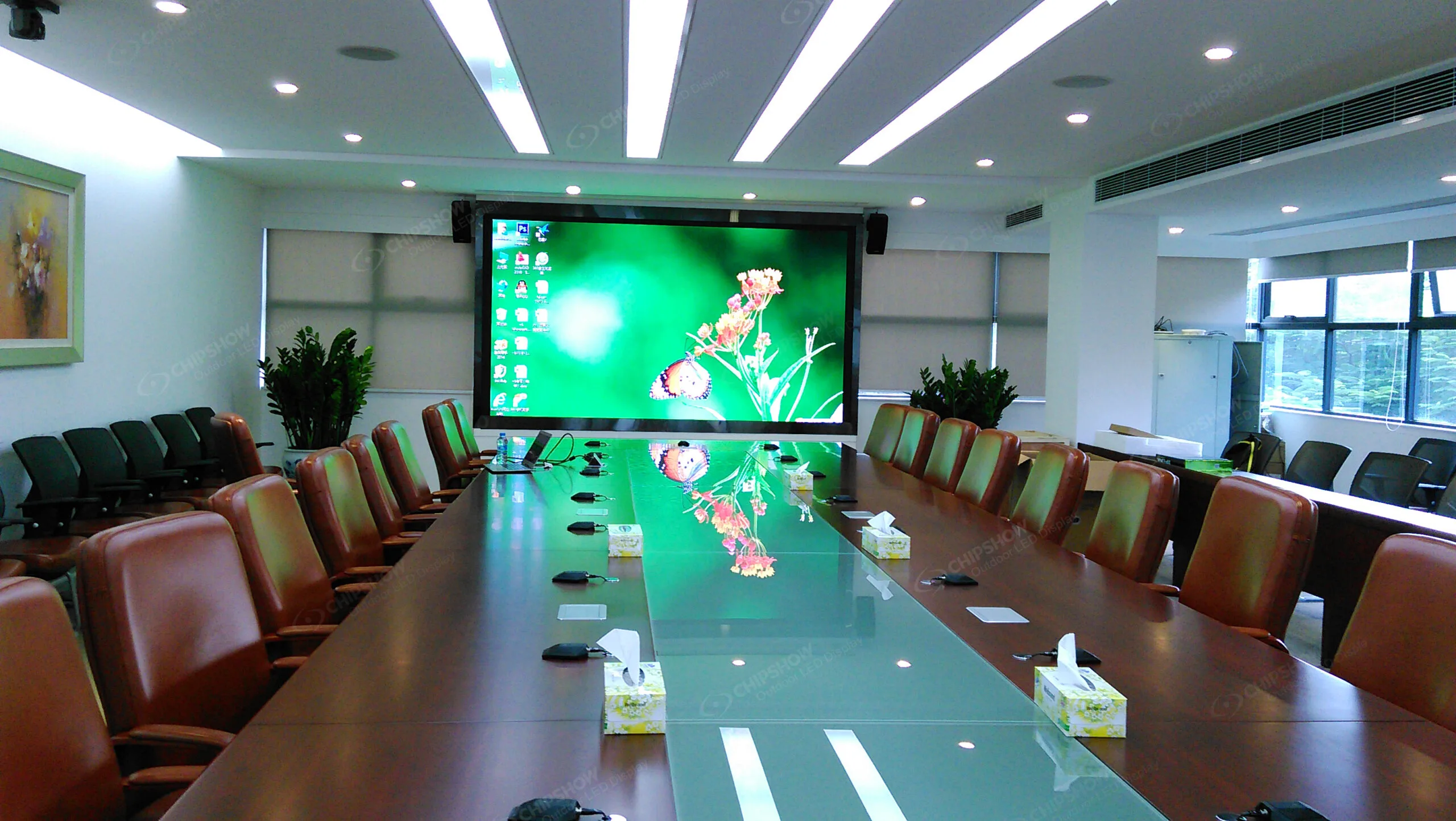
C-Max Commercial SMD se adapta a espacios interiores permanentes donde la pared LED sigue formando parte de la sala o edificio.
Su rango de P1.25 a P4 ofrece al integrador la flexibilidad de adaptar la densidad de píxeles tanto al público como a las posiciones previstas de la cámara. La plataforma actual también ofrece un rendimiento de refresco a 3840 Hz, servicio frontal completo y un diseño térmico sin ventilador.
Un auditorio de iglesia, un interior de arena o un entorno fijo de presentación tiene una gran ventaja de producción.
Las posiciones de las cámaras pueden planificarse antes de que se ponga en marcha la pantalla.
El integrador puede evaluar el tono desde esas posiciones, probar las lentes esperadas y establecer ajustes de cámara repetibles, en lugar de tratar la pared LED como un fondo desconocido durante la primera producción en directo.
Eso es más valioso que simplemente especificar el mejor lanzamiento disponible.
Producción del estadio
El LED deportivo añade requisitos que no existen en una pared fija corporativa o de culto.
La seguridad del jugador, la visibilidad exterior, la recuperación rápida y la continuidad de la retransmisión pueden ser importantes al mismo tiempo.
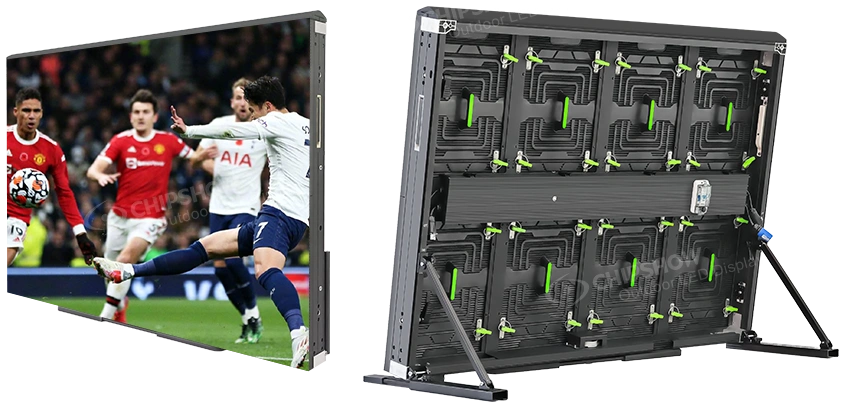
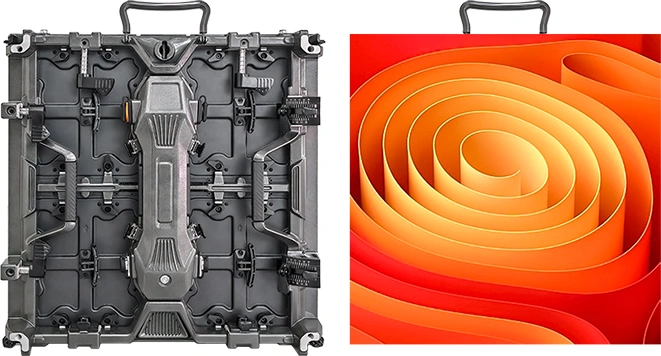
El C-Sport P8 está diseñado específicamente como plataforma perimetral para el estadio. La página actual del producto lista la construcción P8, un armario de 1280 x 900 x 100 mm, mascarillas blandas seguras para deportistas y amortiguación de PU junto con al menos un rendimiento de emisión a 3840 Hz.
C-Sport no debe describirse como el jumbotron principal por defecto solo porque aparezca en cámara.
Su función es el LED perimetral.
Esa distinción es importante porque una pantalla colgada en el centro, la pantalla principal y el perímetro orientado hacia el atleta tienen requisitos mecánicos y de seguridad diferentes, incluso cuando los tres participan en la producción televisiva.
C-Sport también ofrece una configuración opcional de doble respaldo para alimentación y señal. Esa es una característica deportiva específica del producto y no debe asumirse para C-Max o C-Shine Plus a menos que el sistema cotizado incluya explícitamente la redundancia requerida.
Producción teatral temporal
La producción temporal prioriza otro problema.
La pantalla se mueve.
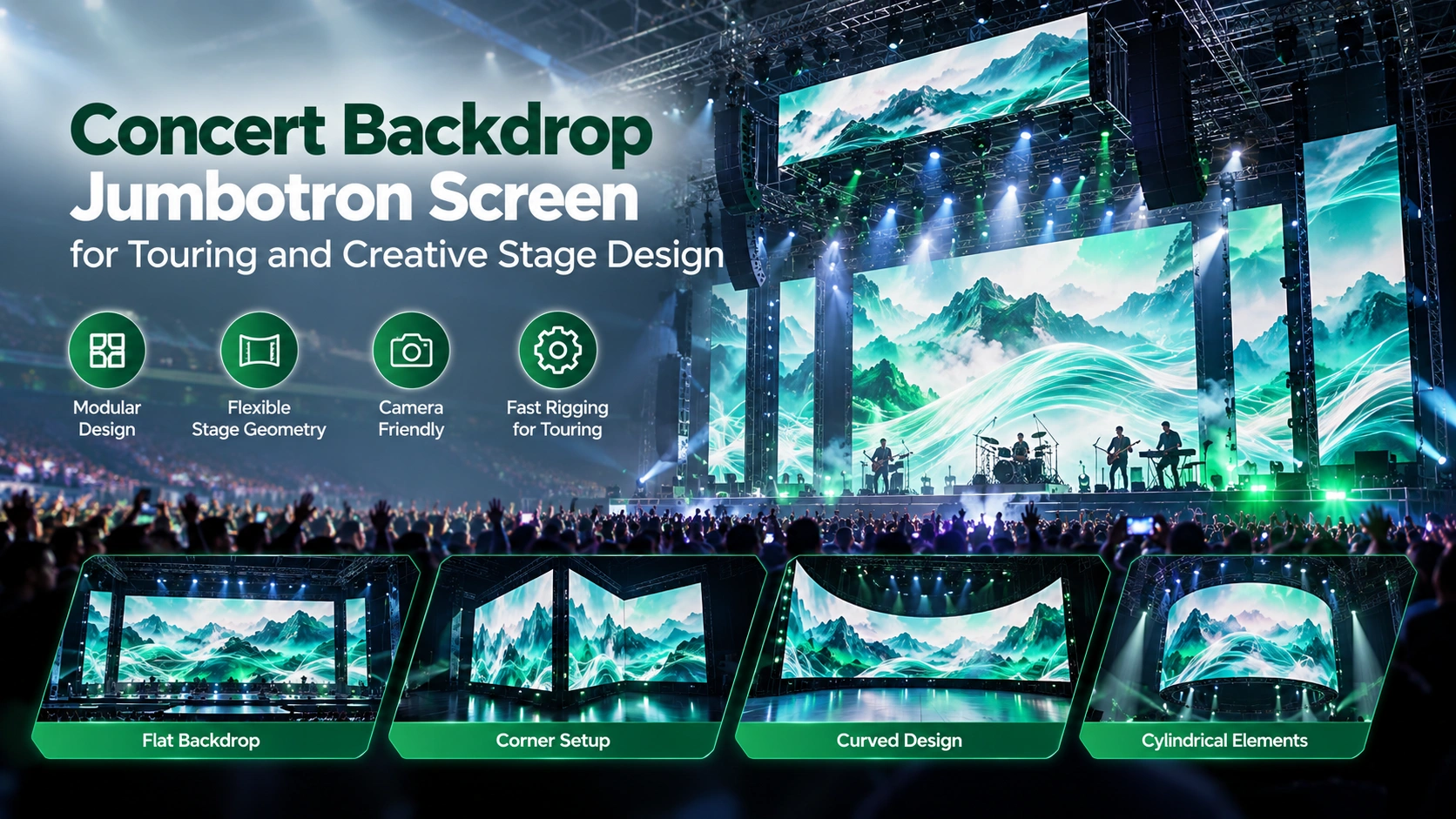
Las empresas de alquiler ensamblan, transportan y desmontan repetidamente el mismo hardware. El tamaño de las paredes, la geometría, la posición de las cámaras y el contenido pueden cambiar entre series.
C-Shine Plus está diseñado para ese flujo de trabajo. La especificación actual de Norteamérica incluye opciones para interiores P1.9, P2.6 y P3.9, un formato ligero de 500 x 500 mm, un servicio de un toque delantero y trasero, y al menos un rendimiento listo para cámara a 3840 Hz.
Un proyecto Chipshow verificable proporciona un ejemplo útil. Un concierto en una arena cubierta de la UE utilizó C-Shine Plus P2.6 como pantallas IMAG durante una grabación en directo en DVD. Eso demuestra la plataforma en un flujo de trabajo real frente a la cámara. No significa que P2.6 sea automáticamente el pitch correcto para otro lugar, porque la distancia de la cámara, los objetivos, las dimensiones de las paredes y la geometría de rodaje siguen cambiando de una producción a otra.
Por tanto, la flexibilidad temporal aumenta la importancia de las pruebas pre-producción repetibles.
Planificación de lienzo y mandos 4K
El 4K indica al equipo de producción cuántos píxeles hay en un formato de imagen concreto.
No define todo el sistema LED.
Una fuente de cámara 4K, una salida de conmutador 4K y una pared LED de clase 4K son tres cosas relacionadas pero separadas.
Resolución de fuente separada de la resolución LED nativa
Un conmutador de producción puede generar contenido UHD a 3840 x 2160 píxeles.
La pared LED puede contener menos píxeles físicos que esa fuente.
También puede contener más.
El procesador de pantalla mapea el contenido entrante en el lienzo físico del LED.
Si la resolución nativa de la pared es menor, la fuente debe reducirse.
Si el lienzo LED es más grande, la fuente puede escalarse o posicionarse a lo largo del raster disponible.
Ambos flujos de trabajo pueden ser válidos.
El equipo de producción necesita saber dónde se produce el escalado y cuál es el lienzo nativo final.
Chipshow ya cuenta con una Guía del Fabricante 4K Jumbotron centrada en los paquetes UHD, la resolución y la selección de fabricantes para interiores. Esta guía de emisión en directo limita la discusión sobre resolución a lo que afecta directamente a la planificación de la señal de radiodifusión.
La capacidad del controlador sigue la carga nativa de píxeles
El requisito de procesamiento relevante no es simplemente que el archivo fuente indique 4K.
El procesador necesita suficiente capacidad para el propio lienzo de píxeles LED.
Una pared de paso fino muy grande puede contener un número considerable de píxeles incluso cuando la fuente del programa es solo UHD.
El mapeo de salida, la distribución de tarjetas receptoras y la arquitectura del cableado deben reflejar la pared física.
Por tanto, el ingeniero de radiodifusión debe recibir la resolución nativa de la pared antes de que el diseño de procesamiento y distribución de señales se congele.
La escalada debe planificarse
Un escalado mal controlado puede suavizar texto, gráficos, partituras y arte de patrocinadores.
El vídeo en movimiento completo a menudo oculta pequeñas imperfecciones de escalado de forma más eficaz que los gráficos detallados.
Para un jumbotron que contenga información de puntuación, logotipos de patrocinadores o material de presentación, el equipo de contenido debe conocer el lienzo LED objetivo antes de finalizar los recursos finales.
El objetivo no es insistir en que todas las paredes LED tengan que ser 4K nativas.
El objetivo es que el escalado sea intencionado.
La redundancia pertenece al diseño de la señal
Un módulo LED de alta refrescación no puede evitar una pantalla negra causada por fallos del único controlador o de la señal.
Por tanto, la producción crítica en vivo necesita un camino de recuperación definido.
Dependiendo del lugar, esto puede incluir una fuente de respaldo, una ruta secundaria de procesamiento, una ruta adicional de señal u otra arquitectura seleccionada por el equipo de difusión e integración.
El diseño de redundancia debería incluirse en el plan del sistema.
Nunca debería inferirse simplemente porque la propia pantalla LED tiene una especificación profesional de difusión.
C-Sport ofrece un ejemplo útil específico para el producto porque su plataforma actual ofrece copia de seguridad dual opcional para alimentación y datos. Esa capacidad pertenece a esa configuración y no debe generalizarse a productos Chipshow no relacionados.
La latencia necesita pruebas de extremo a extremo
La latencia se vuelve especialmente visible cuando la pared LED lleva IMAG.
El público puede ser capaz de ver al intérprete y la imagen retrasada al mismo tiempo.
El retraso no proviene únicamente de un componente.
La adquisición, conmutación, conversión, procesamiento, distribución, procesamiento de LED y hardware receptor de cámaras pueden añadir tiempo al camino.
Por tanto, la medida correcta es cámara a pantalla.
No asignes todo el retardo al panel LED sin probar toda la cadena.
Brillo, color y exposición
El público y la cámara no juzgan el brillo del LED de la misma manera.
La visión humana se adapta rápidamente.
La cámara sigue su exposición seleccionada.
Esa diferencia hace que la planificación de la luminosidad sea esencial cuando una gran pared LED comparte el marco con las personas.
El exceso de brillo puede destruir el detalle
Una pared LED brillante puede verse vívida en el recinto mientras produce momentos recortados en la señal de retransmisión.
Los gráficos de patrocinadores blancos son un ejemplo común.
Si la pantalla está muy por encima de la exposición establecida para un presentador, intérprete o atleta, la cámara puede perder detalle en las zonas de contenido más brillantes.
La solución es no seguir aumentando la iluminación del primer plano hasta que compita con la pantalla.
La salida de la pantalla debe equilibrarse con la exposición de producción.
Configura la pantalla a través del monitor de producción
La visualización del público sigue siendo importante, pero el monitor de producción muestra lo que realmente recibirán los espectadores en casa.
Durante el ensayo, el equipo debe evaluar los tonos de piel, la ropa oscura, los colores del patrocinador, los reflejos y los grandes gráficos blancos a través de la cámara.
Luego ajusta el brillo del LED de funcionamiento para adaptarlo a la escena.
Una pared fija interior de C-Max, un escenario temporal de C-Shine Plus y una instalación exterior de perímetro C-Sport funcionan de forma natural bajo diferentes condiciones ambientales.
No transfieras una estrategia de brillo a otro entorno solo porque las tres pueden aparecer en la televisión.
El color necesita una referencia común
Una pantalla LED calibrada puede seguir viéndose diferente a través de la cámara si la cadena de la cámara, el contenido y el sistema de procesamiento no comparten una referencia de color adecuada.
Esto se hace evidente cuando la pared muestra colores de marca grandes, fondos neutros o gráficos con tonos de piel.
El equipo de producción debe coordinar la calibración de la pantalla, el balance de blancos de la cámara, la masterización de contenido y la monitorización antes del evento en directo.
Cuanto más grande parece la pared LED en la foto, más visibles se vuelven esas diferencias.
El rendimiento en bajo brillo importa
El LED de difusión no siempre funciona cerca de su salida máxima.
Las señales de concierto, la iluminación de adoración y el contenido dramático de la arena pueden reducir considerablemente el nivel de pantalla requerido.
Eso significa que el rendimiento en escala de grises a bajo brillo importa.
Los degradados, sombras y vídeo oscuro deben probarse en los niveles operativos reales que la producción espera usar.
Una pared aprobada solo por una imagen brillante de la sala de exposición no ha completado una prueba de emisión.
Lista de comprobación de pruebas de cámara en preproducción
El momento más seguro para detectar un problema con la cámara LED es antes de que llegue el público.
Una prueba adecuada de cámara debería reproducir la producción prevista en lugar de probar una cámara genérica desde una posición central.
Utiliza esta lista de comprobación antes de la aprobación técnica final:
- Confirma la serie exacta de Chipshow, el pitch de píxeles, la configuración de actualización y la resolución nativa de la pared.
- Prueba las cámaras principales reales a las tasas de fotogramas y ajustes de obturación previstos.
- Revisa las posiciones de ancho, media y cerca de moiré, estructura visible de píxeles, bandas y artefactos de escaneo.
- Prueba los ángulos reales de cámara en lugar de solo una posición central recta.
- Ejecuta contenido representativo incluyendo caras, logotipos de patrocinadores, gráficos de partituras, texto, degradados, escenas oscuras y campos blancos.
- Confirma la resolución de la fuente, el escalado del procesador, el mapeo de salida y el lienzo nativo final del LED.
- Mide la latencia de la cámara a la pantalla cuando la pantalla transmita IMAG.
- Verifica la ruta principal de señal planificada y la ruta de respaldo requerida por la producción.
- Prueba el brillo LED aprobado bajo la iluminación real del local o del escenario.
- Graba la cámara final, el procesador y los ajustes de pantalla para el día del espectáculo.
La documentación específica de configuración debe acompañar esa revisión.
Por ejemplo, la especificación publicada de 3840 Hz pertenece a C-Max Commercial SMD. C-Shine Plus y C-Sport llevan sus propias especificaciones documentadas de actualización. Nunca se debe usar una marca compartida de Chipshow para transferir datos técnicos de un modelo a otro.
El mismo principio se aplica si el recinto requiere seguridad eléctrica, compatibilidad electromagnética u otra documentación de cumplimiento.
Solicita los documentos correspondientes para el hardware exacto presupuestado.
La documentación del producto puede respaldar la presentación de un proyecto, pero no sustituye los requisitos locales establecidos por la Autoridad Competente.
Lecturas recomendadas: La guía completa de jumbotrons 4K para espacios profesionales interiores: Aprovechando la tecnología C-MAX de CHIPSHOW
Preguntas frecuentes
¿Es suficiente la frecuencia de refresco de 3840 Hz para la retransmisión en directo?
3840 Hz es un punto de partida profesional sólido y actualmente se publica para C-Max Commercial SMD, mientras que C-Shine Plus y C-Sport P8 publican al menos 3840 Hz. No garantiza resultados idénticos en todos los ajustes de cámara. La velocidad de obturación, la tasa de fotogramas, el comportamiento de escaneo de LEDs, la elección de objetivos y la geometría de producción siguen siendo importantes. Selecciona el hardware por especificación y apróbalo a través del flujo de trabajo real de la cámara.
¿Qué causa las líneas de escaneo en una cámara jumbotron?
Las bandas visibles suelen indicar una interacción temporal entre el obturador de la cámara y el comportamiento de refresco o escaneo del LED. Si cambiar el obturador cambia significativamente el artefacto, investiga primero el tiempo. Esto difiere del moiré, que es principalmente una interacción espacial entre la cuadrícula de píxeles LED y el sensor de la cámara. Un diagnóstico correcto impide que el equipo de producción cambie el tono de los píxeles cuando el verdadero problema es el tiempo de la cámara.
¿Cómo puedo reducir el moiré en una pared LED grande?
Empieza por la geometría de la cámara. Evalúa el tono del píxel, la distancia de la cámara, la distancia focal, el ángulo y el enfoque juntos. Mover la cámara o cambiar el objetivo puede alterar el patrón de interferencia. Cuando la toma creativa lo permite, mantener el fondo del LED ligeramente fuera del enfoque crítico también puede hacer que la estructura del píxel sea menos prominente. Aumentar la tasa de refresco por sí solo no elimina directamente el moiré espacial.
¿Necesito un mando 4K para un jumbotron 4K?
El sistema de procesamiento debe soportar el formato fuente requerido y el lienzo de píxeles nativo total de la pared. Una fuente 4K puede escalarse a una resolución LED nativa menor, mientras que una pared con más de 4K píxeles puede mapear la misma fuente a través de un raster mayor. Calcula la capacidad del controlador a partir de la carga real de píxeles del LED y decide deliberadamente dónde se produce el escalado.
¿Qué plataforma Chipshow se adapta a un uso fijo y temporal para emisión?
C-Max Commercial SMD es la principal ruta fija para interiores con rendimiento de P1.25 a P4 y refresco a 3840 Hz. C-Shine Plus es la opción de alquiler temporal y de escenario, con al menos 3840 Hz de rendimiento listo para cámara y capacidad de montaje repetido. C-Sport P8 pertenece específicamente al uso perimetral del estadio donde los requisitos de emisión operan junto con los requisitos de seguridad de los atletas y continuidad deportiva. La aplicación es lo primero, y el rendimiento de las cámaras se verifica dentro de esa categoría de producto.
Antes de que Chipshow prepare una revisión de especificaciones de pruebas de cámara, el equipo de producción debe proporcionar la información que determine cómo interactuará la pared LED con las cámaras.
Envía las dimensiones de la pared activa, el pitch de píxeles propuesto si ya se conoce, la distancia de cámara más cercana y típica, modelos y objetivos planificados, tasas de fotogramas esperadas, requisitos de obturación, resolución de fuente, lienzo nativo, tipo de contenido objetivo, entorno interior o exterior, despliegue permanente o temporal, requisito IMAG, plataforma de procesamiento y estrategia de respaldo requerida.
Chipshow puede entonces restringir la ruta adecuada de hardware LED y proporcionar los datos de pantalla y la BOM de hardware específicos del modelo correspondientes.
Para un auditorio o pared de espacio permanente en interior, el punto de partida puede ser C-Max Commercial SMD cuando su rango de tono fino y arquitectura fija de instalación se ajustan a la geometría de la cámara.
Para la producción temporal de conciertos, corporativos y eventos en vivo, C-Shine Plus ofrece la arquitectura de alquiler adecuada manteniendo un rendimiento de alta actualización orientado a la cámara.
Para las aplicaciones de perímetros de estadios que se enfrentan a los deportistas, C-Sport sigue siendo la vía deportiva dedicada porque el rendimiento de la retransmisión debe coexistir con la seguridad de los jugadores y los requisitos específicos de continuidad deportiva.
Chipshow suministra el hardware de visualización y la información técnica necesaria para integrarlo.
Tu ingeniero de radiodifusión y el equipo de integración AV mantienen el control de la cadena de cámaras, la conmutación, el diseño de señales, la instalación en el campo y el flujo de trabajo de producción en vivo.
Envía los requisitos de cámara y pantalla cuando el equipo de producción ya tenga definidas las dimensiones de la pared, el formato de la fuente, el flujo de trabajo de la cámara y el calendario del proyecto.
¿No estás seguro de qué formato o tono de píxel se adapta a tu proyecto? Prueba el Chipshow Selector de señales LED de EE. UU. para preseleccionar opciones.