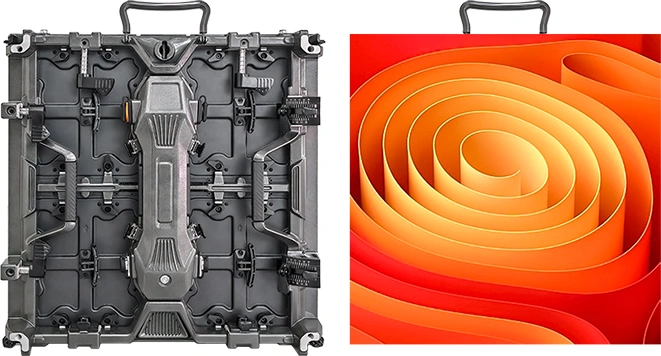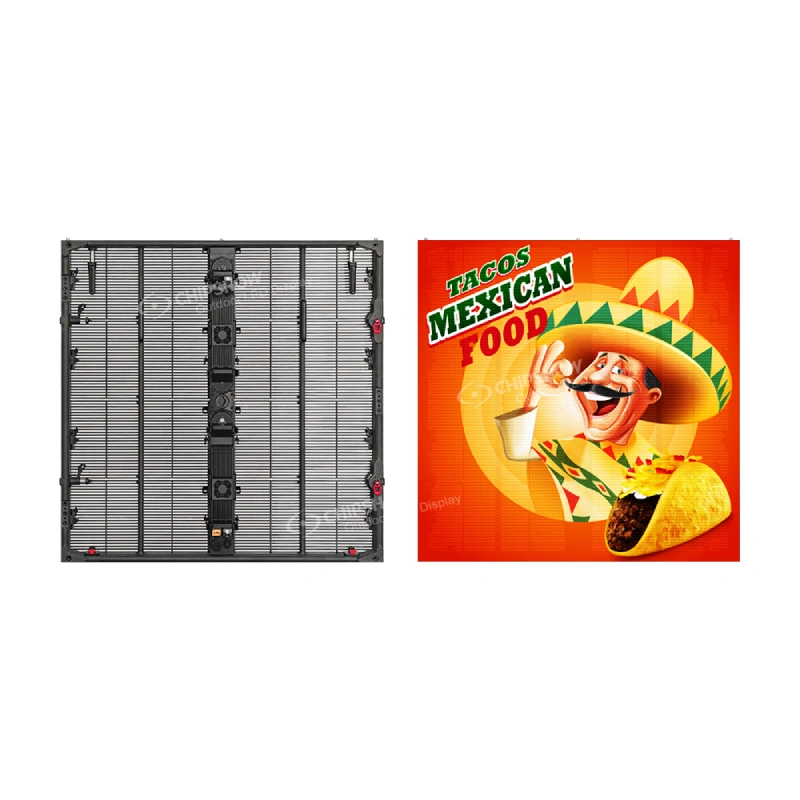
Two church LED wall bids can use the same screen dimensions and still cover very different projects. One bidder may be quoting display equipment. Another may include processing, integration, calibration and training. A local contractor may still be expected to provide structure, electrical work or access equipment.
You can size this to your site in minutes with the LED sign selector: pick your nearest viewer, choose smart module or fixed cabinet, and save the layout.
The useful question is not “Which total is lower?” It is “Who is responsible for making every part of this wall work?”
This guide gives U.S. integrators, church teams and procurement committees a practical way to define that responsibility before comparing bids.
1. Start With One Decision: Will the Wall Stay Fixed?
Do not begin with a product model or pixel pitch. Begin with what happens in the room during a normal month.
First question: will the cabinet layout change regularly?
- If the wall will be rebuilt for recurring worship, youth, concert or conference layouts, evaluate a reconfigurable system.
- If the wall will remain in the same position, evaluate a fixed installation.
If it is fixed, ask one more question: does its appearance while switched off matter to the interior?
- If a conventional inactive display surface is acceptable, follow the standard fixed route and use the audience and camera tests to select the pitch.
- If the inactive surface must form part of the interior brief, follow the design-sensitive fixed route.
This gives the project three understandable scenarios. The screen content, viewing positions and camera tests then determine the pitch and processing inside the selected scenario.
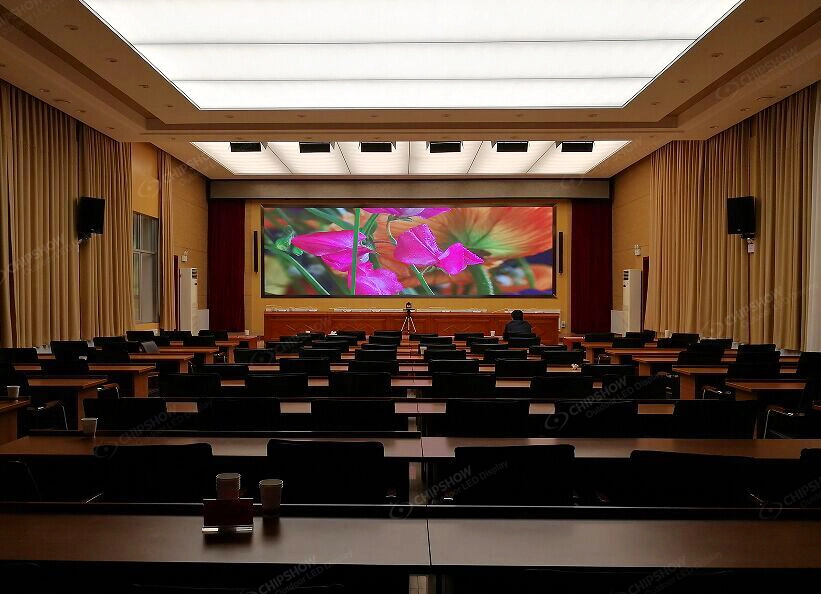
Scenario 1: The Wall Stays Fixed and Uses a Standard Inactive Surface
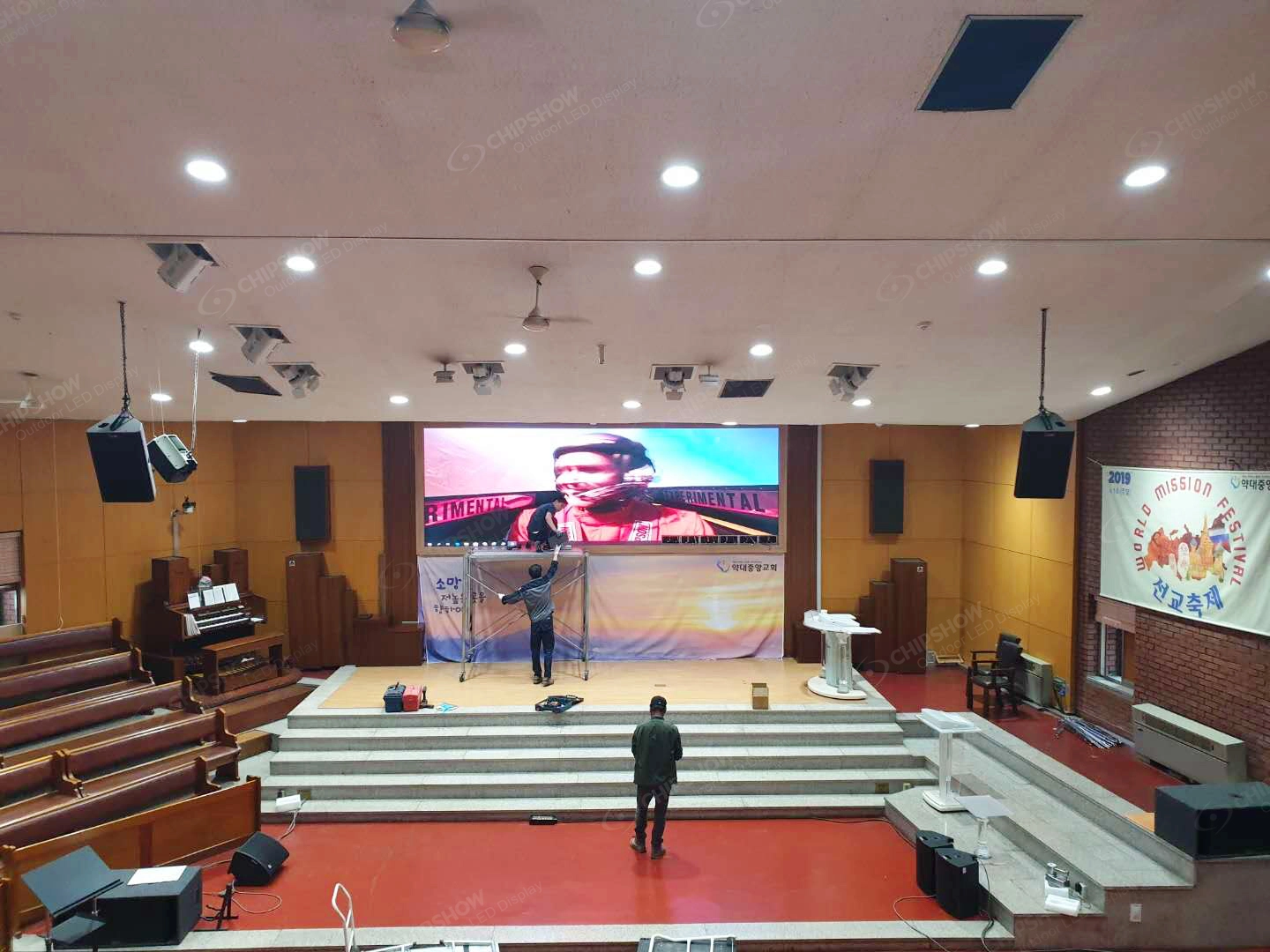
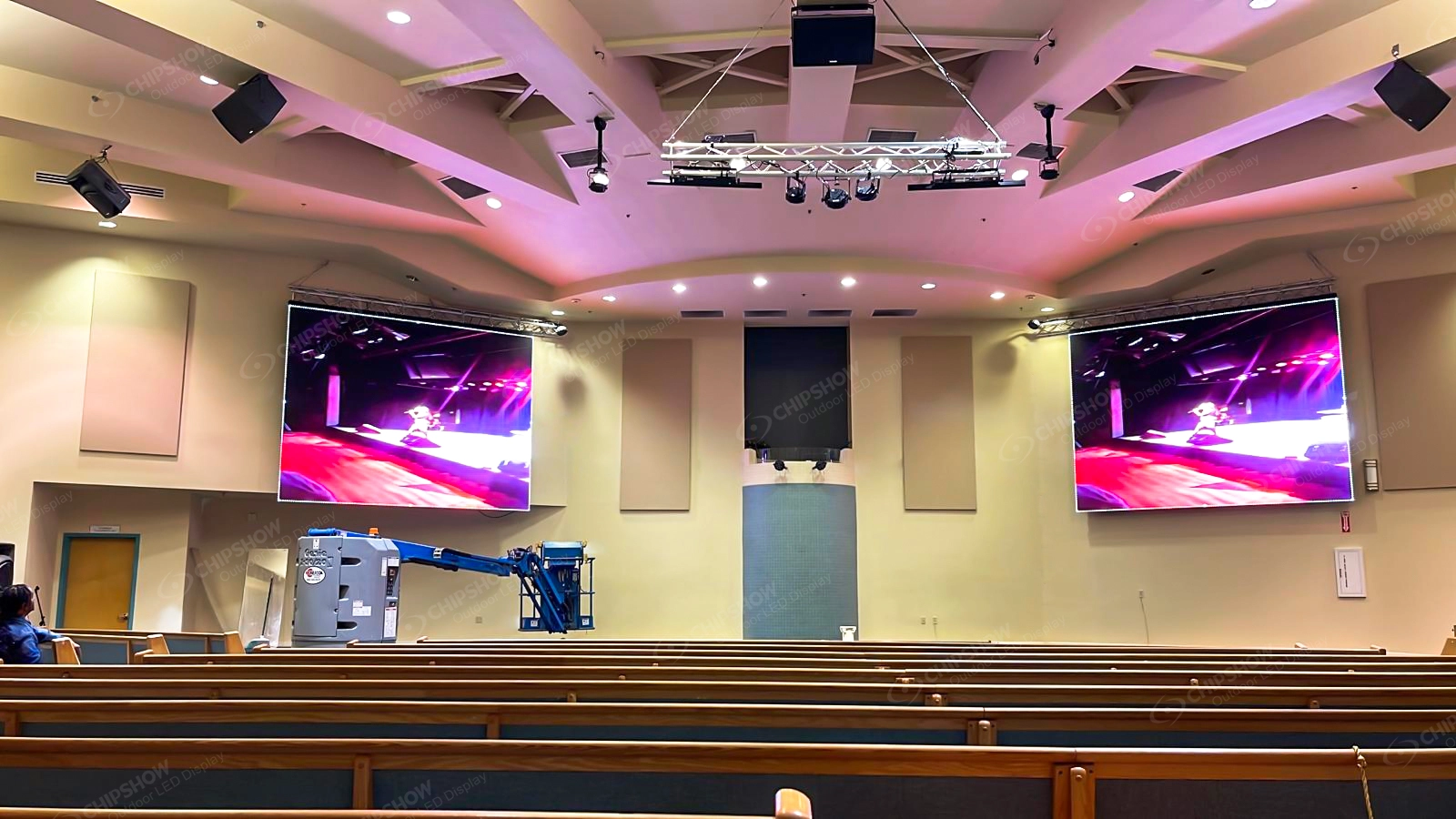
Choose this scenario when the wall will remain in one position and the church accepts a conventional inactive display surface. The pitch still depends on the actual use. A wall carrying lyrics and IMAG for close front rows and speaker shots needs a more demanding test than a wall used mainly as a distant scenic background.
Run two tests before selecting the pitch. First, show the church’s normal scripture slides from the nearest and side seating positions. Second, record a typical speaker shot with the normal camera, lens, position, shutter settings and stage lighting. Start with the pitch already being considered. If a P3.9-class demonstration shows distracting pixel structure to the audience, compare it directly with P1.86 or P1.53 using the same content. If the problem appears only on camera, first test the bidder’s proposed processing and display configuration with the normal camera settings; a camera artifact is not proof that pitch alone is the cause. Compare the finer pitch only if the complete P3.9 configuration still fails the agreed camera result.
If P3.9 passes both tests, a finer pitch is not automatically the better project choice. Reducing the pitch increases the pixel count across the same active area and may change the display configuration, processor capacity, data distribution and quotation scope. Ask the bidder to show which approved audience or camera requirement the finer option improves and what additional system scope it creates. Select the finer pitch when that comparison produces a visible or operational benefit the church has agreed to buy; otherwise retain the coarser option that already passes the test. This process closes the decision with evidence rather than a universal viewing-distance rule.
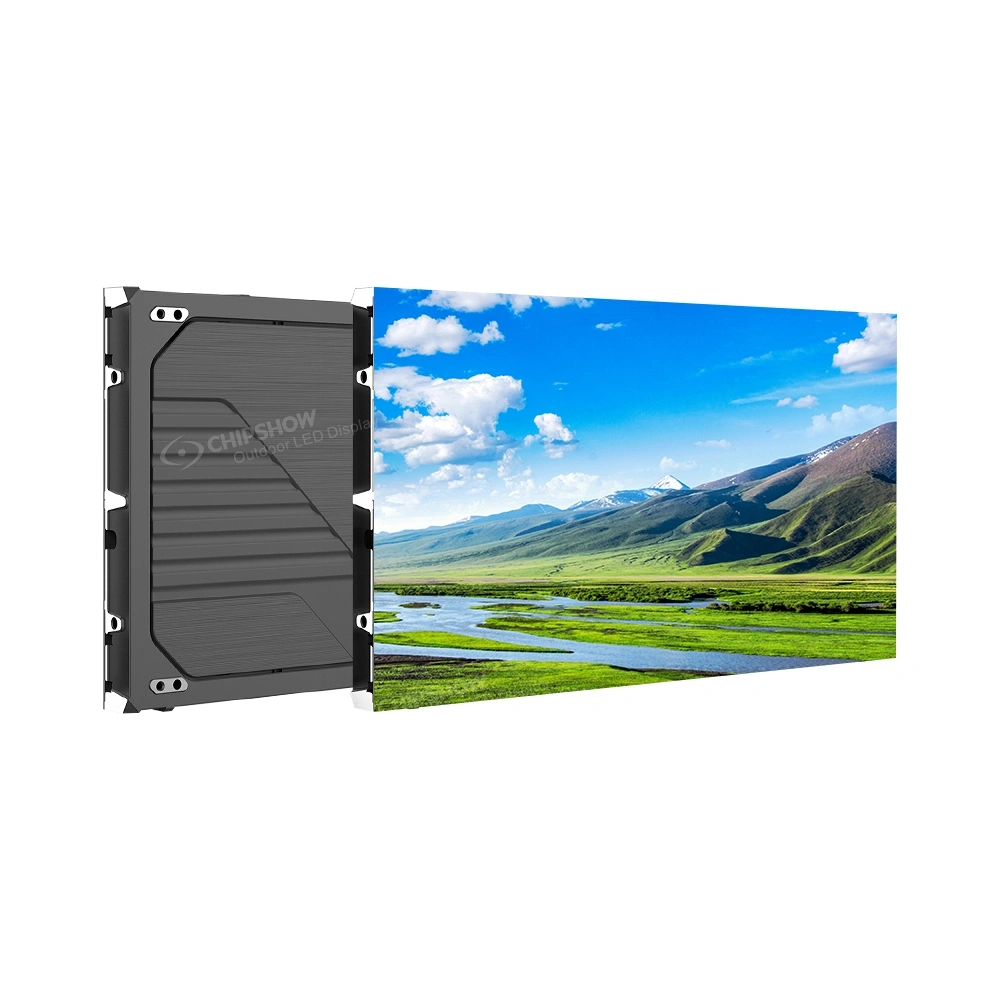
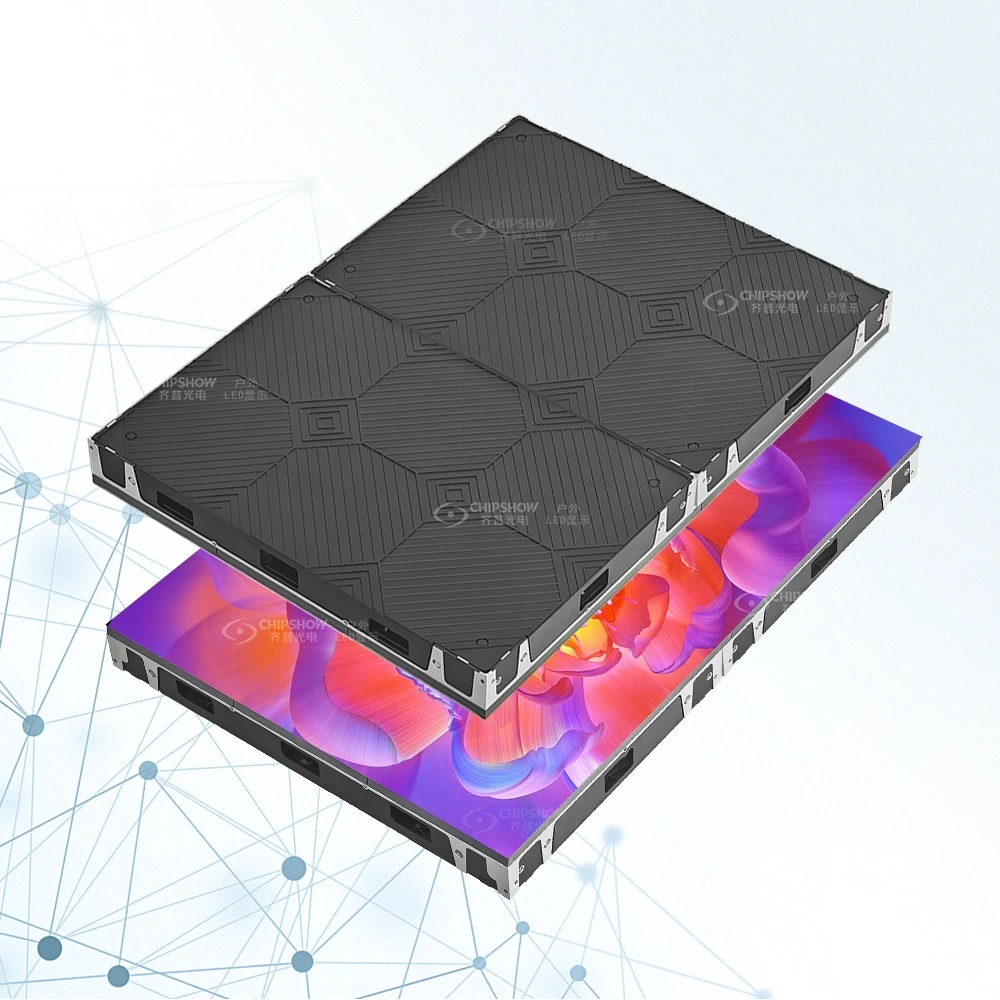
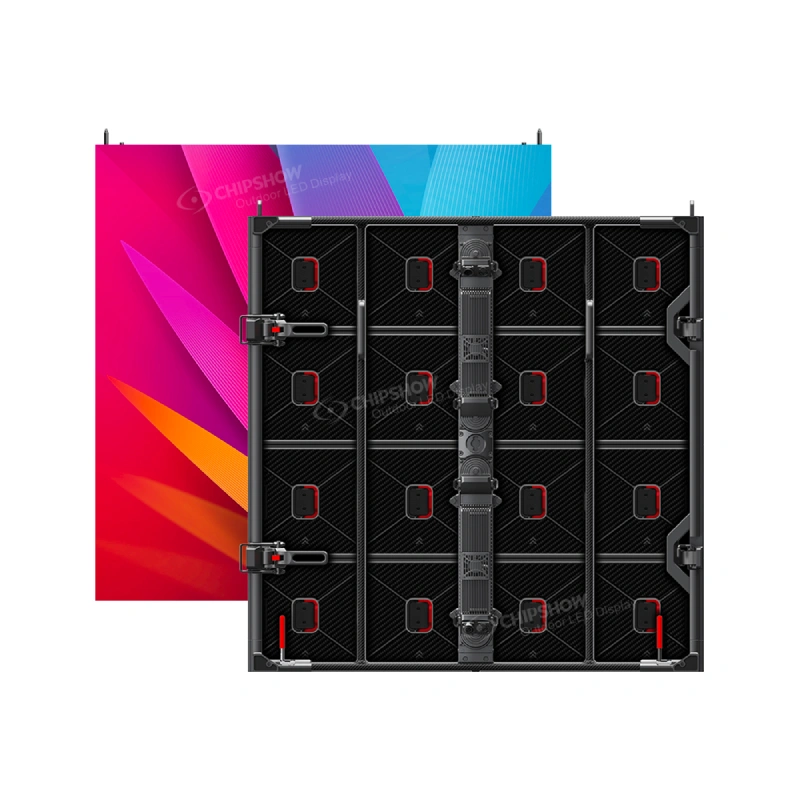
C-Max Fine-Pitch COB enters the comparison only when the test points towards a fine-pitch fixed wall. Its native 4:3 cabinet format supports planning a conventional 16:9 canvas. Front access addresses limited rear space, its cable-free, board-to-board internal architecture supports a cleaner fixed installation, and its listed 4H COB surface adds protection where people or stage equipment may approach the wall. If a coarser shortlisted pitch already passes and rear access is not a problem, the bidder should propose the corresponding standard fixed configuration instead of assuming C-Max COB is required.
Write the test result into the RFQ. The quotation should state the selected pitch, horizontal-by-vertical cabinet grid, active resolution, processor, front-service working space and the camera setup that the bidder must reproduce during acceptance.
Scenario 2: The Wall Stays Fixed but Must Also Fit the Interior When Switched Off
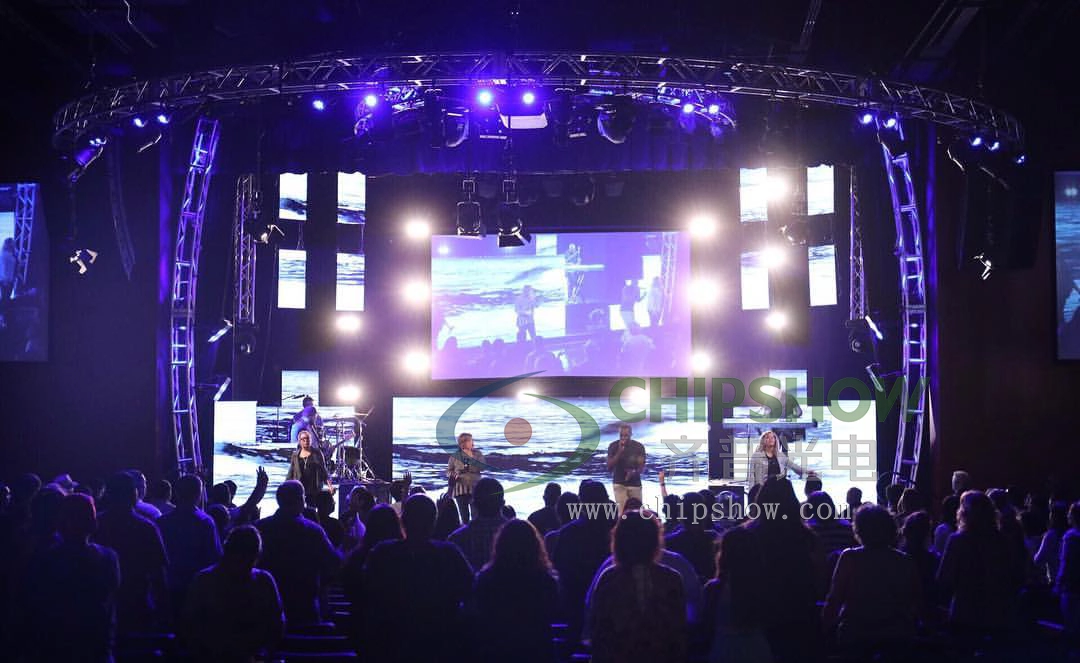
Choose this scenario only when the wall is permanent and the church or design team has decided that a conventional black surface is not acceptable while the screen is off. The selection then has two separate approvals: image performance while the screen is on and surface appearance while it is off.
Complete the on-screen approval first because the texture cannot compensate for a pitch or processing choice that fails the audience and camera tests. Once the visual configuration passes, place a physical texture sample at the proposed wall and review it under daylight, normal sanctuary lighting and the stage-lighting condition used when the screen is off. Record the approved sample rather than asking the bidder to “match the interior” without a reference.
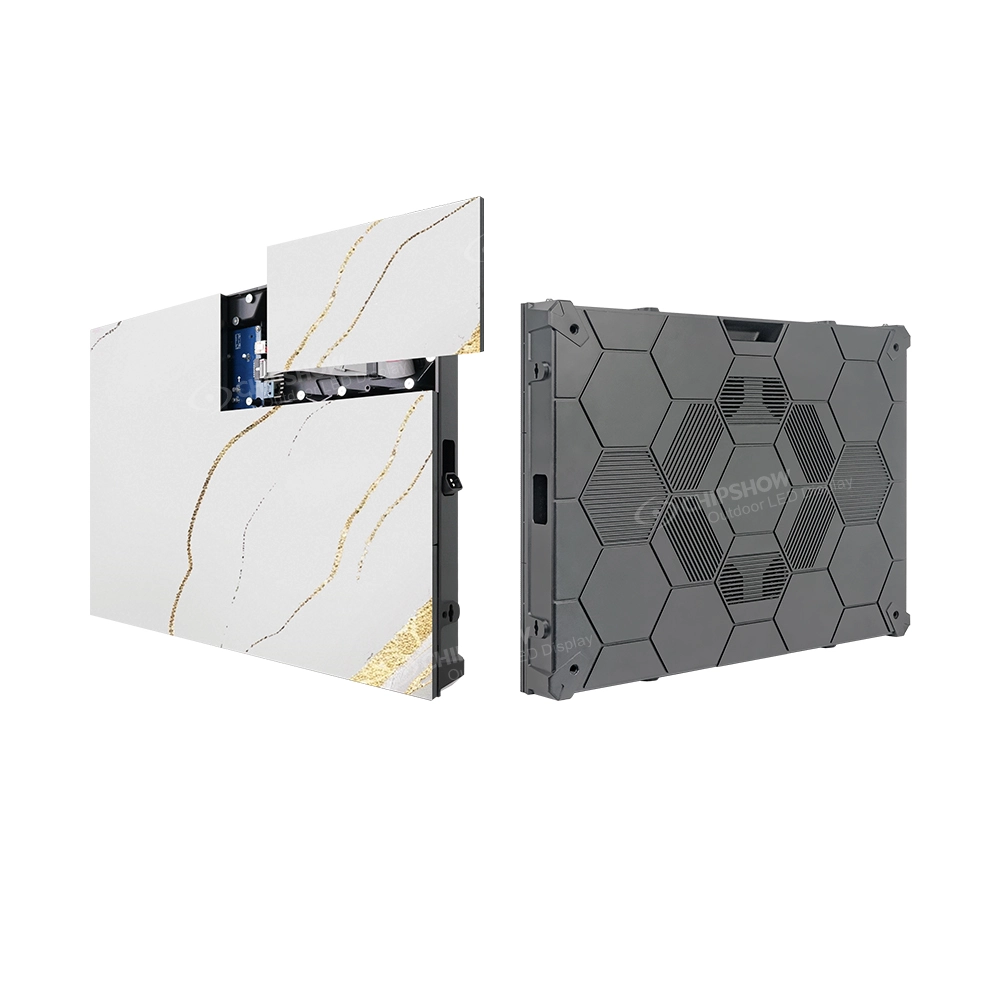
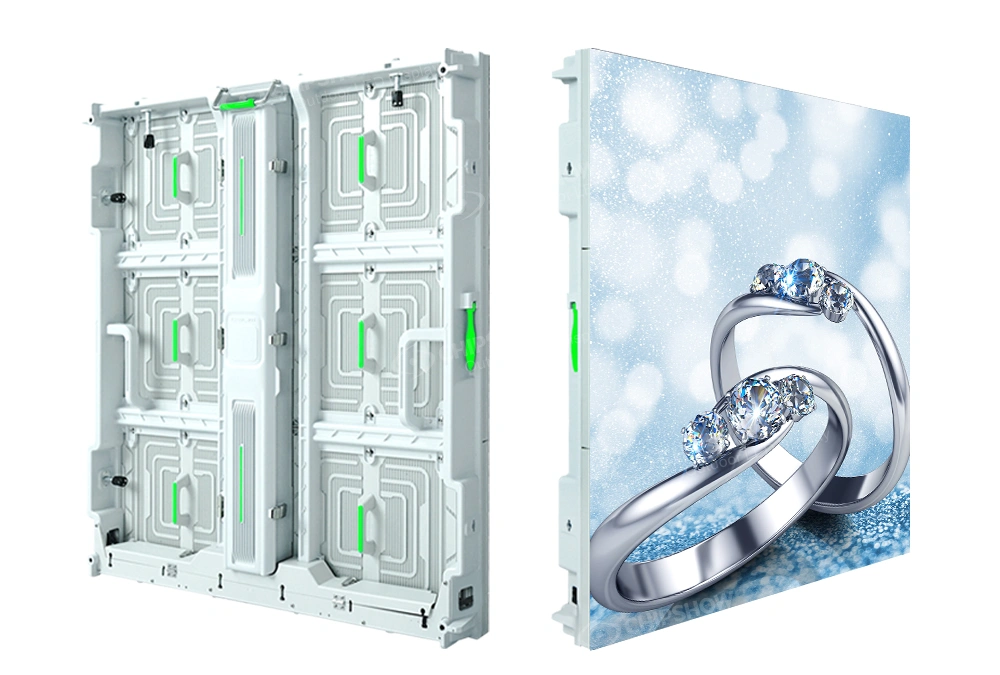
C-Max-Wall provides a custom physical texture option with front service. It allows the inactive display surface to be reviewed with the surrounding interior without creating a rear-maintenance requirement.
The RFQ should identify the approved sample, selected pitch and cabinet grid, then require the bidder to show pattern continuity, edge treatment, fixing, ventilation and front-maintenance access. If the church approves a conventional inactive surface during the initial review, use the standard fixed route and remove the architectural requirement from the quotation.
Scenario 3: The Same LED Wall Must Serve Different Church Activities
Choose this scenario when one church LED system must serve activities that need genuinely different stage layouts.
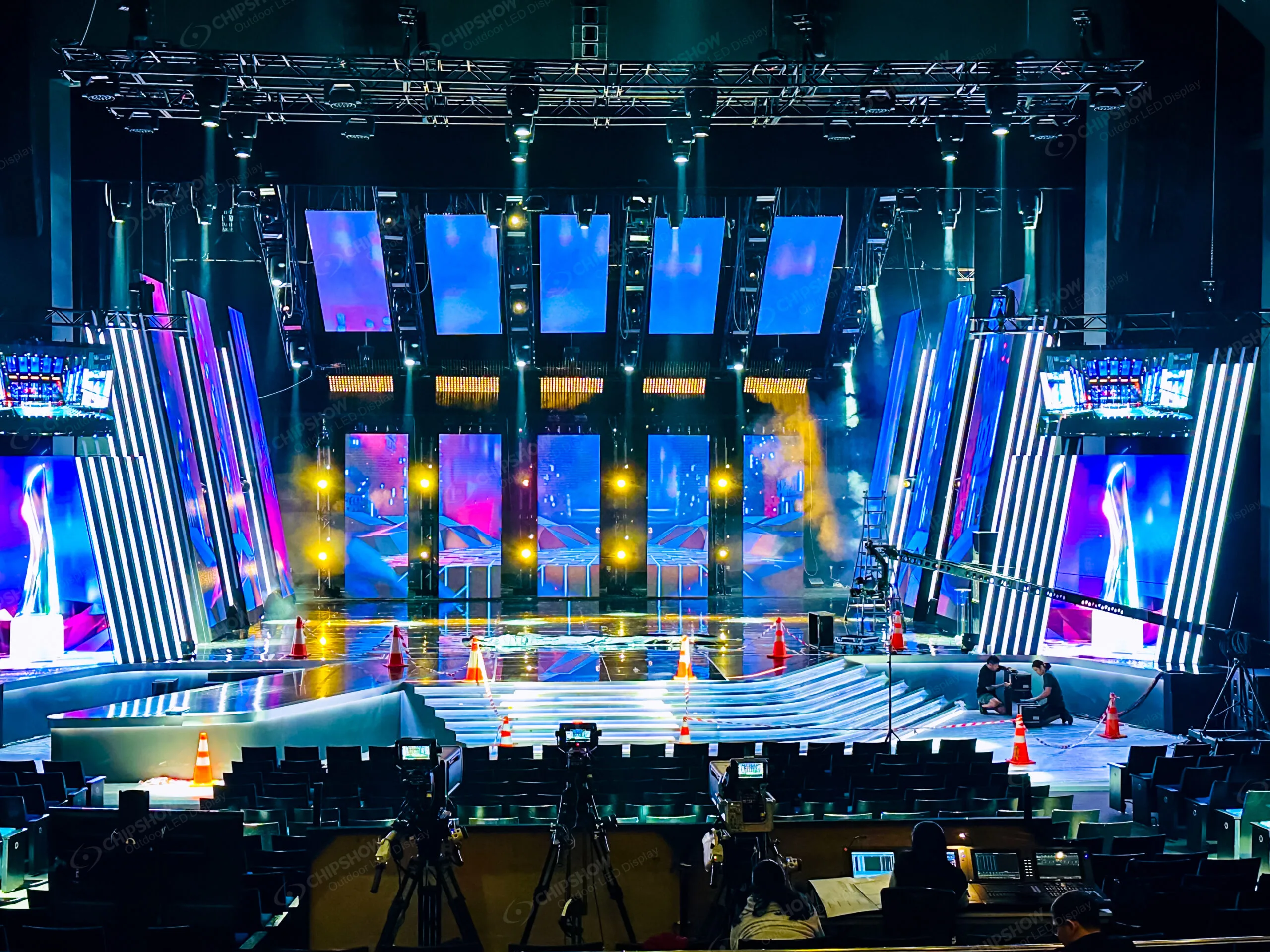
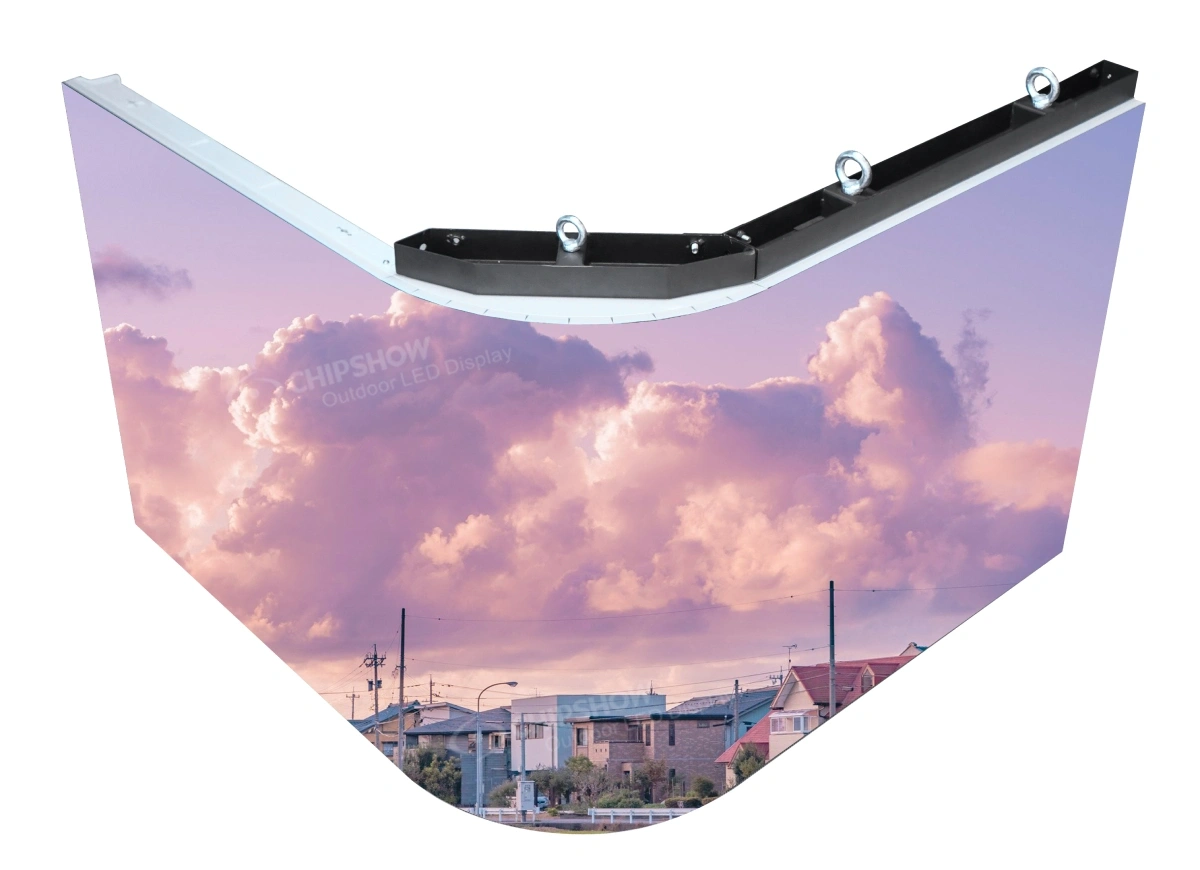
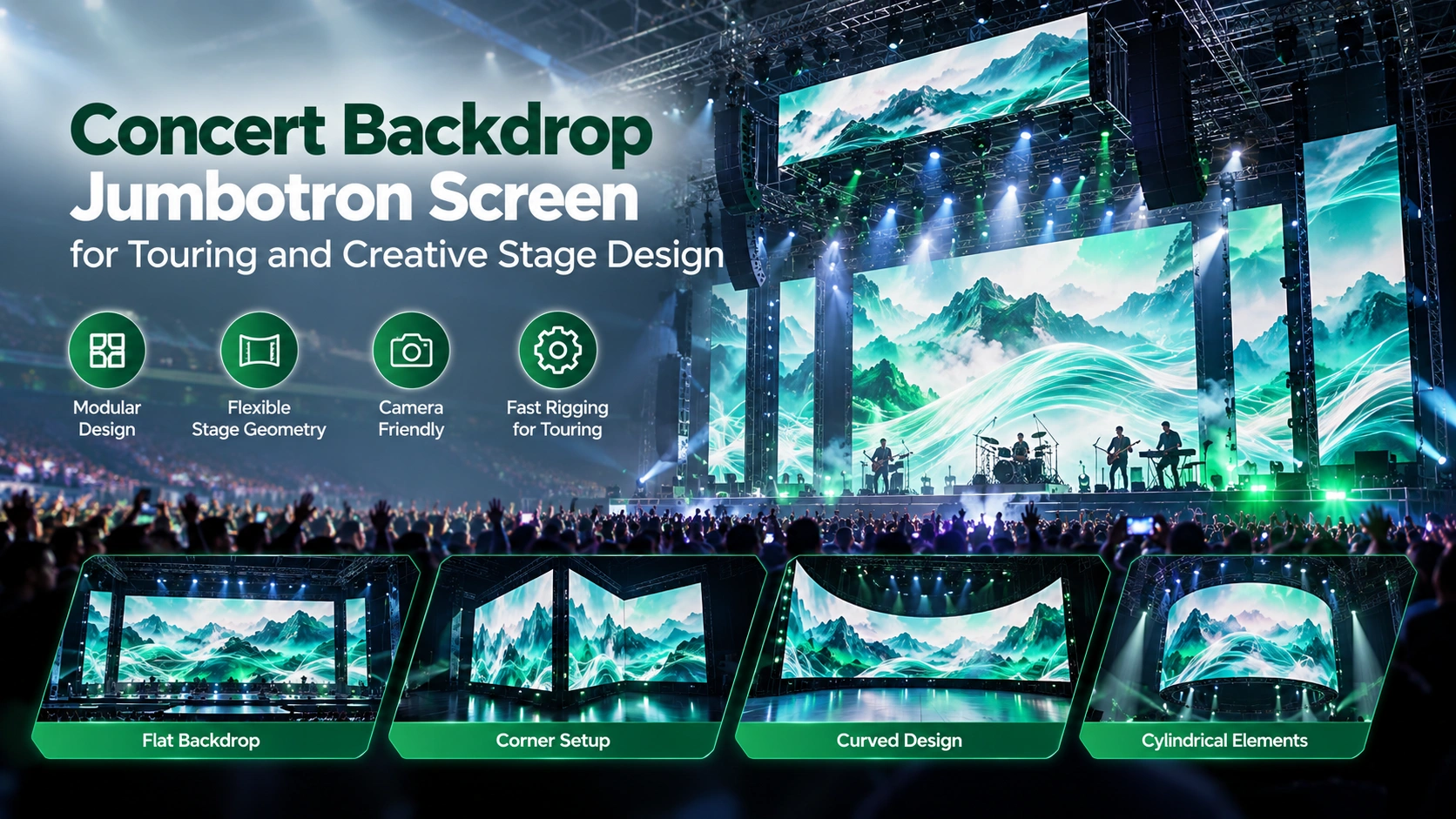
During regular worship, the church may want one main wall behind the stage for lyrics, scripture and IMAG. A youth event may need the center of the stage open for speakers, games or performances, so the LED wall is moved or divided into side screens. A concert or special production may call for a wider scenic background, a curved wall or a 90-degree corner element. In these situations, a fixed wall solves only the regular-worship layout; it cannot be moved or reshaped each time the stage plan changes.
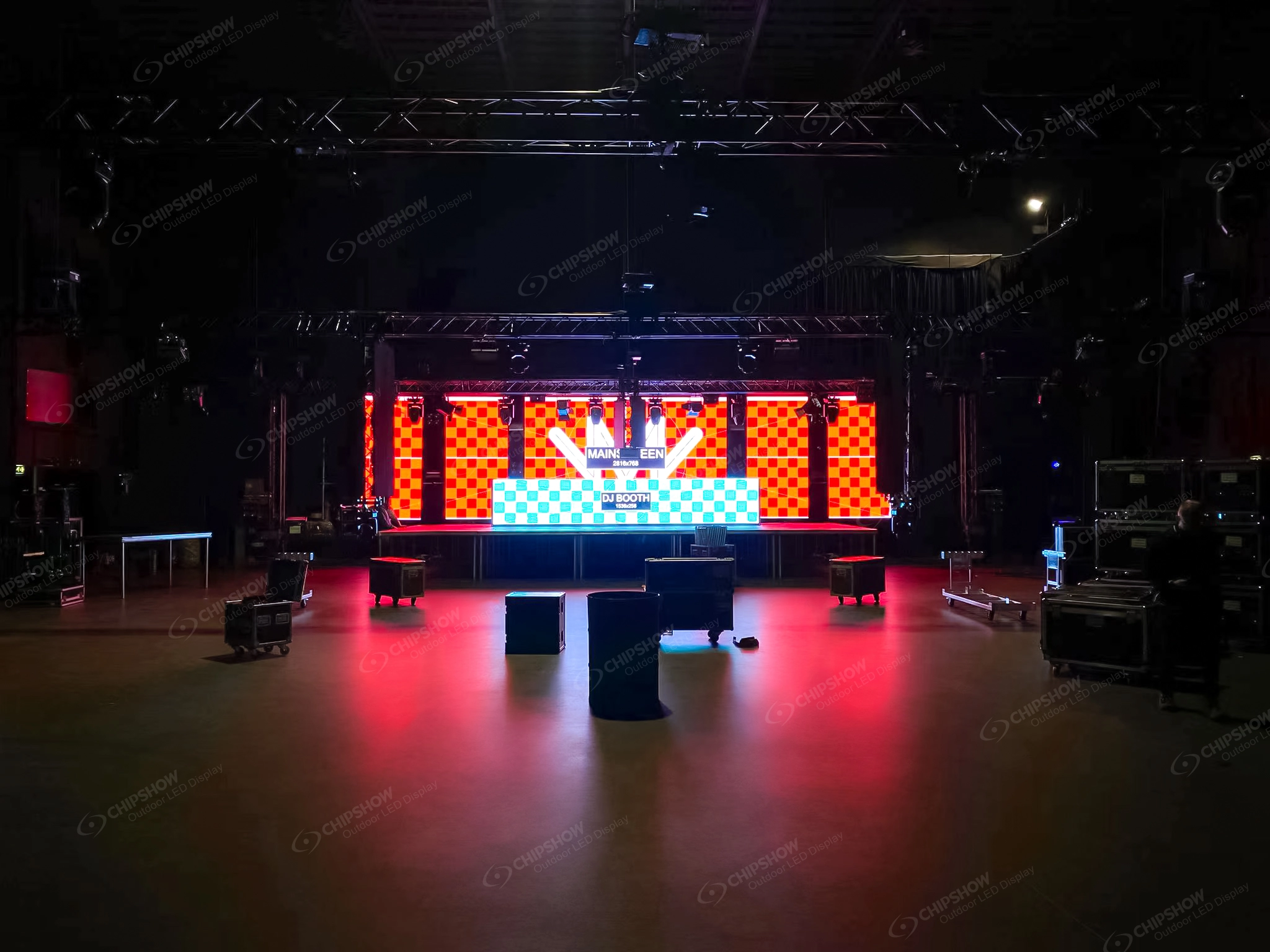
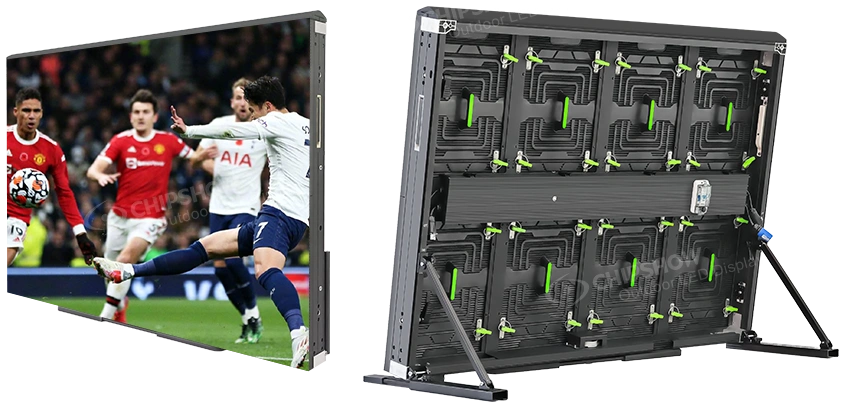
A rental-style LED system is more practical because the same cabinet inventory can be assembled, divided and reconfigured for the different activities instead of dedicating a separate fixed screen to each layout. The church still needs planned structures, trained people and saved processor configurations, but those requirements now support uses that are already part of the event calendar. If the screen will stay behind the stage for every activity, use a fixed wall instead—the project does not need repeated assembly or shape changes.
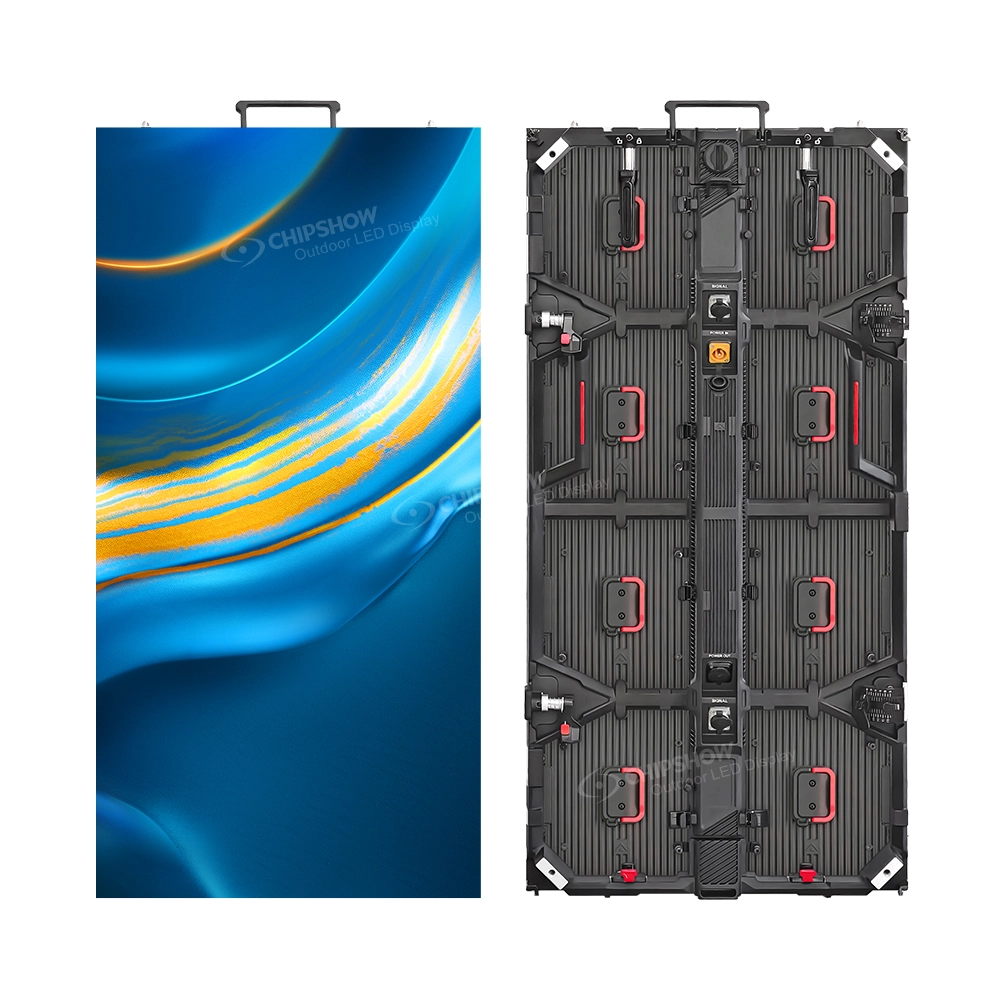
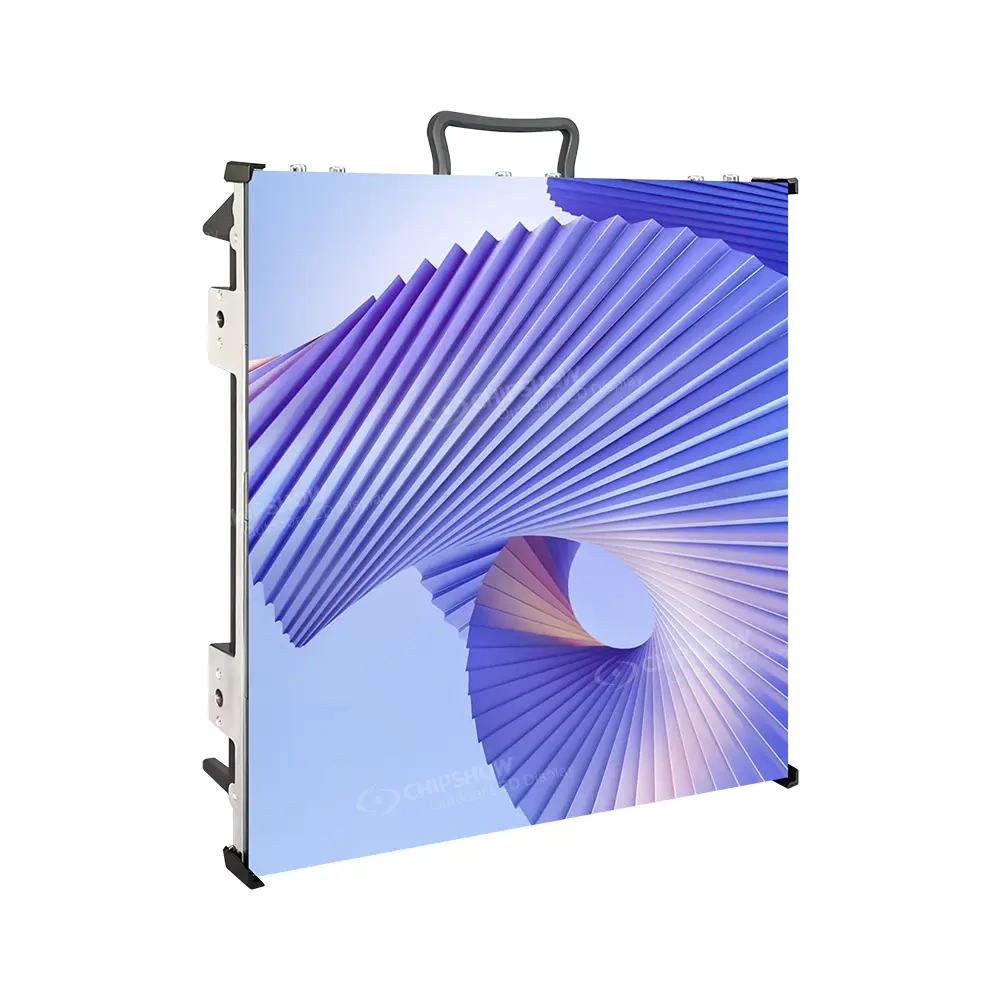
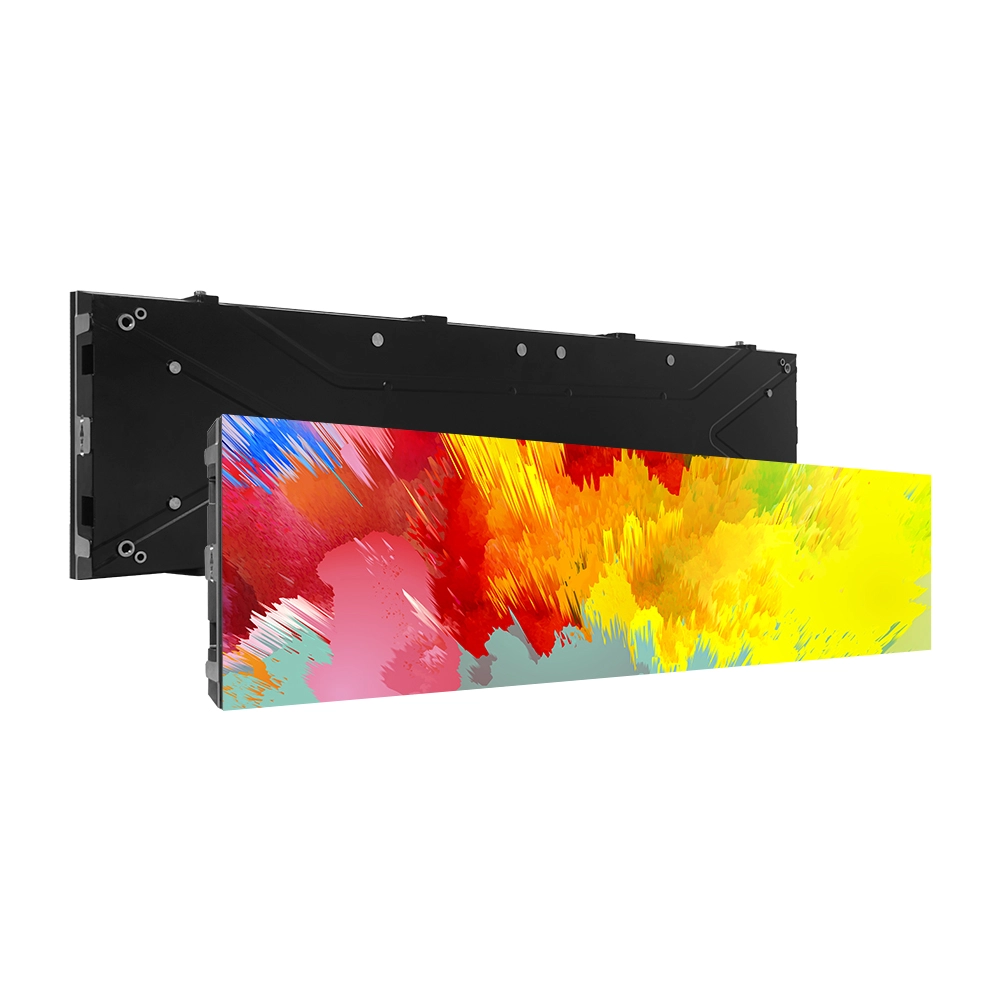
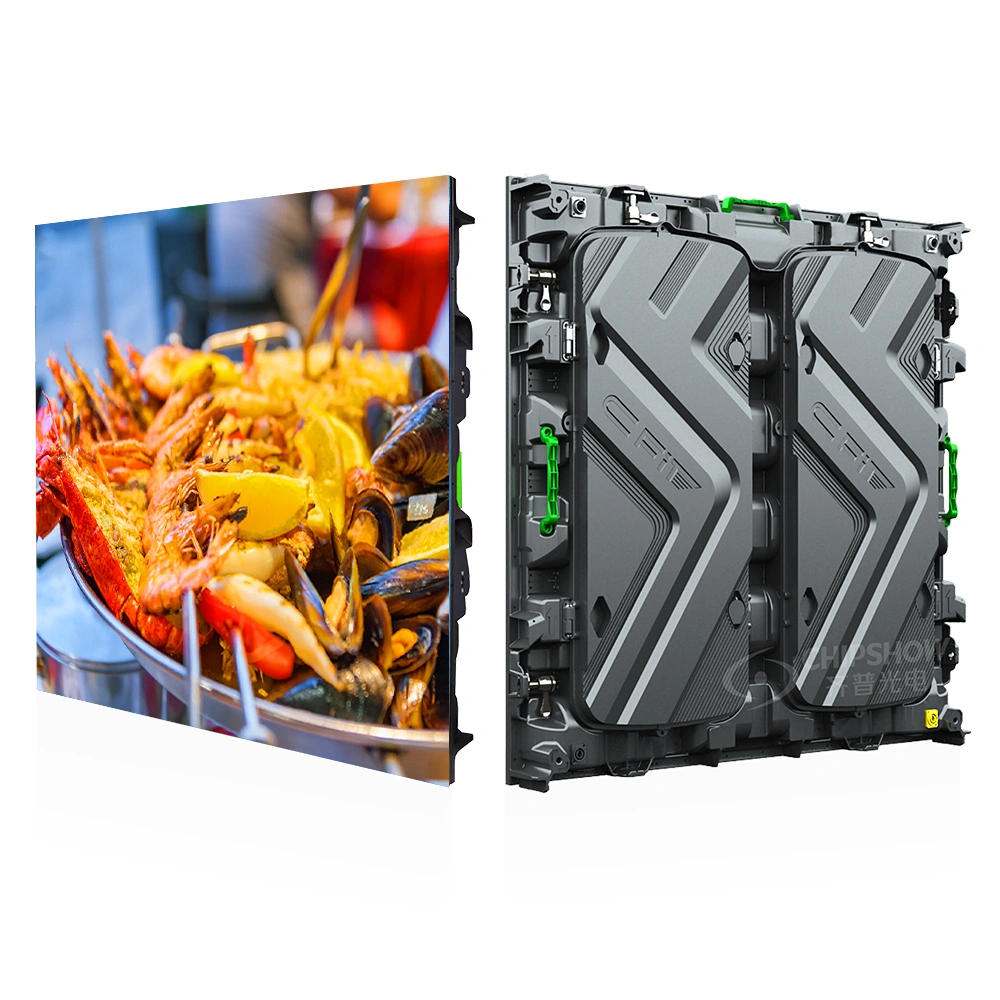
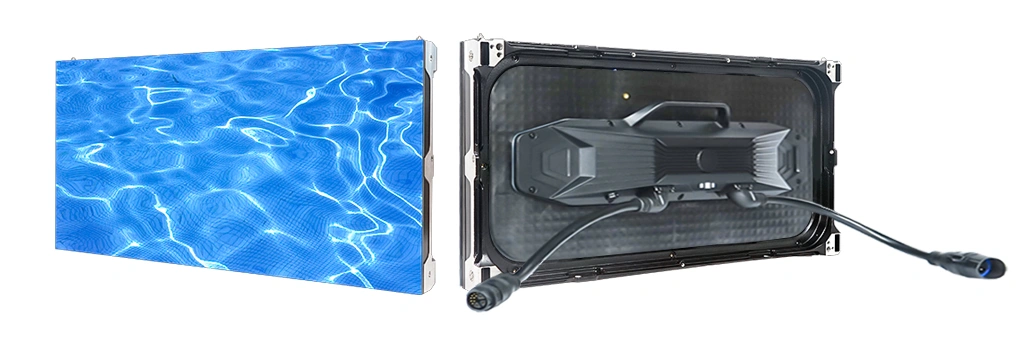
The activity plan then guides the product choice. Evaluate C-Rock Indoor when quiet operation, fine-pitch options, front/rear service and curved configurations suit worship and youth-event layouts. Evaluate C-Shine Plus when the church also needs supported high-refresh configurations, quick service between productions, curved layouts or 90-degree corners for concerts and special events. If both platforms cover the planned uses, compare the proposed pitch, service workflow and complete bill of materials.
Give the bidder a drawing of the regular-worship, youth-event and concert/special-event layouts. The quotation should show the cabinet grid, structure, processing and any additional components required for each one, together with storage, handling, assigned crew and the saved configuration for every layout. That confirms that the proposed rental system can move from one real church activity to the next.

2. Confirm the Cabinet Grid Before Comparing Quotes
Once the use and product route are defined, require the bidder to convert the active screen dimensions into an exact horizontal-by-vertical cabinet grid. The quotation should state the cabinet quantity, active dimensions, total resolution, selected pitch and spare quantity.
Cabinets are counted as whole units, so a requested width and height may not produce the exact active dimensions. The bidder should divide the target width by the cabinet width and the target height by the cabinet height, then present the whole-cabinet options around the target.
For example, a 5.0 × 3.0 m target using a 640 × 480 mm cabinet cannot produce exactly 5.0 × 3.0 m. An 8 × 6 grid produces 5.12 × 2.88 m; an 8 × 7 grid produces 5.12 × 3.36 m. The project team must choose which actual size fits the sightlines, architecture and content before the bidder finalizes resolution, structure and processing. This is an arithmetic example for that cabinet format, not a recommended church screen size.
This is the first control point in the comparison. A series name and approximate width are not enough: without the grid and resulting active dimensions, the church cannot confirm that two bidders are describing the same wall.
3. Normalize the Quote Boundary
A usable quotation should make three items visible on its first technical page:
- Cabinet grid and quantity: the exact cabinet count used to create the active wall.
- System boundary: the processing, structure, power, data, logistics and commissioning included in the bid.
- Named exclusions: every required item outside the bid and the party expected to supply it.
Short Scope Comparison Example
Two quotations may use the same cabinet grid while covering different scopes. One may include the cabinets, selected control equipment and freight to the church address. Another may also include signal-path design, coordination with local trades, calibration, camera testing and training. The totals are not comparable until the excluded work has a named owner and is added to the same project boundary. This is a scope example, not a customer case or price comparison.
Normalize the bids row by row in the scope-owner matrix below. For every exclusion, either obtain the separate local quotation, identify an existing church or contractor scope that already covers it, or leave the row open. Compare totals only after every required row has an owner and the same end point—equipment delivery, installed wall or commissioned system—is being priced.
4. Assign a Scope Owner and Acceptance Evidence
Ask each bidder to complete one version of this table. Do not accept “by others” without naming the party expected to perform the work. Assign one primary accountable owner to every row, even when several companies contribute. Missing grid information, an unnamed exclusion or a processor without a signal-path owner should remain an open bid item rather than being treated as included.
| Scope item | Required bidder detail | Possible responsible party — confirm in the proposal | Acceptance evidence |
| LED display | Model, pitch, cabinet grid, quantity, resolution and spares | Manufacturer or AV integrator | Approved equipment schedule |
| Video processing | Processor, inputs, outputs and complete signal-path boundary | AV integrator or display supplier | Signal-flow drawing and saved configuration |
| Mounting structure | Design, fabrication, attachment and installation | Structural contractor or integrator partner | Project-specific design and site approval path |
| Electrical and data | Power distribution, circuits, disconnects and cabling route | Licensed local contractor | Completed site work and test record |
| Freight and handling | Shipment origin, delivery point, unloading and internal movement | Supplier, freight provider, GC or church | Written logistics scope with named handoffs |
| Installation | Cabinet assembly, alignment and access equipment | AV integrator or installation contractor | Installed wall ready for commissioning |
| Calibration and camera test | Image setup, processor configuration and camera workflow | AV integrator | Agreed test content and acceptance record |
| Training and handover | Operators, duration, documentation, backups and spares | Integrator or supplier | Signed handover package |
| Ongoing support | First contact, escalation route and spare-parts process | Integrator and/or manufacturer | Written support contacts |
This matrix turns common bid gaps into visible open items instead of repeating them later as a separate warning list.
5. Agree the Acceptance Criteria and Test Plan Before Award
Before awarding the project, the church and bidder should agree in writing on four things: what will be tested, the conditions used for each test, what result counts as a pass, and who has authority to approve it. Include these acceptance criteria and the test plan in the bid so the same agreed requirements can be used during commissioning and handover.
Audience test
- Agree representative lyrics and scripture templates, including the text sizes the church normally uses, before award.
- Display them from the nearest, central and side seating positions and record which church representative approves the result.
- If the agreed templates fail, adjust the proposed pitch, active size or content layout before accepting the configuration.
Camera test
- Use the church’s normal cameras, lenses, positions, shutter settings and stage lighting.
- Test a speaker against the wall, not only full-screen video.
- Save an approved reference clip or agreed test setup and record what may still be adjusted through processing.
- Require the bidder to reproduce the approved result during commissioning, with the named production representative providing acceptance.
Service test
- Demonstrate access to a routine service component from the planned working position.
- Do not accept a front-service claim if the demonstration requires unplanned rear access or removal of unrelated building finishes.
- Confirm where spares, tools and the saved configuration will be stored.
Handover test
- Confirm the trained operators, escalation contact and documentation received.
- Verify that the church has the final equipment schedule and configuration backup.
- Have a named operator load or restore the approved configuration so the handover proves the files are usable, not merely present.
These tests turn “camera ready,” “easy maintenance” and “training included” into observable deliverables without inventing a universal performance promise.
Conclusion
A good U.S. church LED wall quote is not the one with the longest equipment list. It is the one that identifies the cabinet grid, defines every handoff and states how the completed wall will be accepted.
Send the same RFQ, scope-owner matrix, acceptance criteria and test plan to every bidder. That gives the church a defensible way to compare proposals—and gives the integrator a clearer project to deliver.
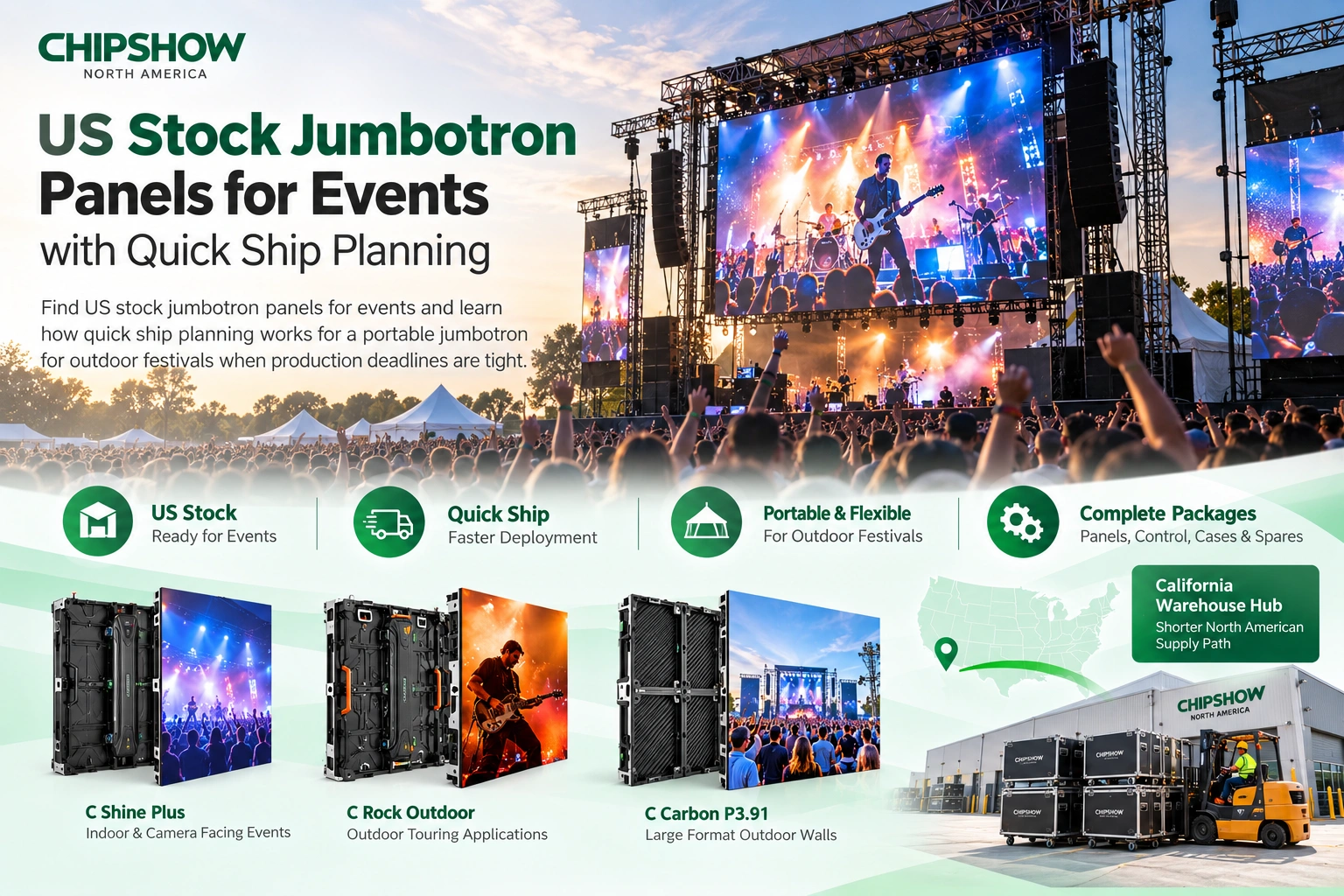
You can contact our Chipshow North American team for assistance. We have a warehouse in California, which will provide you with better logistics services and team support.
Frequently Asked Questions
Q1: What should every church LED wall bidder state?
Require the model and pitch, cabinet grid and quantity, active dimensions, processing scope, exclusions, scope owner for each project package and acceptance deliverables.
Q2: Why can two quotes for the same wall have different totals?
They may cover different responsibilities. One may be equipment supply while another includes integration, calibration, training or coordination with local trades. Normalize the scope before comparing totals.
Q3: Who should own the mounting structure and electrical work?
The responsible qualified party depends on the project team and local requirements. The bid must name that party and show where the LED supplier or integrator’s responsibility begins and ends.
Q4: What should be tested for a camera-facing wall?
Use the church’s normal cameras, positions, lenses, shutter settings, stage lighting and representative content. Agree in advance who approves the result.
Q5: Why not automatically choose the finest available pixel pitch?
Use the coarsest shortlisted pitch that passes the agreed audience and camera tests unless a finer option demonstrates an approved benefit. A finer pitch increases pixel count across the same area and may change processing, data distribution and quotation scope, so the bidder should show both the improvement and the additional system requirements.
Compare module and cabinet layouts for your own site with the LED sign selector before requesting a quote.