Modular Jumbotron for Temporary Events and Graduation Ceremonies
A graduation screen fails when families at the back can see a bright rectangle but still cannot read a graduate’s name or recognize the face on the live camera feed.
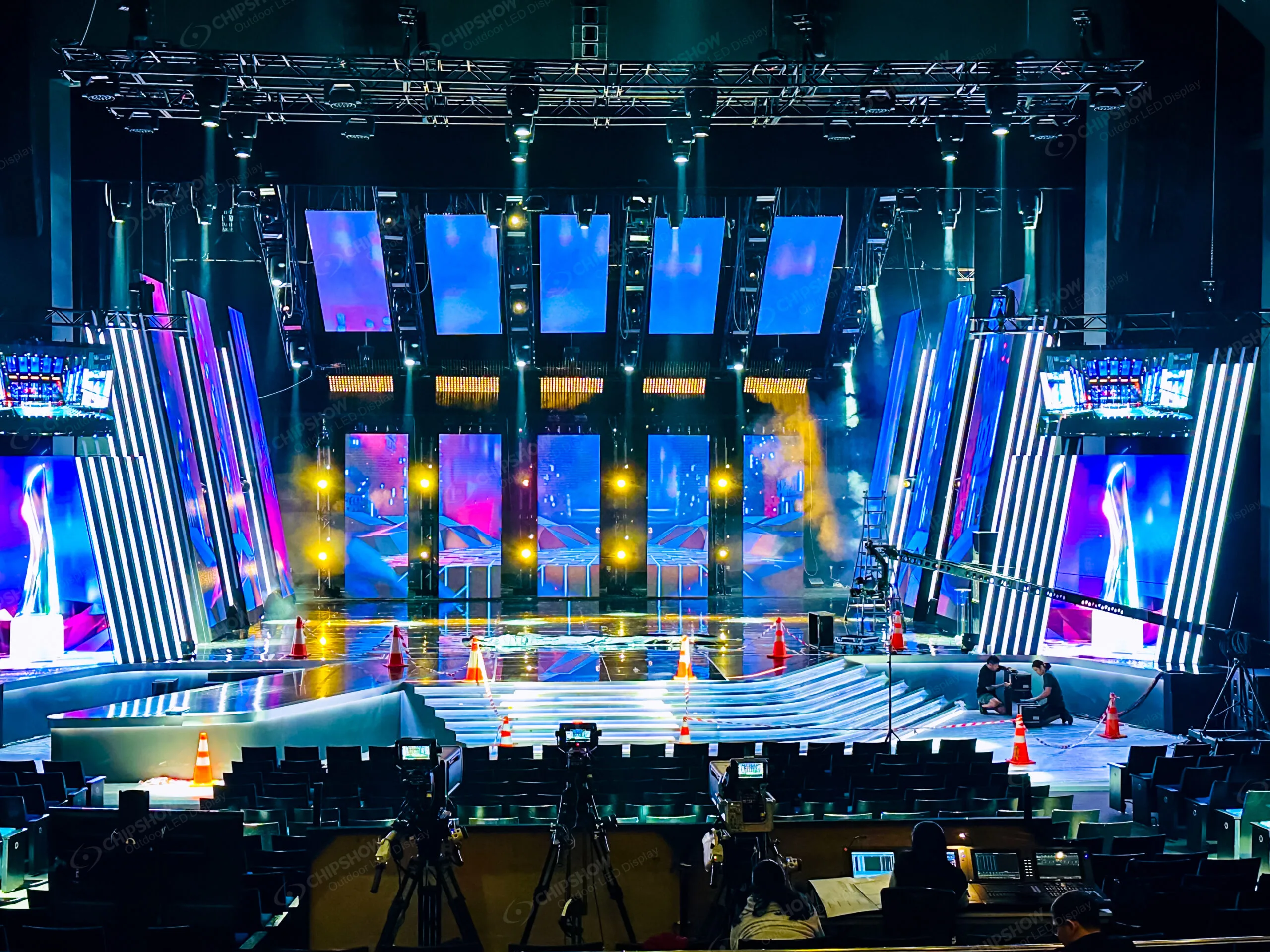
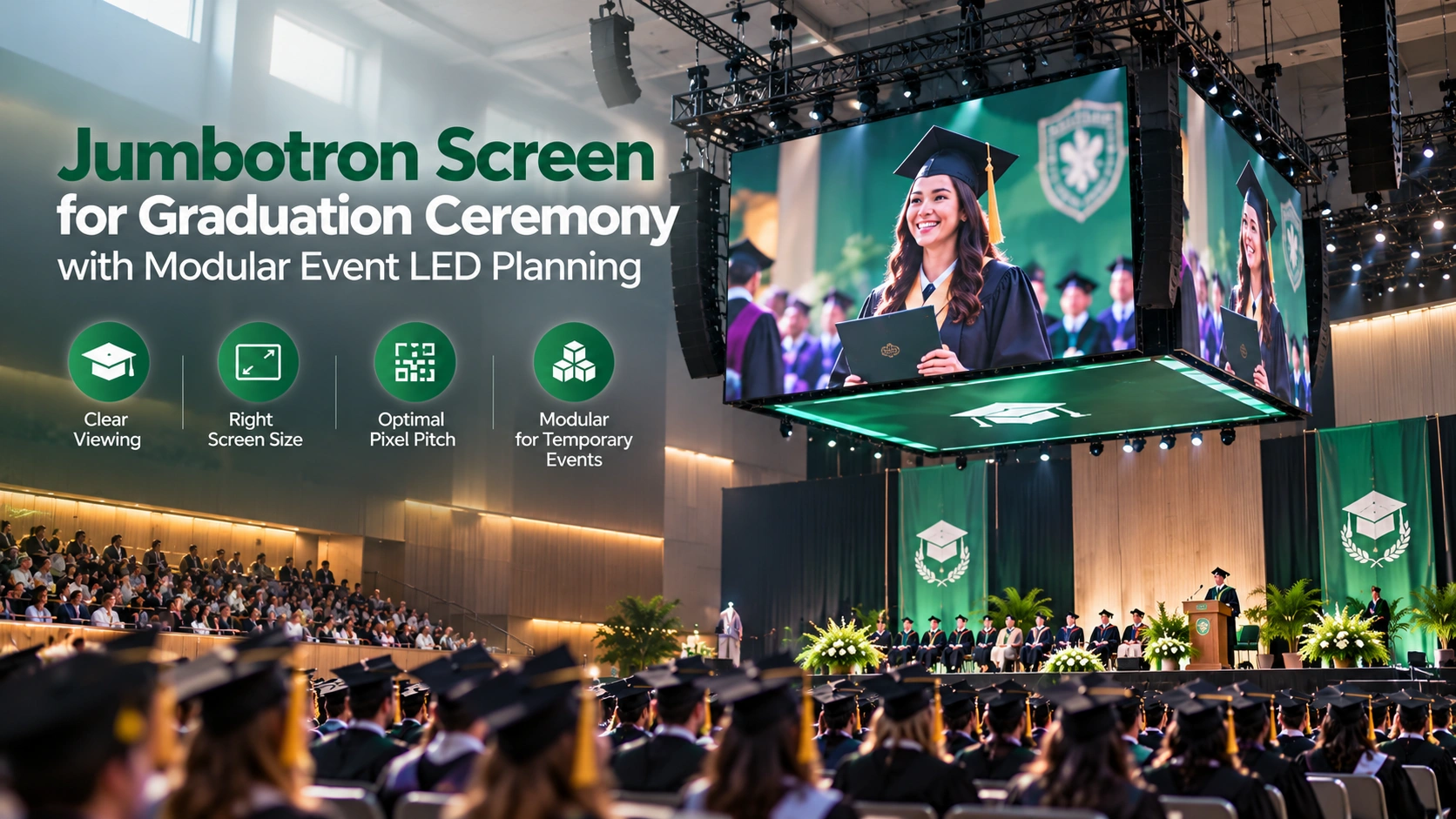
Graduation ceremonies make this especially clear. A university may place thousands of guests across a stadium, lawn, gymnasium or civic venue. The stage can be visible from the front rows while becoming visually small from the back. Parents want to see the graduate cross the stage. Guests need to read names, ceremony graphics and announcements. The production team may also need live cameras, audio synchronization and a screen position that does not block the stage itself.
Chipshow sizes a temporary event LED system around the audience viewing distance, stage position and content requirements before selecting the final pixel pitch and cabinet configuration.
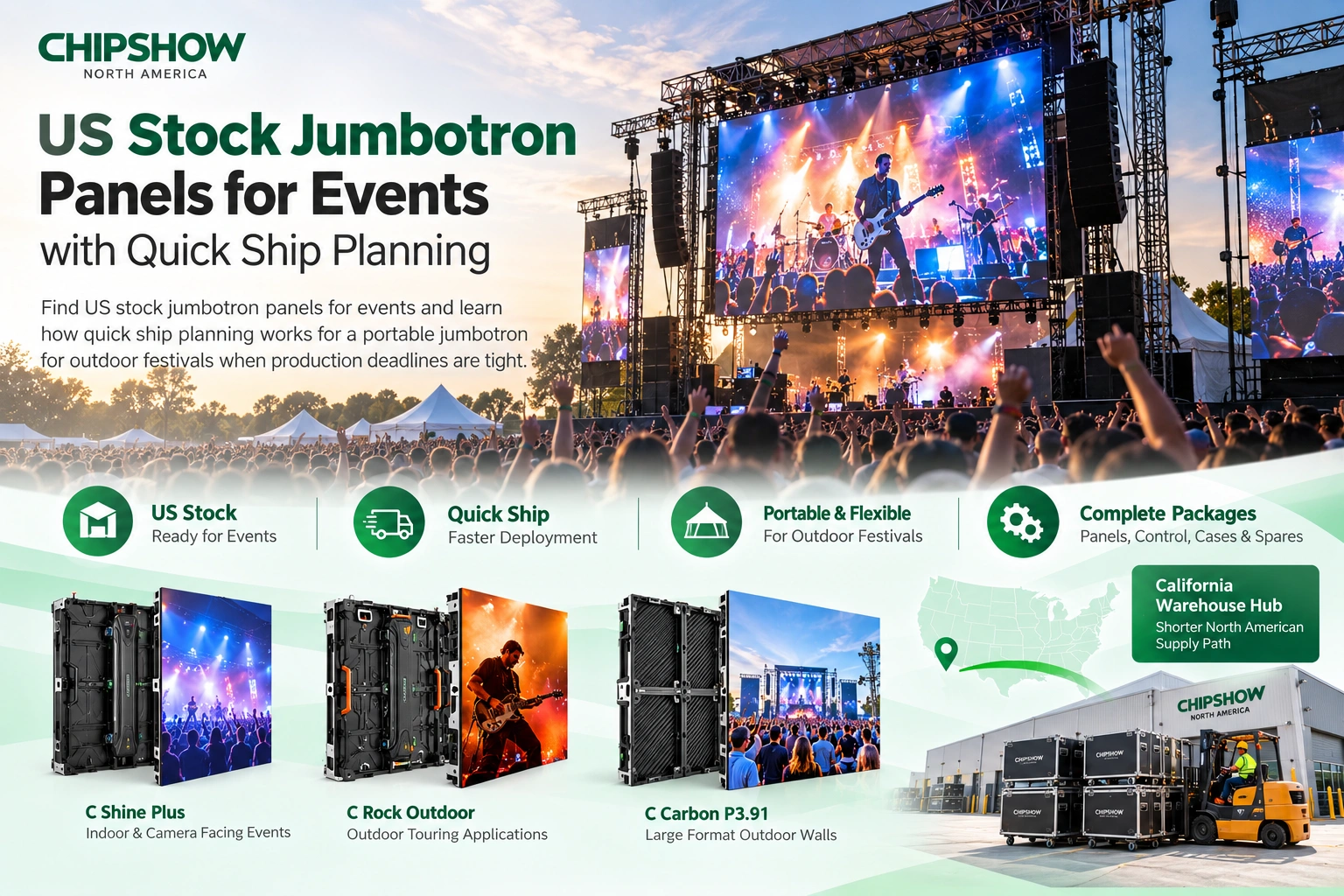
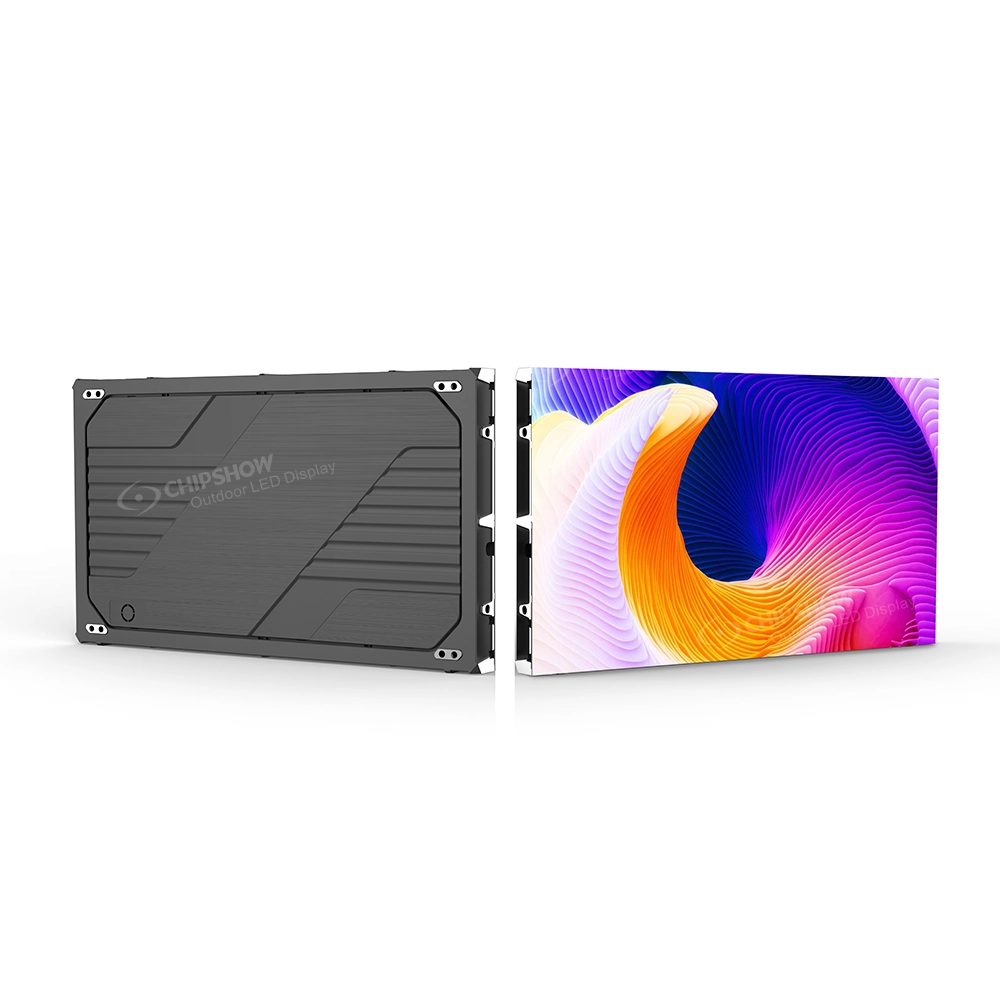
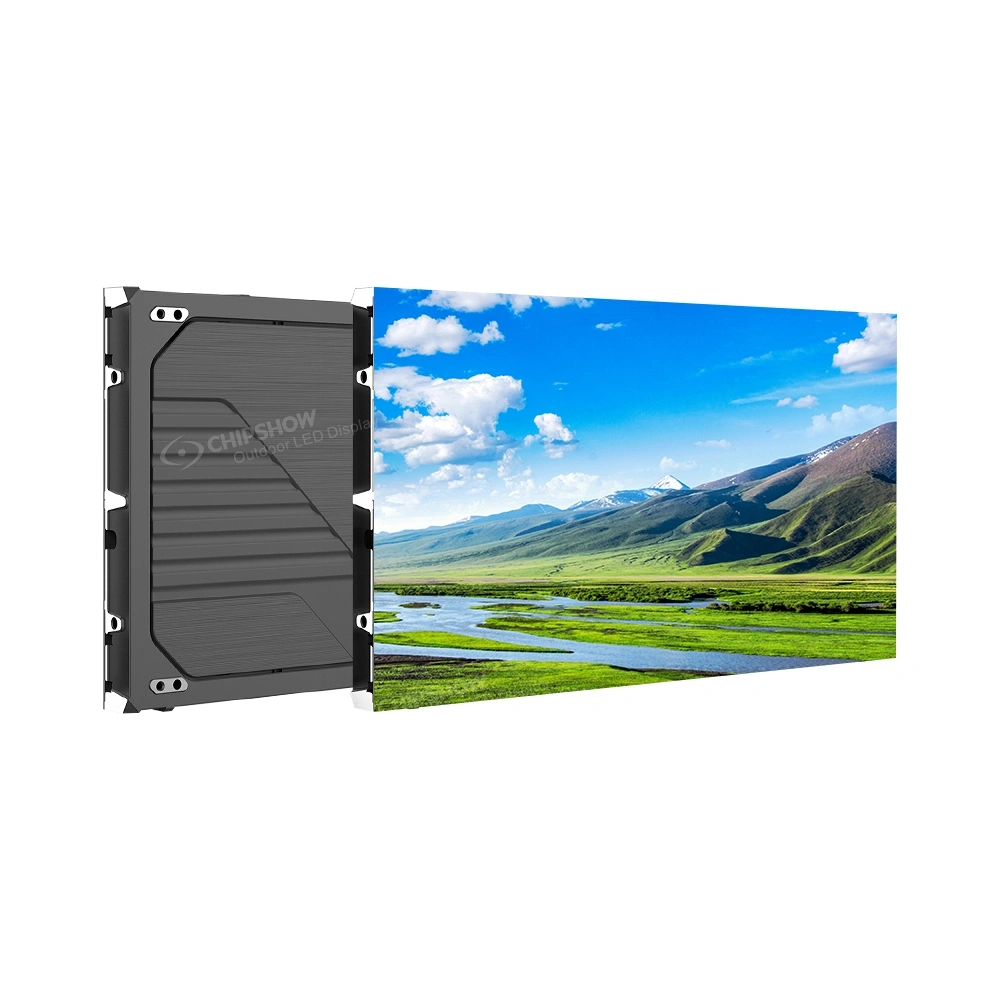
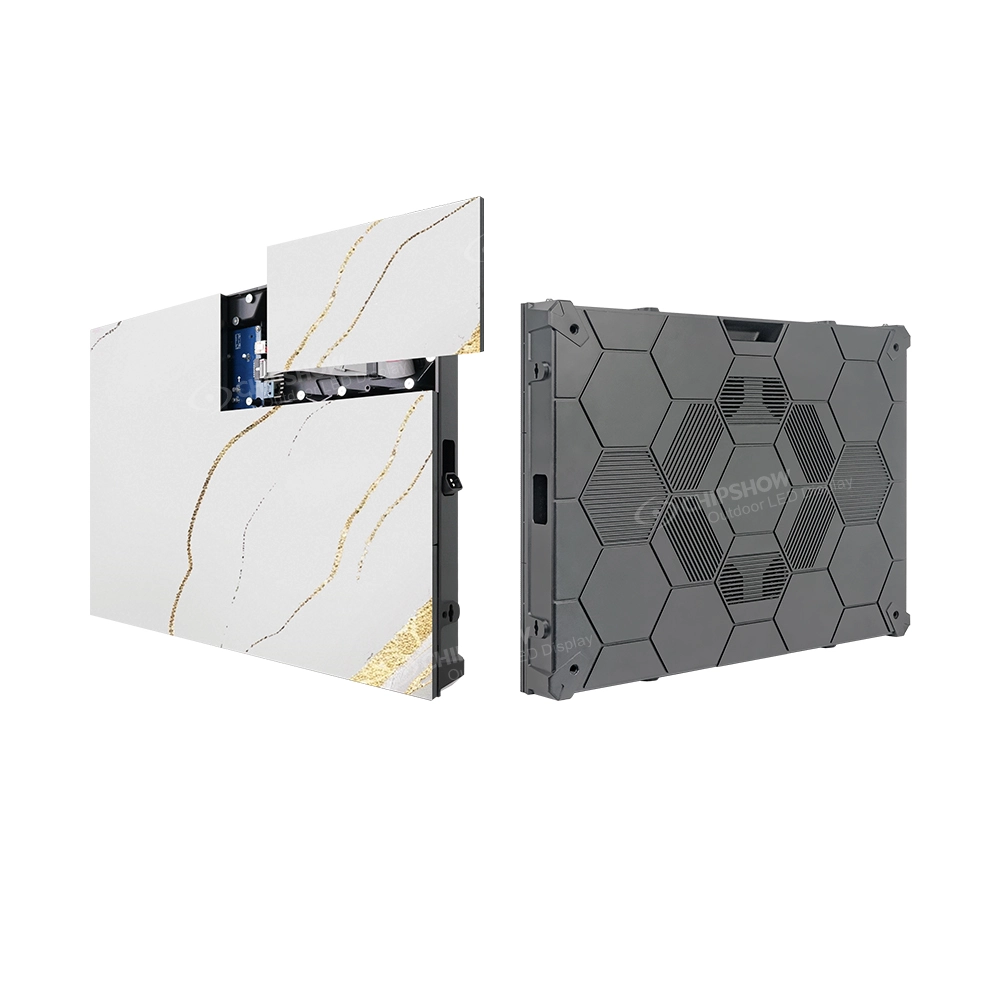
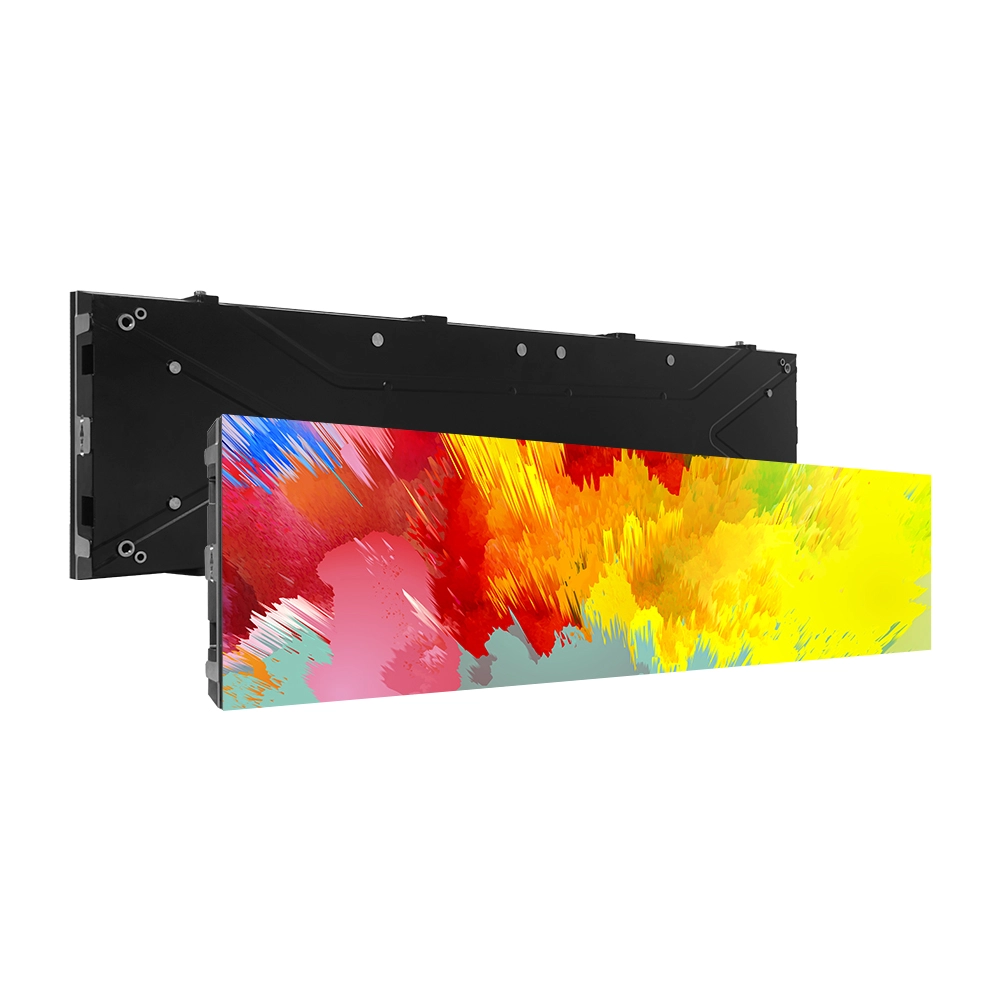
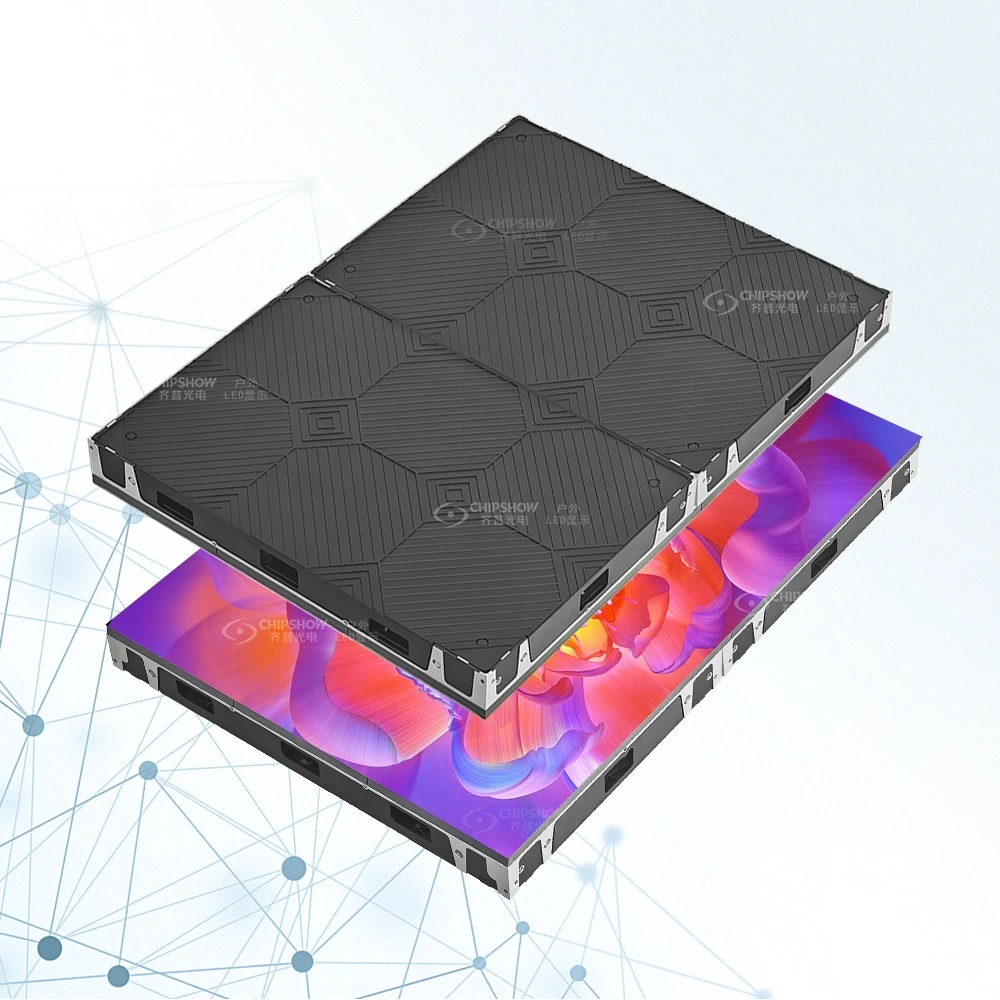
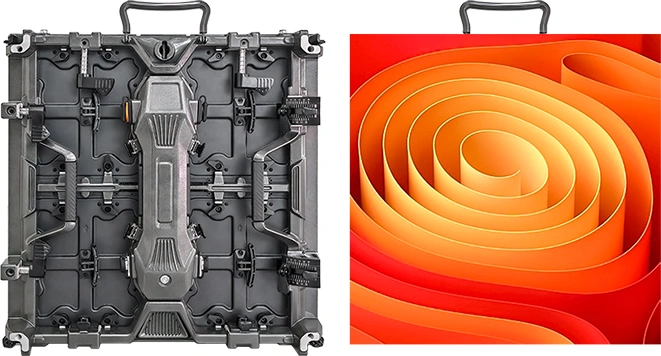
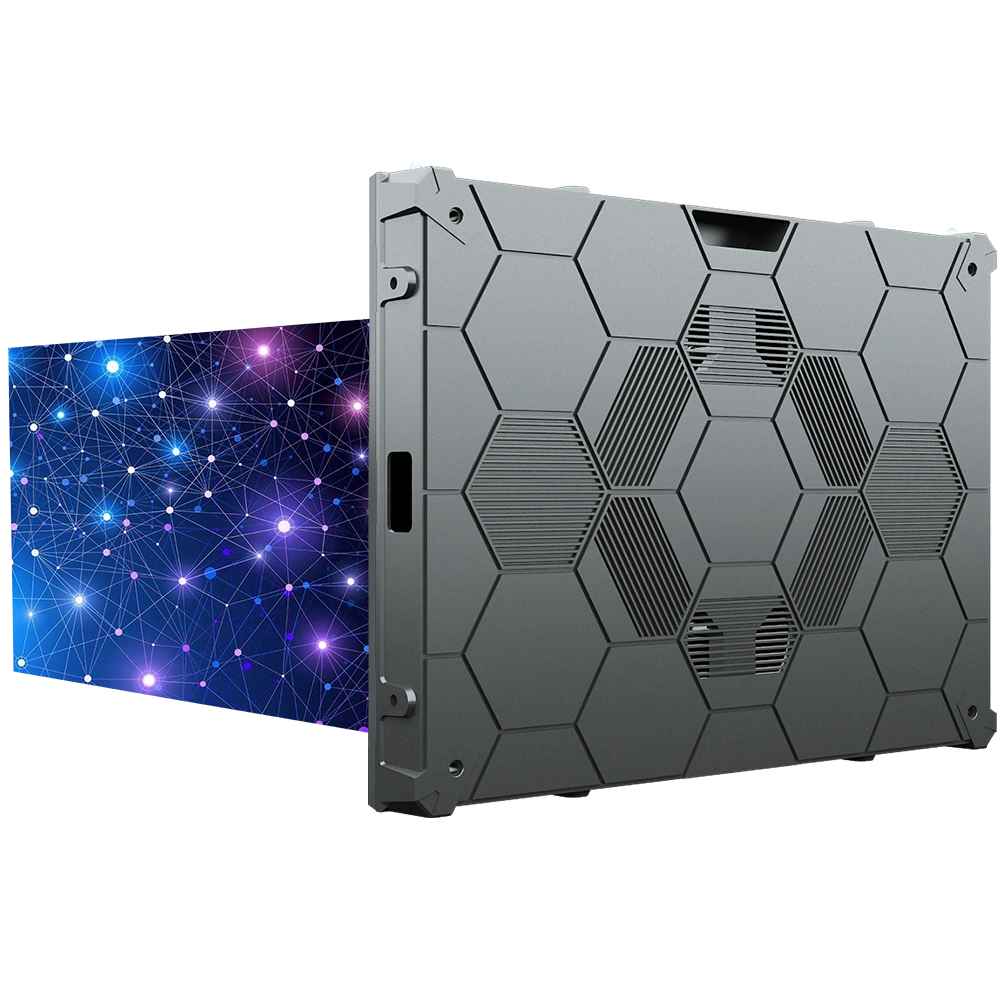
For indoor ceremonies and controlled event spaces, Chipshow C Shine Plus provides a lightweight Rental and Stage platform with 500 × 500 mm and 500 × 1000 mm cabinet formats, fast locks, front and rear service and at least 3840 Hz refresh performance.
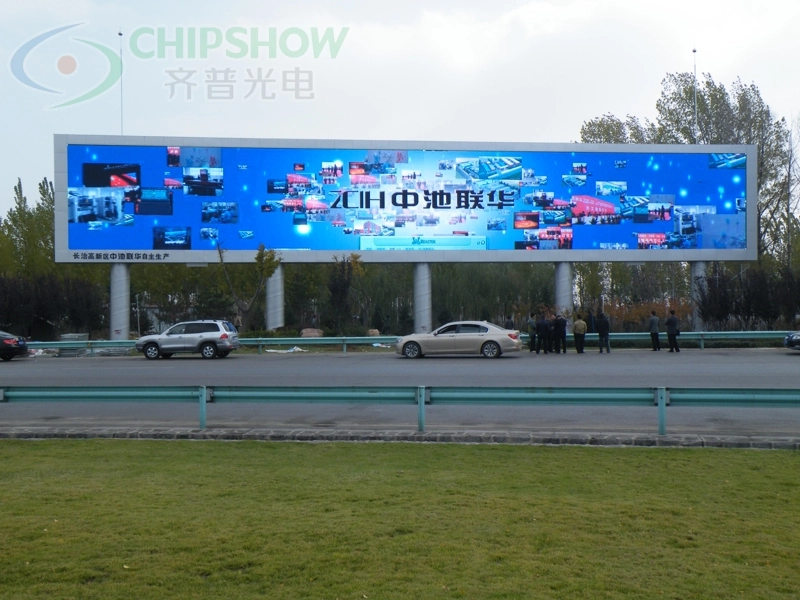
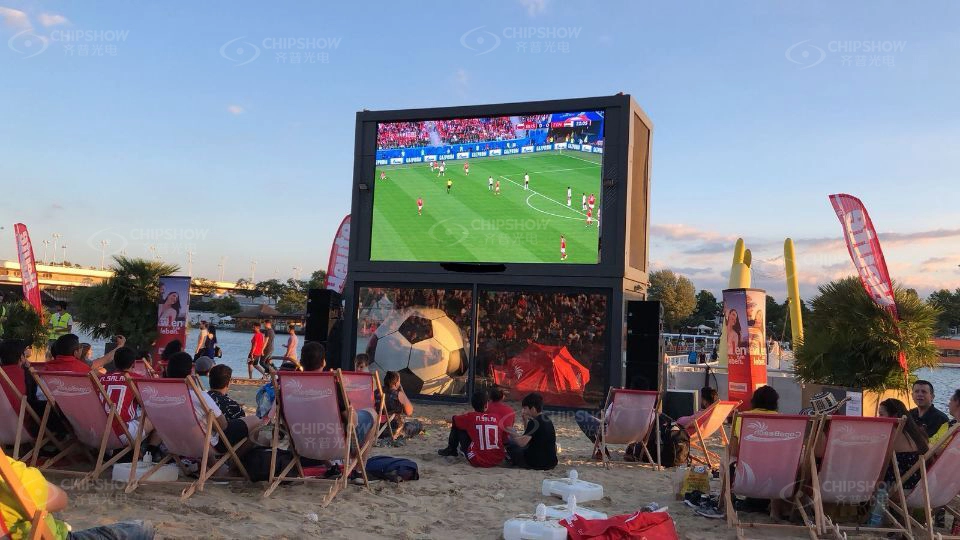
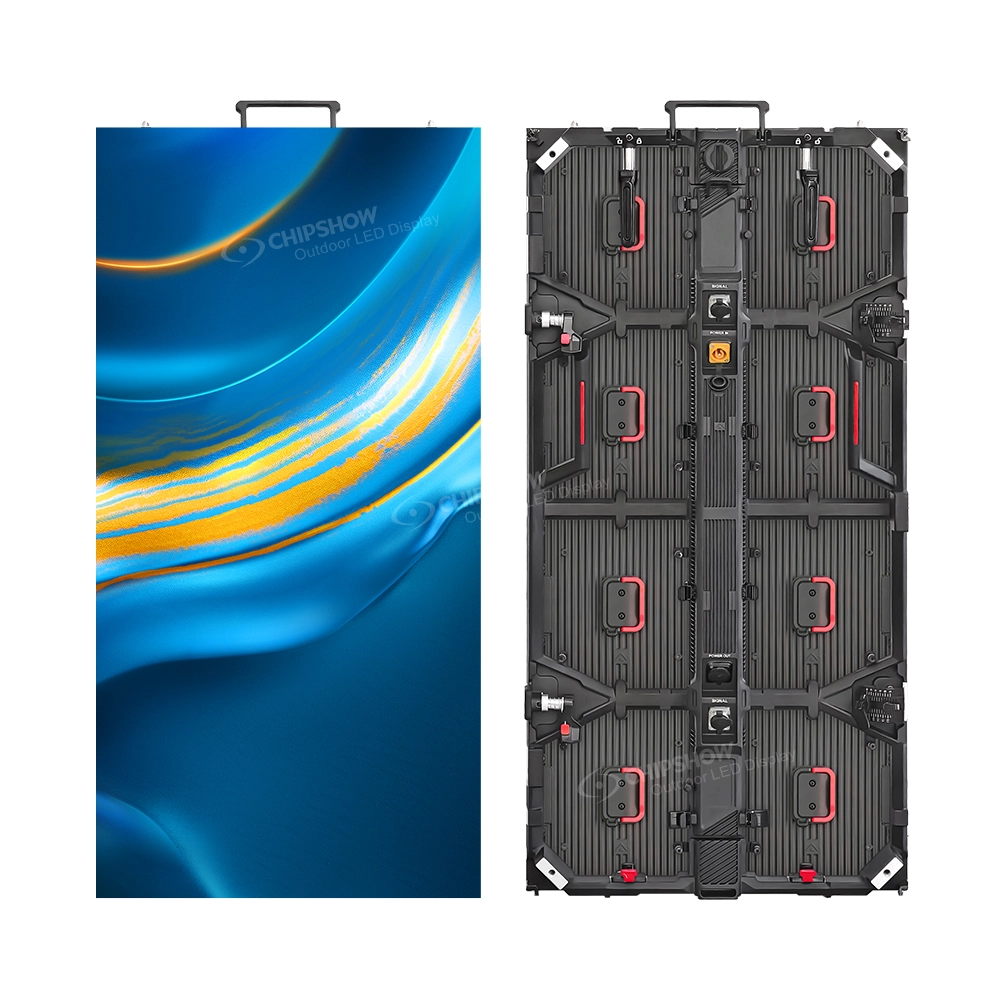
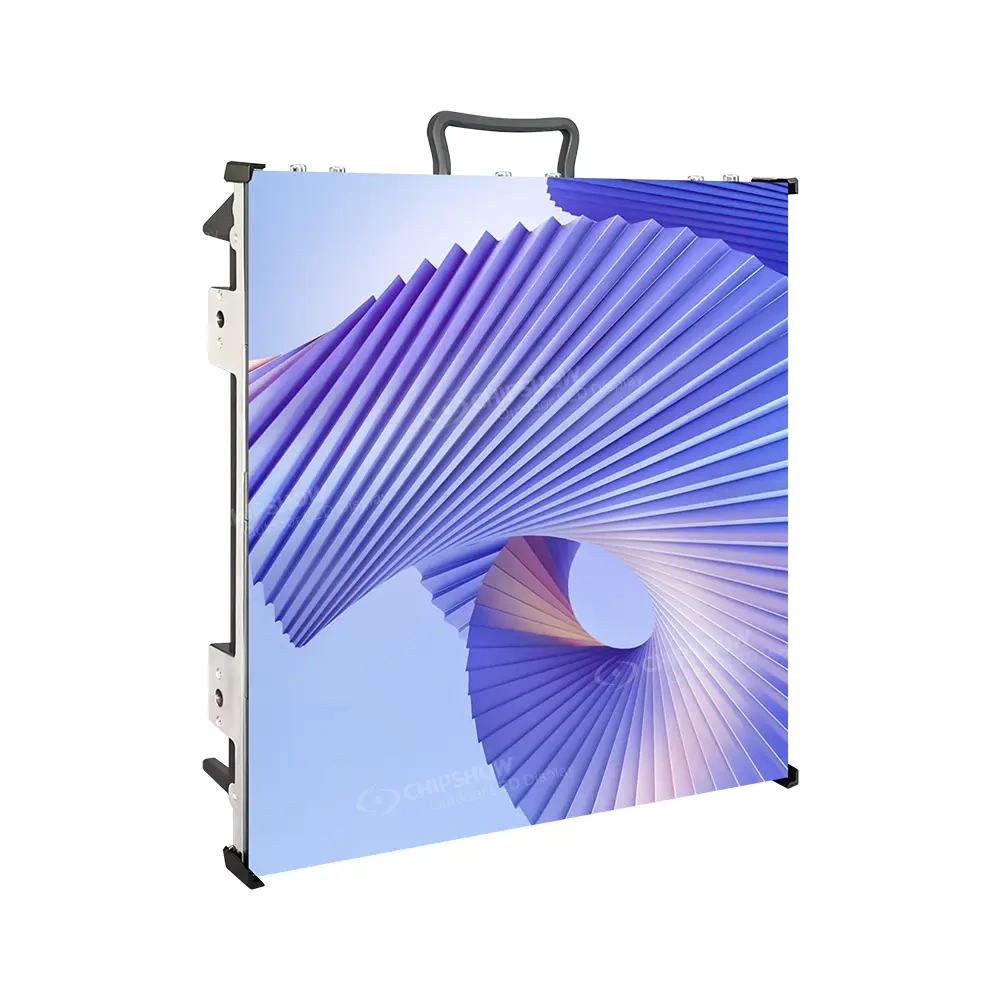
Outdoor graduations place more emphasis on daylight, weather exposure and temporary structural planning. Chipshow C Rock Outdoor provides a touring-focused outdoor platform across several pixel pitches, while Chipshow C Carbon P3.91 uses a 1000 × 1000 mm cabinet for larger outdoor walls where large-format handling fits the event design.
For a graduation the screen succeeds when the farthest important audience zone can read the information and see the people on stage clearly.
Chipshow turns the ceremony layout and viewing requirements into a defined modular LED configuration that connects screen size, placement, pixel pitch and camera production.
Audience Size and Viewing Distance
Graduation audiences do not behave like customers standing in front of a retail display. Most guests remain in assigned or semi-fixed seating positions for a long ceremony, so the screen has to work from those seats. A strong plan starts by identifying the nearest important viewing area, the farthest audience zone and the parts of the venue where the stage becomes difficult to see directly.
The Farthest Guests Help Define Screen Scale
The back of the audience often creates the harder visual problem. A screen can contain enough pixels to produce a detailed image and still be physically too small for a guest sitting far away. For graduations, physical screen size therefore matters at least as much as pixel density.
The production team should think about what the farthest guests actually need to identify. A live camera image should make a graduate’s face useful rather than merely visible as a small figure. A name graphic should occupy enough screen area to be readable without relying on extremely fine detail. Ceremony instructions and announcements should remain simple enough to communicate quickly.
Chipshow uses the active screen dimensions and viewing geometry to calculate a cabinet layout that gives the content enough physical presence for the room or field.
The Closest Audience Zone Influences Pixel Pitch
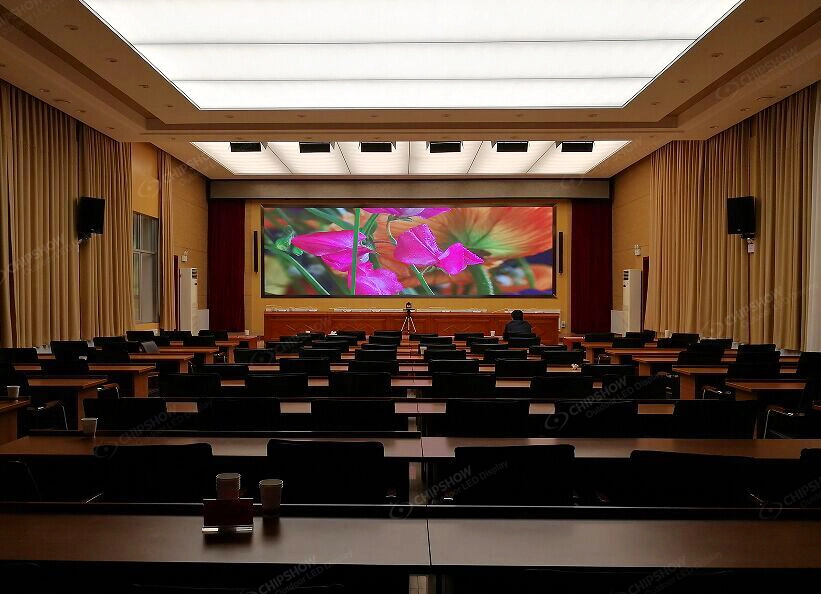
The closest important seats create a different requirement. As viewers move closer to the LED wall, pixel structure becomes easier to notice. Fine pitch therefore becomes more valuable in indoor ceremonies where seating sits relatively near the stage.
That does not mean every graduation needs the smallest available pixel pitch. A university arena with long sightlines can use a different pixel density from a smaller auditorium where guests sit much closer to the display. Chipshow matches pitch to the useful viewing range instead of treating fine pitch as a quality ranking. The goal is to invest in resolution that the audience can actually see.
Screen Height Protects Sightlines
A screen placed too low can disappear behind seated guests, camera operators or stage equipment. A screen placed unnecessarily high can create uncomfortable viewing angles for nearby sections.
Temporary event design therefore needs to consider both the horizontal audience distance and the vertical relationship between the screen and seating. Side screens can work particularly well when the ceremony already has a central stage focal point. They allow the audience to keep looking toward the stage while receiving a larger image of the graduate, speaker or ceremony content.
A single central screen can also work when the architecture and stage design support it. The better arrangement is the one that gives the greatest number of guests a clear line of sight without competing with the live ceremony.
Text Size Starts With the Content Template
LED hardware cannot rescue a crowded graphics package. Graduation content often includes names, school branding, speaker identification, honors, ceremony instructions and donor acknowledgments.
Trying to place too much information on one frame can make a very large screen difficult to read. The graphics team should design for the actual audience distance. Names can use generous type size and strong contrast. Lower thirds should remain simple. Long program information can be broken into multiple screens rather than compressed into one dense composition.
Chipshow defines the native LED canvas from the finished cabinet layout so the content team knows the real pixel space available before show day.
| Planning Input | What It Changes in the LED Plan | Why It Matters at Graduation |
|---|---|---|
| Farthest audience zone | Physical screen size and placement | Determines whether faces names and ceremony graphics remain useful from the back |
| Nearest important seats | Pixel pitch | Helps balance close viewing quality with project budget |
| Stage position | Screen location and height | Keeps the LED wall visible without competing with the ceremony focal point |
| Seating obstructions | Main screen or side screen strategy | Reduces blocked views caused by structures equipment or audience geometry |
| Planned graphics | Native resolution and content layout | Ensures names and announcements remain readable |
| Camera positions | Screen angle and production layout | Helps IMAG screens support the live ceremony without avoidable camera conflicts |
These inputs allow Chipshow to match the screen dimensions and pixel pitch to the way guests will actually experience the ceremony.
Indoor and Outdoor Graduation Planning
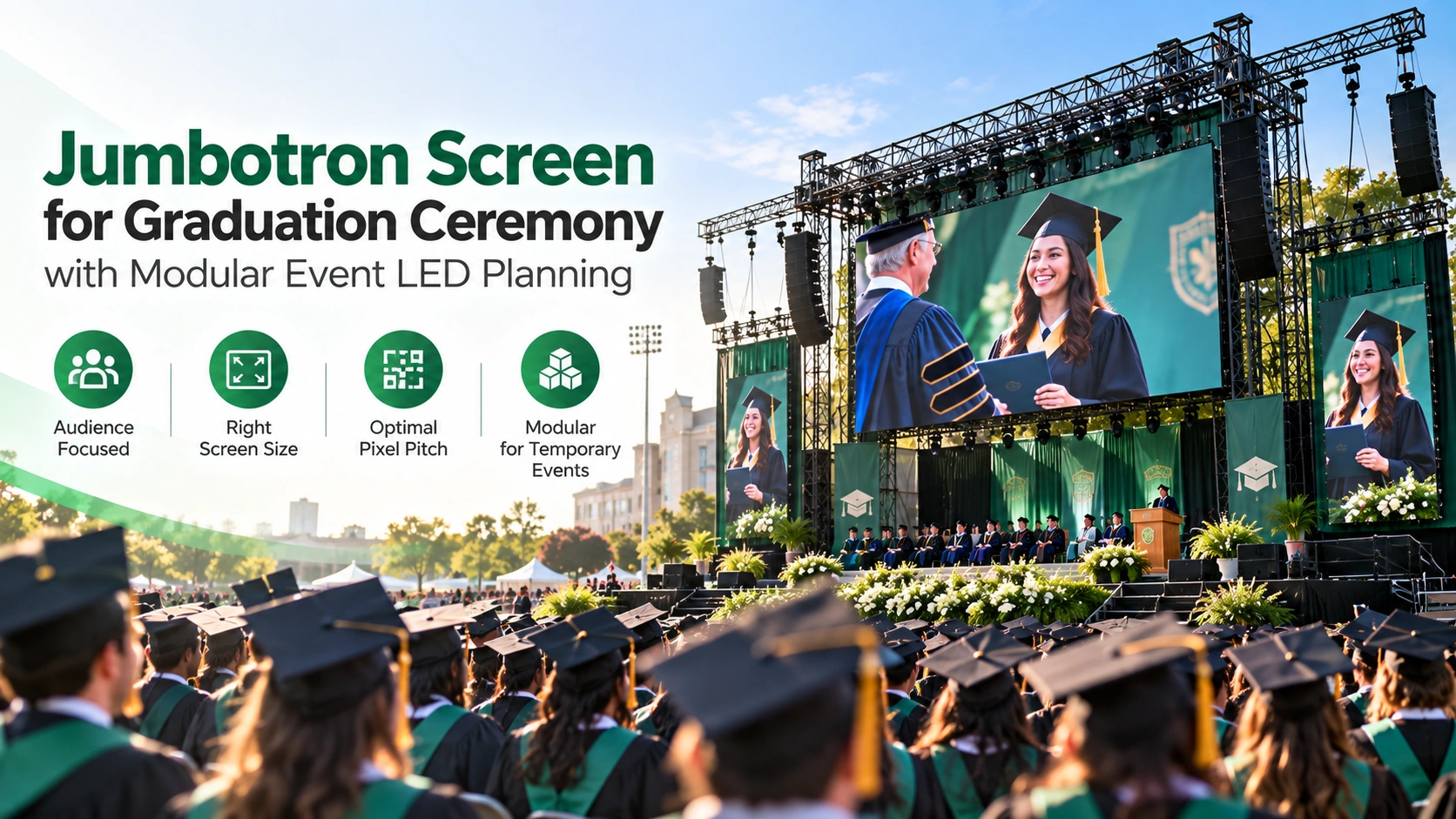
Moving a graduation from a gymnasium to a stadium or outdoor lawn changes more than the weather forecast. The LED hardware, temporary structure, brightness requirement, power plan and production schedule all change with the environment.
Indoor Ceremonies Favor Controlled Viewing Conditions
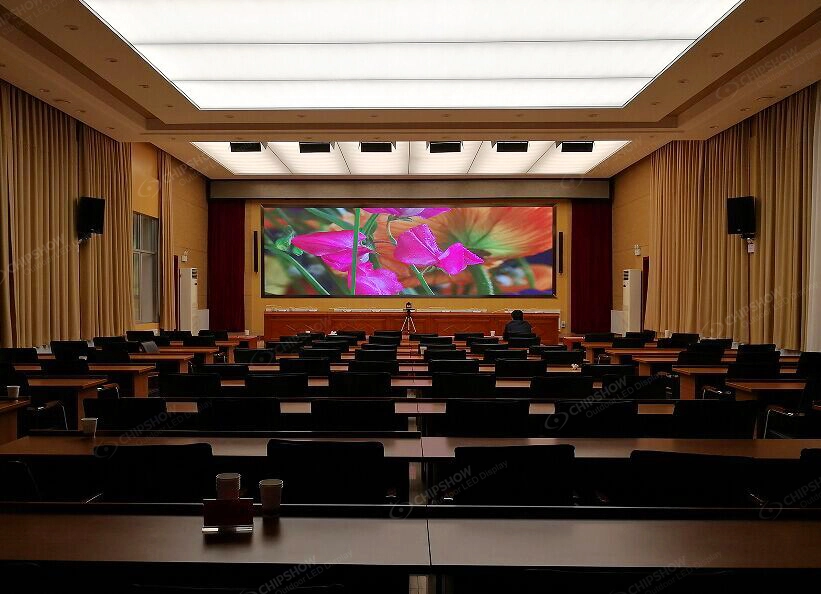
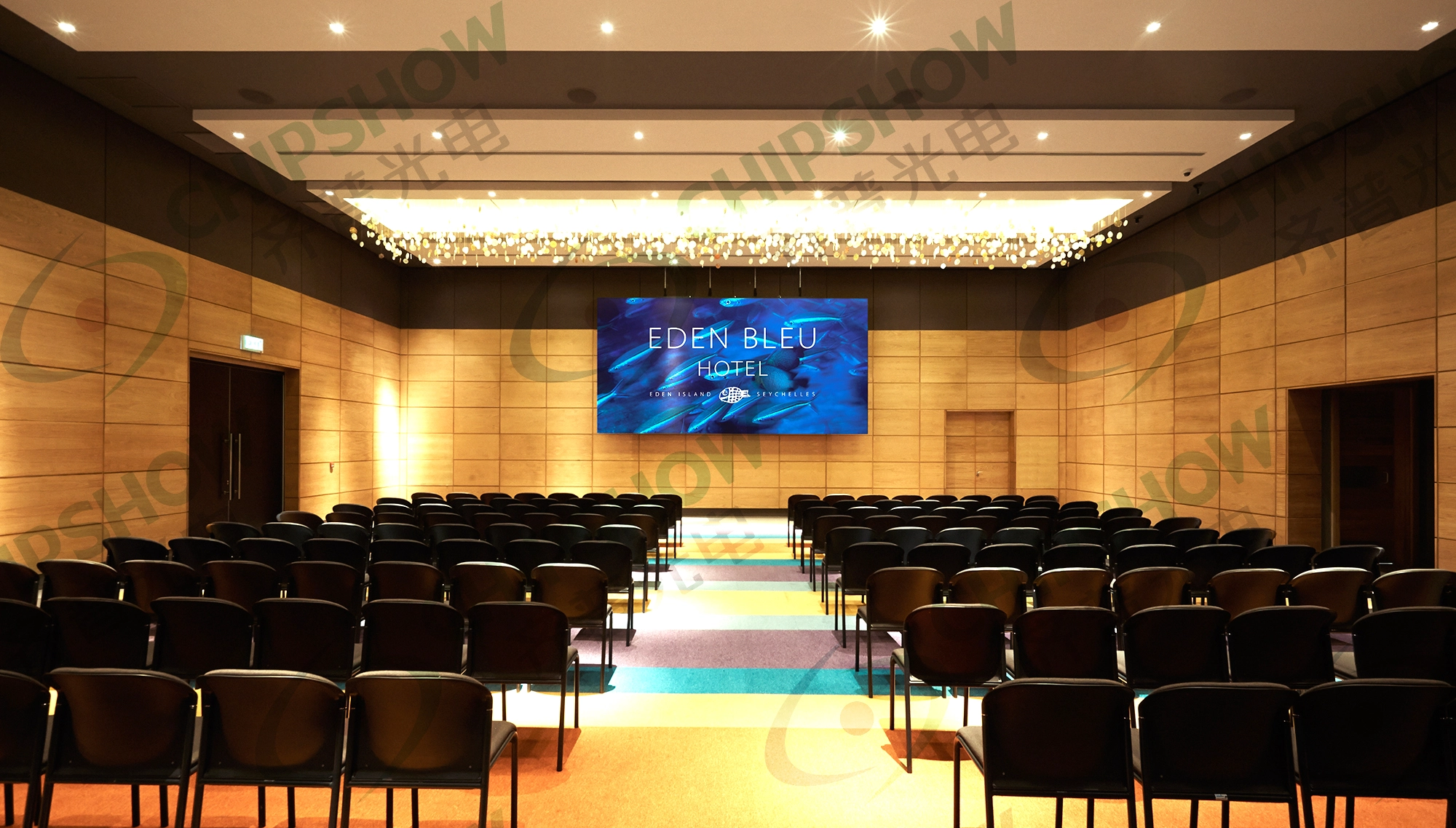
Indoor graduations usually operate under more predictable ambient light. That allows the LED wall to concentrate on viewing distance, image quality, camera performance and service access instead of competing with direct sun.
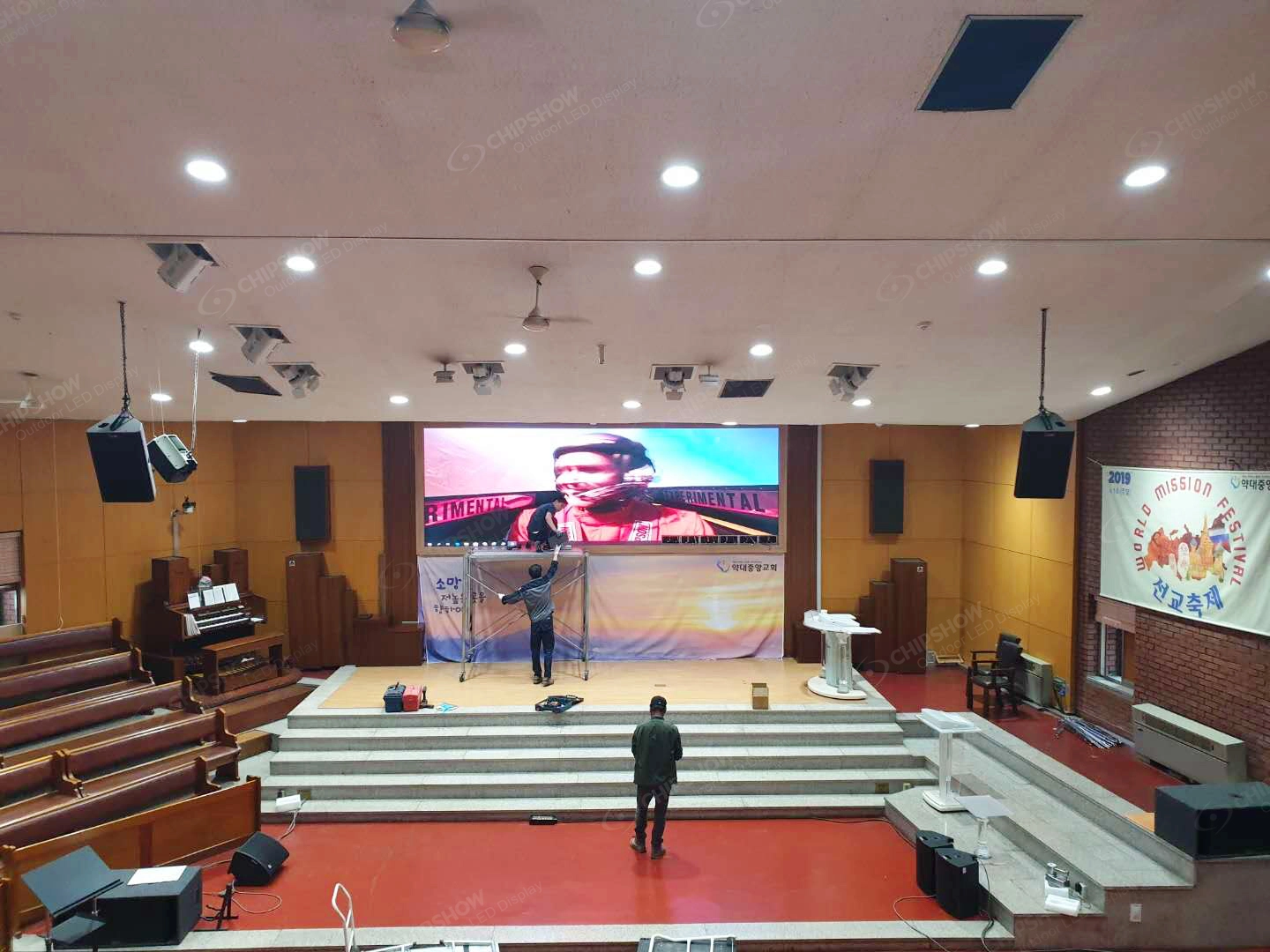
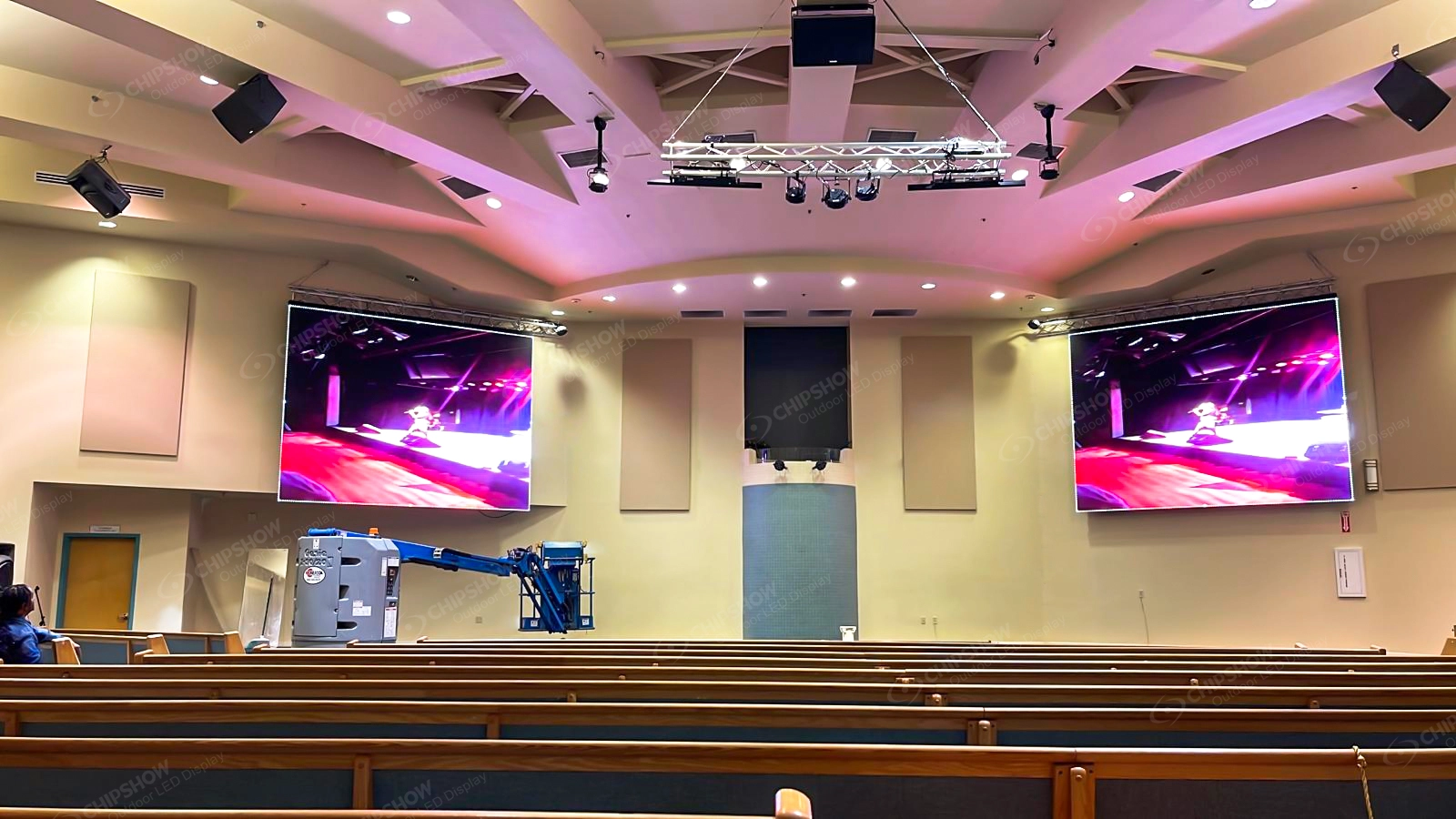
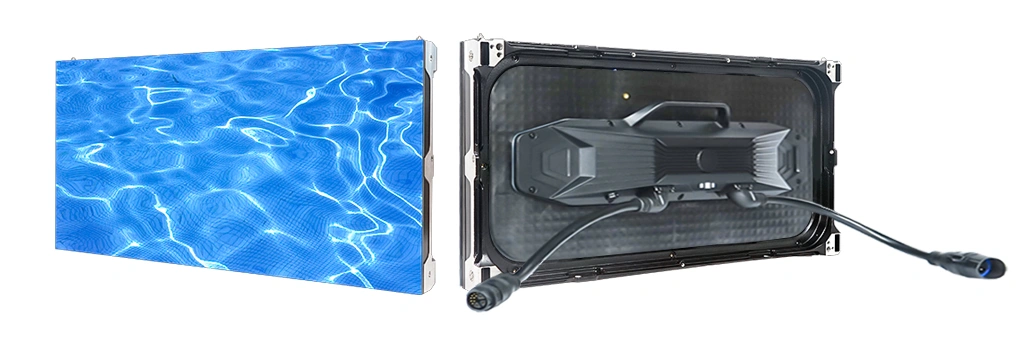
Chipshow C Shine Plus fits this type of temporary event workflow. The North American platform supports indoor pitches from P1.9 through P3.9 with 500 × 500 mm and 500 × 1000 mm cabinet formats. Its published 500 × 500 mm cabinet weighs no more than 15.4 pounds or 7 kg.
Fast locks and front and rear service support the repeated build and strike process expected from temporary event hardware. The platform is also fanless and designed for camera-facing event applications, which can be useful in indoor ceremonies where speeches, music and live recording share the same production environment.
Outdoor Ceremonies Add Daylight
A morning commencement and an afternoon commencement can place different visual demands on the same screen position. Ambient light changes during the day, and screen orientation also changes the result.
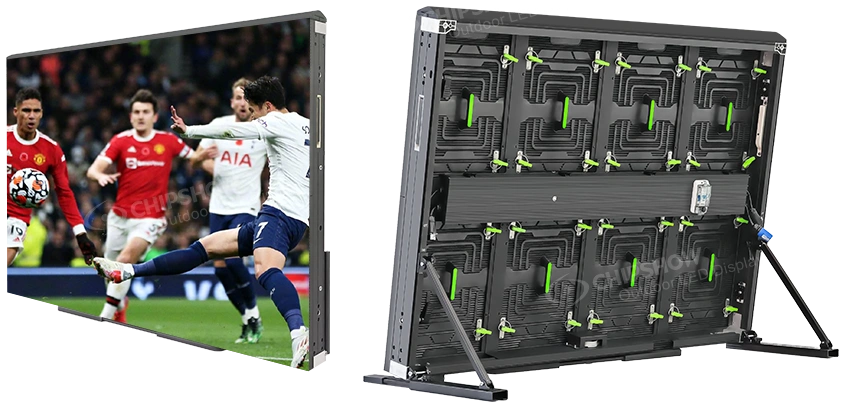
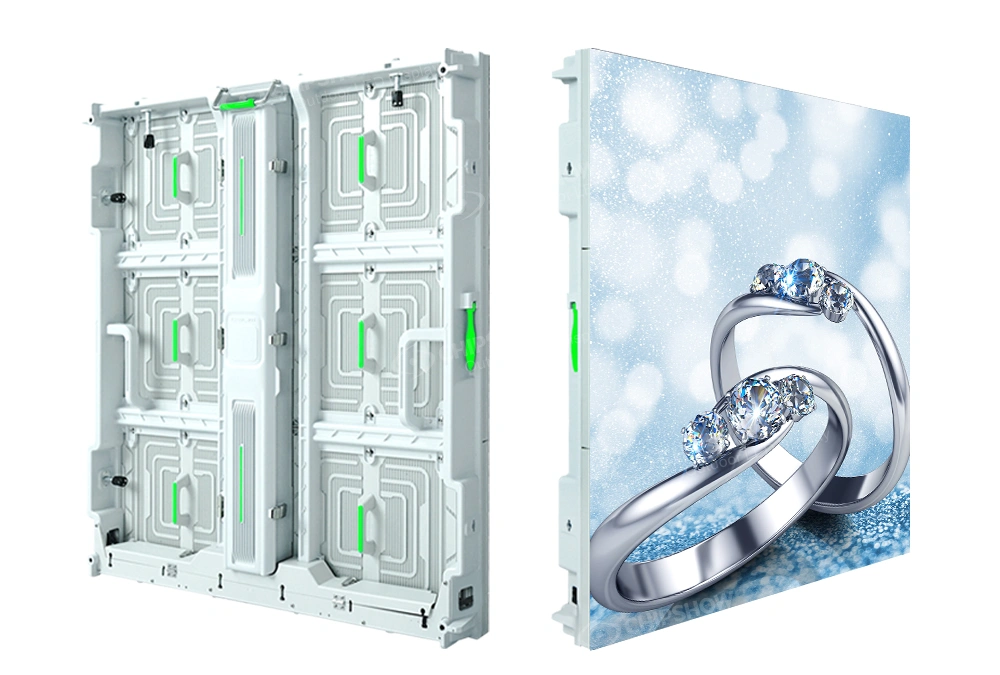
A display facing strong sunlight requires more daylight performance than a comparable wall in a shaded stage position. Chipshow C Rock Outdoor is designed around outdoor touring and temporary stage use. Its current North American product family includes P2.6, P2.9, P3.9 and P4.8 options in 500 × 500 mm and 500 × 1000 mm cabinet formats.
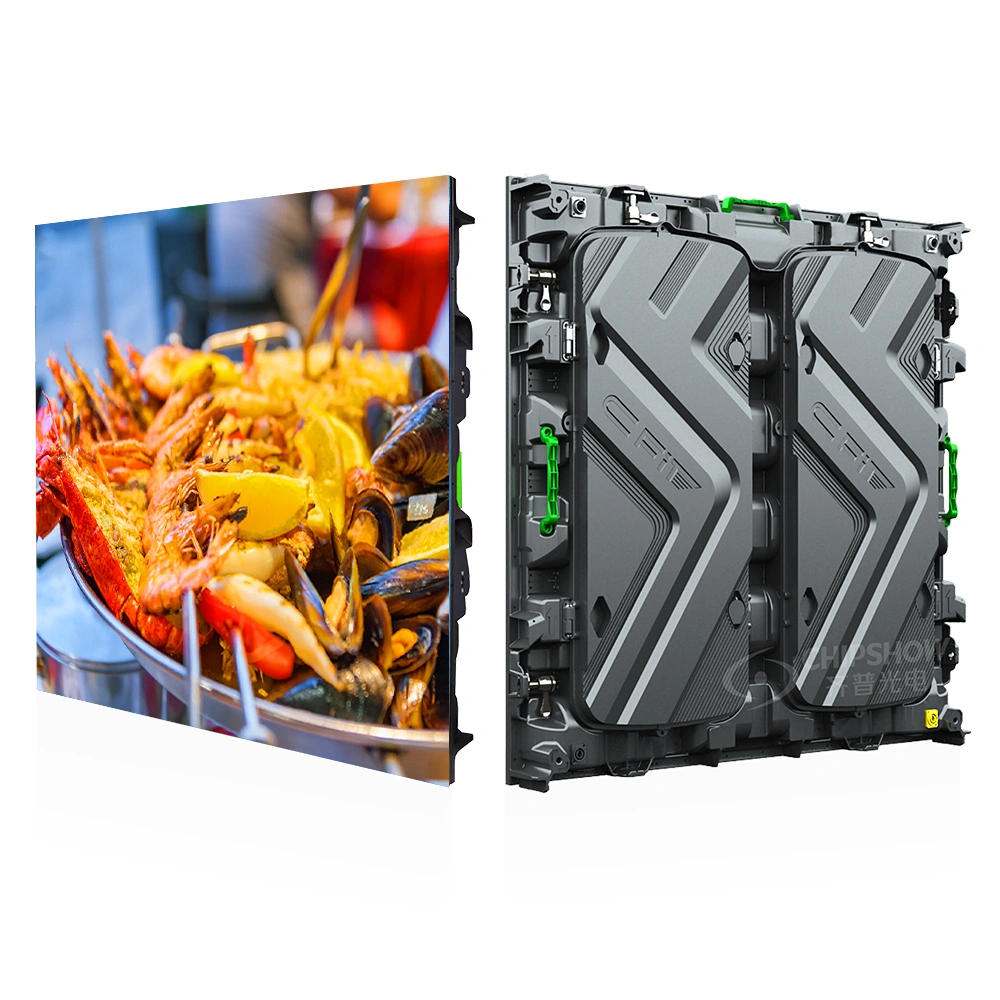
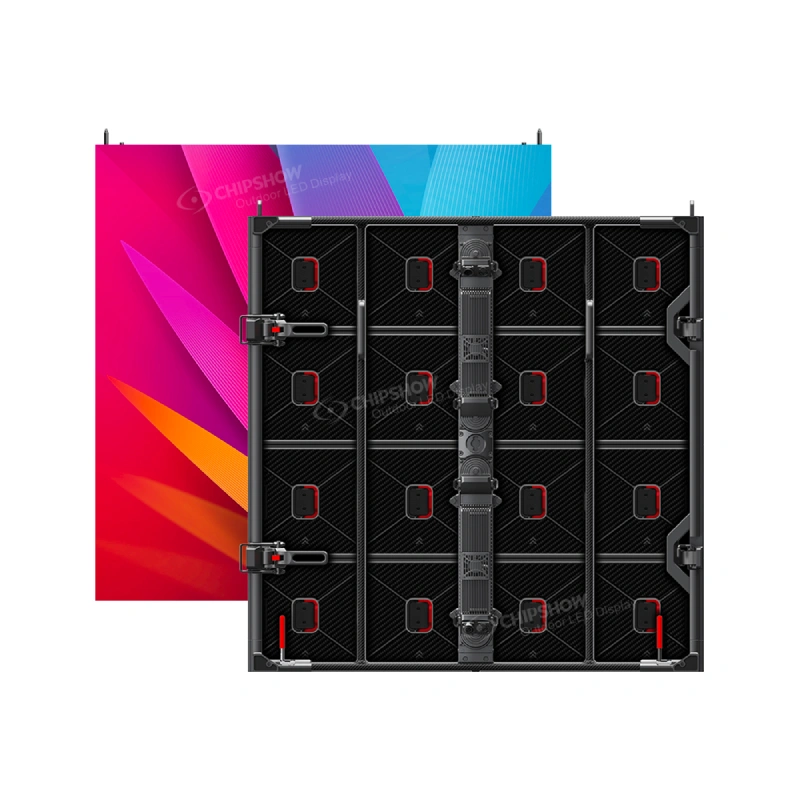
For large outdoor ceremony walls, Chipshow C Carbon P3.91 provides another architecture. Its current 1000 × 1000 mm cabinet weighs 20 kg and provides brightness up to 6000 nits with an IP65 build.
The higher specification should still solve a real event condition. A brighter product is useful when the screen has to remain legible in stronger ambient light. It is not automatically the better choice for every temporary ceremony.
Weather Protection Belongs to the Selected Configuration
Outdoor graduations need hardware built for the intended environment. The exact ingress protection belongs to the exact product and configuration.
Chipshow keeps the environmental specification tied to the product package supplied for the ceremony. For example, C Carbon P3.91 carries an IP65 build in its current published configuration, while C Rock Outdoor follows its own applicable product documentation and quoted configuration.
Wind Belongs to the Temporary Structure
An outdoor LED screen creates a substantial surface that interacts with wind. That structural condition does not disappear because commencement lasts only a few hours.
Chipshow provides the cabinet dimensions, product weights and manufacturer-side hardware information for the selected LED package. The qualified local event engineering and rigging provider uses that information when designing or approving the temporary support, truss, ballast and wind procedure for the actual site.
Outdoor festival projects with more complex temporary structural requirements can also reference Chipshow’s Portable Festival Jumbotron Guide for additional site-planning considerations.
Power and Audio Need a Shared Event Plan
The LED wall does not operate independently from the rest of the ceremony. Temporary power needs to account for the display system while maintaining the event’s broader electrical plan. Audio also needs to remain synchronized with the live camera image.
The AV production team coordinates the complete signal, audio and site power environment. Chipshow supplies the LED hardware and applicable manufacturer-side display control package defined for the screen.
Pixel Pitch and Brightness
Graduation LED selection can become expensive quickly when the project treats the finest pitch and highest brightness as default goals. Neither specification should be purchased without a viewing reason.
Pixel Pitch Should Follow the Audience
A smaller pixel pitch increases pixel density. That becomes valuable as guests move closer to the display or when the screen needs to show detailed text and fine image content.
Large outdoor ceremonies often work differently. When the audience sits farther away and the active screen becomes physically larger, a wider pitch can provide an effective viewing result while covering more screen area with the available budget.
Chipshow first matches the pitch to the viewing geometry, then calculates the native screen resolution from the selected cabinet layout.
Screen Area Can Matter More Than Extra Density
A graduation buyer working with a fixed budget can face a practical choice. The project may be able to purchase or rent a smaller screen with a very fine pitch or a larger screen with a somewhat wider pitch.
For a distant audience, the larger screen can create more useful visibility. Faces appear larger, names occupy more physical height and the audience can follow the ceremony without relying on extreme pixel density that may not be visible from their seats.
That does not make wide pitch universally better. It means screen size and pixel pitch should be solved together.
Brightness Should Match the Ceremony Time
Indoor brightness and outdoor daylight performance solve different problems. An indoor event wall should look balanced against stage lighting without becoming visually uncomfortable. An outdoor screen needs enough output to overcome the real ambient conditions of the venue.
C Carbon P3.91 provides brightness up to 6000 nits for large outdoor event applications. C Rock Outdoor provides another Chipshow route for daylight-oriented touring work. Chipshow matches the product and operating requirement to the ceremony location rather than treating maximum nits as a purchasing score.
Modular Setup
Temporary events need hardware that can arrive, build, perform and leave on a defined schedule. That makes cabinet mechanics part of production planning.
Hanging and Ground Support Create Different Workflows
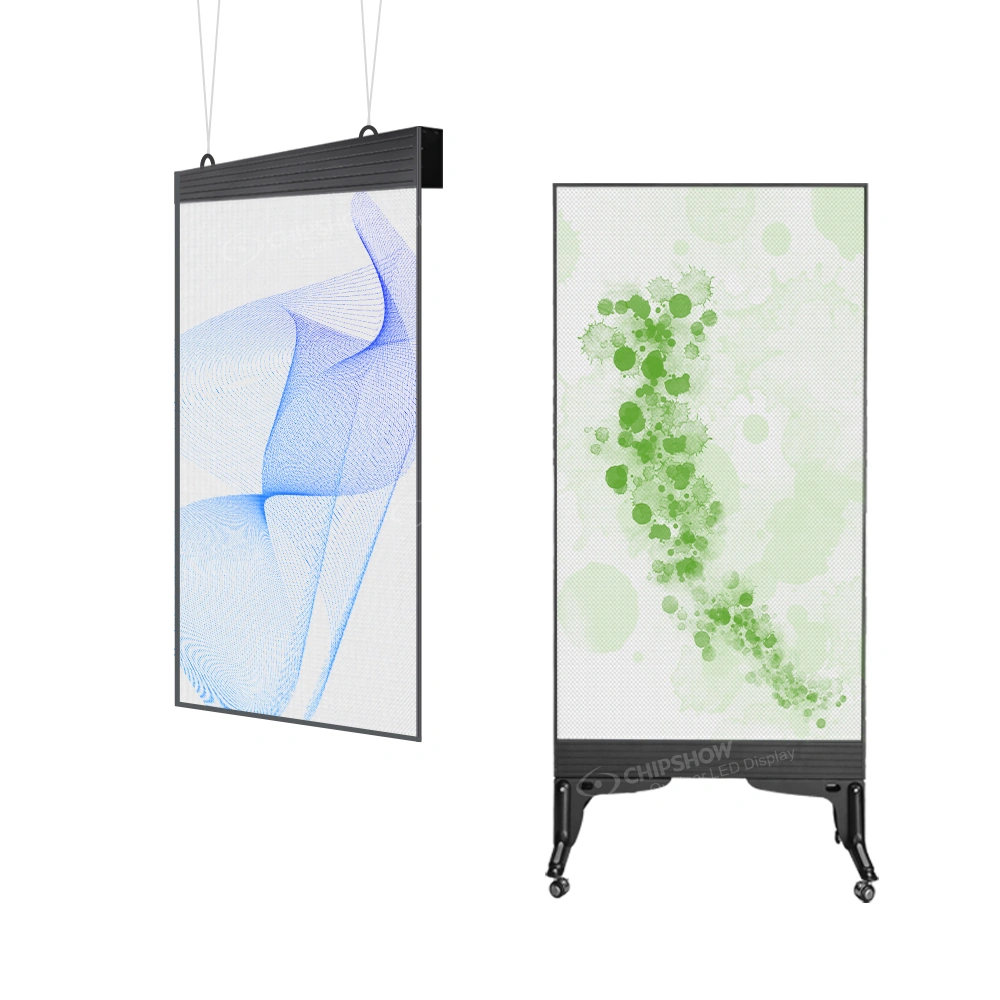
A flown screen uses an overhead support and rigging architecture. A ground-supported screen transfers the display into a temporary structure built from the event floor or site. The LED cabinet can be modular in both cases, while the temporary structural solution changes with the venue.
Chipshow configures the display package around the planned screen size and deployment method. The local qualified rigging team coordinates the supporting system for the venue using the manufacturer information supplied with the LED package.
Smaller Cabinets Provide Layout Flexibility
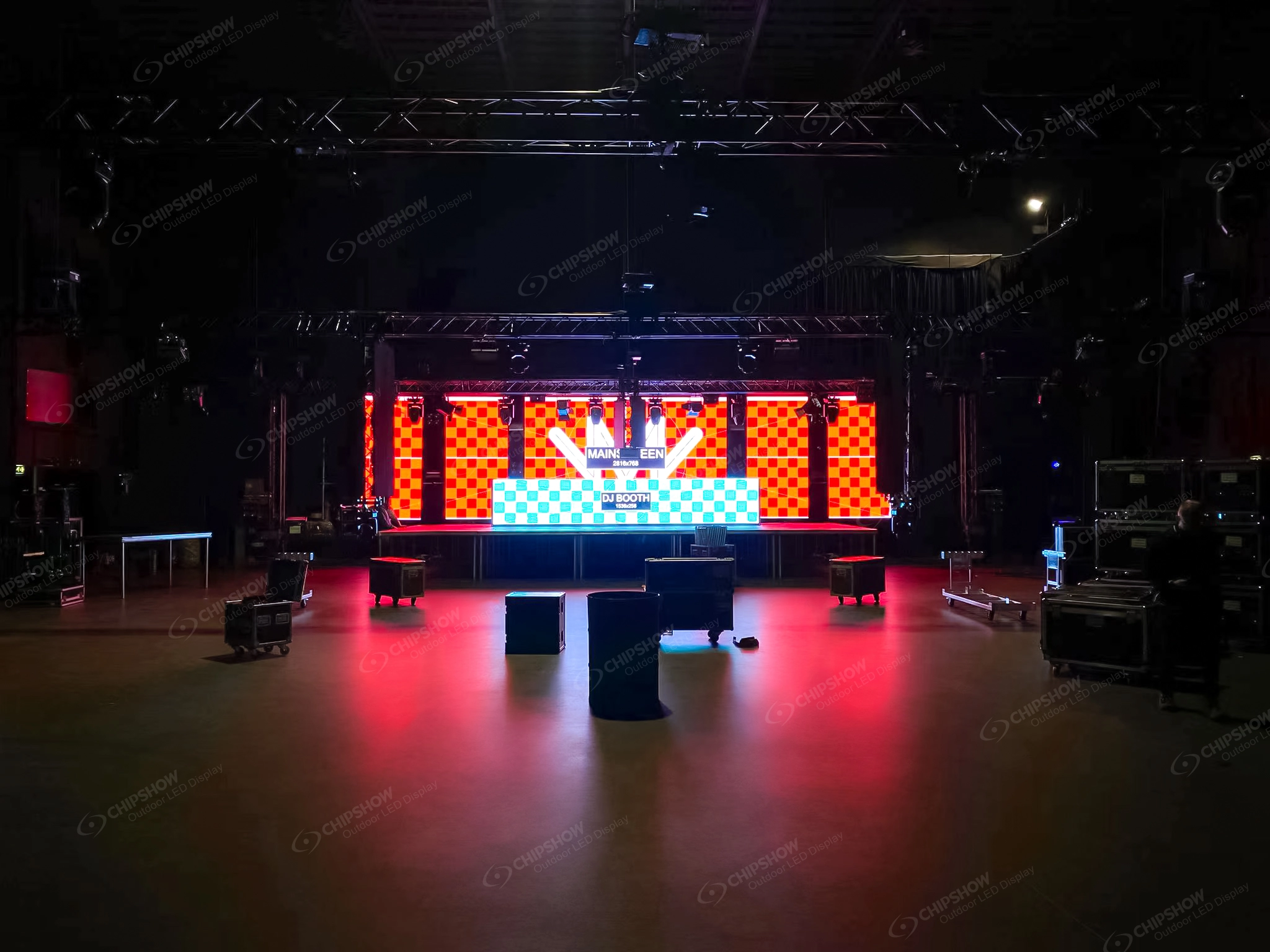
C Shine Plus uses 500 mm-based cabinet formats, giving the production team more freedom when building dimensions that need finer increments or when adapting to limited stage width. C Rock Outdoor also supports 500 × 500 mm and 500 × 1000 mm formats for temporary outdoor builds.
This flexibility can be valuable in graduations that move between different venues from year to year. A school may use one arrangement in a gymnasium and another on an outdoor stage without changing the fundamental modular concept.
Larger Cabinets Change the Handling Model
C Carbon P3.91 uses a 1000 × 1000 mm cabinet. A large rectangular outdoor screen can therefore use fewer individual cabinets than an equivalent wall made entirely from 500 × 500 mm panels.
That changes the number of cabinet joins, case organization and screen mapping. The larger format becomes useful when the event design already favors substantial rectangular walls. Smaller cabinets remain more flexible where stage geometry changes frequently.
Fast Locks Reduce Repetitive Work
Temporary LED walls contain many cabinet connections. C Shine Plus uses fast locking hardware designed for repeated stage assembly. The value appears across the complete wall rather than in one lock.
For North American event crews working inside fixed load-in windows, reducing unnecessary repetitive mechanical steps can make the hardware workflow more efficient. Actual setup time still depends on venue access, screen dimensions, rigging method and crew size.
Service and Spares Protect the Ceremony Window
Graduations follow a fixed program. Once doors open, the production team has very little room for hardware disruption.
C Shine Plus provides front and rear service along with a tool-free power box design. Planned spare modules and agreed service components can also form part of the event hardware package, giving the production team a clearer recovery path when a serviceable component needs attention.
Live Camera and IMAG
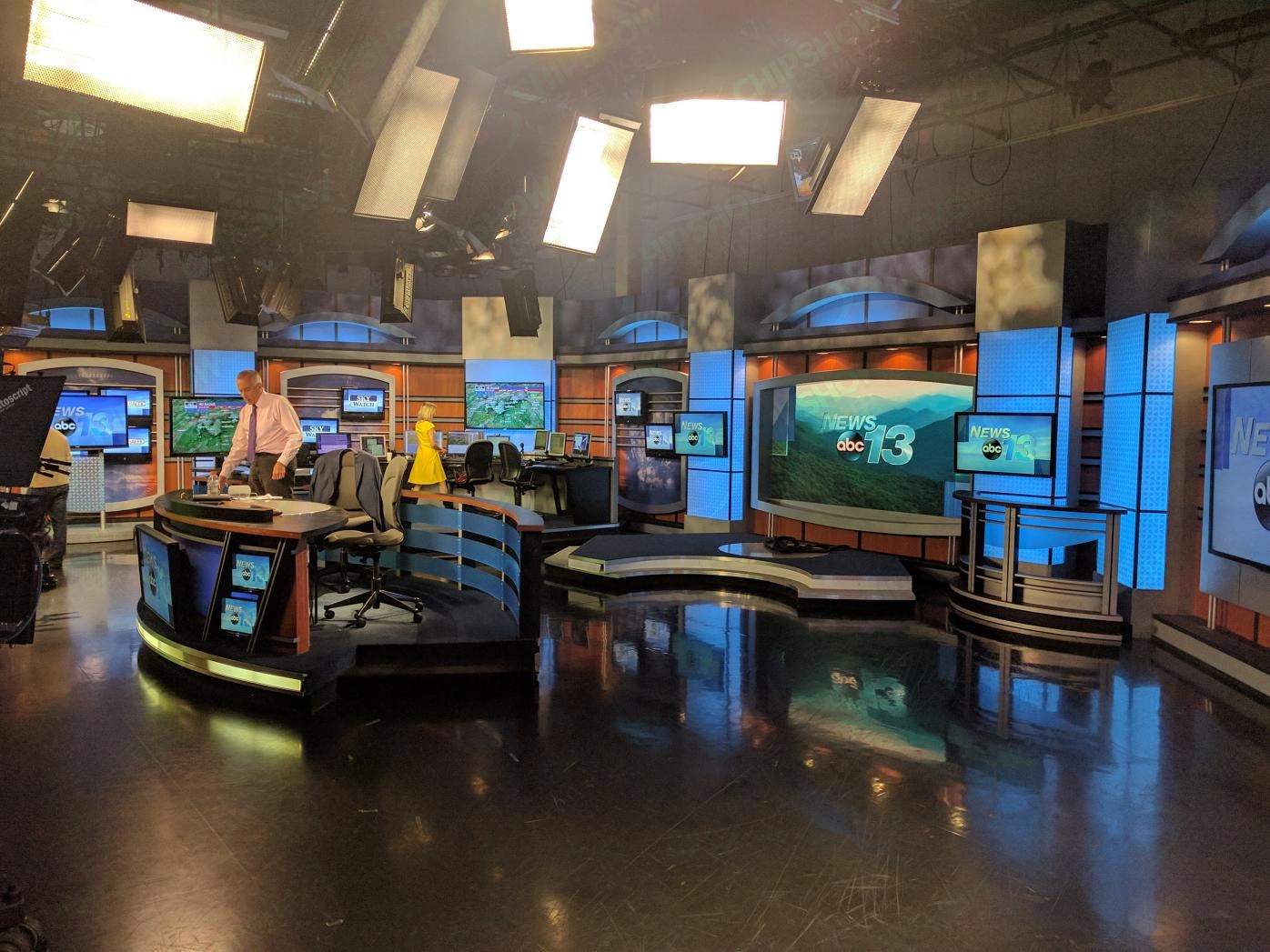
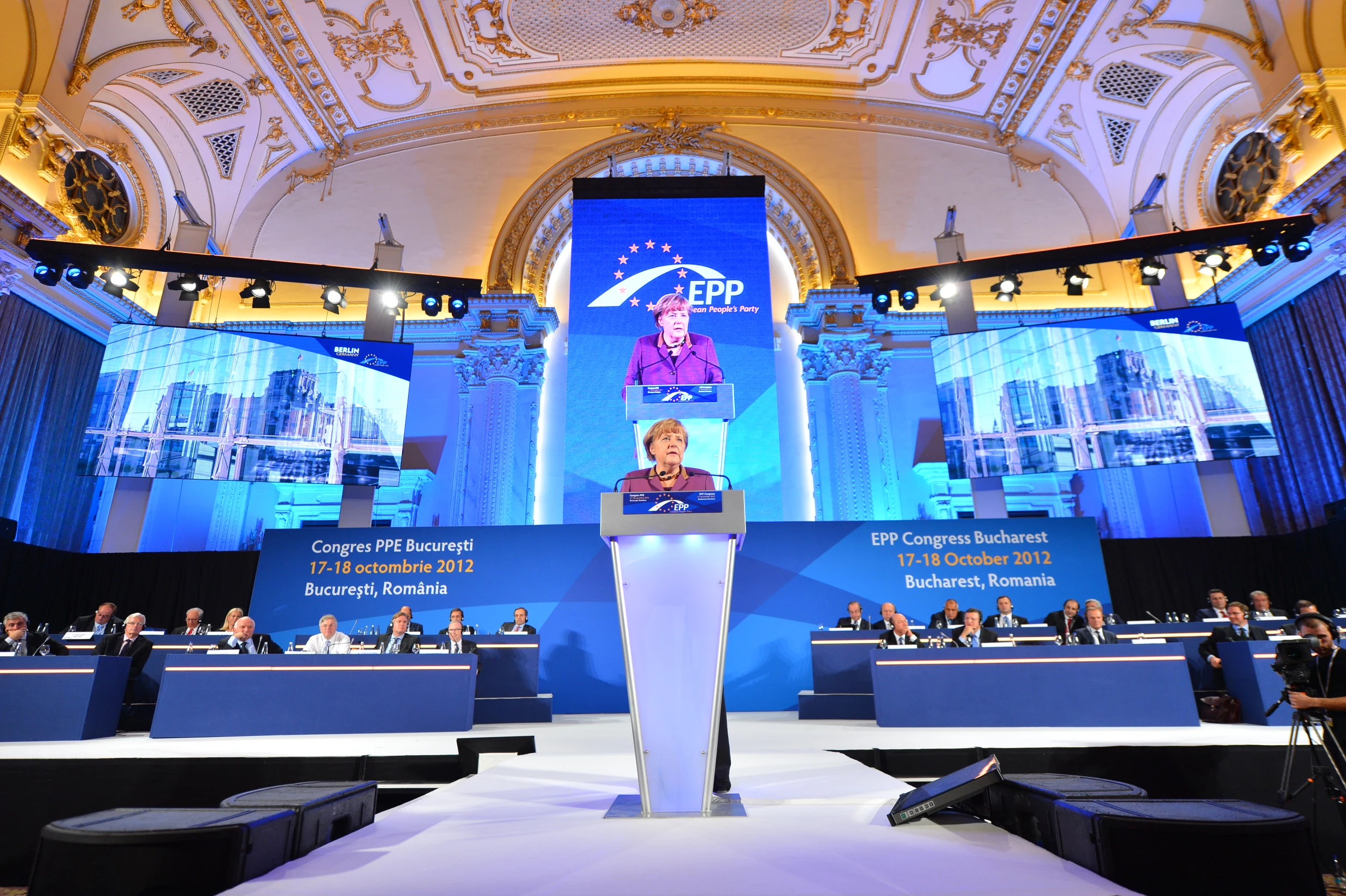
For a large graduation, the LED wall often functions less like a digital sign and more like an IMAG screen. Image magnification brings the stage closer to the audience, allowing distant guests to see a graduate receive a diploma, watch a speaker’s expression and follow ceremony moments that would otherwise appear too small.
Camera Use Should Be Defined Before Hardware Selection
Not every temporary screen has the same camera requirement. Some ceremonies use a single camera. Others use several cameras covering the stage, graduates, speakers and audience.
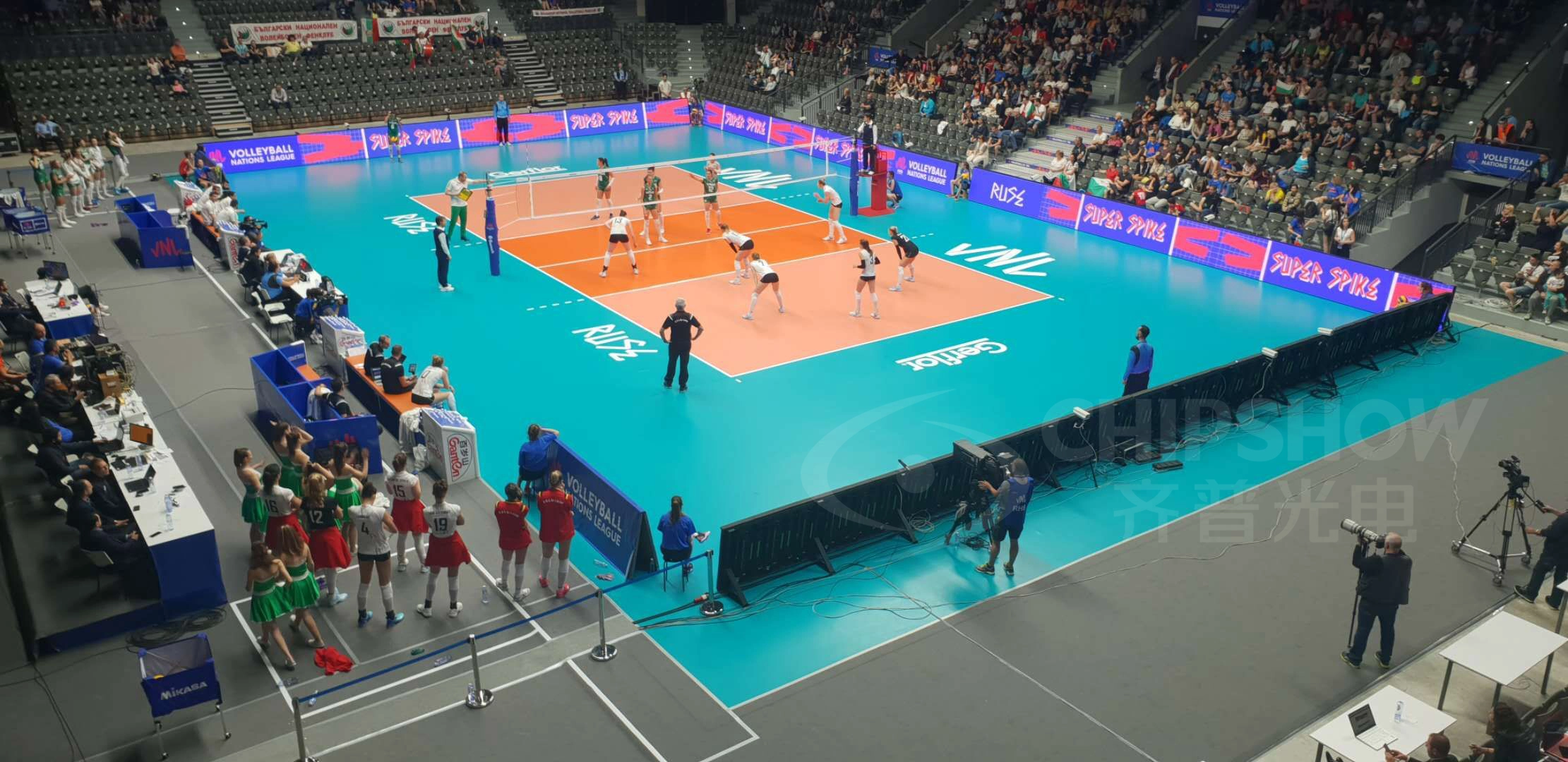
C Shine Plus provides at least 3840 Hz refresh performance in its current North American specification, supporting camera-facing temporary event use. Refresh rate is the hardware starting point rather than the entire camera system. Camera shutter settings, shooting angles, content and processing still influence the recorded result.
Projects with regular IMAG or broadcast requirements can also use Chipshow’s Live Broadcasting Guide for a deeper look at refresh rate, shutter settings and moiré.
Camera Positions Affect Screen Placement
The LED wall can become part of the camera composition. A poorly positioned screen may sit directly behind the graduate from one angle while creating an awkward visual background from another.
IMAG planning should therefore consider the camera line before temporary structures are finalized. Side screens can simplify this relationship because they enlarge the ceremony for spectators while leaving the main stage center available for scenic design and camera framing.
Latency Matters When Guests See Both Stage and Screen
Graduation guests may see the actual person and the LED image at the same time. Large latency becomes easier to notice in that situation.
The complete signal path should therefore be coordinated from camera capture through switching and processing to the LED display. The AV integrator manages the complete event signal architecture while Chipshow supplies the display hardware and applicable manufacturer-side control package.
Backup Planning Should Follow the Importance of the Screen
A small supplemental display and the only IMAG screen for thousands of guests do not carry the same operational importance. When the LED wall becomes essential to the audience experience, the event team should define the appropriate backup strategy before the ceremony.
Chipshow can include agreed LED spares and applicable display control hardware in the hardware package. The local production team coordinates the upstream cameras, switching and source backup.
Chipshow Has Documented Large Ceremony Experience
Temporary ceremonial use is not only a theoretical application. Chipshow documented a 150 square meter rental screen used for a 2019 National Day mass conference in Southeast Asia. The event took place on August 18 and used Chipshow C Lite D rental hardware for a large public ceremony that included speeches and professional camera requirements.
The project used an earlier Chipshow rental platform, so it should not be presented as a C Shine Plus installation. Its relevance is the event workflow: a large audience, formal stage program, live camera requirements and reusable rental hardware create many of the same production questions that a graduation team needs to solve today.
Current projects can address those requirements through Chipshow’s present Rental and Stage product family.
Buy Rent and Existing Fleet
The screen plan should be completed before the organization decides how to source the hardware. A school that needs one commencement wall each year may reach a different answer from an AV rental company serving several graduations every spring.
Renting Fits Infrequent Ceremony Use
A school or civic organization that uses large event LED only occasionally may benefit from sourcing the complete event through a qualified rental or production provider. The organization avoids building storage, transport and maintenance capability around hardware that spends most of the year unused.
For readers who need rental pricing rather than screen planning, Chipshow’s LED Wall Rental Cost Guide covers that question separately.
Ownership Fits Repeated Production Capability
Ownership becomes more relevant when the same organization uses modular LED across many recurring events. A university may have commencement, athletics, student events, donor programs and conferences. An AV company may serve several schools and civic events.
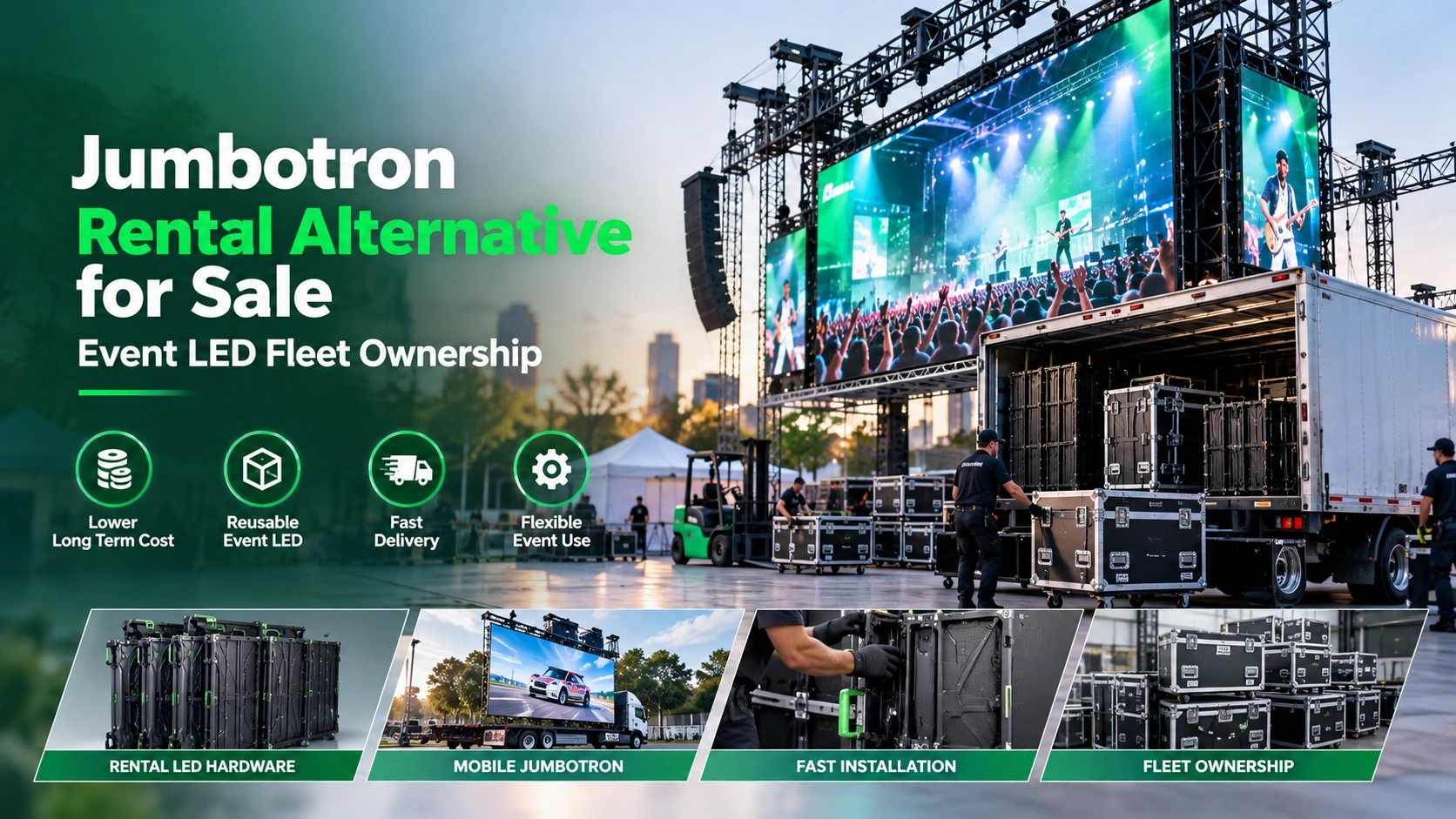
At that point, reusable LED can become fleet hardware rather than a one-day ceremony expense. Storage, crew, transportation and maintenance should be included in that decision. Organizations evaluating repeated annual use can compare those requirements with Chipshow’s Jumbotron Rental Alternative Guide before deciding whether rental or ownership fits their operating model.
An Existing Fleet Changes the Question
Some production teams already own temporary LED panels. In that case, the graduation plan should begin with the screen sizes and environmental conditions the existing inventory can support.
The team may need only additional cabinets, replacement spares or a different outdoor platform for a larger ceremony. Chipshow can configure manufacturer-side hardware around the required screen while keeping compatibility and project-specific requirements clear.
Where the event deadline is the main constraint and the team intends to purchase, Chipshow’s Quick Ship Portable Jumbotron Panels guide provides the next procurement path for checking configuration-specific North American inventory.
Frequently Asked Questions About Graduation Jumbotrons
How Big Should a Jumbotron Be for a Graduation Ceremony
Screen size should follow the farthest important audience distance, stage geometry and the content guests need to see. A screen intended primarily for live close-ups needs enough physical area for faces to remain useful from the back. Name graphics and ceremony information also need sufficient height to stay readable. Chipshow uses the venue layout and active screen position to calculate the appropriate modular cabinet layout.
What Pixel Pitch Is Needed for a Temporary Event Screen
Pixel pitch depends on viewing distance, physical screen size and content. Closer indoor audiences can gain more from fine pitch, while larger outdoor screens viewed from farther away can often use a wider pitch efficiently. Chipshow matches pitch to the actual audience geometry rather than automatically selecting the finest available product.
How Bright Should an Outdoor Graduation LED Screen Be
The required brightness depends on the event time, screen orientation, ambient daylight and viewing conditions. An afternoon outdoor ceremony can require considerably more daylight performance than an indoor event. Chipshow selects the outdoor platform around the real site conditions. C Carbon P3.91 provides up to 6000 nits in its current published configuration for large outdoor event use.
Can a Modular Jumbotron Show Live Camera Feeds
Yes. Modular Rental and Stage LED can serve as IMAG screens for live camera feeds when the complete production system supports that workflow. Chipshow C Shine Plus provides at least 3840 Hz refresh performance for camera-facing applications. The production team still coordinates cameras, switching, signal timing and the broader event control path.
Should a School Rent or Buy a Jumbotron for Annual Events
The answer depends on annual utilization and operating capability. One graduation each year may favor rental. A school, university or production department that uses the same modular LED across many recurring programs can have a stronger ownership case. Storage, crew, transportation and maintenance should be included before treating purchase price as the deciding factor.
Next Step
Send Chipshow your event date, venue type, indoor or outdoor screen location, audience viewing distance, available screen dimensions, planned camera use and hanging or ground-supported installation method.
Chipshow will match those project requirements to the appropriate Rental and Stage LED platform, select the pixel pitch, calculate the cabinet layout and native screen resolution, and prepare the manufacturer-side hardware BOM for the temporary display.
For graduation ceremonies and other temporary events, the final Chipshow package can include the specified LED cabinets, applicable display control hardware and planned project spares according to the approved configuration.
This gives the production team a defined Chipshow LED system ready to integrate with the event’s temporary structure, cameras and show infrastructure.
Send Your Event Date and Screen Requirements to Chipshow to Get Your Temporary Event LED Configuration and Hardware BOM.