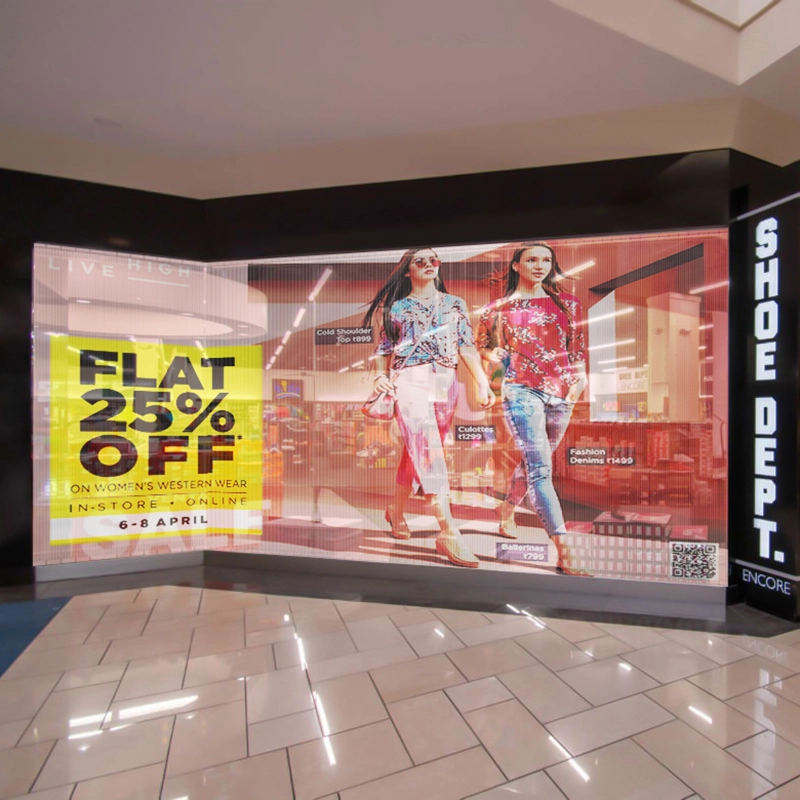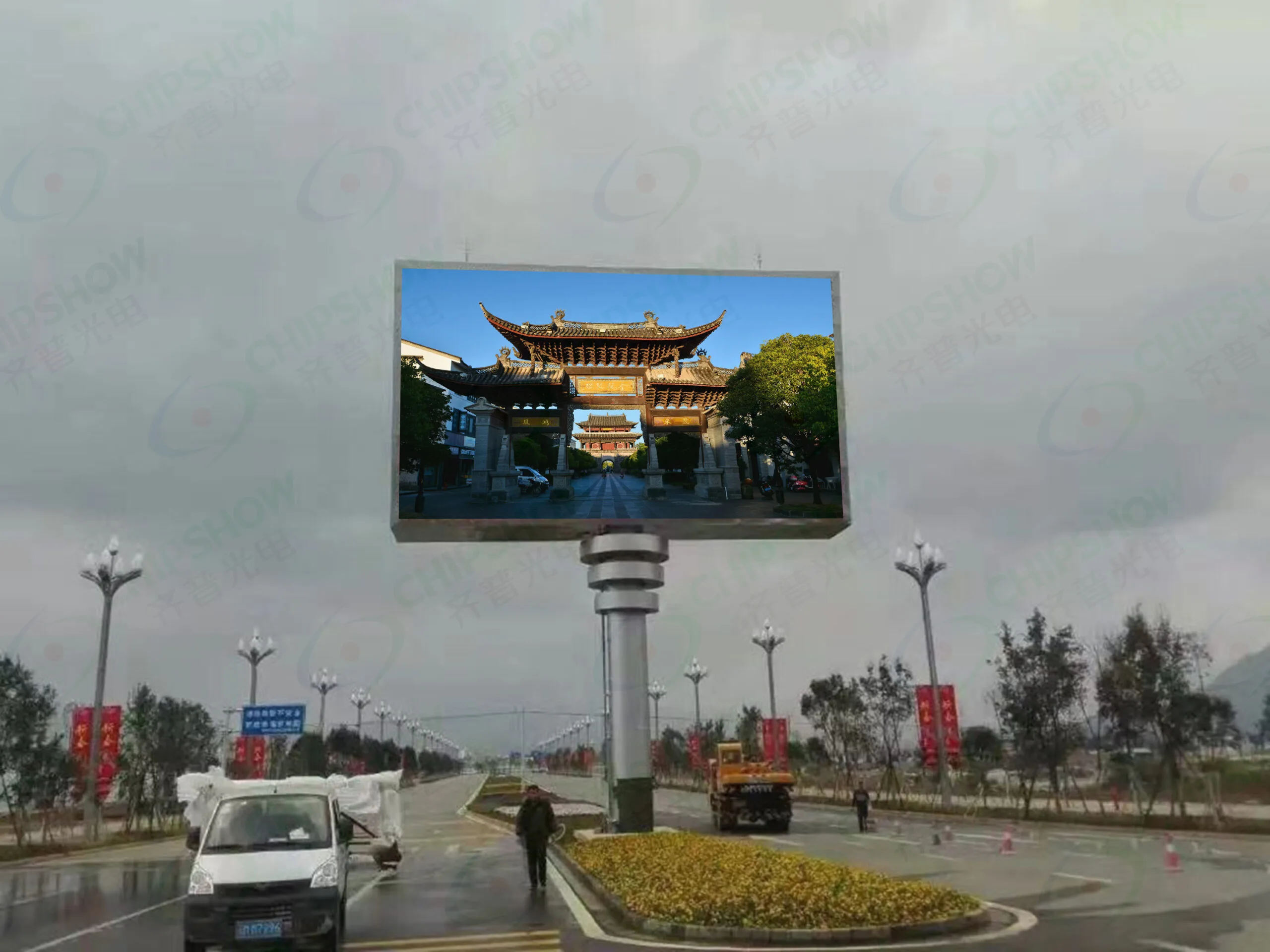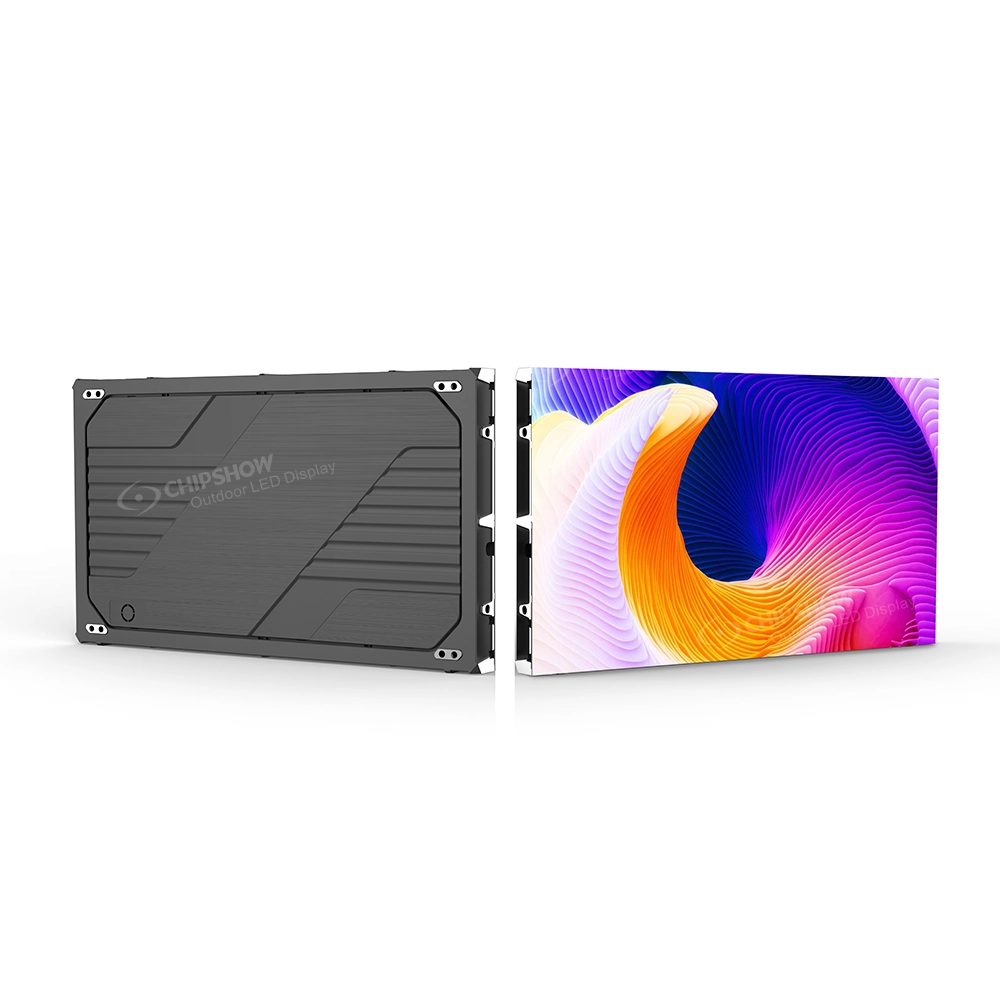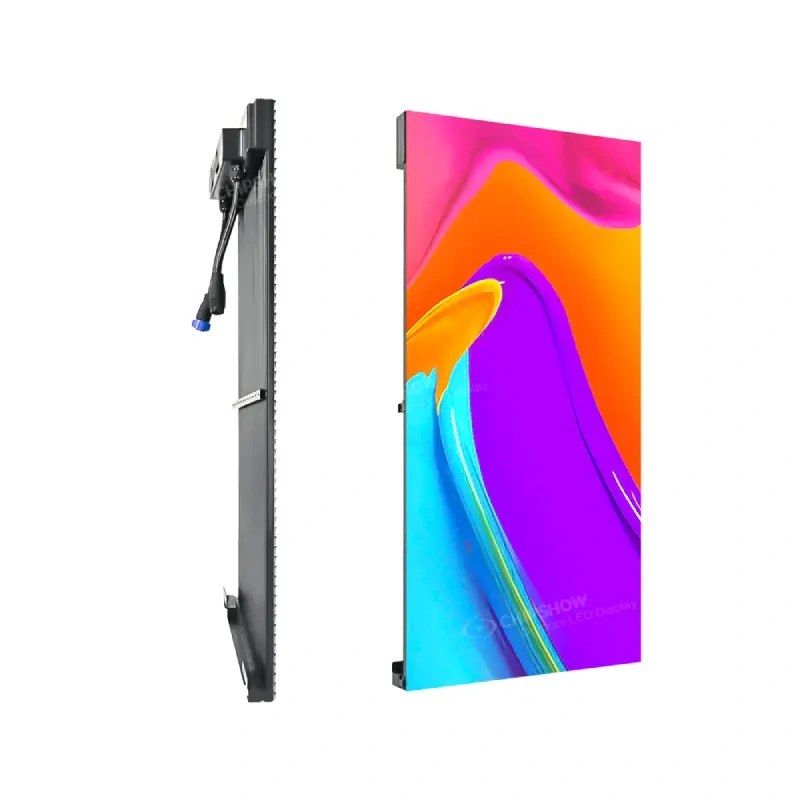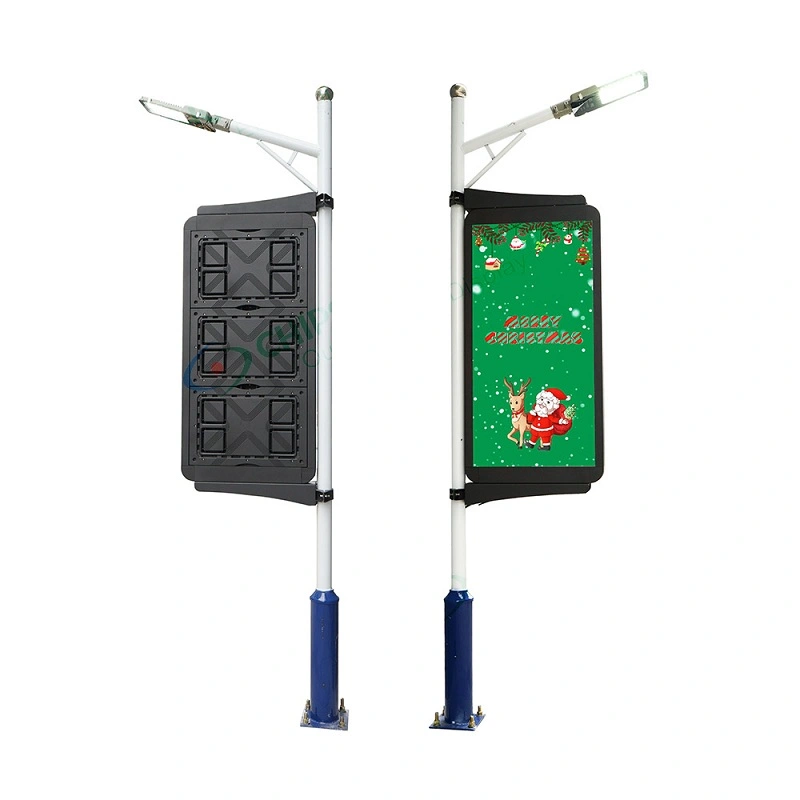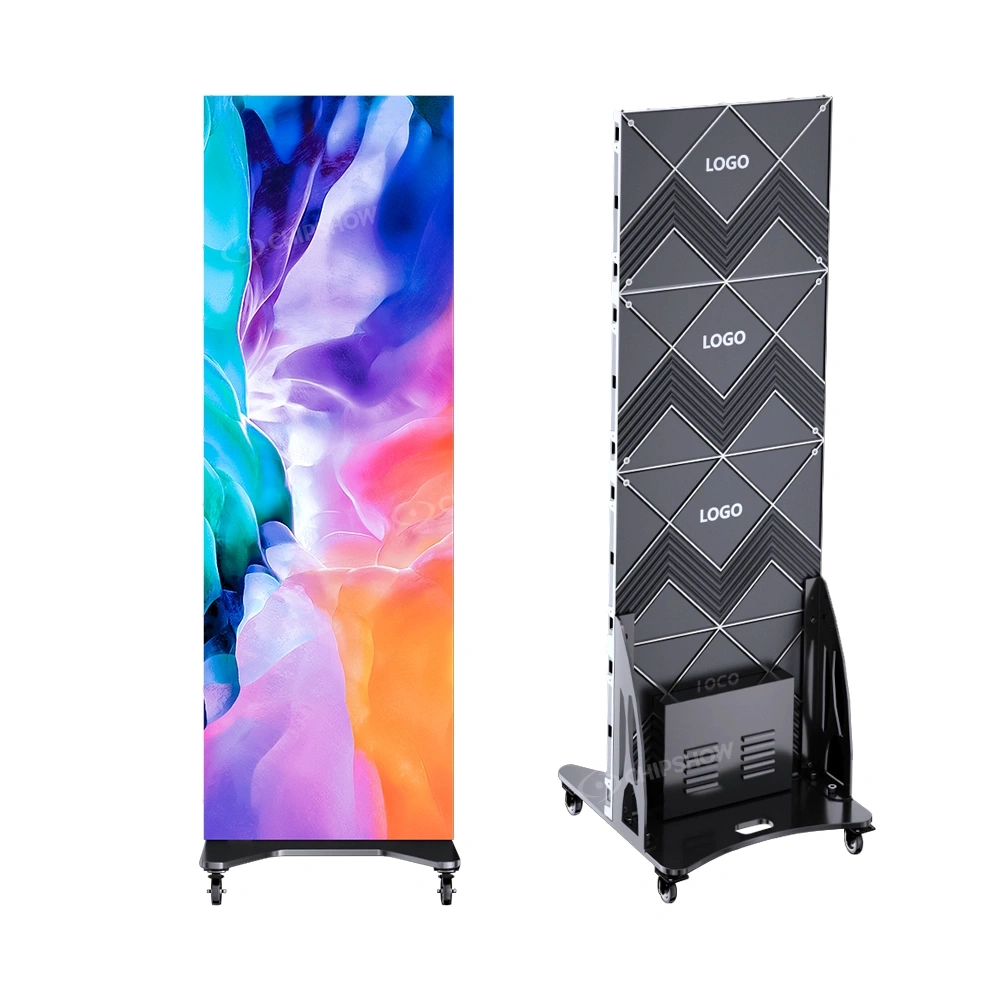
The best video wall controller is the one that can drive your actual LED canvas with the right sources and a dependable signal path. A controller that accepts a 4K input may still be unsuitable for an unusually wide wall. Another model may have plenty of output capacity but lack the source switching or backup behavior your project requires. Choosing by brand name or a headline specification alone can lead to avoidable redesigns.
This article explains how to distinguish a controller from a processor, calculate native LED resolution, review video inputs, assess software and redundancy, and compare price and supply options. It is written for AV integrators, engineers and commercial buyers specifying direct view LED rather than conventional LCD monitor arrays. The goal is a complete hardware decision before the installation team reaches the site. It also explains how to compare LED video wall controller price and supplier claims without confusing US warehousing with confirmed controller inventory.
What Is a Video Wall Controller and How Does It Work
A video wall controller coordinates the journey from a content source to a display surface. In a direct view LED installation, that journey usually includes a player or computer, optional scaling or composition, a sending stage, receiving cards and LED cabinets. The equipment may be separate or combined into a single device. The distinction matters because a device sold as a video display controller may have been designed for several HDMI monitors rather than a pixel-mapped LED canvas.
An LED wall does not behave like one conventional television. Its cabinets contain pixel arrays that must be addressed in the correct order. The receiving system distributes image data to modules according to a configured map. The controller must therefore support both the total load and the physical wiring plan. A perfectly good input picture will not fix an incorrect receiving-card map.
What an LED Video Wall Controller Actually Controls
The sending side receives the image signal and transmits mapped data to the LED receiving system. The receiving cards interpret those data streams and drive their assigned sections of the wall. Configuration software defines cabinet positions, port assignments and relevant calibration settings. Depending on the equipment, the operator may also manage presets, brightness and diagnostics.
Think of the wall as a custom-sized canvas rather than a collection of televisions. A media player provides the content. The processing stage decides how that content fits the canvas. The sending stage distributes the resulting image to the physical pixels. When these tasks are understood separately, it becomes easier to diagnose why an image is cropped, why a section is dark or why a source looks soft.
A video display controller or wall video controller listing may describe a generic screen manager rather than an LED sender. A controller video wall search is similarly ambiguous. Verify the source-to-receiving-card signal chain.
Video Wall Controller vs Video Processor vs Sending System
A video processor manipulates pictures. It may scale a source, crop it, switch inputs or place several windows onto one output canvas. A sending controller packages image data for the LED receiving hardware. A broader video wall controller can refer to either role or a combination of both. This naming overlap explains why a search for a controller video wall product returns very different devices.
An all-in-one unit can combine video processing and LED sending. For example, the official NovaStar VX1000 specification describes an integrated processing and control device. Its published limits illustrate why buyers must examine the precise model rather than assume every all-in-one controller has the same capacity. Some installations need no separate processor; others need an external composition system because their source count or layout requirements exceed the integrated functions.
Before requesting a quote, draw the intended chain from each source through switching and processing to the sending outputs and receiving cards. Label which device owns scaling, source selection, display mapping and failover. This simple exercise prevents buying two products for the same task while overlooking another task entirely.
What to Look for in a Video Wall Controller
The strongest purchasing criteria are measurable. Start with native pixels, maximum canvas dimensions and the number of usable outputs. Then assess the incoming signals, image manipulation, operating behavior and compatible receiving ecosystem. The order is deliberate: advanced effects cannot compensate for insufficient loading capacity.
Ask vendors for the actual model datasheet and supported firmware combination. A brochure saying 4K ready is not a substitute for documented input timing, maximum loading, width and height restrictions, or output-port mapping. For commercial work, the approved bill of materials should identify the sending device and receiving-card family together.
The best video wall controllers depend on the installation. What to look for in a video wall controller includes pixel capacity, canvas dimensions, input formats, port mapping and recovery requirements rather than a single headline feature.
Pixel Capacity and Output Port Limits
Total pixel loading is the number of LED pixels a controller can address in its supported operating mode. Port count is related but not interchangeable. Two devices with the same number of Ethernet outputs may have different total loading limits or per-port constraints. Optical outputs may mirror or back up electrical ports rather than add independent capacity.
Canvas width and height limits also matter. A narrow ribbon display may have a modest total pixel count but an extreme horizontal dimension. It can exceed a controller width limit even when the overall pixel load looks comfortable. Ask for both limits and verify the planned orientation, port assignments and any redundancy reserve.
Input Compatibility and Multi Window Processing
Inventory every source before selecting a controller. A laptop may use HDMI or DisplayPort while a production system may require SDI. A control workstation may generate an ultrawide desktop. Check physical connectors, supported resolutions, frame rates and whether the desired inputs can operate simultaneously. An available socket does not guarantee every combination of inputs is supported.
Multi-window processing is useful when the LED wall must display independent sources at the same time. Confirm how many layers the device supports, whether windows can overlap, whether presets can be recalled and what happens during a source change. If the requirement is a single full-screen media player, paying for an elaborate multi-layer processor may provide little benefit.
EDID management deserves special attention. It tells source equipment which signal formats the downstream system can accept. Poor EDID coordination can produce unwanted scaling or missing pictures when devices reconnect. Include a real source-to-wall test in the integrator commissioning plan rather than relying on connector labels alone.
Latency and Color and Signal Redundancy
Latency is the delay between a source event and its appearance on the wall. It matters for live cameras, interactive presentations and time-sensitive operations. Display refresh rate describes a different property and should not be used as a substitute for an end-to-end latency measurement. Ask vendors to identify latency for the exact signal path and processing mode.
Color processing can include bit depth, calibration controls, gamut handling and HDR-related functions. These capabilities are valuable only when the source, processor, receiving system and LED hardware support the intended workflow. An HDR input label alone does not establish accurate HDR presentation on the installed wall.
Redundancy must be specified as an architecture rather than a checkbox. A backup cable may protect one link but not a failed controller. A duplicate controller may still share a vulnerable power source. Determine which failures must be tolerated and document primary and backup signal paths. A practical acceptance test deliberately disconnects selected components and checks recovery behavior.
How to Calculate Controller Capacity for an LED Wall
Begin with the physical LED wall layout and the native pixel dimensions of one cabinet. Avoid starting with the marketing resolution of the media player. A 4K source can be scaled to a lower-resolution LED canvas, while a large native LED wall can require more pixels than a single 4K image contains.
For a straightforward rectangular wall, multiply cabinet pixel width by the number of cabinets across and cabinet pixel height by the number of rows. Then multiply the resulting wall width and height in pixels. For irregular layouts, calculate each active region and confirm how the controller treats gaps, rotation and bounding-canvas dimensions.
A Worked Pixel Load Example
Consider a hypothetical wall assembled from cabinets that are each 320 pixels wide and 240 pixels high. Eight cabinets across produce 2,560 pixels; five rows produce 1,200 pixels. The native canvas is therefore 2,560 × 1,200, or 3,072,000 active pixels. This is an illustrative calculation, not a specification for a particular Chipshow product.
That total is the first filter, not the final answer. The selected controller must support a canvas at least 2,560 pixels wide and 1,200 pixels high in the intended mode. It must also have enough usable outputs for the wiring plan. If outputs are reserved for backup or cabinet groups require separate runs, those details can change the required configuration.
Match Loading Capacity to Port Mapping
A port map assigns cabinet groups to physical controller outputs. Plan the data path so each run stays within the documented per-port load and cabling constraints. A layout that looks balanced on paper may be awkward on site if cable routing crosses access doors or demands excessive runs. Coordinate the map with cabinet orientation and service access.
Build a margin into the design for operational needs rather than relying on the exact theoretical maximum. That margin should be based on the manufacturer specifications and project requirements, not a universal percentage. If expansion is expected, calculate the future canvas separately and determine whether additional sending equipment or a different processor architecture will be needed.
When a Separate Video Processor Is Necessary
A separate processor becomes attractive when the desired presentation exceeds the all-in-one controller capabilities. Examples include many simultaneous sources, sophisticated window layouts, external matrix routing or specialized synchronization. A simple one-source corporate display may be easier to maintain with one integrated controller.
Before adding a processor, verify who owns the final canvas resolution. Cascaded scaling can soften small text and complicate troubleshooting. A clear architecture assigns source switching and composition to one stage and LED mapping to another, unless an integrated device can handle both reliably.
An LED video wall processor can scale and compose multiple images. The phrase video wall video processor does not prove the unit has LED sending outputs. Confirm whether a separate sending controller is required.
Hardware and Software Video Wall Controllers
Hardware and software solve different problems even though vendors often use similar names. A hardware controller may receive, scale and send video without depending on a general-purpose computer for normal playback. Software may provide an operator interface, build layouts or perform composition on a workstation or server. In some systems the software is essential to real-time presentation; in others it is used mainly for setup.
When comparing a video wall software controller with a dedicated LED processor, ask where pixels are rendered, where sources enter and what device transmits the final image to receiving cards. Software cannot automatically replace the required LED sending and receiving path. A computer displaying several browser windows is not by itself a complete LED wall control architecture.
Dedicated Hardware and All in One Processors
A dedicated sender can be appropriate for a fixed content workflow with stable upstream video. An all-in-one processor reduces boxes and can simplify rack space and signal routing. However, consolidation also concentrates functions in one device. Review the failure impact and whether the model supports the precise layers, input timing and backup paths the project needs.
For a repeatable corporate rollout, standardizing a validated controller and receiving-card combination may reduce configuration variability. For a one-off broadcast installation, flexibility and synchronized production inputs may matter more than reducing device count. Match the architecture to the operating team rather than assuming the most feature-rich unit is always the safest choice.
Configuration Software and Operator Tools
LED configuration tools can map cabinets, set parameters and manage calibration or monitoring. Operator tools may recall scenes, switch sources or display system status. These are distinct responsibilities. Ask whether a control-room dashboard can be operated without access to engineering configuration settings, and whether permissions can be separated.
A video wall software controller may describe an operator interface or software-defined processing. Neither guarantees compatibility with LED receiving cards. Verify the actual software version, preset controls and hardware ecosystem.
Document software versions with the hardware BOM. Firmware and configuration files are part of the deliverable because they help the integrator reproduce the approved behavior after a replacement. Store a tested backup of the screen map and confirm the recovery procedure before handoff.
Best Video Wall Controllers for Different Applications
There is no universal ranking of best video wall controllers. A boardroom that displays one presentation and a control room with multiple live feeds have different priorities. The comparison below focuses on selection criteria rather than unverified brand scores or claims that one product is best for everyone.
Application Comparison
| Application | Primary requirement | Validation question |
|---|---|---|
| Boardroom | Simple switching and sharp scaling | Does the real laptop signal map cleanly? |
| Control room | Multi-source layouts and backup | What fails over when one link is lost? |
| Retail display | Stable playback and remote workflow | Who manages the content schedule? |
| Large LED canvas | Native pixel capacity and mapping | Are width and port limits satisfied? |
| Live event | Low latency and sync | Is delay acceptable in the actual chain? |
Use the application as a starting point, then return to the actual source list and cabinet map. A gaming demonstration may prioritize responsive motion, but a commercial installation also needs predictable servicing and an operator workflow. An elaborate controller does not fix a poorly planned content pipeline.
NovaStar and Brompton System Compatibility
NovaStar and Brompton are established names in LED processing ecosystems, but their products and receiving systems are not universally interchangeable. Compatibility is determined by specific hardware models, firmware, receiver cards and supported features. A controller that works with one LED cabinet configuration should not be assumed to work with every cabinet in a product family.
Ask for a validated compatibility list or a project-specific configuration record. It should identify the sending controller, receiver-card model, supported signal features and firmware versions. This is particularly important when replacing a processor while retaining existing cabinets. An apparent connector match does not prove protocol or calibration compatibility.
Connecting Chipshow LED Hardware to the Control System
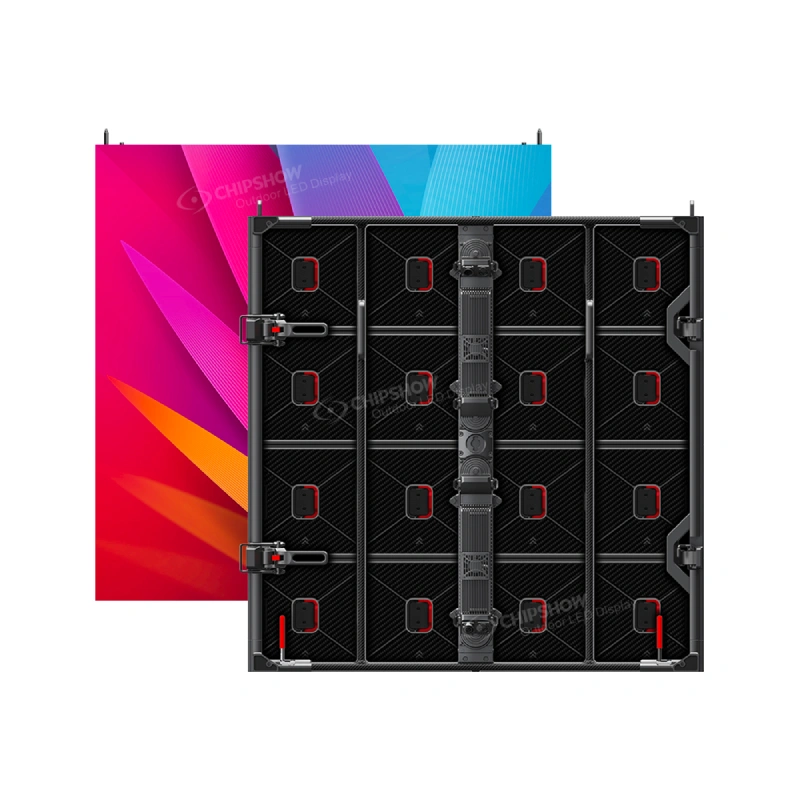
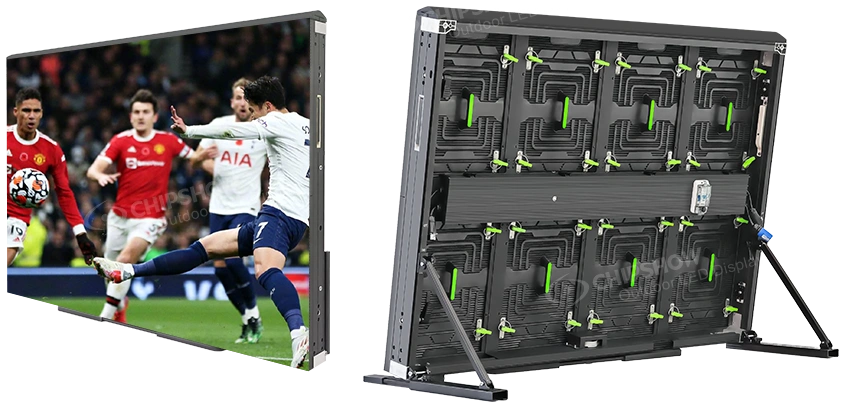
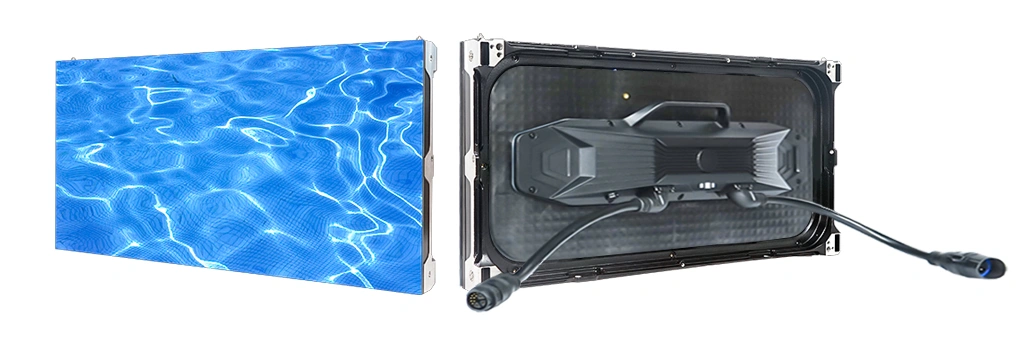
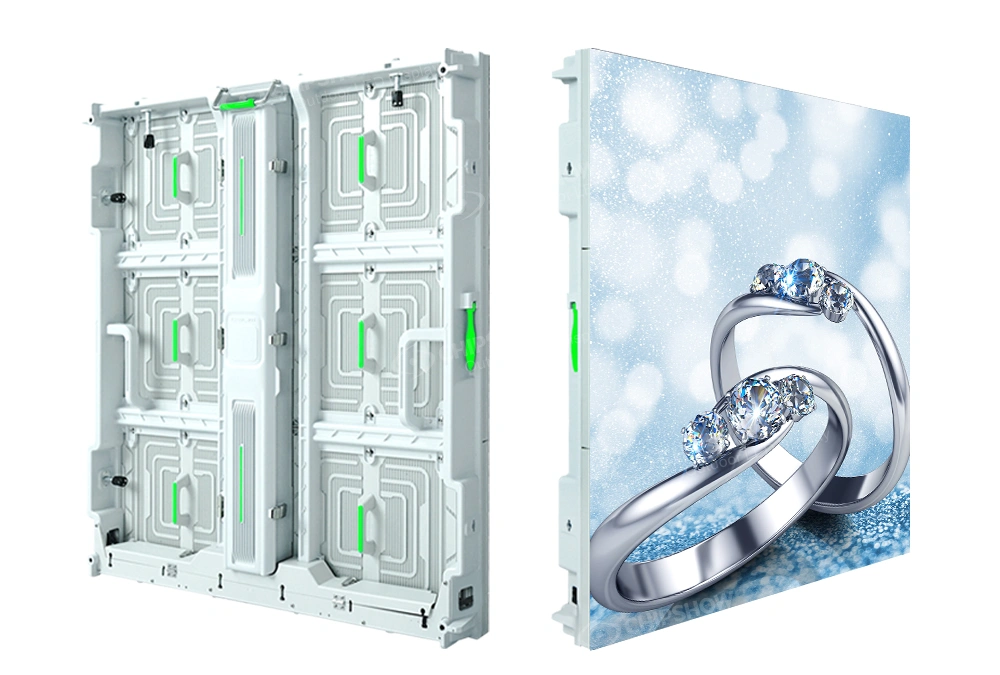
Chipshow manufactures LED display hardware for commercial projects and works with integrator-led system planning. Indoor products such as the C-Max SMD and C-Max COB families may be considered when a project calls for fine-pitch direct view LED. The exact cabinet, receiving-card and controller combination must be confirmed for the quoted configuration.
Our integrator-friendly approach focuses on the display hardware, supporting specifications and hardware package coordination. The integrator remains responsible for the wider AV architecture, site survey, electrical design, permits, installation and commissioning. Clear responsibilities help avoid a last-minute assumption that a display manufacturer is also providing the full room integration contract.
For a reliable handoff, include the wall dimensions, cabinet arrangement, intended pixel pitch, source list and controller selection in one technical submittal. The receiving system, cabling and spare strategy should match that same approved BOM. The benefit is less ambiguity when the project moves from purchasing to field work.
LED Video Wall Controller Price and Total Project Cost
Video wall controller price varies with output loading, supported inputs, processing features, redundancy and the included accessories. Comparing sticker prices without checking these differences can be misleading. A less expensive sender may require an external scaler; a more capable all-in-one processor may remove that separate purchase. Neither is automatically the lower-cost solution.
Ask for an itemized quote that identifies the exact model, power accessories, signal adapters, software licenses where applicable and support terms. Then evaluate how many devices the architecture requires. For a system with several source formats, the costs of conversion, switching and commissioning can be more consequential than a small difference in controller price.
Avoid Paying for Unused Features
A purchasing team should not buy extra layers, input cards or redundant devices simply because a catalog presents them as premium features. Define the operating requirement first. A single-source retail wall needs a different feature set from a command center with multiple operators and a documented continuity plan.
At the same time, choosing the lowest price can be expensive if the controller is close to its loading limit or lacks a necessary input. The right comparison is the cost of a complete workable signal path. Include documentation, compatible receiving hardware and expected replacement availability, not just the price of the central box.
Compare LED video wall controller price across complete system configurations. A lower device price may exclude adapters, software licensing or processing hardware that the wall requires.
Choosing Manufacturers and Suppliers in the USA
Buyers often search for video wall controller manufacturers when they actually need a complete LED display hardware supplier. These are related but different businesses. A controller manufacturer designs the sending or processing device. An LED display factory manufactures cabinets, modules and associated display hardware. A supplier may coordinate products from several manufacturers into one procurement package.
Chipshow is an LED display manufacturer with a North American hardware supply presence. We should not be confused with the original factory behind every third-party controller model. For integrators, the useful question is whether the proposed supplier can verify the controller and display combination, document the BOM and communicate the scope of the hardware delivery.
An LED display factory and controller manufacturers may supply different components. Ask the supplier to identify who validates cross-device compatibility. Chipshow should not be mistaken for the factory producing every third-party controller.
What to Verify Before Buying Controllers for Sale
Listings for video wall controllers for sale can look similar while representing different generations, firmware revisions or accessory bundles. Confirm the full model identifier and whether the unit is new, refurbished or otherwise described. Request the official specification and check the available warranty and support channel.
If a distributor offers a processor as a standalone item, determine whether receiving cards, licenses or cables are separate purchases. Verify the signal format needed by the intended wall. A quick online checkout is not a substitute for system validation, especially when a commercial installation depends on a specific receiving ecosystem.
For North American procurement, ask where the item will ship from, whether the exact quantity is allocated and what happens if a model substitution is proposed. A substitute should be assessed against the approved source list, pixel map and firmware configuration before purchase approval.
Video wall controllers for sale should be checked by exact model and firmware. A generic video wall controller for sale listing may omit accessories; request written confirmation of compatibility, delivery and price.
Quick Ship LED Display Controllers and US Stock
An urgent project may require a quick ship LED display controller, but delivery speed is only useful if the device is compatible with the rest of the wall. A controller arriving tomorrow cannot commission a wall if the matching receiving cards or signal accessories are missing. The hardware package should therefore be checked as a coordinated set.
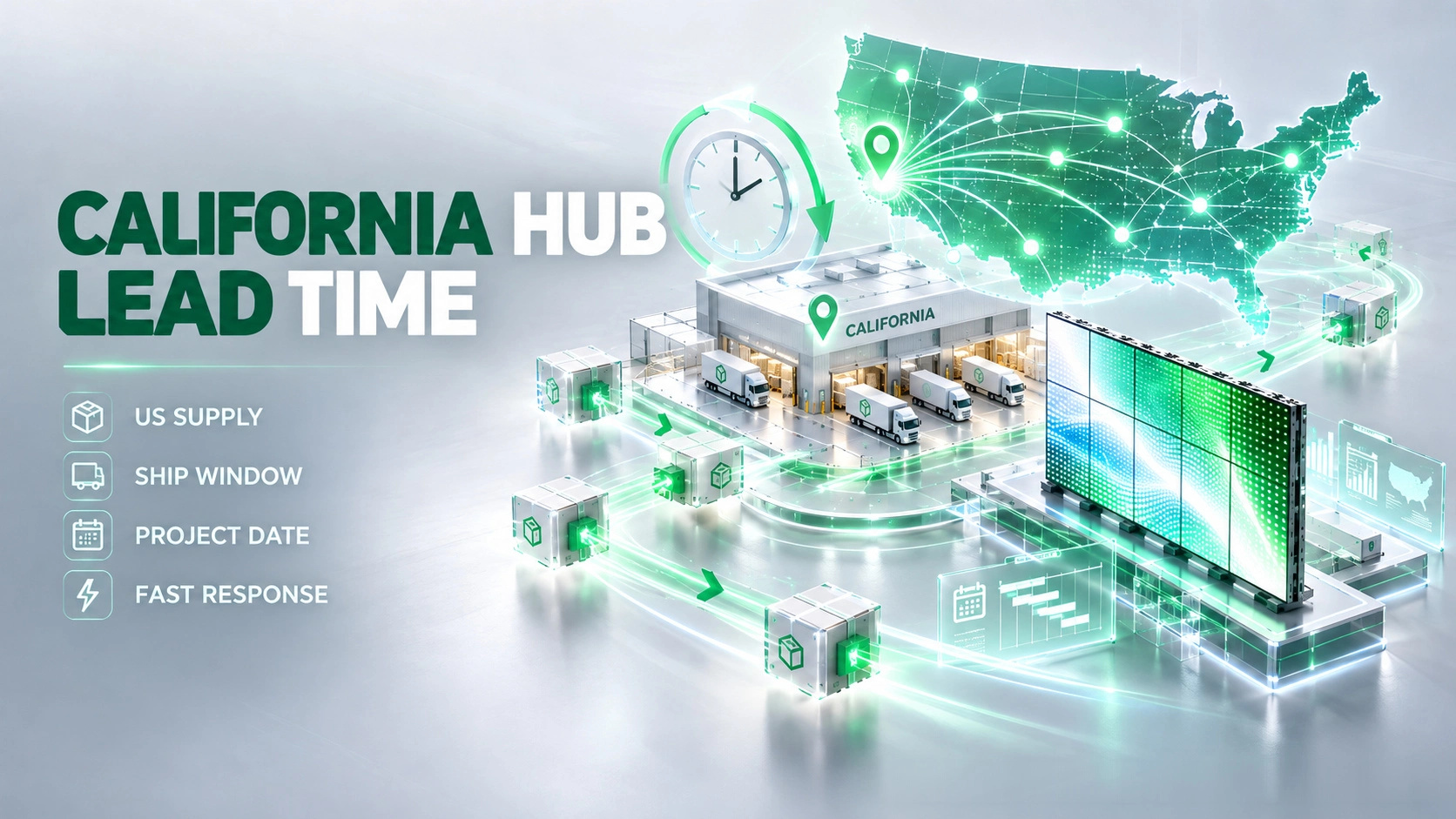
Chipshow maintains a California Warehouse Hub as part of its North American hardware supply model. Availability of a specific controller is not established merely because LED display products are held in California. For any US stock video wall controller request, we must confirm the exact controller model, quantity, compatible display configuration and current shipping schedule before offering a delivery commitment.
A quick ship LED display controller or US stock video wall controller request requires model-specific verification. Confirm quantity, compatible receiving hardware and the shipping date before making project commitments.
Confirm the Hardware Package Before Dispatch
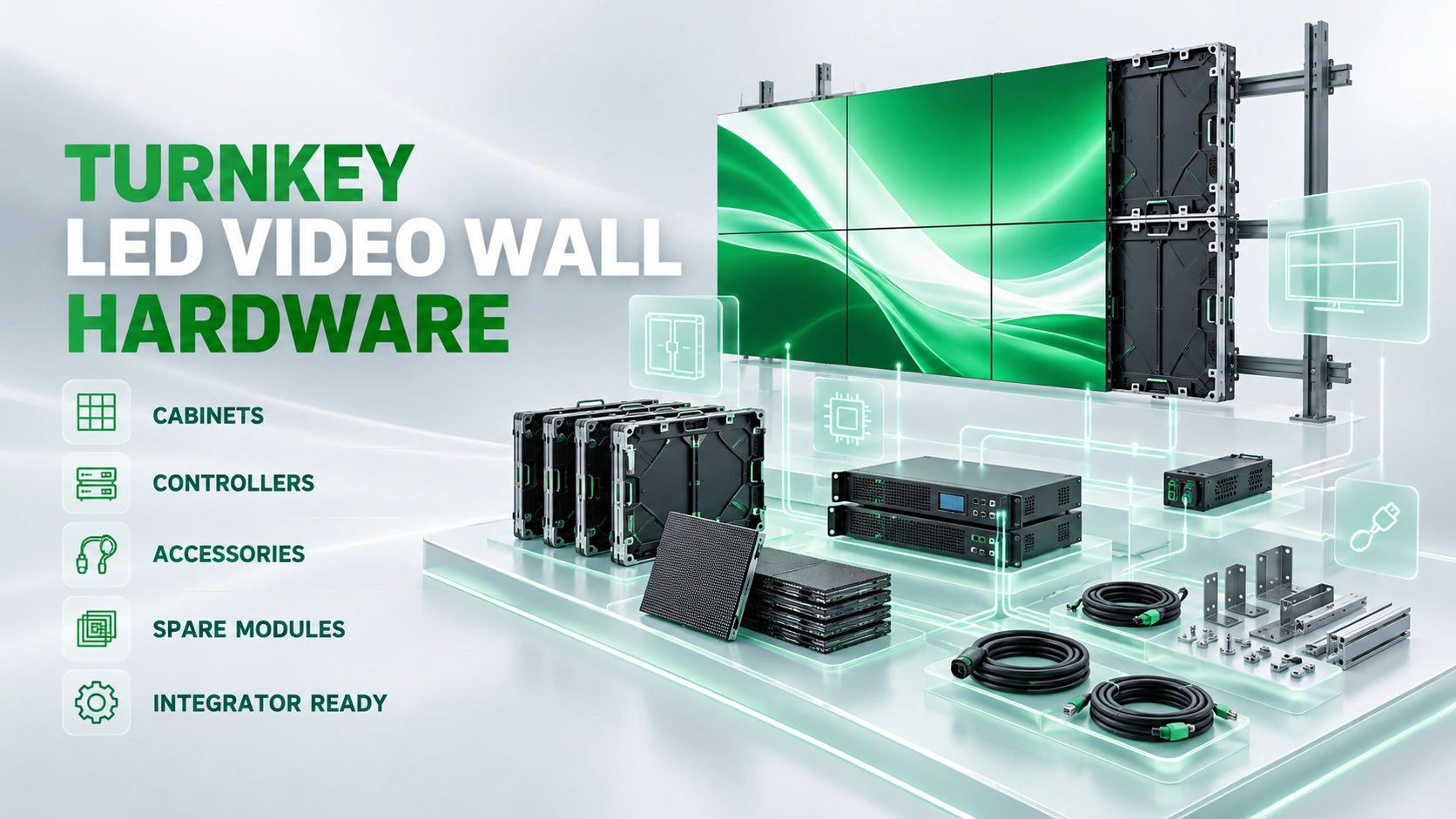
A ready-to-install hardware package should be described through its actual bill of materials. Depending on the project, that can include LED cabinets, modules, receiving components, controller hardware, power and data cables, mounting-related hardware, spares and configuration records. Items should be explicitly included or excluded in the quotation.
Inventory confirmation should also distinguish reserved stock from general catalog availability. Check whether the cabinets come from the expected batch and whether the specified controller is available on the same timeline. If the project has a tight delivery window, discuss alternatives early and revalidate compatibility before accepting any substitution.
Hardware supply is not the same as turnkey installation. The local integrator or project contractor owns site conditions, electrical work, permits, mounting execution, final setup and service obligations unless separately agreed with an appropriate provider. That division of responsibility protects the integrator relationship and keeps the delivery promise precise.
Video Wall Controller Buying Checklist
Use this checklist before issuing a purchase order. It is short enough to attach to an RFQ but specific enough to catch common mismatches.
- Confirm cabinet count and native wall resolution
- Check total loading and maximum canvas dimensions
- Validate output port mapping and backup allocation
- List each source format and required window layout
- Test latency and switching in the intended signal path
- Verify receiving cards and firmware compatibility
- Compare complete price and documented accessories
- Confirm current stock and approved shipping date
Frequently Asked Questions About Video Wall Controllers
Can a Controller Accept 4K Without Driving a Native 4K LED Wall
Yes. Input resolution and LED output capacity are different specifications. A processor may accept a 4K signal and scale it to a smaller native canvas. Check the controller loading limit and maximum canvas dimensions to determine what it can actually drive.
What Should Be Included in a Controller Quote
Request the exact device model, required accessories, software or license terms if relevant, warranty information and a documented compatibility check. For a bundled LED project, identify whether the receiving hardware and cabling are included or quoted separately.
How Should an Integrator Test Controller Redundancy
Define the failures the design is supposed to tolerate and conduct a witnessed test. Disconnect a selected primary signal path or component under controlled conditions and record what remains visible, how recovery occurs and whether operator intervention is required.
Does Buying From a US Supplier Guarantee Immediate Shipment
No. A US business address or warehouse does not prove that the exact controller model is currently stocked. Confirm quantity, reservation status and shipping lead time in writing for the proposed BOM.
Plan Your LED Wall Hardware Configuration With Chipshow
A sound controller decision starts with the real LED canvas and ends with a verified hardware package. If you are comparing a wall video controller, an LED video wall processor or a combined sending device, send the wall dimensions, cabinet layout, pixel pitch and complete source requirements before committing to a model. The same information supports accurate port mapping, software checks and a more meaningful quote.
Chipshow works with North American integrators on LED display hardware selection and package coordination. Share your target installation schedule and required controller functions so the proposed hardware can be reviewed against the project BOM and current availability. Request controller sizing and LED hardware configuration support through Chipshow North America. The integrator remains in control of the room design and installation scope.