
Commercial LED Purchasing Starts With the Business Requirement
Choosing commercial digital displays is not simply a matter of finding the largest available screen. A successful purchase begins with the people who will view the display, the information they need, the physical conditions of the space, and the team responsible for operating it. A boardroom presentation wall and a retail entrance screen can look similar in a catalog while requiring different image detail, cabinet geometry, service access, and content infrastructure.
For US businesses and AV integrators, the practical challenge is to turn a broad display concept into an equipment specification that can be quoted and installed. Chipshow manufactures LED display hardware for professional projects. Our role is to help buyers identify suitable hardware configurations and the associated product information. Local site design, installation labor, permits, and other construction services remain the responsibility of the parties engaged for those scopes.
This article is a procurement starting point rather than a substitute for a project drawing or a technical submittal. It explains where to begin, how indoor products differ, what to ask when comparing a video wall LED display, and when to move into specialized planning for costs, controllers, resolution, maintenance, or inventory. That distinction helps buyers reach a decision without treating one article as an engineering manual.
Match the Display to the Indoor Application
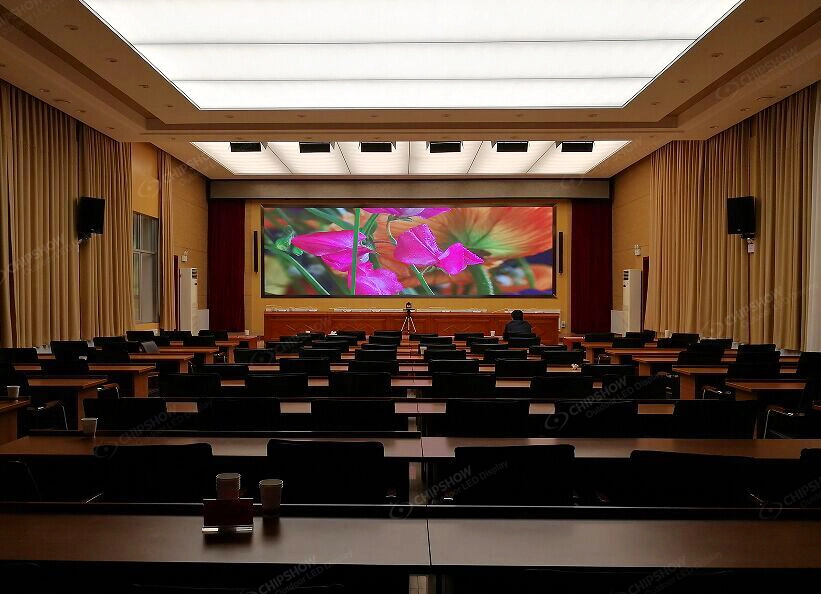
Corporate Boardrooms and Executive Presentation Spaces
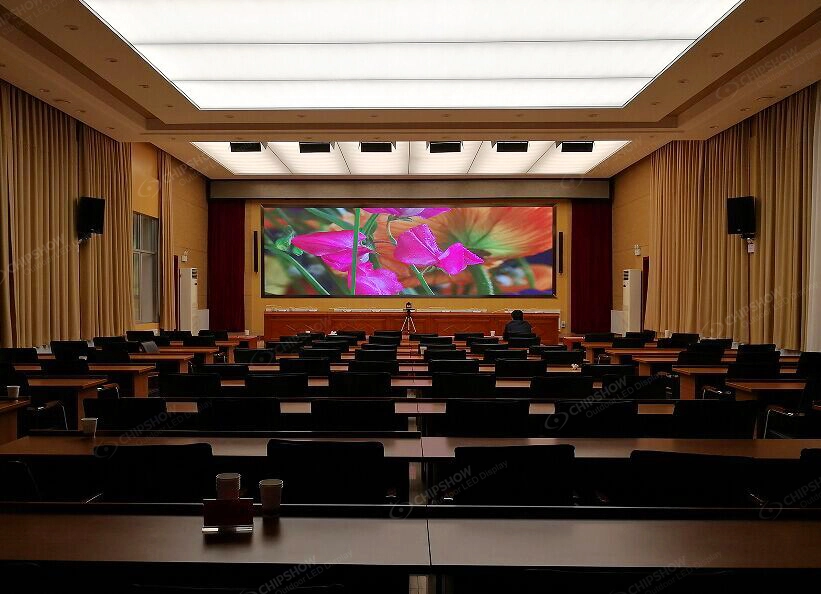
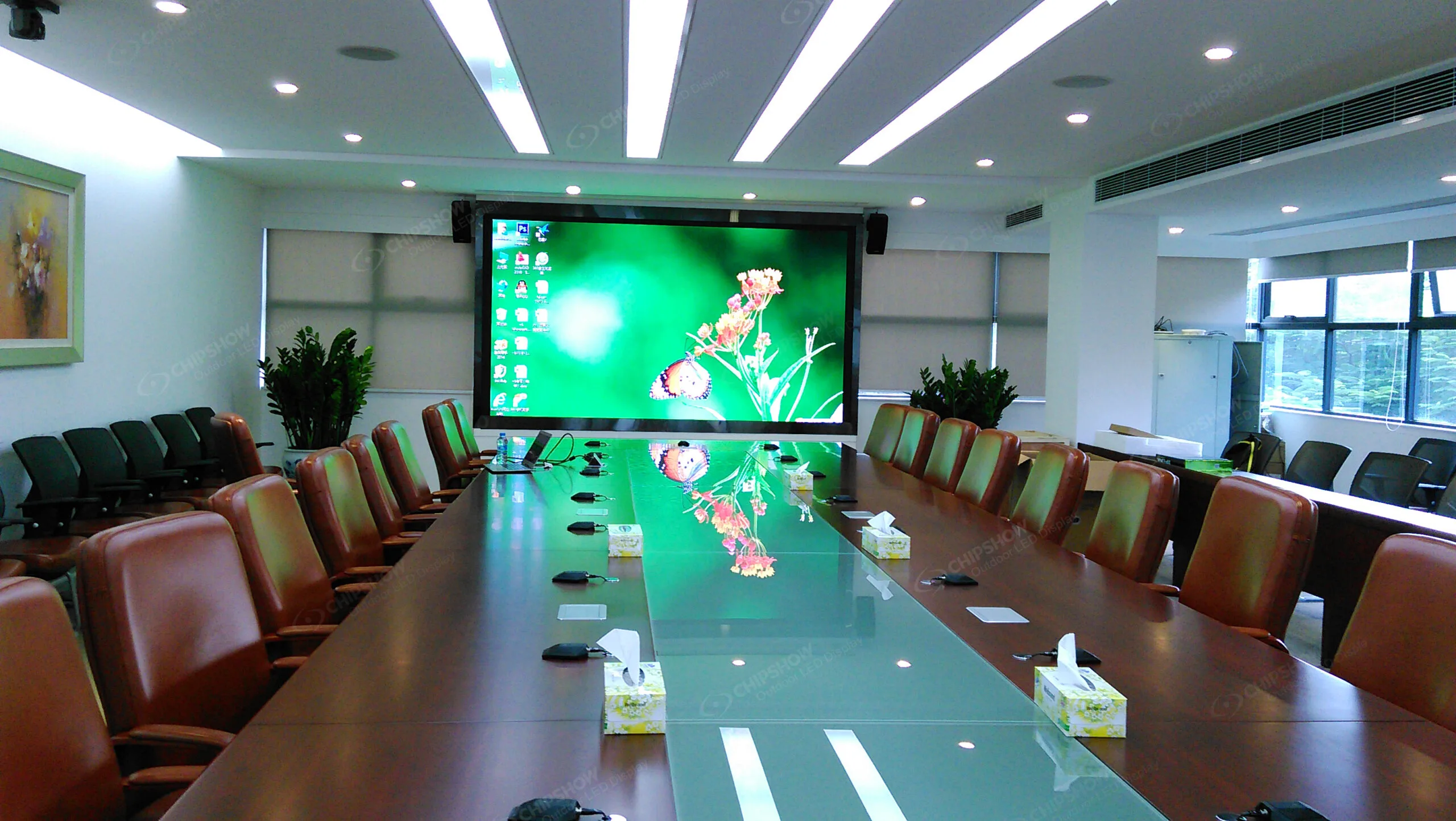
Boardroom audiences often sit close enough to notice fine text, spreadsheet labels, and detailed presentation graphics. The wall should therefore be assessed against actual seating positions and content rather than an assumed ideal viewing distance. A display intended mainly for video calls may also need to fit an existing camera, conferencing, and audio arrangement. The integrator should identify the source formats and the physical proportions of the proposed LED canvas before selecting cabinets.
A clean appearance is important in executive rooms, but appearance must coexist with access to components. Front-serviceable equipment can be useful when a permanent wall is positioned close to a finished architectural surface. The final arrangement still requires suitable provisions for power, signal cabling, mounting, ventilation where applicable, and safe access. Selecting a thin-looking cabinet without planning those details can create expensive changes later.
Commercial Lobbies and Reception Areas
Lobby screens may be viewed from multiple directions by people who are walking rather than sitting. A screen near the entrance has different demands from one behind a reception desk. Consider where visitors first notice the content, how much time they have to read it, and whether the display competes with daylight or other interior lighting. A large image can attract attention while still being ineffective for small text if the audience rarely stops.
Architectural coordination matters because the wall may be integrated into millwork, a recess, or a feature surface. Cabinet dimensions and service clearances should be reviewed early with the design team. The screen should not obstruct building circulation or prevent access to equipment. These are project conditions to resolve before the purchase order, not features that can be inferred from the product photograph.
Retail Stores and Commercial Showrooms
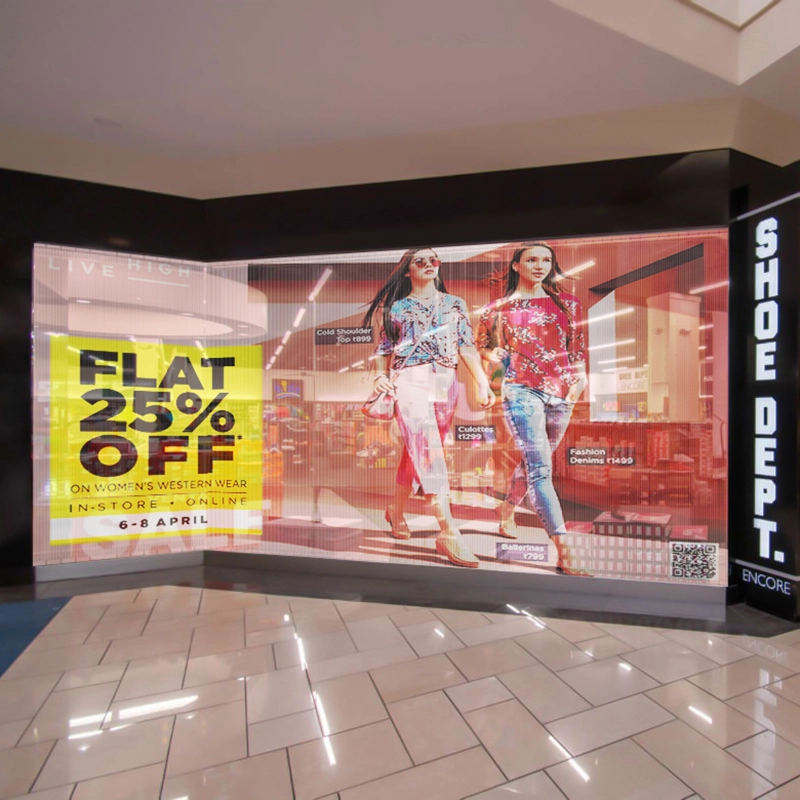
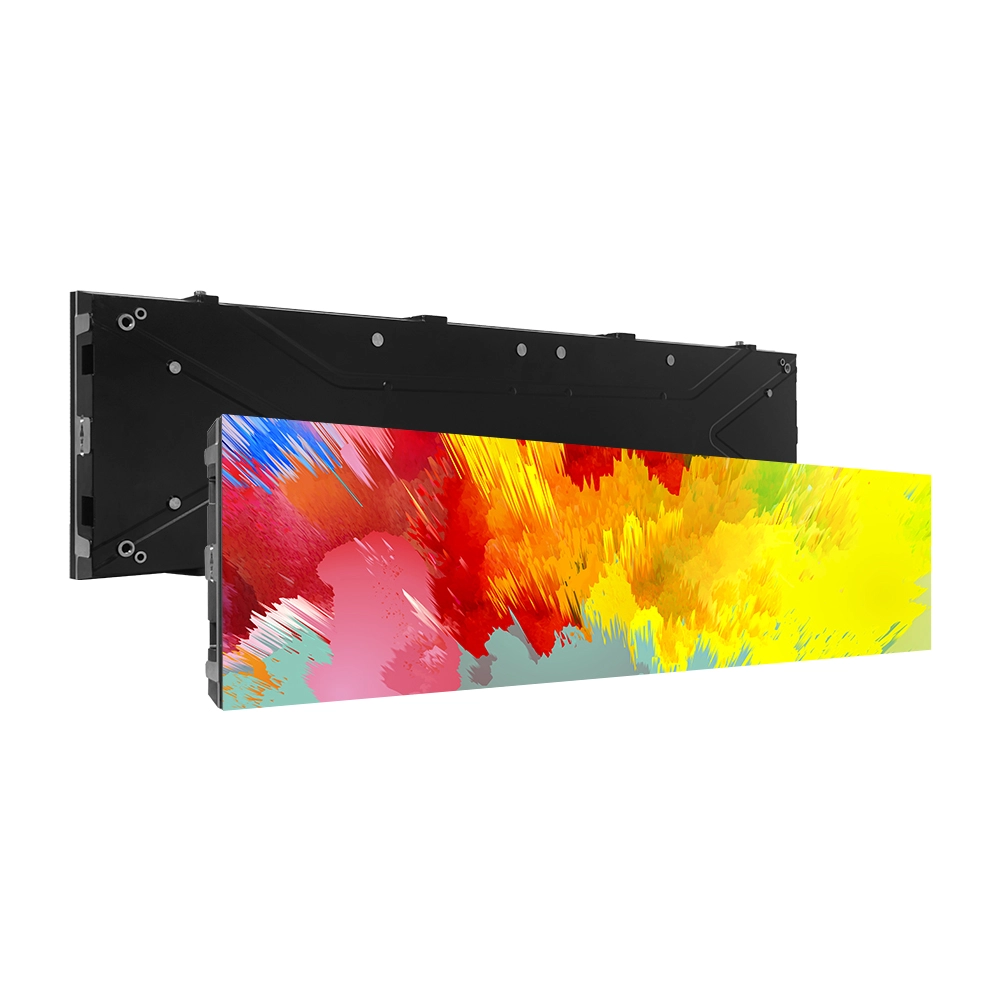
Retail properties often need different display formats within the same location. A full video wall can create a visual focal point, while a narrow digital ribbon may fit above shelving or around an architectural band. The product should follow the content strategy and available mounting surface. Buying identical panels for every location can create awkward content proportions and unused display area.
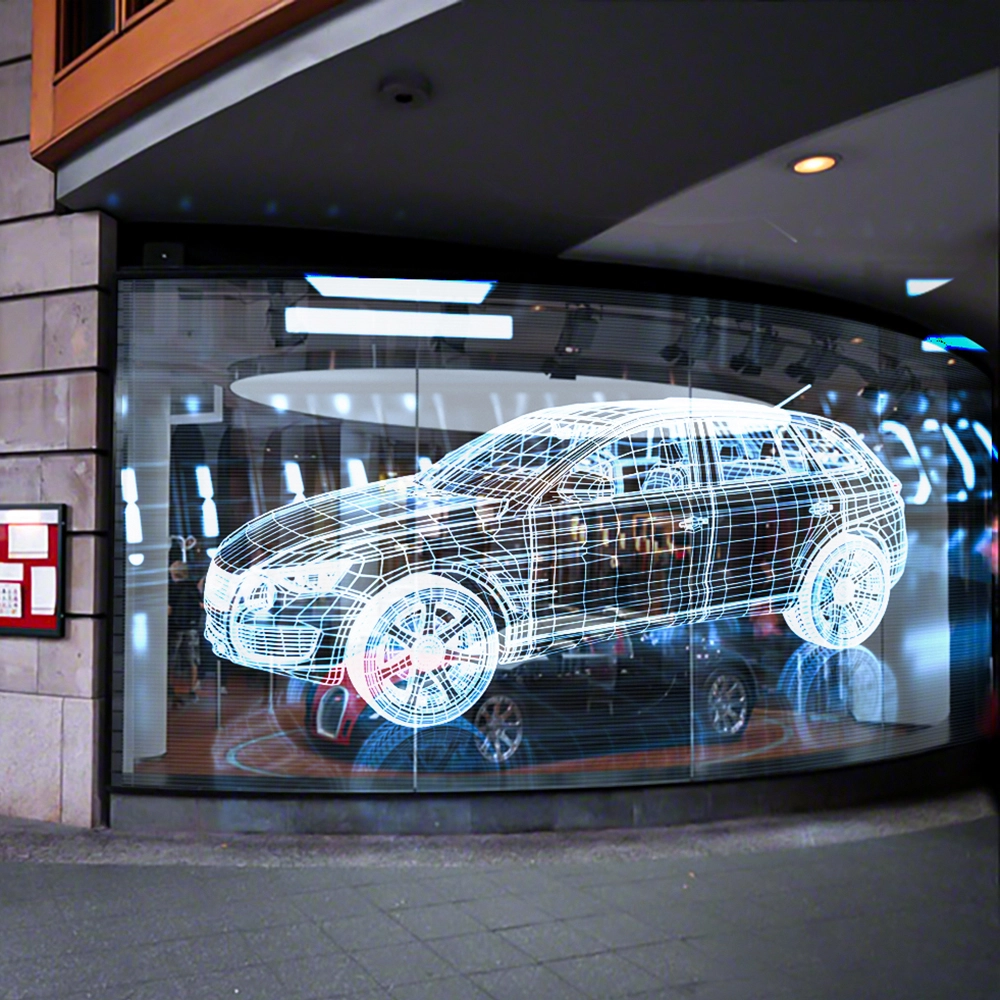
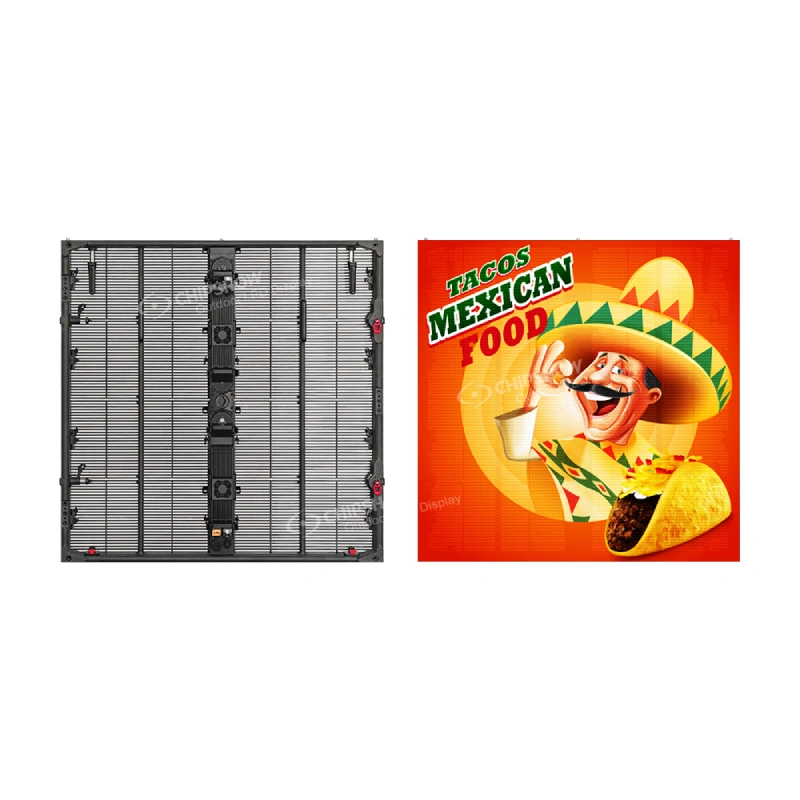
Window-adjacent installations deserve a specific lighting review. The phrase high brightness solutions can describe equipment built for very different environments, including outdoor signage. More brightness is not automatically better indoors; the buyer should assess ambient light, content legibility, viewer comfort, and the selected model’s documented operating range. Avoid transferring specifications from an outdoor product to an indoor wall.
Education and Multipurpose Facilities
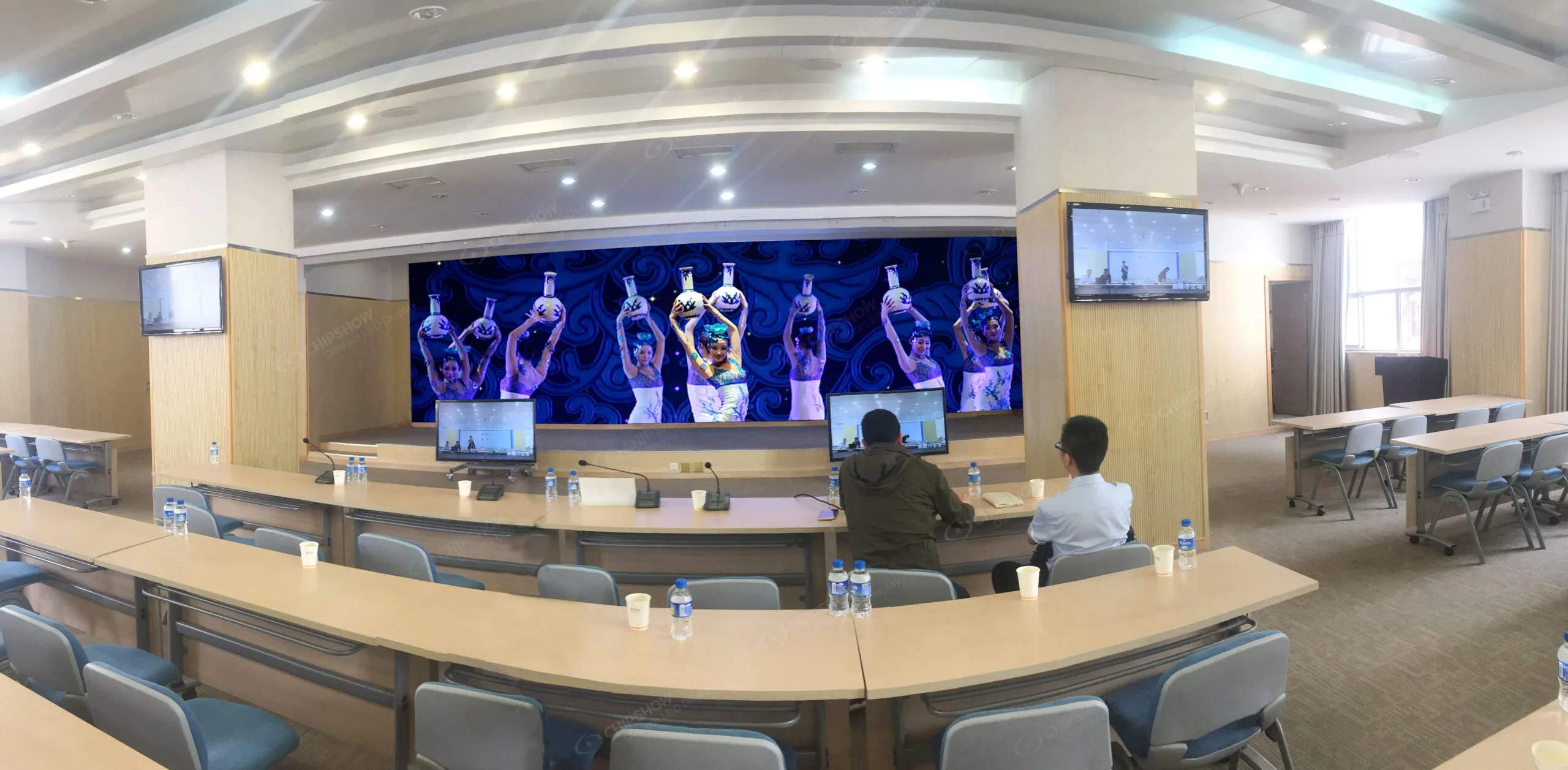
Classrooms, lecture halls, and multipurpose venues often switch between presentations, video, announcements, and live events. Seating geometry can be more influential than the size of the room alone. A display with enough apparent detail at the front may still be difficult to read from the rear if the content uses small typography. The team should test representative content at realistic distances when possible.
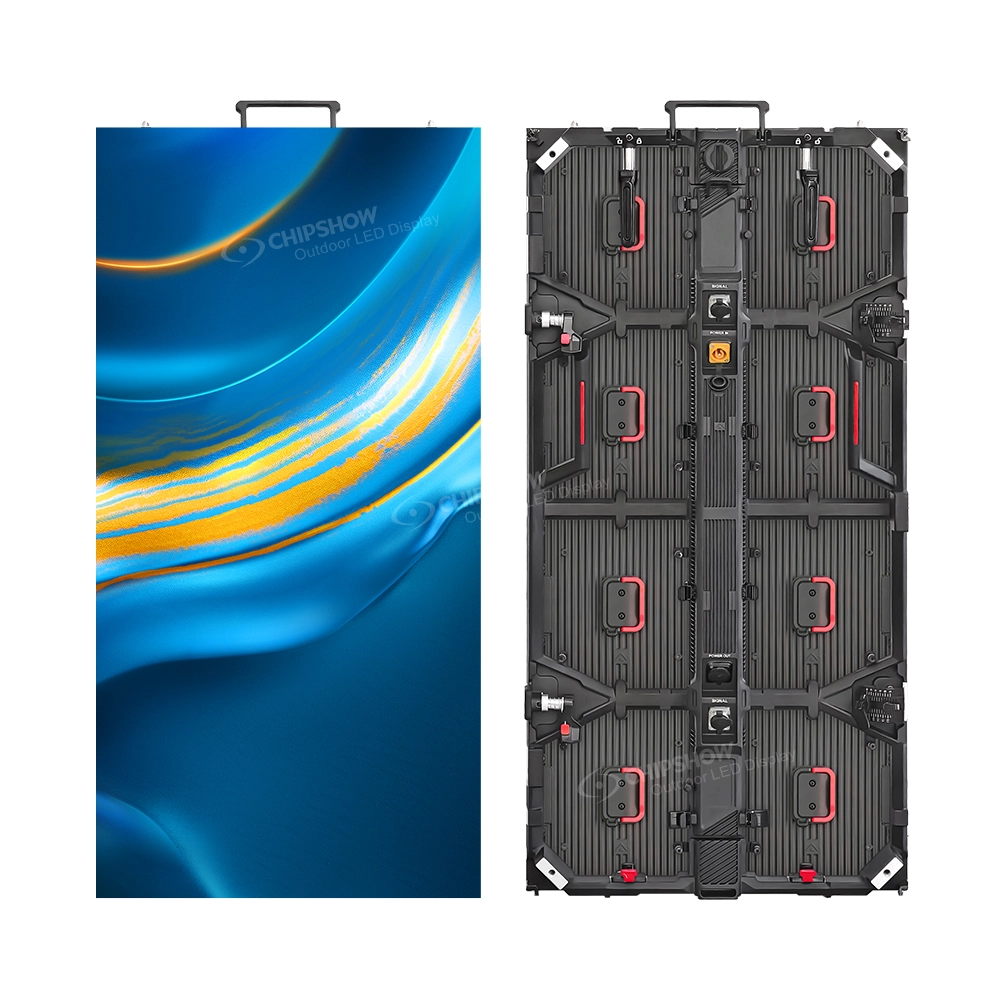
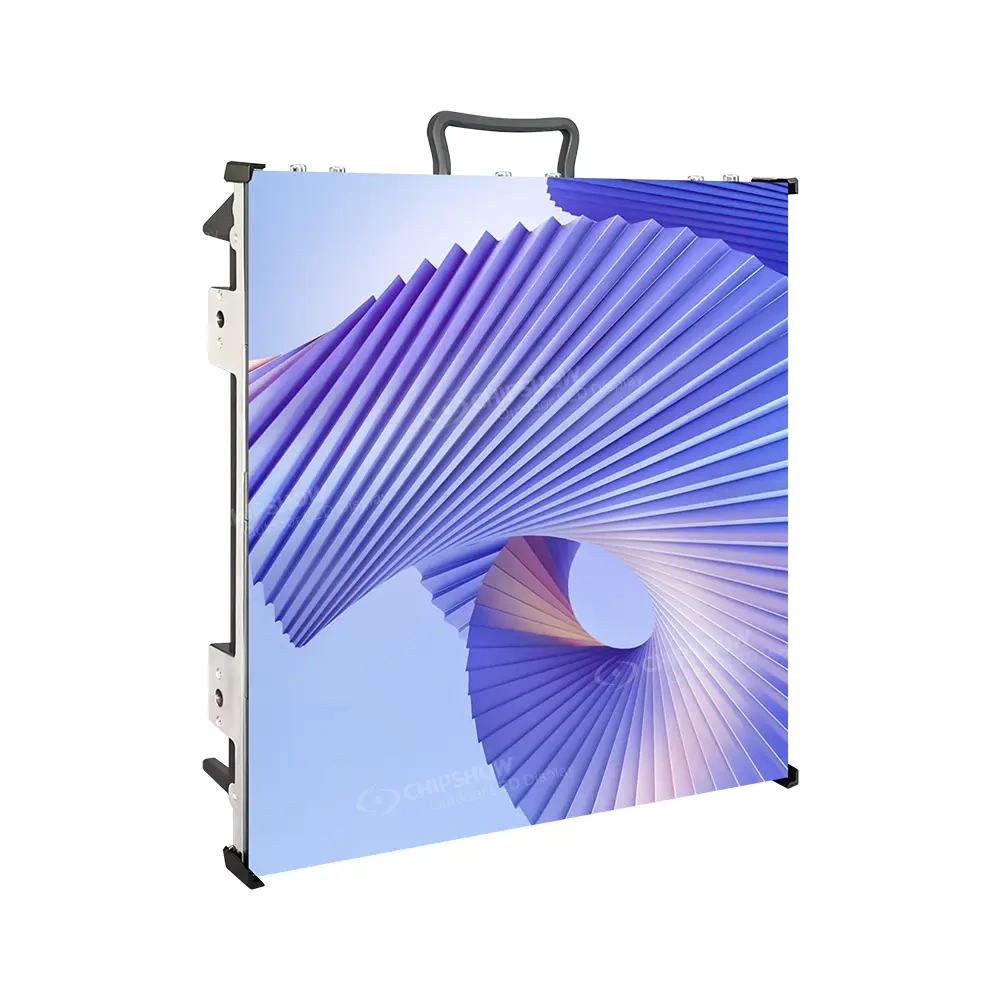
A fixed indoor display is also a different purchase from a rental-oriented screen that crews repeatedly assemble. Cabinet handling, mounting, access, and service requirements should be considered according to the intended operating model. If the venue has live cameras, the technical discussion should include the relevant display and production settings rather than relying on a single headline refresh-rate number.
Control Rooms and Continuous Operations
A control room may show many information sources simultaneously. Its viewers may work at defined positions and need to distinguish small details for long periods. The purchasing discussion should identify the required information density, source arrangement, operating schedule, and service procedures. Fine-pitch options can be relevant, but they should not be described as automatically suitable for every mission-critical application.
The control system and the LED hardware form parts of a larger operational design. Integrators must confirm input compatibility, processor capability, source switching, and recovery procedures with the actual equipment chosen. Facilities with demanding uptime requirements should establish those requirements explicitly and request appropriate model documentation rather than assuming that every commercial LED product carries the same operational guarantees.
Airports and Other Large Public Interiors
Large concourses and transit interiors may use screens for advertising, information, or architectural content. The viewing area can be broad, and maintenance may have to occur around ongoing public activity. The display concept should therefore consider sightlines, information hierarchy, access restrictions, and the operational expectations set by the facility owner. A visually impressive wall is not useful if the project team cannot maintain it safely.
Public-facing projects can also involve documentation and approval requirements beyond the LED equipment itself. The manufacturer can provide relevant product information, while the project team determines which records, inspections, and approvals apply to the actual installation. No single product label should be treated as a blanket approval for a particular facility.
Define the Technical Decisions Before Requesting a Quote
Pixel Pitch and Real Viewing Conditions
Pixel pitch describes the spacing between adjacent pixels. A smaller pitch generally places more pixels into the same physical area, which can support finer image detail. Yet the right choice depends on the content, viewing distance, overall wall dimensions, and budget. A presentation wall showing spreadsheets is different from a feature wall playing large-format video. Neither use case should be reduced to a generic rule that the smallest pitch is always best.
Document the closest normal viewing position and the furthest important viewing position. Then describe what viewers need to recognize. If the project includes detailed maps, dashboards, or text, say so in the request. This gives the integrator a meaningful basis for reviewing the proposed pitch and physical resolution. Detailed calculations belong in a separate pixel-pitch and resolution assessment once the wall geometry is known.
Native Wall Resolution and 4K Content
A 4K video source and a native 4K LED wall are not the same thing. The assembled wall’s pixel count depends on its physical dimensions and selected pitch. A processor may accept high-resolution input and map it to a different output canvas. That can be entirely appropriate, but buyers should understand what is being specified rather than assume that an input label describes the screen itself.
Custom LED walls can also have nonstandard proportions. A long ribbon or wide architectural wall may not match conventional video aspect ratios. Content designers and AV integrators should coordinate the final canvas and scaling approach early. This article intentionally stops at that decision point so a detailed resolution guide can address the calculations without duplicating the procurement discussion.

COB and SMD Display Construction
COB and SMD describe different LED packaging approaches. Their practical relevance depends on the specific product, intended viewing environment, service arrangement, and display surface. Buyers evaluating a close-viewing executive space may prioritize different characteristics from a large auditorium project. The technology name alone cannot determine which product is appropriate.
Chipshow offers indoor COB and SMD options within its commercial range. A useful comparison should use the current documentation for the exact model and pitch, not generalized claims about durability or image quality. The appropriate next step for buyers who have narrowed their choices is a dedicated COB versus SMD evaluation that considers construction and the project’s maintenance needs.
Brightness and Lighting Conditions
Indoor brightness requirements should reflect the actual environment. A dimmed presentation room, a brightly lit retail space, and a sunlit entrance do not necessarily need the same setting. When buyers search for LED high brightness solutions, they may encounter outdoor display products whose construction and environmental requirements are not suited to an interior installation. Equipment should be selected for the specified use.
Ask for the published brightness information for the exact product and review how the display will operate during the day. Consider whether the content uses dark backgrounds, whether viewers approach at close range, and whether the room’s lighting can be controlled. These questions are more actionable than comparing maximum brightness figures in isolation.
Controllers and the Signal Path
An LED screen needs compatible receiving and processing equipment to display content from the intended sources. A meeting room may use a simple presentation workflow, while a monitoring environment may need several simultaneous sources. The hardware proposal should identify what is included and what the integrator must supply. A statement that a wall is compatible with a category of equipment does not mean that every processor feature is included in the price.
The processor discussion should follow the canvas and source requirements. The project team needs to confirm input formats, output mapping, system controls, and any integration with existing AV equipment. Specialized controller sizing belongs in a technical design document, not in a general overview of commercial display procurement.
Service Access and Physical Integration
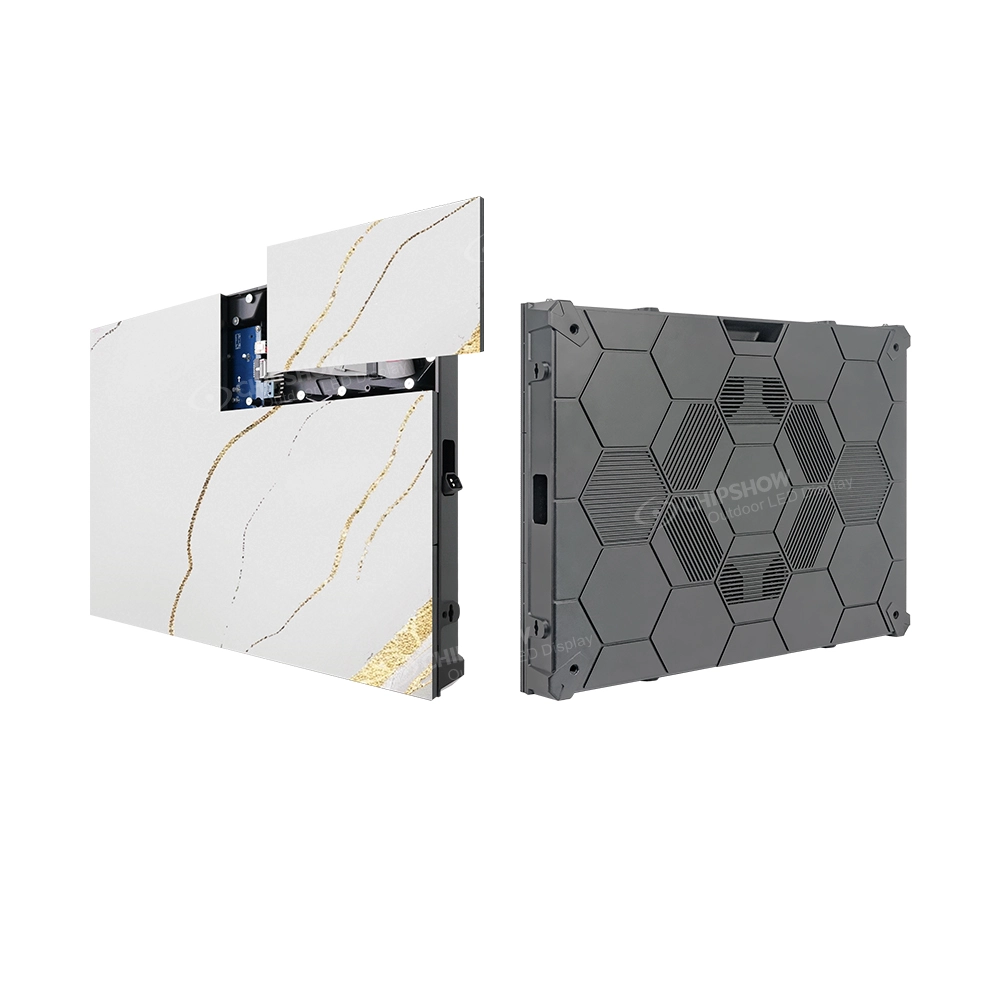
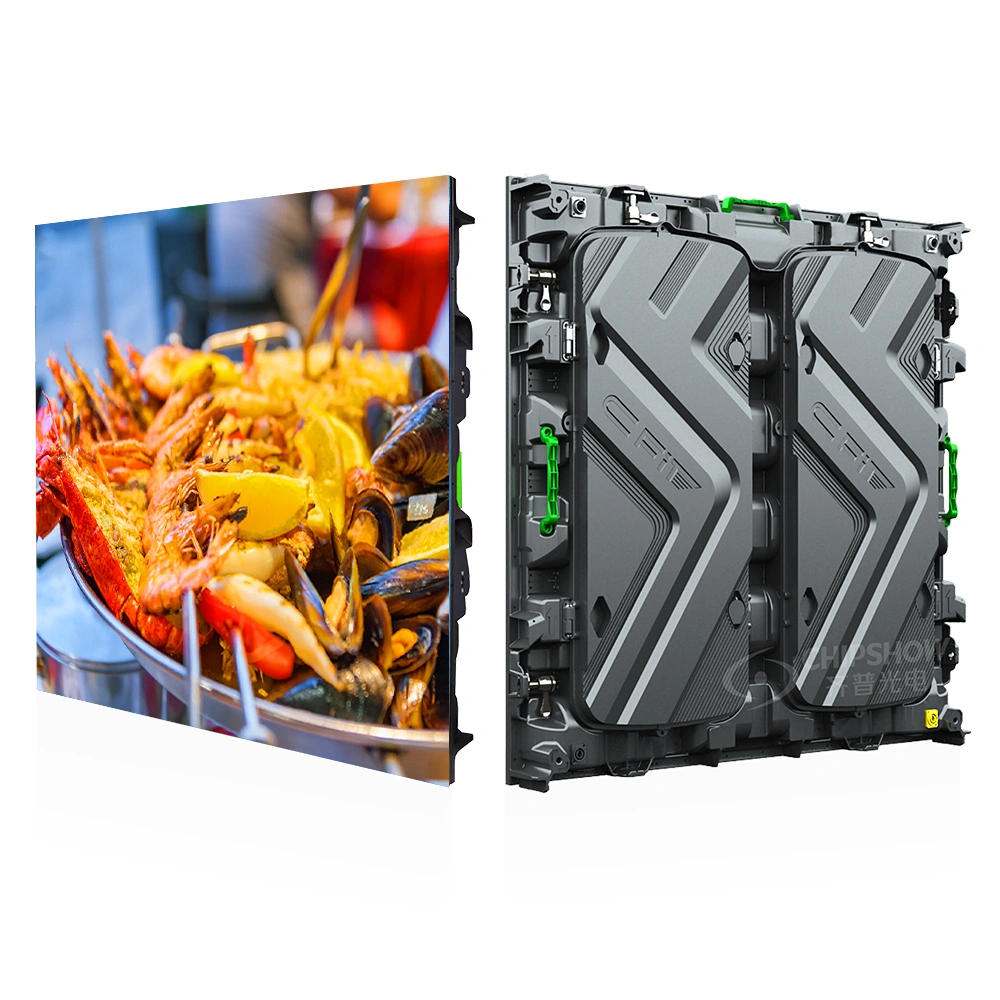
Cabinet format affects more than appearance. Dimensions determine the possible wall geometry, while service access influences the space needed behind or in front of the installation. Front-serviceable designs may be valuable in shallow recesses, but access must still be practical after architectural finishes are installed. The team should coordinate mounting support, electrical arrangements, signal routing, and access with qualified professionals.
The phrase seamless video wall should also be interpreted in context. Modular LED cabinets create a continuous digital canvas when correctly configured, but the physical installation still depends on alignment and construction tolerances. A procurement specification should describe the desired outcome and require an appropriate installation plan rather than treating marketing language as a substitute for site engineering.
Chipshow Indoor Commercial Product Selection Map
| Product family | Likely application | Primary selection question |
|---|---|---|
| C-Max Commercial SMD | Corporate walls and auditoriums | Published pitch range and front-service cabinet design |
| C-Max Fine-Pitch COB | Close-viewing professional environments | COB construction and model-specific fine-pitch options |
| C-Max-Eco | Selected commercial and education projects | Configuration fit and complete quoted hardware scope |
| C-Max-Wall | Architectural feature surfaces | Finish coordination and maintenance access |
| C-Pad-C | Specialized fine-pitch requirements | Current model documentation before specifying |
| C-Max-C | Retail ribbons and elongated displays | Narrow-format geometry and content proportions |
Chipshow’s indoor range includes several formats relevant to professional applications. The purpose of this comparison is to identify a sensible starting family, not to claim that every series fits every use case. Final selections should be checked against the current model documentation, configuration availability, and project drawings.
C-Max Commercial SMD for Conventional Indoor Video Walls
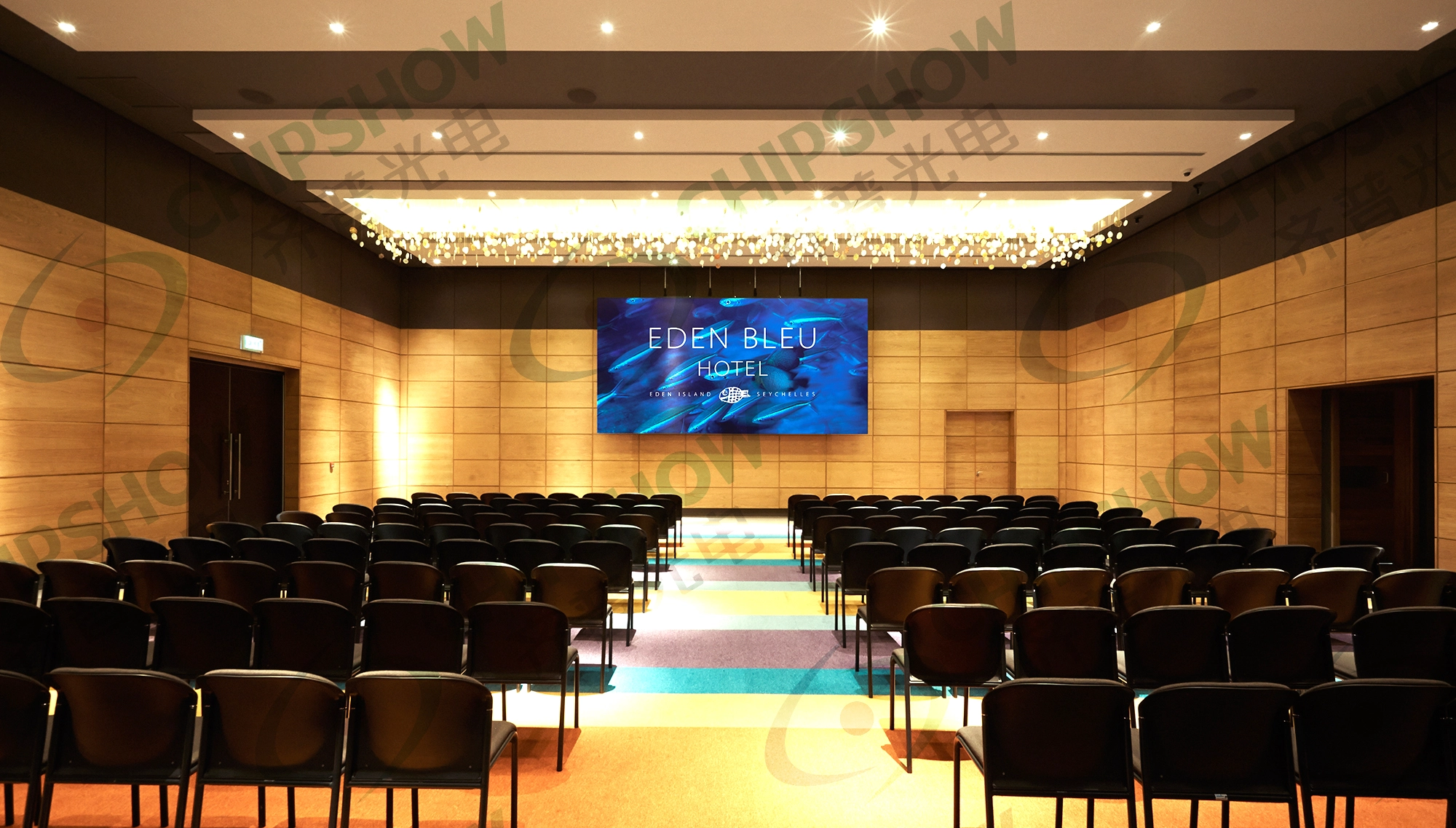
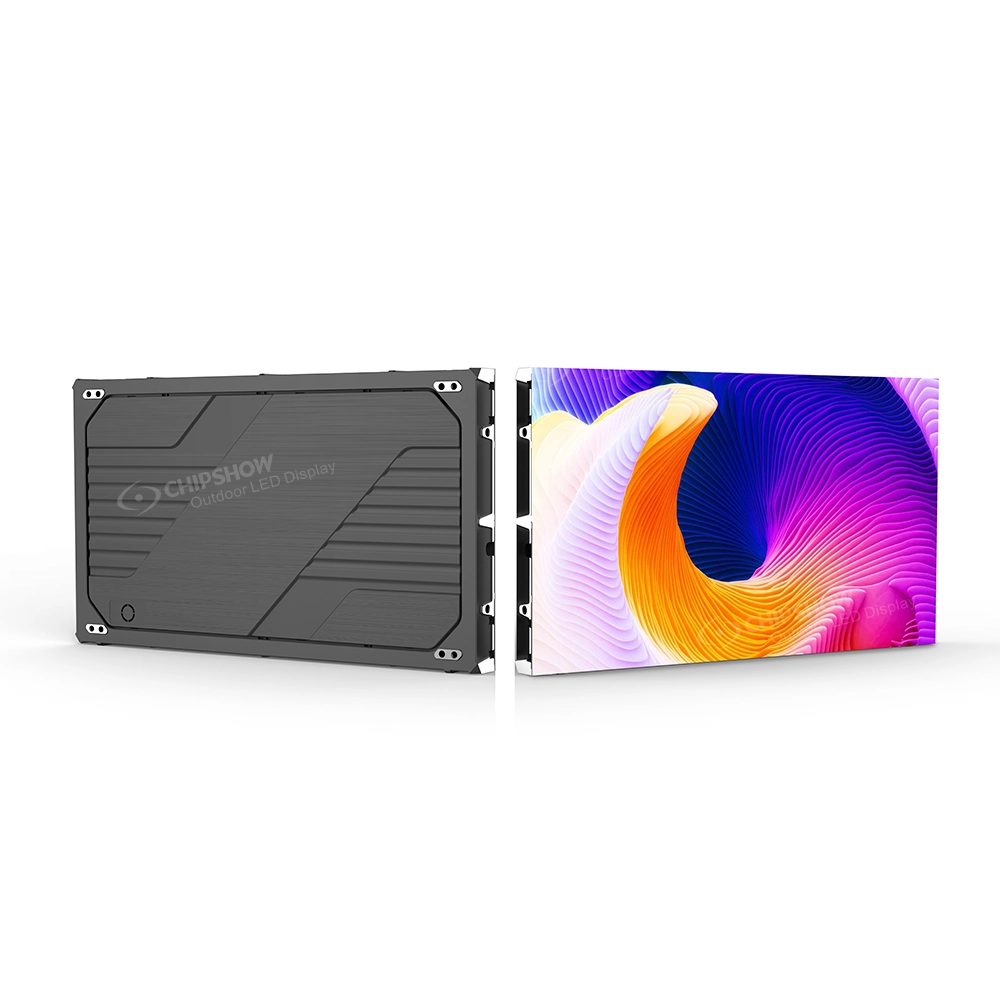
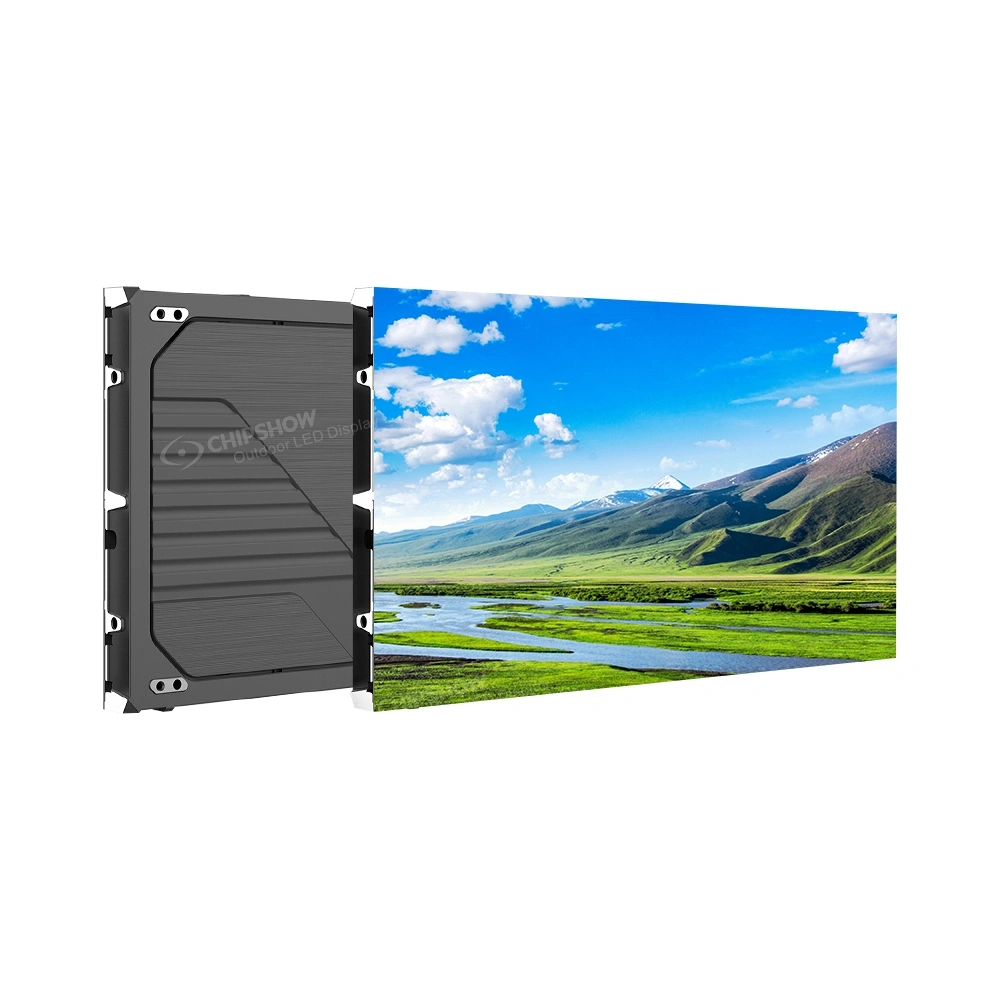
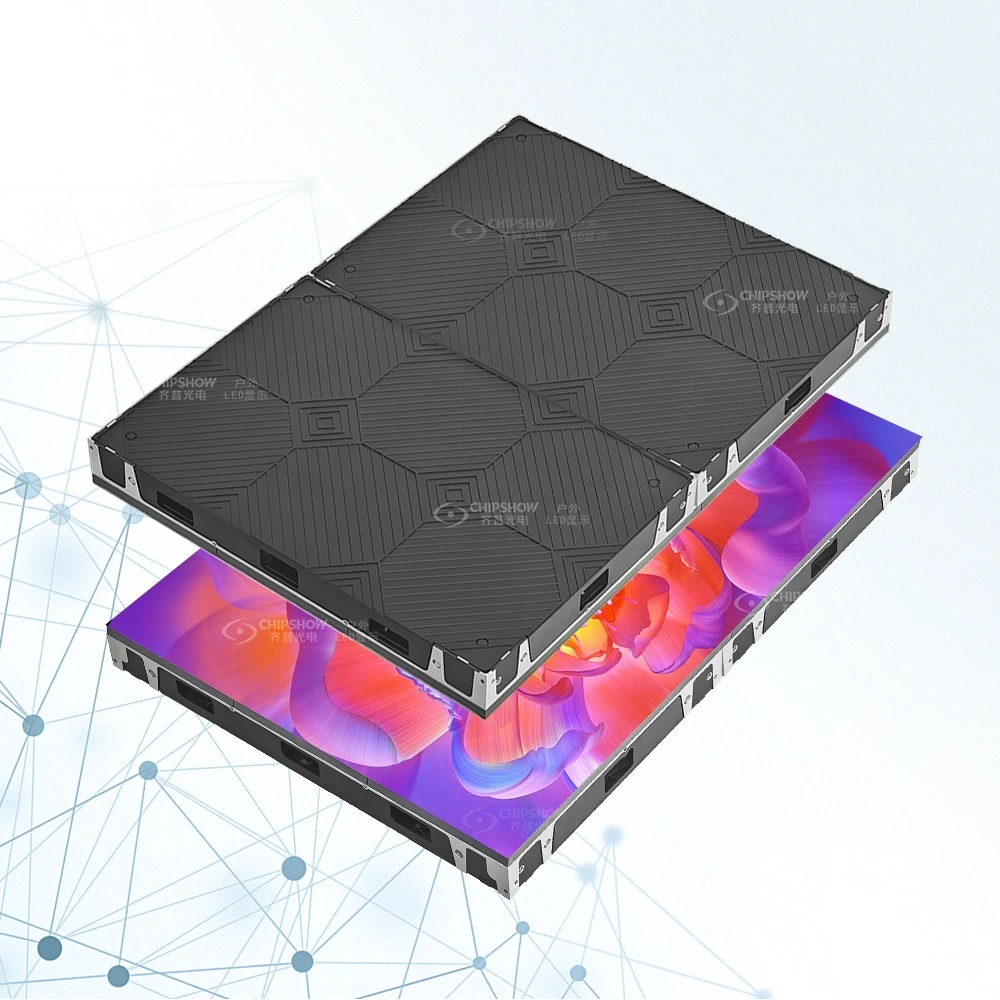
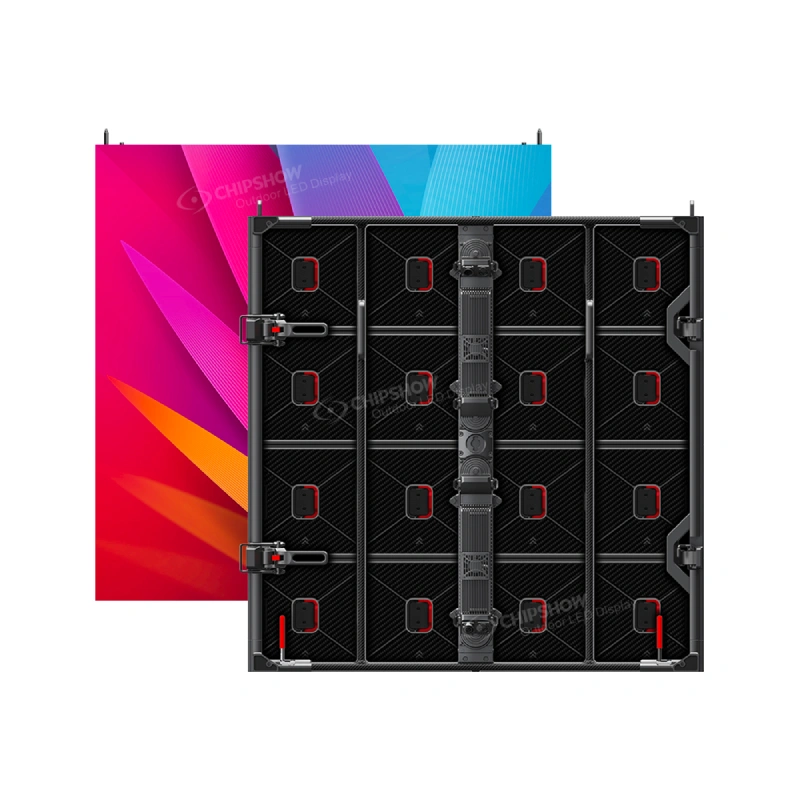
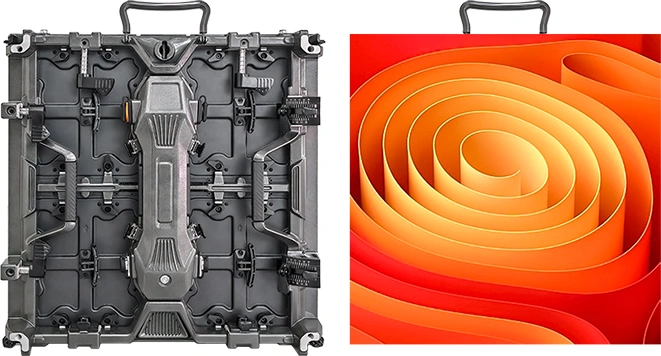
C-Max Commercial SMD provides a conventional indoor LED platform for permanent installations. Its product information identifies multiple pixel-pitch options and a 640 by 480 mm cabinet format with front-service access. The 4:3 cabinet geometry can help project teams plan modular rectangular walls, but the final aspect ratio still depends on the cabinet arrangement. Buyers should confirm the current pitch and cabinet specifications for the actual order.
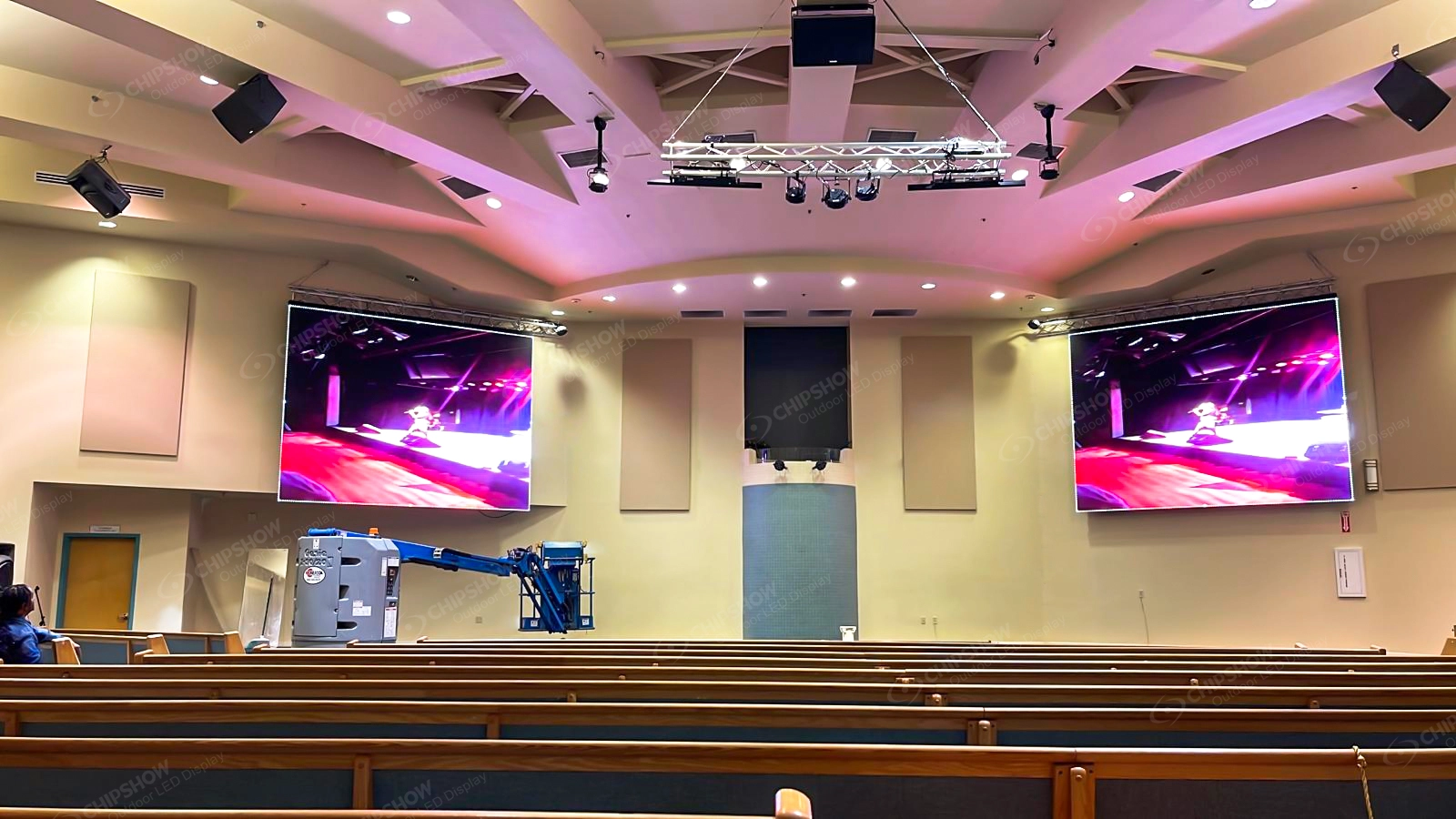
This family is a practical starting point for corporate presentation walls, commercial interiors, and auditorium applications. It should be evaluated according to viewing distance and the required canvas rather than selected only because a similar-looking wall appears in a photograph. A clear quotation should identify the exact model and supporting hardware.
C-Max Fine-Pitch COB for Close Viewing
C-Max Fine-Pitch COB is relevant when the project places particular weight on close-viewing image detail and display surface construction. The current product family includes fine-pitch configurations and front-service considerations. These characteristics deserve evaluation in executive presentation spaces and professional interiors, but they do not replace a project-specific review of wall dimensions, source content, and installation conditions.
COB is a packaging approach rather than a promise of universal superiority. The project should compare actual product information and service procedures. If the buying team needs a detailed technology decision, that comparison should be handled in a dedicated COB versus SMD review rather than expanded into a second article within this procurement hub.
C-Max-Eco for Defined Commercial Requirements
C-Max-Eco is another indoor commercial option to consider where the available configuration matches the planned installation. The buyer should evaluate the exact pitch, cabinet dimensions, access arrangement, and included equipment. Product naming alone should not be used to infer the lowest price or a guaranteed operating-cost advantage. The quotation and technical data determine whether the proposed configuration meets the brief.
C-Max-Wall for Architectural Integration
C-Max-Wall belongs in discussions where the visual treatment of the architectural surface is important alongside the displayed content. Such projects often require early coordination with designers and contractors. The team should consider how cabinet placement, surrounding finishes, and maintenance access interact. The product should be reviewed as a specialized architectural option rather than an automatic replacement for every standard LED wall.
C-Pad-C for Specialized Projects
C-Pad-C can be considered where a specialized fine-pitch brief calls for a closer model-specific review. Buyers should request current documentation for the exact proposed configuration before making claims about cabinet design, approvals, or operational characteristics. Specifications from another Chipshow product family should not be transferred to C-Pad-C without verification.
C-Max-C for Narrow Retail Displays
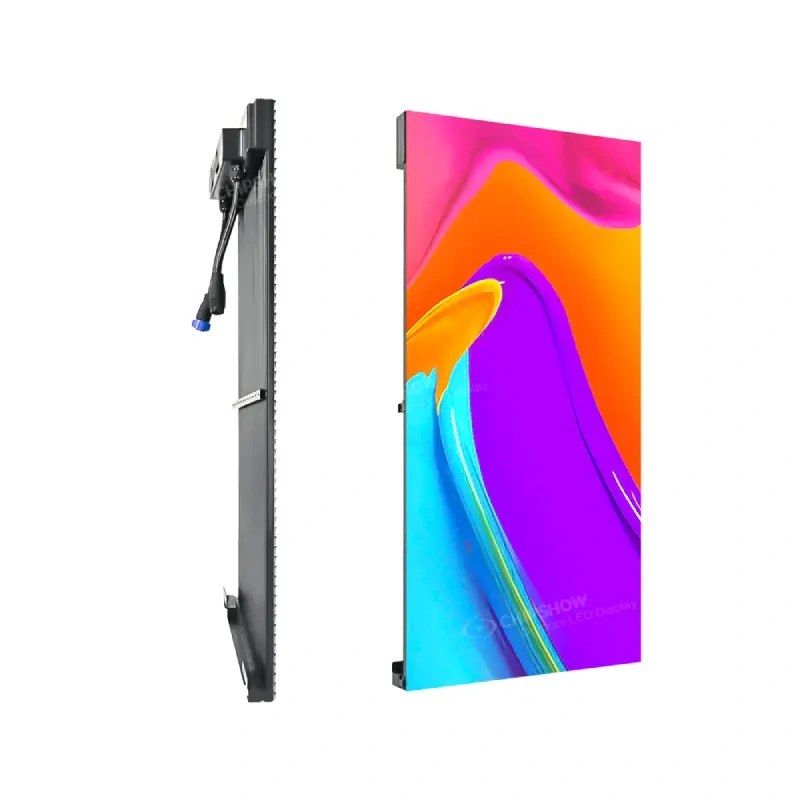
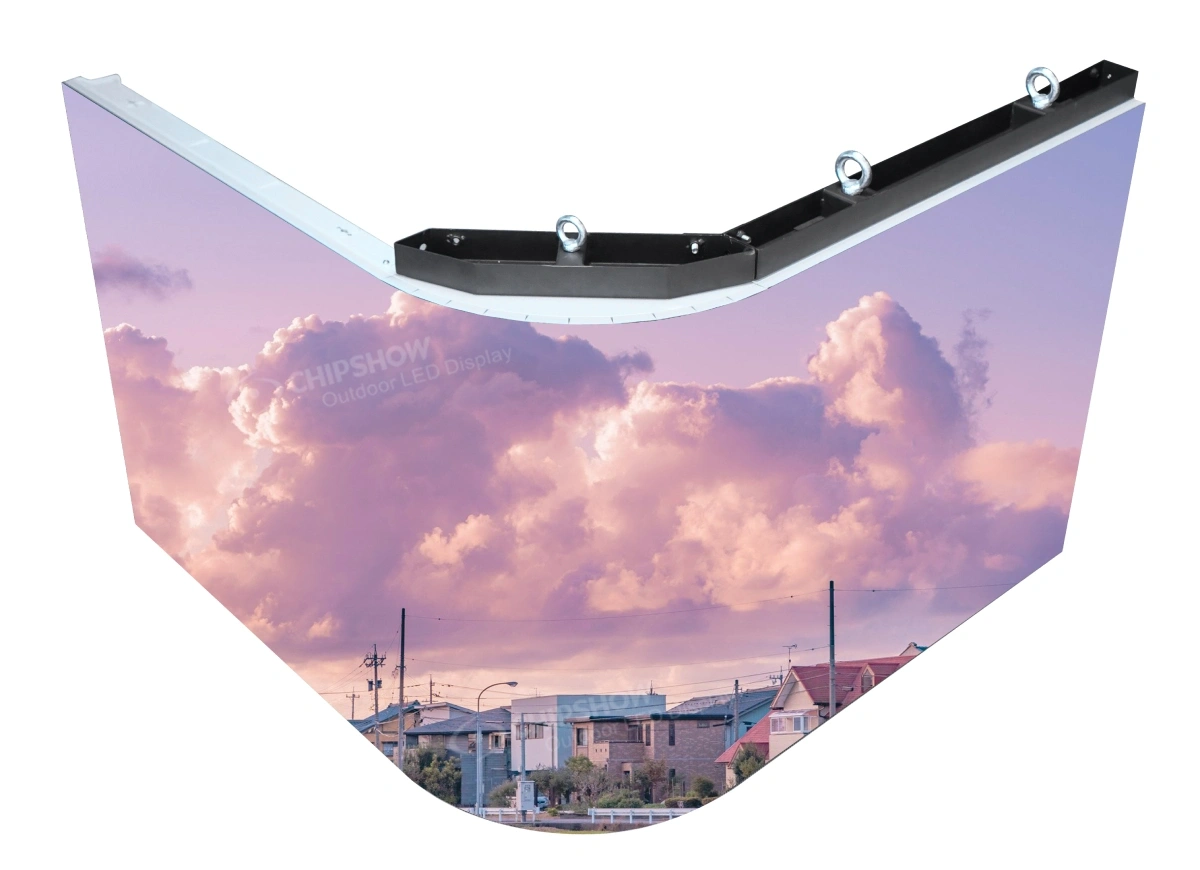
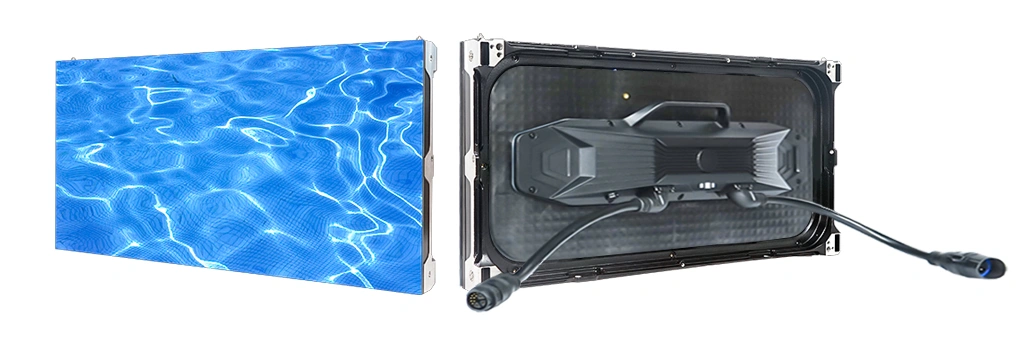
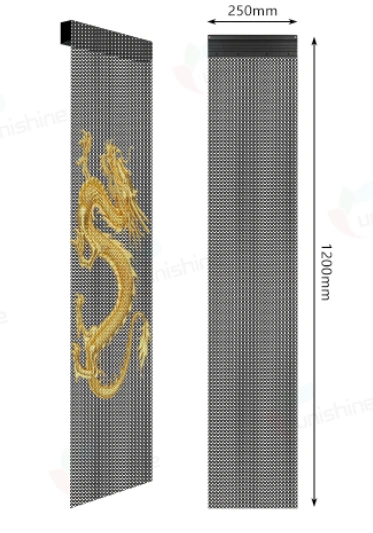
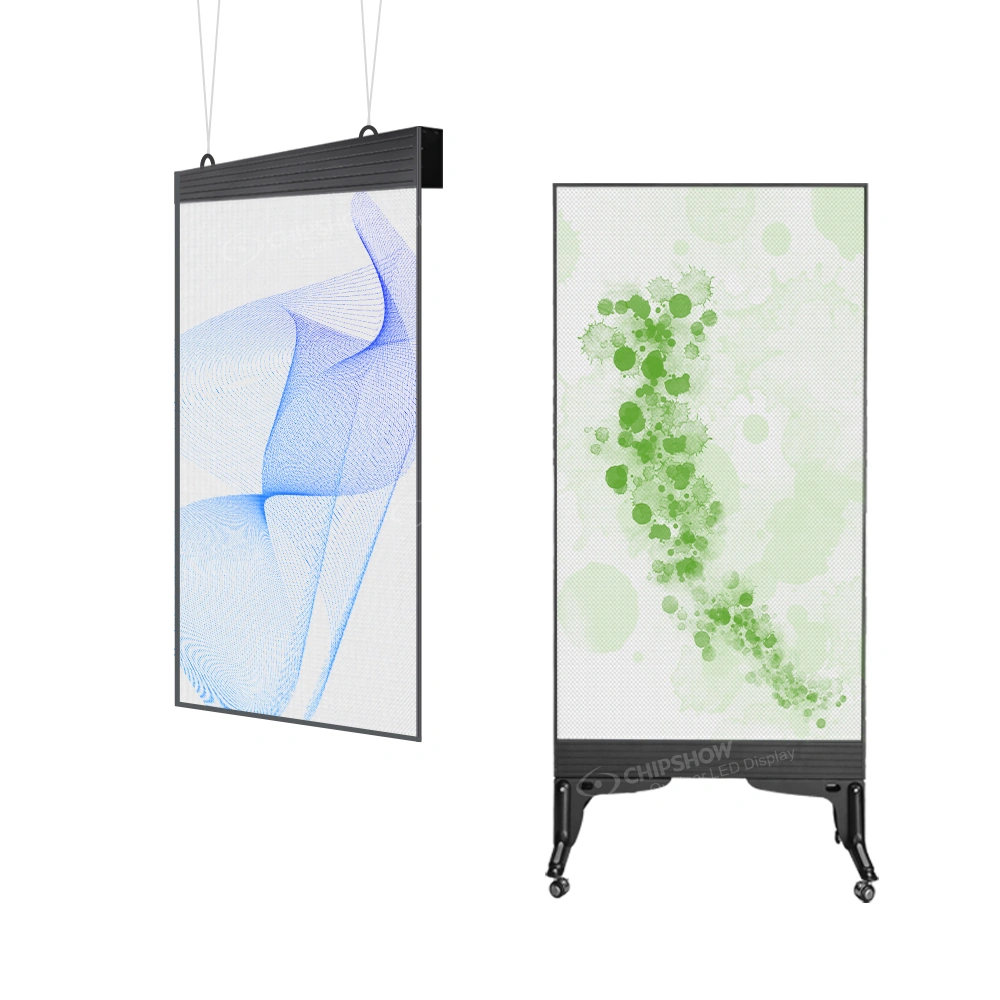
C-Max-C is designed around elongated display applications such as retail headers and architectural ribbons. A narrow LED video screen serves a different content canvas from a full rectangular wall. The project should define the intended length, height, content format, and any changes of direction before selecting cabinets. An extended ribbon may be the appropriate display solution when a conventional video wall would consume too much surface area.
How to Compare a Complete Hardware Quote
A quotation should be compared on its actual contents. LED cabinets, receiving hardware, processing equipment, accessories, spare parts, shipping arrangements, and local site work may appear under different scopes. A quote for panels alone is not directly comparable to one that includes additional equipment. Ask each supplier to identify the model, pitch, quantity, associated components, and exclusions in writing.
The distinction matters for buyers searching for video wall LED panels or a led screen display board. Those phrases can describe individual components rather than an operational display system. The integrator needs to determine what must be added for the project’s sources, mounting arrangement, and operating requirements. A clear scope prevents the buyer from mistaking a component price for a completed project budget.
Cost comparisons should also separate the equipment decision from the work performed at the site. Structural design, electrical work, mounting labor, permits, and local commissioning may be outside the hardware manufacturer’s scope. Those costs depend on the building and the responsible contractors. A separate total-cost-of-ownership analysis is appropriate when the project needs a detailed budget over its expected operating life.
Avoid treating an advertised price as proof of future savings. The more reliable approach is to compare the actual configuration and establish maintenance expectations. A video wall led panel is not interchangeable with another panel solely because the pixel pitch is similar. Cabinet dimensions, electronics, service method, and system compatibility can all affect the procurement decision.
US Warehouse Availability and Procurement Timing
Chipshow’s California warehouse provides a North American inventory channel for applicable products. That can be useful to US buyers, but it does not mean every series, pitch, quantity, or accessory is continuously in stock. The project team should confirm availability for the precise configuration it intends to order. Stock claims are time-sensitive, and lead times depend on what is actually allocated.
An effective inventory inquiry identifies the product family, pixel pitch, planned wall dimensions, estimated cabinet quantity, project location, and required accessories. A buyer who asks only whether indoor LED screens are in stock may receive an answer that does not match the intended project. Written confirmation of the exact hardware is more useful than a general warehouse statement.
Delivery planning should also distinguish the shipment of equipment from the completion of the installation. Freight arrangements, site readiness, structural work, and local AV labor can follow different schedules. Chipshow supplies LED hardware and relevant manufacturer information; local integrators and other project professionals manage the site-specific scopes assigned to them. A realistic schedule recognizes those separate responsibilities.
Replacement modules and spare components deserve attention during procurement. Production batches, calibration information, and configuration compatibility can influence later service decisions. The buyer should discuss suitable spares for the selected hardware rather than assume any future module will be visually or electronically identical. Detailed spare-part planning belongs in a lifecycle maintenance resource.
Documentation and Trust Checks Before Approval
Product documentation helps the buyer move from a concept to a defensible specification. Request the current datasheet for the proposed model, relevant dimensional information, power requirements, and applicable service instructions. Integrators may also need details for receiving hardware and connections. These records should correspond to the same configuration that appears on the quotation.
Certifications require similar care. Buyers may ask about ETL, UL, FCC, CE, or RoHS, but the relevance and supporting documentation depend on the exact model and applicable project requirements. A record for one product should not be represented as proof that every series has the same certification status. Nor does a product document replace the approvals that may apply to a particular site.
A useful manufacturer discussion identifies which documents are available and which requirements need confirmation. This protects the buyer from relying on unsupported blanket claims. It also gives architects, contractors, and facility teams a clearer basis for their separate responsibilities. Product information can be explored through Chipshow’s Download Center, with model-specific records requested as needed.
Choose the Next Resource Based on Your Unresolved Decision
A procurement hub is most useful when it directs a buyer toward the next question. If the concern is whether a wall can display detailed content, continue with pixel pitch and resolution planning. If the choice is between COB and SMD, compare the technologies against the intended environment. If the project has complex sources, develop the processor and controller design. Each specialized topic requires more depth than a general purchasing overview should attempt.
The same principle applies to pricing and operational planning. A buyer concerned about capital cost needs a clear hardware scope and project-specific estimate. A facility manager concerned about future repairs needs compatible spares and service access. A purchasing team facing a fixed opening date needs confirmed inventory and shipping information. Treating these as separate decisions keeps the procurement process efficient.
Different vertical applications may also need their own evaluation. Airport terminals, universities, retail storefronts, healthcare interiors, and control centers impose distinct requirements. Those should be examined in application-specific resources rather than assuming one generic specification covers all commercial spaces. The aim is to connect the broad selection process with the next useful technical or purchasing conversation.
Common Questions Before You Request a Quote
Can a Four Screen Video Wall Be Replaced With Direct View LED
Sometimes, but the formats are not identical. The search phrase video wall 4 pantallas often refers to a four-screen arrangement. Direct-view LED uses a modular pixel canvas, so the buyer should compare required dimensions, content, viewing conditions, and integration needs before deciding which format is appropriate.
What Information Should an Integrator Send to a Manufacturer
Provide the application, planned wall dimensions, approximate viewing distances, intended content, installation environment, target schedule, and any known system constraints. This allows the manufacturer to discuss relevant hardware configurations without assuming that site engineering or local labor is part of the equipment offer.
Does a California Warehouse Mean Every Indoor Model Ships Immediately
No. Availability depends on the selected product, pitch, quantity, and accessories at the time of inquiry. Request current confirmation for the exact proposed configuration and coordinate the shipment plan with the project schedule.
Are Outdoor High Brightness Panels Suitable for Indoor Projects
Not by default. Outdoor equipment and indoor commercial displays can differ in construction, environmental protection, brightness, and intended use. Select equipment according to the actual installation conditions and published model information rather than a brightness claim alone.
Where Can Buyers Obtain Model Documentation
Start with the relevant Chipshow product page and Download Center, then request current records for the exact equipment being quoted. Confirm that specifications and any certification documents identify the applicable model and configuration.
Before approving a display purchase, assign ownership of each unresolved question. The facility representative can describe operating hours and access restrictions. The content team can identify representative visuals and required legibility. The integrator can confirm signal sources and processing requirements. The architect or contractor can review the mounting environment. The hardware supplier can provide model-specific product information and a defined equipment quotation. Separating these responsibilities makes the review more efficient and prevents assumptions from passing between teams without verification.
A useful procurement record should preserve the selected product family, pitch, cabinet configuration, intended screen dimensions, quotation scope, relevant documentation, and availability confirmation. If the concept changes during design, revisit the affected assumptions rather than relying on an earlier equipment discussion. A change in wall dimensions can influence cabinet count and image resolution, while a change in location can alter access and lighting requirements. Maintaining that record helps the purchasing team compare revisions and gives the installation team a clearer starting point.
Move From Display Concept to a Confirmed Hardware Scope
Commercial digital displays become easier to purchase when the team agrees on the application before comparing product names. Identify the audience, content, physical constraints, operating expectations, and service needs. Use those requirements to narrow the product family and then confirm the model, cabinet arrangement, supporting hardware, and documentation. This process helps avoid treating a broad LED solution label as a complete project specification.
Chipshow works with professional buyers and AV integrators to evaluate indoor LED hardware for commercial projects. Explore our indoor display products at https://www.chipshowledusa.com/products/indoor-led-display/ and share your project requirements when you are ready to discuss a configuration. Request a hardware quote for the proposed scope, and ask our team to check current US inventory for the exact model and quantity. These are separate confirmations that can help your team plan its next procurement step.