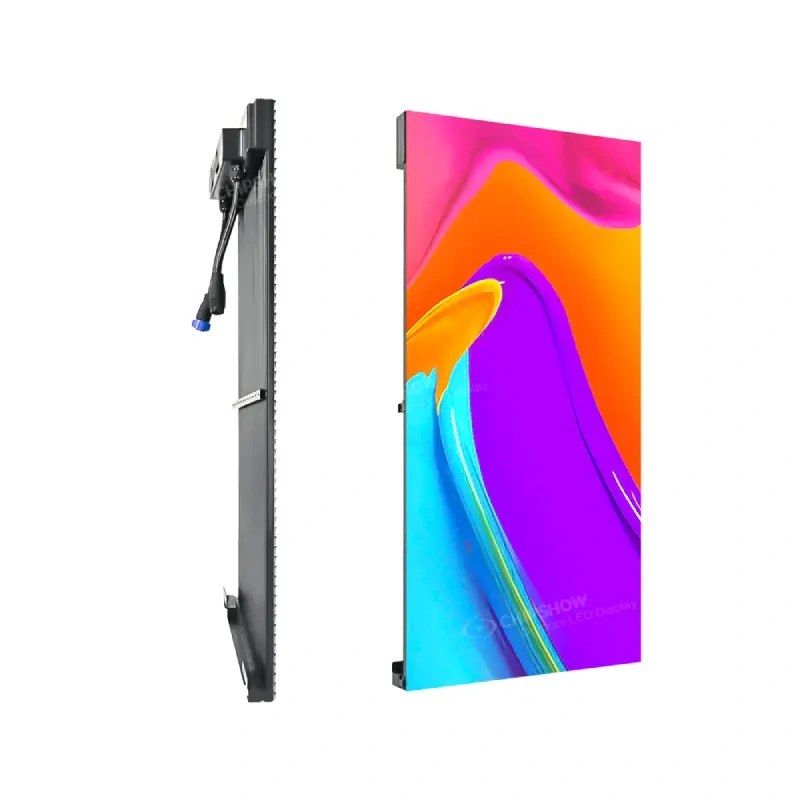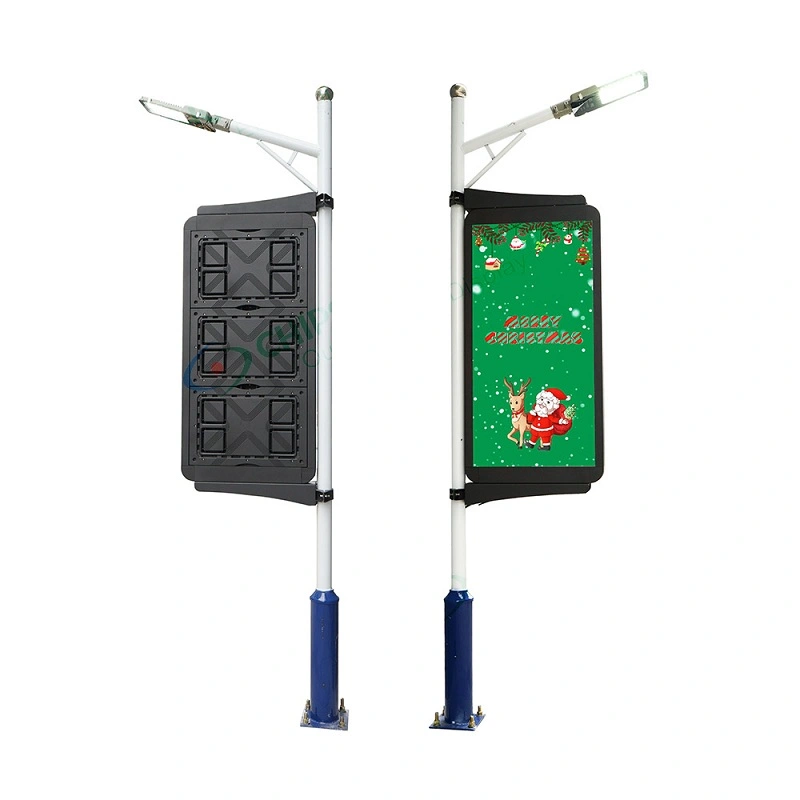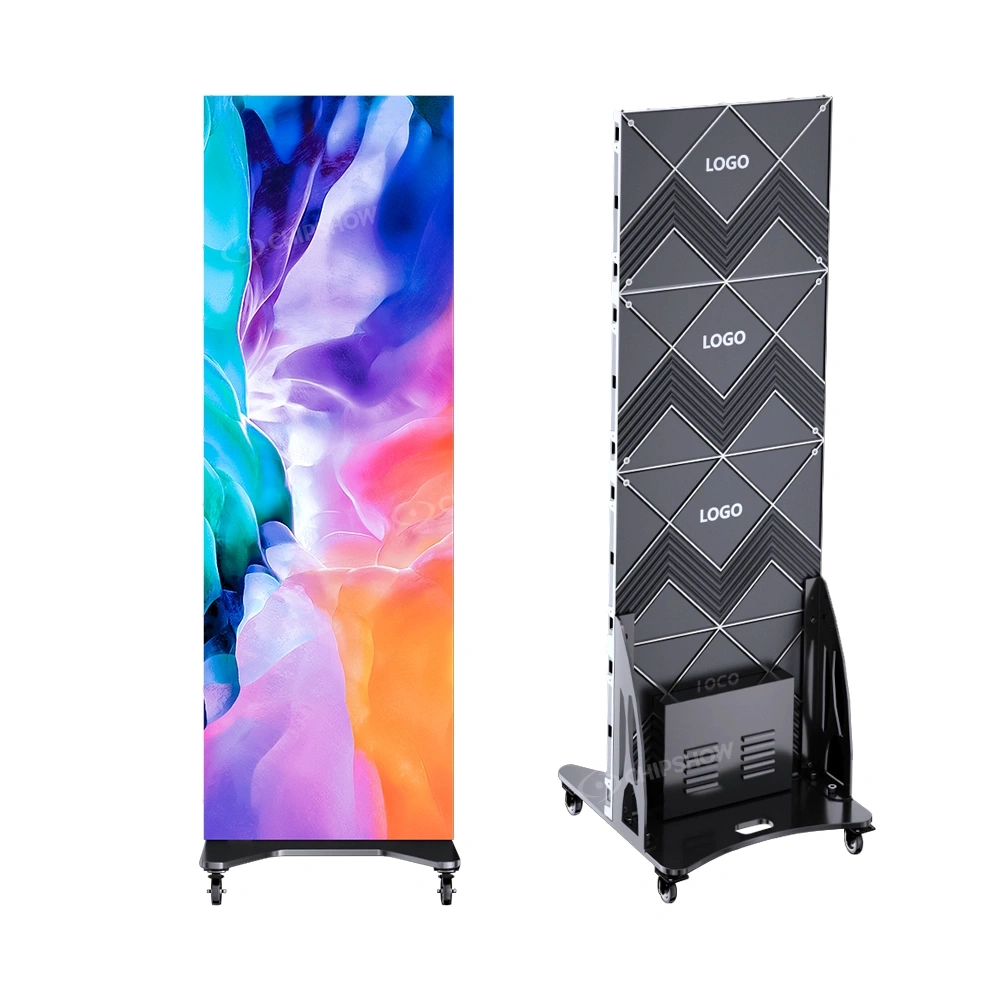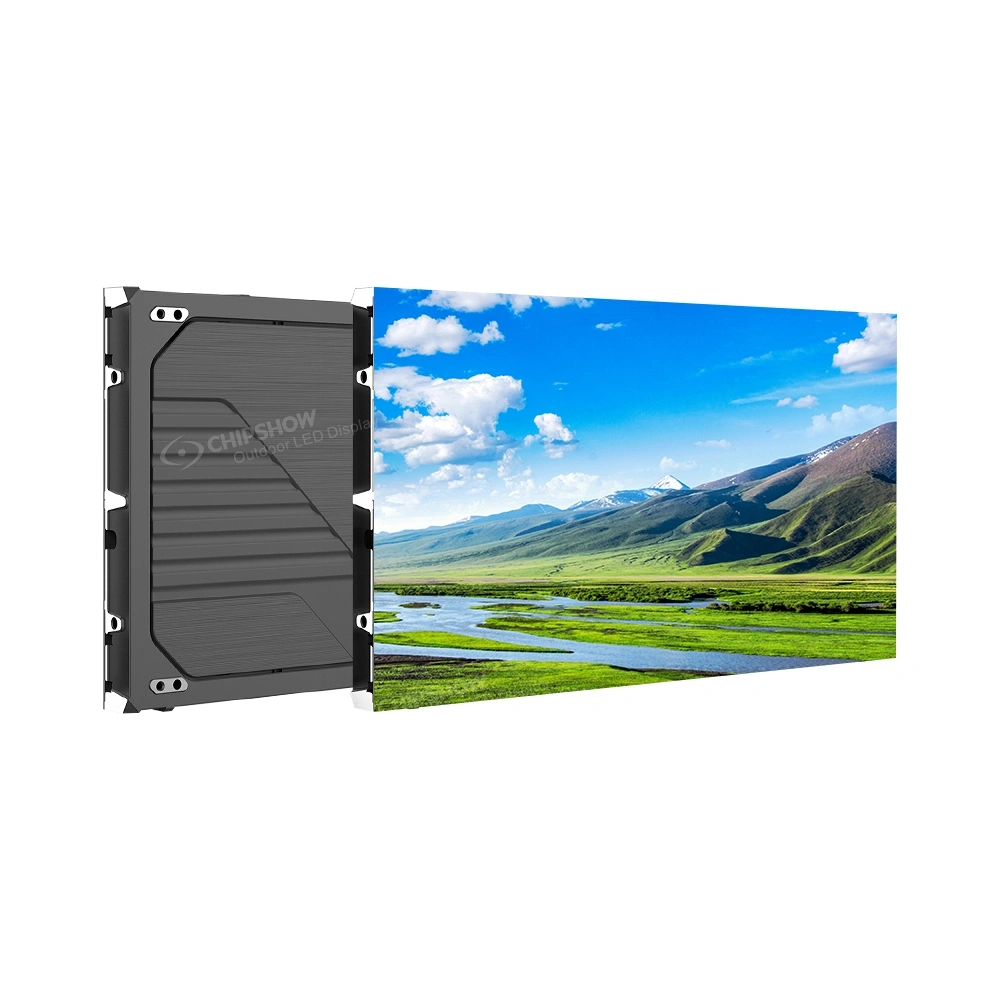
An LED jumbotron can look excellent in a product demonstration and still be wrong for the building, the audience or the people who must maintain it. A specification is useful only when it connects an optical performance claim to the physical and operational conditions of the project.
For AV engineers, consultants, procurement teams, dealers and venue technical directors, LED jumbotron screen specifications provide a common language for reviewing proposals. They should describe not only what a display can do under rated conditions but also which configuration, accessories and documentation are needed to achieve that result.
This LED jumbotron screen specifications guide explains the principal specifications used for indoor, outdoor, stadium and event LED displays. It focuses on interpretation and verification rather than product rankings, installation instructions or pricing. Chipshow product families appear as examples of how different engineering priorities lead to different display architectures.

Understanding Pixel Pitch and Viewing Distance
What Pixel Pitch Tells You About Image Detail
Pixel pitch is the center-to-center spacing between adjacent LED pixels, normally expressed in millimeters. Smaller spacing increases pixel density within the same physical screen area. This can make detailed text, diagrams and graphics easier to reproduce when viewers are close enough to perceive the added detail.
Pixel pitch alone is not a quality grade. A finer-pitch cabinet with poor calibration, inconsistent modules or unsuitable processing can look worse than a coarser-pitch system designed for its viewing conditions. The decision should begin with the intended content and the audience rather than with the smallest number in a catalog.
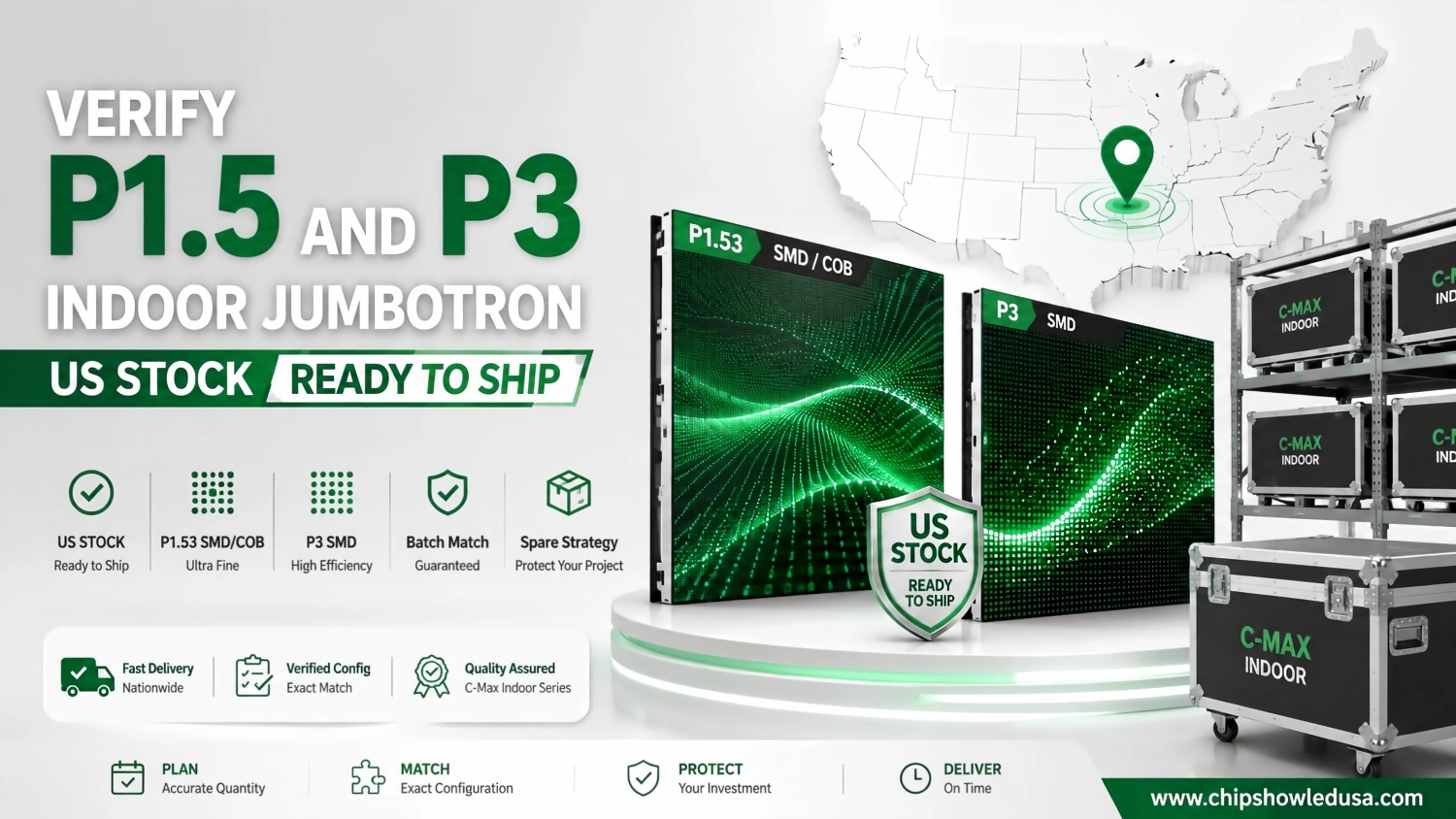
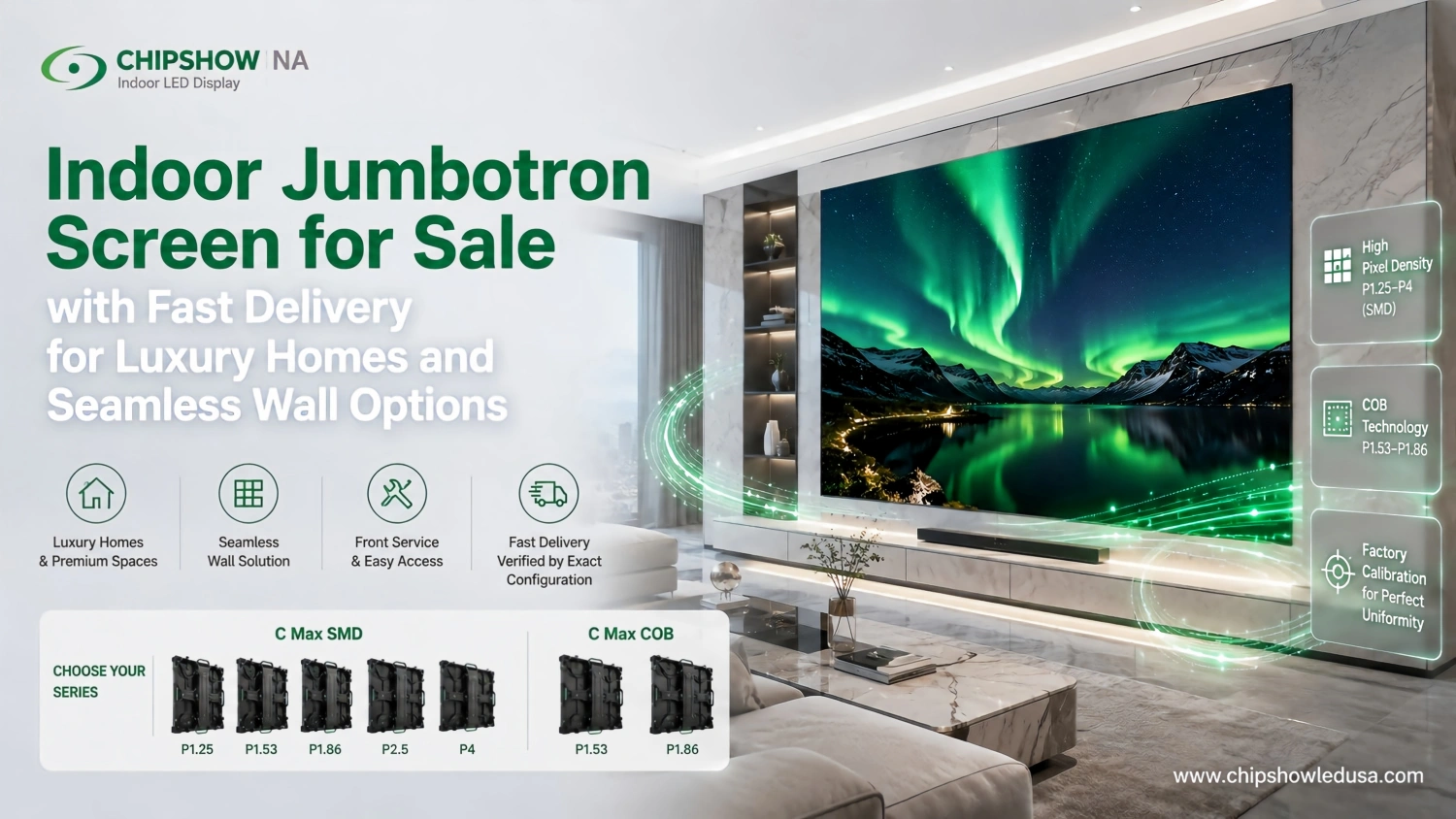
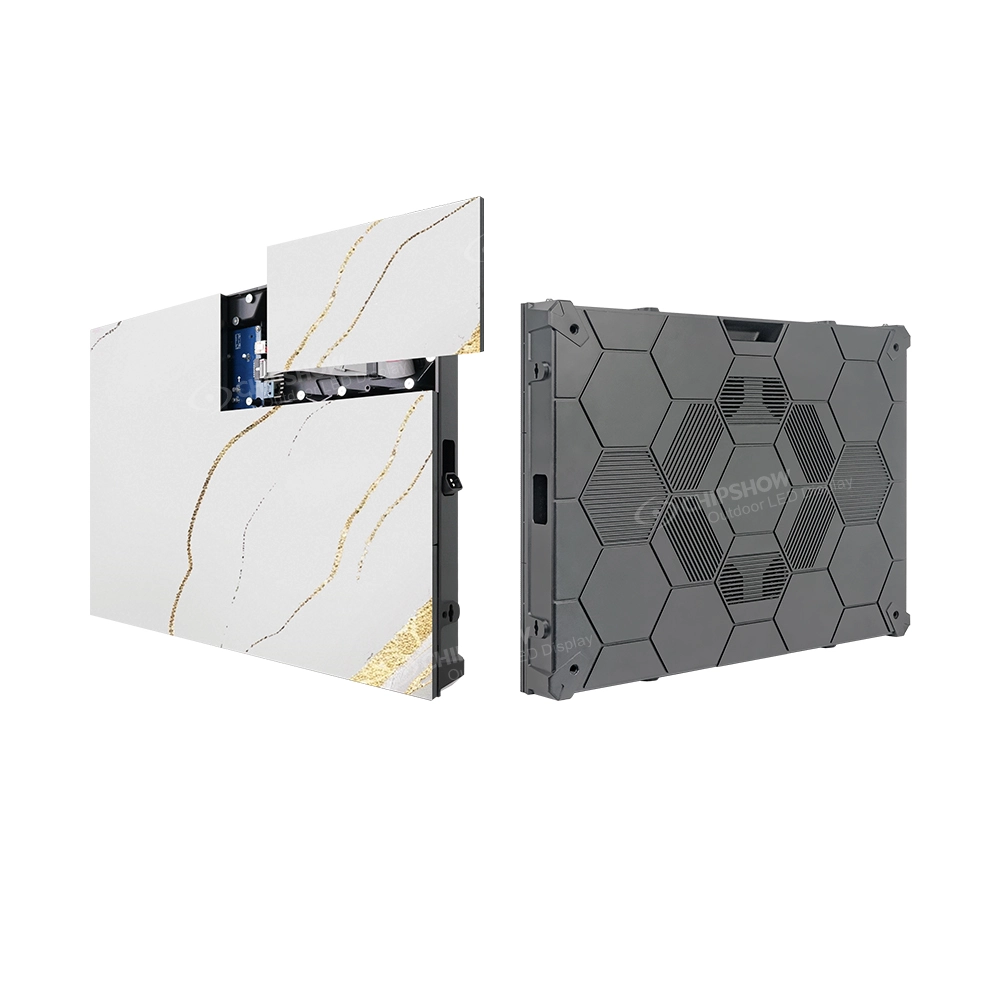
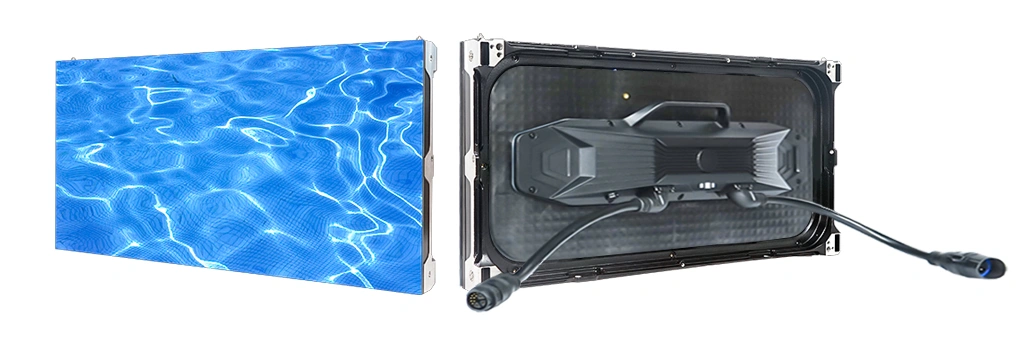
Indoor fine-pitch platforms such as Chipshow C-Max SMD and COB address applications where image detail and close viewing matter. An outdoor platform such as C-Fit Easy with a P6.67 option represents a different engineering balance. Neither specification should be treated as universally superior.
Matching Pixel Pitch to the Actual Audience
Viewing distance is a range, not a single point on a drawing. Identify the nearest occupied location, the main viewing zone and the farthest positions that still need to read the content. A control room operator interpreting small interface labels has different requirements from spectators watching large scores or graphics.
Generic distance charts can help with early screening, but they do not replace content review. High-contrast lettering, detailed photographic images and small typography impose different demands. Ask the integrator to assess representative content at realistic distances, including off-axis seats where relevant.
When documenting LED jumbotron screen specifications, include viewing angles, screen elevation and likely changes to room layout. This makes the chosen pitch defensible when competing bids propose different pixel densities.
Screen Dimensions and Native Resolution
Native resolution depends on the assembled screen dimensions and the selected pixel spacing. It must be distinguished from the format accepted by the video processor. A controller accepting a 4K source does not mean that the LED canvas itself contains a native 4K pixel grid.
Cabinet geometry affects the achievable screen shape and the relationship between content aspect ratio and physical dimensions. Engineers should review the proposed pixel canvas, source mapping and edge treatment together. The C-Max cabinet family illustrates why a modular display can be configured into different screen layouts without making every layout equally suitable for every content format.
Keep the source specification, physical display resolution and processing capability as separate line items. For a dedicated discussion of integrated UHD systems, see https://www.chipshowledusa.com/blogs-news/4k-uhd-jumbotron-package-planning-guide/.
How Brightness and Contrast Affect Visibility
Choosing Brightness for the Lighting Environment
Brightness is expressed in nits, or candelas per square meter. The number describes luminance under specified conditions; it does not by itself describe how readable the display will be at its installation site. Direct sun, reflected daylight, shading and screen orientation can alter the viewer’s experience substantially.
Indoor installations may require comfortable sustained brightness rather than maximum output. Outdoor displays need sufficient headroom for challenging daylight conditions, but the normal operating level can differ from the published maximum. Check whether automatic brightness control is supported and how it is implemented in the proposed configuration.
When reviewing LED jumbotron screen specifications, avoid specifying a universal indoor or outdoor nit threshold without a site review. The most useful technical requirement describes the ambient-light conditions and the performance expected under them.
Reading Product Brightness Ratings Correctly
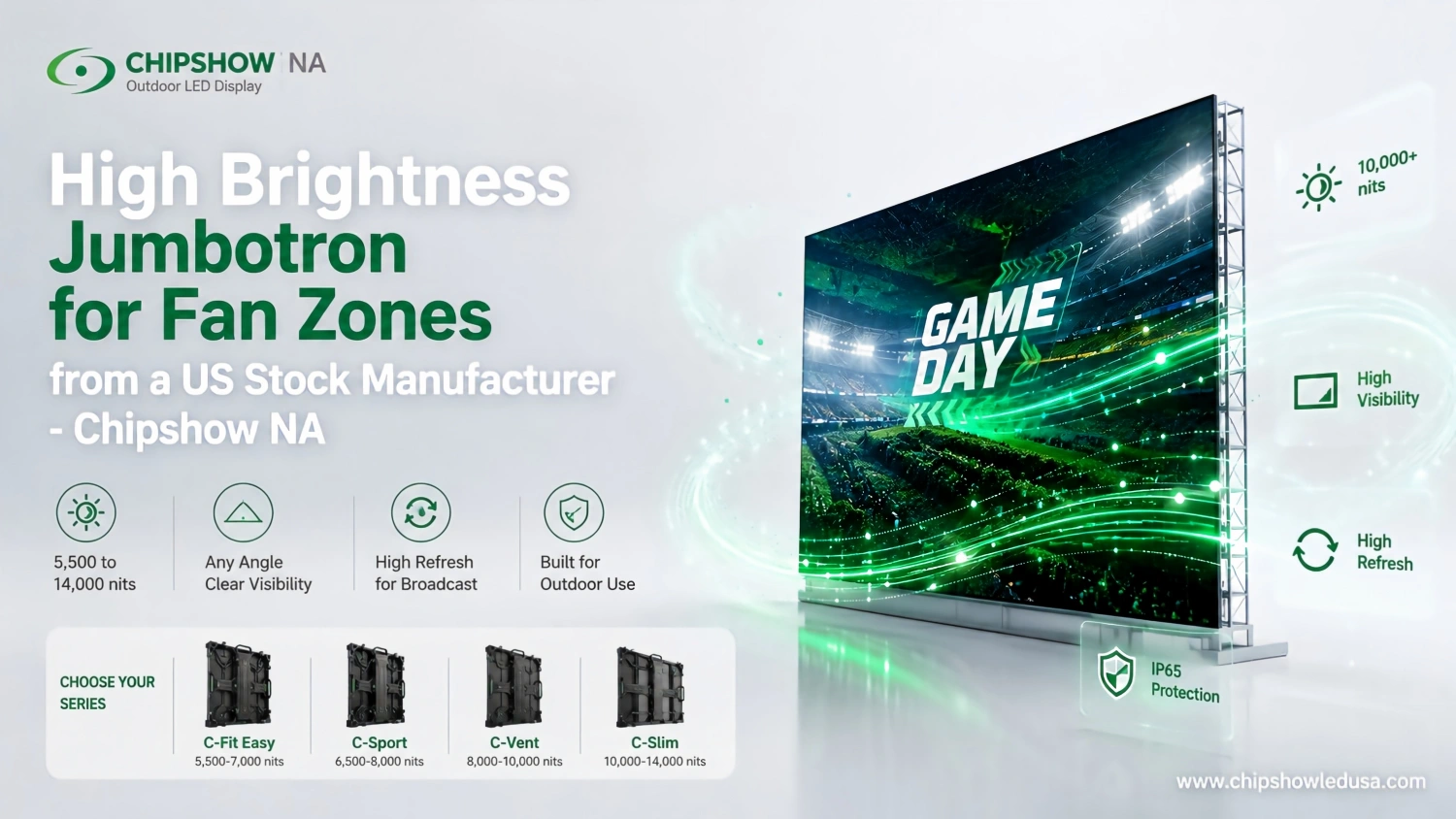
Chipshow offers outdoor platforms with different published brightness capabilities. The figures below are configuration references, not interchangeable promises across every pitch and cabinet variant. Verify the latest datasheet for the exact part number before using a figure in a tender or approval submission.
| Platform | Configuration reference | Selection context |
|---|---|---|
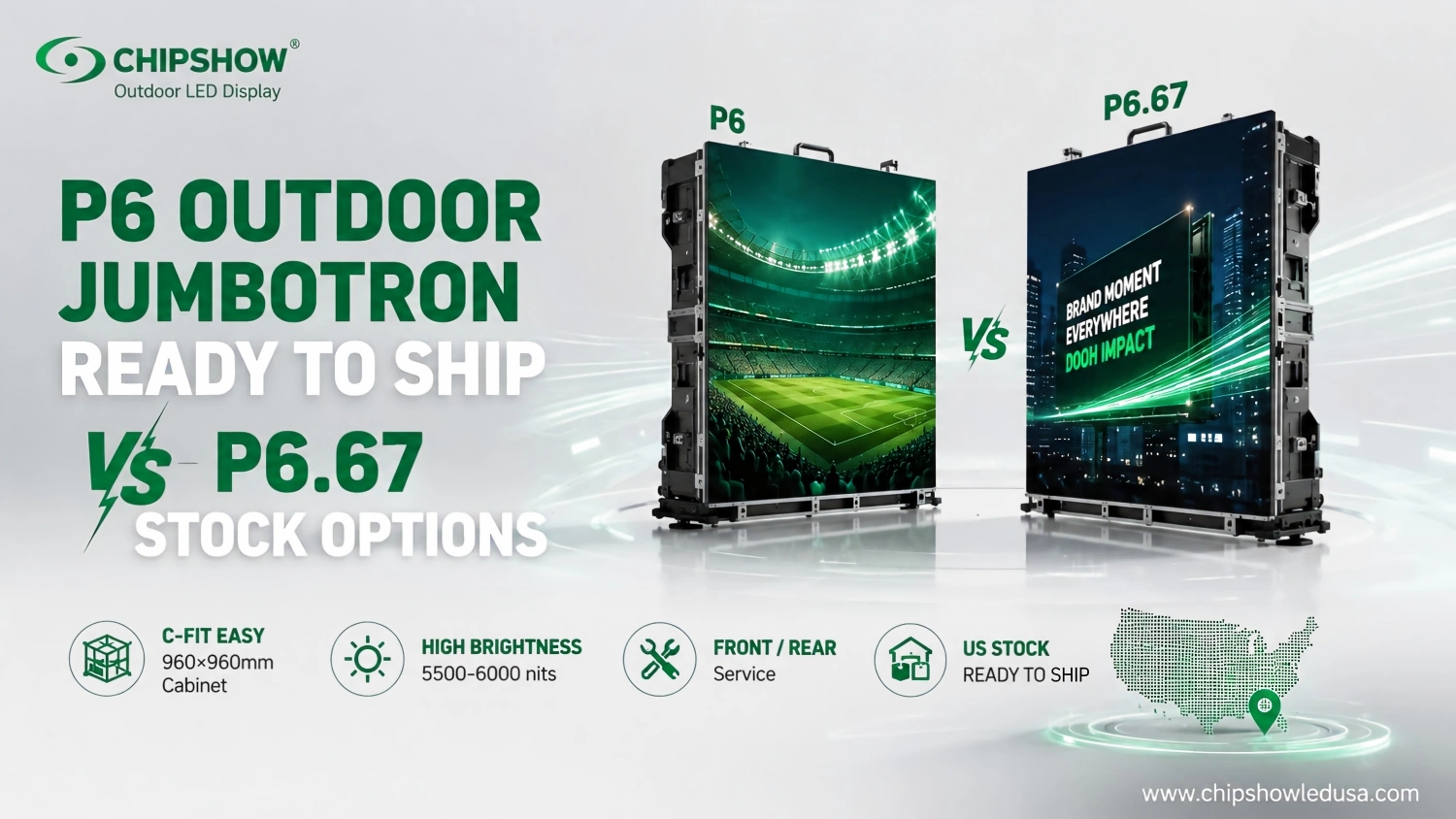
| C-Fit Easy | Approximately 5,500 to 6,000 nits | Outdoor fixed display |
| C-Vent | Approximately 7,000 to 7,500 nits in specified configurations | Ventilated outdoor architecture |
| C-Sport | Up to 10,000 nits in specified configurations | Sports perimeter display |
| C-Slim | Up to 14,000 nits in ICE configuration | High-brightness outdoor display |
Contrast Uniformity and Brightness Control
Contrast and black-level behavior influence whether content retains depth and legibility. Reflections from the screen surface can wash out dark detail even when nominal luminance is high. Brightness regulation is therefore part of the visual design, not merely an energy-management feature.
Large walls also depend on calibration uniformity. Differences in color or luminance between neighboring cabinets can become obvious across flat backgrounds. Ask how the proposed modules are calibrated, what correction data are supplied and how replacement modules will be matched over time.
A sound optical specification describes acceptable viewing conditions, brightness range and uniformity expectations together. It does not treat a maximum nit rating as proof of complete image quality.
Refresh Rate Grayscale and Camera Performance
Distinguishing Refresh Rate from Video Frame Rate
LED refresh rate describes the behavior of the display-driving system, while video frame rate describes how many distinct frames arrive from the source. Grayscale performance concerns the display’s ability to reproduce tonal differences, including at reduced operating brightness. These properties interact but are not substitutes for one another.
For an audience viewing content directly, a display may appear stable even when a camera records visible artifacts. Conversely, an impressive refresh-rate number cannot compensate for poor signal processing or unsuitable scan configuration. Review the complete imaging chain rather than an isolated hertz rating.
What a 3840Hz Specification Does and Does Not Mean
A 3840Hz refresh specification is common in professional LED display configurations, including relevant options in the Chipshow C-Max SMD, C-Shine Plus and C-Sport families. It can support demanding camera-facing applications, but it does not guarantee the absence of flicker, banding or moiré under every camera setting.
Camera shutter timing, scanning behavior and the camera sensor can produce artifacts even when the panel has a high refresh capability. Moiré is particularly distinct because it can arise from the interaction between repeating pixel structures and the camera sampling pattern.
For camera-facing projects, LED jumbotron screen specifications should identify the exact refresh configuration, associated driver settings and processor requirements. Claims such as camera-ready are more useful when paired with defined operating conditions.
Verifying a Camera Facing Configuration
Request information about supported source formats, scan settings, grayscale performance at lower brightness and compatible processing hardware. If recording is central to the project, define a representative camera acceptance test rather than assuming that one published number settles the matter.
The goal of this guide is to establish what belongs in the specification. Detailed shutter troubleshooting and live production workflows are covered separately at https://www.chipshowledusa.com/blogs-news/4k-jumbotron-live-broadcasting-guide/.
How Cabinet Design Influences Installation
Cabinet Dimensions and Screen Geometry
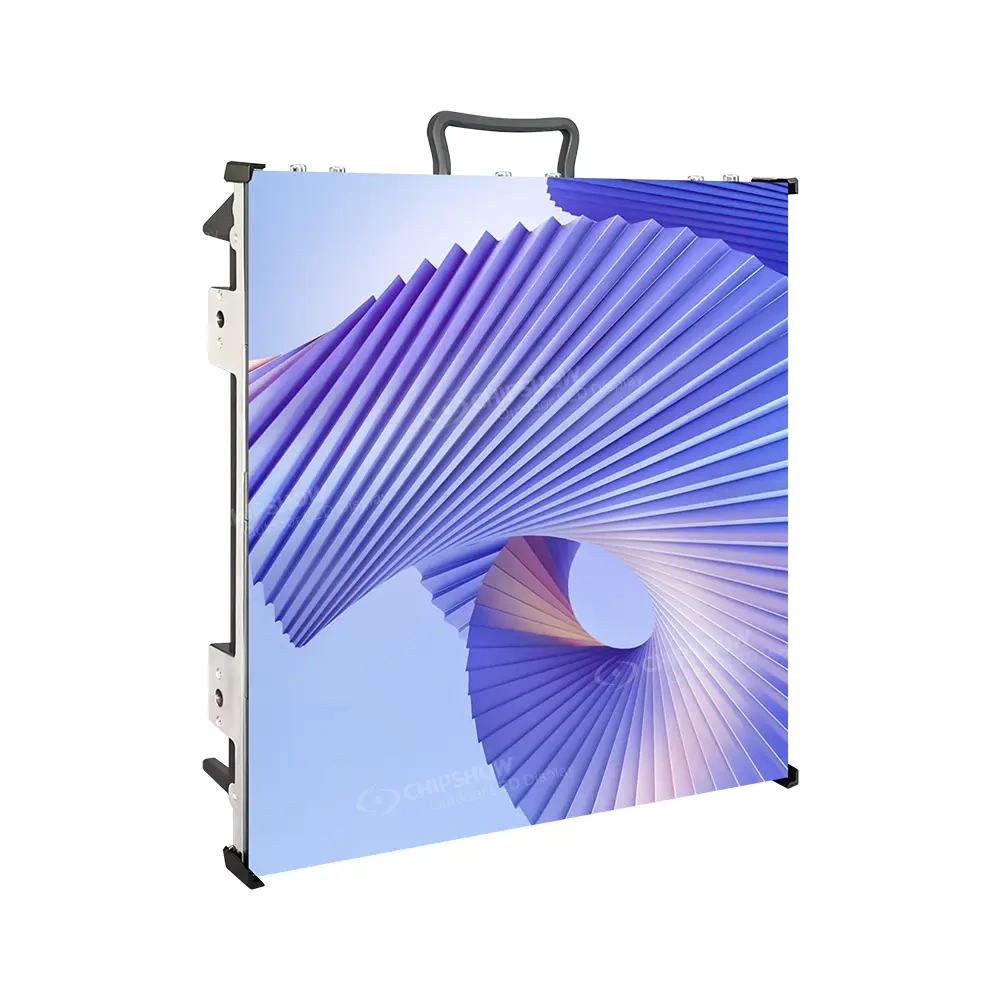
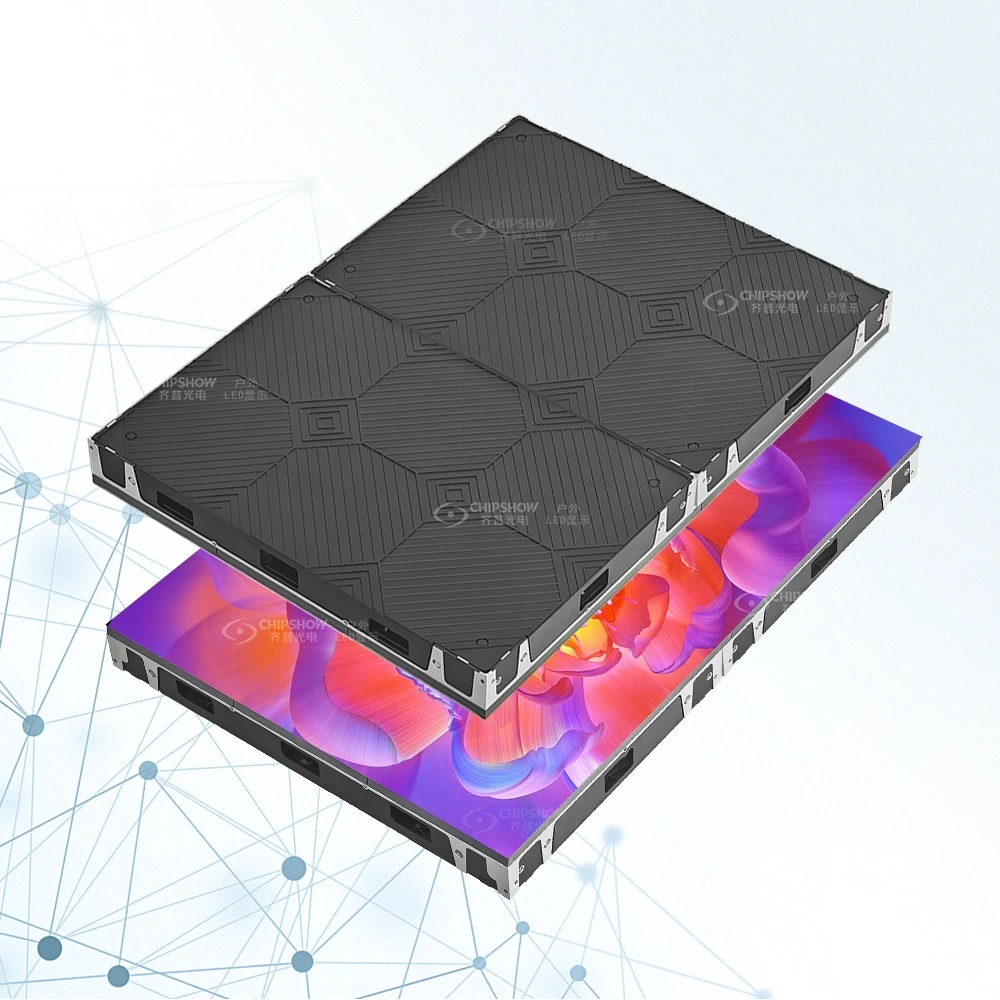
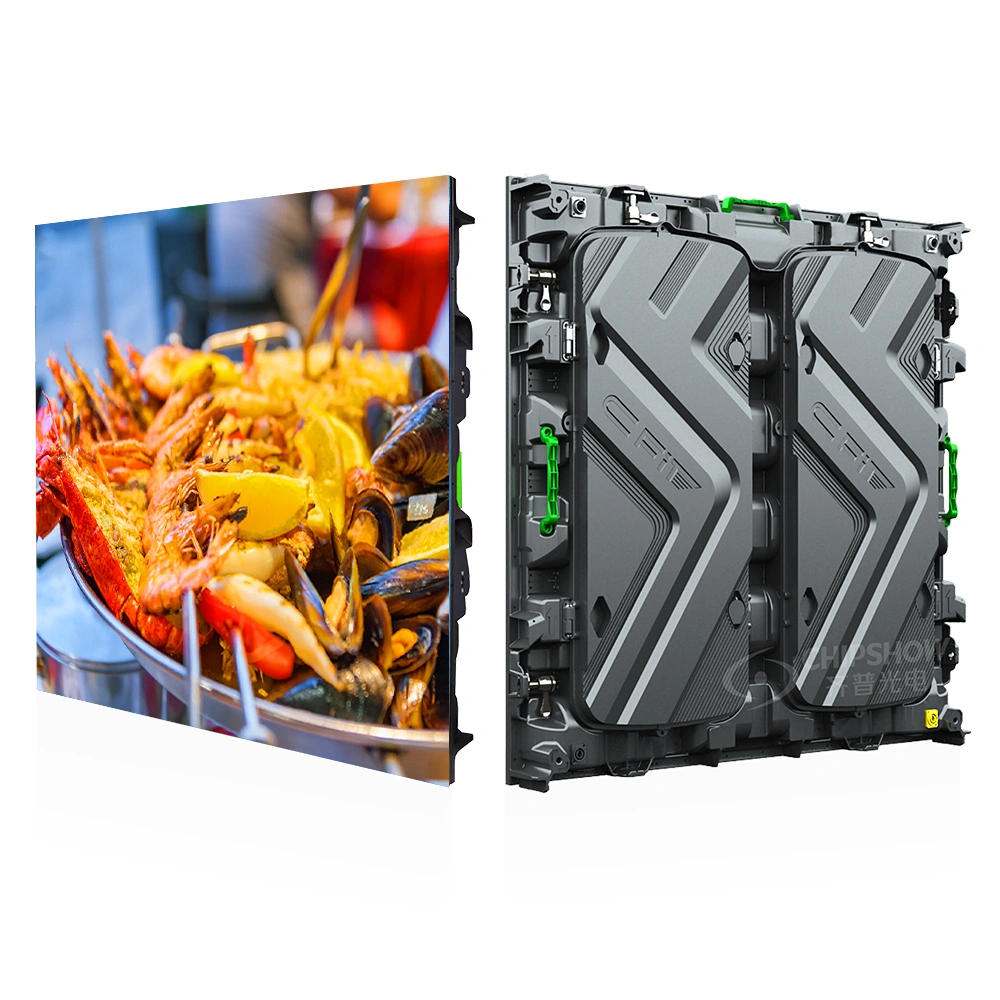
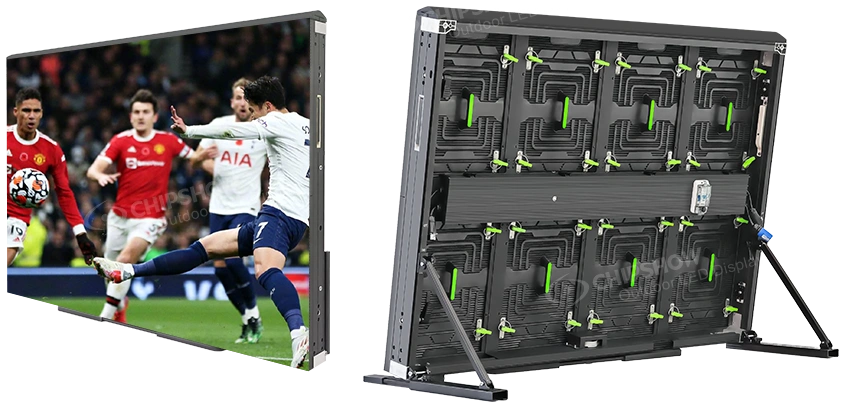
LED cabinets determine the practical increments in which a wall can be assembled. Chipshow examples include the 640 by 480 mm C-Max cabinet format, the 960 by 960 mm C-Fit Easy format and a 1280 by 900 mm C-Sport perimeter format. These dimensions should always be associated with their exact product variants.
Larger cabinets can reduce connection count in some layouts, while smaller formats may provide more flexibility around architectural constraints. Neither approach automatically minimizes installation time. Alignment hardware, fixing locations, access restrictions and the support structure can matter more than cabinet count alone.
In mechanical reviews, LED jumbotron screen specifications should include the finished screen geometry, seam arrangement, adjustment provisions and structural interface. A cabinet dimension without its mounting drawing is an incomplete engineering reference.
Cabinet Materials Weight and Handling
Aluminum, magnesium alloy and carbon-fiber construction offer different combinations of weight, stiffness, durability and handling characteristics. Chipshow C-Slim uses magnesium-alloy construction in specified versions, while C-Carbon uses lightweight carbon-based construction for relevant rental applications.
Lower cabinet mass may simplify handling, but the installed load also includes frames, cabling, hardware and other system components. An engineer must assess the complete assembly and the actual supporting structure. Do not infer a fixed labor saving from a material description.
Weight data should state whether the figure applies to an empty cabinet, a complete cabinet or an assembled structure. That distinction matters when suppliers quote seemingly comparable numbers.
Permanent Displays and Touring Systems Need Different Cabinets
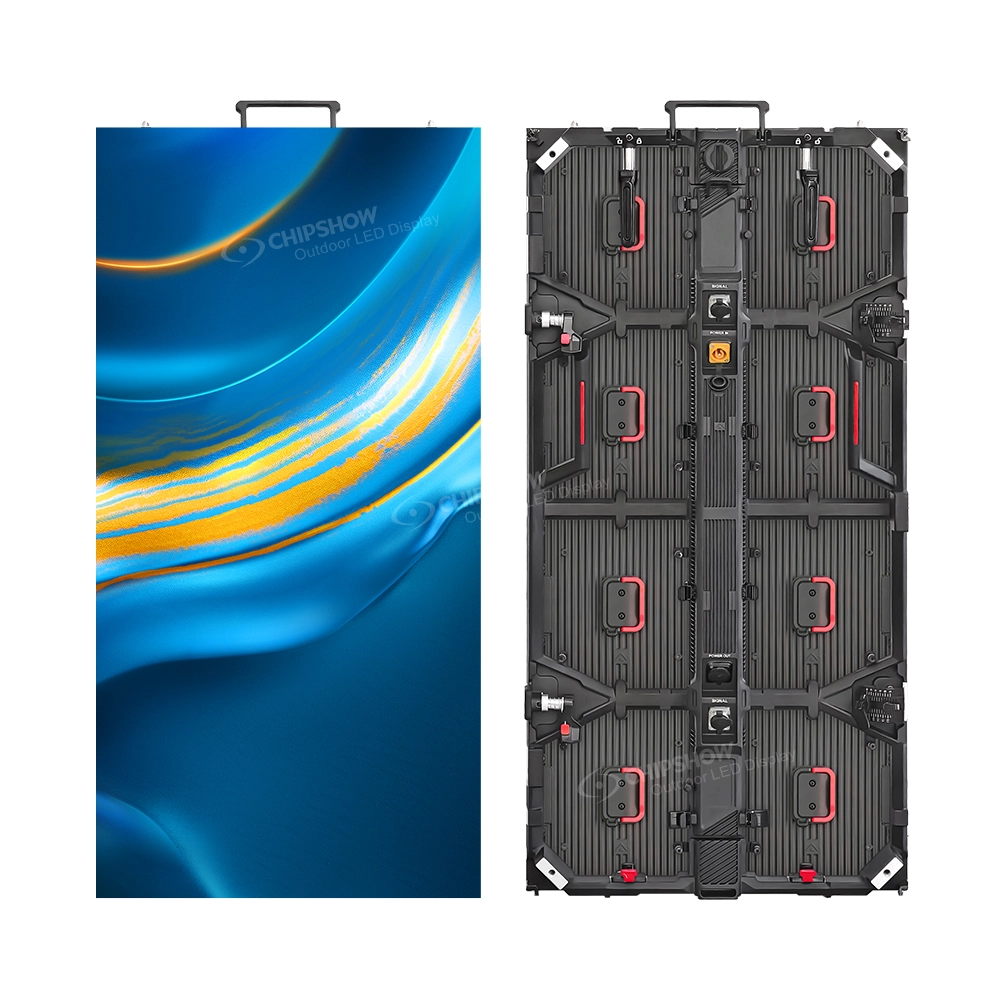
Fixed installations often prioritize stable alignment, predictable service access and long-term environmental exposure. Rental and touring systems add repeated assembly, packing, rigging and transportation to the design brief. Quick-lock mechanisms, edge protection and standardized replacement components may be decisive.
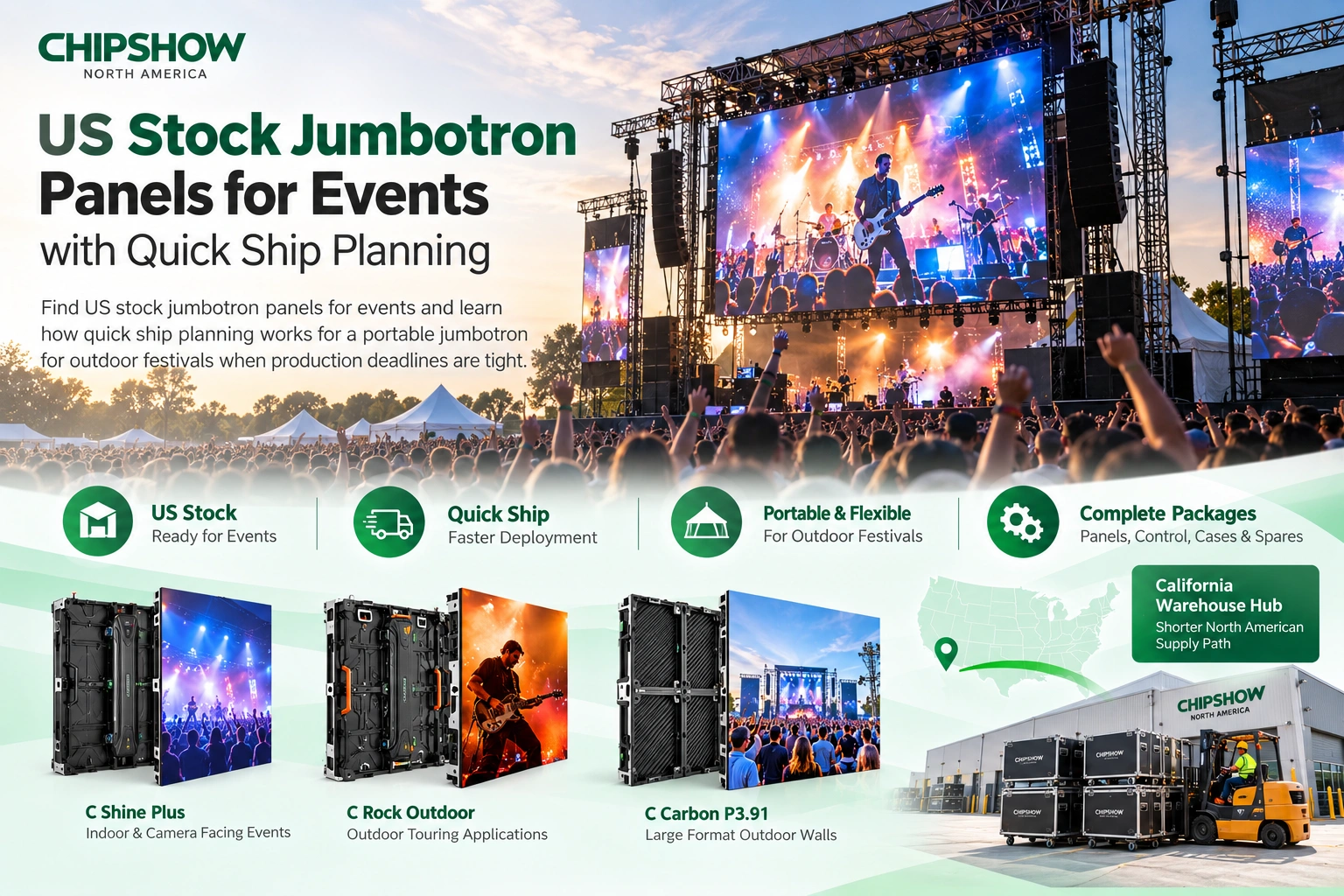
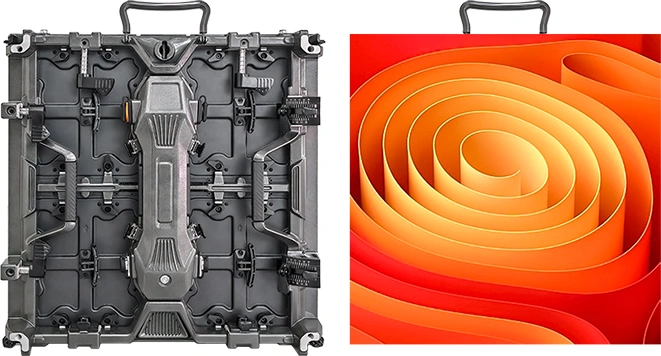
C-Shine Plus is relevant to rental-oriented cabinet requirements, while C-Carbon illustrates the importance of low handling weight. The right specification depends on the operational workflow, not simply on whether the product is labeled rental grade.
Check compatible rigging hardware, stacking arrangements, service procedures and protective transport systems before approving a touring cabinet.
Weather Protection Wind Loading and Ventilation
Understanding Front and Rear IP Ratings
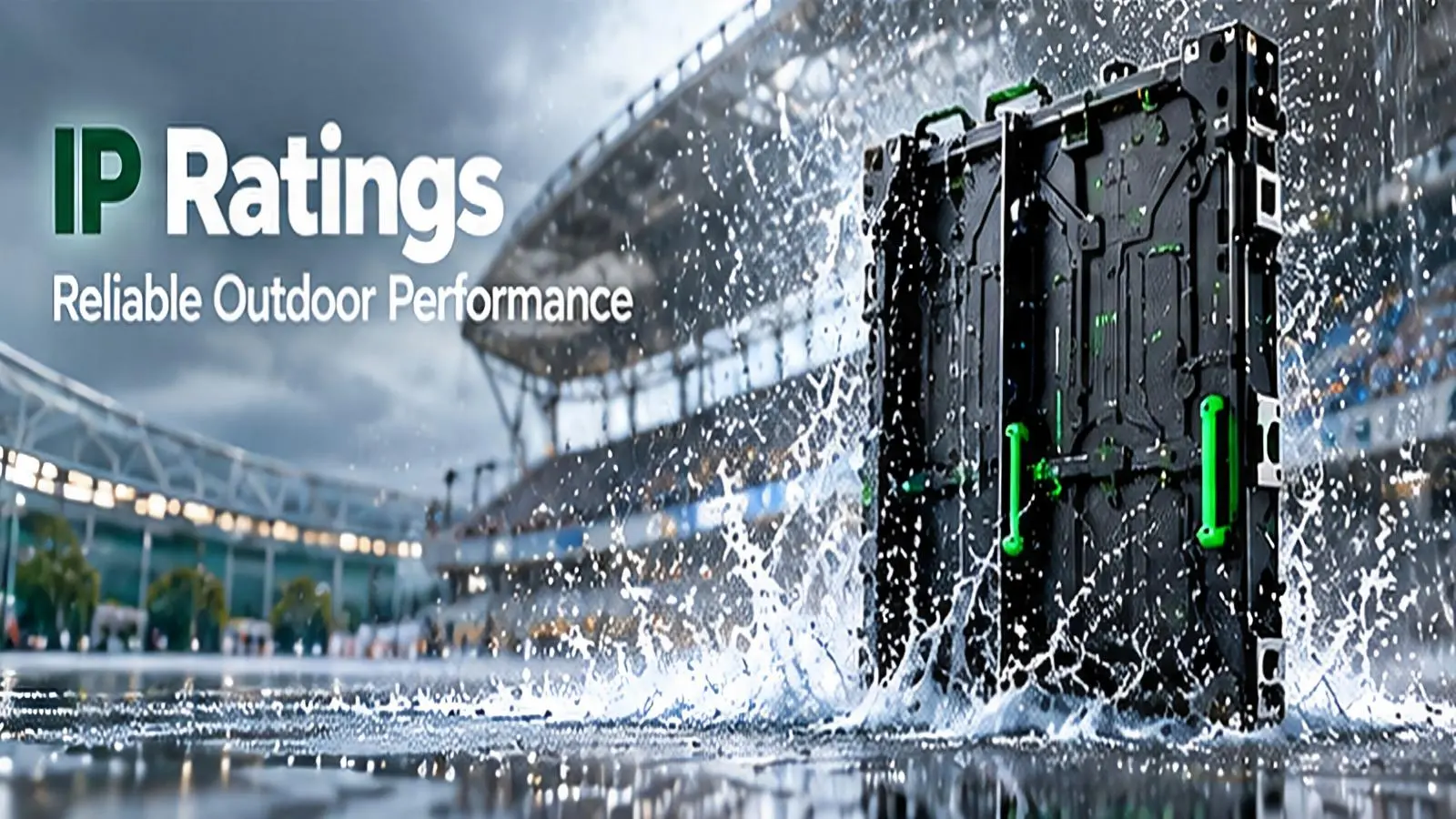
Ingress Protection ratings describe defined resistance to solid particles and water under specified test conditions. The first digit relates to solids; the second relates to water. A front-face rating should not be interpreted as the rating of every connector, cable entry and rear assembly.
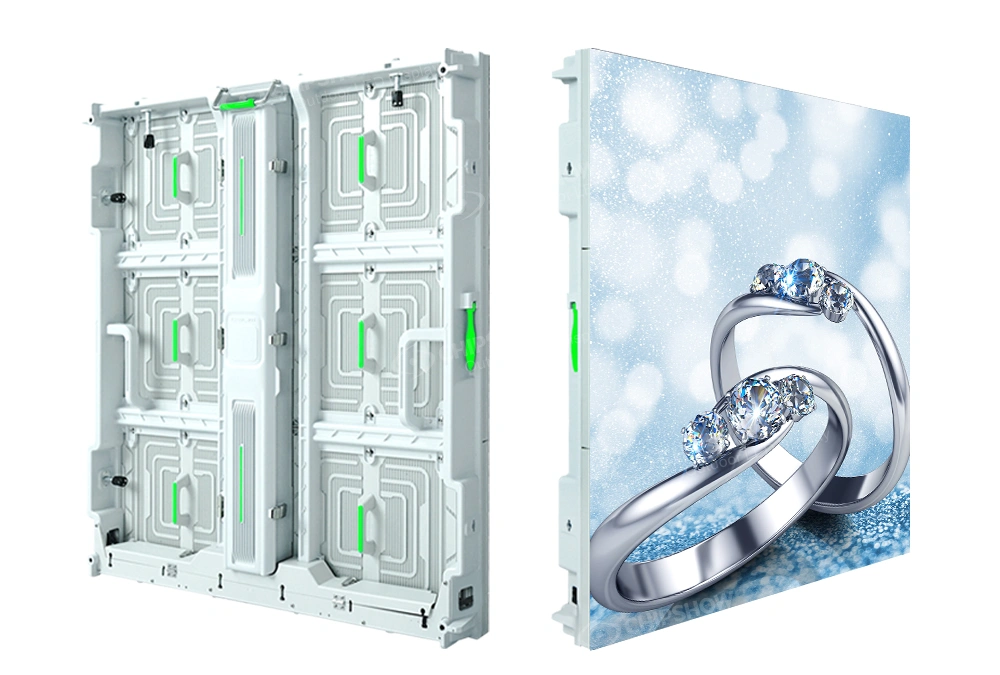
For example, a C-Fit Easy configuration has been described with IP65 front and IP54 rear protection. The installation design must respect the exposure conditions associated with each side. Cable terminations, distribution equipment and maintenance access can introduce additional environmental requirements.
IP ratings do not independently establish UV durability, corrosion resistance, temperature suitability or structural safety. Those issues require their own product documentation and engineering review.
Why Wind Loading Is an Engineering Requirement
A large outdoor display becomes part of the building or support structure. Wind pressure depends on the site and geometry, and its effects must be assessed for the complete installed assembly. Cabinet openness and ventilation can change structural behavior but do not eliminate the need for a project-specific evaluation.
Chipshow C-Vent illustrates a ventilated outdoor display architecture. Published openness and wind-related claims should be checked against the selected configuration and supporting documentation, rather than applied broadly to unrelated projects.
Thermal management also matters. Confirm operating-temperature limits, airflow requirements and any conditions that could obstruct cooling after the screen is installed.
Environmental Documents to Request
A complete set of outdoor LED jumbotron screen specifications should be supported by mechanical drawings, mounting interface information, environmental operating limits and the applicable ingress-protection evidence. Structural calculations for the installed system should use the product data and the project’s actual site conditions.
Electrical safety and electromagnetic compatibility documents may also be relevant in North America. UL or ETL certification claims and FCC-related statements should be checked for the exact equipment and scope. A product certificate does not replace local permits or approval by the authority having jurisdiction.
Planning Service Access and Long Term Maintenance
Front Service and Rear Service Designs
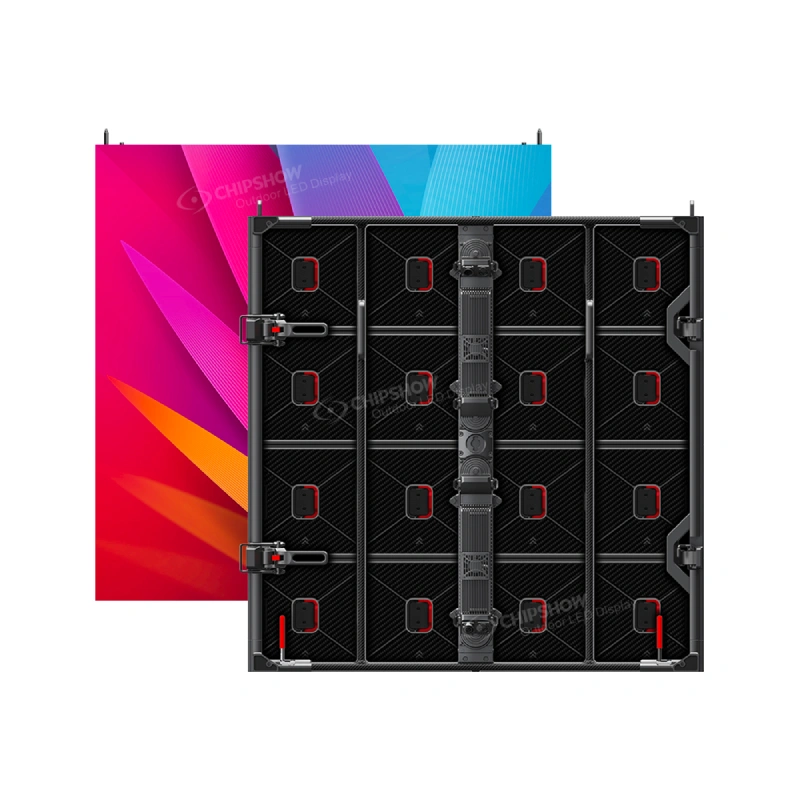
Front service allows designated components to be accessed from the viewing face. Rear service requires access behind the cabinet, while some systems offer both options. The relevant question is not merely whether a datasheet says front service but which components can actually be replaced from that side.
C-Max platforms include front-access approaches for suitable indoor installations. C-Fit Easy offers front and rear service configurations. Each must be evaluated against the proposed mounting arrangement and the documented replacement procedure.
Maintenance Access Changes the Building Plan
A rear-service system may require space for technicians behind the wall. A front-service system can reduce that particular requirement, but safe access to an elevated front face may still require lifts or other equipment. Neither approach eliminates all access planning.
For venues with limited service windows, replacement time and technician access can be more consequential than a minor difference in optical specifications. Ask the integrator to demonstrate how modules, power supplies and receiving hardware will be reached once the surrounding finishes are complete.
Maintenance clearance, wall depth and access routes should be settled during design rather than discovered after installation.
Spare Modules and Calibration Continuity
A modular display is maintainable only when suitable replacement parts remain available. Spare modules may need to match mechanical connectors, firmware and optical characteristics. Calibration consistency can also matter when components come from different manufacturing batches.
Long-term LED jumbotron screen specifications should also document the expected spare inventory, component identifiers, replacement procedure and responsibility for maintaining calibration records. These requirements make a stronger lifecycle specification than a generic promise of easy maintenance.
Power Redundancy and LED Control Systems
Average Power and Maximum Power
Average power and maximum power describe different operating conditions. Typical consumption can inform operational planning, while higher-demand ratings help electrical designers understand system capacity requirements. Neither number should be copied from a different pitch or cabinet variant without checking the configuration.
Brightness settings, displayed content and driver design influence electrical behavior. A complete submission should identify cabinet power data, distribution requirements and the associated control equipment. The electrical contractor must use the applicable codes and manufacturer instructions to design the installation.
Energy-efficiency claims should identify their test conditions and comparison basis. A lower published average figure is not automatically evidence of lower consumption in every use case.
Understanding Signal and Power Redundancy
Redundancy can describe alternate signal paths, backup processing equipment or duplicated power arrangements. These are different features and may protect against different failure scenarios. A display with redundant signal routing is not necessarily protected against a power-supply failure.
Ask suppliers to describe exactly what remains operational when a defined component fails, whether failover is automatic and which optional hardware is required. High-availability claims are meaningful only when the proposed architecture and test method are specified.
Do not assume that redundancy is standard across all Chipshow product families or controller configurations.
Selecting Compatible Controllers and Processing Hardware
The processor must support the assembled LED pixel canvas, required inputs, receiving hardware and output distribution. Consider color-processing requirements, mapping flexibility, supported interfaces and the intended integration with the wider AV system.
Compatibility with a controller ecosystem should be established for the exact models and firmware involved. A broad statement that a display supports a well-known processor brand is not a substitute for an approved configuration list.
For complex projects, supplement the LED jumbotron screen specifications with a signal architecture drawing that identifies processing hardware, distribution paths and any redundant connections. This allows engineers to evaluate the actual system rather than isolated product brochures.
Electrical Documentation and North American Approvals
Useful documentation includes equipment ratings, connection diagrams, installation instructions and certification records applicable to the supplied configuration. UL, ETL and FCC references should not be used as blanket claims covering every product or guaranteeing municipal approval.
Chipshow supplies LED display hardware and supporting product information for integrators and dealers. Site electrical design, installation and local approvals remain responsibilities to be allocated within the project team. Confirm those responsibilities in the project documents.
Choosing Specifications for Different Applications
Indoor Technical Displays
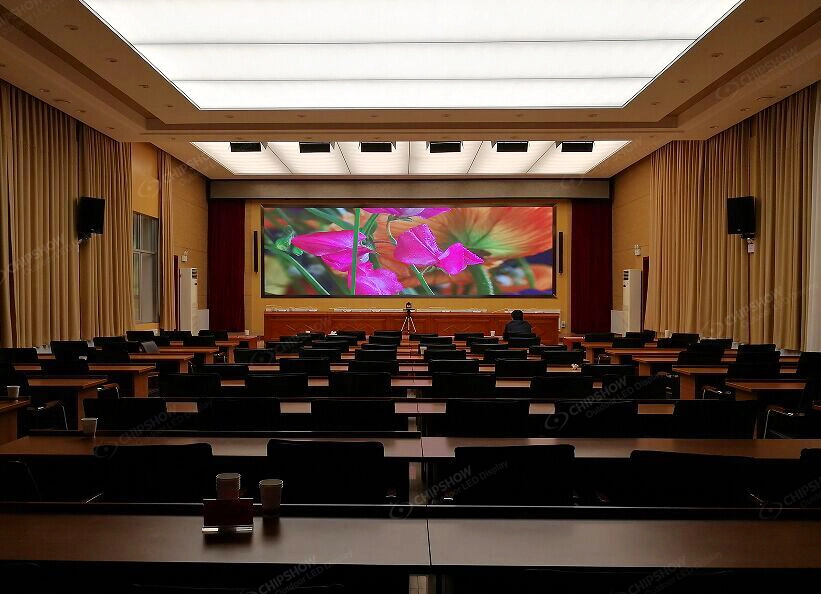
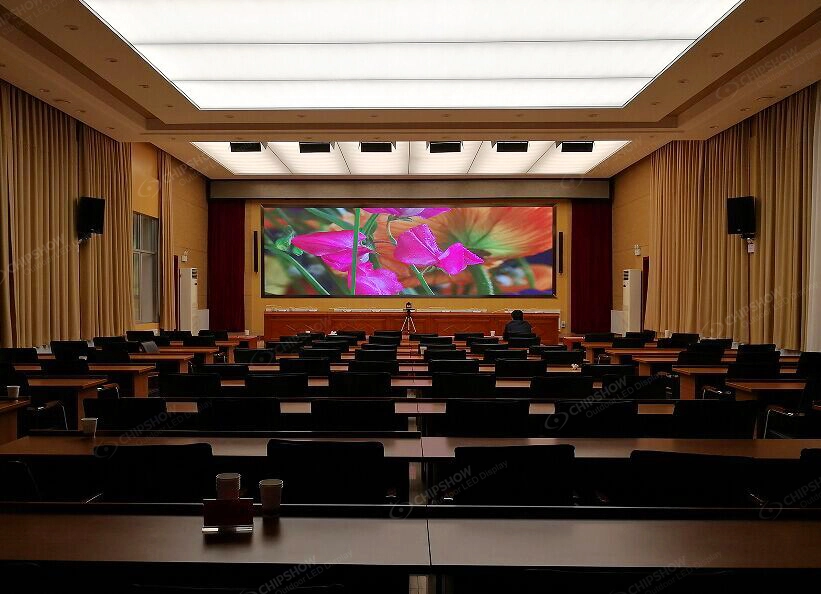
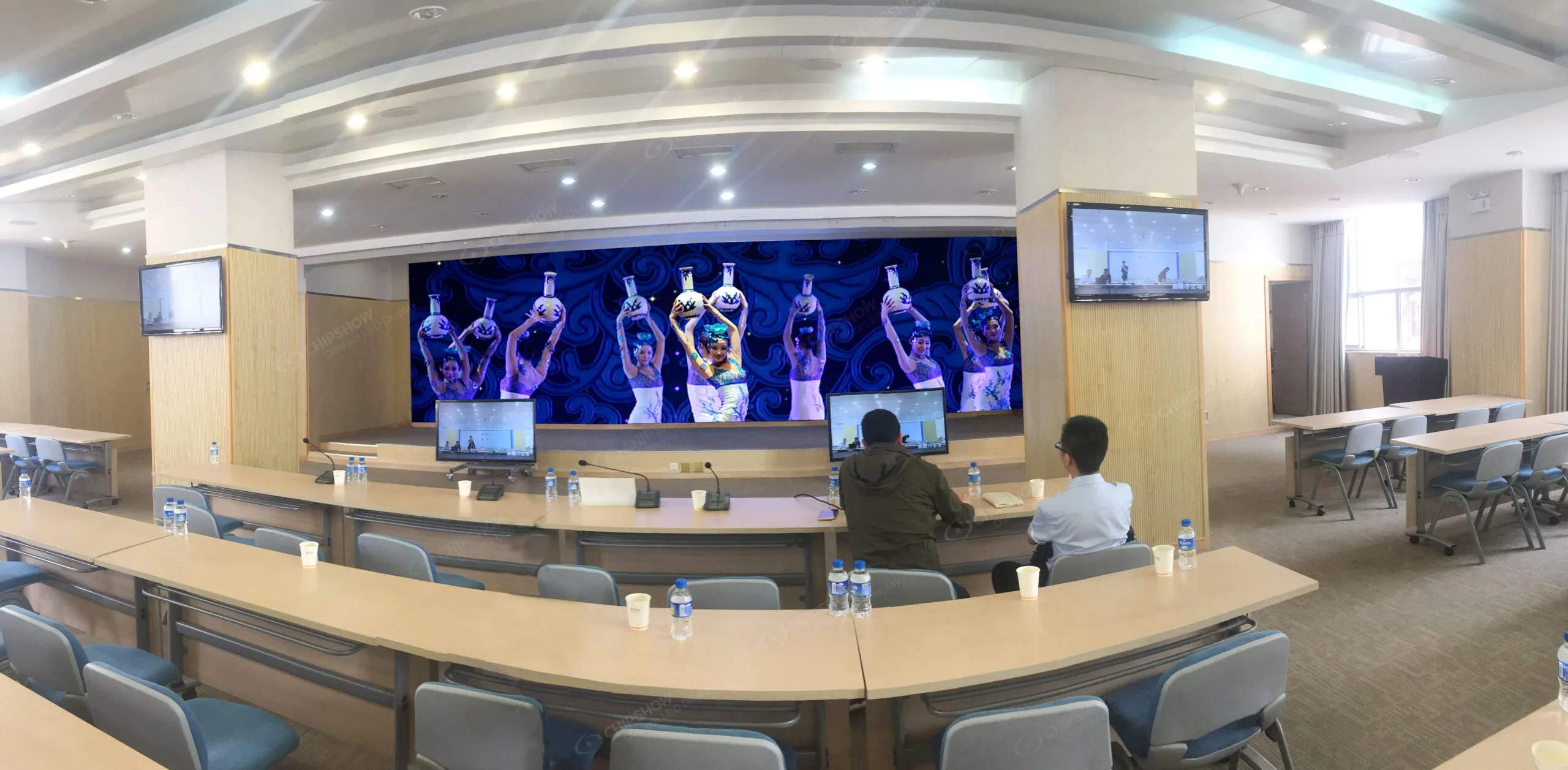
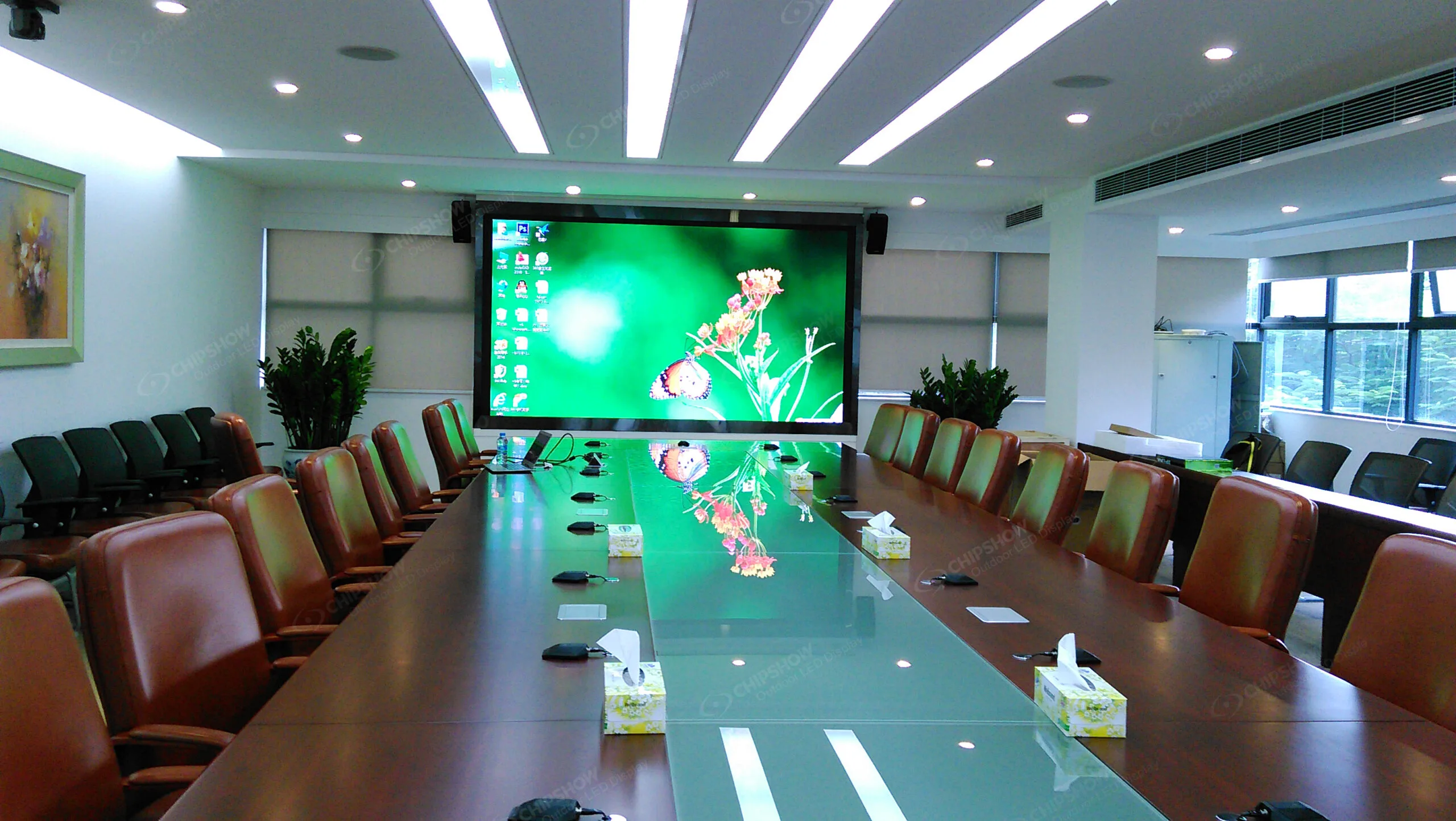
Control rooms and close-viewing indoor environments often prioritize fine pitch, uniformity, contrast, appropriate brightness and service access. C-Max SMD and COB illustrate these priorities. A screen intended for continuous monitoring also needs a maintenance plan that reflects its operating schedule.
The selection should begin with the content and viewing positions, not the label 4K. Native display resolution, source mapping and processor support need separate confirmation.
Outdoor Advertising Displays
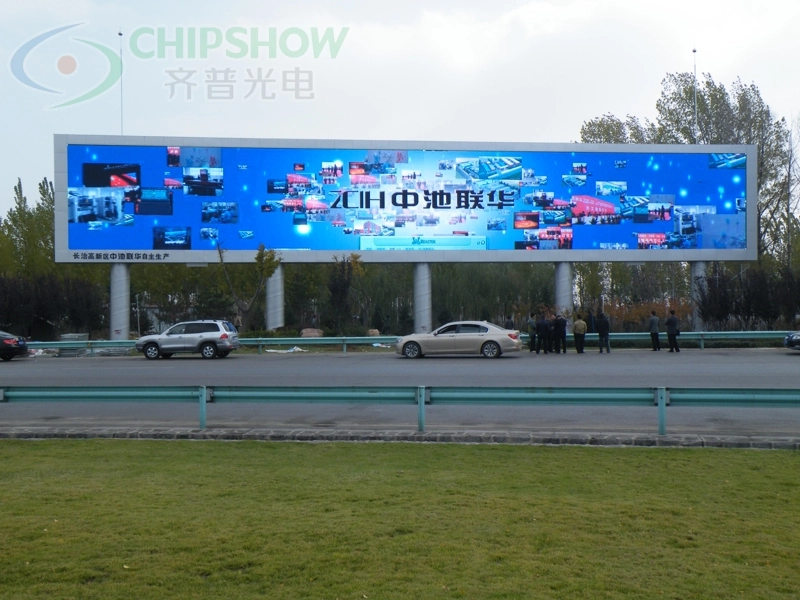
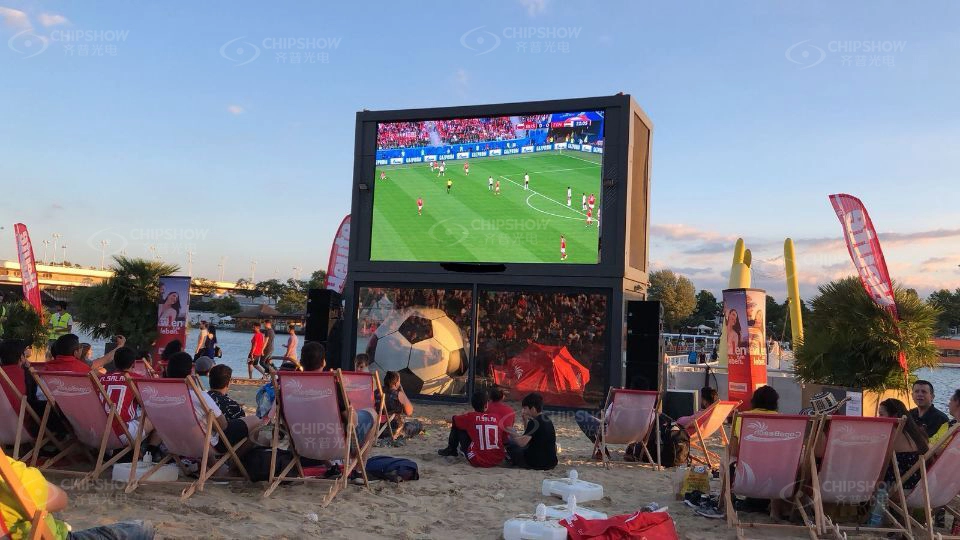
Outdoor DOOH applications emphasize daylight visibility, weather exposure, structural compatibility, power and service access. C-Fit Easy, C-Slim and C-Vent represent different approaches to those requirements. A ventilated design and a high-brightness design should not be treated as interchangeable simply because both can operate outdoors.
Choose a configuration that matches the site and document the environmental assumptions used in the selection.
Sports Venues and Perimeter Displays
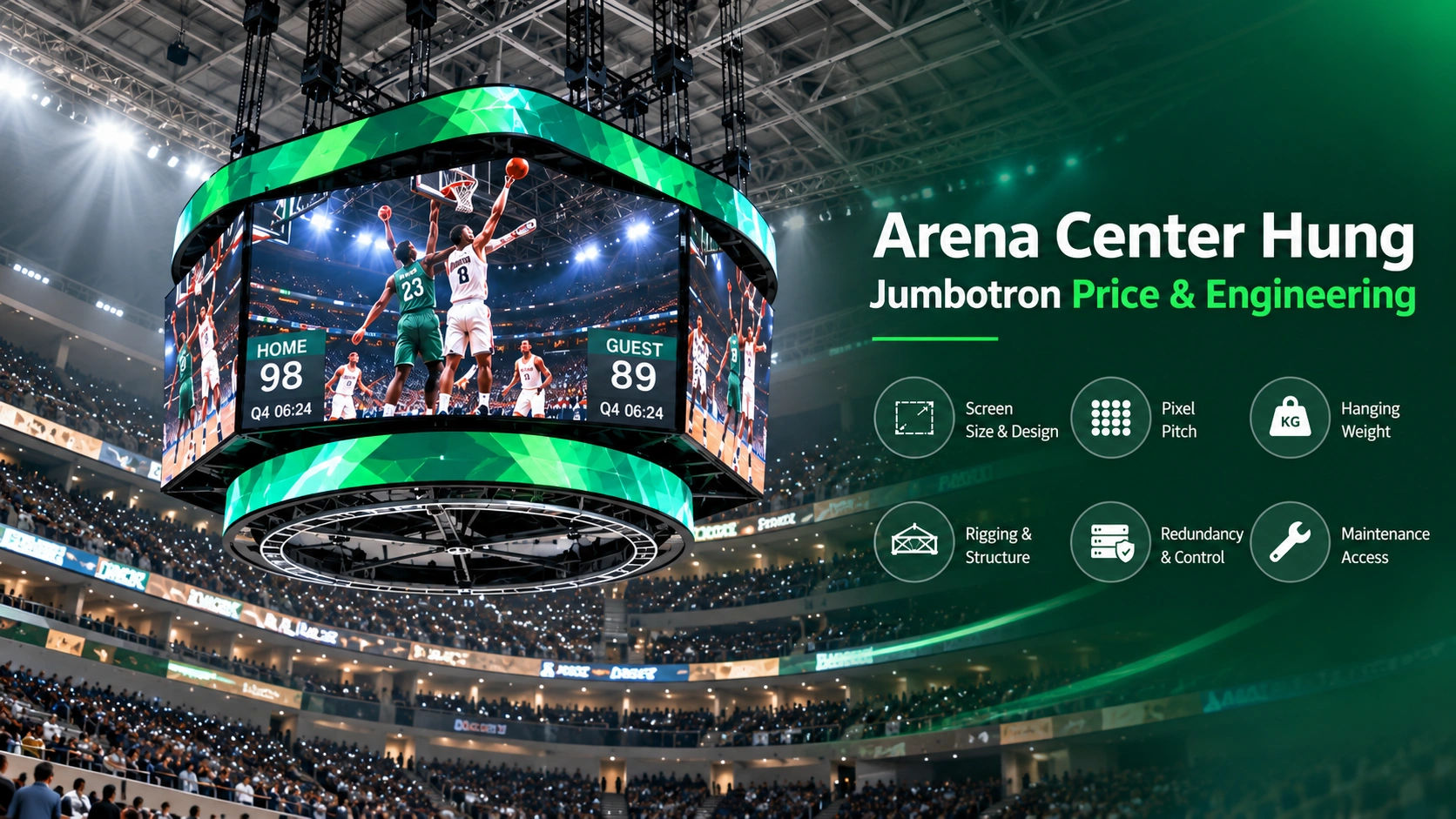
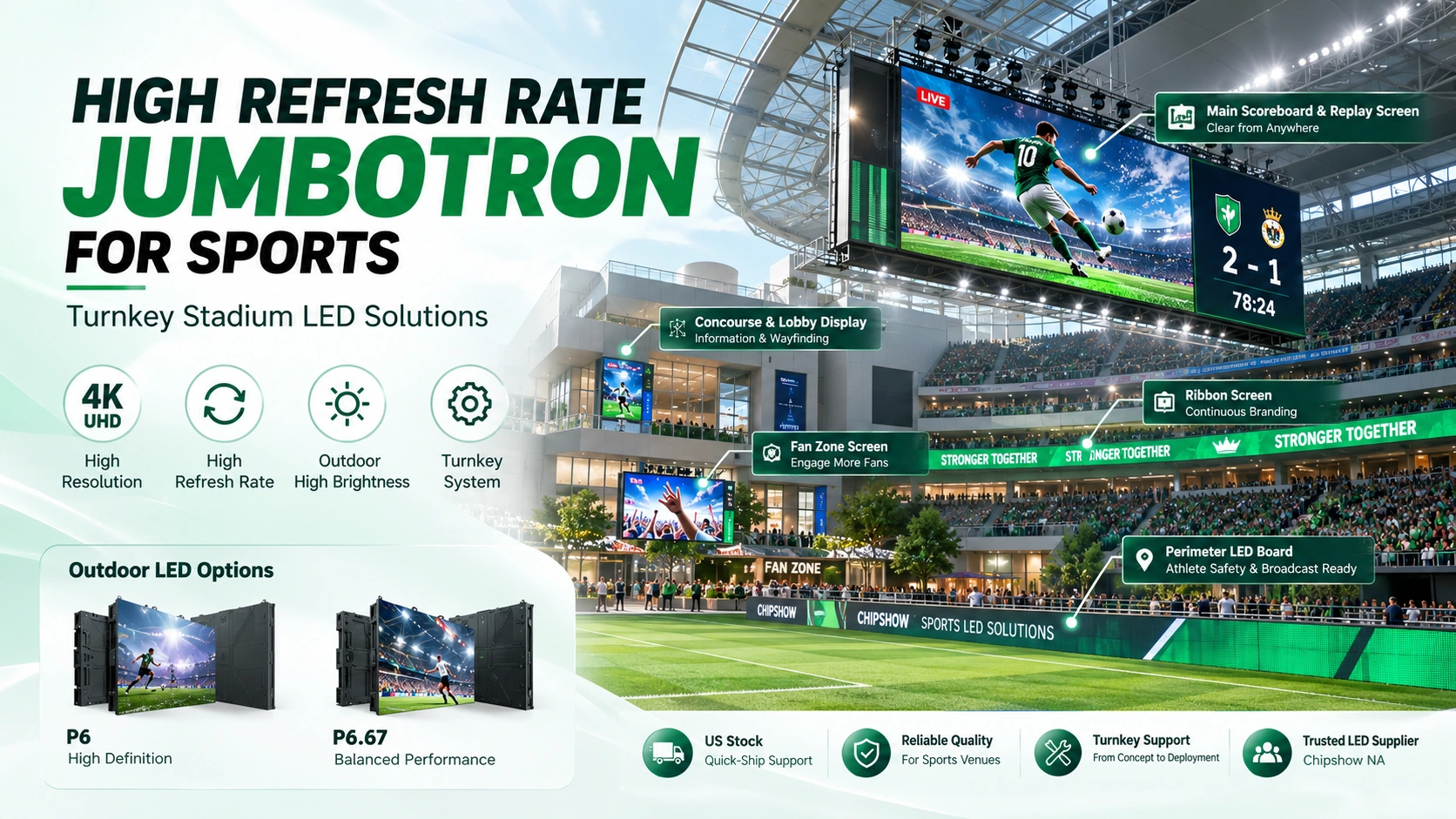
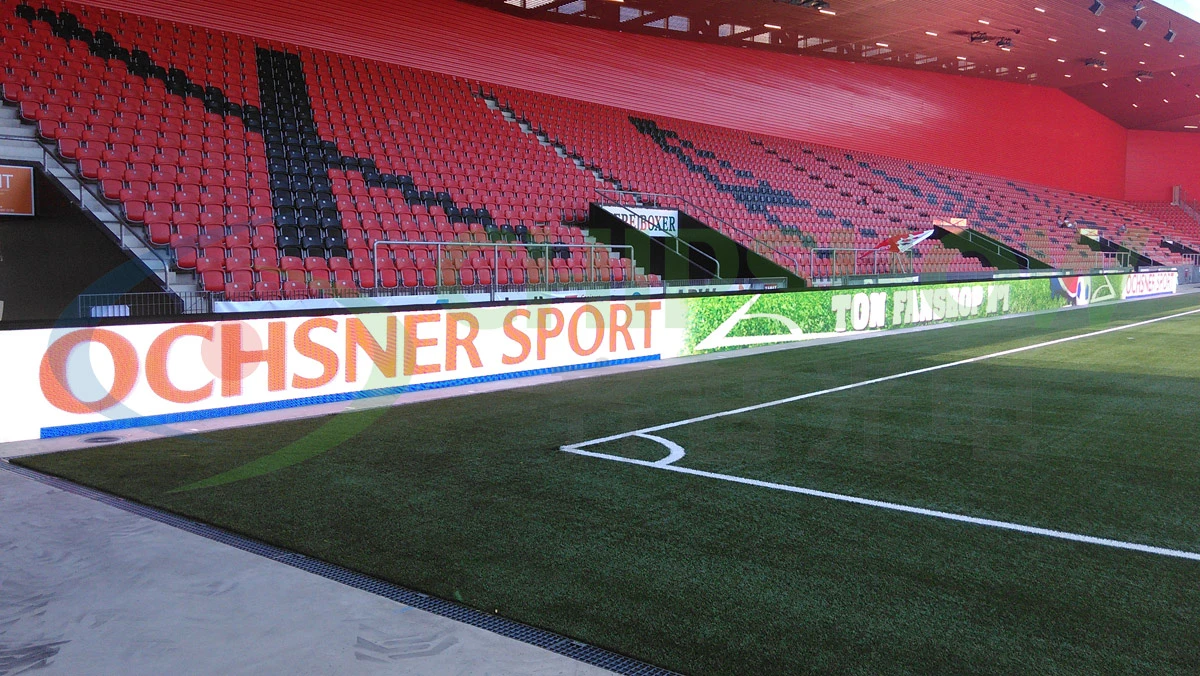
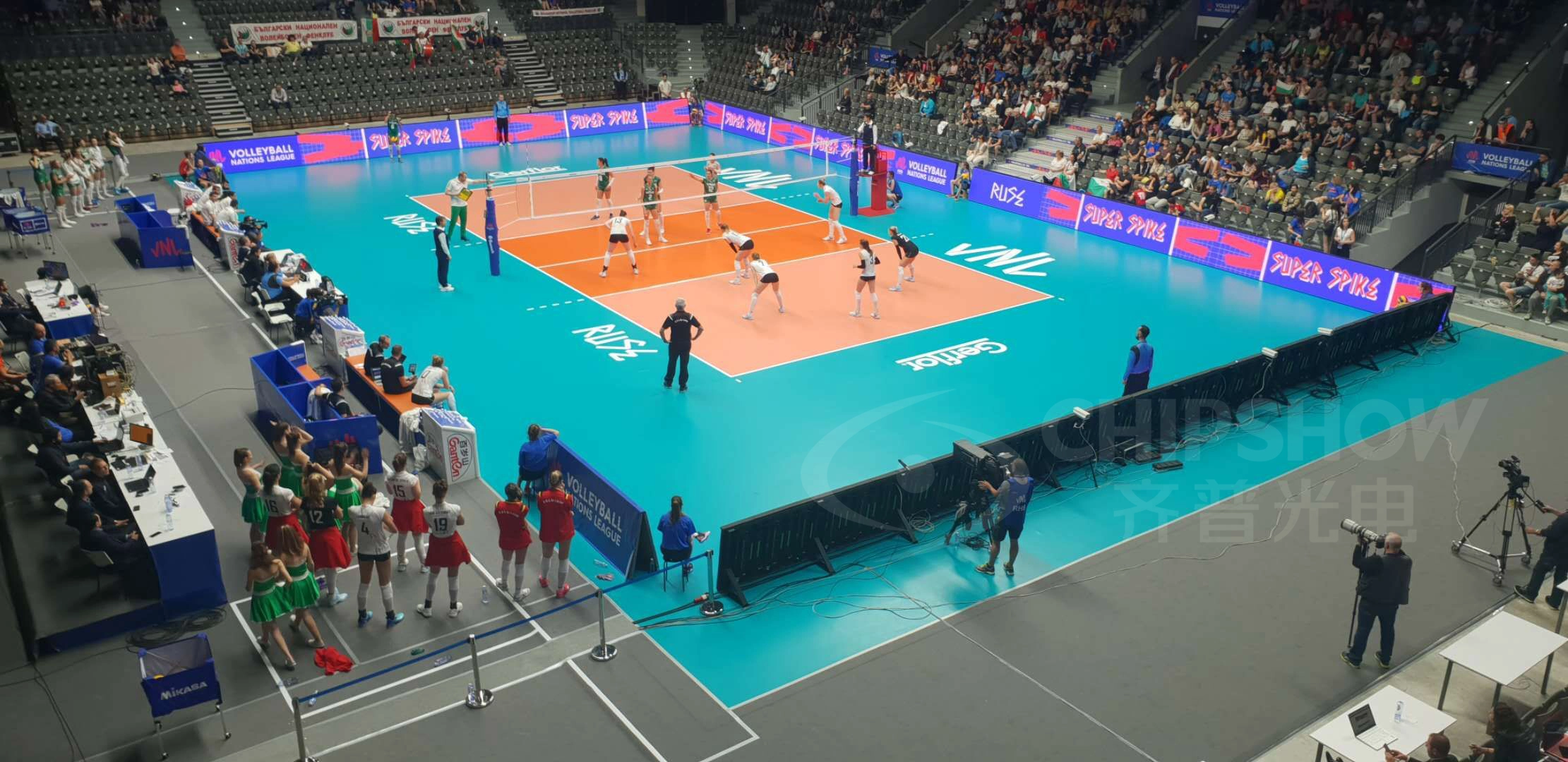
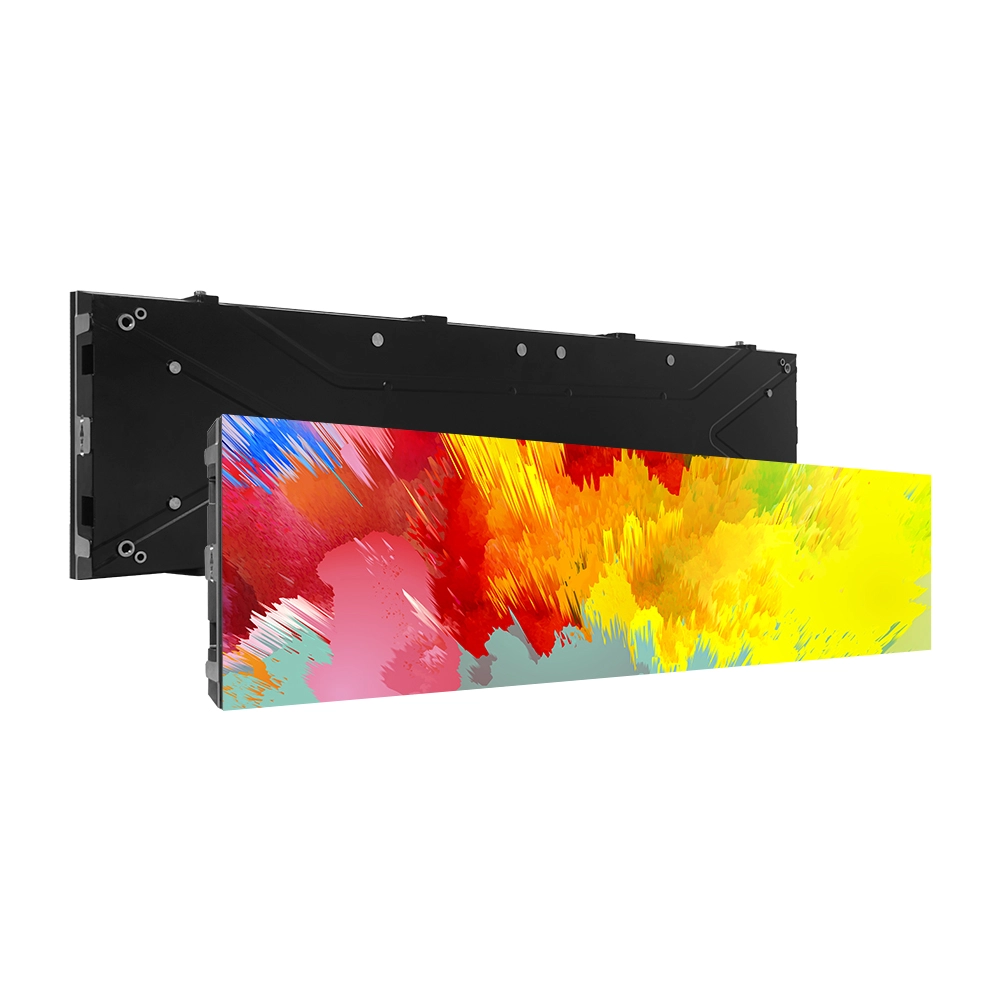
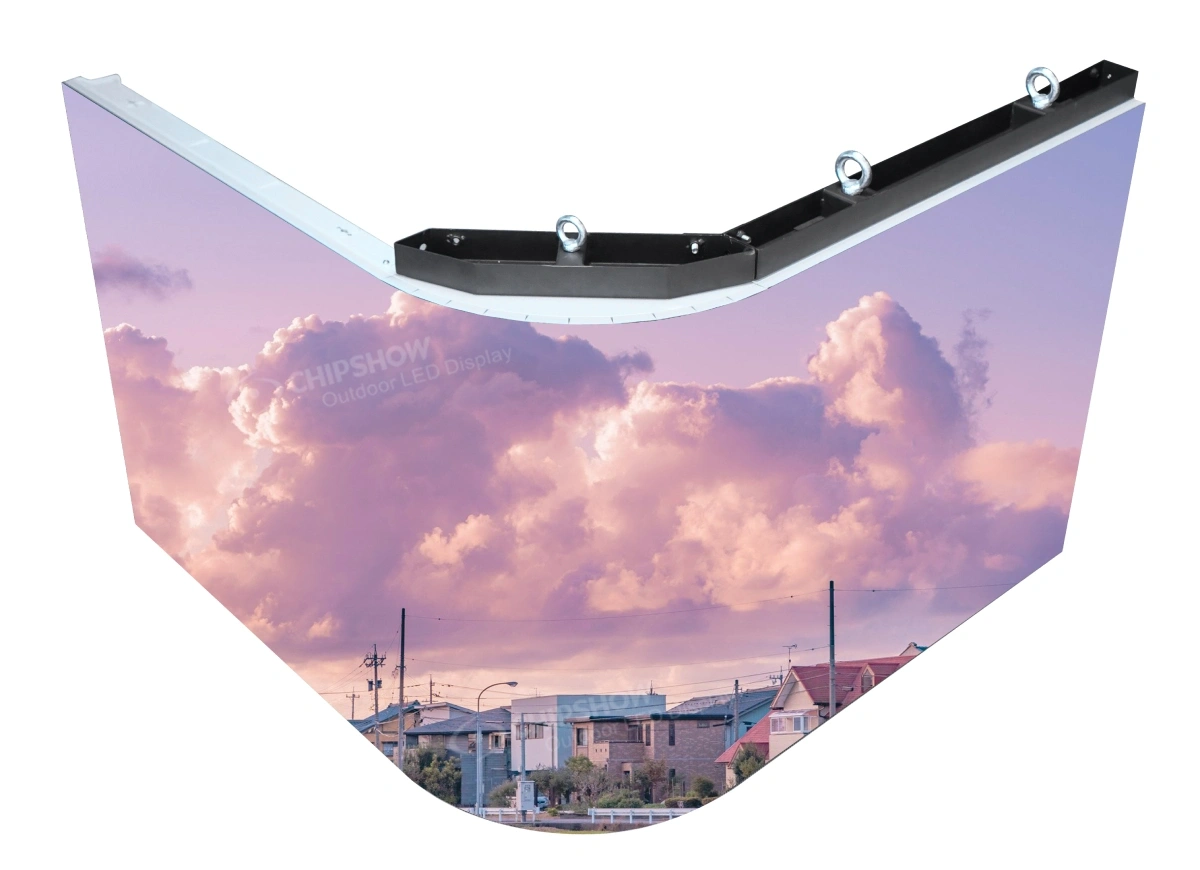
Sports applications can involve long viewing distances, camera exposure and specialized mechanical protection. C-Sport illustrates a perimeter-display platform, which should be distinguished from a suspended center-hung board or a large main scoreboard. Those systems may share LED terminology while requiring very different structural and service designs.
For detailed stadium procurement questions, use the dedicated stadium guide rather than extending a general specification reference into a full project plan.
Concerts Touring and Temporary Events
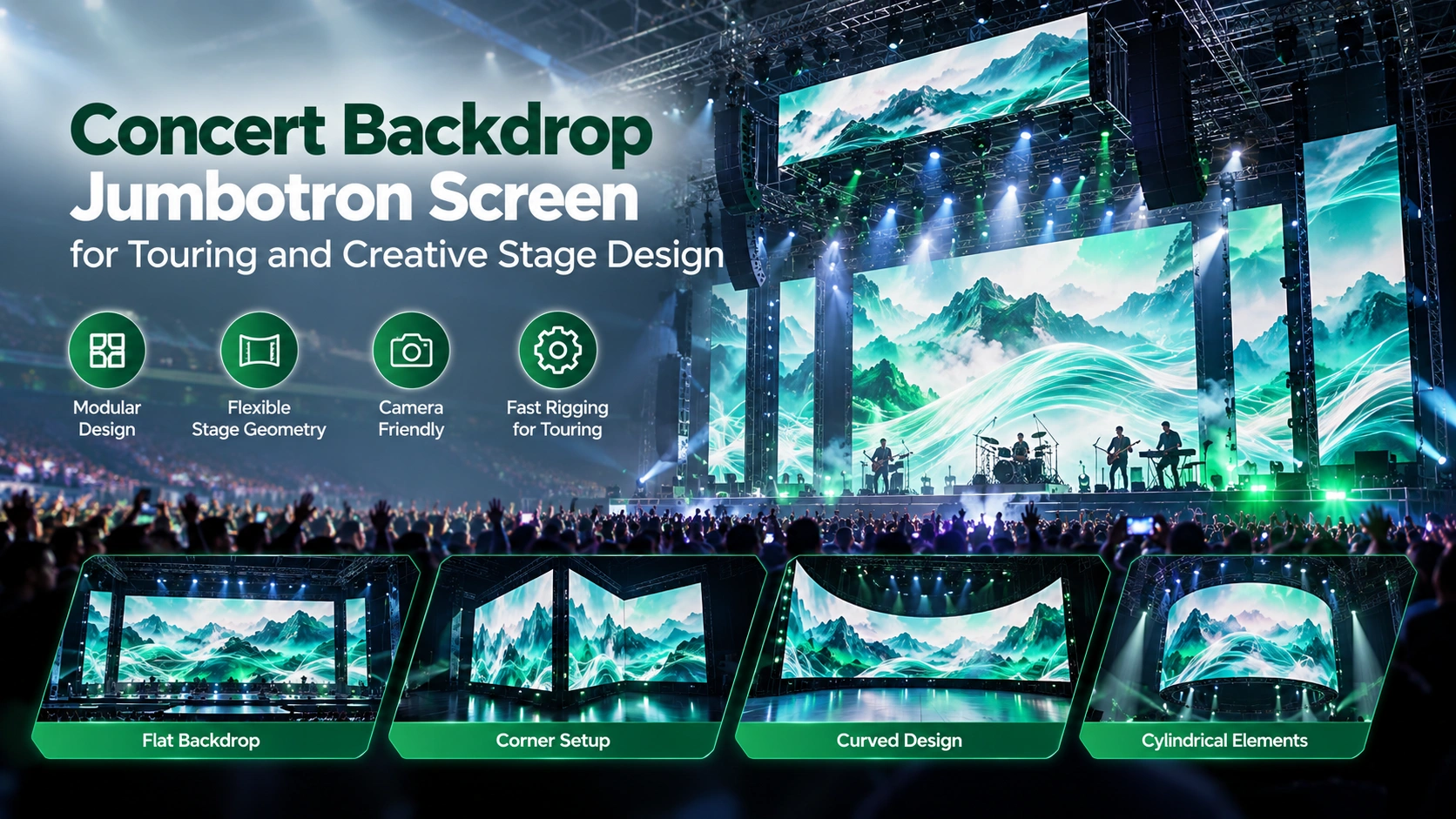
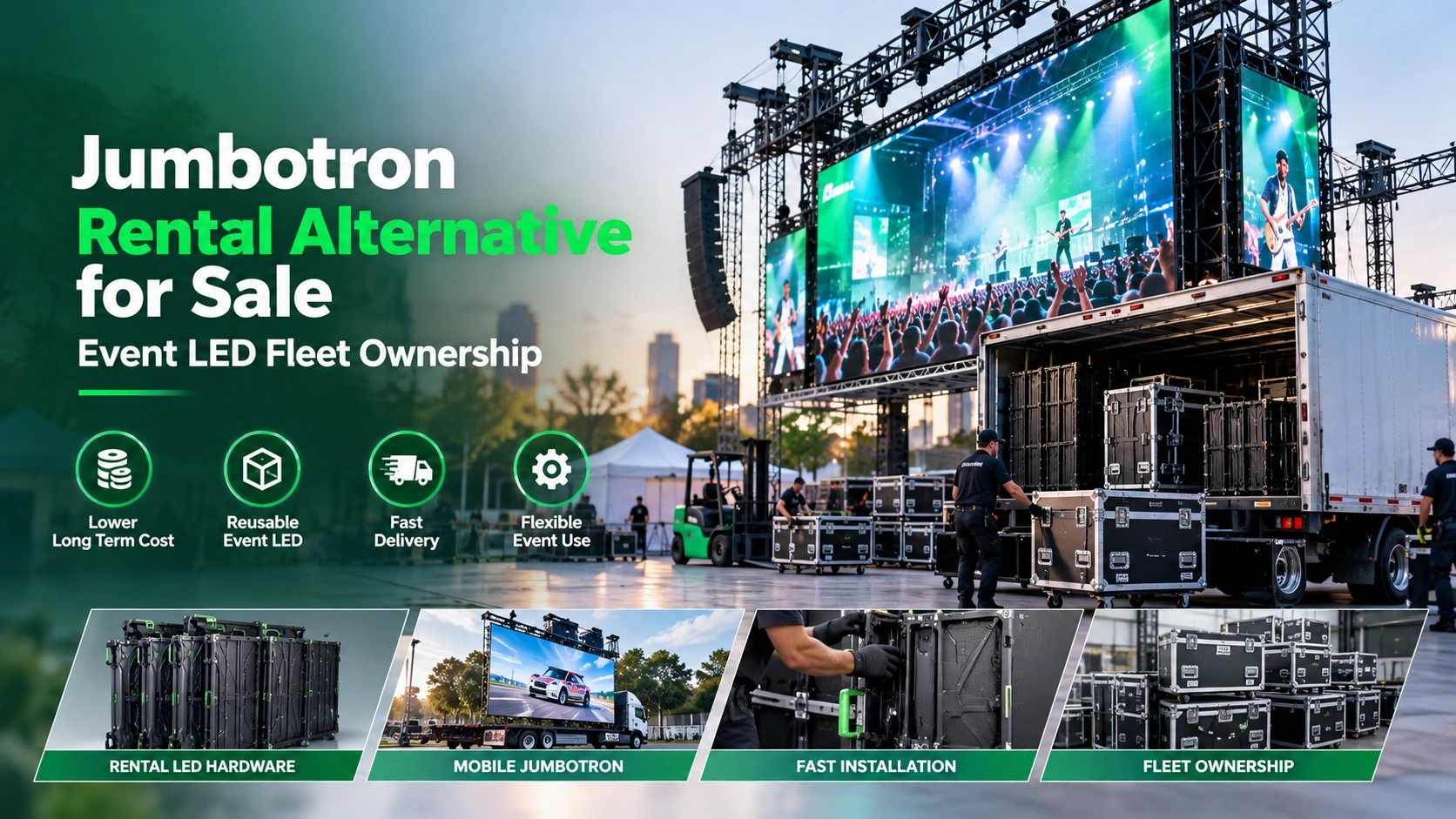
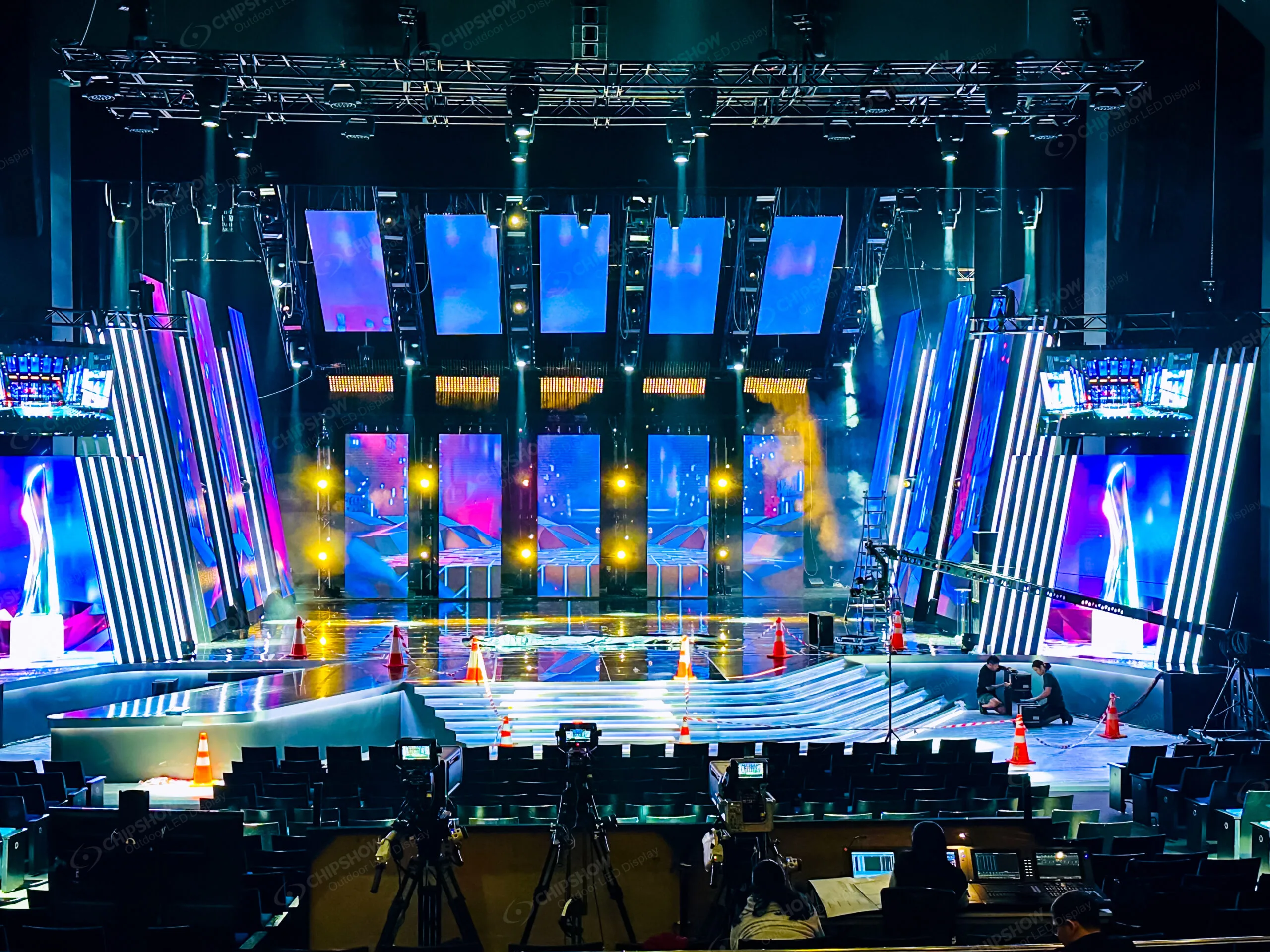
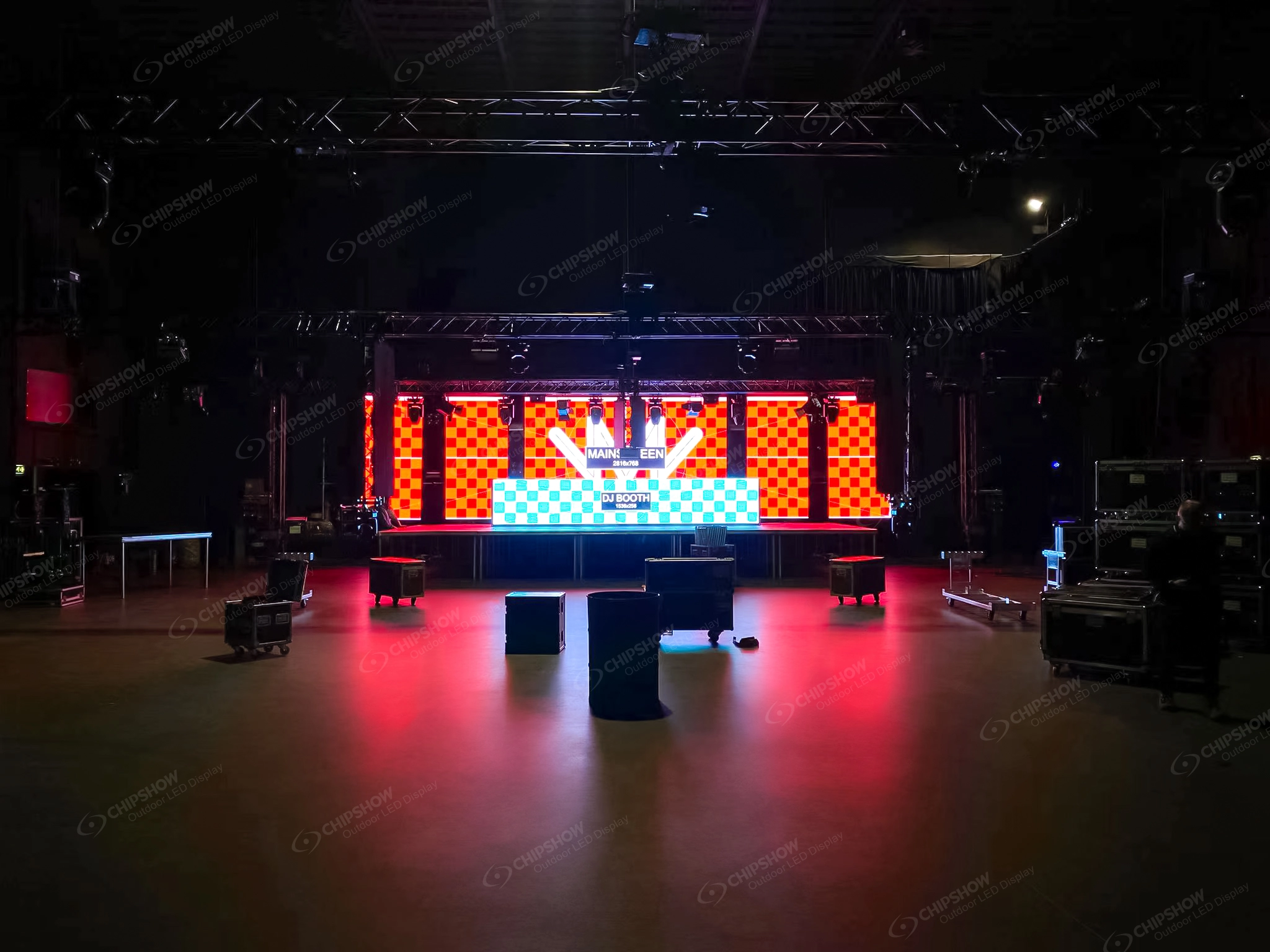
Event equipment must balance image performance with repeatable rigging, handling, transportation and rapid replacement. C-Shine Plus and C-Carbon demonstrate why mechanical design can be as important as refresh rate. A display that looks excellent in a permanent installation may be inefficient for a crew assembling and removing it frequently.
Check transport interfaces, lock mechanisms, cabinet protection and service access in the actual production workflow.
Worship Spaces and Auditoriums
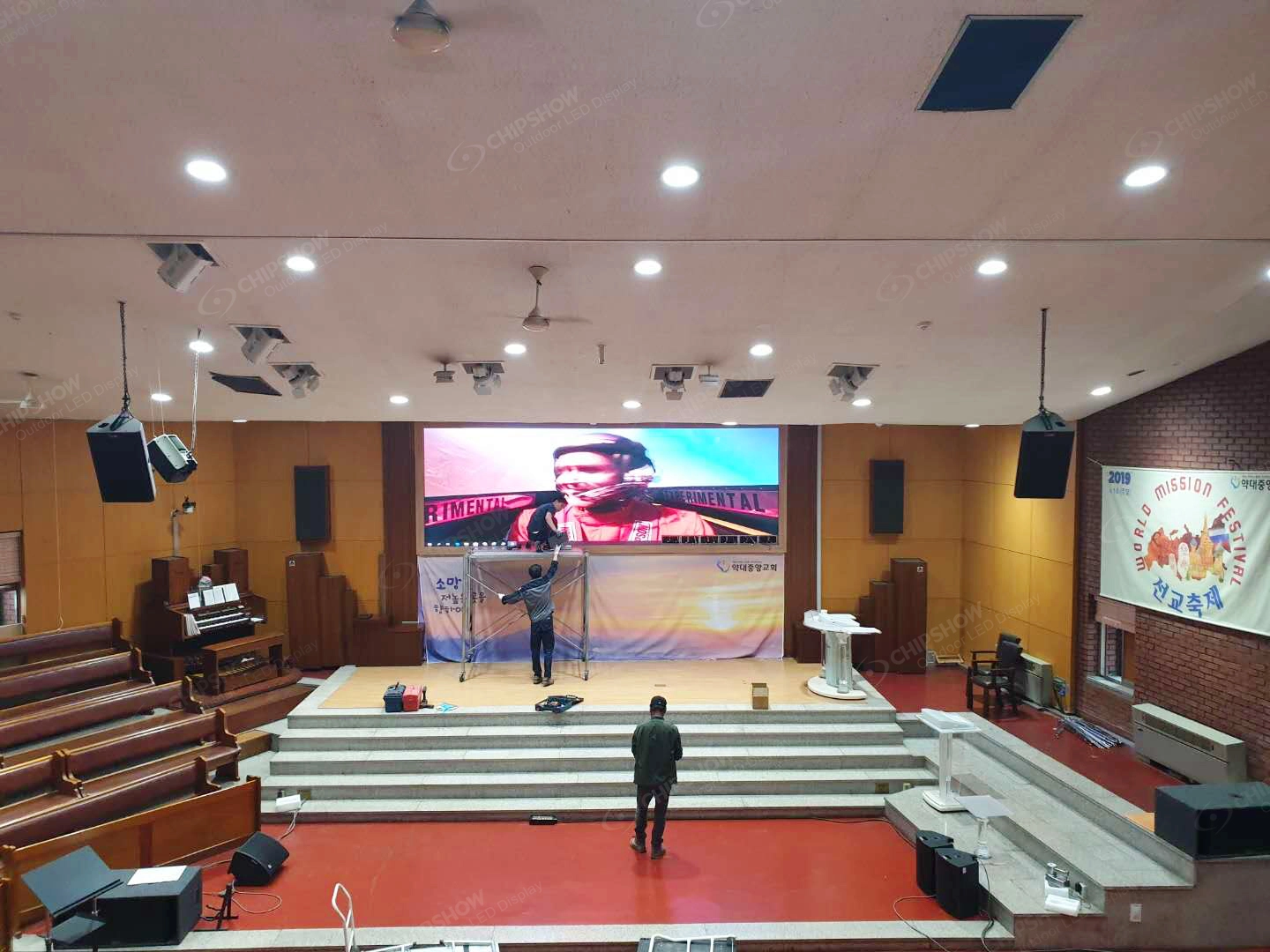
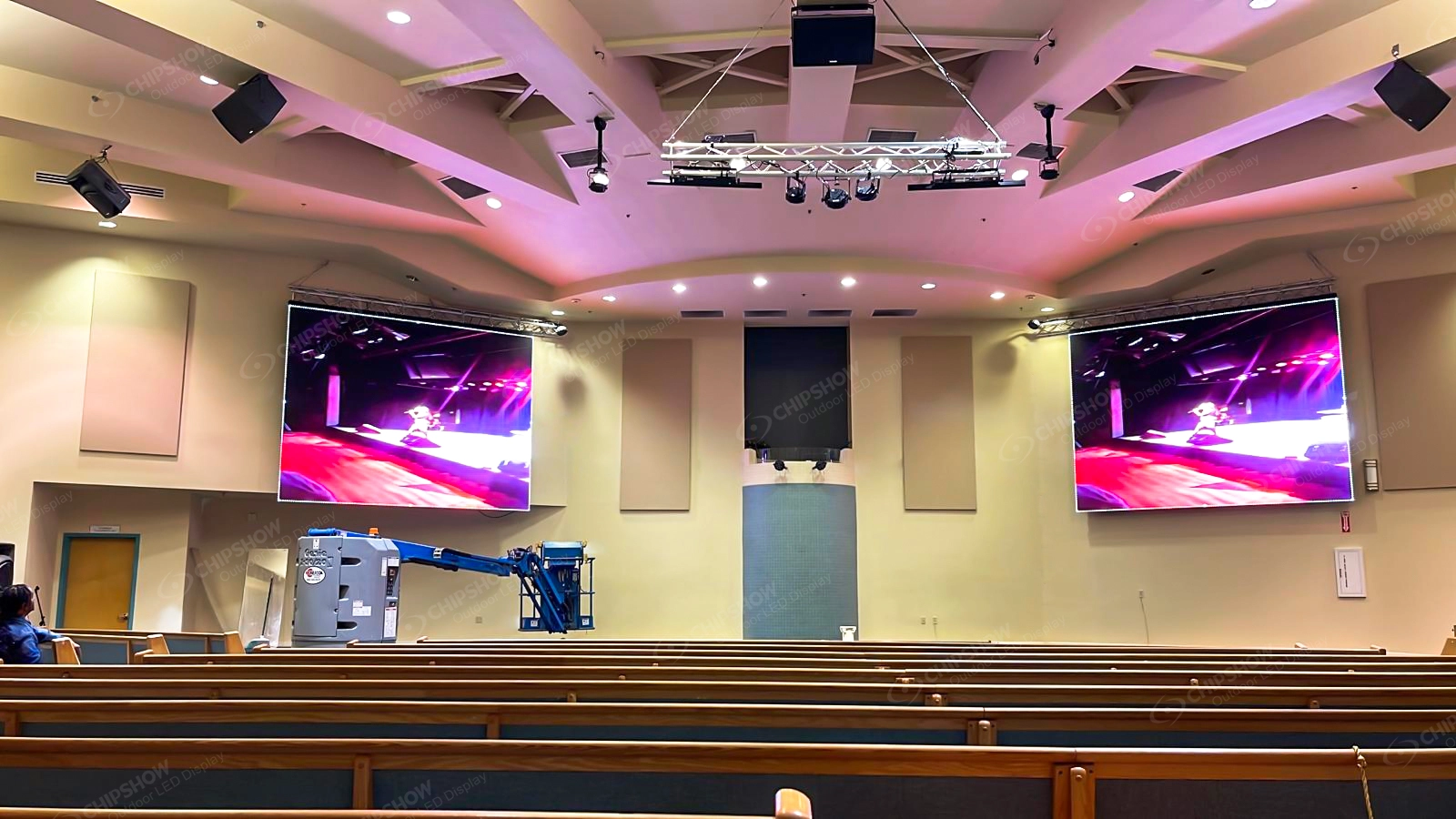
Worship spaces and auditoriums vary from intimate rooms with close seating to large halls with complex video production. Viewing distance, camera use, operating brightness, acoustic conditions and maintenance access should determine the baseline. C-Max or C-Shine Plus may be relevant depending on the application, but the venue category alone does not establish the right product.
Avoid importing a complete worship-system design into a general technical reference. The objective here is to identify the specifications that need validation.
Building a Project Specific Specification Baseline
A robust baseline records five groups of requirements: viewing conditions, optical performance, mechanical installation, electrical and control design, and maintenance. For each group, distinguish mandatory requirements from preferences and identify which supplier document will provide evidence.
This process makes bids easier to compare. It also exposes apparent equivalence between products that use the same marketing terms but have different cabinet architectures, access methods or control options.
The best jumbotron specification is the one that meets the actual project requirements with verifiable performance and practical serviceability, not the one with the largest collection of headline figures.
Turning Technical Requirements into Comparable Supplier Responses
LED jumbotron screen specifications become useful for comparison only when vendors respond to the same questions. Ask each supplier to identify the precise cabinet family, pitch, LED technology and included accessories, rather than allowing proposals to substitute general product-series descriptions. Differences in power supplies, receiving cards or mounting interfaces may be material even when two options advertise the same brightness and resolution.
Separate verified product ratings from assumptions made during concept design. A statement such as outdoor capable should lead to the exact IP configuration, environmental operating limits and installation instructions. Likewise, a claim of front service should be supported by a replacement procedure that demonstrates access to the components the owner is likely to maintain.
Record exceptions openly. If a supplier cannot meet one requested specification, an alternative may still be acceptable, but the engineering consequences should be reviewed rather than concealed in a long schedule of compliant checkboxes. A clear exception log supports informed decisions without turning the technical guide into a purchasing or price comparison article.
Reviewing Submittals Before Final Equipment Approval
Technical submittals should be internally consistent. Check that cabinet drawings, optical data, electrical schedules and controller diagrams refer to the same proposed configuration. A drawing for one pitch and a power figure from another can create an apparently complete package that does not describe a buildable system.
Look for the conditions attached to each headline rating. Brightness may depend on LED package selection; refresh behavior may depend on scan and driver configuration; weather protection may apply to the front of the cabinet but not to every connection. The supporting document should make these boundaries visible.
Where project acceptance depends on a particular performance characteristic, agree on a practical verification method early. That may mean checking a calibration report, reviewing a mechanical sample or conducting a controlled camera test. The aim is not to make every project unnecessarily complicated; it is to make the critical assumptions measurable and traceable.
Keep the approved revision of each technical document with the project record. When equipment substitutions occur, compare the replacement against the approved baseline instead of assuming that a similar product name means equivalent performance. This discipline is particularly valuable when a display will be maintained by a different team from the one that originally specified it.
A final cross-disciplinary review should bring the AV designer, structural designer, electrical contractor and future maintenance representative into the same discussion. Each may notice a different constraint: an inaccessible power unit, a missing structural attachment detail, an unsupported input format or an operating limit that conflicts with the venue schedule. Resolving these points before approval is usually more valuable than adding another impressive specification to the summary sheet.
For owners managing multiple sites, use consistent terminology across projects while allowing site-specific requirements to differ. Standardizing the questions does not mean standardizing every display. It means that optical performance, cabinet construction, environmental exposure, controls and maintenance can be compared on a documented basis, with the limitations of each proposed system visible to everyone responsible for the installation.
Frequently Asked Questions About Jumbotron Specifications
What Should an Image Quality Submittal Include
Beyond pixel pitch and brightness, request the applicable calibration method, grayscale performance, uniformity information and exact processor configuration. This provides a more complete basis for acceptance than a short product summary.
How Can a Pixel Pitch Recommendation Be Verified
Ask the supplier to review the nearest viewing position, the main audience area and representative content. Record the assumptions used to recommend the pitch so competing proposals can be compared consistently.
What Should Buyers Check About Brightness Claims
Confirm whether the figure is nominal or maximum, which product variant it describes and how output can be adjusted for the site. Request the corresponding datasheet rather than relying on a range quoted for an entire family.
How Can a 3840Hz Camera Claim Be Evaluated
Identify the exact scan and processing configuration, then agree on representative camera conditions for verification. A refresh-rate label alone cannot demonstrate performance with every shutter setting or sensor.
Which Mechanical Details Matter When Comparing Quotes
Check whether weights refer to complete cabinets, whether the proposed service method is possible after installation and which mounting or rigging accessories are included. These details often reveal differences hidden by otherwise similar specifications.
Request Technical Specifications for Your Project
A reliable set of LED jumbotron screen specifications starts with a clear statement of the viewing environment, physical dimensions, optical requirements, mounting conditions, electrical infrastructure and expected maintenance access. Share these requirements before selecting a cabinet family or committing to a processor architecture.
Chipshow works with AV integrators, dealers and commercial display buyers on hardware options for indoor, outdoor, stadium and rental applications. Explore our product families at https://www.chipshowledusa.com/products/ and review available technical resources at download center.
If a downloadable checklist is not currently available, request the relevant technical specifications directly. Provide the project location, viewing conditions, proposed screen size, camera requirements and mounting approach so our team can identify appropriate product documentation for your evaluation.