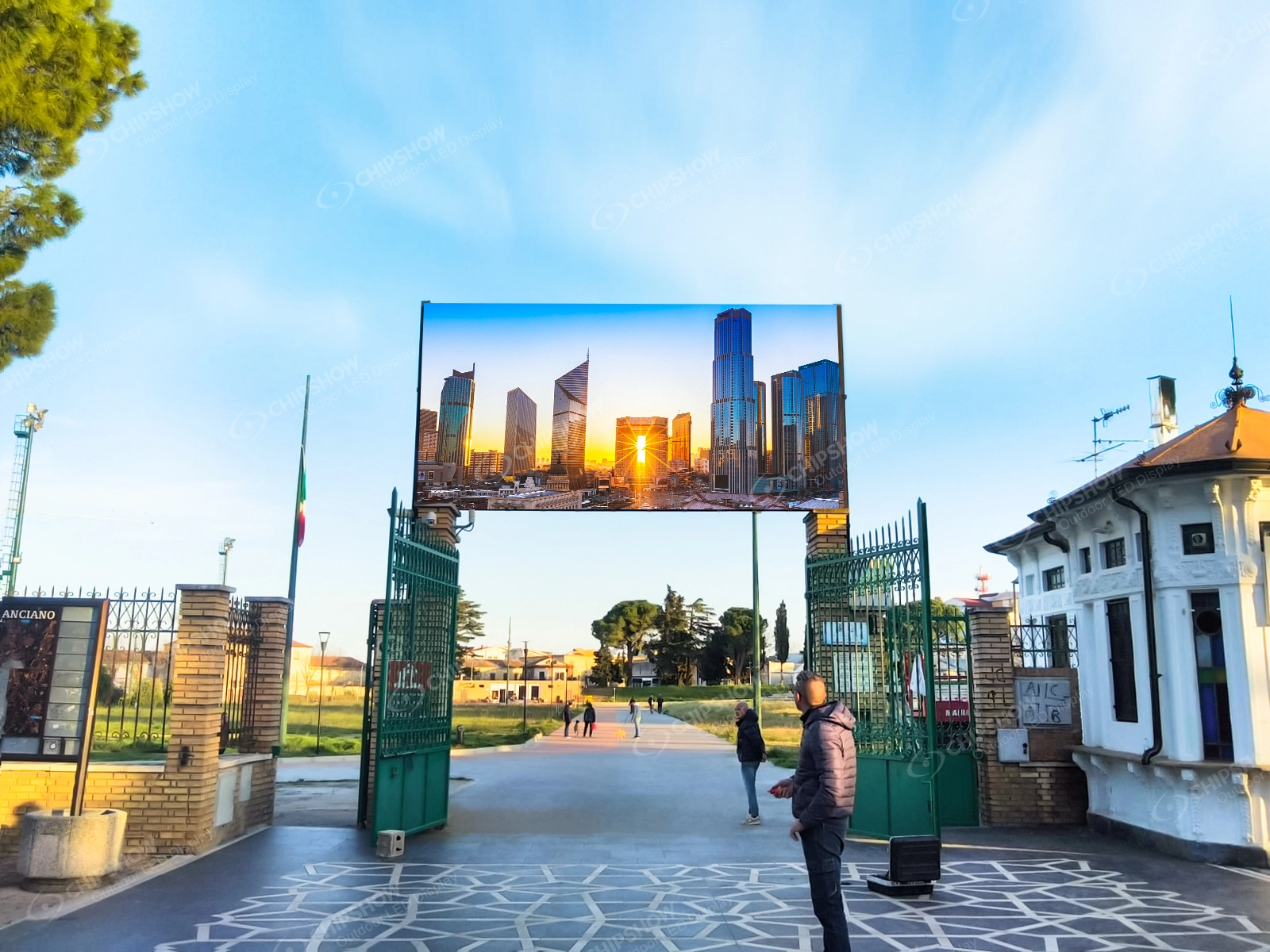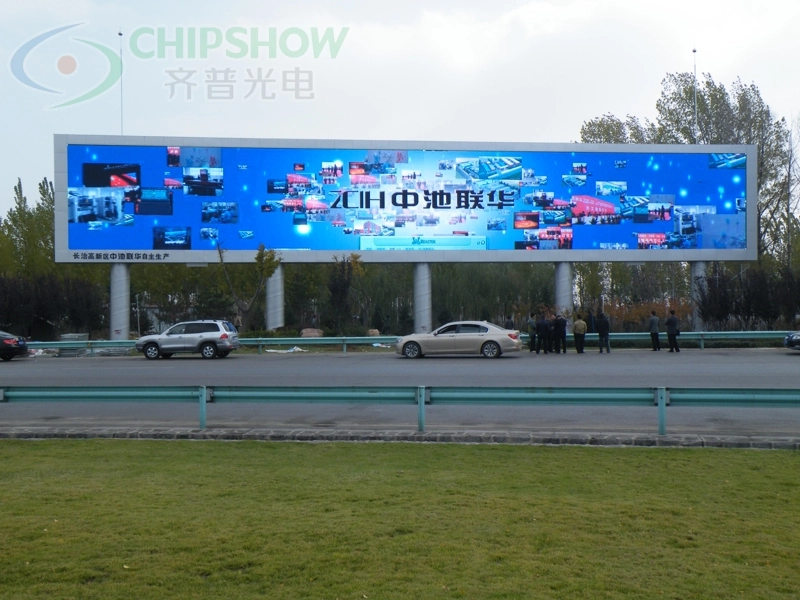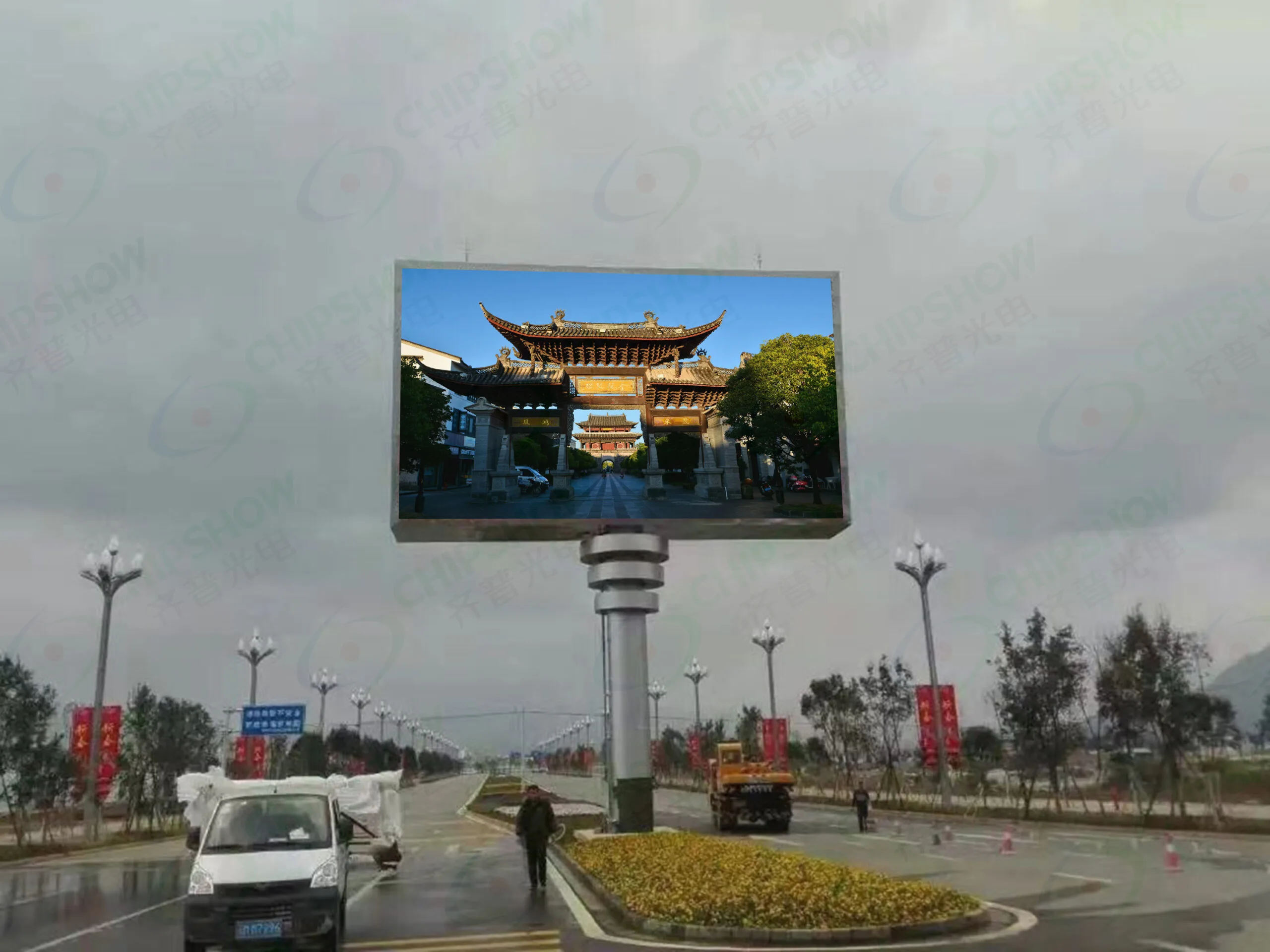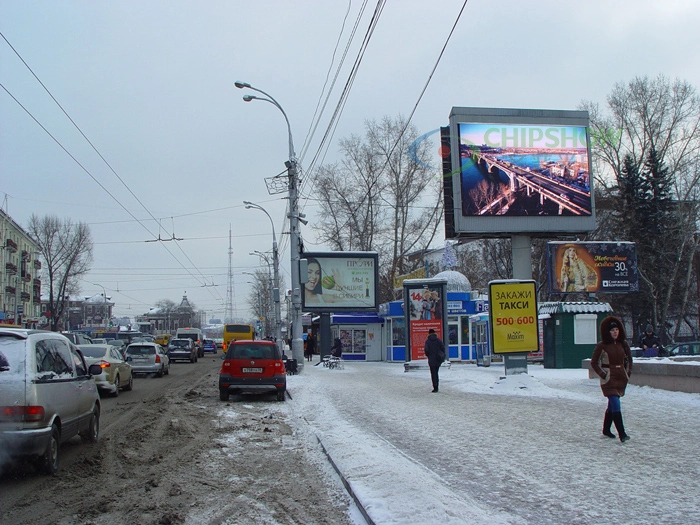
A monument sign often suits properties whose drivers read the message close to the property entrance, especially while slowing or turning. A pylon sign can fit properties that need to be identified earlier from the road, or where parked vehicles, landscaping, buildings or other signs block the view of a low sign. Check the sign type, height, area and setback rules for the address before comparing the two.
Choose a monument sign when drivers will read the message close to the property entrance, especially while slowing or turning. Choose a pylon sign when the property must be identified earlier from the road or when parked vehicles, landscaping, buildings or other signs block the view of a low sign.
Use the LED sign selector to compare LED display layouts for the site: select the nearest viewing distance, choose a smart-module or fixed-cabinet layout, and save the proposed arrangement.
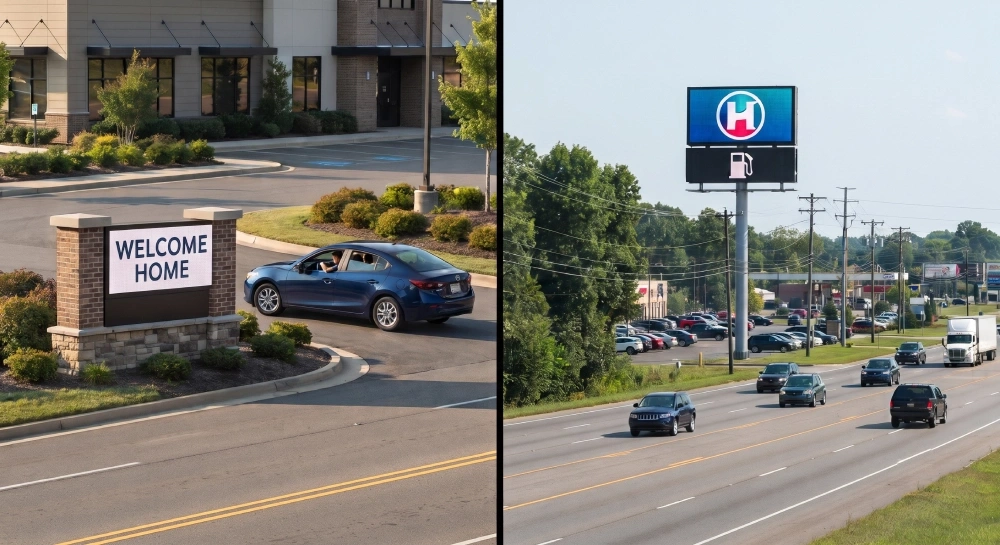
After selecting the structure, divide the sign face between permanent identification and an electronic message center (EMC). Keep the property name, logo and permanent tenant identity in the static area. Use the EMC for information that changes, such as event times, promotions and operational notices. Test the customer’s normal messages to determine how much active display area they require.
Monument Sign vs Pylon Sign: The Decision at a Glance
| Project condition | Monument sign | Pylon sign |
| Primary viewing point | Near the property entrance | Farther along the road |
| Typical driver behavior | Slowing, turning or entering | Moving traffic that needs earlier identification |
| Available footprint | Needs enough roadside width for a low, wider structure | Raises the sign face above roadside obstructions but still needs space for its support and foundation |
| Main communication role | Property identity plus selected changing messages | Long-range identification, tenant visibility and changing messages |
| EMC design priority | Fit short messages without crowding the permanent name or logo | Separate the property name, tenant panels and EMC message so each remains readable from the road |
| Service planning | Keep cladding and landscaping clear of the ground-level service route | Define how technicians will reach and open the elevated enclosure |
This is not simply a choice between a small sign and a large sign. A large monument sign can still be the wrong solution if landscaping blocks it from approaching traffic. A tall pylon can be unnecessary if drivers only need to read the sign while entering the property.
Before designing either structure, check what the project address allows: sign type, height, sign area, setback and electronic-message rules. If one format is not allowed, remove it from consideration. Then compare the remaining options based on how drivers approach the site—not on a catalog image.
Marquee Signs and Street Signs
Two terms need clarification before applying the monument-versus-pylon comparison: whether a marquee sign is another name for a monument sign, and whether a roadside pylon is a street sign. Treating these names as interchangeable could lead to using the comparison for a different mounting arrangement or identification purpose.
In architectural usage, a marquee sign is attached to a canopy projecting from a building, such as above an entrance. A monument sign stands independently on a ground-level base. Choosing a canopy-mounted sign involves its connection to the building; choosing between monument and pylon signs involves freestanding supports. The comparison above addresses the freestanding options.
“Street sign” here means a street-name sign, which identifies a road. The pylon signs discussed in this guide identify businesses or properties. Although both may stand beside a road, identifying a street and helping drivers locate a business are different tasks. The guidance below concerns business identification.
Canopy-mounted marquee signs and street-name signs are therefore outside this guide’s scope. The following sections focus on freestanding monument and pylon signs for businesses and properties, examining how entrance location, approaching traffic, and obstructions affect the choice.
Property type alone does not decide the structure. A hotel, retail center, church or school may use either format depending on the road approach, viewing distance, obstructions, and the sign height, area and setback allowed at that address. The examples below show common project conditions, not fixed industry assignments.
Choose a Monument Sign for Messages Read Near the Entrance
Use a monument sign when drivers only need to read and confirm the property as they approach the entrance.
Consider a church, school or community center on a local commercial road. Drivers are already slowing, preparing to turn or checking that they have reached the correct driveway. The permanent section identifies the organization. The EMC should show one short announcement at a time, such as “Sunday Service 9:00 & 11:00.” Multiple dates, instructions and announcements would give approaching drivers more information than they have time to read.
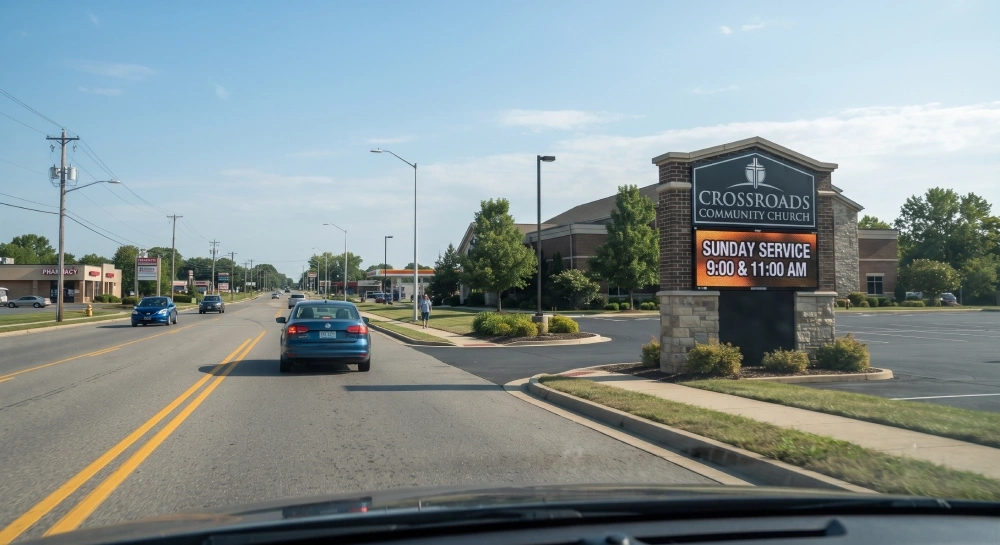
Do not decide the monument sign position from a front-view drawing alone. Check it from the direction drivers actually approach. If the sign sits immediately beside the driveway, drivers may reach the turn before finishing the message. Placing the sign earlier along their approach gives them more reading time, but only if trees, parked vehicles and landscaping do not block it.
The structure also needs enough usable ground-level width. The sign base must fit within the available frontage without narrowing the driveway.
After confirming the position and footprint, divide the sign face between the permanent name or logo and the EMC. Set the LED opening before finalizing the surrounding masonry or cladding. Leave enough enclosure depth and clearance for the selected service method.
Choose a Pylon Sign for Earlier Roadside Identification
At a retail center set behind a parking lot, drivers may need to recognize the property while they are still choosing a lane and preparing for the turn. A ground-level sign hidden behind parked vehicles cannot perform that job. Raising the sign above those obstructions lets drivers identify the property earlier and gives them more time to choose a lane or prepare to turn.
Consider additional height where it would improve visibility from approaching traffic or help drivers identify the property earlier. Check the permitted sign height at the site before developing the taller layout. Keep the message concise enough to read during the available viewing time.
A multi-tenant pylon needs a clear order of communication:
- The property or center name establishes the destination.
- Permanent tenant panels identify the occupants that must remain visible.
- The EMC carries one current promotion, event or operational message.
From farther away, the property name, tenant panels and EMC message must remain visually separate. A message such as “Weekend Sale — Up to 30% Off” gives moving drivers one clear message to read before they reach the turn. Several tenant offers, dates and logos would take longer to read. Use taller letters for the longer viewing distance. Use fewer lines than you would on a close-range entrance display.
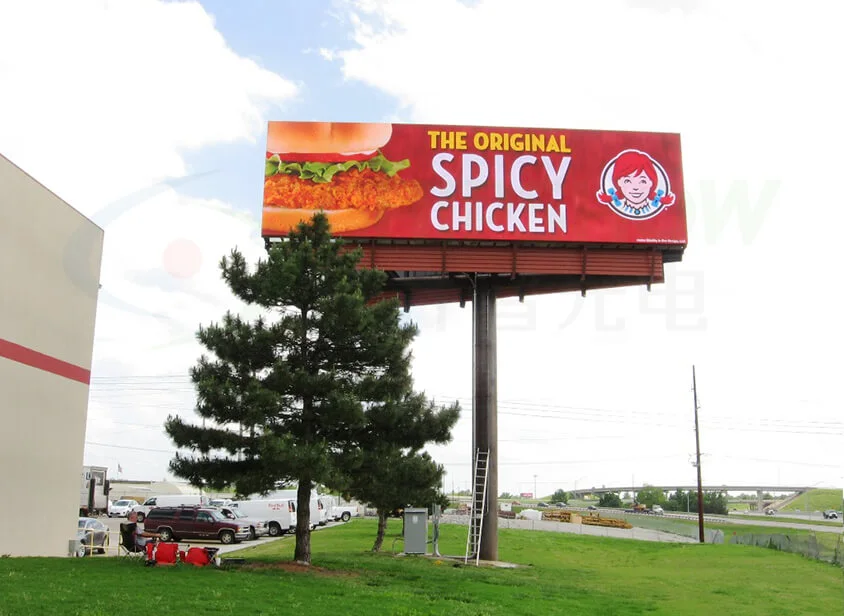
A taller structure changes the foundation, installation and maintenance requirements. The site needs enough space for the support and foundation. Installation and service equipment must also be able to reach the sign. Before fabrication, the project team must specify the route technicians will use to reach and open the display. The cabinet layout and supporting structure must keep that access route open.
Some properties need both structures: a pylon for early roadside identification and a monument sign for entrance confirmation. In that arrangement, place the EMC on the sign that gives drivers enough time to read the changing message. Do not duplicate the same EMC content on both structures unless the two viewing approaches require it.
Decide What Should Remain Permanent and What Should Change
An EMC is the dynamic message area integrated into either the monument or pylon structure. The surrounding sign structure carries the permanent identity and supports the display enclosure.
Use the permanent sign area for information that should remain visible at all times:
- Property or organization name
- Primary logo
- Address number where required
- Permanent tenant identification
- Brand colors and architectural finishes
Use the EMC for information that changes:
- Event dates and times
- School or church announcements
- Current promotions
- Tenant campaigns
- Temporary hours, grand-opening dates or closure notices
- Short directional or operational notices
This division keeps the property identity visible even when the EMC is off and reserves the digital area for information that actually changes.
Test Real Messages Before Sizing the EMC
Do not approve the digital area using only a colored rectangle in a sign rendering.
Prepare several messages the customer actually expects to publish. For example:
- “Enrollment Open Through August”
- “Now Leasing — Two Suites Available”
- “Community Food Drive Saturday”
- “Summer Sale Through July 20”
Start with a letter height suited to the intended viewing distance and available reading time, then lay out the customer’s actual messages. If a message exceeds the proposed display area at that letter height, shorten the wording first. If the essential content still exceeds the available area, review whether a larger active display area can fit within the sign design and site limits before approving the dimensions.
This test should happen before the sign enclosure is fabricated. Enlarging the EMC opening later can affect the sign proportions, framing, electrical layout and module arrangement.
Size the EMC for Traffic and Viewing Conditions
Before comparing pixel pitch, define the message and the conditions under which drivers will read it:
- How many lines must drivers read?
- How large will the letters appear?
- How many seconds will drivers have to see and read the message?
- Does the message need to be understood from one direction or both?
- Will vehicles be moving, slowing or stopped?
A roadside message viewed by moving traffic should use fewer words and taller letters on the actual sign face than an entrance message read from a turn lane. A finer pixel pitch cannot compensate for a sentence that is too long to read during the available viewing time.
For example, a four-line event description may look complete on a desktop preview, but the driver may only have time to identify the organization and read one short announcement. Reducing the message to two lines may make it possible for drivers to finish reading before they reach the turn.
Review Both Faces of a Double-Sided Sign
Both sign faces may have the same dimensions, but the road approach can give drivers more reading time on one side than the other.
Review each traffic direction separately. One face may remain visible along a straight road. The other may not appear until drivers pass a curve, trees or parked vehicles. Do not assume that one content layout will work equally well on both faces.
If both sides display the same message, test it from the direction with the shorter or more obstructed view. If the two faces need different content, specify that the control system must support independent playback and scheduling for each face.
Fit the LED Layout to the Sign Structure
Once the EMC’s active width and height are defined, convert those dimensions into an LED module or cabinet grid.
Do not allow the sign fabricator to finalize an opening while the LED supplier independently assumes a different display size. Even a small mismatch can create filler strips, uneven borders or changes to the intended resolution.
Check the Module Layout Against the Opening
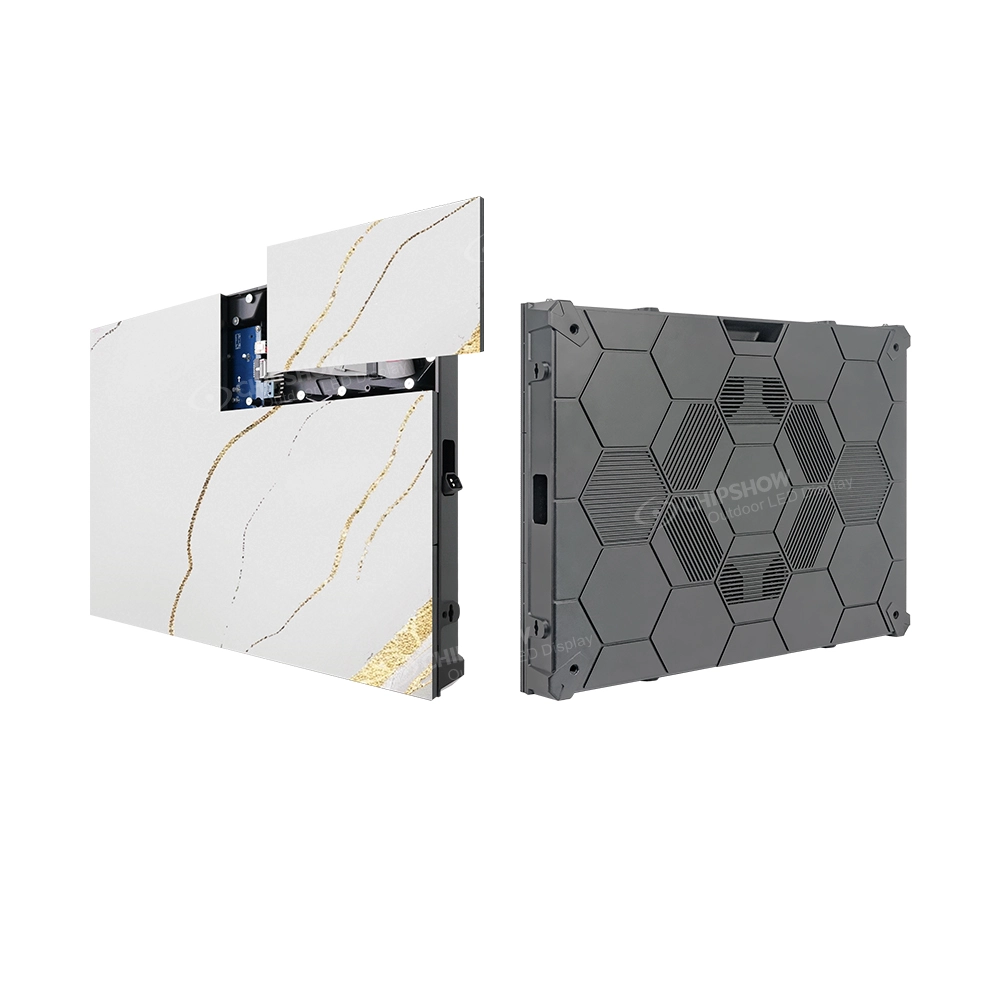
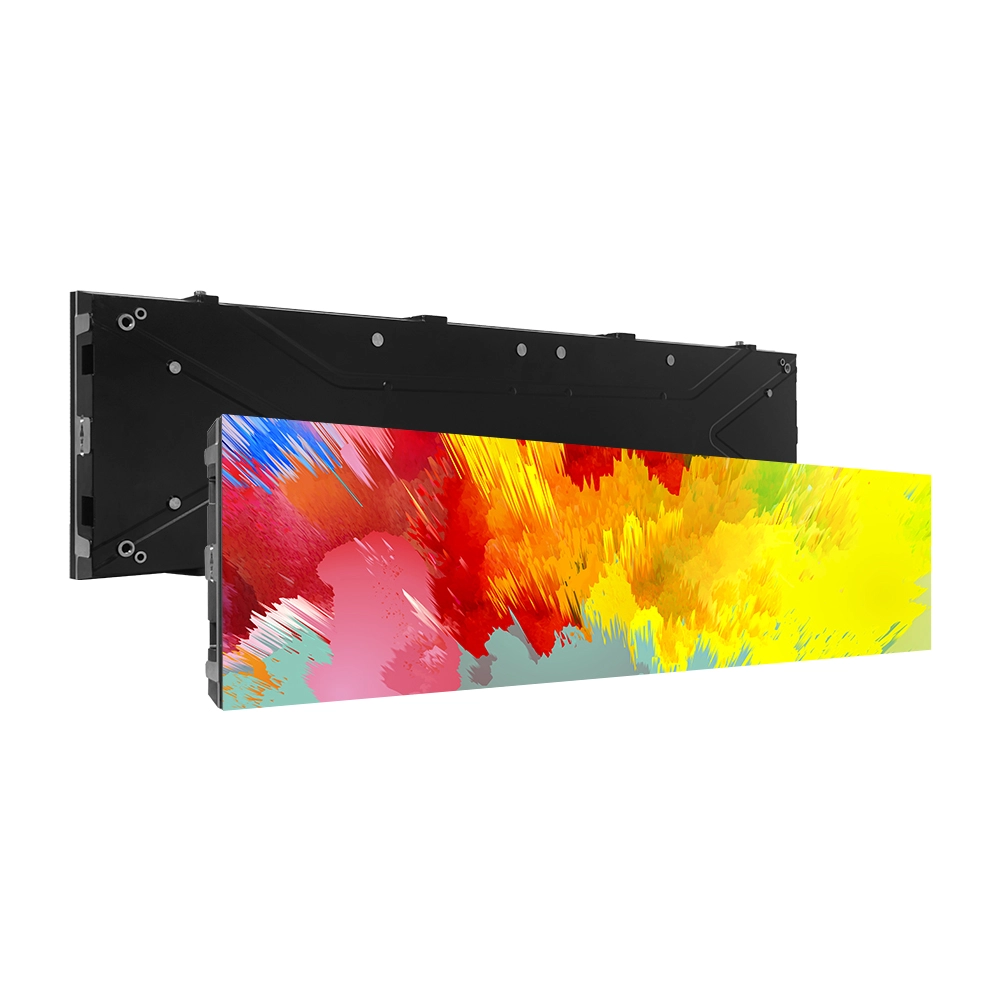
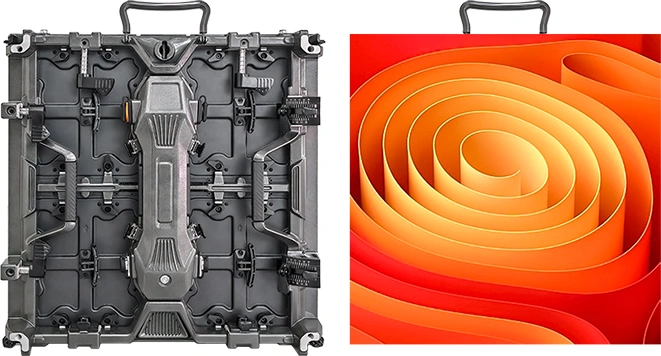
Consider a module-based layout when individual modules can be arranged to fit the required display area. Use the selected module’s fixed dimensions to check the number of rows and columns and the resulting display width and height. For a shallow opening, also check the space needed for power supplies, control components, wiring and component removal.
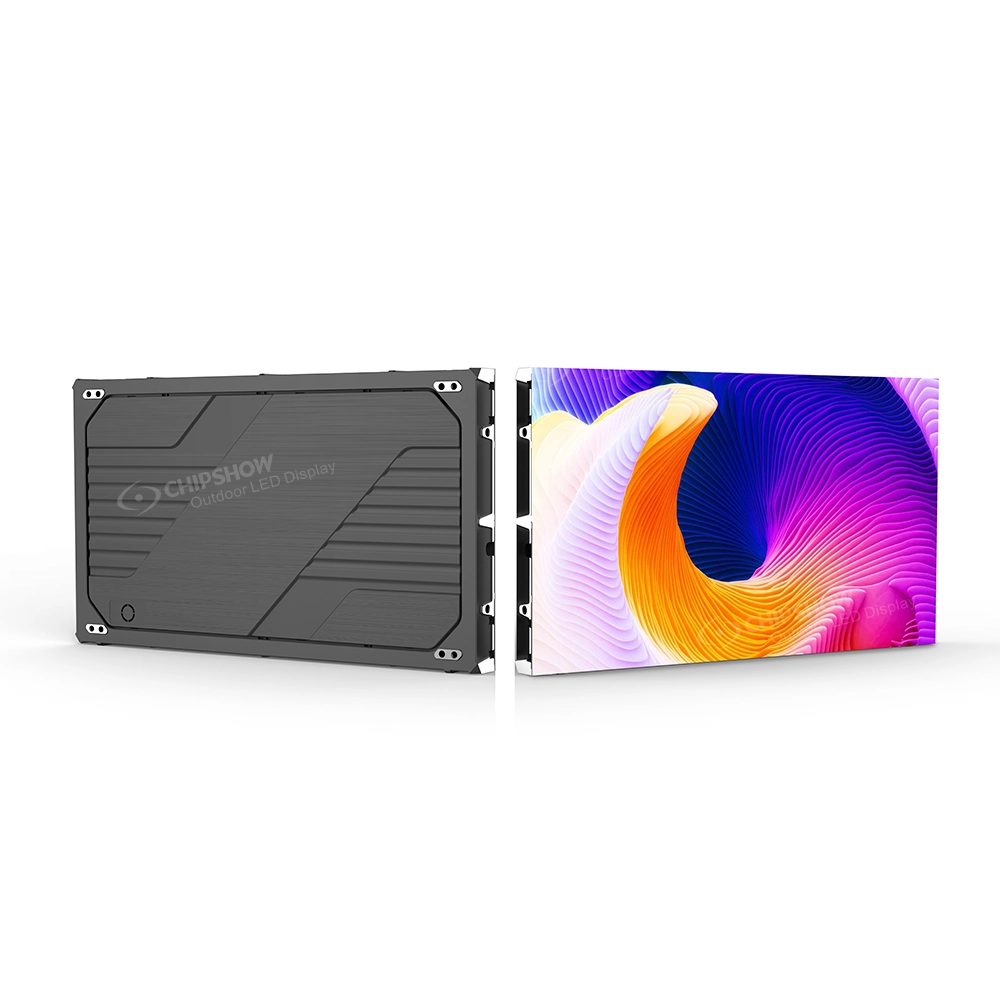
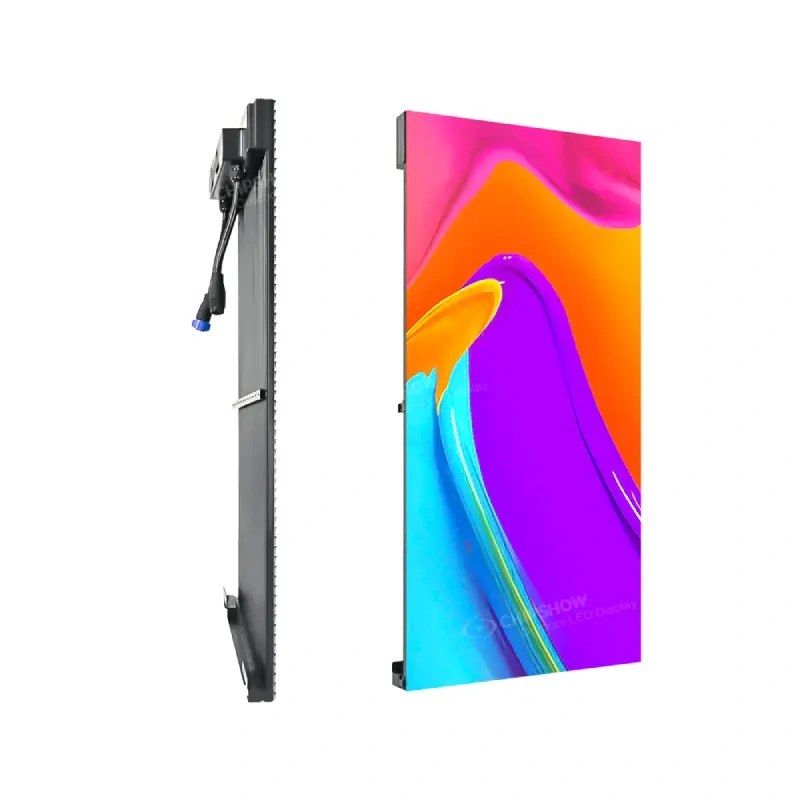
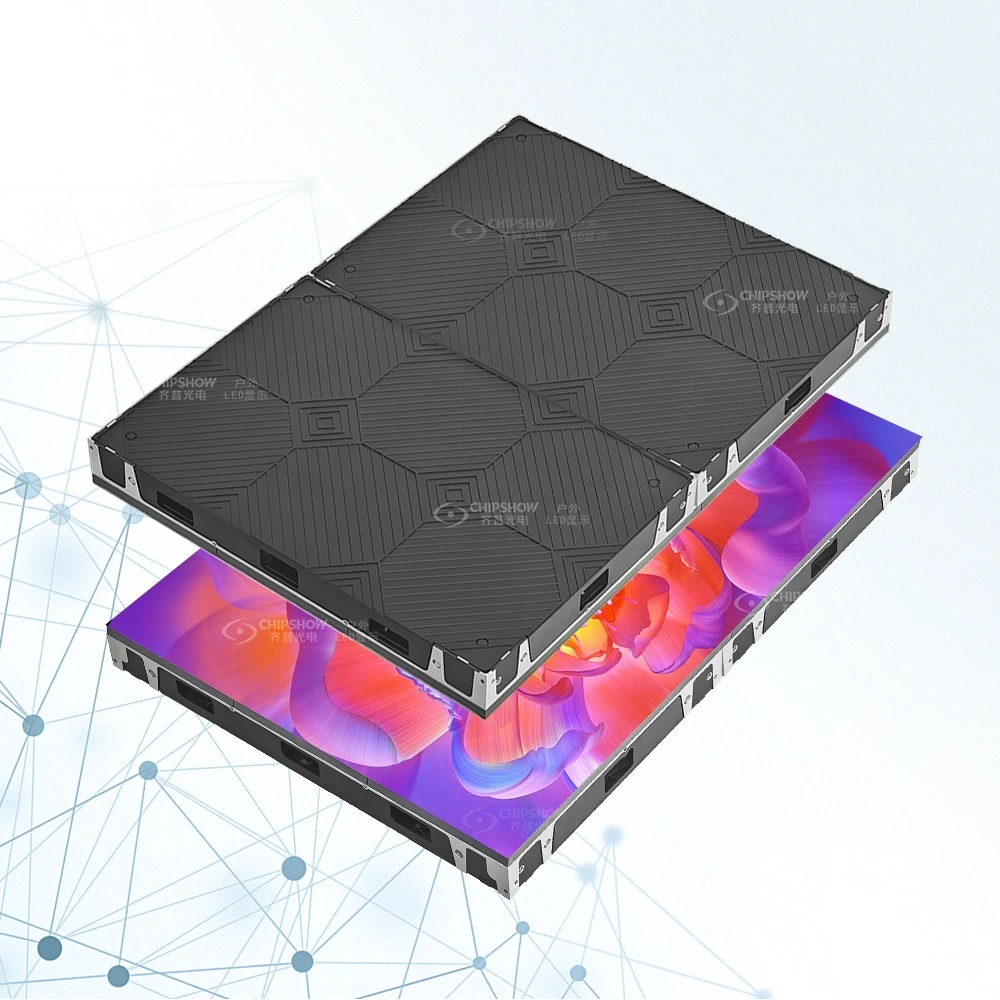
For example, Chipshow C-Smart uses 25.2 × 12.6-inch (640 × 320 mm) LED modules and has a published system depth of approximately 3 inches (75 mm), including the power box. Each module adds a known amount of width and height. This lets the fabricator adjust the grid in smaller steps when masonry, decorative cladding or a permanent logo panel limits the available opening.
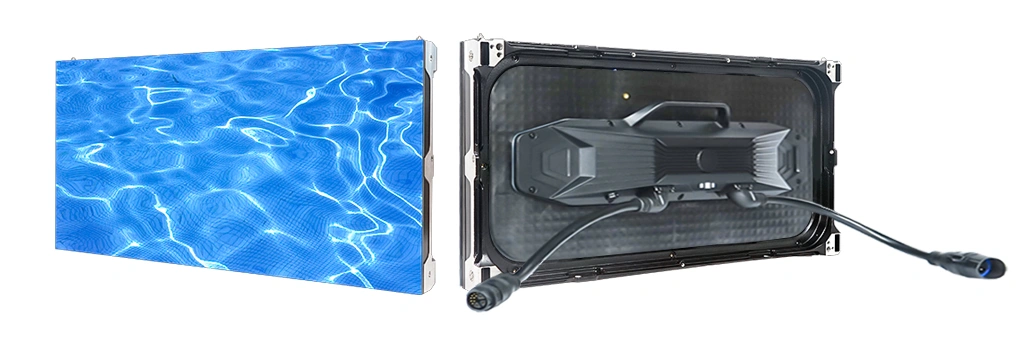
Before fabrication, the project team should approve:
- Exact active display width and height
- Module quantity and orientation
- Final pixel resolution
- Border and finishing dimensions
- Power and data component locations
- Clearance needed to remove modules and service parts from the front
Check Cabinet Fit and Service Access
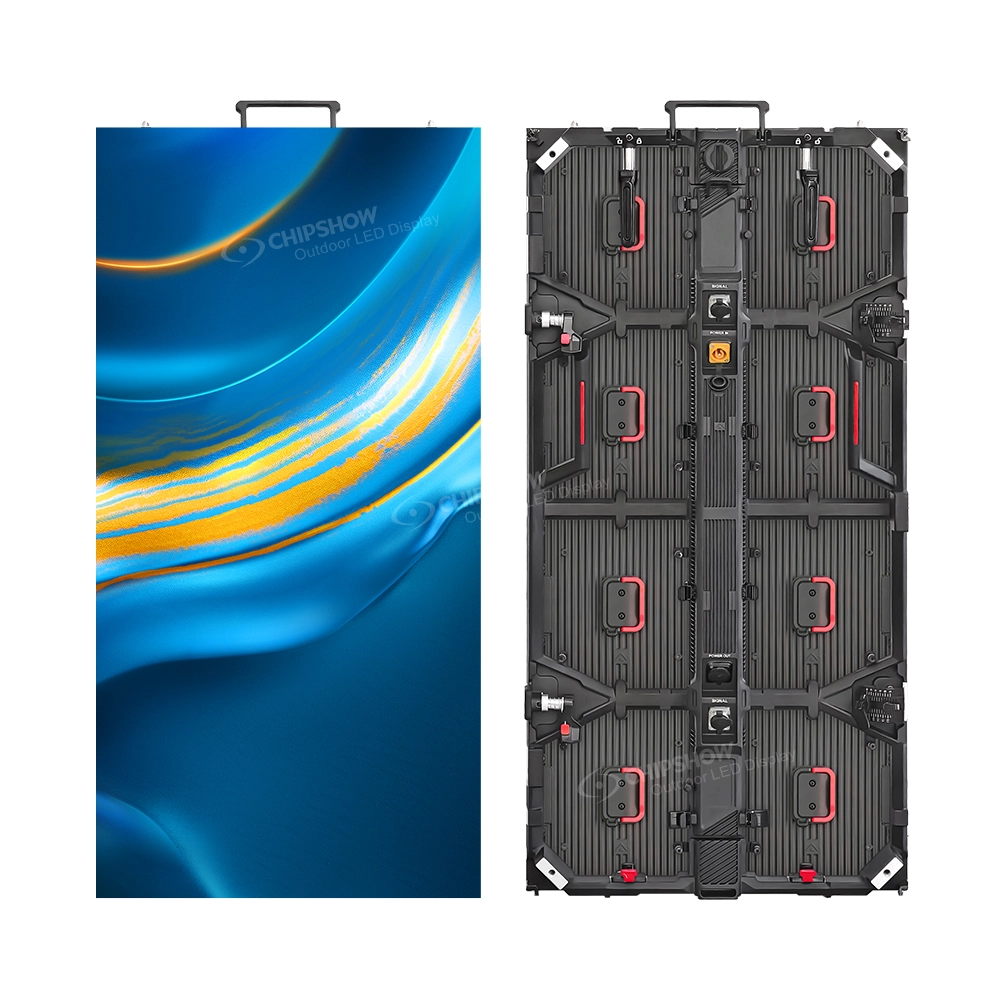
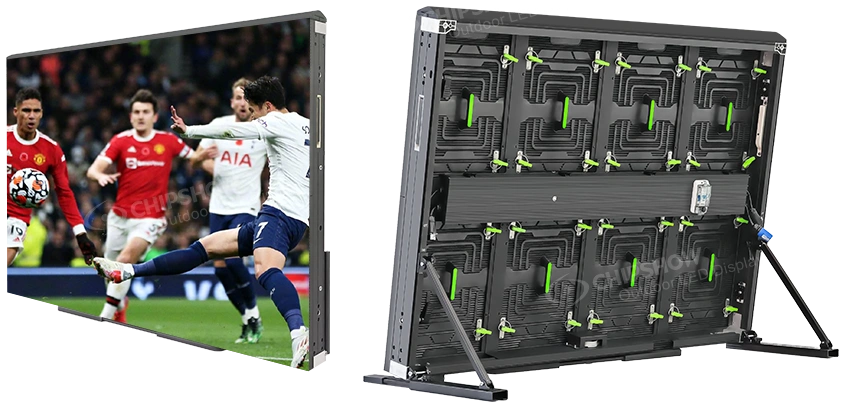
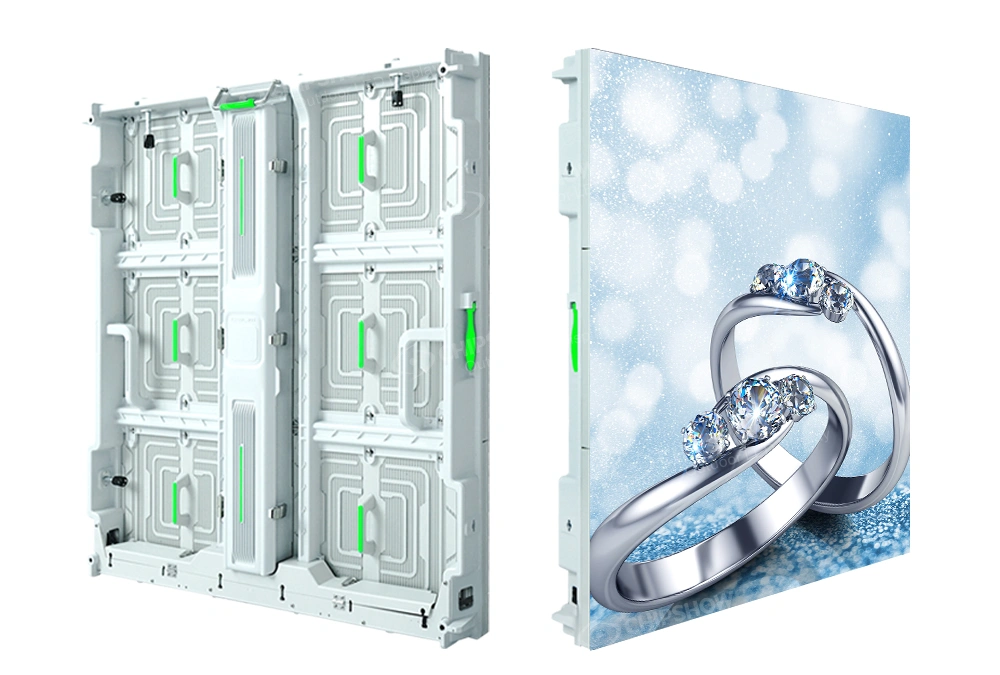
Consider full LED cabinets when complete rows and columns of the selected cabinet can fit the available opening. Check the resulting display dimensions, cabinet depth and the clearance needed to remove components using the planned service method.
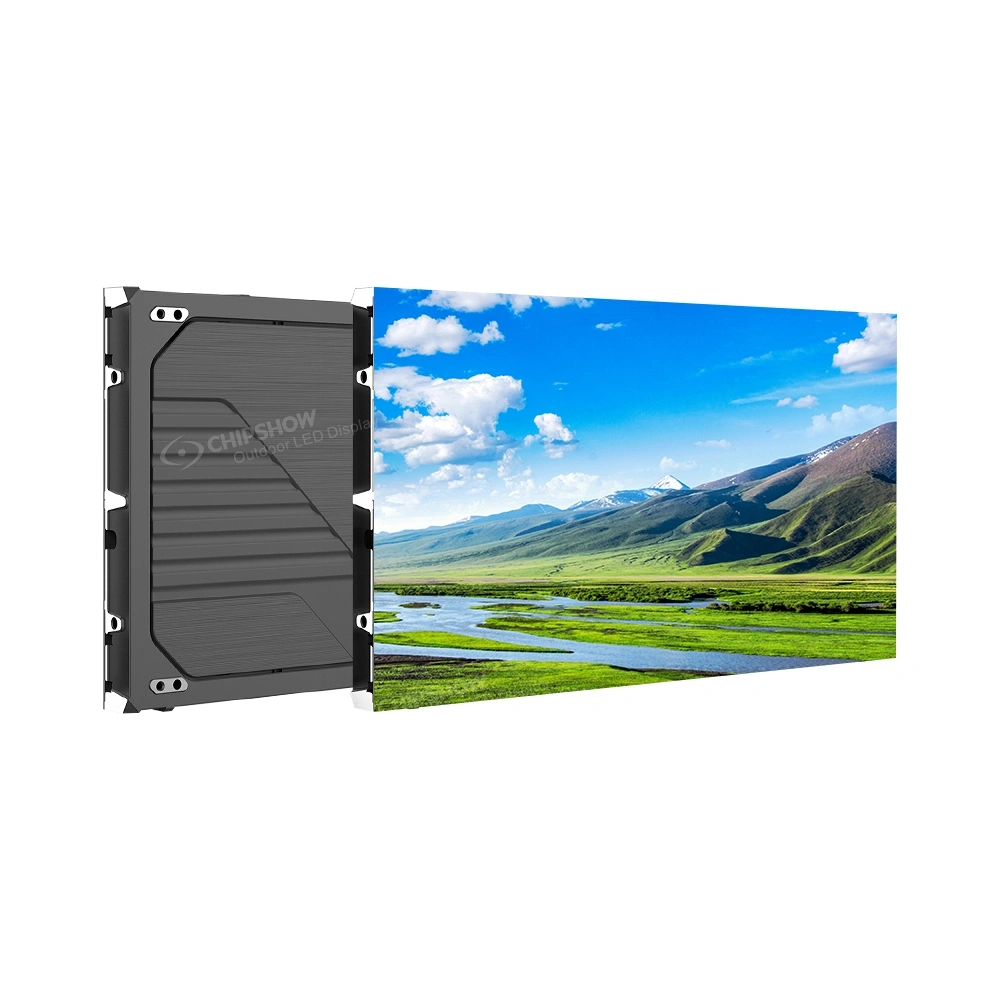
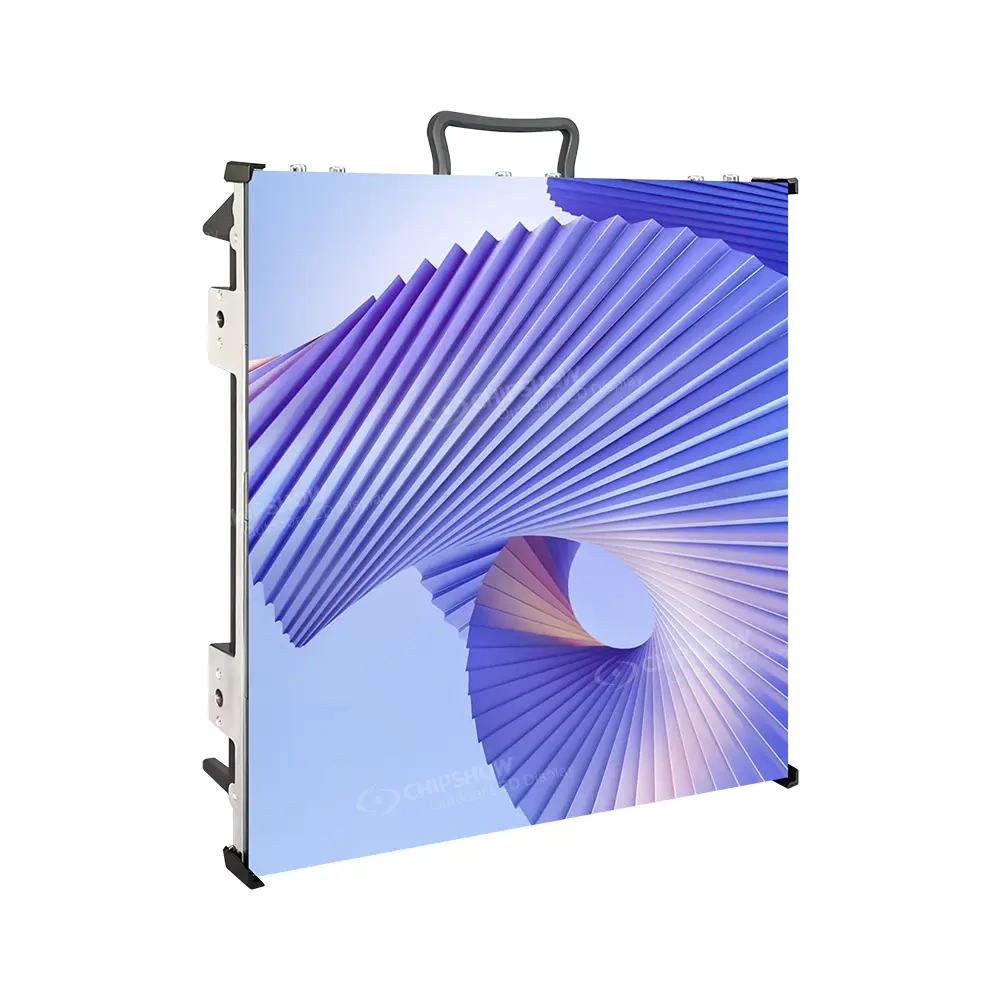
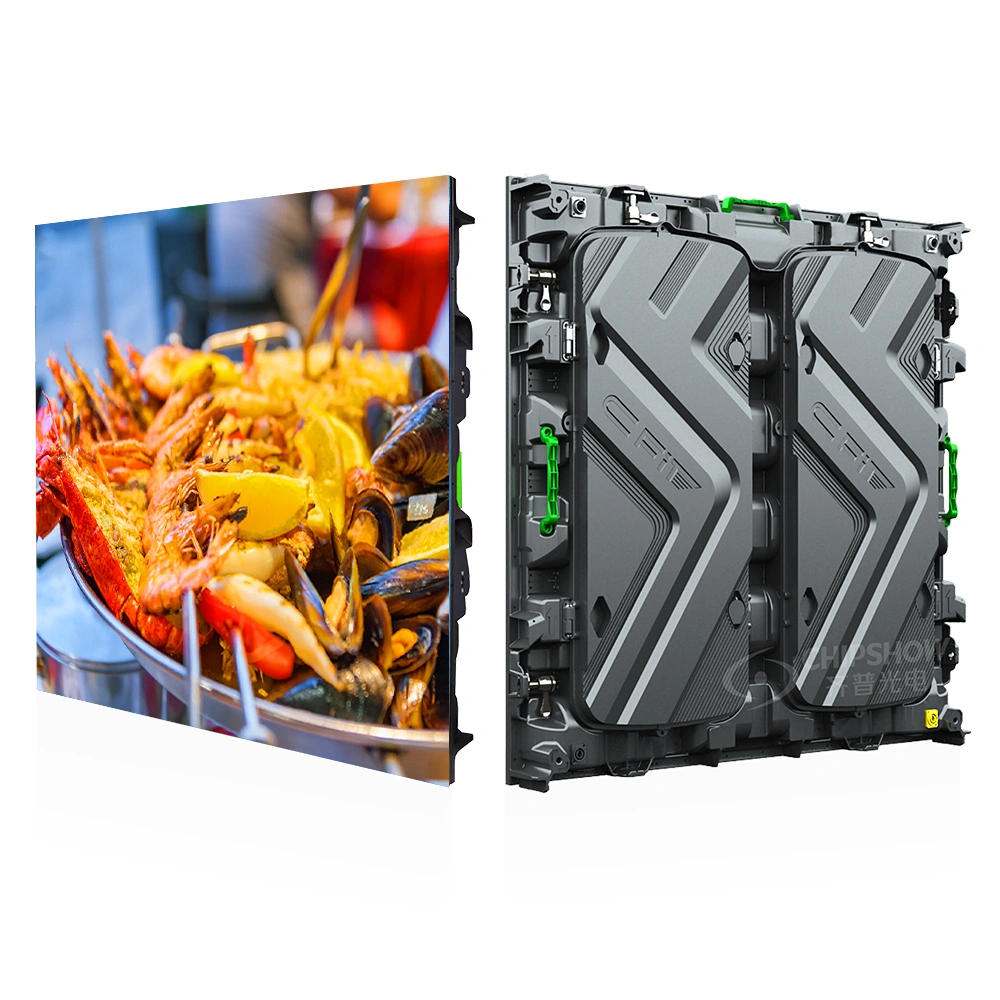
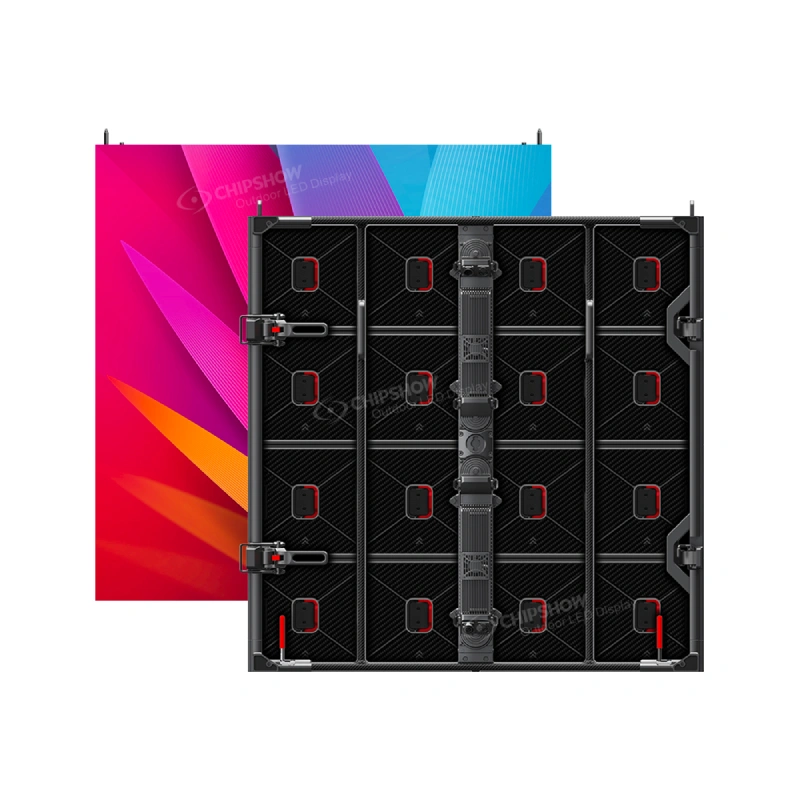
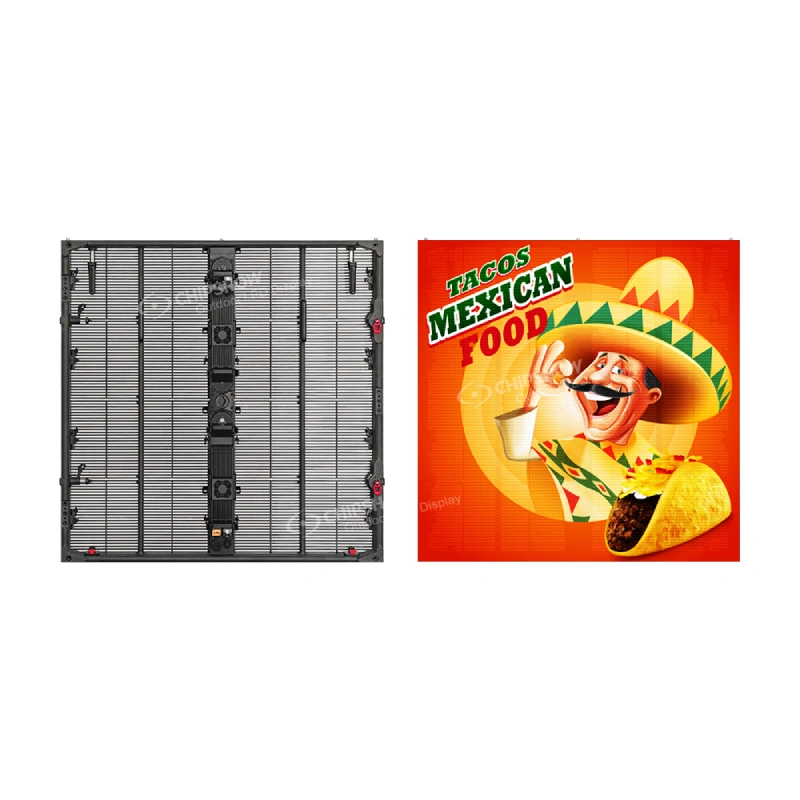
Chipshow C-Fit Easy uses 37.8 × 37.8-inch (960 × 960 mm) cabinets. The square cabinet format lets the project team calculate the opening as complete cabinet rows and columns.
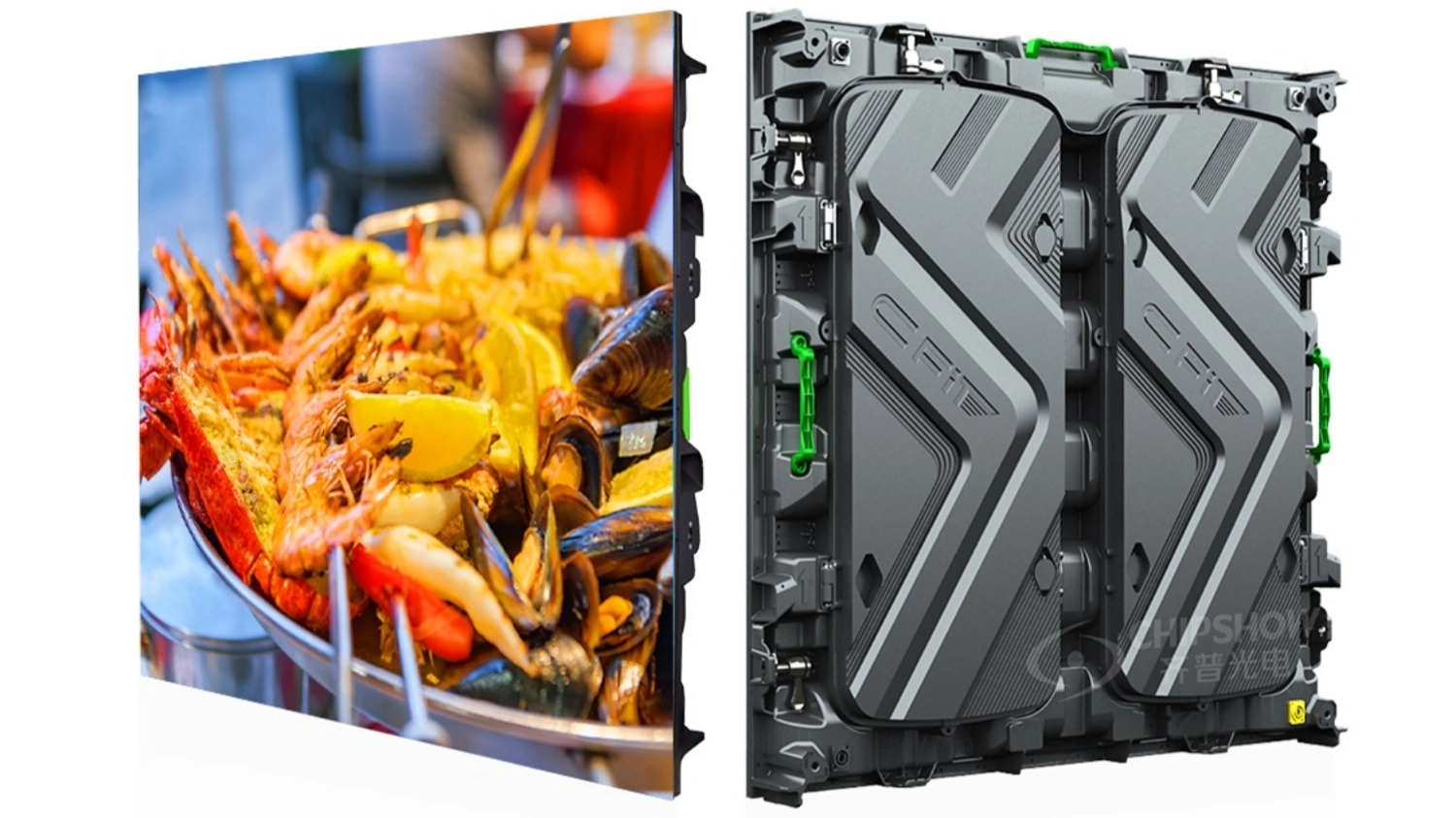
C-Fit Easy supports front or rear service. Select the service method according to the access available in the finished enclosure.
A four-cabinet-wide layout, for example, should not be described only as “approximately 12.6 feet wide.” The drawing should show the actual cabinet grid, active display dimensions, surrounding structure and service clearances.
Showing the cabinet grid on the drawing prevents the fabricator from building an opening first and trying to fit the display into it afterward.
Design the Enclosure Around Service, Heat and Water
The LED display is only one part of the completed sign. Its enclosure must preserve access to service components. It must also release operating heat and keep water away from the electronics.
Choose Front or Rear Service from the Actual Access Route
Front service is useful when the rear of the display will be enclosed by the sign body or cannot be reached safely during normal maintenance. The technician must be able to remove the relevant modules and internal components from the display face without decorative trim or structural members blocking the path.
Use rear service only when technicians can safely reach the back of the display and remove its components. For a tall pylon, the proposal must identify the access route and any platform or lifting equipment required for that work.
Keep Framing Out of the Component Removal Path
Do not place steel members, decorative cladding or access doors where they block the removal of display components.
The coordinated drawing should show:
- Structural members around the display
- Module or cabinet removal direction
- Power-supply and receiving-card access
- Door swing and internal clearance where applicable
- Cable routing that does not obstruct removable parts
The sign designer, LED supplier and fabricator should approve these access details before fabrication.
Plan Ventilation and Drainage Separately
The enclosure must release the heat produced during operation. It must also prevent water from collecting around electrical and display components.
Do not assume that making the enclosure “sealed” solves both problems. The final design must show how heat leaves the enclosure. It must also show how the enclosure keeps rainwater away from openings and drains incidental moisture.
Ventilation openings and cooling equipment should not give rainwater a path toward the display electronics. Drainage should carry incidental moisture away from electrical components and remain functional after the sign foundation, cladding and landscaping are completed.
After defining ventilation and drainage, use Chipshow’s outdoor LED installation guide to coordinate the structure, power, access and commissioning scope.
Three Common Project Decisions
School, Church or Community Entrance
When drivers read short announcements while slowing near the entrance, use a monument structure with a permanent name or logo and a defined EMC area.
Consider a module-based layout if the selected module dimensions fit the opening and the enclosure provides enough depth for the display components and service access.
Before requesting a quotation, record the active display dimensions and typical messages. Describe how technicians will reach the display components. Assign responsibility for the electrical connection and content updates.
Multi-Tenant Retail Property
When parked vehicles or neighboring signs block a ground-level sign, use a pylon structure to identify the property earlier. Keep the center name and major tenant identities permanent. Use the EMC for one changing campaign or notice at a time.
Consider full LED cabinets if complete cabinet rows and columns fit the opening and the finished enclosure provides the required depth and service access.
Before requesting a quotation, assign responsibility for the display, sign structure, cladding, electrical connection, control equipment and commissioning. Also explain how installation equipment will reach the sign location.
Existing Monument Sign Retrofit
Begin a retrofit by surveying the existing opening and structure. Do not select the display from the opening’s visible width and height alone.
The survey must determine:
- Clear internal opening, not only the visible face dimensions
- Available enclosure depth
- Existing structural members
- Front and rear access
- Electrical capacity and circuit condition
- Cable route
- Drainage and ventilation provisions
- Condition of the existing sign structure
Check whether the selected module dimensions can form a display that fits the surveyed opening. Confirm sufficient enclosure depth and access for component removal. If structural members block that access or the electrical system cannot support the new load, include the necessary structural or electrical modifications in the retrofit plan.
Conclusion
Choose the sign structure from the way drivers encounter the property. Use a monument sign when drivers will read the message near the entrance while slowing or turning. Consider a pylon where an elevated sign face would improve visibility from approaching traffic or help drivers identify the property earlier. After choosing the structure, separate the permanent identity from the changing content. Test real messages before setting the EMC dimensions. Then coordinate the LED grid, enclosure, service route and supporting structure before fabrication. To review a monument or pylon EMC layout for your next project, contact Chipshow.
Frequently Asked Questions
Q1: Can an EMC be added after a monument or pylon structure has been fabricated?
An EMC can be added after fabrication only if the existing structure can accommodate the display and its service requirements. Recheck the clear opening, enclosure depth, structural members, electrical capacity, ventilation, drainage and component-removal path before selecting the display. Modify the enclosure or supporting structure if the selected module or cabinet grid does not fit those conditions.
Q2: Does an EMC need a continuous internet connection?
A continuous connection is not always required for local playback. Remote updates and monitoring need a connection while those functions are in use. Before selecting the control system, decide whether the EMC must continue playing stored content during an internet outage.
Q3: Can an existing monument sign’s electrical circuit be reused?
Do not assume so. A qualified electrician should inspect the existing circuit and confirm that its capacity, voltage, grounding and protective devices match the selected display and control system.
Q4: Who is responsible for documentation for the completed sign?
The proposal should assign responsibility among the LED supplier, sign fabricator, structural engineer, electrical contractor and installer. Product documentation for the display does not replace structural, electrical or local approval documents for the completed sign.
Q5: What should the owner receive after commissioning?
Agree the handover package before commissioning. It should include the approved display layout, wiring information and a control-system configuration backup. It should also include the pixel dimensions for content files, operating instructions, control-system administrator credentials, service instructions and a record of installed spare parts.
Compare module and cabinet layouts for your own site with the LED sign selector before requesting a quote.