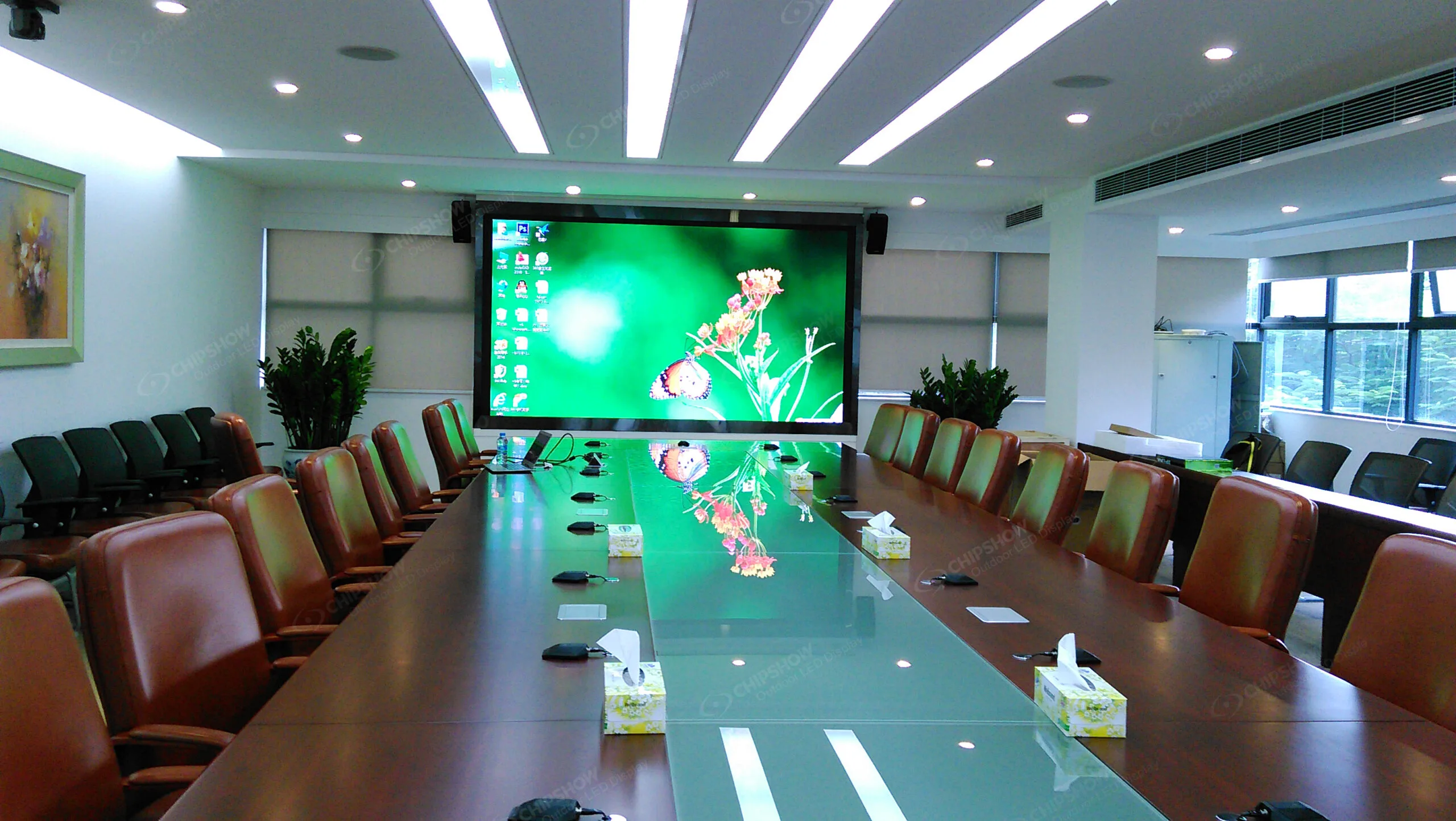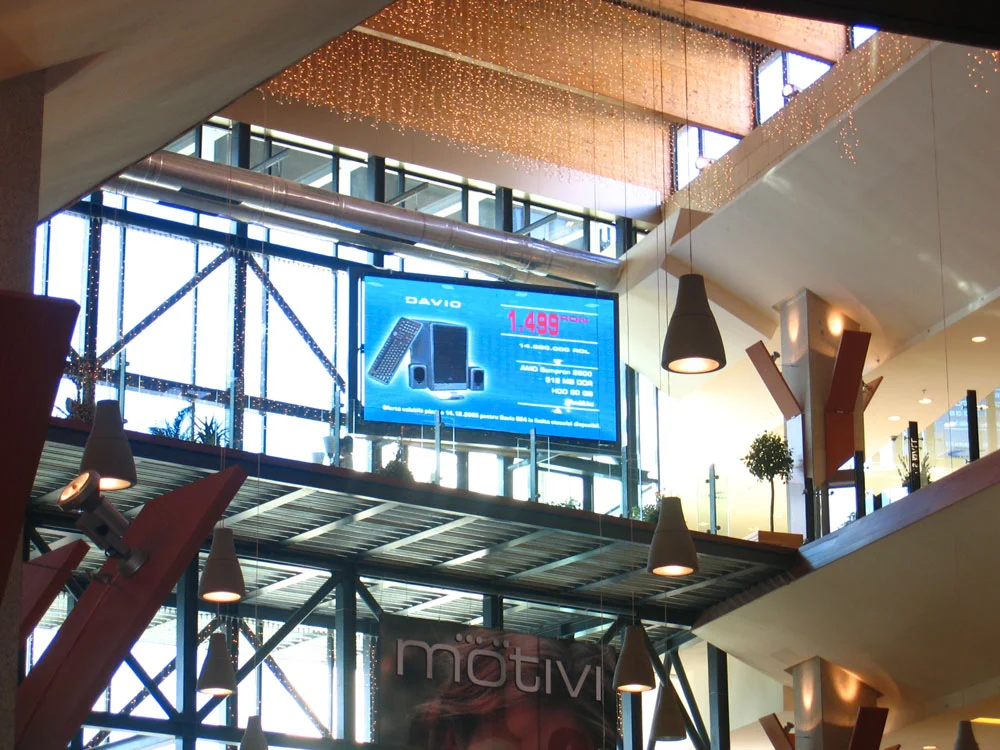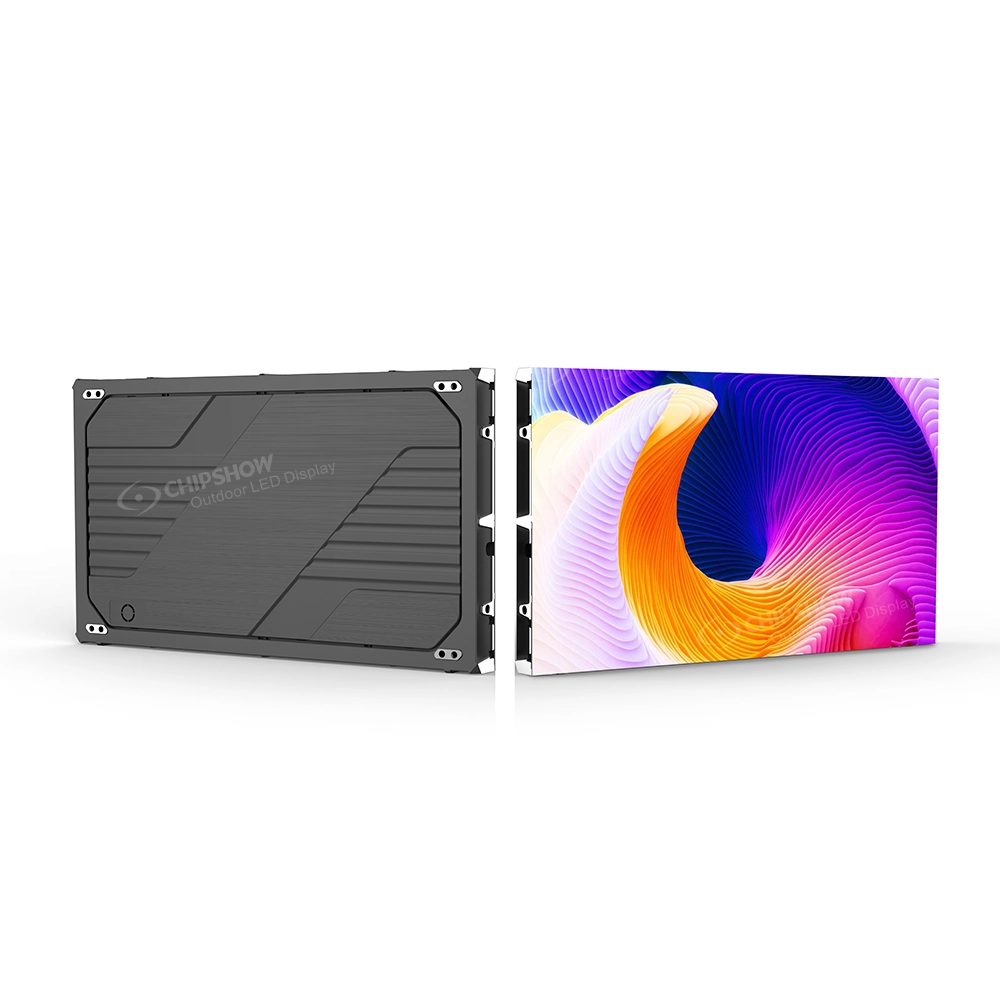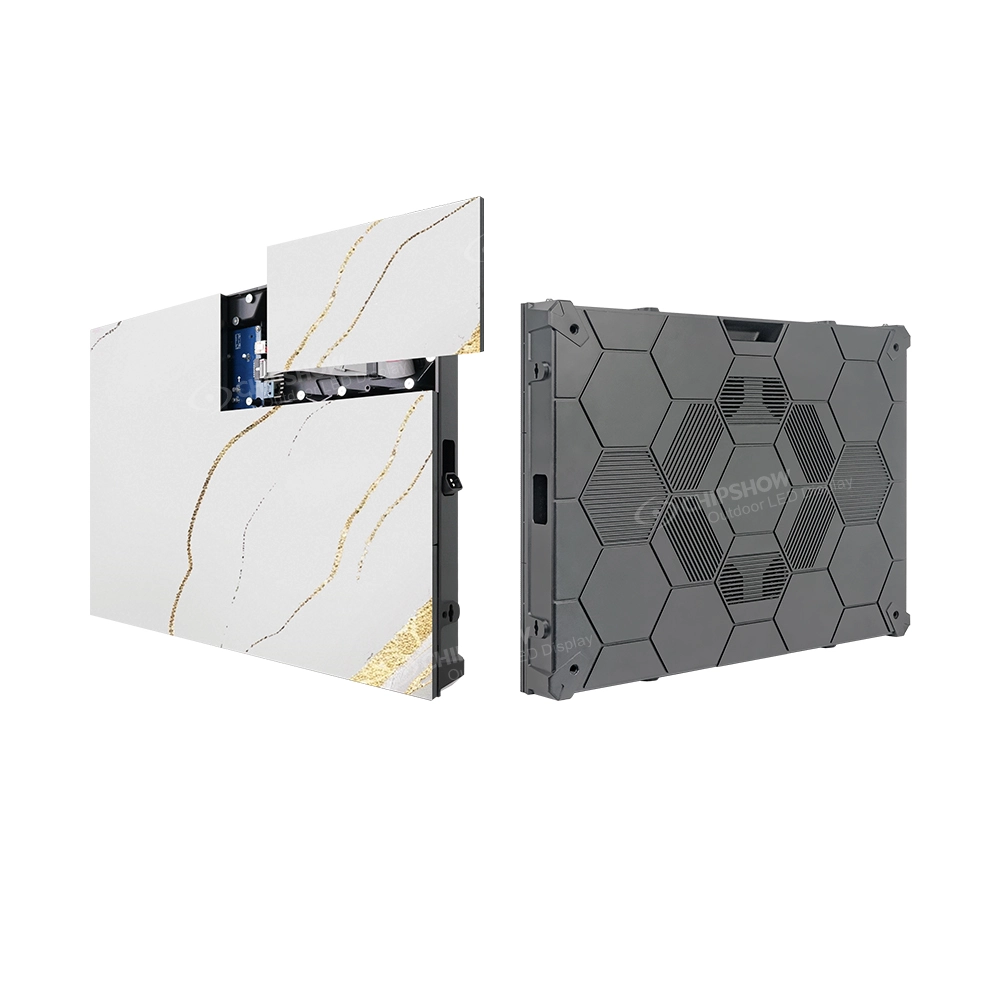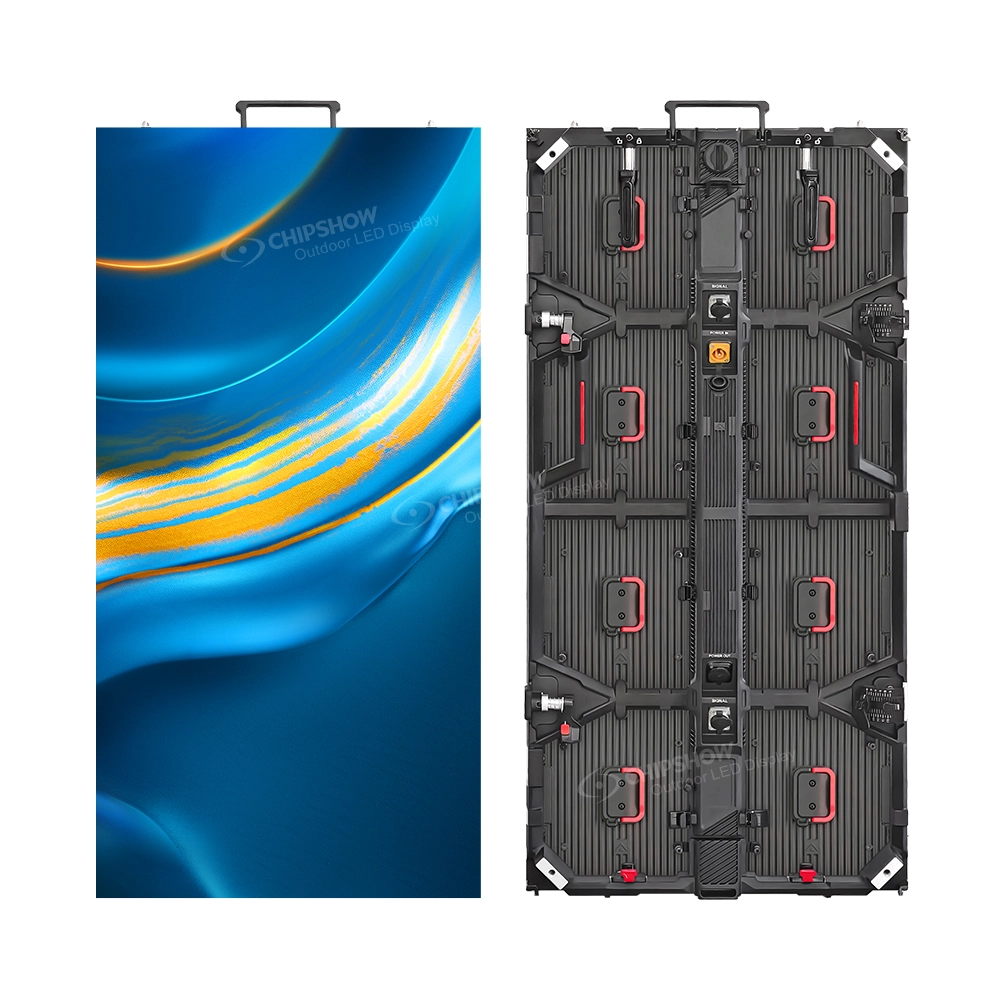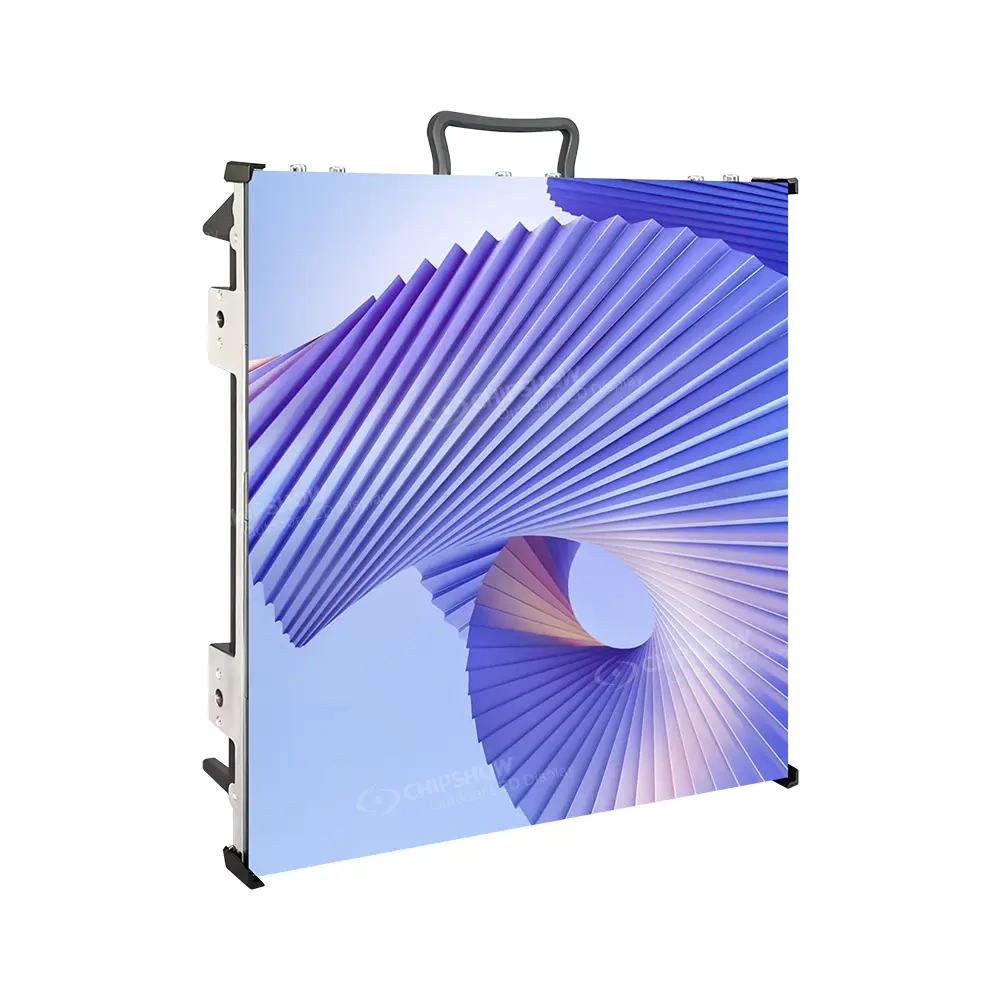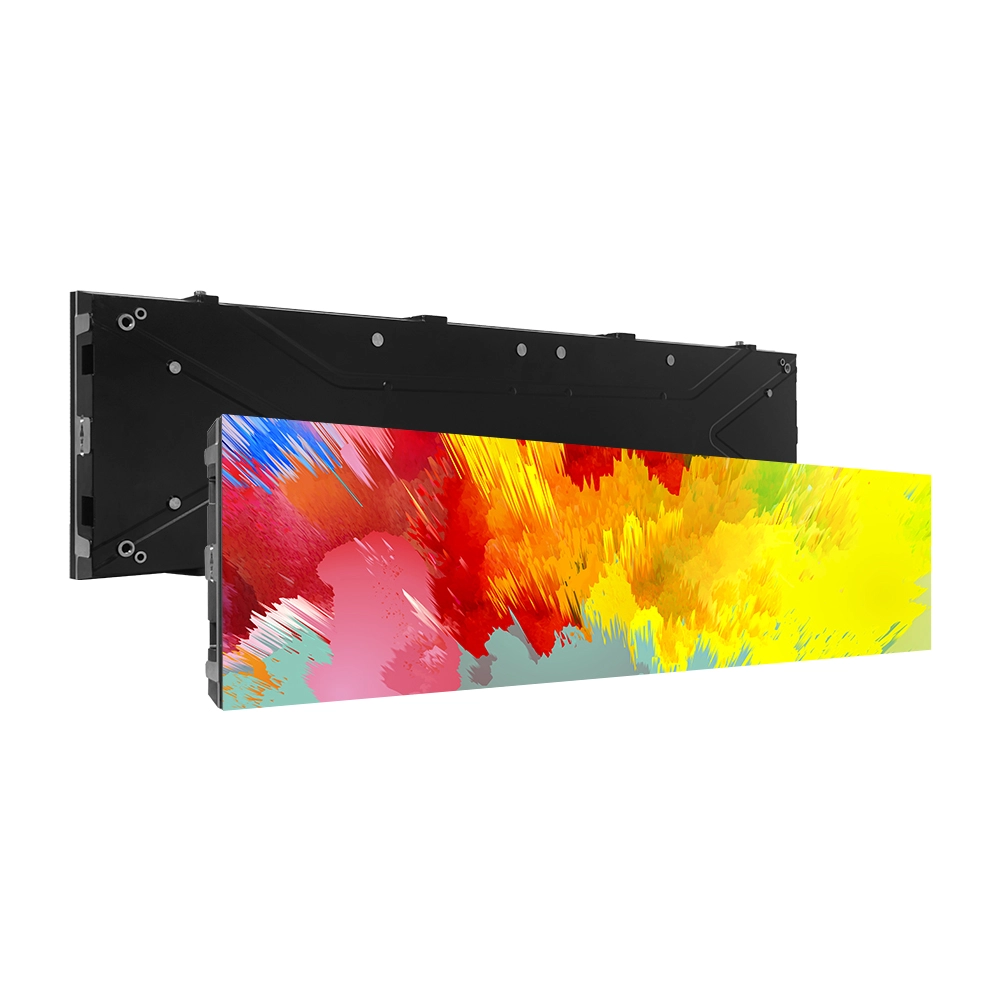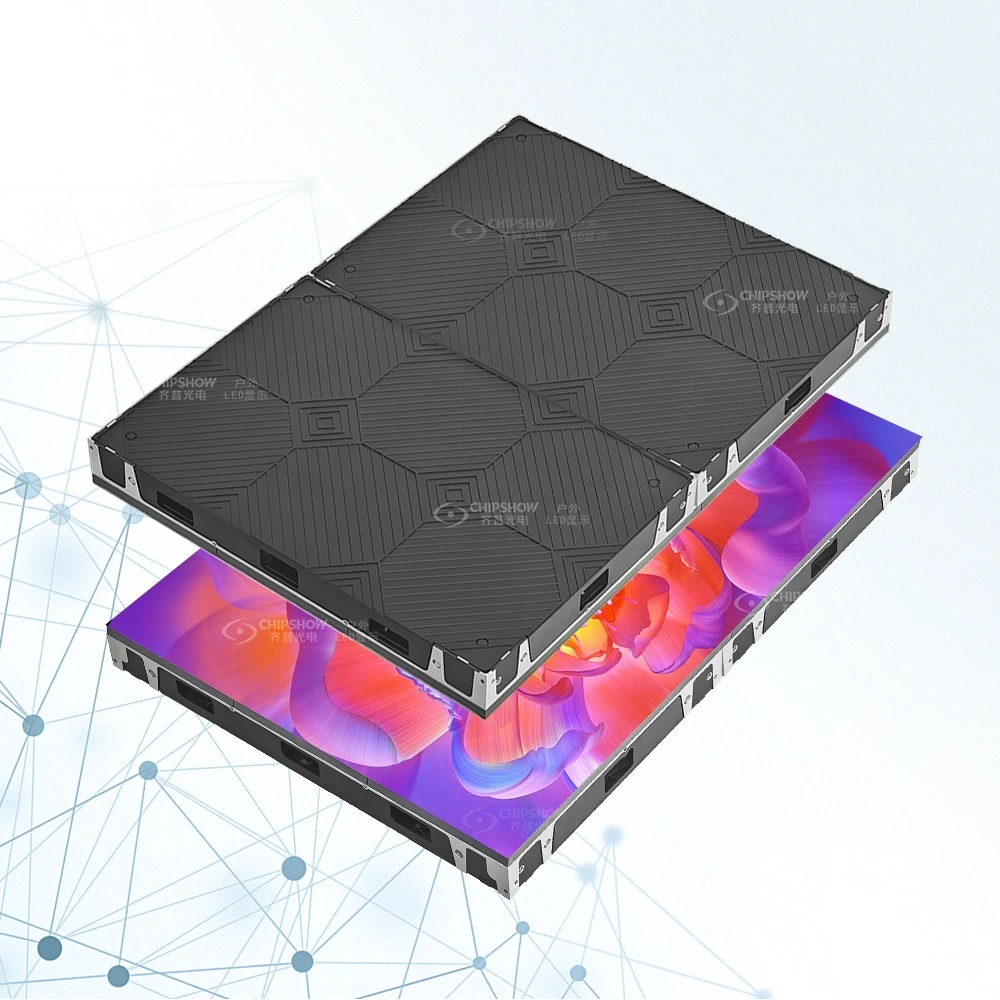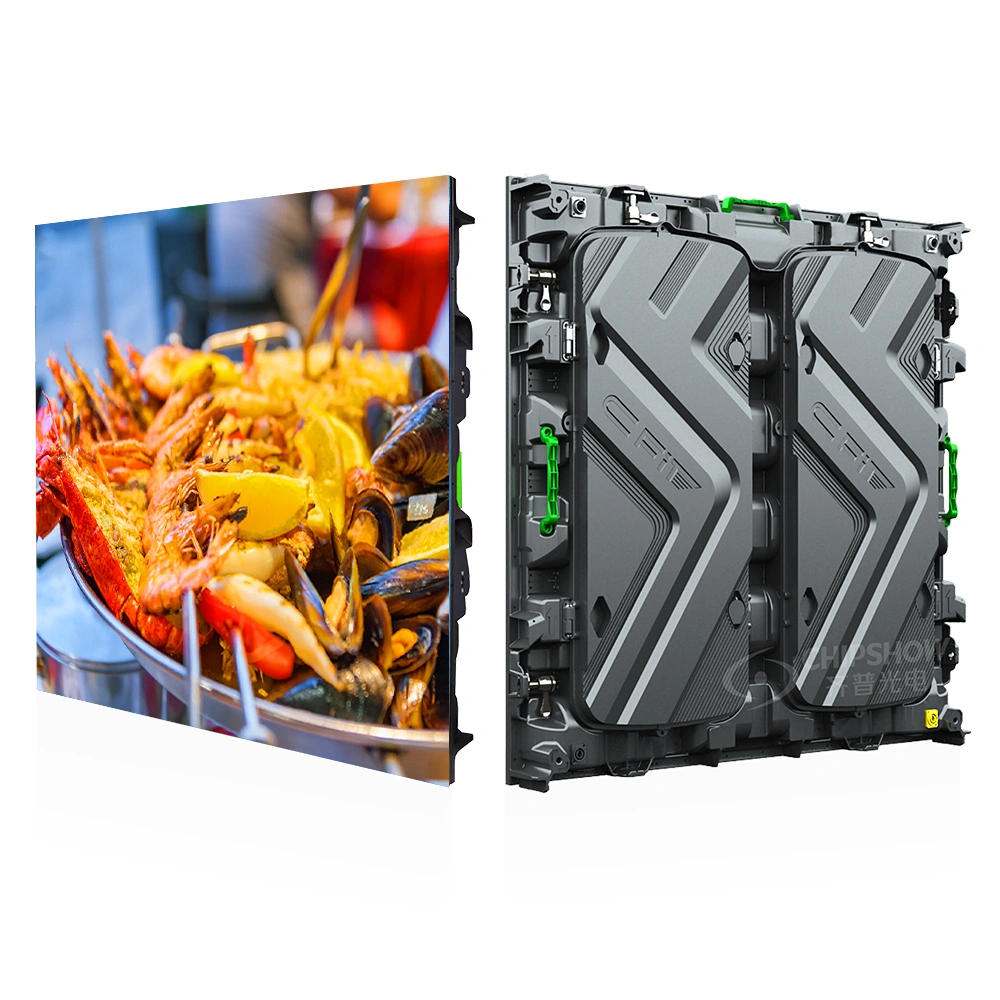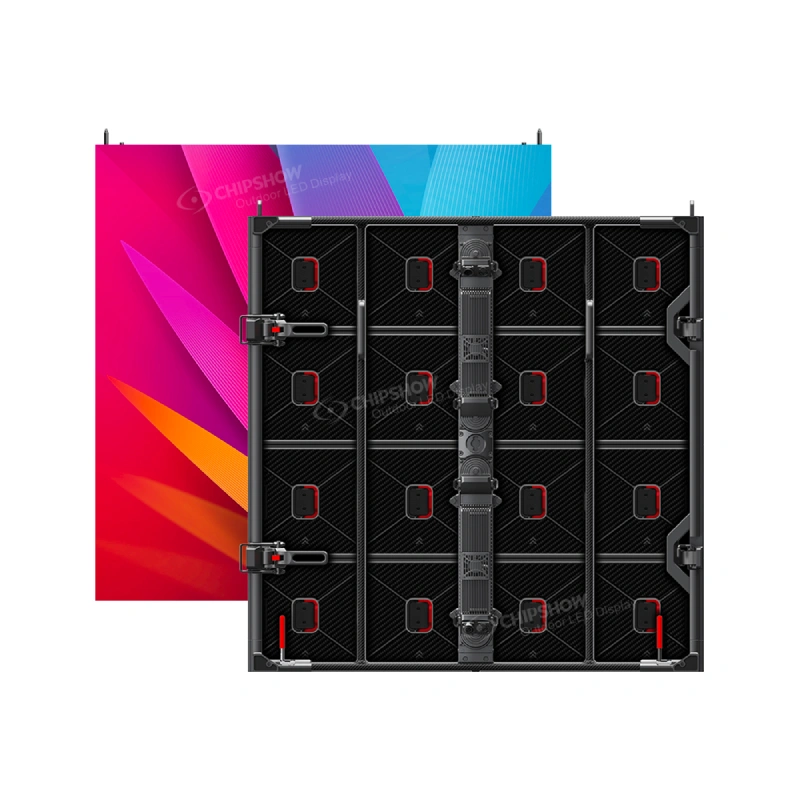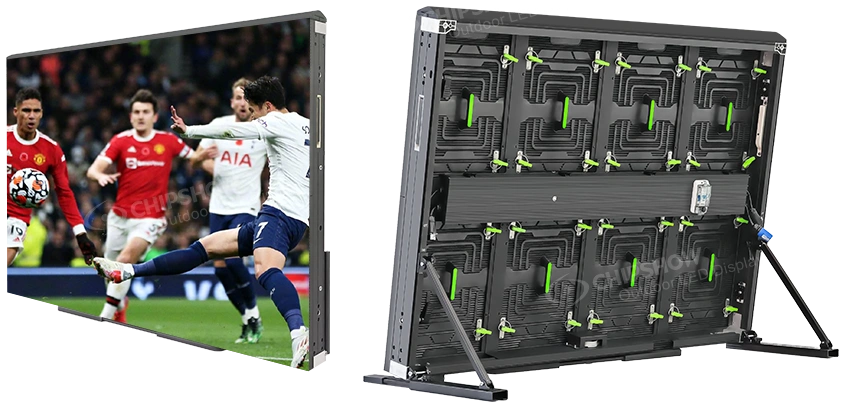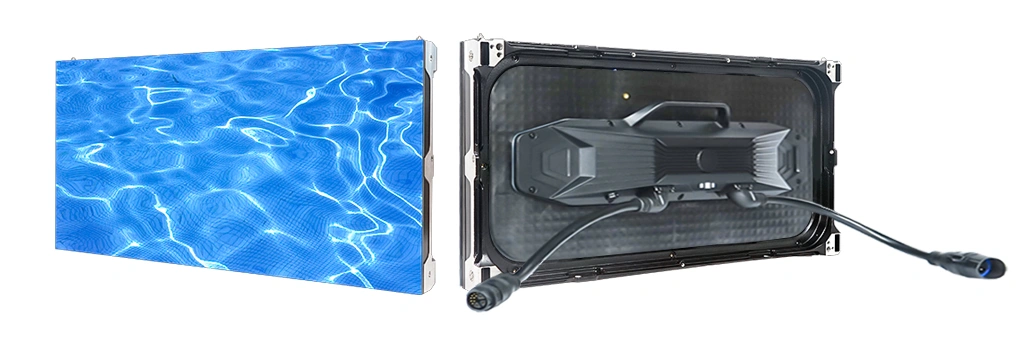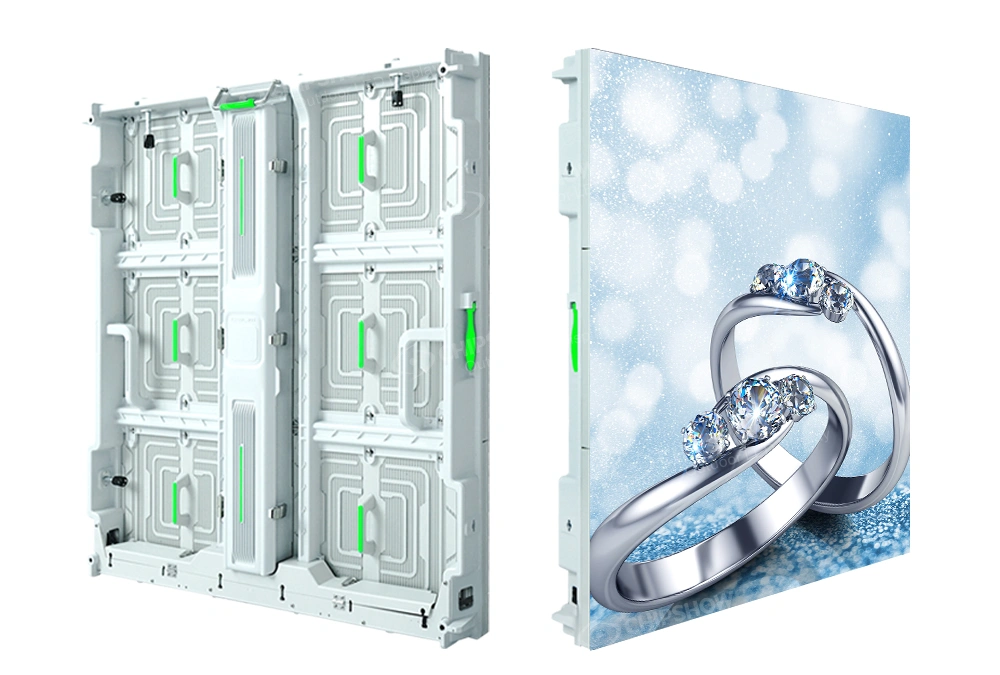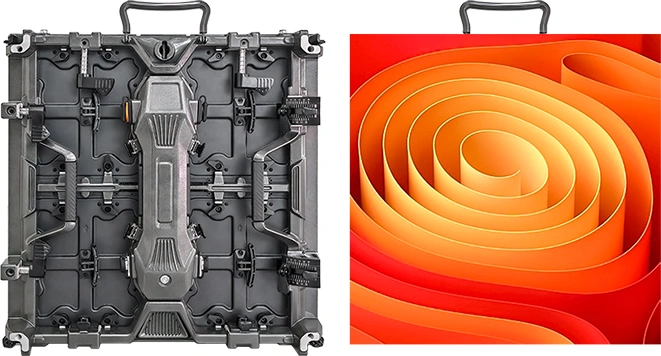
US stock only helps when the stock matches the indoor LED wall you are actually building.
Not sure which pitch or cabinet format fits your build? Run the requirements through the Chipshow USA LED sign selector to shortlist signs by nearest viewer and sign opening before requesting a quote.
An AV integrator working toward a fixed opening date may search for P1.5 jumbotron ready to ship solutions or P3 indoor jumbotron US stock because the project cannot wait through an uncertain hardware schedule. At that stage, however, the pitch name is only the beginning of the specification.
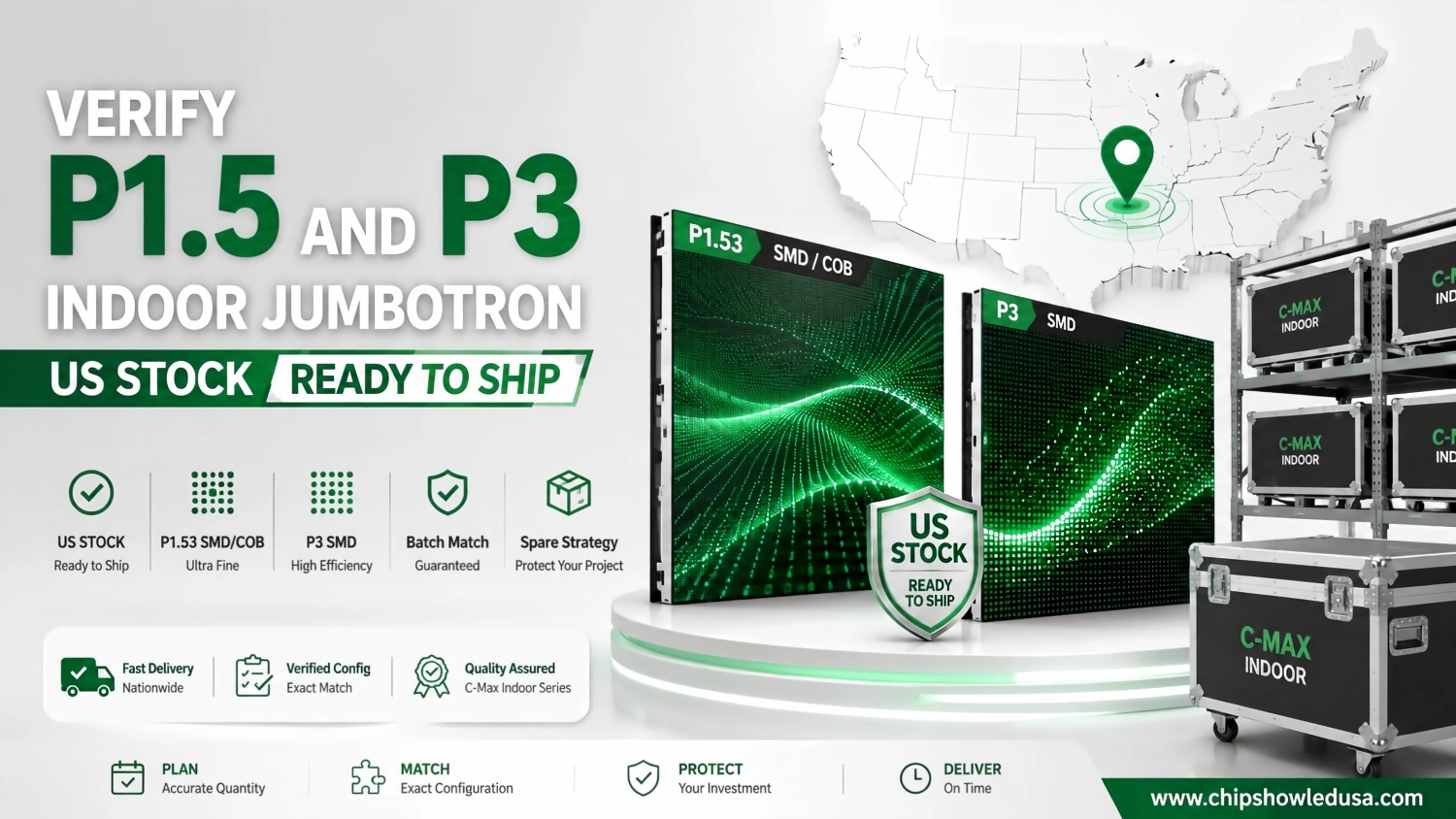
For Chipshow C-Max projects, P1.5 normally leads to the actual P1.53 product pitch. P1.53 can then follow either an SMD or COB hardware route, while P3 belongs to the C-Max SMD platform. Screen dimensions, cabinet quantity, planned spares and production batch all affect whether a particular project can move quickly from specification to shipment.
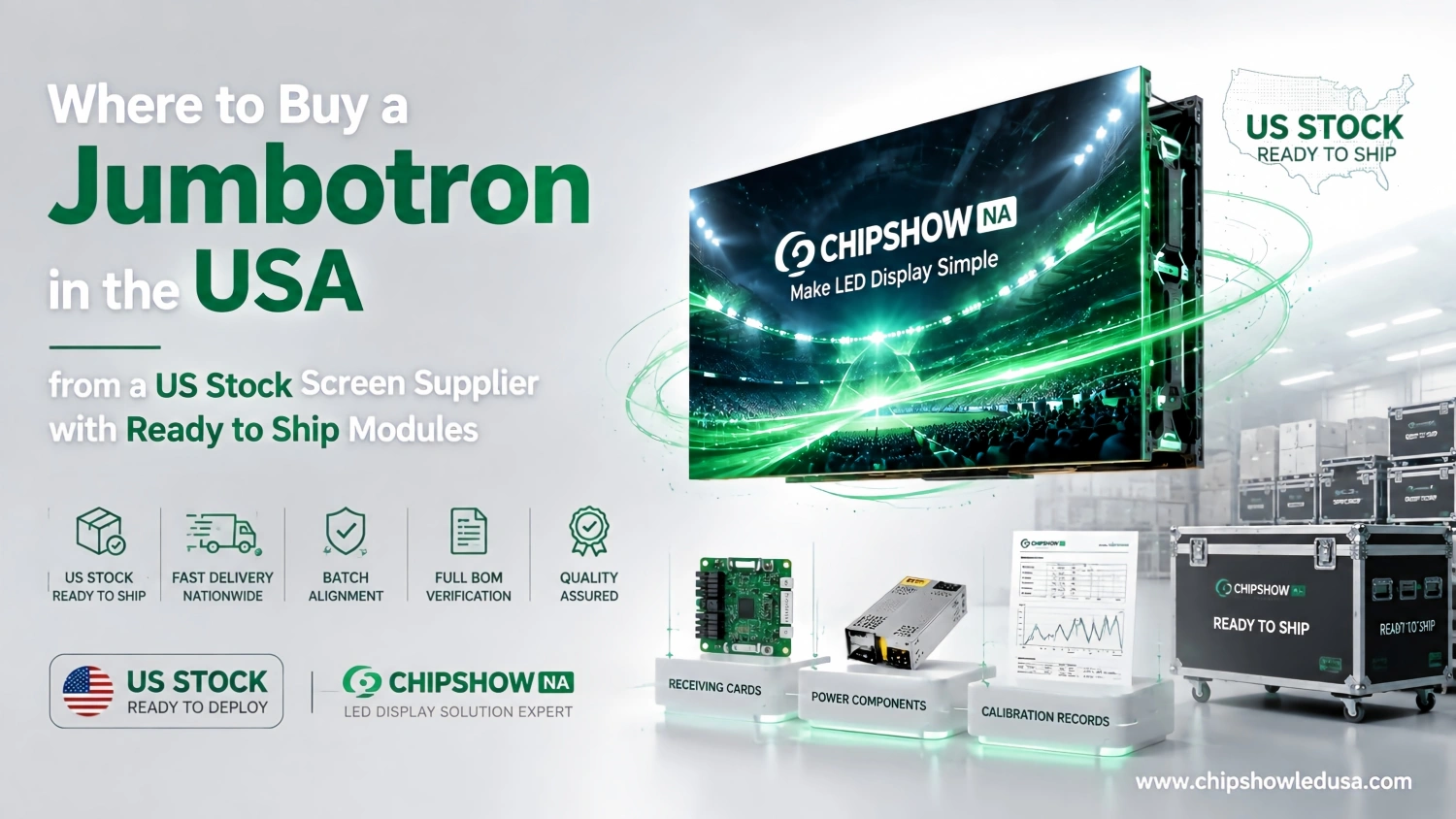
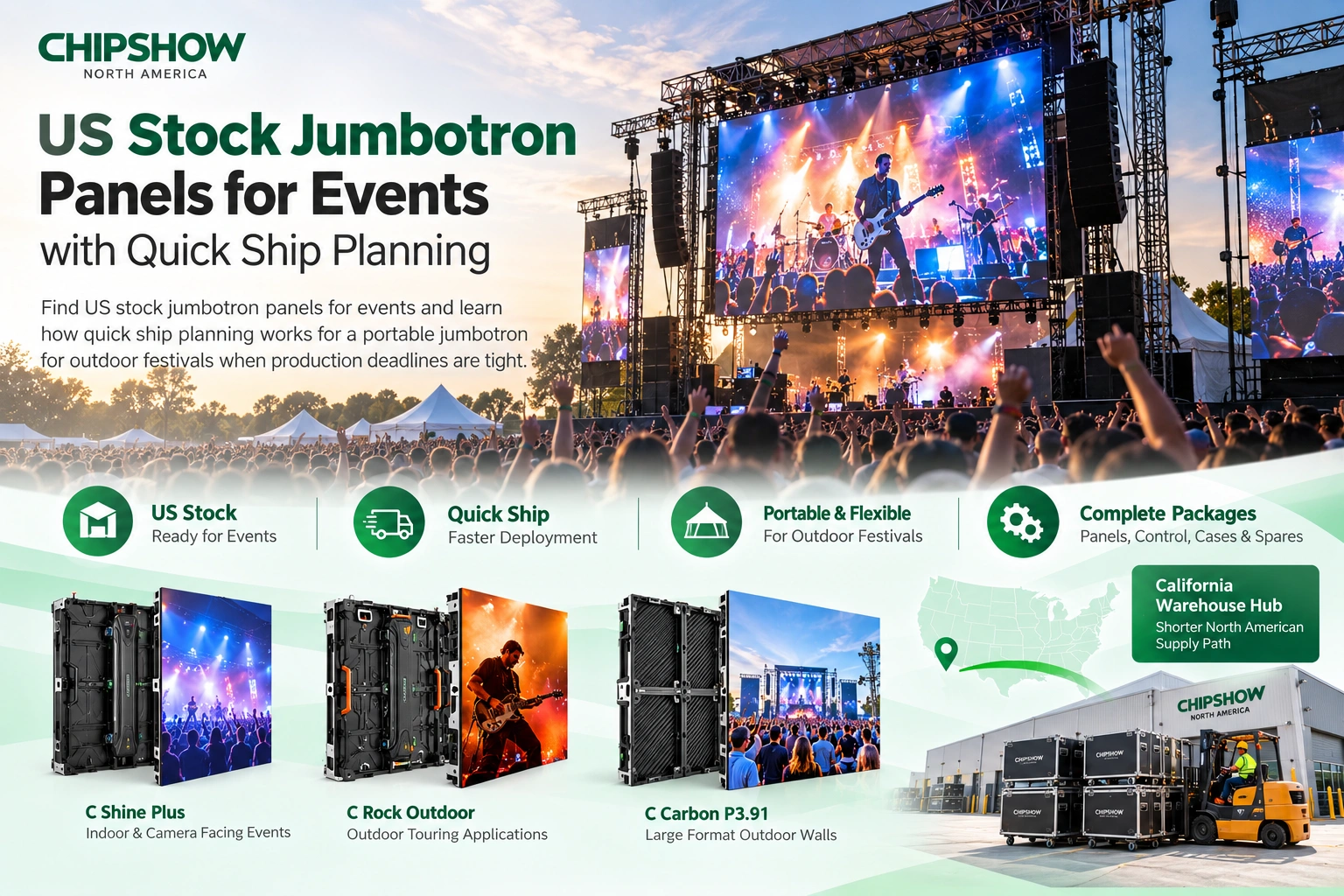
Chipshow combines factory manufacturing with a California Warehouse Hub that provides a North American hardware buffer for selected configurations. When matching inventory is available, the project can move through a domestic supply path instead of waiting for a new international shipment.
That local inventory advantage does not change the channel relationship. Chipshow supplies the LED hardware, relevant product documentation and the manufacturer side hardware package. The AV integrator remains in control of the customer relationship and its contracted field work.
Ready to ship means the exact configuration has been confirmed and allocated for the project.
For deadline driven indoor projects, that definition is more useful than a general US stock label.
P1.5 Search Term and P1.53 Product Pitch
P1.5 is common language during early project research.
The final indoor LED specification should be more precise.
Use P1.53 in the Final Specification
A customer may ask for P1.5 because that is the pitch name used in an early conversation, budget note or online search. Once the project reaches quotation and technical review, the actual Chipshow product designation becomes important.
C-Max offers P1.53 as an actual fine pitch option.
That is the value that should appear in the final hardware BOM, technical submittal and spare planning when P1.53 is the configuration being supplied.
Using the exact pitch keeps the native pixel calculation and product documentation aligned with the physical hardware.
The difference between P1.5 and P1.53 is small enough to be harmless in an early conversation but important enough to remove from final project documentation.
An integrator should be able to hand the product specification to the consultant, purchasing team and installation crew without leaving any uncertainty about what is being supplied.
The Same P1.53 Pitch Can Use Different Technologies
P1.53 does not identify the complete C-Max configuration by itself.
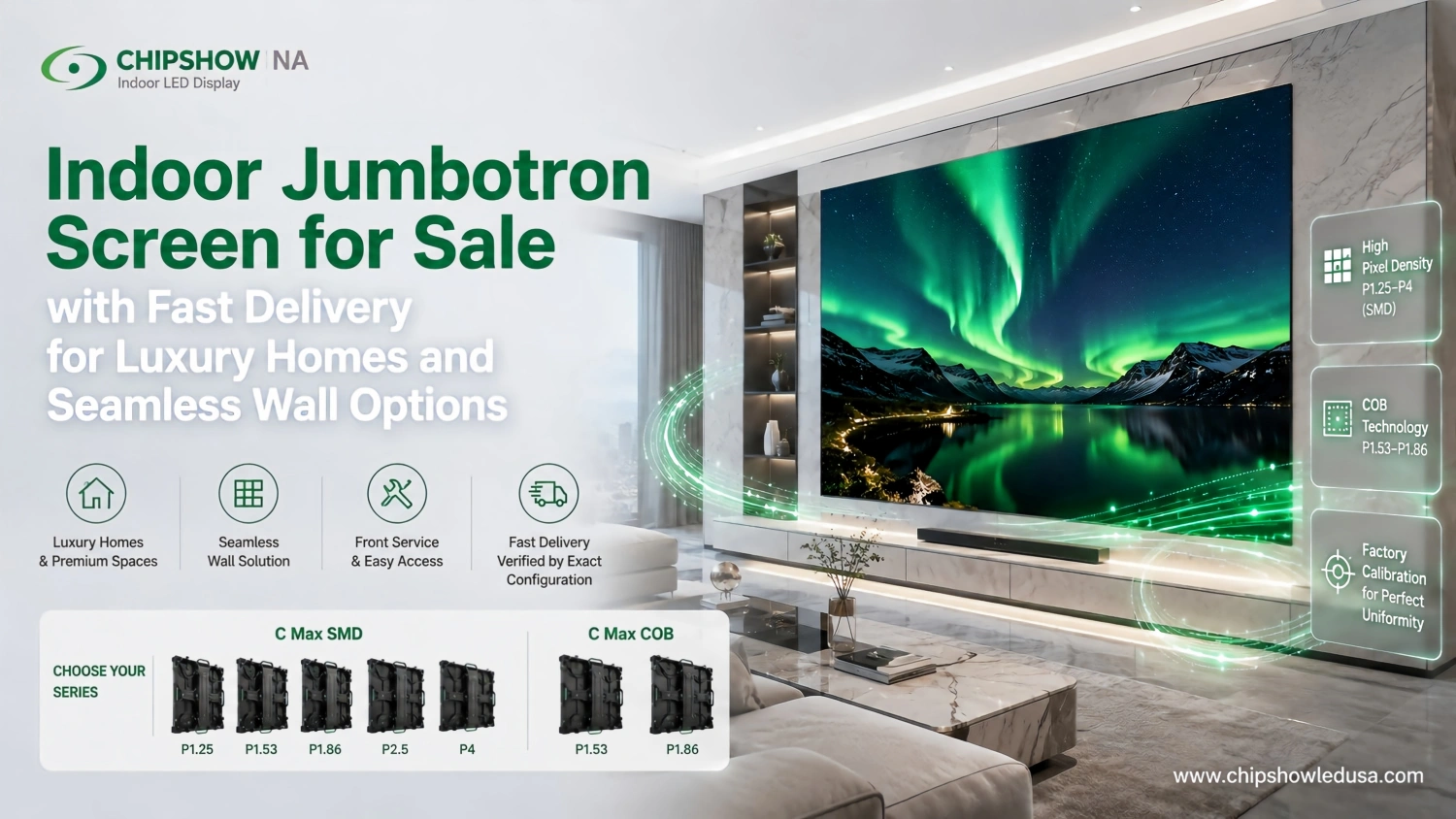
Chipshow offers P1.53 through both C-Max SMD and C-Max COB.
Those two platforms address different project priorities and should be treated as separate hardware configurations when inventory is checked.
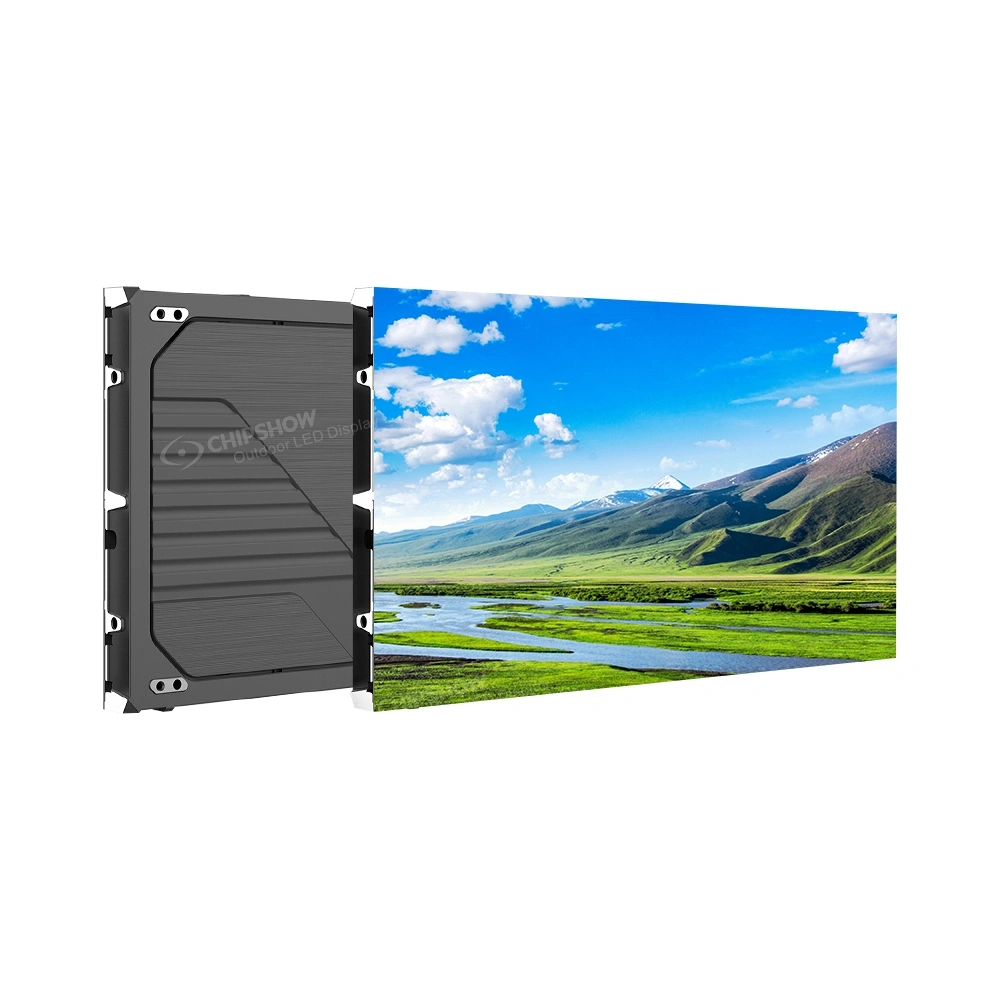
C-Max SMD is the broader commercial platform. It is appropriate when an indoor project needs fine pixel density without requiring the protected COB surface.
C-Max COB places more emphasis on close viewing and surface protection. It can make more sense in premium interiors, command environments and other spaces where viewers stand close to the display or the LED surface has greater exposure to physical contact.
The pitch may be the same.
The product is not.
For that reason, a P1.5 jumbotron ready to ship request becomes much more useful once the project identifies whether the required hardware is C-Max SMD P1.53 or C-Max COB P1.53.
P1.53 and P3 for Different Viewing Conditions
P1.53 and P3 can both support professional indoor LED walls.
The difference is not that one is premium and the other is basic.
The useful distinction is how much pixel density the room can actually use.
| Selection Factor | P1.53 | P3 |
|---|---|---|
| Viewing priority | Closer viewing and higher pixel density | Larger indoor walls viewed from farther away |
| C-Max options | SMD and COB | SMD |
| Typical environment | Executive spaces control environments premium interiors and detailed close viewing | Arena lobbies auditoriums worship spaces and large commercial venue walls |
| Pixel load at the same screen area | Higher | Lower |
| Budget logic | Invest in additional detail where viewers can see it | Preserve larger screen area without buying unnecessary pixel density |
| Stock planning | Confirm P1.53 technology quantity and batch | Confirm P3 quantity batch and supporting hardware |
P1.53 Supports Closer Viewing
The value of P1.53 becomes easier to justify as the audience moves closer to the LED surface.
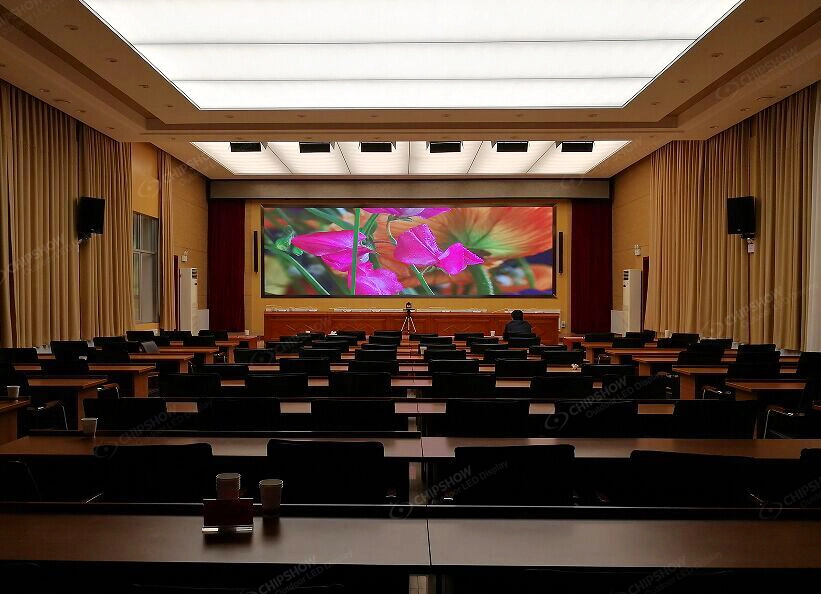
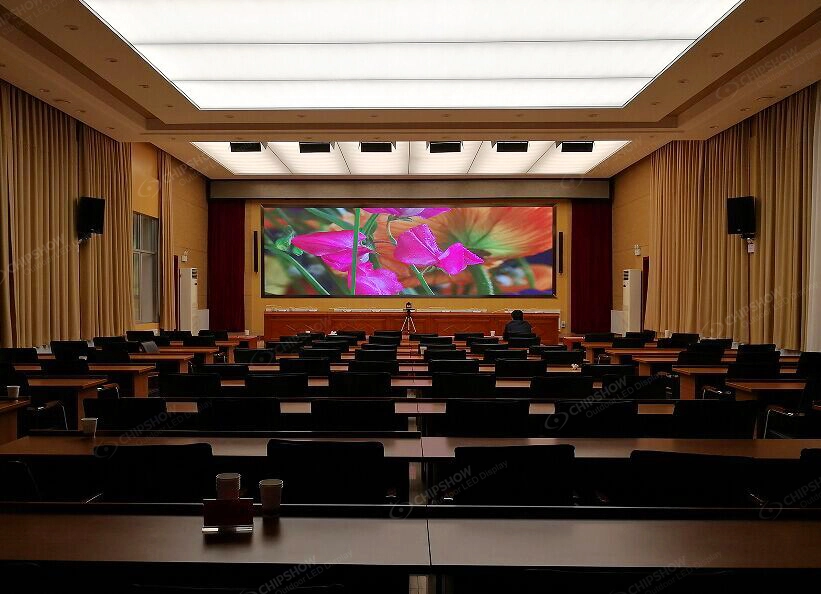
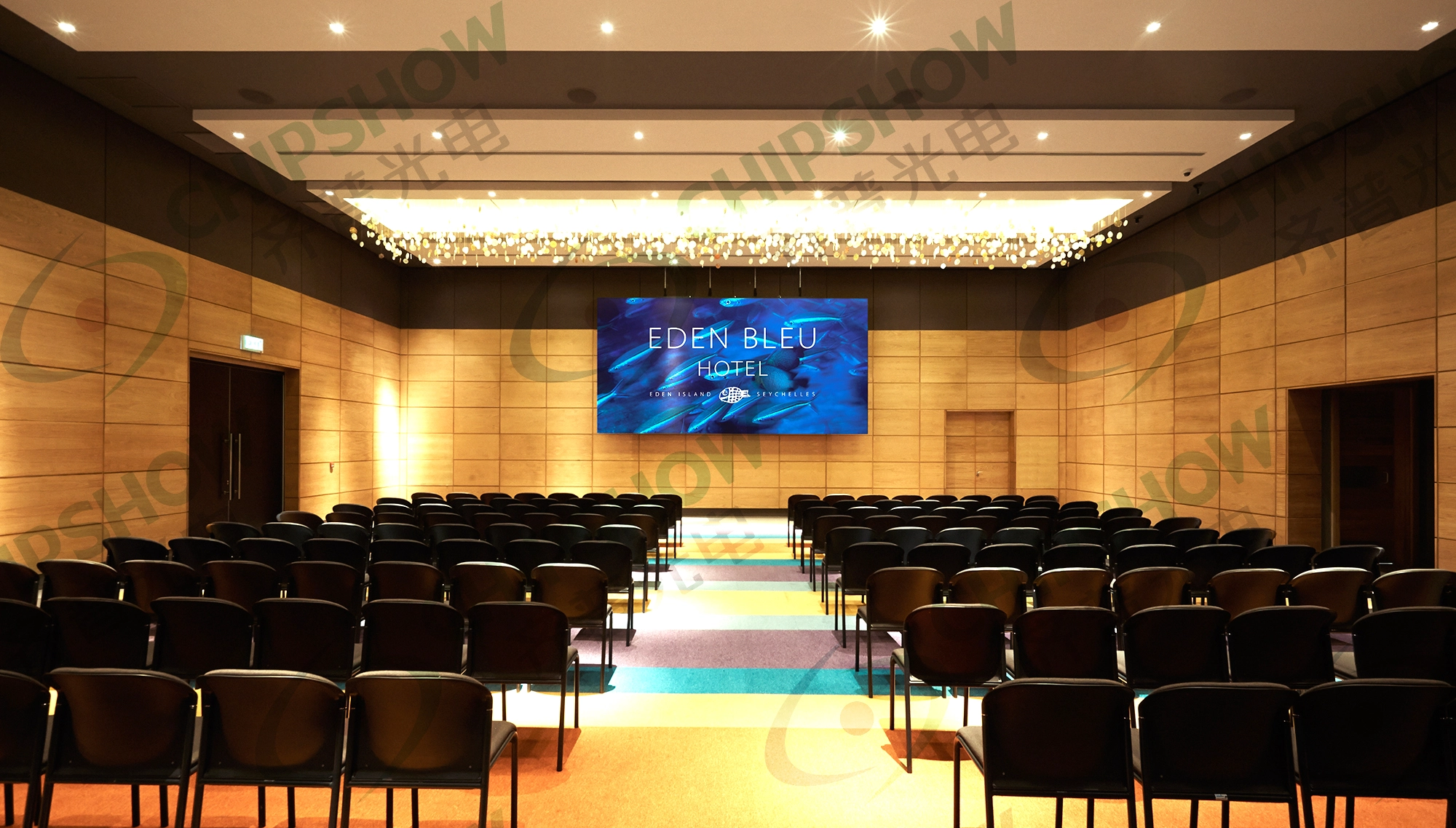
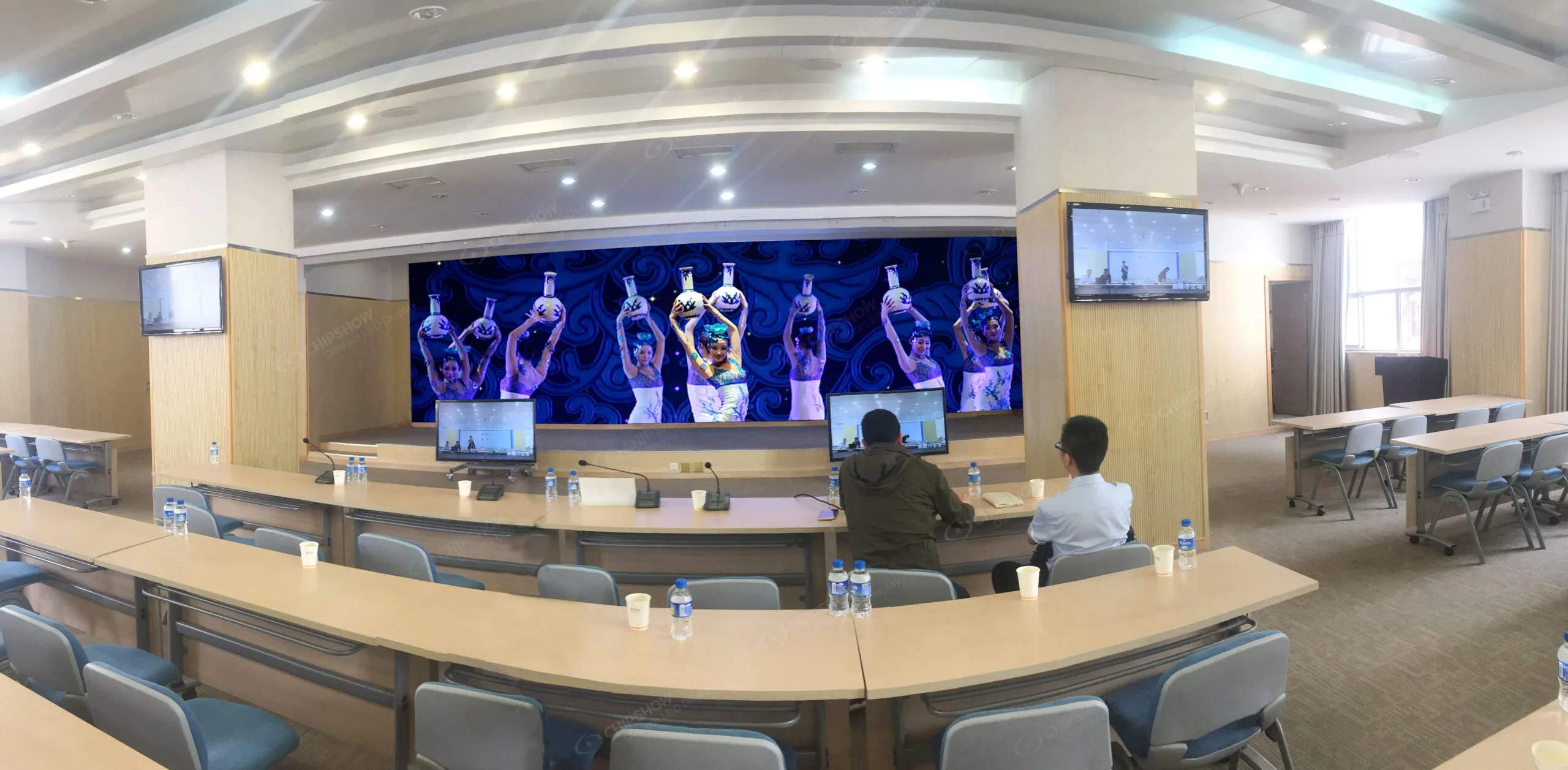
An executive room may display detailed presentations from a short seating distance. A command environment can use maps dashboards and fine text. A premium interior may allow people to walk directly toward the screen.
Those viewing conditions make pixel structure more noticeable.
P1.53 places more pixels into the same physical display area than P3, giving the wall greater image detail when the viewer is close enough to benefit from it.
That does not mean every indoor jumbotron should move to P1.53.
A large screen viewed from farther away may gain little from the additional density. Screen size and viewing distance still need to work together.
This is why a useful P1.53 inventory request begins with the wall dimensions rather than the pitch alone.
P3 Fits Larger Indoor Viewing Zones
P3 becomes particularly practical as the wall grows and the primary audience moves farther away.
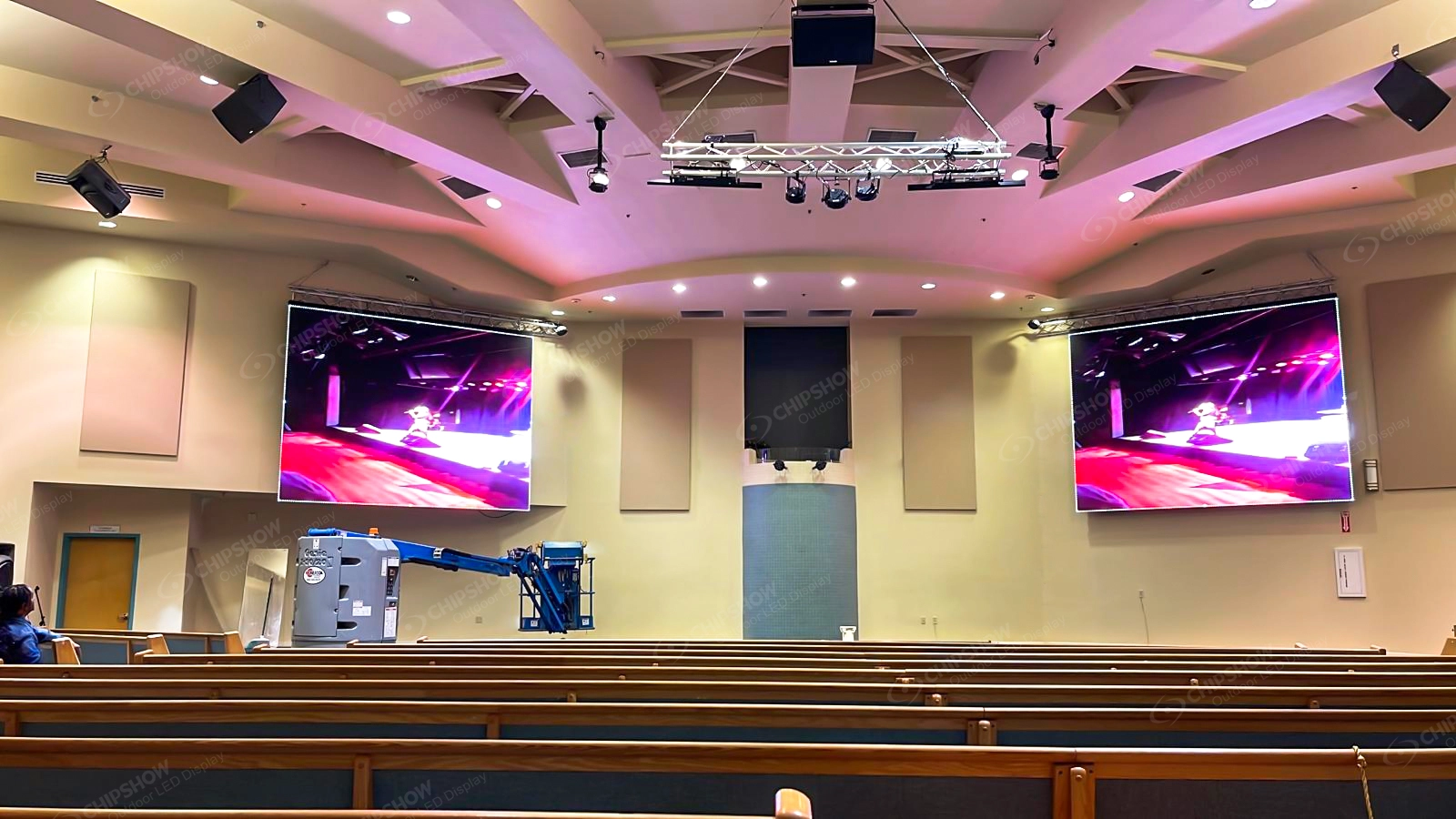
Arena lobbies, large auditoriums and worship spaces can use substantial LED surfaces while most viewers remain well back from the display.
In those environments, P3 can provide the image detail the room needs without putting fine pitch pixel density across an area where the audience cannot fully use it.
That affects project economics as well as image quality.
At the same screen size, P3 requires fewer physical pixels than P1.53. The project can therefore balance display area, processing requirements and hardware budget around the actual viewing environment.
A documented Chipshow C-Max P3 indoor project at the Dubai Auto Show provides a useful example of P3 working on a large commercial indoor canvas. The application shows why P3 can be effective at scale when viewing conditions support it.
Current US inventory remains a separate project check.
Screen Size Changes the Value of the Pitch
Pitch should never be evaluated without the physical wall dimensions.
A relatively small P1.53 display can contain fewer total pixels than a much larger P3 wall.
The total native canvas comes from both pitch and screen area.
That matters for image detail, source mapping and the processing system required to drive the display.
It also affects budget.
A project with a fixed budget may gain more value from a larger P3 wall than from shrinking the screen simply to reach P1.53. Another room may depend on close viewing enough that the finer pitch deserves priority.
Neither decision is correct in isolation.
The room makes the decision.
J09 therefore stays focused on the two pitches most relevant to this stock and delivery decision. Broader questions about P1.25 through P4 indoor selection belong in the Indoor Jumbotron Buying Guide rather than being repeated here.
C Max SMD and COB Options
The C-Max technology choice matters most when the project lands on P1.53.
P3 follows the SMD route, while P1.53 can use either SMD or COB.
C Max SMD for Flexible Commercial Projects
C-Max SMD gives integrators the more flexible commercial path.
At P1.53, it supports close viewing without requiring the project to move into COB. At P3, the same platform can scale to larger commercial indoor walls where the viewing distance allows a coarser pitch.
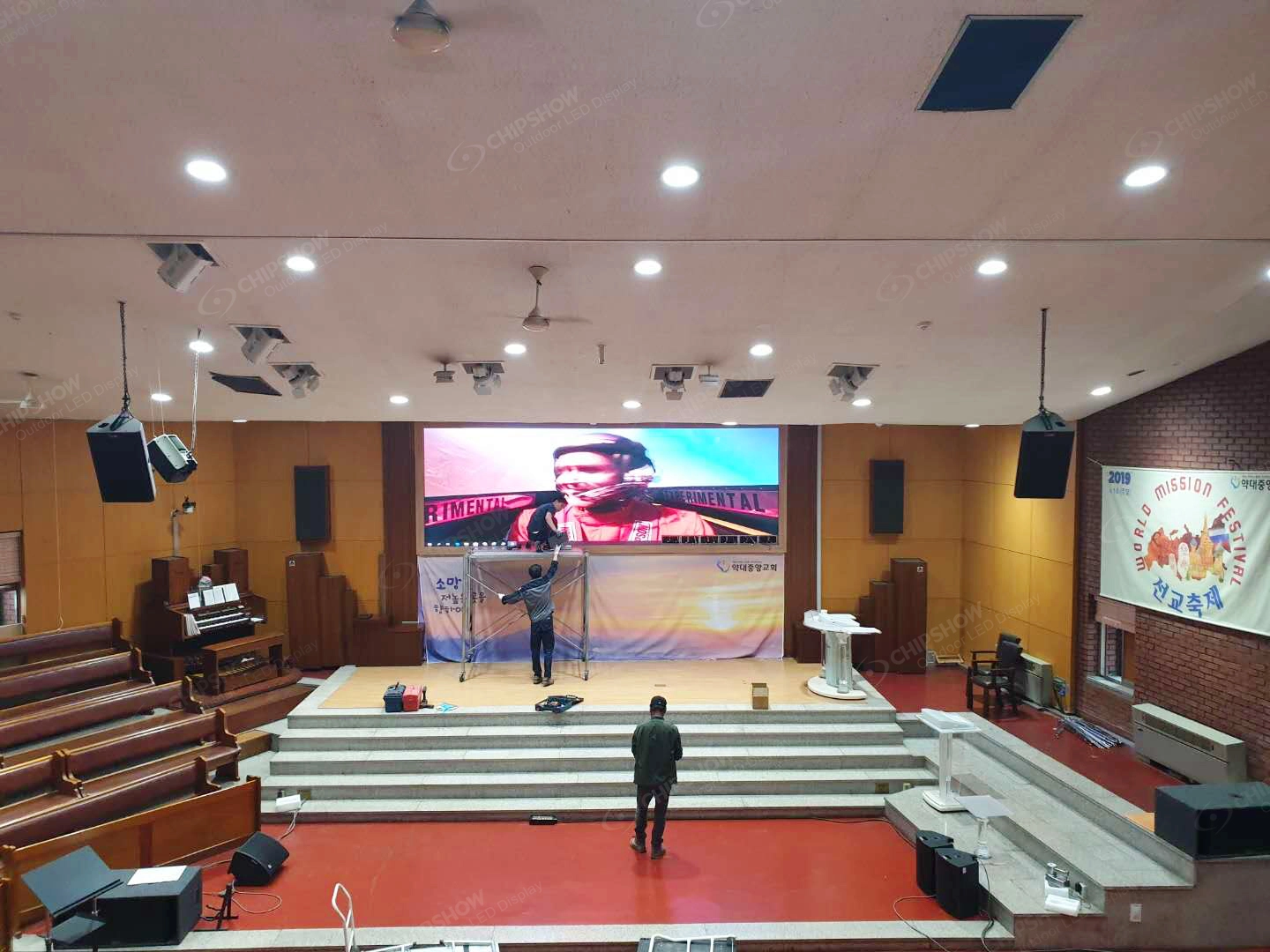
That makes SMD useful for integrators working across arena interiors, auditoriums, houses of worship, commercial presentation spaces and similar fixed indoor projects.
For J09, the important point is not the full C-Max SMD specification range.
It is that P1.53 SMD and P3 SMD represent two different inventory requirements within the same commercial platform.
A warehouse check should therefore identify both the pitch and the quantity.
C Max COB for Protected Fine Pitch Applications
C-Max COB provides a different P1.53 route.
The COB surface becomes relevant when the project places greater value on close range presentation and physical protection of the LED face.
That may apply in executive environments, control spaces or public interiors where people can approach the wall closely.
COB should solve an actual project requirement.
It should not become the automatic answer every time a customer searches for P1.5.
The practical stock question is therefore not whether Chipshow has P1.53 hardware in general.
It is whether the project needs P1.53 SMD or P1.53 COB and whether the required quantity can be allocated.
Ready to Ship Verification
For fine pitch LED, a useful ready to ship confirmation goes beyond finding a matching pitch name in a warehouse system.
The complete project set needs to match the wall that will be built.
Inventory Starts With the Exact Wall
Screen dimensions translate directly into cabinet quantity.
Until the active wall width and height are known, an inventory position cannot tell the integrator whether there is enough hardware for the project.
A small conference environment and a large arena lobby can use the same P3 pitch while requiring completely different quantities.
The same applies to P1.53.
Chipshow can match current availability more accurately once the project has established the selected technology, wall dimensions and cabinet count.
This keeps the stock decision connected to the real screen rather than to a generic product label.
Batch Planning Supports a Consistent Project Set
Fine pitch indoor LED places a high value on visual uniformity across the complete wall.
For that reason, batch planning is most useful when it happens while the project hardware is being allocated.
As the manufacturer, Chipshow can coordinate the main display hardware as a defined project set when the required inventory is available.
That gives the integrator a stronger starting point for color and brightness consistency across the wall.
Batch planning should not be interpreted as a promise that every LED module will remain visually identical for the life of the display. LED output changes with operating time and conditions, and future replacements can still require calibration attention.
Its value is reducing avoidable variation at the beginning of the project.
Spares Belong With the Main Hardware Order
A fine pitch screen should not reach the site before anyone has considered the spare strategy.
Planned spare modules give the project a more practical service path if a component later needs replacement.
They are also easier to coordinate while the main project hardware and production batch are still being allocated.
For a venue with a fixed opening date or a screen that will operate in a critical customer facing space, this can reduce avoidable downtime later.
The integrator does not need to overbuy inventory.
The goal is simply to define the spare requirement before shipment rather than after a service issue appears.
Ready to Ship Includes the Hardware Package
LED cabinets are the center of the display but they are not the entire hardware scope.
The final project also depends on the agreed processing and receiving architecture and other hardware included in the manufacturer side BOM.
This becomes especially important when comparing P1.53 and P3 because the finer pitch creates a larger native pixel load across the same physical area.
The hardware package should therefore follow the final wall calculation.
Chipshow can coordinate the manufacturer side LED package around that approved configuration. The integrator remains responsible for the site specific work defined in its own contract.
That separation keeps the project channel friendly while giving the installation team a clear hardware scope before work begins.
Domestic Stock Still Requires Freight Planning
California inventory can remove the international shipping step for matching hardware.
It does not eliminate logistics.
Shipment size, destination, carrier schedule, receiving access and warehouse release timing still affect when the hardware reaches the site.
A product can therefore be ready for warehouse release before it is delivered to the project location.
That distinction matters when an opening date is fixed.
A realistic schedule should reserve time for domestic freight rather than treating US stock as same day site delivery.
Fast Delivery Timeline
Fast delivery becomes much easier once the technical configuration stops changing.
The process normally begins when the project locks the actual pitch and technology.
A P1.5 search becomes C-Max P1.53 SMD or C-Max P1.53 COB. A P3 requirement becomes C-Max SMD P3. The active wall dimensions establish the cabinet quantity, and the planned spares become part of the same project set.
Chipshow can then check the California Warehouse Hub for the matching configuration and available quantity.
If the required hardware is available, allocation gives the project a much stronger schedule position than a general stock statement. The hardware is no longer simply part of an inventory category. It has been matched to the project requirement.
Technical review should move alongside allocation rather than after shipment.
The product documentation, cabinet layout and manufacturer side hardware BOM need to describe the configuration that will actually arrive at the project.
If the consultant or project team requires specific compliance documentation, that requirement should also be identified against the exact quoted model before release. Certification or test information from an unrelated Chipshow product should never be used as a substitute.
Once the hardware package is approved and allocated, domestic freight can begin.
This is where the California Warehouse Hub creates its practical North American value. Matching inventory can move through a domestic route while the integrator continues preparing the local site.
The two teams keep distinct roles during that period.
Chipshow manages the manufacturer side hardware supply and related product information. The local AV integrator continues to manage its customer, wall preparation, electrical work, field installation and other contracted project scopes.
The result is faster hardware movement without turning Chipshow into a competing installation contractor.
Frequently Asked Questions About P1.53 and P3 Indoor Jumbotrons
Is P1.5 the Same as P1.53 for LED Jumbotrons
P1.5 is commonly used as a rounded search and planning term, while Chipshow C-Max uses P1.53 as an actual product pitch. Early conversations may use P1.5 without creating a problem. Once the project reaches quotation and technical approval, the BOM and product documentation should use P1.53 when that is the hardware being supplied. The project should also identify whether the requirement is SMD or COB.
When Should I Choose P1.53 Instead of P3
P1.53 becomes more valuable when the closest meaningful viewing distance is short or the content contains fine detail that viewers can actually resolve. P3 is often more practical on larger indoor walls where the primary audience stands farther away. The final decision should combine viewing distance, physical screen size, content and budget rather than treating the smallest pitch as automatically better.
Is P3 Available From US Stock
P3 is an important C-Max SMD configuration for North American inventory planning, but current availability should always be confirmed against the project quantity and batch before a delivery commitment is made. A general P3 stock position does not guarantee that enough cabinets and planned spares are available for every wall size. Chipshow checks the project configuration against current inventory when the screen dimensions and schedule are known.
How Do I Plan Spare Modules With the Main Batch
The most practical time to plan spares is while the main screen is being allocated. Once the final wall quantity and spare requirement are known, Chipshow can review them as one project hardware set when inventory allows. This provides a better starting point for future service and visual matching. Long term LED aging and calibration still need to be considered when replacement modules are installed later.
Can Fine Pitch Hardware Ship Before the Mounting Structure Is Complete
Yes. The physical mounting structure does not always need to be finished before the LED hardware leaves the warehouse. The important point is that the active screen dimensions, cabinet layout and relevant mounting interface have already been approved. That allows the local integrator to continue site preparation while the hardware moves through domestic freight without building the structure around an LED configuration that is still changing.
A useful P1.53 or P3 inventory check begins with the actual wall.
Send Chipshow the active screen width and height, closest and typical viewing distance, required pitch if already specified, SMD or COB requirement, project city and state, target hardware date, planned spare quantity and any processing or documentation requirements already defined by the project team.
Chipshow can use that information to align the C-Max configuration, calculate the required hardware quantity, prepare the manufacturer side BOM and check the California Warehouse Hub for matching inventory.
Not sure which format or pixel pitch fits your project? Try the Chipshow USA LED sign selector to shortlist options.