A Jumbotron that fails during a live event, advertising campaign, or important presentation creates more than a technical inconvenience. The cheapest Jumbotron failure is the one your maintenance plan helps prevent.
For LED display owners and operators looking for Jumbotron maintenance services in the USA, reliable operation involves more than finding someone to fix a broken screen. It requires preventive inspections, accessible hardware, replacement components, configuration records, and a clear understanding of who handles each part of the maintenance process.
Local technicians and AV integrators typically carry out physical repairs, while LED manufacturers and suppliers can help with hardware specifications, compatible spare parts, technical documentation, and applicable warranty procedures.
At Chipshow, we approach maintenance from the hardware side. Our LED display platforms are designed to help integrators and operators plan for service access and long-term equipment management.
This guide explains how to build a practical Jumbotron maintenance plan, organize critical spare parts, protect display consistency, and coordinate with your local service team and hardware supplier.
What Do Jumbotron Maintenance Services in the USA Typically Include?
Jumbotron maintenance generally includes two types of work: preventive maintenance that helps identify problems before they interrupt operation, and corrective maintenance that addresses equipment faults after they occur.
Preventive Maintenance vs. Corrective Repairs
Preventive maintenance focuses on keeping the display in suitable operating condition.
Common tasks include checking for damaged LED modules, inspecting cables and connectors, reviewing ventilation paths, examining weather seals, and monitoring display performance. Operators should also maintain records of recurring errors or unusual behavior.
Corrective maintenance begins when a specific fault needs attention.
For example, a dark section of the screen may indicate a problem with an LED module, receiving card, power supply, or signal connection. A qualified technician must diagnose the cause before deciding which component to replace.
The goal is not simply to restore the image. Technicians should also confirm that the repaired section operates correctly, matches the surrounding display, and does not introduce another reliability problem.
Who Handles Routine Maintenance, Repairs, and Manufacturer Support?
Responsibility depends on the display ownership structure, service agreement, and technical capabilities of the people involved.
Owners and operators usually oversee routine visual checks, performance monitoring, incident reporting, and maintenance records.
Qualified local technicians or AV integrators handle work that requires physical access to electrical equipment, component replacement, structural inspection, or specialized repair.
The manufacturer or equipment supplier can assist with identifying compatible hardware, obtaining product documentation, reviewing component specifications, and coordinating applicable warranty or replacement-part inquiries.
If your current maintenance plan does not identify who can approve a shutdown, access the screen, order compatible parts, and authorize repairs, those responsibilities deserve attention before the next failure.
How Often Should a Jumbotron Be Inspected? A Preventive Maintenance Schedule
There is no single inspection schedule that suits every Jumbotron.
An outdoor highway billboard exposed to storms has different maintenance requirements from an indoor church display or a rental LED wall assembled at a new venue every weekend.
Inspection frequency should reflect the manufacturer’s instructions, equipment age, operating conditions, environmental exposure, and importance of uninterrupted operation.
The following schedule provides a practical planning framework rather than a universal service requirement.
Daily and Weekly Operational Checks
Start with observations that operators can make without opening cabinets or handling electrical equipment.
Check whether the display starts normally, receives the correct content, and maintains consistent brightness across its active area.
Look for dark pixels, abnormal color patches, flickering sections, intermittent images, or unusual display behavior.
Review monitoring alerts if the control system provides them. A fault that appears only occasionally may still indicate a developing connection, power, or component problem.
Keep a simple operating log that records the date and time of the issue, the affected screen area or cabinet, visible symptoms and error messages, recent environmental or configuration changes, and whether the problem required further attention.
For high-priority displays, operators may also check content playback and visible performance before scheduled events or advertising periods.
Monthly and Quarterly Hardware Inspections
More detailed inspections should be planned with qualified technical personnel.
Depending on the product and site conditions, these may include examining power and data connections, accessible cabling, connectors, cabinet alignment, fasteners, and environmental protection components.
Cooling systems also deserve attention. Blocked ventilation paths or accumulated dust can affect heat management in products that use air circulation or filters.
Not every LED display contains fans or serviceable filters, so the inspection procedure must match the actual hardware.
Outdoor systems may require checks for moisture intrusion, corrosion, deteriorated seals, and damage around cabinet joints.
The technician should also review relevant electrical components and investigate recurring receiving-card or power-supply errors.
Where repairs require opening energized-equipment enclosures or working near electrical hazards, follow the applicable safety procedures and use qualified personnel. Never treat a routine checklist as permission for untrained staff to conduct electrical repairs.
Annual and Event-Based Maintenance Reviews
Longer-term maintenance reviews should consider image quality and system configuration alongside physical condition.
Check whether brightness and color remain reasonably consistent across the display. Review controller configuration files, receiving-card settings, calibration records, and the availability of usable backups.
Outdoor operators should arrange additional assessments after severe weather when conditions may have damaged the display or supporting installation.
Rental companies should inspect cabinets and connections after transportation and repeated assembly. The next event may expose damage that was not visible during the previous load-out.
A useful maintenance calendar therefore combines scheduled inspections with condition-based checks.
Which Jumbotron Spare Parts Should Owners Keep Available?
A maintenance team cannot restore a display quickly if the correct replacement component is unavailable.
For stadium operators, DOOH networks, rental fleets, and commercial AV systems, spare-parts planning should begin before installation or commissioning.
Essential Spare Parts for LED Jumbotron Systems
LED modules are among the most important components to consider.
A damaged module can create a dark or visually inconsistent section of the display. Having a compatible replacement available may allow a qualified technician to restore that area without waiting for a new component order.
Power supply units, or PSUs, are another priority. A failed power component can affect part of the display or an entire cabinet, depending on the electrical architecture.
Receiving cards manage the signal information delivered to LED modules. When a receiving card fails, the affected section may lose its image or display content incorrectly.
Power and data cables, connectors, and approved accessories can also be useful for routine troubleshooting and replacement.
Some systems justify holding spare controller-related components, especially when a display supports business-critical operations.
Why Module Batch and Calibration Compatibility Matter
Replacing an LED module is not always as simple as installing another module with the same dimensions.
LED components can differ in brightness and color characteristics. Production batches, component revisions, accumulated operating hours, and calibration settings may affect how a replacement appears beside existing modules.
A new module that works electrically may still create a visible patch if its output does not match the surrounding screen.
For large projects, manufacturer-controlled production and single-batch calibration can help improve initial display consistency. Planned spare modules and preserved calibration records can also make future replacement work more predictable.
However, same-batch sourcing is not the only consideration. Technicians must confirm the exact model, pixel pitch, connection arrangement, module revision, and required calibration process.
Where original-batch stock is unavailable, the manufacturer or supplier may need to advise on compatible alternatives and recalibration.
How to Plan a Spare Parts Kit With Your Jumbotron Supplier
Start with a complete hardware inventory.
Record the display model, installed module type, pixel pitch, cabinet quantity, power supply specification, receiving-card model, and control system configuration.
A permanently installed screen serving a major advertising contract may need a different spare-parts strategy from a small indoor display used for occasional presentations.
For each proposed spare, confirm compatibility, storage conditions, availability, and the procedure for requesting replacements.
Avoid assuming that a part listed under the same product family will work with every cabinet generation or revision.
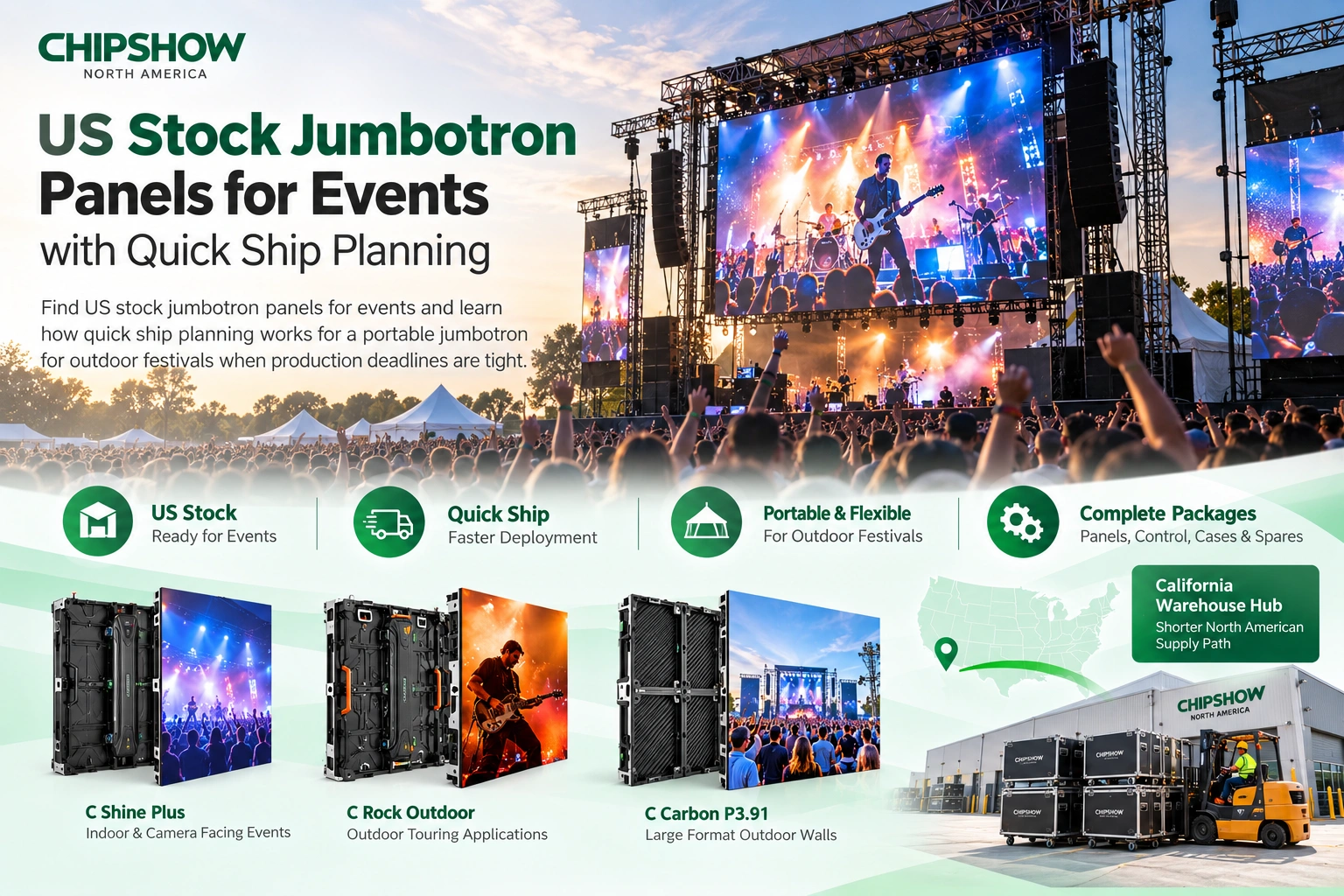
Chipshow’s hardware approach supports project-specific parts planning. For selected outdoor LED products, our California warehouse hub can provide an additional supply option, subject to confirmation of the exact model, component, and available inventory.
If you are planning a new installation or reviewing an existing Chipshow display, request product-specific replacement component information before deciding what to stock.
Front-Service vs. Rear-Service LED Displays: How Access Design Affects Maintenance Costs
How Front-Service LED Modules Simplify Maintenance Access
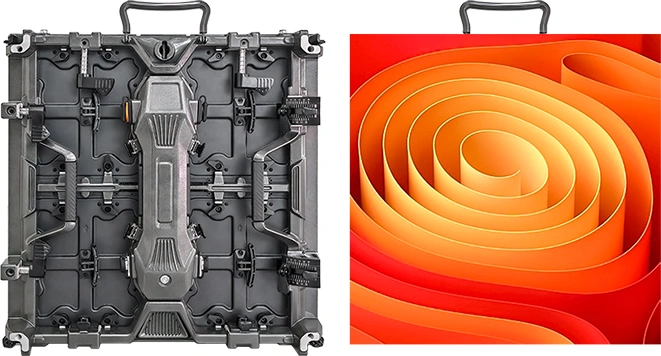
Front-service displays allow designated components to be accessed from the viewing side of the screen.
Depending on the design, technicians may use magnetic service tools, mechanical release systems, or other approved access methods.
This can be especially useful for LED displays installed against building walls or in locations where a permanent rear maintenance corridor would be difficult to accommodate.
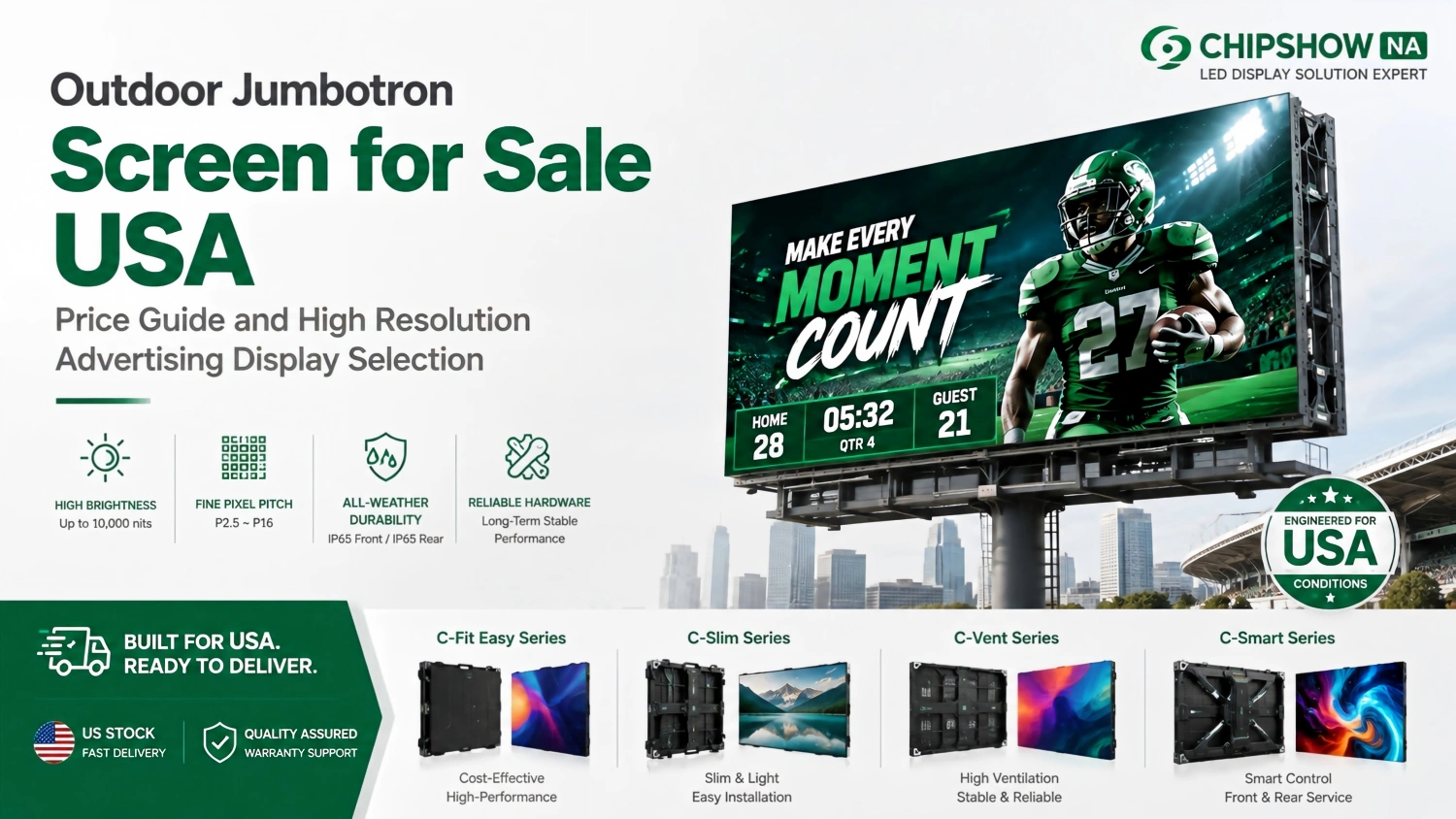
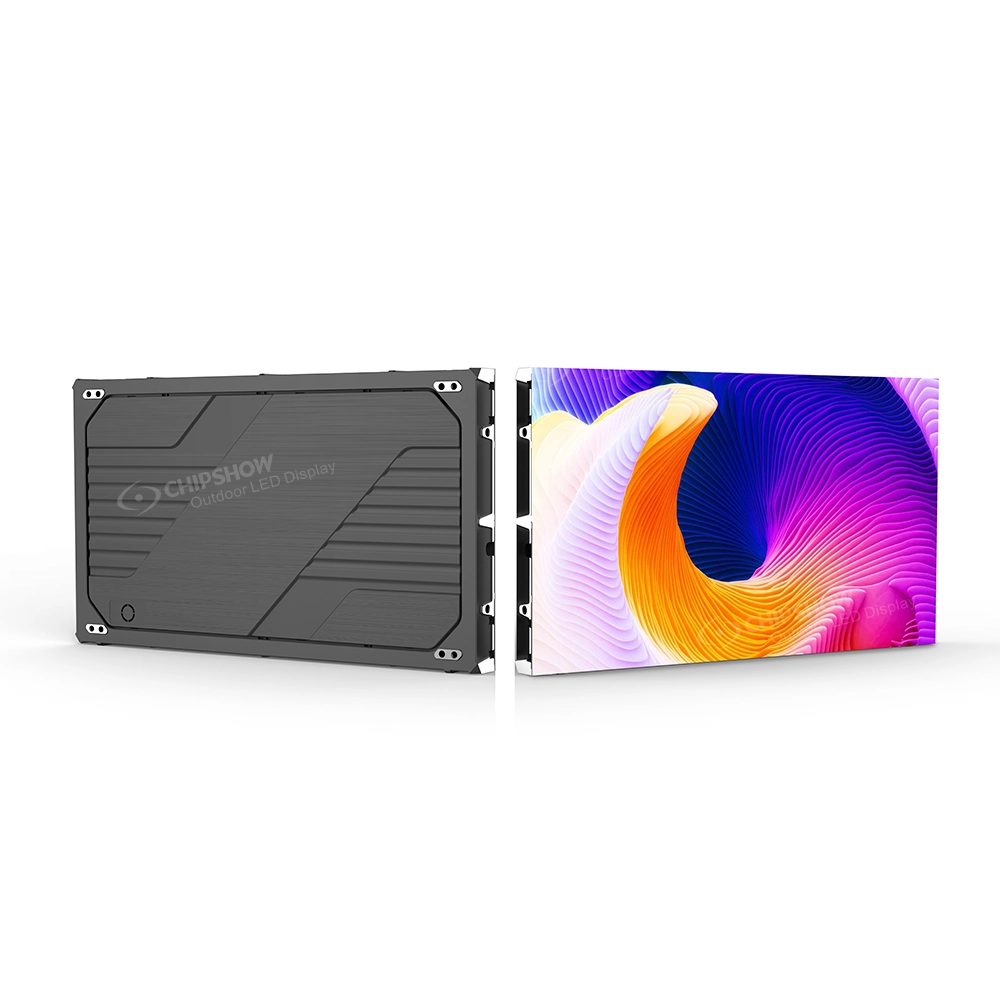
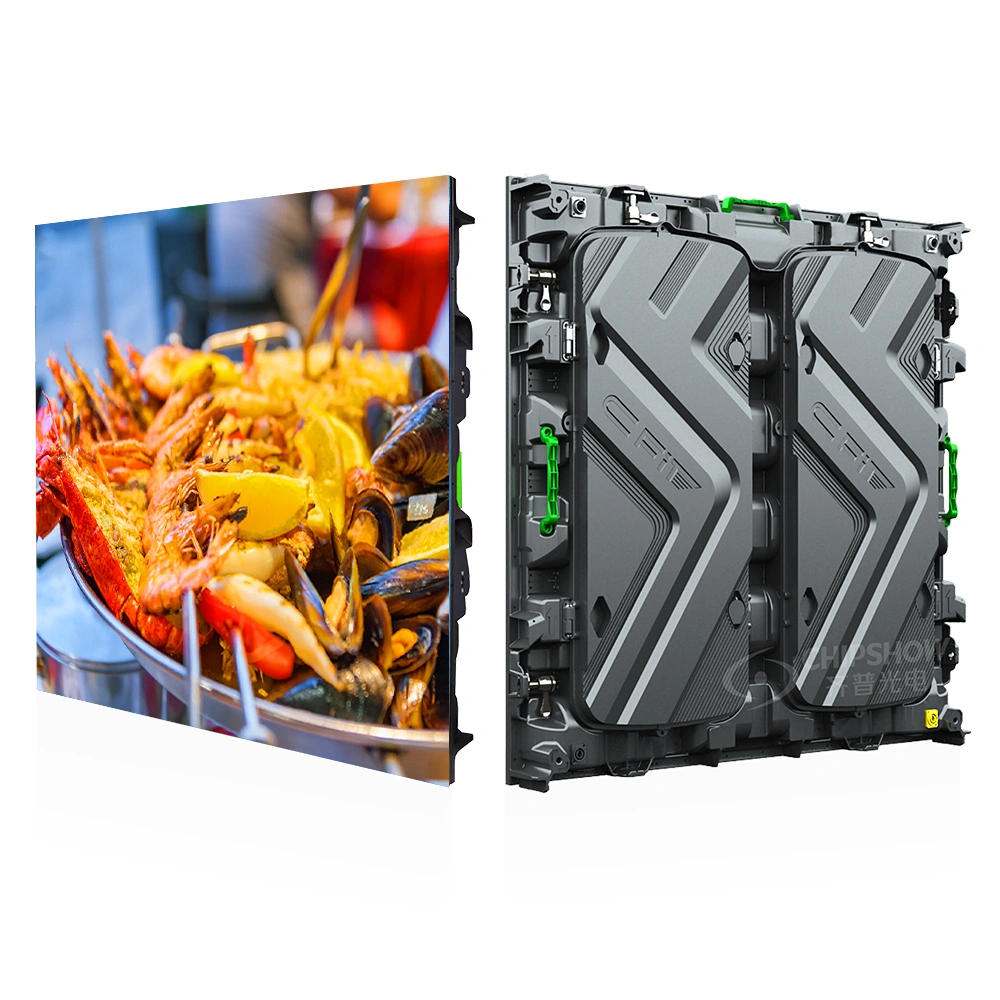
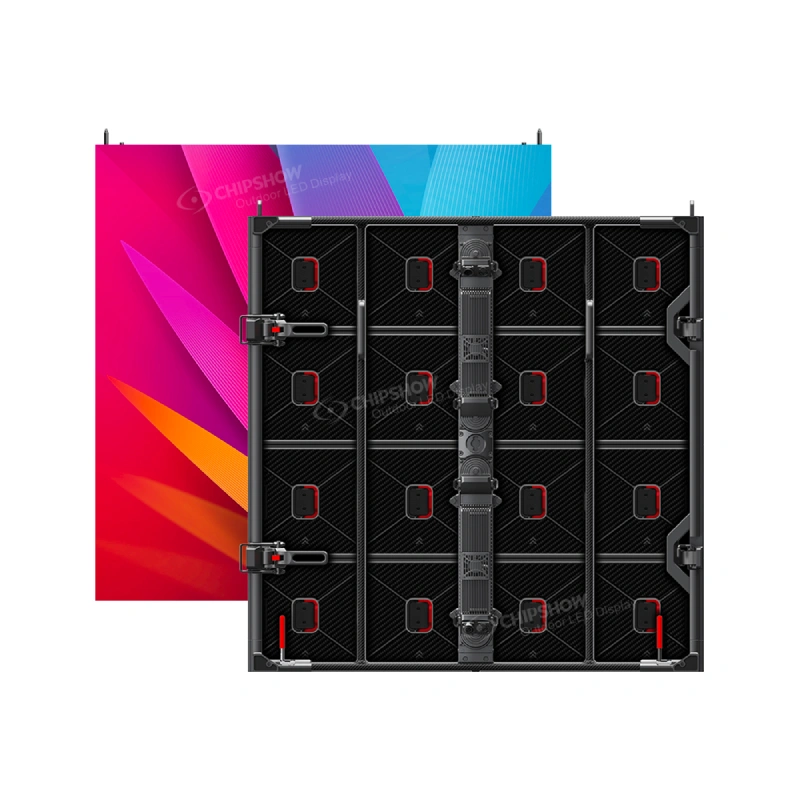
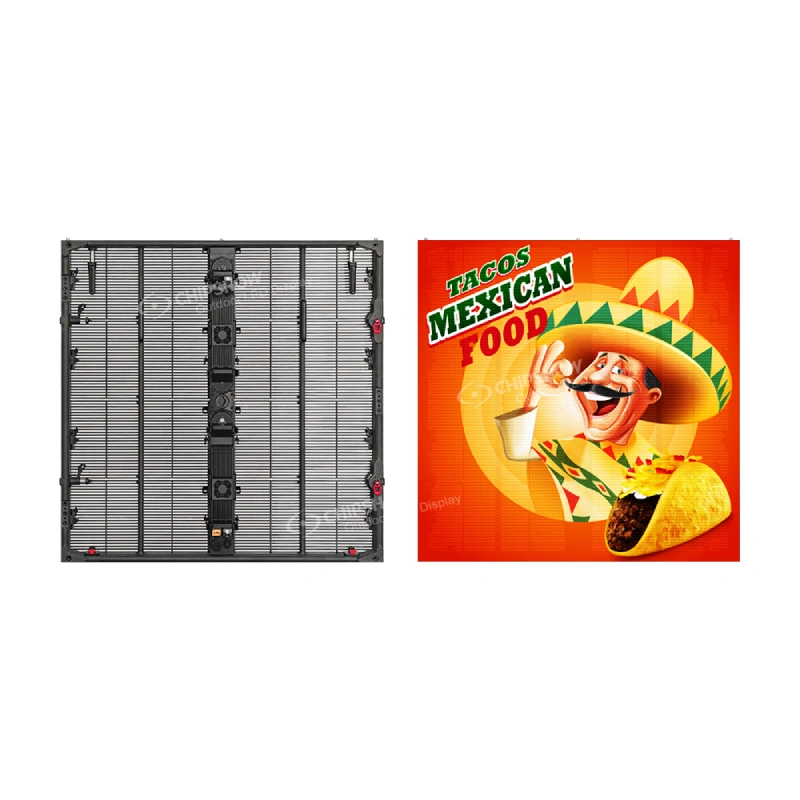
For example, Chipshow C-Fit Easy uses a standardized outdoor cabinet platform with front and rear service access, giving integrators flexibility when planning fixed DOOH installations.
Front access can simplify some module replacement workflows, but it does not automatically eliminate the need for lifting equipment, safe work platforms, electrical isolation, or qualified technicians.
When Rear-Service Access May Be Appropriate
Rear-service systems can be practical when a display installation includes sufficient space behind the cabinets.
A stadium or purpose-built advertising structure may already have a suitable maintenance walkway or access arrangement.
In these environments, technicians may reach designated power, signal, or module components from behind the screen without disturbing the viewing surface.
A front-service feature provides limited benefit if the technician still cannot safely reach the relevant screen area. Similarly, rear access may be efficient when the site already has suitable maintenance infrastructure.
Before choosing either approach, review the equipment service documentation and the integrator’s proposed maintenance workflow.
Maintenance Access and Total Cost of Ownership
It can influence technician hours, work-platform arrangements, preparation time, and the complexity of reaching a failed component.
For a high-mounted display, accessing one defective module may involve scheduling trained personnel, arranging lifting equipment, isolating the relevant electrical circuits, and coordinating an operational shutdown.
Good hardware design cannot remove every expense, but it can help reduce unnecessary obstacles during routine service.
For procurement context, see our Jumbotron total cost guide.
Jumbotron Maintenance Needs by Application: Outdoor, Indoor, Stadium, and Rental
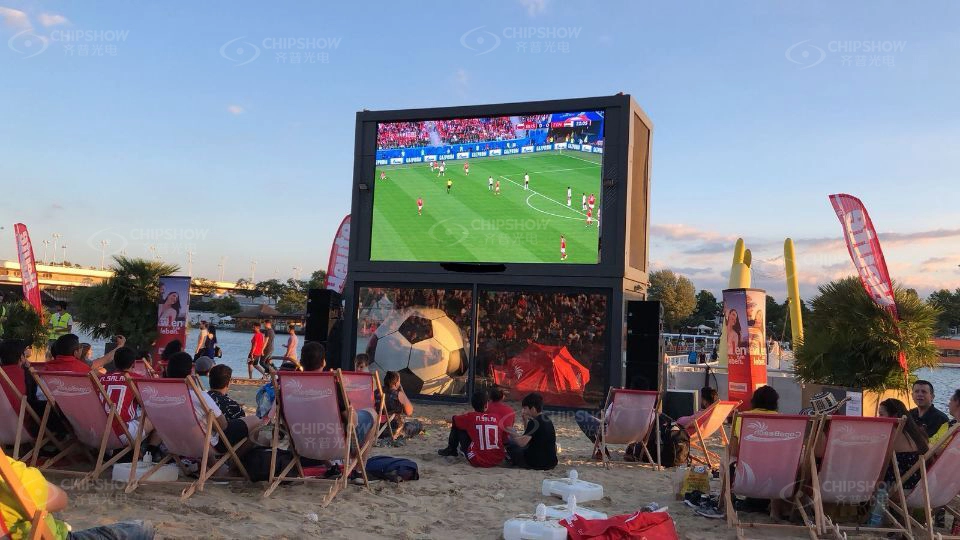
Outdoor DOOH and Digital Billboard Maintenance
Outdoor Jumbotrons face rain, sunlight, dust, changing temperatures, and sometimes severe winds.
Routine maintenance should include assessing visible weather damage, cabinet joints, sealing components, cable entries, and signs of corrosion.
Any suspected water intrusion deserves professional assessment before the affected equipment is returned to operation.
Heat management is also important. Operators should monitor performance and ensure the installed system is operating within its specified environmental limits.
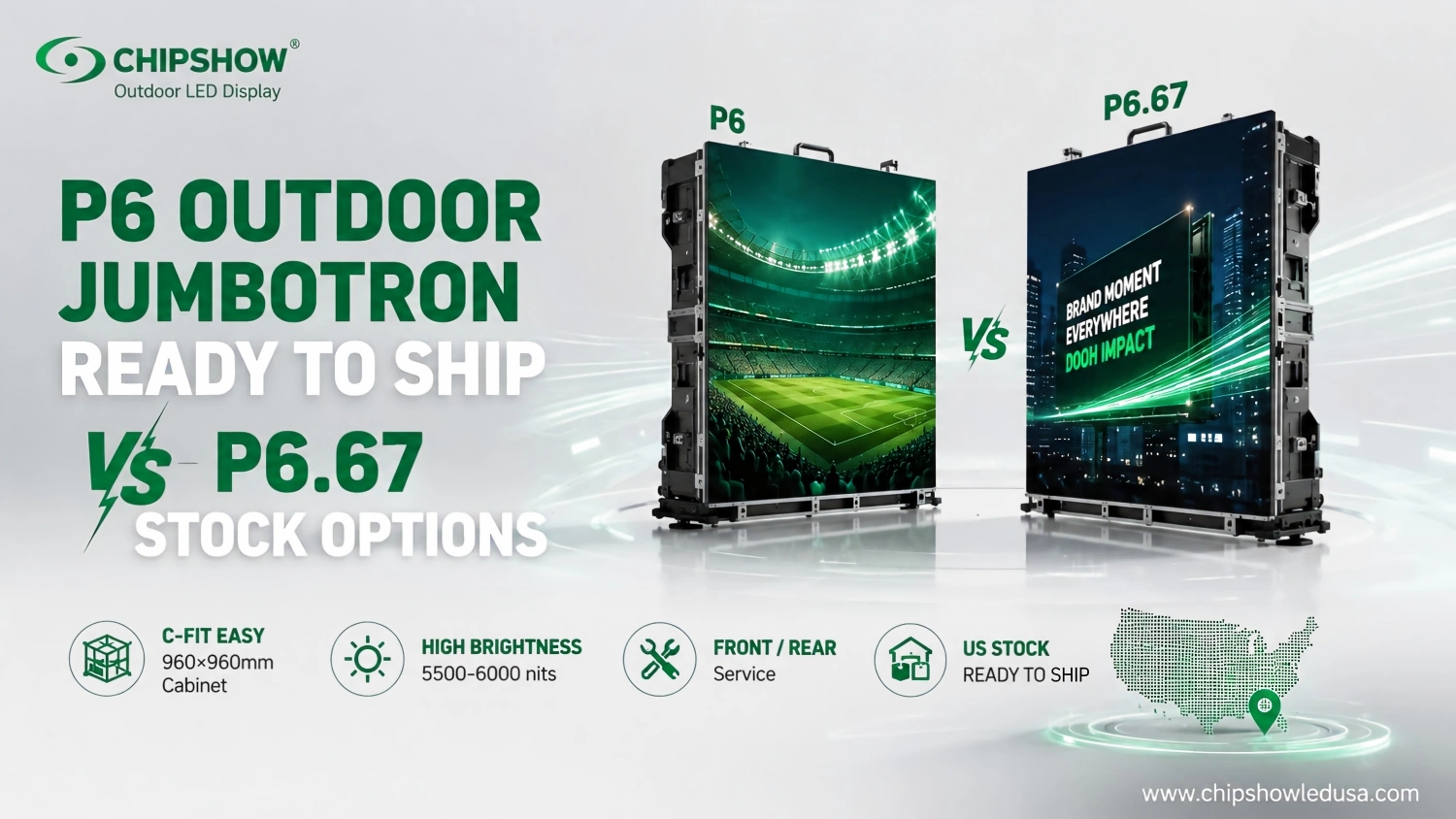
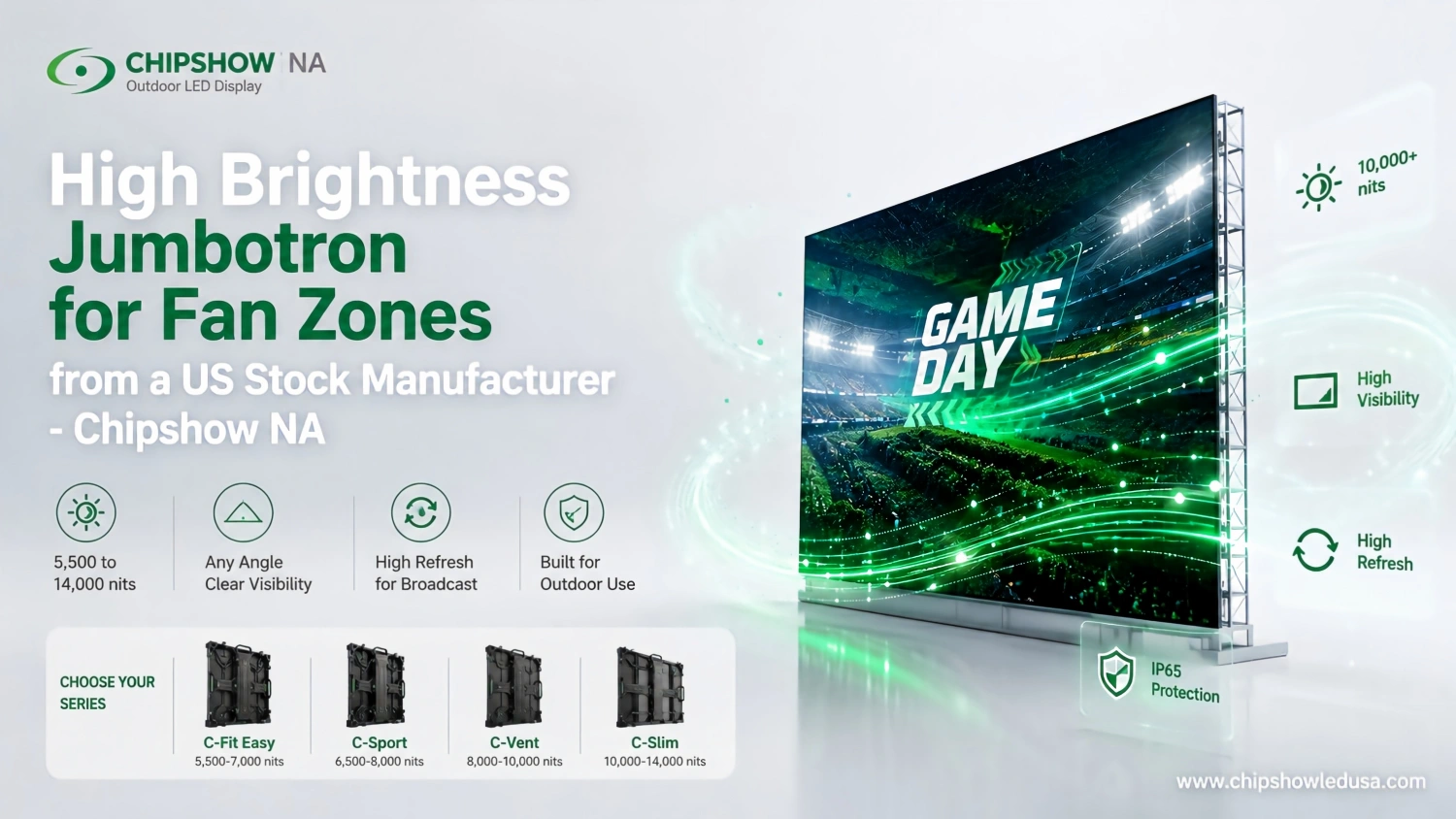
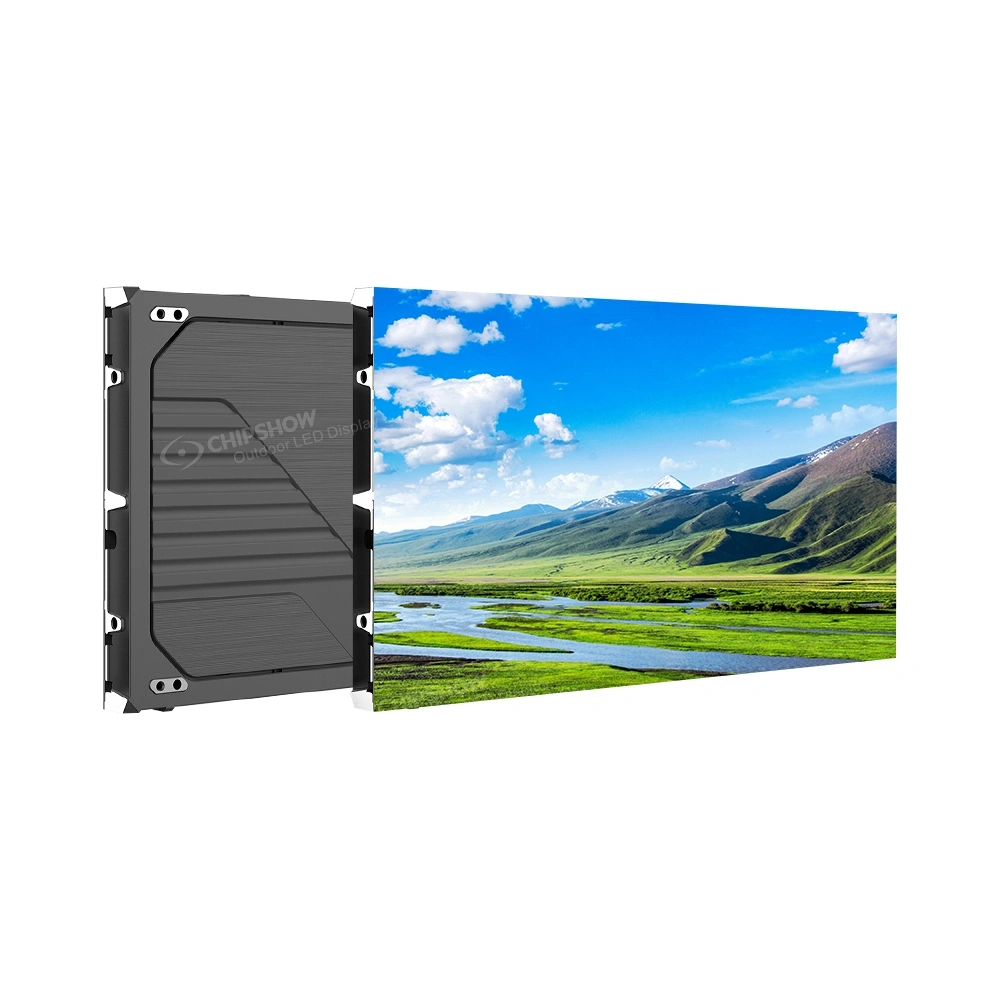
For fixed outdoor advertising projects, C-Fit Easy offers a P6.67 platform with a 960 × 960 mm cabinet format and front/rear service access. The exact protection ratings and installation requirements should be checked against the applicable product specification.
For different outdoor viewing and structural requirements, C-Slim is another Chipshow product family worth evaluating.
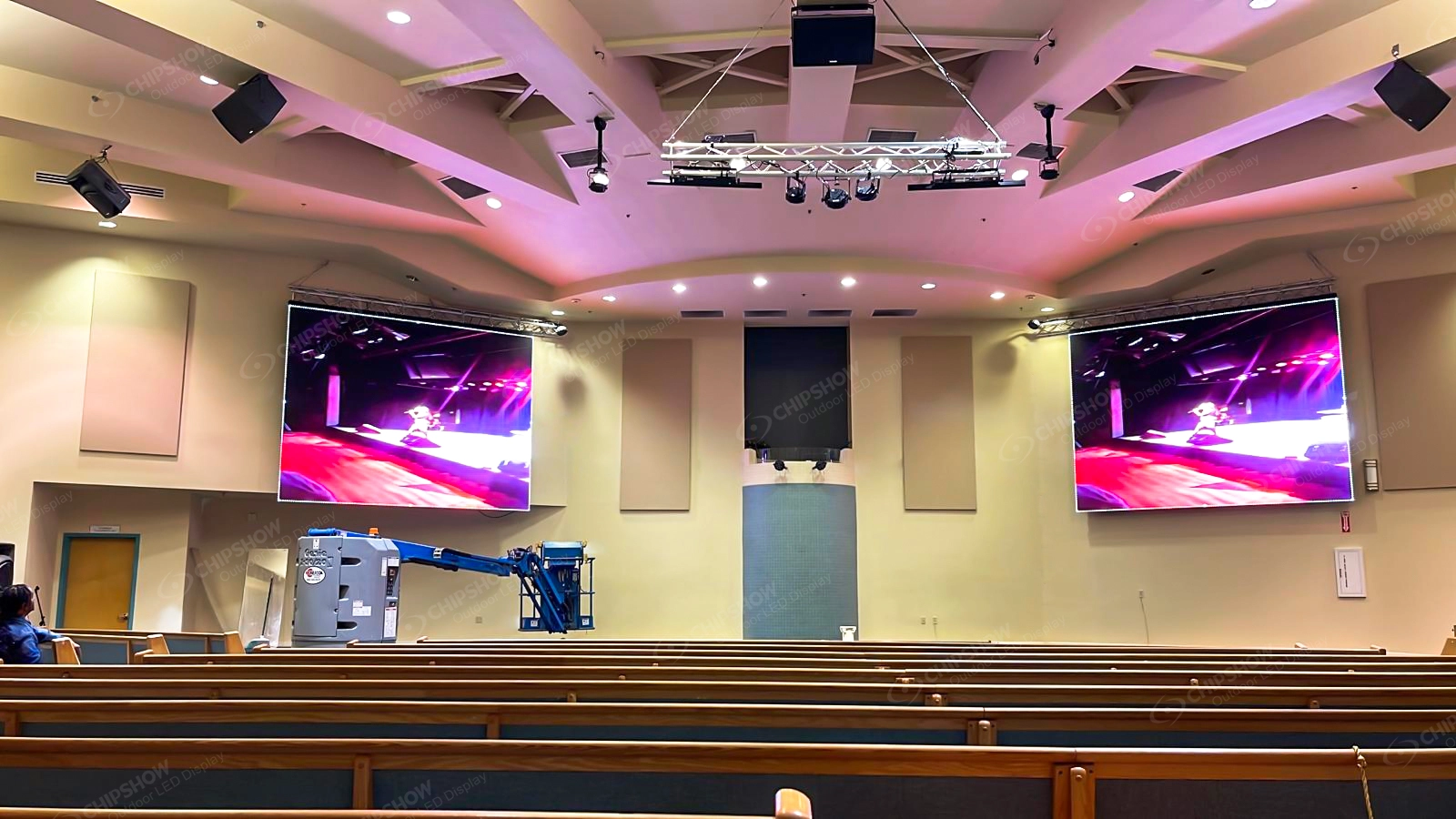
Indoor Commercial, School, and Church LED Maintenance
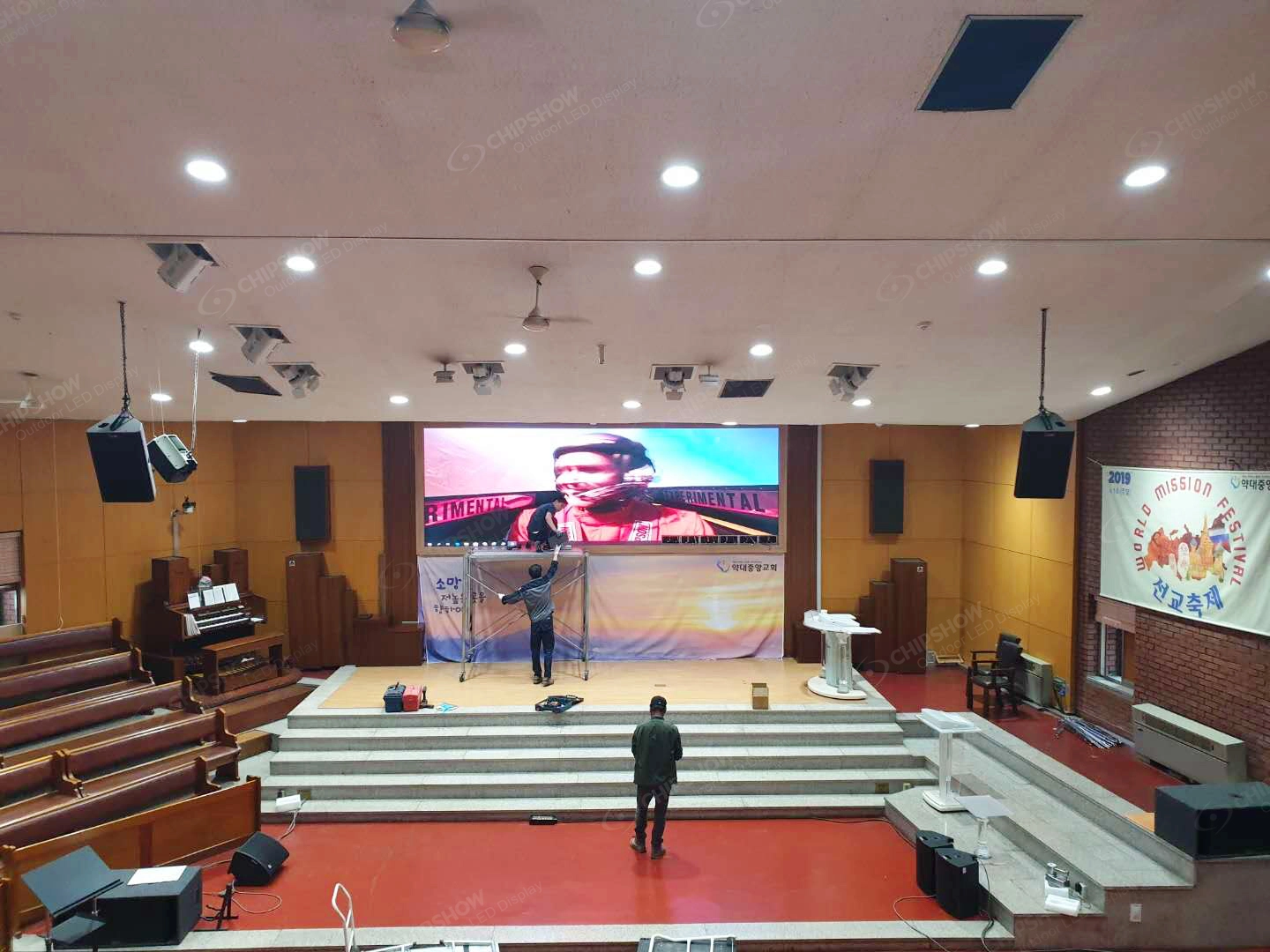
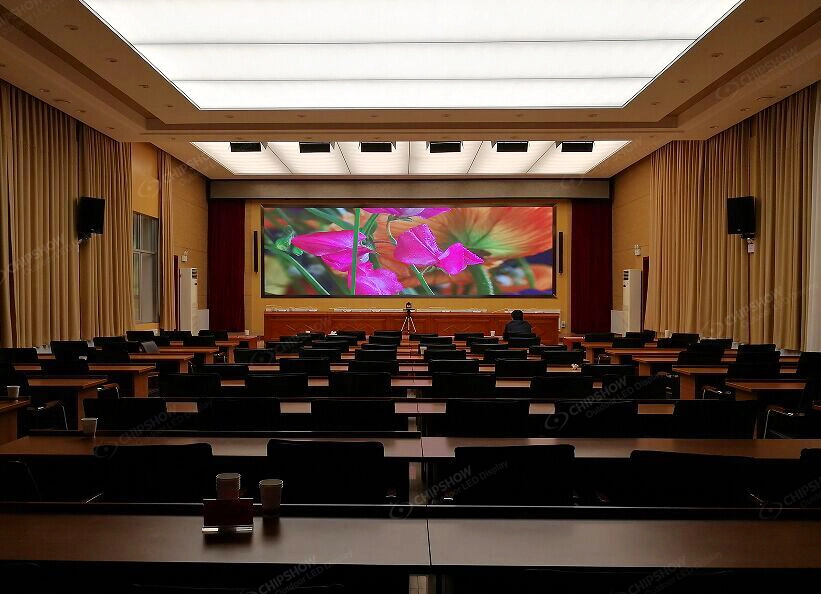
Indoor displays generally experience less direct weather exposure, but dust, heat, connectivity problems, and physical damage still matter.
Technical staff should monitor image consistency, maintain suitable ventilation around installed equipment, and report any recurring control-system errors.
Fine-pitch LED modules require careful handling. Cleaning or touching exposed LED surfaces without approved procedures can cause damage.
For permanent indoor installations, front access may help where the screen sits close to a wall.
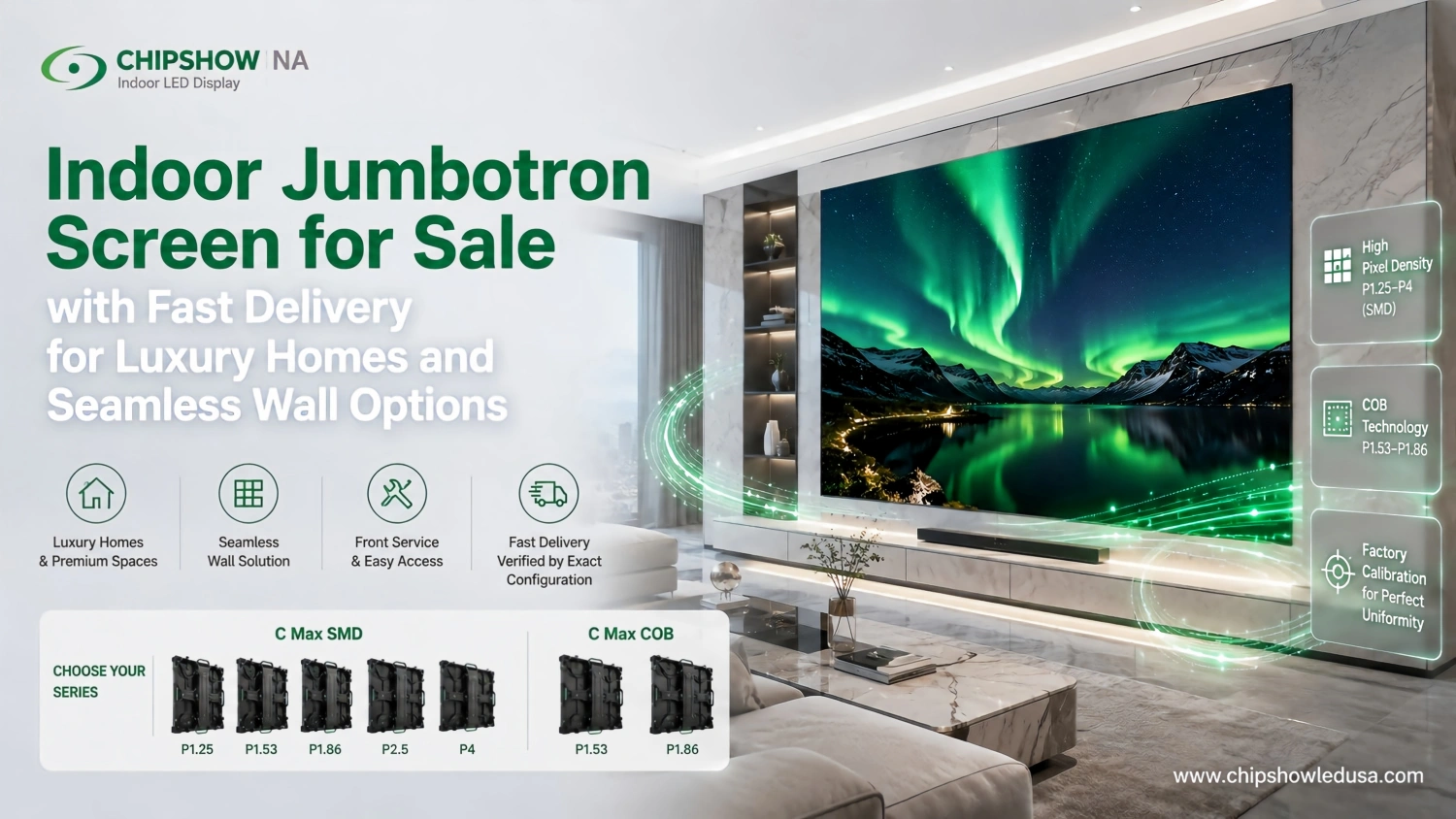
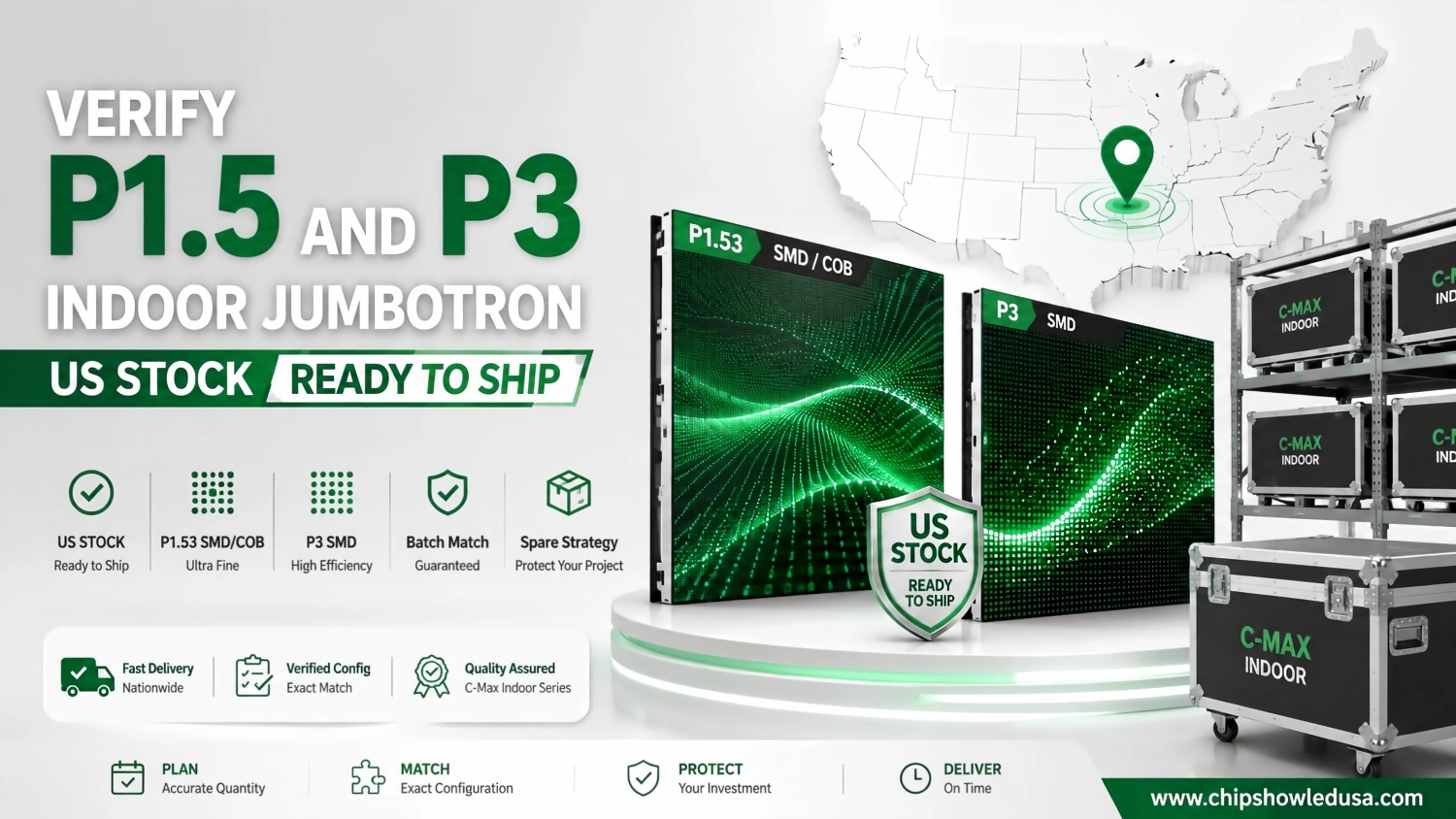
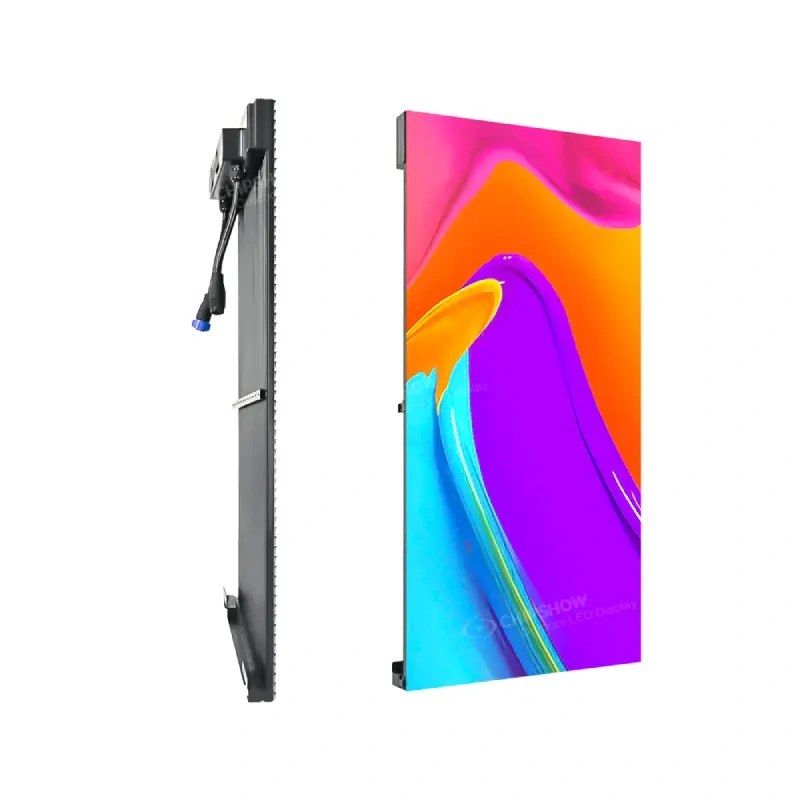
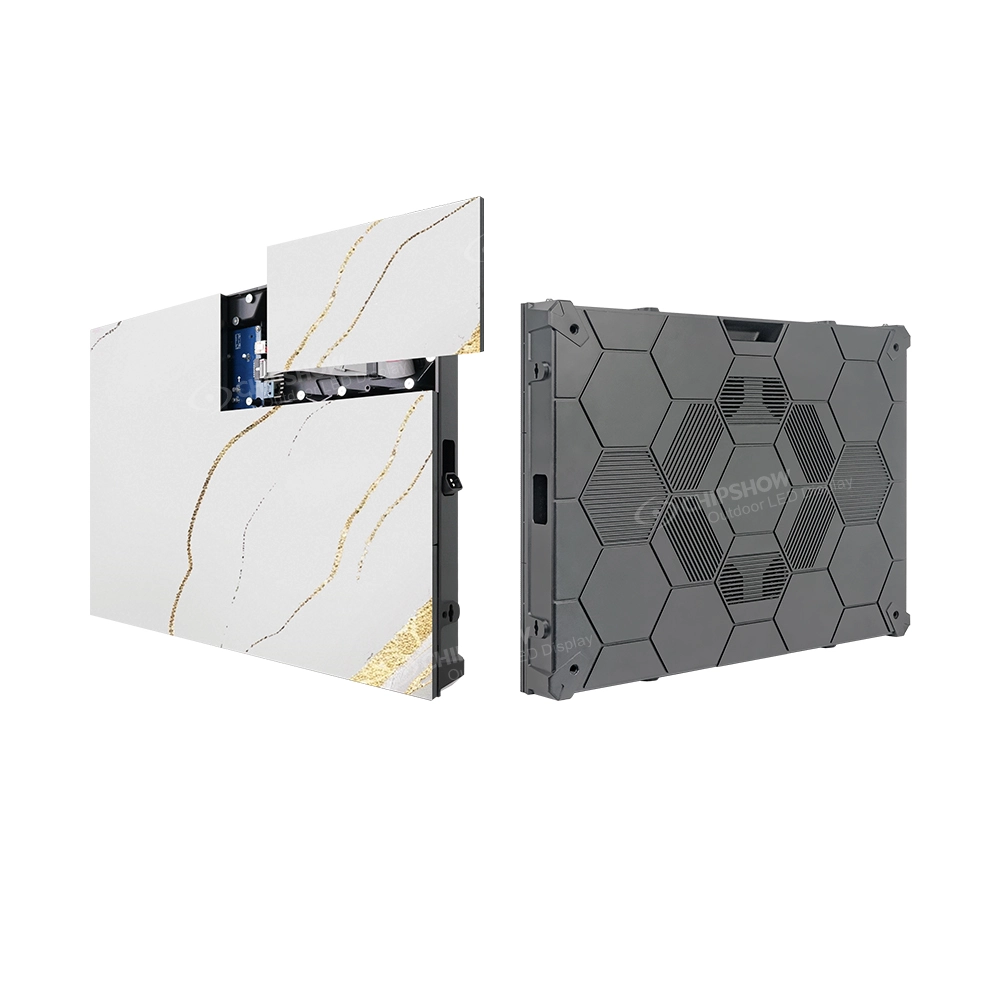
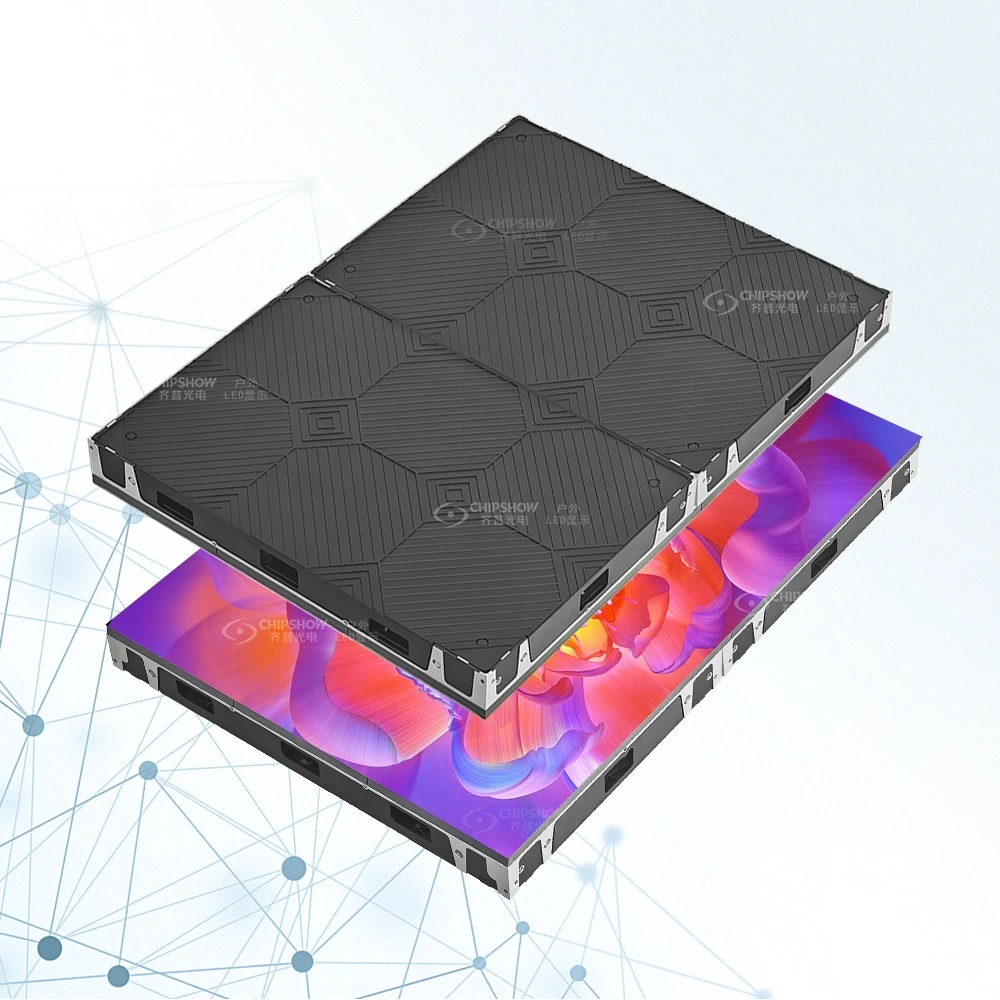
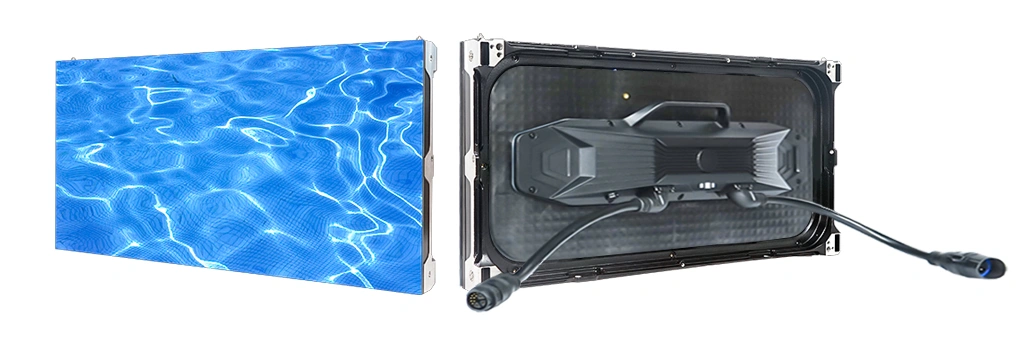
Our C-Max SMD commercial LED platform uses a 640 × 480 mm cabinet format and supports front access to modules, power supplies, and receiving cards.
School and church technical teams can manage routine observations and documentation, while qualified personnel should handle internal repairs.
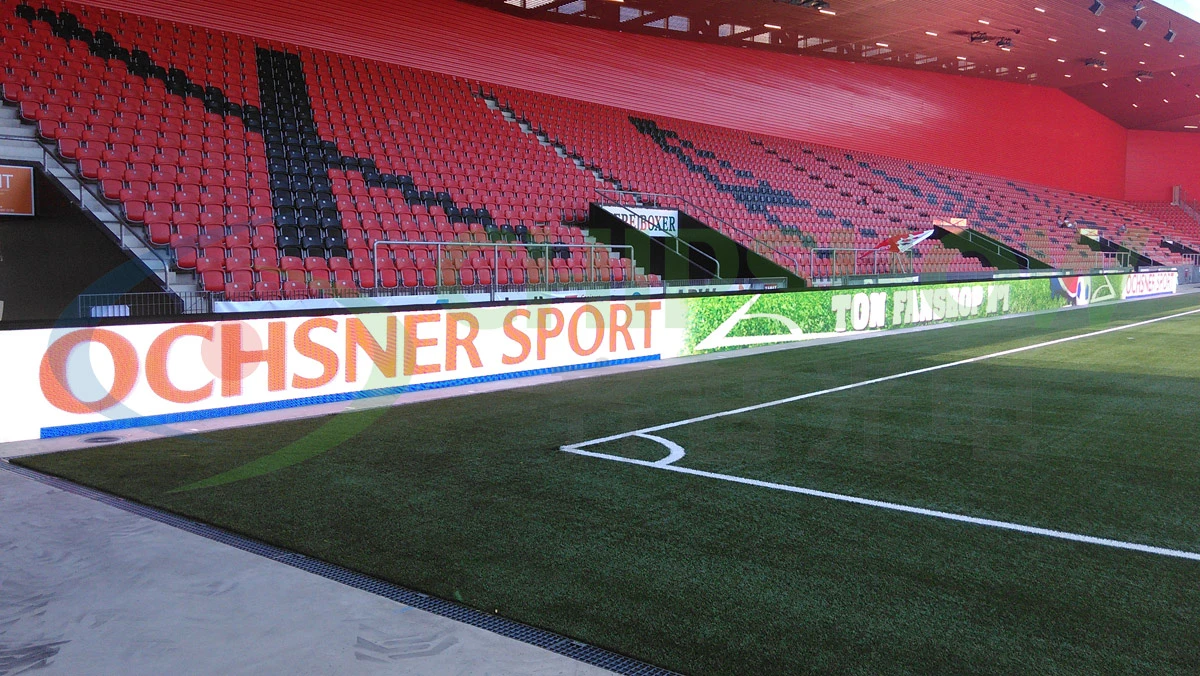
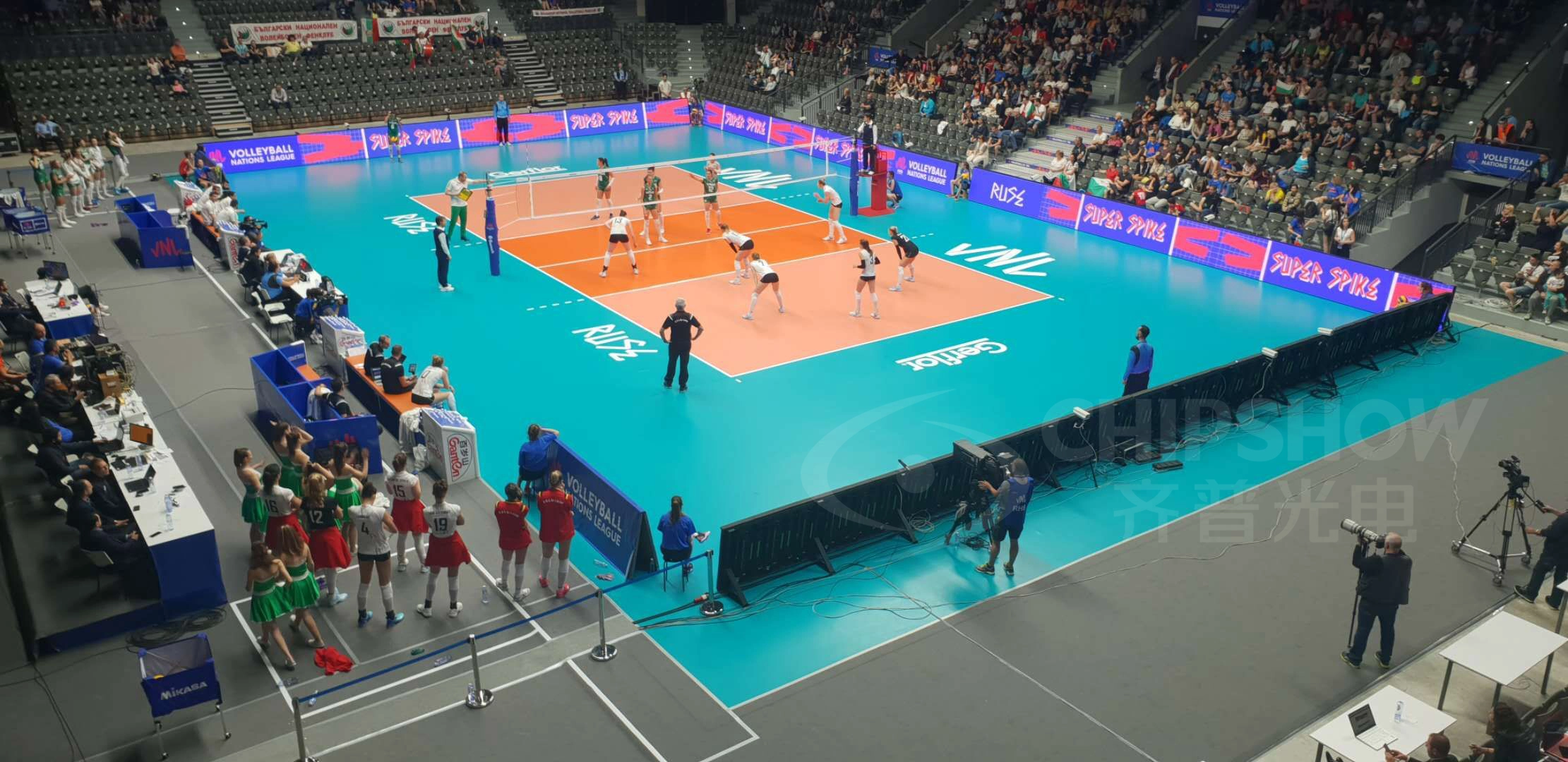
Stadium and Sports Venue LED Maintenance
Sports venues need displays that remain operational during tightly scheduled events.
Pre-event checks should verify image content, visible display condition, connections, and any installed backup functions.
Venue teams should also inspect areas exposed to physical impact or weather, especially where the display is close to athletes or spectators.
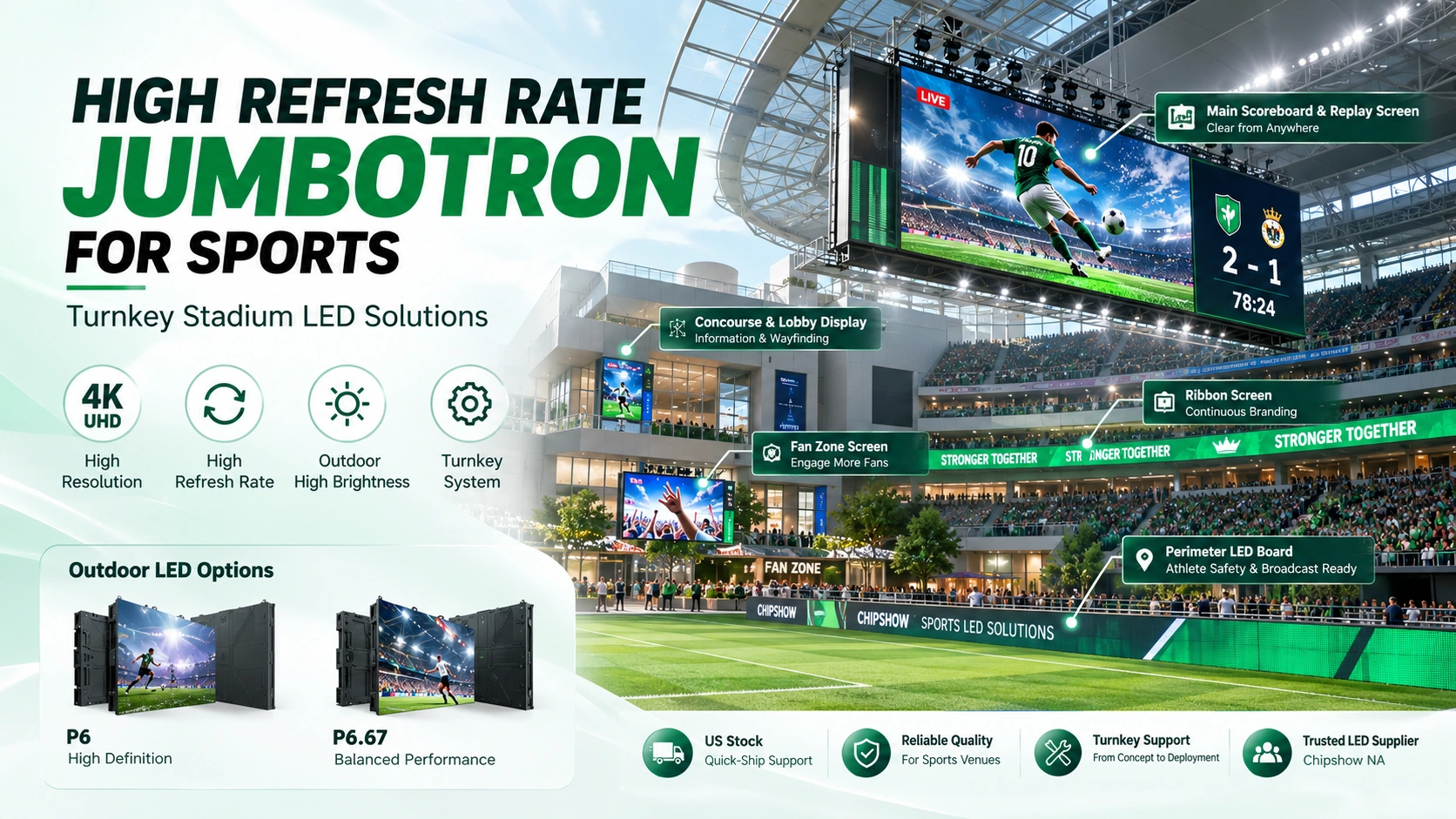
Different screens within the same venue may need different maintenance plans. A main scoreboard, an outdoor fan-zone screen, and a perimeter advertising display do not necessarily share the same cabinet design or parts.
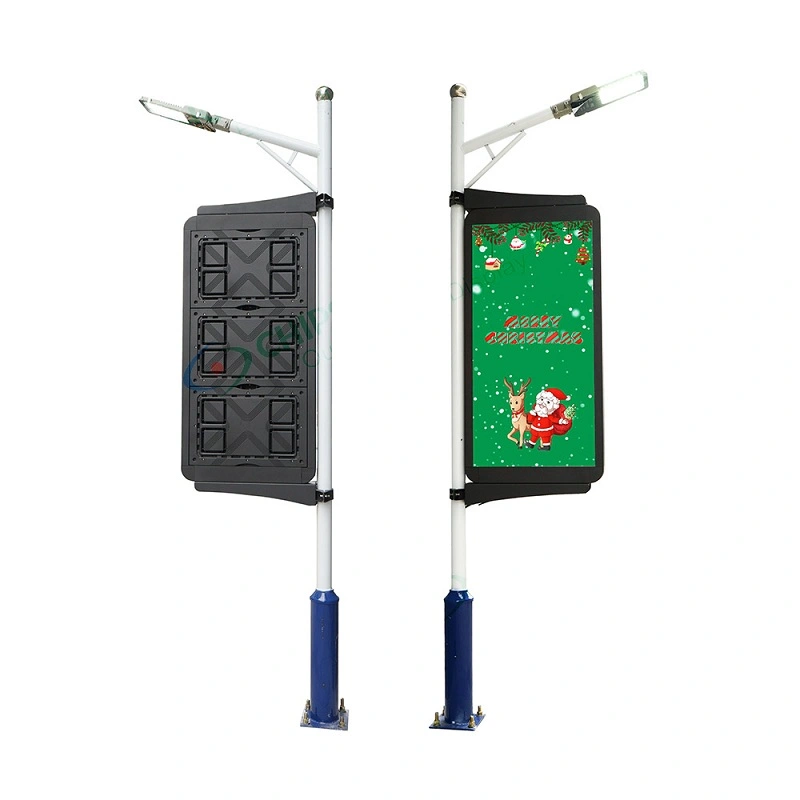
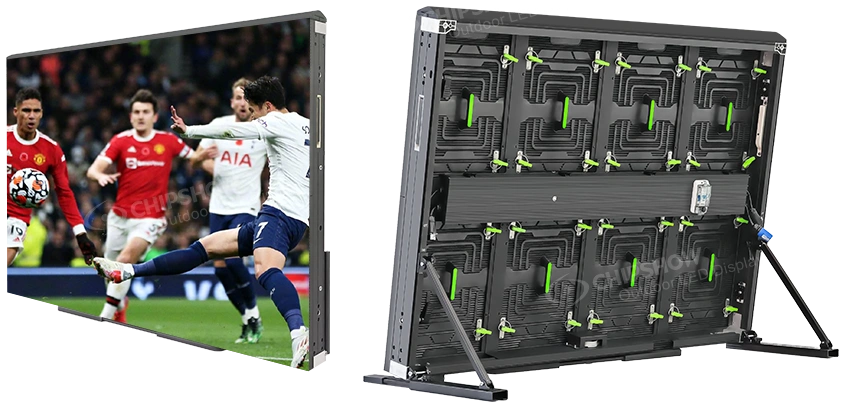
Chipshow C-Sport is designed for stadium perimeter applications, with protective features suited to pitch-side advertising environments.
It should not be treated as an interchangeable specification for every stadium Jumbotron.
For optional redundancy systems, technicians should follow the approved testing procedures for the installed configuration.
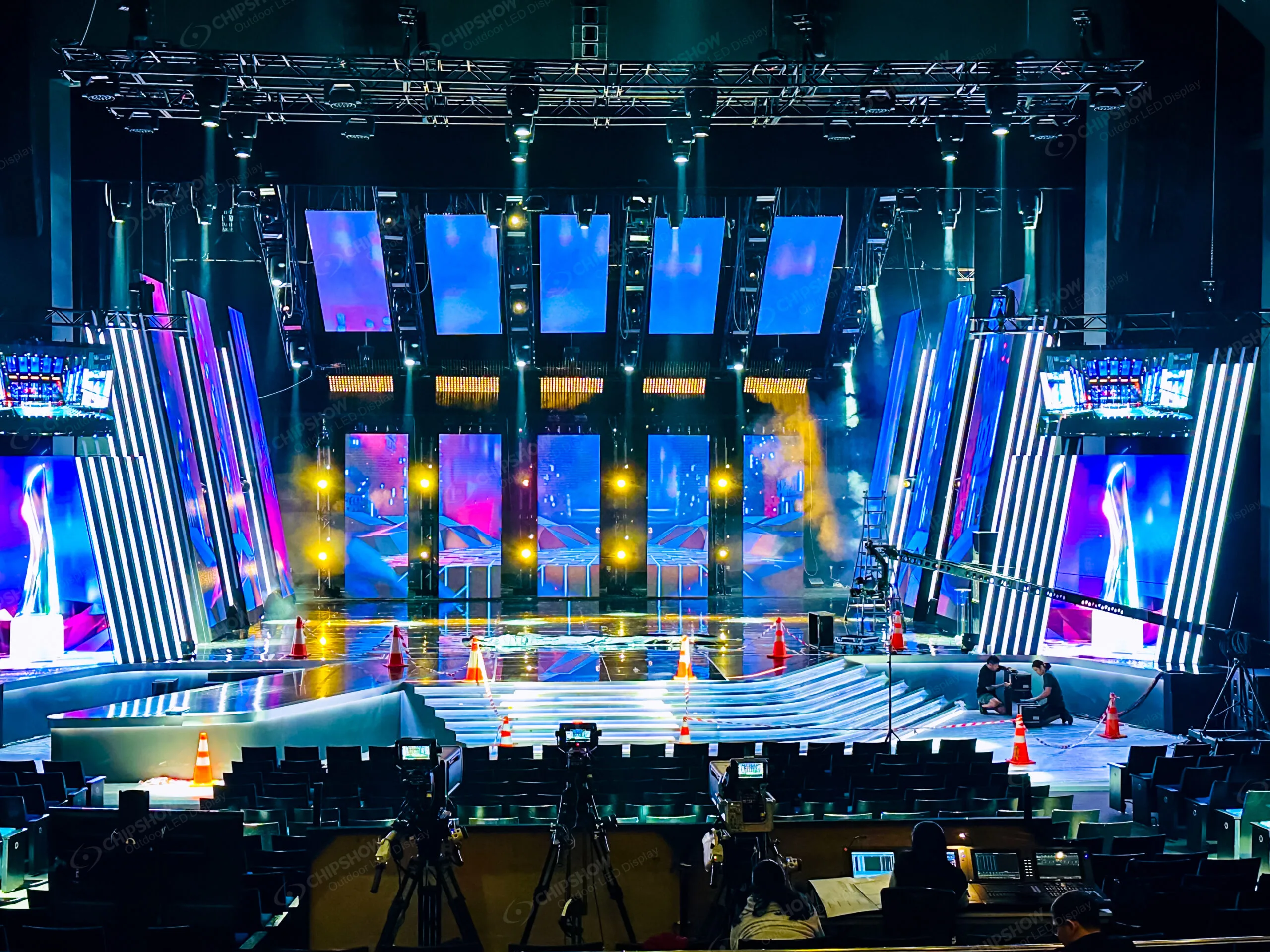
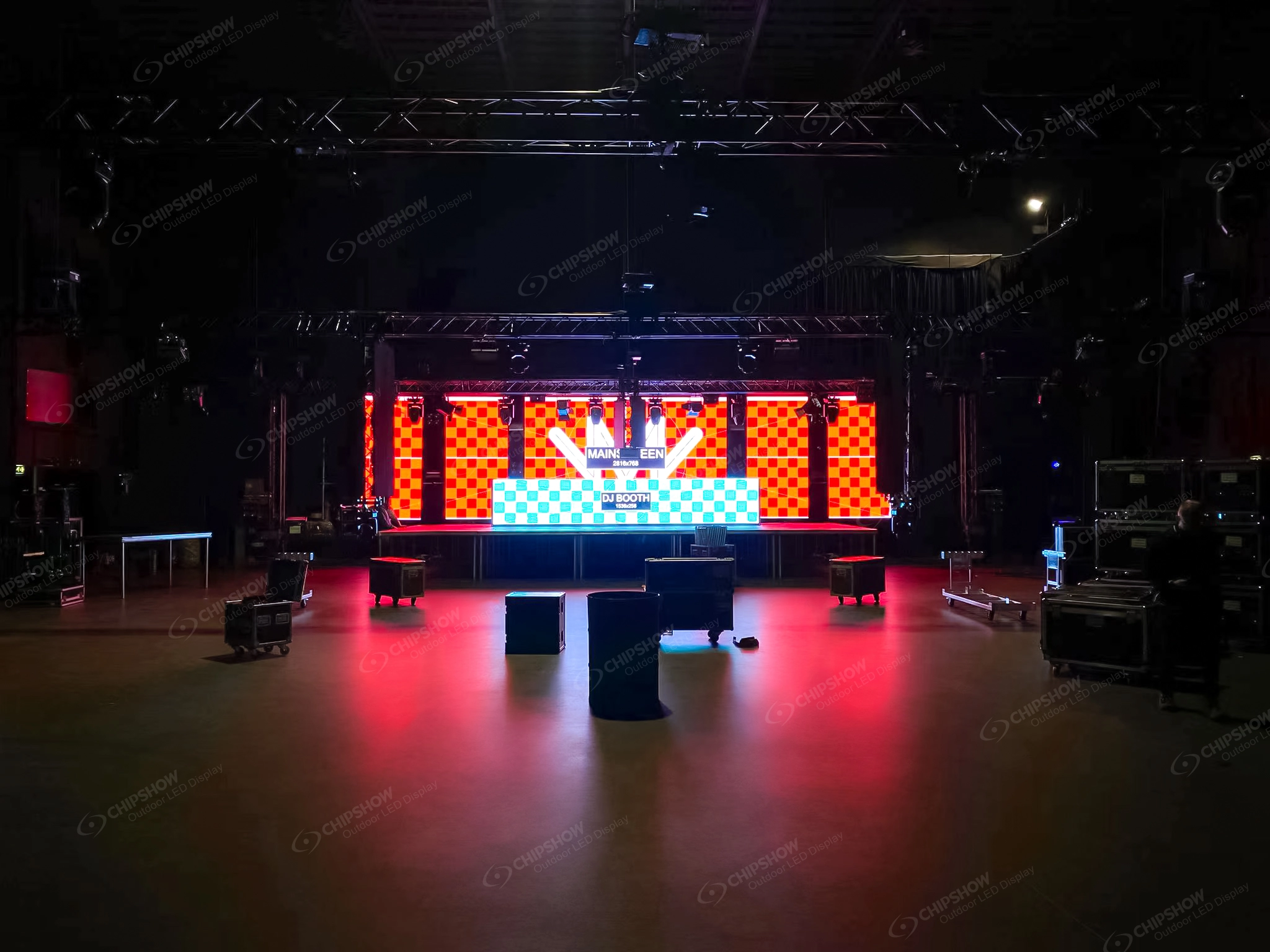
Rental and Event LED Maintenance
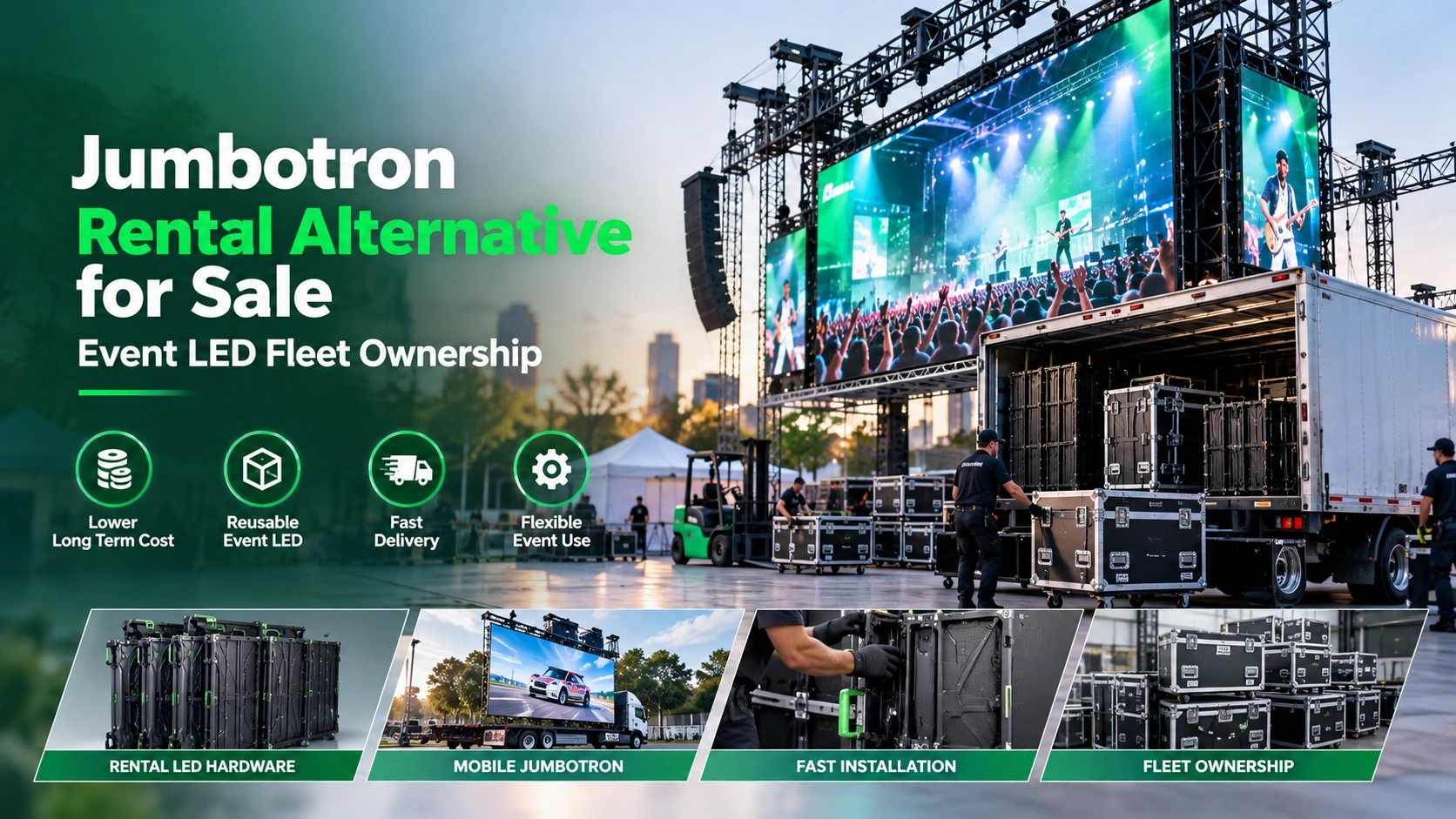
Rental displays experience repeated handling, assembly, packing, transportation, and changing installation conditions.
Before each event, crews should inspect cabinet frames, fast locks, alignment hardware, connectors, and any signs of transport damage.
After dismantling, record damaged components before returning cabinets to storage. This helps prevent defective panels from moving unnoticed into the next event package.
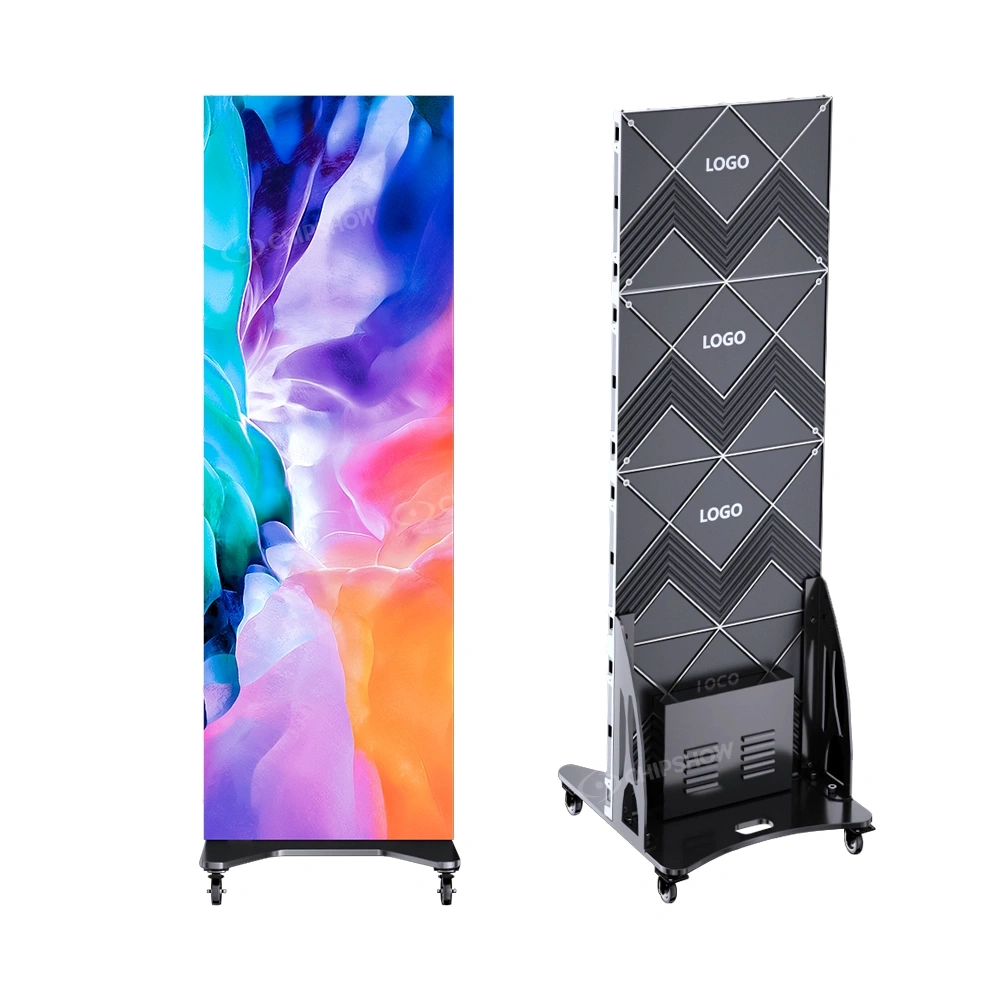
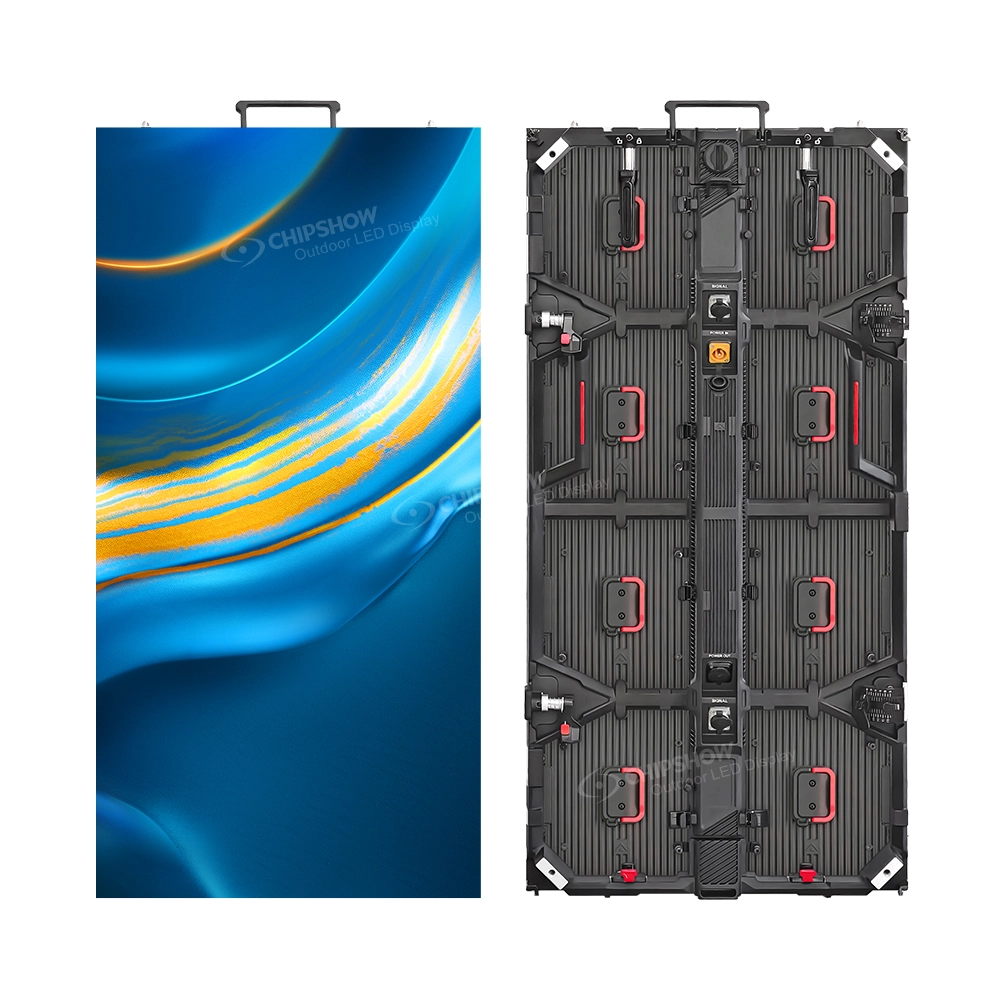
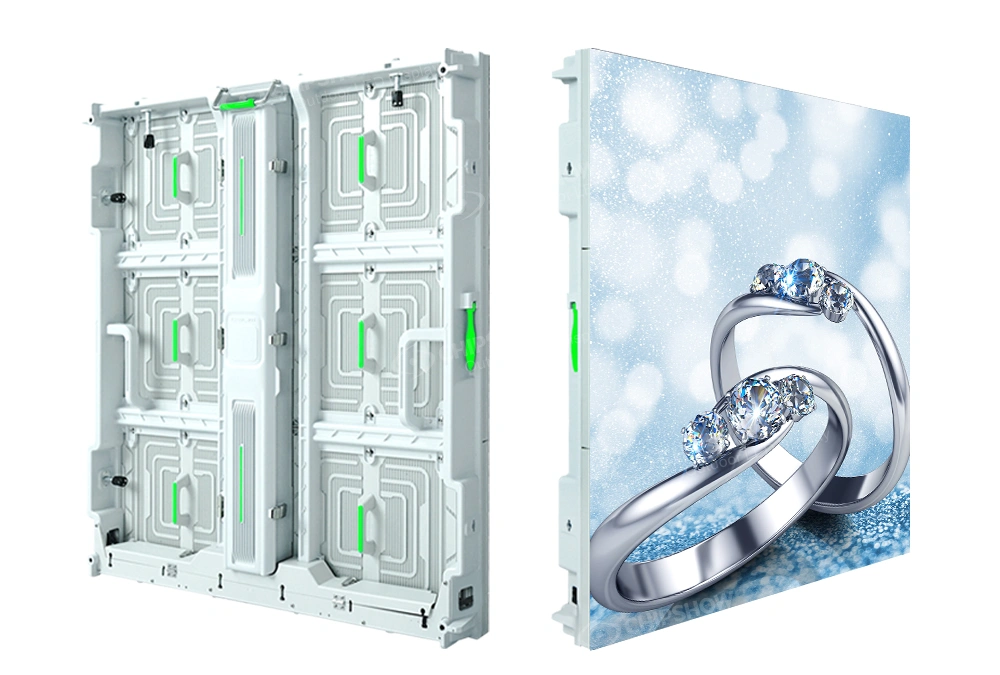
Chipshow C-Shine Plus combines front/rear service access with a removable power-box architecture suited to rental operations.
For rental companies, the value of maintenance-ready design becomes apparent when technical teams can identify, isolate, and prepare replacement components without reorganizing an entire equipment fleet.
Calibration, Firmware, and System Backups: Protecting Display Consistency
Maintaining Brightness and Color Consistency
As LED displays operate over time, owners may notice differences in brightness or color across sections of the screen.
These differences may relate to module condition, component aging, replacement parts, or calibration settings.
Visual checks can help identify obvious inconsistencies, but adjustments should follow the control system and manufacturer procedures.
When a module is replaced, technicians should verify both its functional operation and its appearance against adjacent modules.
Factory calibration provides a controlled starting point. Field calibration and appropriate replacement procedures help maintain visual consistency as the system changes.
Preserving Controller and Receiving Card Configuration Files
Configuration backups can reduce uncertainty when a component needs replacement.
Maintain organized copies of relevant controller settings, receiving-card parameters, screen mapping files, and available calibration information.
Record which files belong to each installation and the hardware or software versions associated with them.
A backup from another screen should not be assumed compatible simply because the two installations use similar equipment.
Before making changes, confirm compatibility, preserve the existing configuration, and arrange suitable testing and recovery procedures.
Avoid updating a business-critical display immediately before an event unless the work is necessary and the technical team has an approved recovery plan.
Testing Recovery and Redundancy Procedures
Some LED systems use redundant signal paths, power arrangements, or control components.
These features can improve resilience under certain failure conditions, but they still require correct configuration and testing.
A backup path that has never been tested may not behave as expected during an actual fault.
Where supported, a qualified technician should periodically verify the installed recovery arrangements according to the project’s operating procedures.
Maintain records of test results, component changes, firmware versions, and configuration adjustments.
What Should You Expect From a Jumbotron Manufacturer or Supplier in the USA?
Searching for Jumbotron suppliers or manufacturers in the USA often becomes part of the maintenance process.
Owners may discover that an urgent repair depends on obtaining the correct component, locating configuration records, or understanding the limits of a product warranty.
Manufacturer Support vs. Local Maintenance Services
A manufacturer focuses on the engineering and supply of LED display hardware.
Manufacturer-side support may include product specifications, component identification, compatibility information, technical documentation, and applicable warranty procedures.
A supplier or distributor may coordinate product availability, component orders, and procurement information.
Local maintenance contractors and AV integrators perform site-specific work such as electrical diagnosis, physical replacement, and inspection of installed equipment.
Actual responsibilities depend on the commercial agreement and available technical resources.
A maintenance-ready Jumbotron is supported by the right hardware, the right records, and a clear division of responsibility—not simply by a promise that someone will fix it.
This distinction matters when comparing a Jumbotron manufacturer with a business that primarily installs or services equipment.
Questions to Ask Before Choosing a Jumbotron Supplier
Maintenance planning should influence supplier evaluation before equipment is purchased.
Ask whether the supplier can identify replacement modules for the exact cabinet model and production revision.
Confirm how compatible power supplies, receiving cards, and other components will be sourced.
Request information about calibration requirements, configuration documentation, and any limitations affecting replacement parts.
Review warranty terms, technical documents, applicable certifications, and hardware-issue reporting procedures.
For commercial installations, the project team should confirm which certification documents apply to the actual model and configuration. Product documentation does not replace local electrical, structural, or permit review.
When comparing suppliers, clarify whether quoted support includes hardware advice, shipping replacement components, or physical work at the installation site.
How Chipshow Supports Maintenance-Ready LED Hardware
Chipshow works with North American integrators, display buyers, and operators from the hardware manufacturing and supply side.
Our product range includes fixed outdoor displays, indoor commercial LED walls, stadium perimeter solutions, and rental systems with service-access features suited to their respective applications.
We emphasize modular hardware, product-specific technical information, and equipment planning that helps partners prepare for future maintenance.
For selected products, our California warehouse hub adds a domestic supply option. Exact model availability, spare components, and delivery arrangements should be confirmed before an order is finalized.
Our approach is integrator-friendly: local contractors retain responsibility for site work and maintenance labor, while we focus on supplying the LED hardware and applicable manufacturer-side information.
To review compatible equipment or replacement components, contact Chipshow with the product model and relevant technical details.
When Should You Contact a Local Technician vs. Your Jumbotron Manufacturer?
A local technician is generally the appropriate contact when the situation involves physical access, electrical diagnosis, suspected water damage, damaged mounting hardware, or component replacement.
Do not open equipment or attempt electrical repairs simply because the visible symptom appears minor.
Depending on the work and workplace, relevant electrical safety and hazardous-energy procedures may apply. OSHA’s control of hazardous energy standard is an important reference where its scope applies; project personnel must also follow other applicable safety requirements.
A manufacturer or supplier becomes particularly useful when the technician has identified a component that requires replacement but needs confirmation of its part number, revision, or compatibility.
Manufacturer coordination may also be appropriate when a fault involves calibration information, product documentation, or an applicable warranty claim.
Before requesting support, collect the display model, serial or project reference where available, installation details, error description, photographs, relevant configuration information, and troubleshooting already completed by qualified personnel.
For warranty or RMA questions, retain the purchase records and avoid assuming that every defective component qualifies for replacement without review.
Clear documentation can make communication more effective, whether the issue is handled by a local contractor, distributor, or original manufacturer.
Jumbotron Maintenance FAQs
Can a third-party technician maintain a Jumbotron without buying a new service contract from the manufacturer?
Often, yes—provided the technician is appropriately qualified, has authorized access to the equipment, and follows the relevant product instructions. Before commissioning repairs, check the warranty terms and confirm that the technician can obtain compatible replacement parts and configuration information. Unauthorized modifications may affect support or warranty eligibility.
What information should I send when requesting replacement LED modules?
Provide the display model, pixel pitch, module or cabinet part number, hardware revision if available, photographs of the existing component, and details of the affected screen area. Include calibration and receiving-card information when relevant. This helps the supplier identify an appropriate replacement rather than relying on cabinet dimensions alone.
Is it safe to continue running a Jumbotron after water enters the cabinet?
Suspected water intrusion should be treated as a safety and equipment-integrity concern. Do not assume that a screen is safe because it continues displaying an image. Follow site safety procedures, isolate affected equipment where required, and arrange assessment by qualified personnel before returning it to service.
Can replacement modules from different production batches be used together?
Compatibility depends on the product design, component revision, electrical requirements, and available calibration procedures. A module from another batch may be usable in some circumstances, but it can require additional checks or adjustments to maintain image consistency. Ask the manufacturer or supplier to verify the proposed replacement.
Does Chipshow provide on-site Jumbotron maintenance services across the USA?
Chipshow focuses on manufacturing and supplying LED display hardware, alongside applicable product information and manufacturer-side coordination. We do not position ourselves as a nationwide on-site maintenance contractor. Physical inspection, installation, and repair work should be arranged with suitably qualified local AV integrators or service providers. Contact Chipshow to discuss compatible hardware, available documentation, and applicable parts or warranty inquiries.
How should I plan maintenance when a Jumbotron is approaching the end of its service life?
Review recurring faults, component availability, image consistency, repair frequency, and the cost of maintaining the current platform. Discuss continued parts compatibility with the manufacturer or supplier, then ask the integrator to assess whether repair, partial refurbishment, or a new hardware configuration is the more practical option.
Plan Ahead With Maintenance-Ready LED Hardware and Spare Parts Support
Regular inspections help identify developing faults. Compatible spare parts improve repair readiness. Accessible hardware makes service planning more practical, while configuration records and clear responsibilities reduce uncertainty when problems arise.
For LED owners, venue teams, and AV integrators, the best maintenance strategy connects daily operation with long-term equipment decisions.
Chipshow supports that process through LED hardware manufacturing, serviceable product designs, and product-specific supply information.
If you are maintaining an existing Chipshow display or planning a new project, start with the equipment details.
Explore our LED display product range, or contact Chipshow with the screen model, application, cabinet configuration, and the replacement components or documentation you need.
Request product-specific spare parts information and technical documentation to plan your next maintenance cycle with greater confidence.