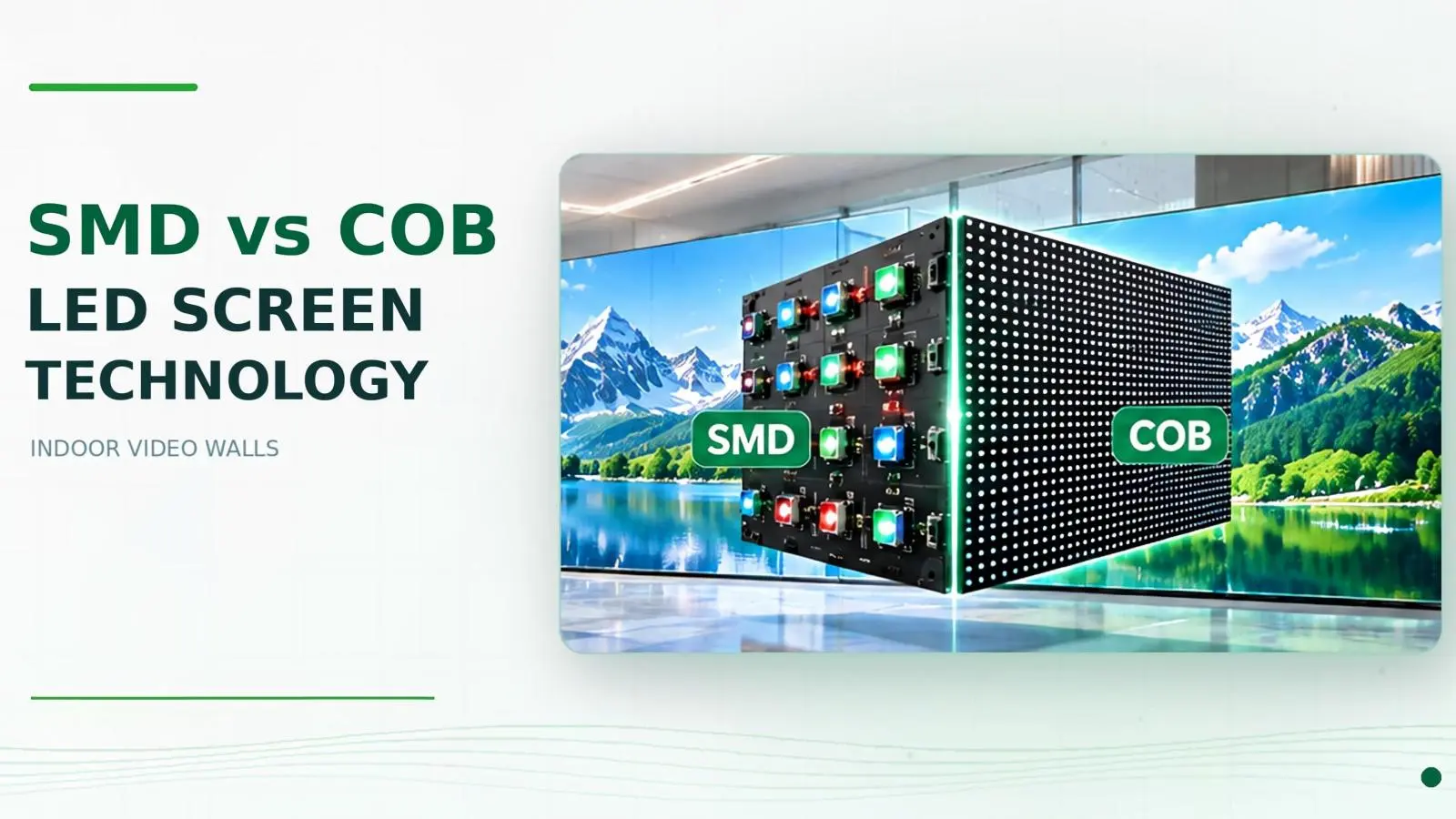
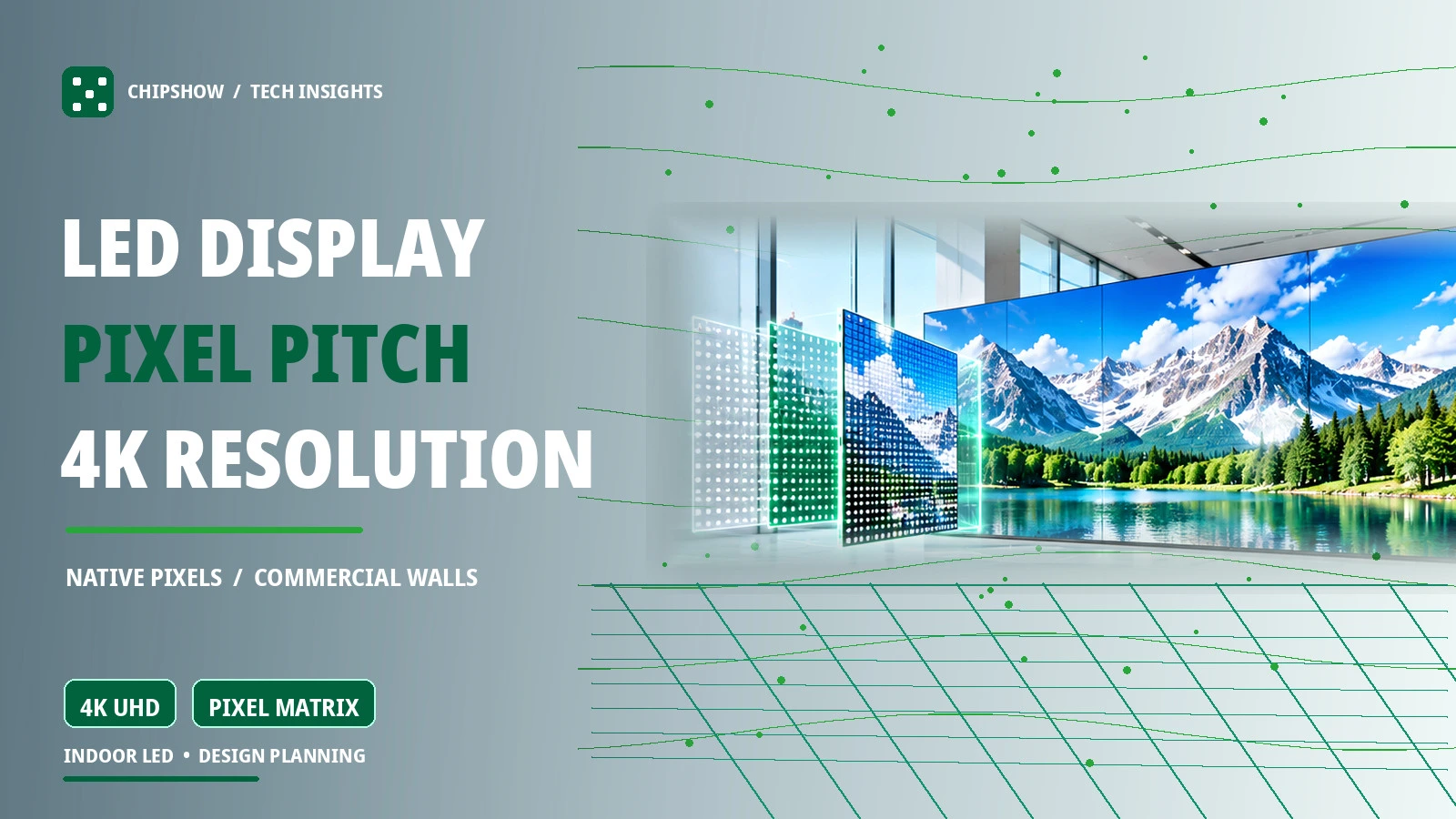
A wall can accept a 4K video feed without displaying 4K pixels. That distinction can reshape a commercial LED project. Before choosing an impressive pitch specification or ordering a full-wall installation, determine how close people will stand, how much wall area is available and how much detail the content contains. Then translate those needs into a buildable pixel matrix. This is the difference between buying large display screens by appearance and specifying a video wall that works on opening day.
This LED display pixel pitch explained article connects the pixel pitch definition with viewing distance, native resolution, cabinet selection and commercial purchasing. It also explains what does pixel pitch mean for 4K digital signage for business and how to compare large display screens without mistaking a 4K video input for a native 4K LED canvas.
What Is Pixel Pitch in an LED Display
Pixel Pitch Definition and How It Is Measured
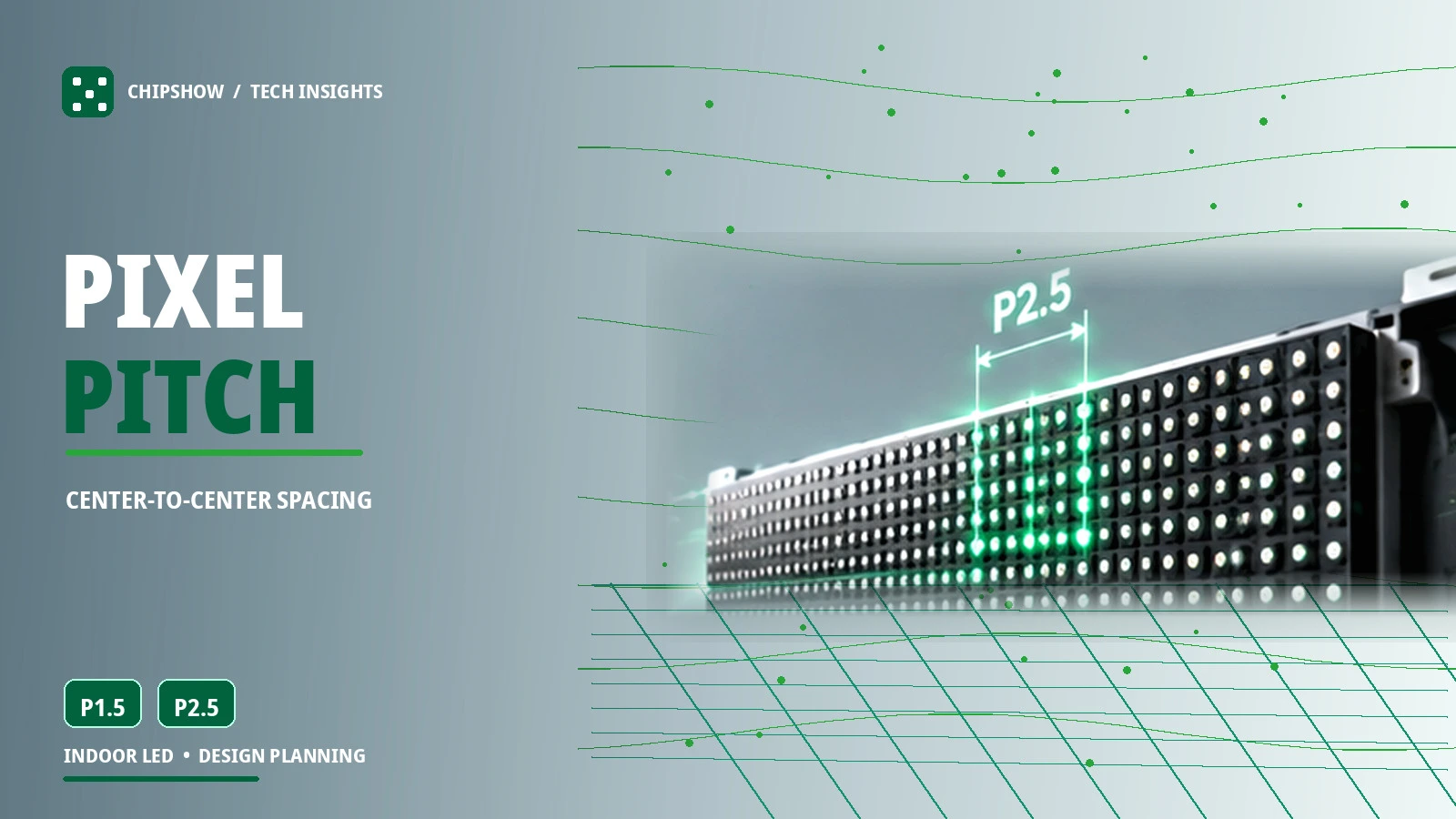
What does pixel pitch mean? On a direct-view LED screen, pitch measures the center-to-center distance between neighboring pixels in millimeters. P1.5 describes a nominal 1.5 mm pitch; P2.5 describes a nominal 2.5 mm pitch. These names refer to spacing, not to the physical width of a complete cabinet and not to a promised output resolution. A buyer searching for a pixel pitch definition should retain one simple idea: pitch describes pixel spacing, while resolution counts pixels across an assembled display.
How LED Wall Pixel Pitch Affects Image Clarity
Imagine the same corporate lobby wall assembled once at P1.5 and once at P2.5. If the physical width and height remain constant, the finer-pitch option creates more pixel positions and can reproduce smaller letterforms and finer detail. That does not automatically make it the better purchase. A looping brand film seen from across a lobby asks much less of the screen than an operations dashboard read from a nearby desk. For buyers comparing led wall pixel pitch, this difference affects both visible detail and the usable native pixel canvas.
How to Choose Pixel Pitch Based on Viewing Distance
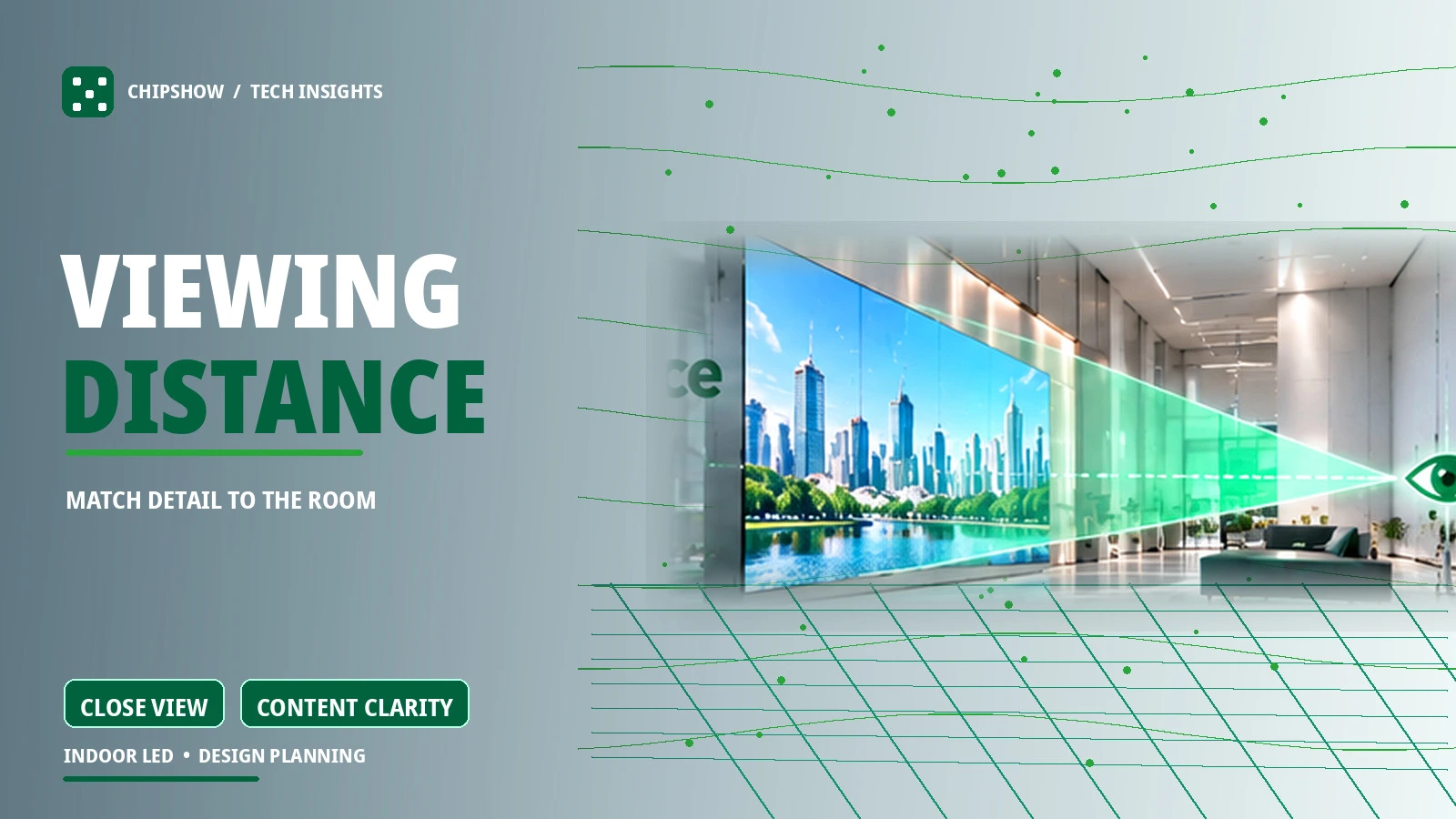
Start with the closest realistic viewer, not the farthest person in the venue. Ask where someone may stop to read a slide, check a map or inspect a product message. Compare that position with the screen’s purpose and the smallest information a viewer must recognize. A boardroom presentation viewed from a few feet away deserves different consideration from a large atrium canvas experienced at a distance.
Viewing distance is a useful starting point rather than a fixed rule. Review the closest viewers and the smallest content they need to read, then evaluate a suitable sample before approving the pitch.
Understanding LED Screen Resolution and Pixel Density
What Determines the Resolution of an LED Screen
Understanding LED screen resolution requires two independent measurements: the physical size of the assembled wall and the number of addressable pixels along each axis. A pixel matrix of 1920 by 1080 contains 2,073,600 pixels regardless of how far the installation extends across a room. By contrast, the same six-meter physical width can contain very different numbers of pixels depending on pitch and cabinet architecture. Understanding LED screen resolution starts with that native pixel matrix rather than the resolution printed on a media player.
The horizontal and vertical counts matter more than a single total-pixel figure. A superwide wall may carry millions of pixels but still be unsuitable for ordinary 16:9 slides without resizing or composing new content. Confirm the actual width-by-height matrix before preparing the media canvas or approving the controller map. The source resolution should be chosen for the finished wall rather than guessed from a product label.
Why Large LED Screens Are Not Automatically High Resolution
Large format screens are defined by their presentation scale, not by a particular pixel count. A broad architectural feature can use a relatively open pitch for long-distance viewing. A smaller executive wall may carry denser pixels because people read close-up information. Neither project is inherently superior: each is successful when its physical dimensions, native resolution and content design support the viewing task. Large display screens and large format screens should therefore be evaluated by viewing distance and content rather than physical width alone.
How to Calculate LED Wall Resolution
The Basic LED Wall Resolution Formula
For an approximate resolution, divide the wall width and height in millimeters by the pixel pitch in millimeters. The final native pixel count must still be checked against the selected cabinet specifications.
Use that estimate only to shortlist options. The actual cabinet pixel matrix determines the finished display resolution.
LED Wall Resolution Calculator Example
For example, a theoretical 6,000 mm wide wall at P1.5 has about 4,000 horizontal pixels. That estimate is not a finished 4K system specification; the actual result depends on the available cabinet sizes and layout.
A basic led wall resolution calculator can help with early comparisons, but the cabinet drawing and native pixel matrix should be used for final approval.
How Cabinet Size and Pixel Mapping Change the Final Resolution
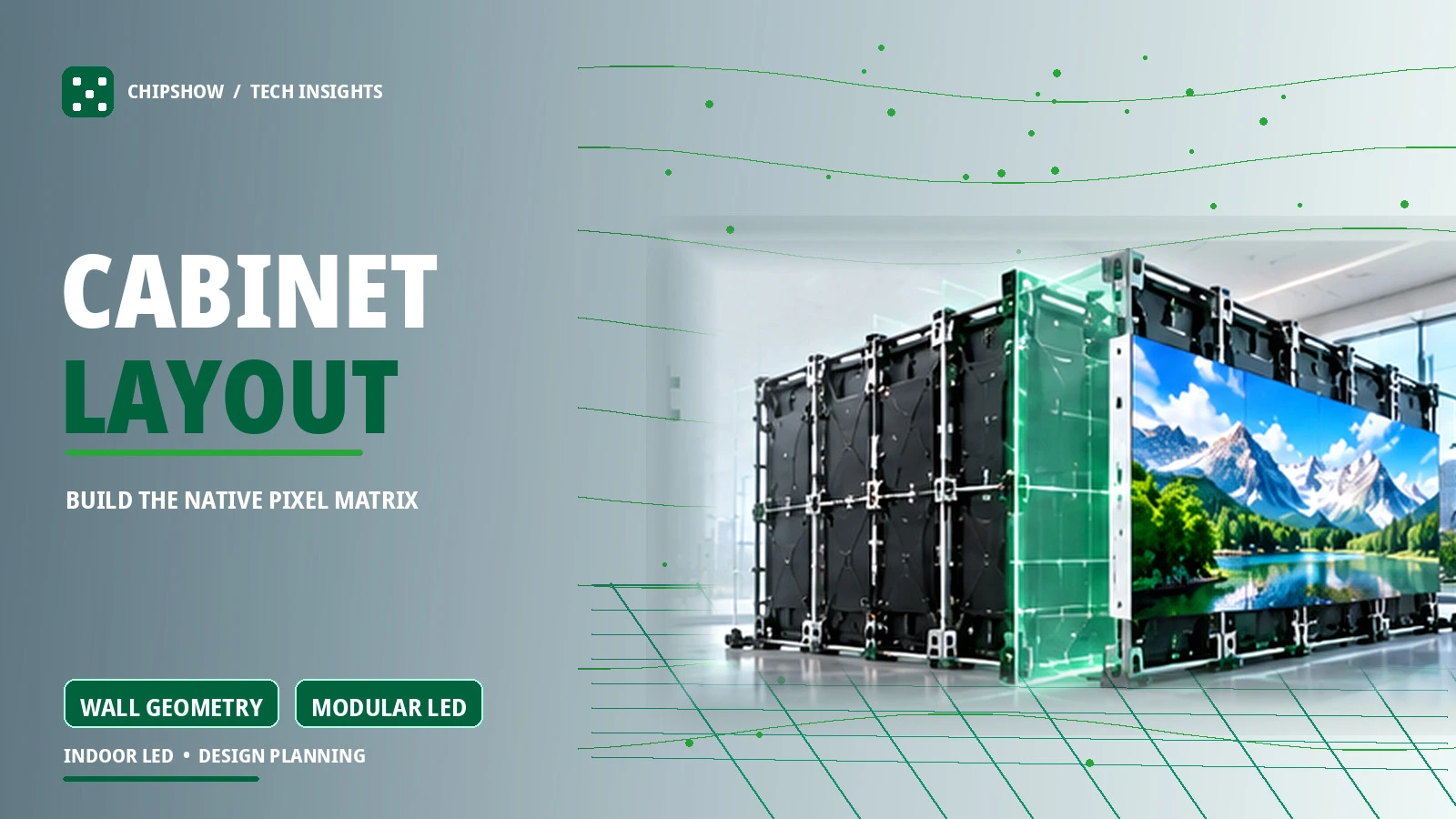
Check the native pixels per cabinet and the number of cabinets across and down. Multiplying those counts gives the finished wall resolution. This is more useful for ordering than a theoretical wall-size calculation.
What Makes an LED Video Wall Truly 4K
Native 4K Resolution Versus 4K Video Input
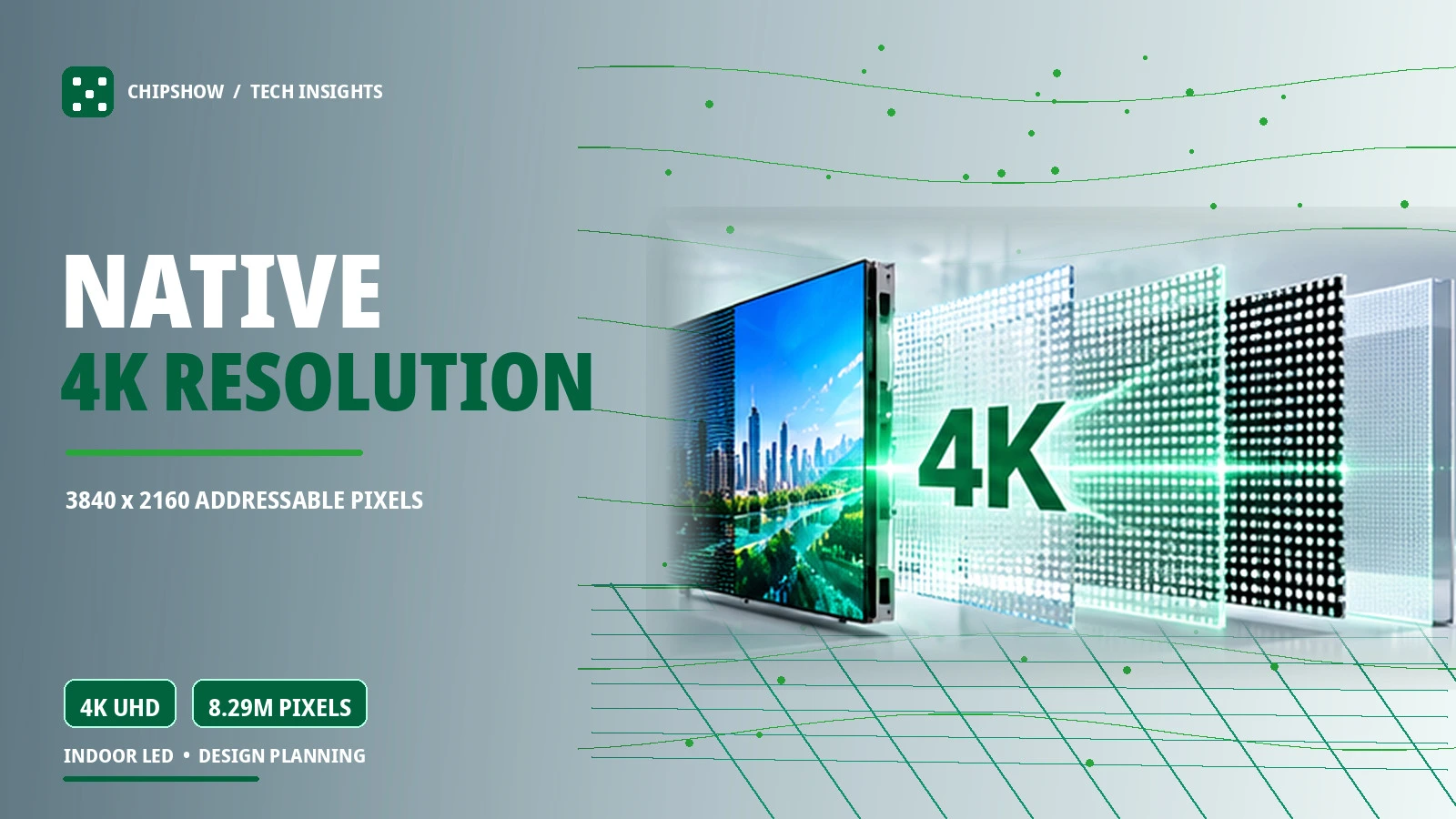
Commercial UHD is commonly specified as 3840 by 2160 pixels, representing 8,294,400 addressable positions on a full native canvas. A media player may output that signal even when the connected display contains fewer physical pixels. Similarly, a controller may accept a 4K input and scale it to fit a non-4K wall. Neither capability proves that the LED wall itself has 3840 columns and 2160 rows.
When evaluating 4K LED display technology, look for the completed pixel matrix in the bill of materials or drawing. Ask whether the quoted system is native UHD 4K, a compatible lower-resolution wall receiving a 4K feed, or a nonstandard high-resolution canvas with a comparable total pixel count. These options have different media-production implications. Clear language prevents content teams from building assets for a screen that does not physically exist. This is central to 4K LED display technology because input compatibility and physical pixels answer different questions.
How Pixel Pitch Affects the Physical Size of a 4K LED Wall
A native UHD 4K canvas needs 3840 by 2160 addressable pixels. Different pixel pitches produce different physical wall dimensions, and the actual layout depends on the cabinet format. Confirm the finished drawing rather than relying on an idealized formula.
When Native 4K Matters for Business Content
A control dashboard with multiple detailed windows may benefit from a native high-resolution canvas because operators must distinguish small information areas. An executive room showing engineering drawings may have similar needs. A distant audience watching large-scale promotional motion graphics may receive little benefit from the same pixel count if other variables dominate the experience. Content density and viewing geometry should lead the 4K decision.
For 4K digital signage for business, document the native canvas before configuring media playback. A high-resolution feed can be scaled, but that does not convert a lower-density wall into native UHD. Ask the content team for a representative menu, detailed slide or data display to evaluate at the closest viewing position. This practical test makes the technology discussion measurable rather than relying on labels alone. For additional project context, explore our 4K display hardware planning article while keeping indoor LED wall native resolution as the decision point here. In 4K digital signage for business, content legibility matters more than a marketing label.
Planning Large Format LED Displays for Commercial Spaces
Matching Wall Dimensions to Viewing Distance
Begin by measuring the usable width and height rather than the entire architectural surface. Note columns, doors, services, access panels, airflow and potential service routes. Then record where audiences will normally stand or sit. A lobby may have a wide range of viewing distances; a boardroom has predictable seating but demanding text; a retail display may be designed primarily for motion and brand impact. Each case leads to a different pixel-density requirement.
Full-room planning should also account for content production. If the client has only 16:9 assets, an ultra-wide installation creates either unused side areas or a demand for reformatted content. If multiple content zones are essential, the designer should confirm minimum type sizes for each zone. Physical spectacle is valuable, but legibility is the performance metric that turns large format screens into useful business communication.
Choosing the Right Aspect Ratio for Full-Wall Display Solutions
A 16:9 wall usually aligns more easily with common UHD footage and presentations. A 4:3 canvas may suit a constrained opening or specialized material. Extra-wide formats can create striking architectural effects while requiring custom layouts. Full-wall display solutions are not limited to one ratio; the correct proportion follows the room and its media strategy. Different aspect ratios also change which native resolutions can be assembled from whole cabinets.
For full-wall display solutions, compare the available wall shape with the actual content canvas. Large format video displays may use 16:9 or extra-wide layouts, but the content must fit the completed pixel matrix. Some buyers search for “ful-wall display solutions”; the relevant design question is still whether the wall and content proportions match.
High Resolution LED Screen Benefits for Business Applications
High resolution LED screen benefits include more room for readable diagrams, smaller text at suitable distances and more detailed visual compositions. Fine pitch is useful when staff work with information rather than merely watch a background image. Modular LED can also support broad or unusual surfaces that do not match the dimensions of a single LCD panel. Those benefits must be weighed against system complexity, content preparation and the physical needs of the site. The high resolution LED screen benefits depend on whether the extra detail is actually visible at the intended viewing distance.
Comparing Chipshow LED Pixel Pitch Options
C-Max SMD for Commercial LED Wall Projects
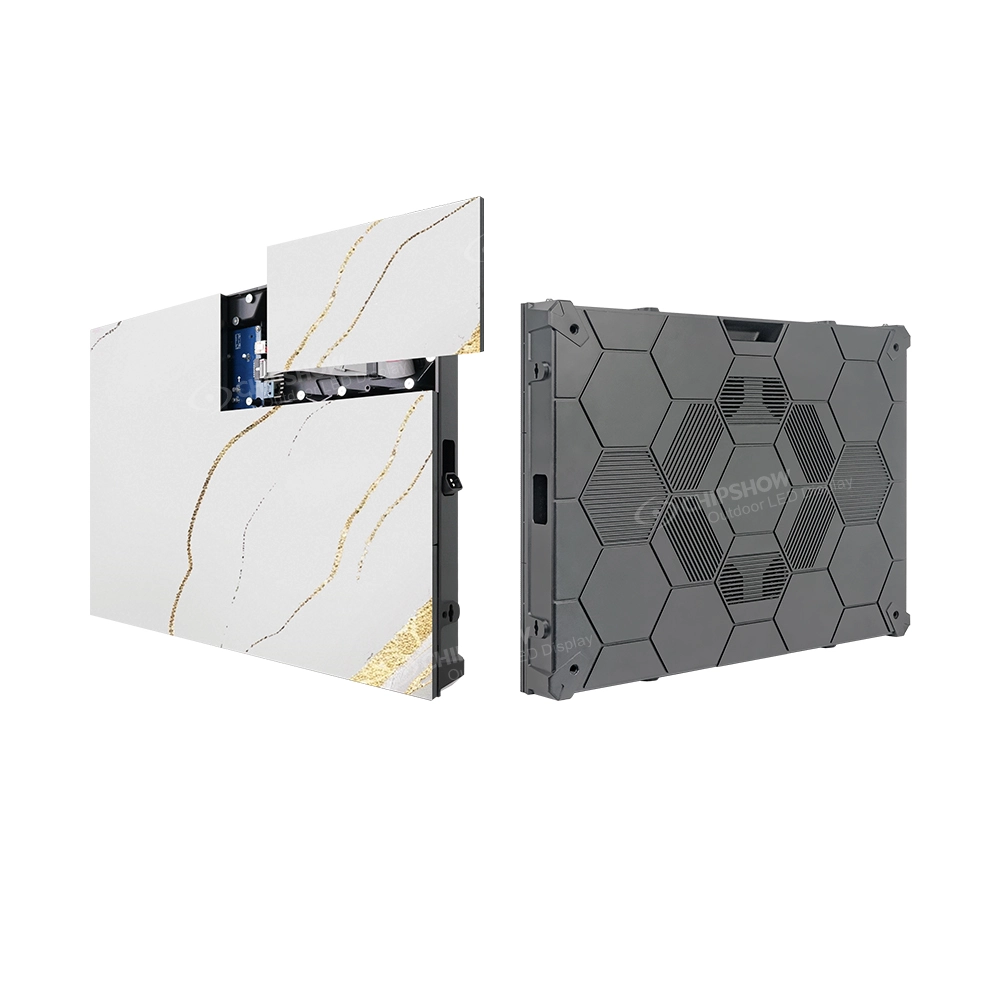
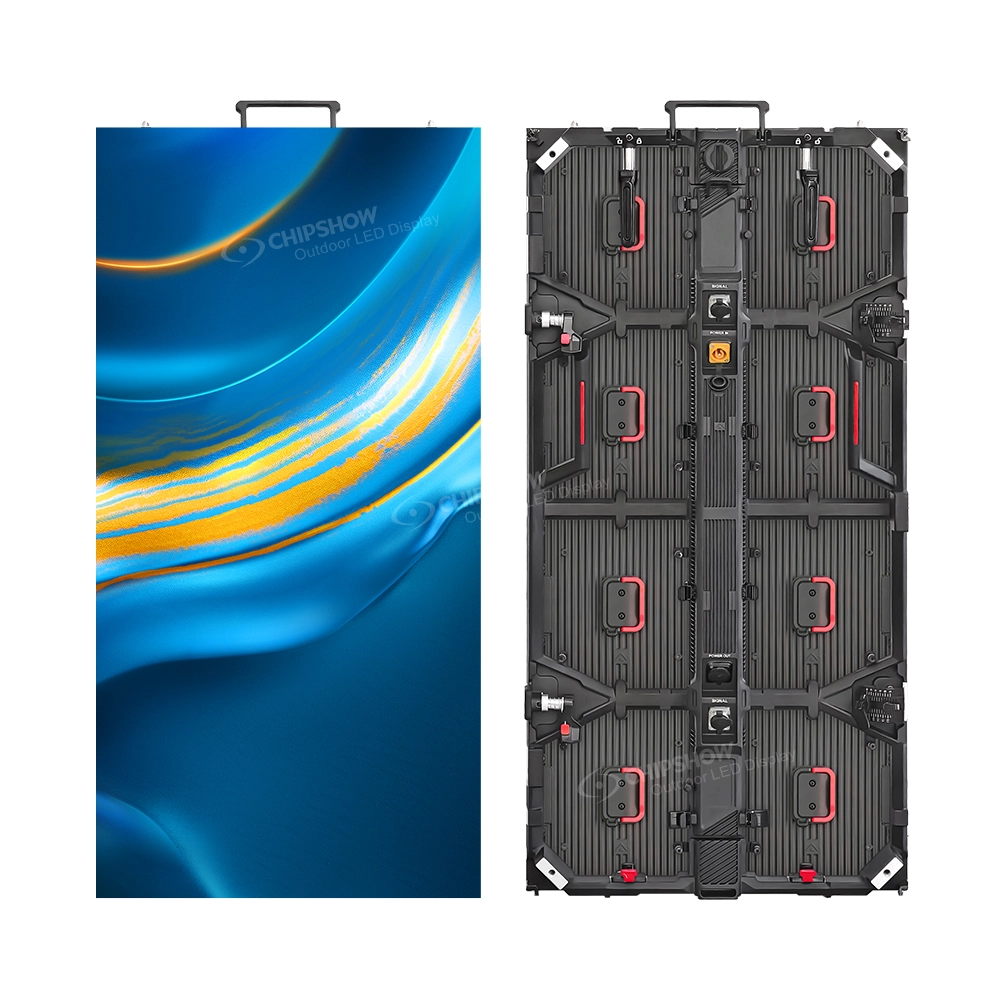
For commercial indoor planning, our C-Max SMD range offers multiple pitch options across fine and larger indoor formats. Current North American product material describes P1.25, P1.53, P1.86, P2, P2.5, P3 and P4 options. The wider range gives integrators room to align viewing distance with panel count and the physical opening. Before using a specific pitch in a resolution calculation, confirm the precise model and current cabinet pixel matrix in its specification sheet. Explore our indoor LED display product options to compare current hardware specifications for your project.
C-Max COB for Fine-Pitch Indoor Displays
Our C-Max COB family provides another route for projects evaluating fine-pitch indoor screens. Current North American published materials list P1.53 and P1.86 options, subject to exact product configuration. COB refers to a different LED packaging and surface approach from conventional SMD. A procurement comparison should consider not only pitch but also maintenance access, the physical environment, and the relevant model’s documented performance.
C-Max-Wall for Large Format Display Planning
C-Max-Wall can be considered during architectural large-format planning where wall integration and the chosen cabinet arrangement are important. Project planning materials identify a P1.25–P4 range, but the specific offered variants and their dimensions must be verified against the current product documentation before a quotation names them. This is especially important when a designer has specified a precise opening or nonstandard media canvas. For large format video displays, check the actual cabinet drawing before approving the finished screen ratio.
LED Pixel Pitch Options for Commercial Displays
| Nominal Pitch | Relative Density | Planning Focus |
|---|---|---|
| P1.25 | Higher | Close viewing with detail-rich content |
| P1.53 | Higher | Fine text and indoor commercial graphics |
| P1.86 | Medium to high | Moderate viewing distances and mixed media |
| P2.5 | Medium | Larger walls where viewers stand farther back |
| P3 | Lower | Distant viewing and large motion-led canvases |
The comparison expresses relative pixel density for an equal physical area, not a universal minimum viewing distance and not a promise that each pitch exists in every Chipshow series. For a real specification, check the product model, cabinet pixels, viewing conditions and tolerances. The most useful option is the one that meets the information requirement without forcing unnecessary density into a much larger wall.
How Pixel Pitch and 4K Resolution Affect LED Wall Price
Why Fine Pixel Pitch Changes Hardware Requirements
LED wall price is influenced by total wall area, LED technology, pixel pitch, cabinet quantity, control hardware and supporting equipment. Holding the physical wall size constant while reducing pitch generally increases the number of pixels that the system must address. But purchase quotations also reflect the manufacturing platform and project-specific requirements, so a simple pitch-to-price conversion is unreliable.
Treat price as one planning consideration alongside native resolution, viewing distance and cabinet quantity. Our related LED display price article explores cost comparisons in greater detail, while this page stays focused on selecting the right resolution for the room. For a more detailed purchasing discussion, see our LED display price overview.
Balancing Native Resolution With Project Budget
Compare alternatives with identical input assumptions: usable width, normal viewing distance, expected content, service requirements and finish. Ask the integrator to show the native pixel count for each offer, not only the listed pitch. Review whether a source scaling plan is needed and whether the controller’s output geometry supports the completed wall. A fair commercial comparison prices the required display function rather than two unrelated bundles.
Choosing LED Display Manufacturers and Suppliers for a 4K Project
What to Ask an LED Display Manufacturer or Factory
When comparing LED display manufacturers, begin with a measured requirement instead of asking for a generic 4K screen. Provide the intended wall opening, viewer locations, smallest necessary text, content ratio and operating environment. Ask the LED display factory for the exact cabinet dimensions, native pixels per cabinet, supported pixel pitch and service access. A trustworthy specification should make the final grid independently calculable. Reputable LED display manufacturers should be able to identify the cabinet format and the finished native pixel matrix for the quoted system.
Also request model-specific product documentation rather than assuming a whole series shares every property. If certification or test information matters to procurement, it must correspond to the actual model and configuration. Factory-direct conversations can simplify clarification, but a supplier should still explain component compatibility and the hardware bill of materials. One vague catalog label is not an engineering approval. A Factory specification should identify the exact model and not be treated as a blanket claim for every product in a family.
How to Compare an LED Display Supplier Before Buying
An LED display supplier should provide an identifiable cabinet schedule with pitch, native resolution, cabinet count and compatible control hardware. Chipshow helps commercial buyers compare LED hardware options against those project requirements before an order is placed.
For the buying team, a written resolution plan is also a useful change-control document. If project dimensions change after the first quote, refresh the cabinet count, native pixel matrix and controller map before confirming the order. That prevents a small architectural revision from creating a mismatch between the hardware purchased and the content already produced.
4K LED Walls for Sale and What Buyers Should Verify
Listings advertising 4K LED walls for sale should be evaluated by the proposed assembled pixel matrix, not the headline alone. Is the quoted system a native 3840 by 2160 configuration? Does it merely accept UHD video? Is the proposed cabinet arrangement actually buildable from the stated model? Are a controller and essential signal accessories included? These questions make offers comparable even when brochures use different language. When reviewing LED walls for sale, request a cabinet schedule and a final native resolution drawing rather than relying on the words 4K alone.
Quick Ship 4K LED Displays and Ready-to-Ship Hardware
Why Ready-to-Ship Panels Are Not Always a Complete 4K Wall
Searches for quick ship 4K LED display panels often combine two separate requirements: high image detail and a short project schedule. Individual LED cabinets may be stocked, yet the required native 4K wall may need more units than a warehouse holds in one compatible batch. A ready to ship 4K video wall system also involves the appropriate controller, receiving configuration, accessories and documented mapping. Stock of panels alone does not establish availability of the finished solution. Quick ship 4K LED display panels must be matched to the required finished pixel matrix, not just a short dispatch date.
Fast delivery high resolution video panels require a verified model, pitch, cabinet quantity and dispatch plan. A stocked cabinet is not automatically a ready to ship 4K video wall system. Confirm the complete hardware configuration before scheduling installation.
Confirming US Stock for Large Format LED Displays
A request for a ready to ship large format LED display should start with the approved resolution worksheet. From that, a warehouse or sales team can check available cabinets against the exact configuration. The Chipshow California warehouse hub can be part of this discussion, but current inventory must be confirmed for the specified model and quantity. Avoid substituting a different pitch just because a related series is available; the change could alter resolution and viewing suitability. A ready to ship large format LED display still needs its panel quantity and compatible batch verified for the exact project.
For a quick-turn project, send the usable wall dimensions, viewing distance, preferred pitch and required delivery location. Ask Chipshow to confirm the current hardware configuration and availability; do not assume every ready to ship large format LED display is already assembled as native 4K.
LED Wall Resolution Planning Checklist
- Confirm the nearest viewing position and smallest text or graphic detail.
- Measure the usable wall opening in millimeters.
- Choose a preliminary pitch based on content and viewing needs.
- Calculate estimated horizontal and vertical pixels.
- Verify the exact pixels per cabinet and complete cabinet grid.
- Decide whether the business truly requires native UHD 4K.
- Check controller canvas limits and input scaling.
- Request the model specification and hardware bill of materials.
- Verify current stock quantity and batch before assuming quick shipment.
Frequently Asked Questions About LED Pixel Pitch and Resolution
What Pixel Pitch Works for a Boardroom or Lobby
Start with the nearest person who must read the smallest displayed material. A boardroom may call for finer pitch than a lobby seen mainly from a distance, but the correct value is not a universal preset. Test representative text on a sample at the intended viewing position.
Can an LED Wall Have an Exact 16 by 9 Aspect Ratio
Yes when the selected cabinet geometry supports a grid whose final width and height produce that ratio. Not every product format or fixed opening permits an exact match. Obtain a cabinet drawing and native pixel matrix before approving the content canvas.
Is Smaller Pixel Pitch Always Better for a Large LED Wall
No. It increases potential detail in a fixed area but can add hardware complexity and cost without visible benefit for distant viewers. Match the pitch to the smallest required content detail and confirm it with the real viewing conditions.
Can 4K Video Play on a Non-4K LED Wall
Usually yes if the connected playback and processing system supports the source and scales it for the wall. The source may remain UHD but the wall displays only its available native pixels. The final result depends on mapping and scaling quality.
Can a 4K LED Wall Be Ready to Ship From US Stock
Potentially, but only after confirming that the chosen cabinets, quantity, compatible batch and relevant control hardware are actually available. The phrase “US stock” by itself cannot verify a completed native 4K configuration or an installation date.
Plan Your LED Wall Resolution With Chipshow
The next useful step is a short set of measurements, not a guess at the finest pitch. Share the usable wall width and height, the closest viewing distance, the smallest on-screen detail, the desired content format and your target delivery window. We can use those inputs to discuss appropriate Chipshow LED hardware options and identify the specification documents needed for your integrator’s design review. If you need fast delivery high resolution video panels, include your deadline and target resolution so the team can verify the appropriate hardware.
If native 4K is important, request a drawing that shows 3840 by 2160 addressable pixels in the proposed cabinet grid. If a different canvas better fits your space and audience, have that resolution documented just as clearly. Ask for a resolution plan and a model-specific hardware BOM, then verify current California stock availability where timing matters. A well-defined canvas is the strongest starting point for a dependable commercial LED wall.