A multi screen digital signage project can fail long before a screen is installed. A building manager might order a large LED wall for the lobby, a vertical display for the tenant directory, and several screens for menu information, only to discover that the devices need different players, control interfaces, mounting arrangements, or content workflows. The displays may be suitable individually but not yet form a functioning network.
At Chipshow, we approach these discussions from the display hardware side. We manufacture LED display products for commercial applications and work with buyers and AV integrators who must match those products to specific project requirements.
Digital Signage vs Static Signs for Commercial Spaces
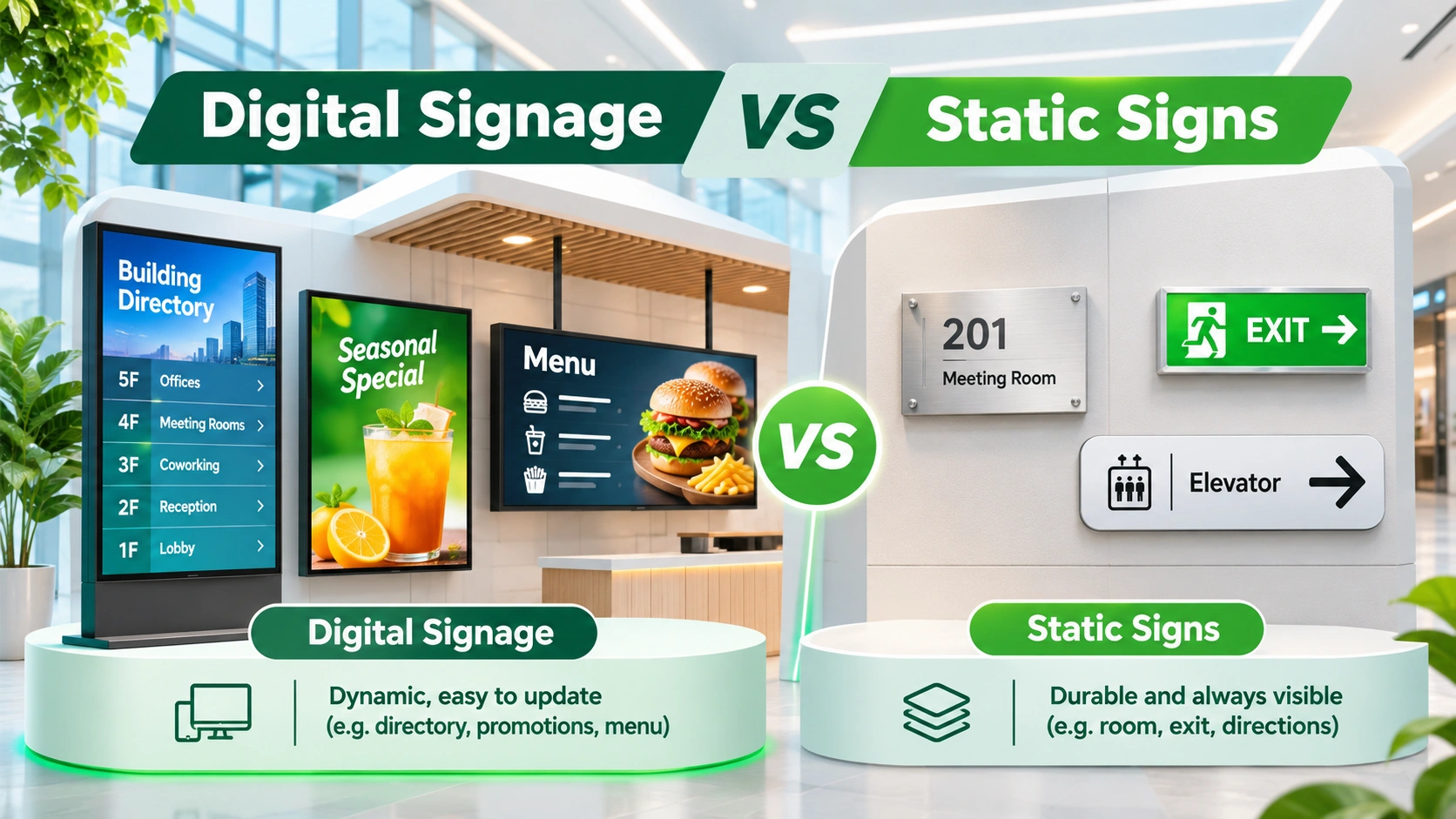
When Static Signs Still Make Sense
In a comparison of digital signage vs static signs, the right answer is not always digital. A room name, permanent exit direction, or seldom-changed safety instruction may work perfectly well on a durable printed or fabricated sign.
The physical environment also matters. A narrow corridor with little available power or an area where visitors only need a simple directional cue may not justify another electronic endpoint. Retaining appropriate fixed signs reduces the number of devices a facilities team needs to monitor.
When Digital Displays Offer More Flexibility
Digital hardware becomes more useful when the content changes often or must differ by time, location, or audience. Tenant listings may change as offices move. A restaurant may update menu prices and promotions.
A screen can also display sequences of messages within a fixed footprint. That does not guarantee people will notice or understand them. Legibility, viewing time, ambient light, and clear editorial priorities still determine whether the message works. The hardware decision should follow the information task rather than an assumption that motion is inherently better.
Consider the Operational Requirements Before Upgrading
The comparison changes once IT and facilities responsibilities are included. Each digital endpoint needs power, a suitable signal path, access for servicing, and a way to maintain current content. Some deployments also need a media player, network credentials, device management, and ongoing CMS licensing.
Before replacing a static sign, ask how often its message changes, who approves updates, whether the location can support a powered display, and what happens when connectivity is unavailable. The answers establish whether an electronic display is justified and help define the hardware requirements without repeating a broad digital-transformation sales pitch.
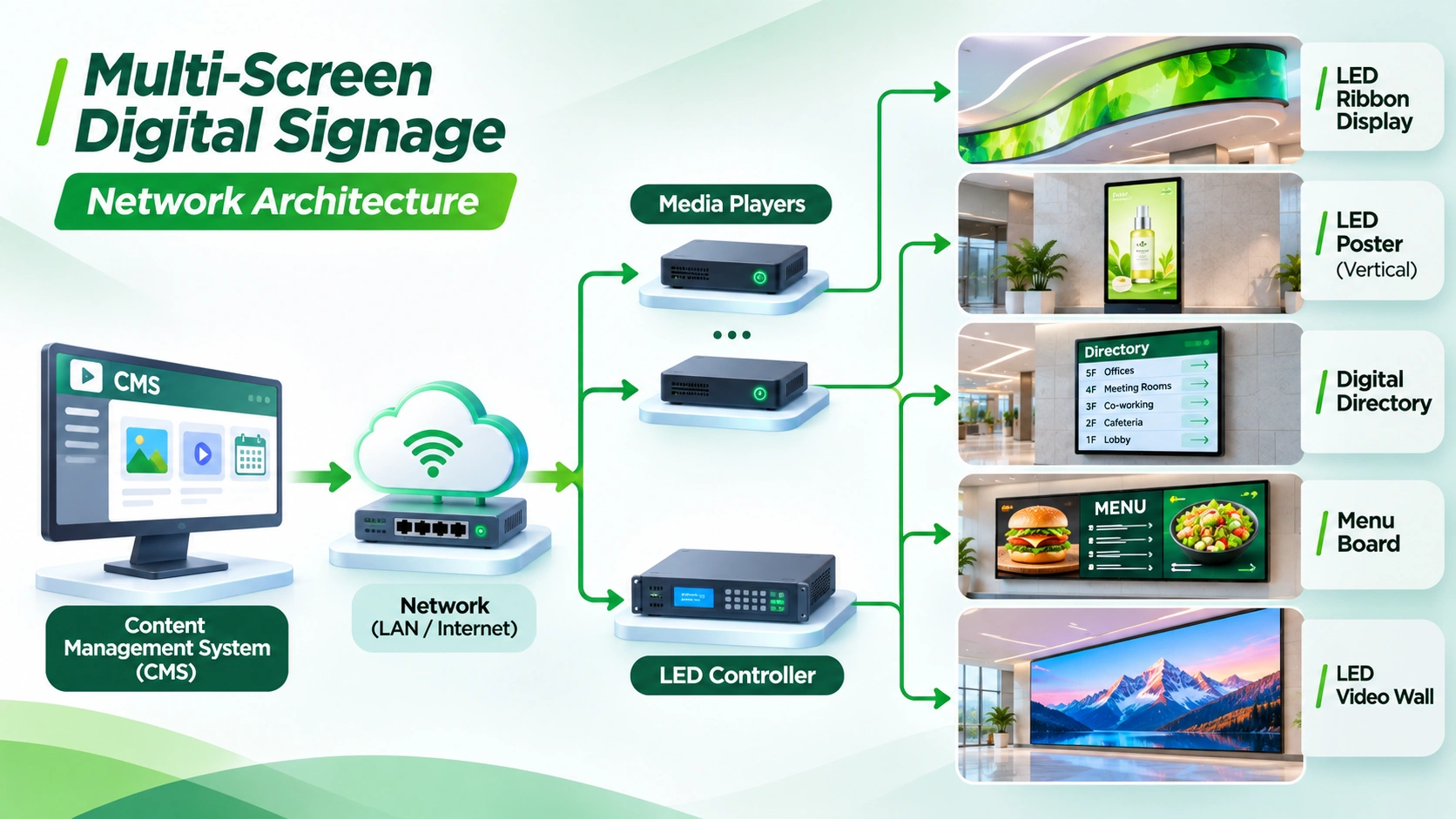
The Five Hardware Nodes in a Multi Screen Digital Signage Network
LED Video Walls for Large Format Visual Communication
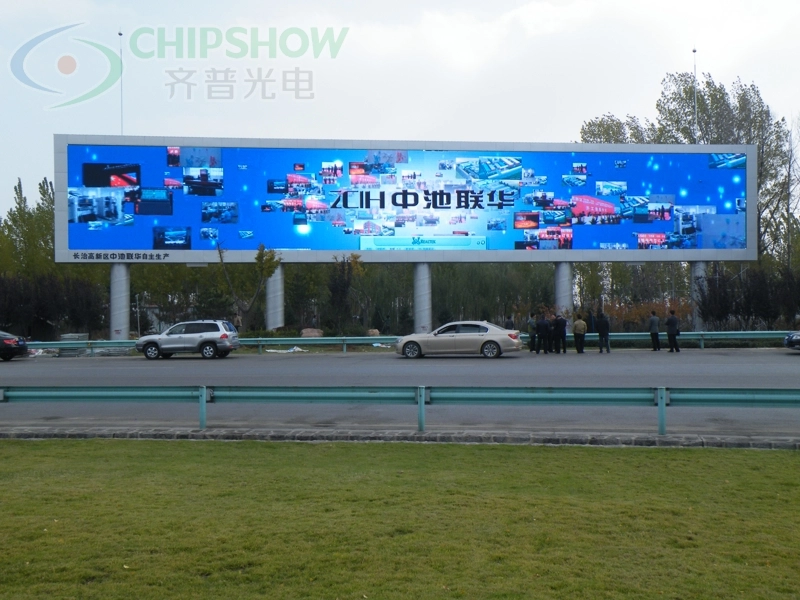
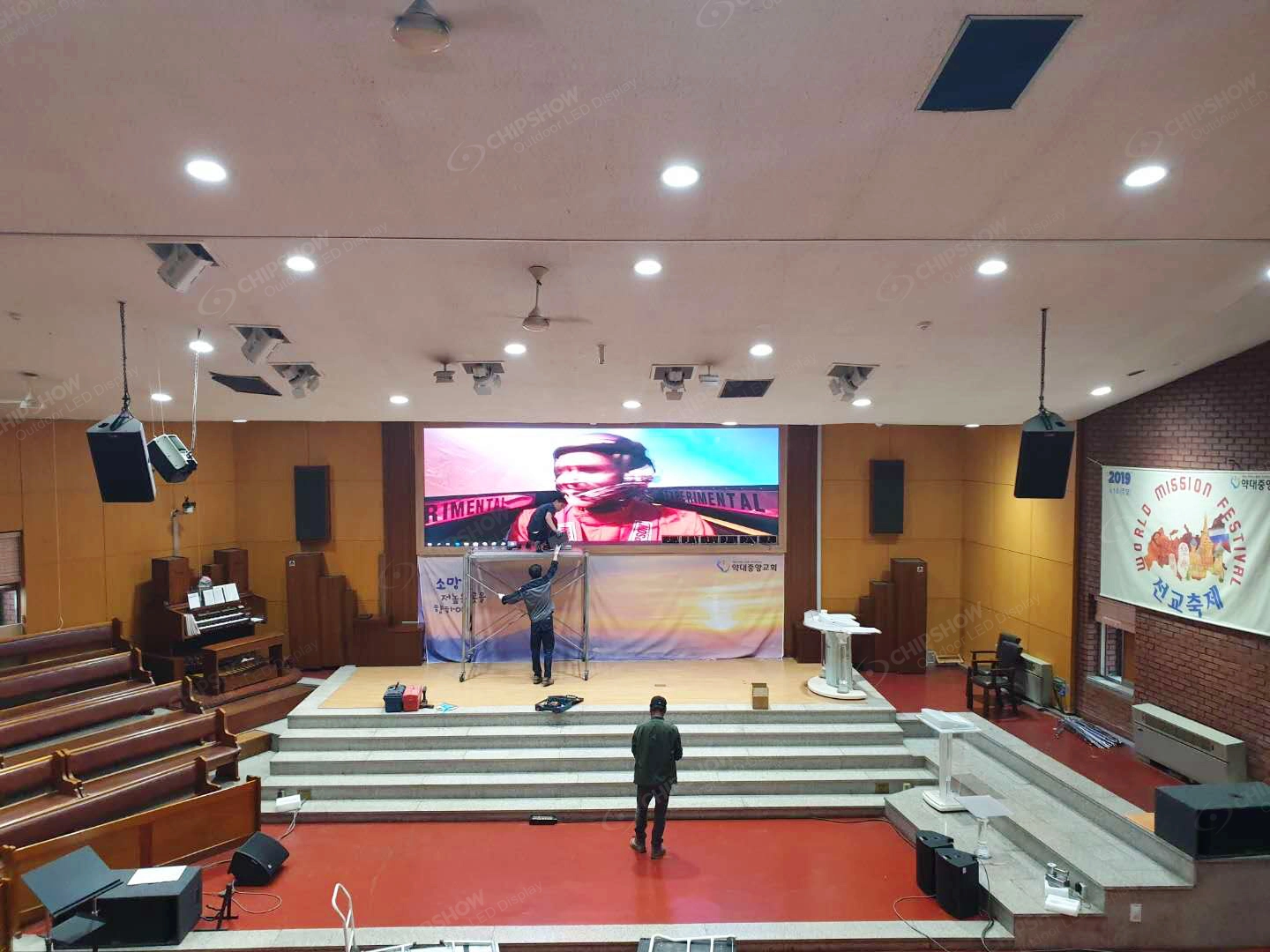
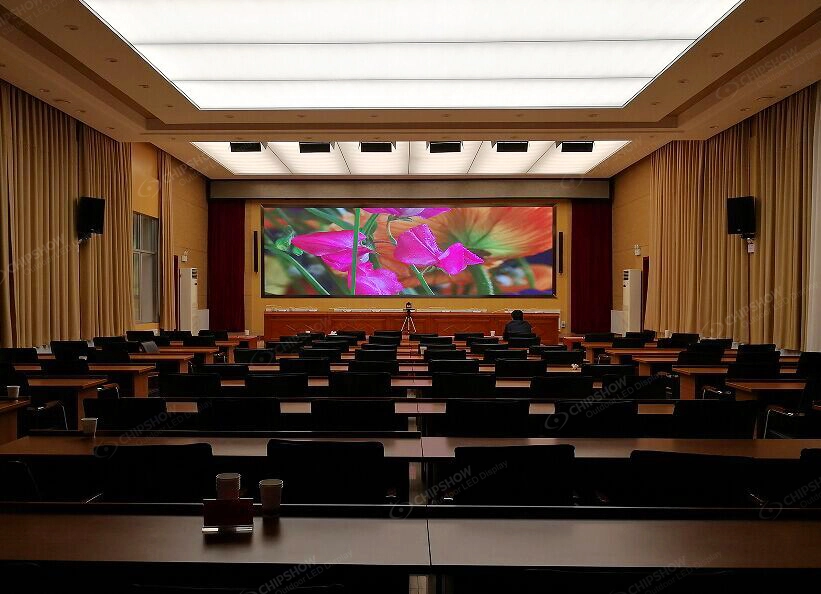
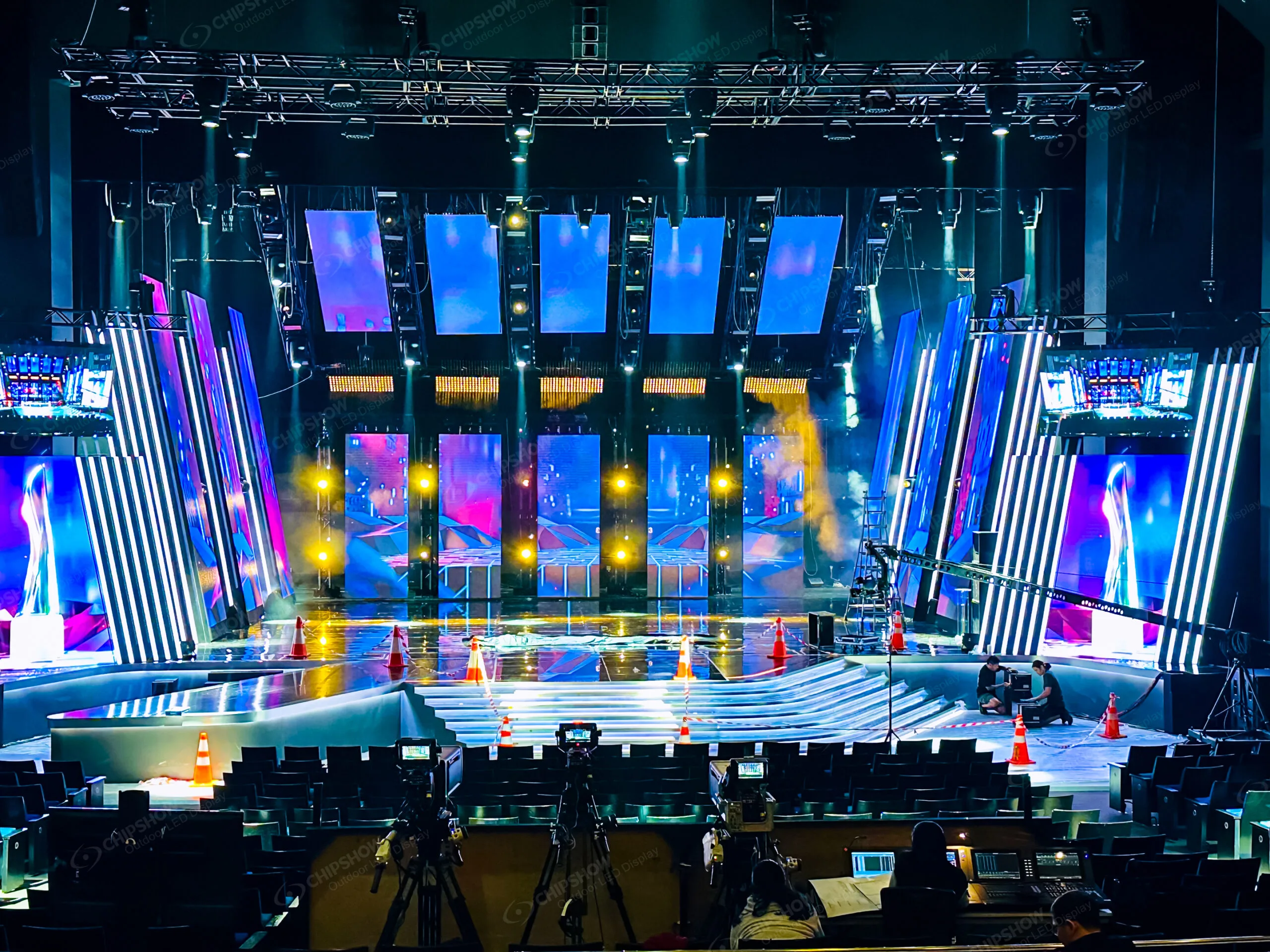
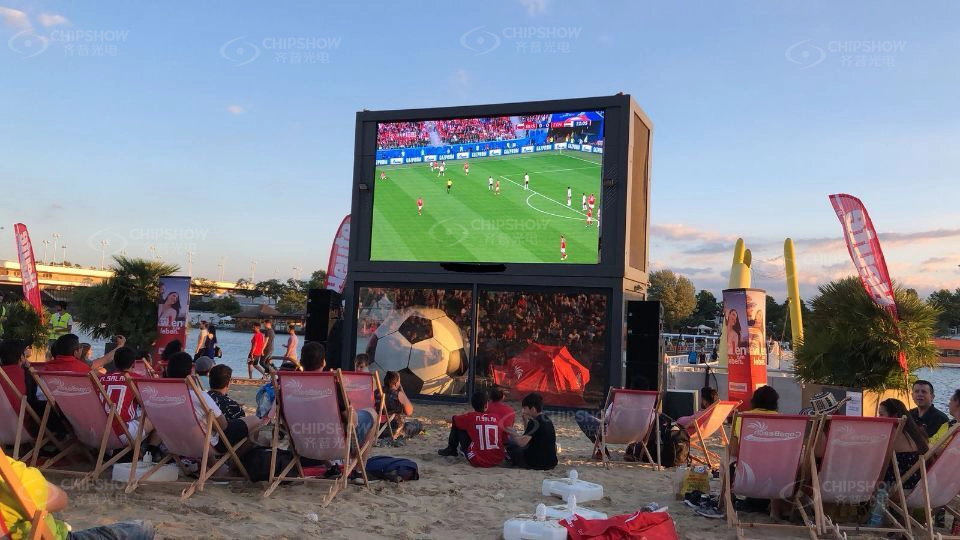
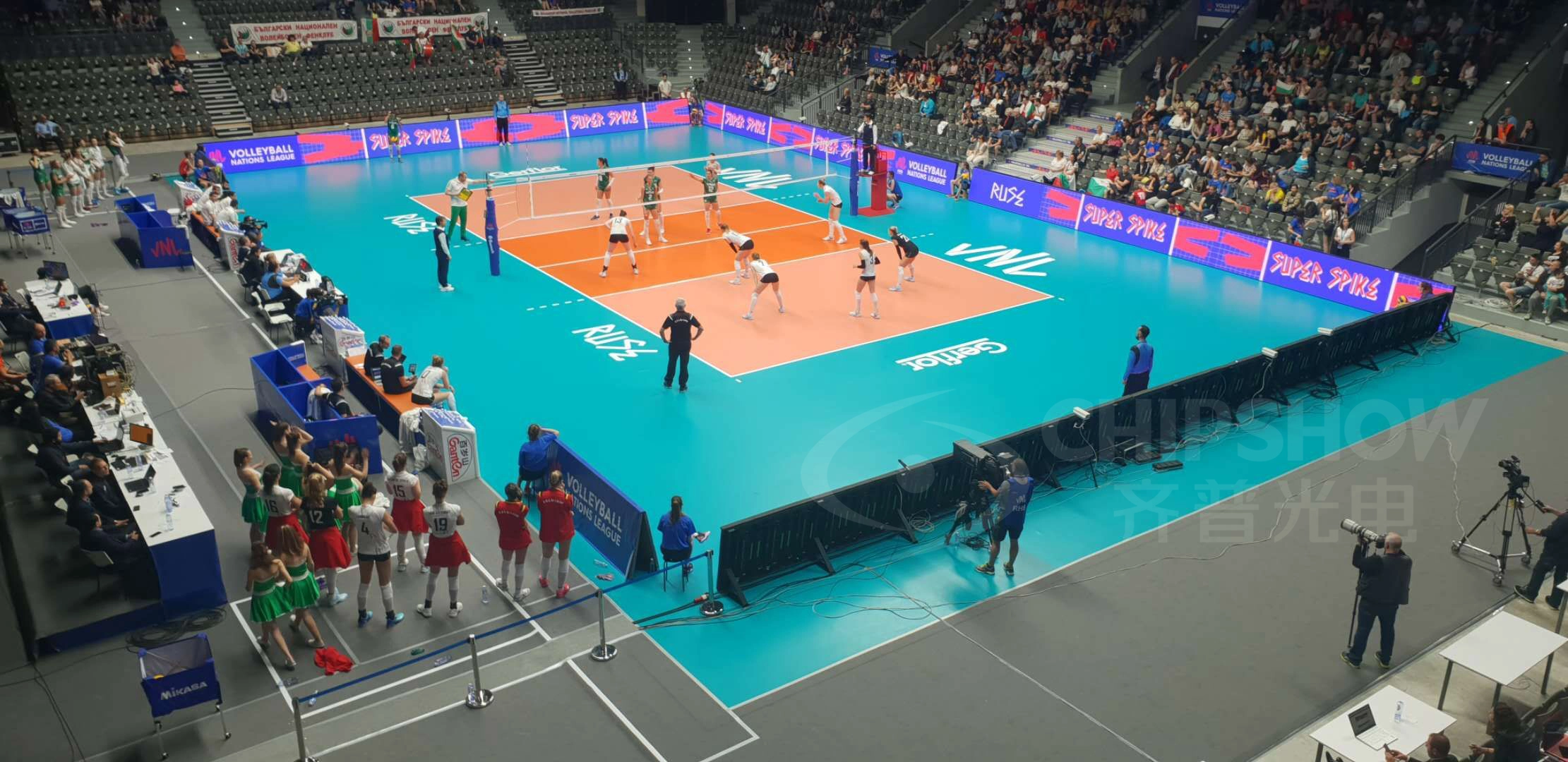
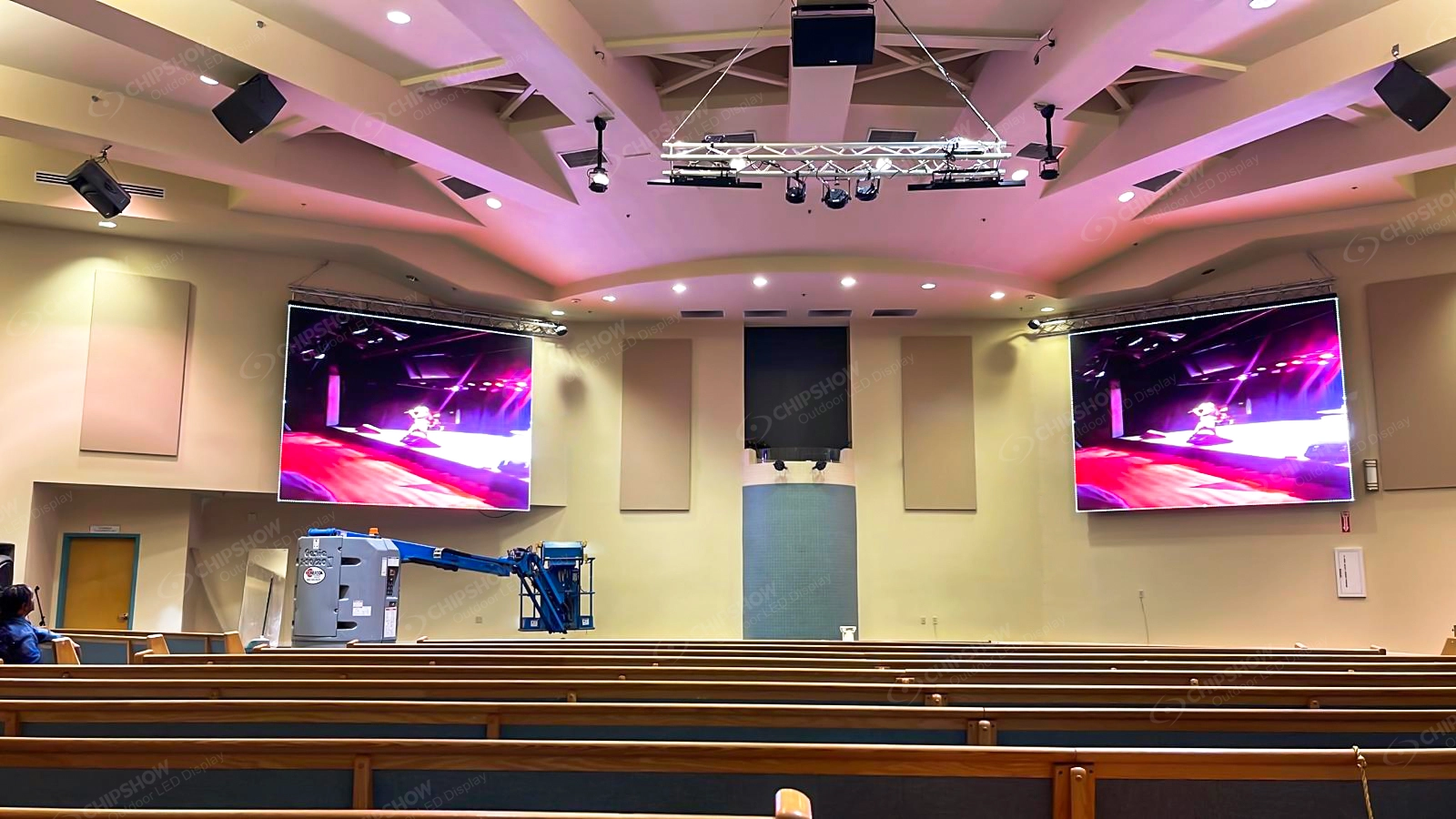
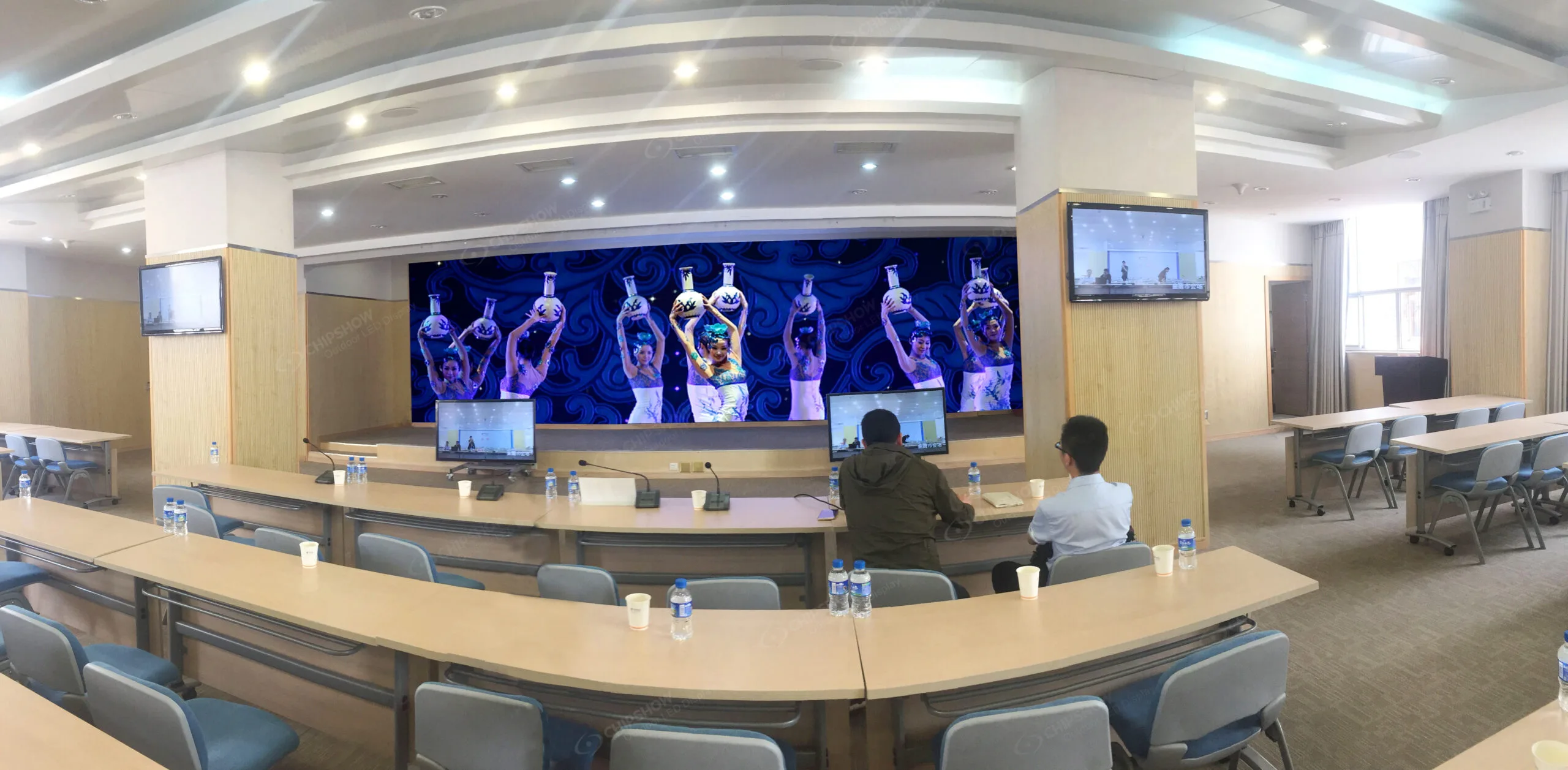
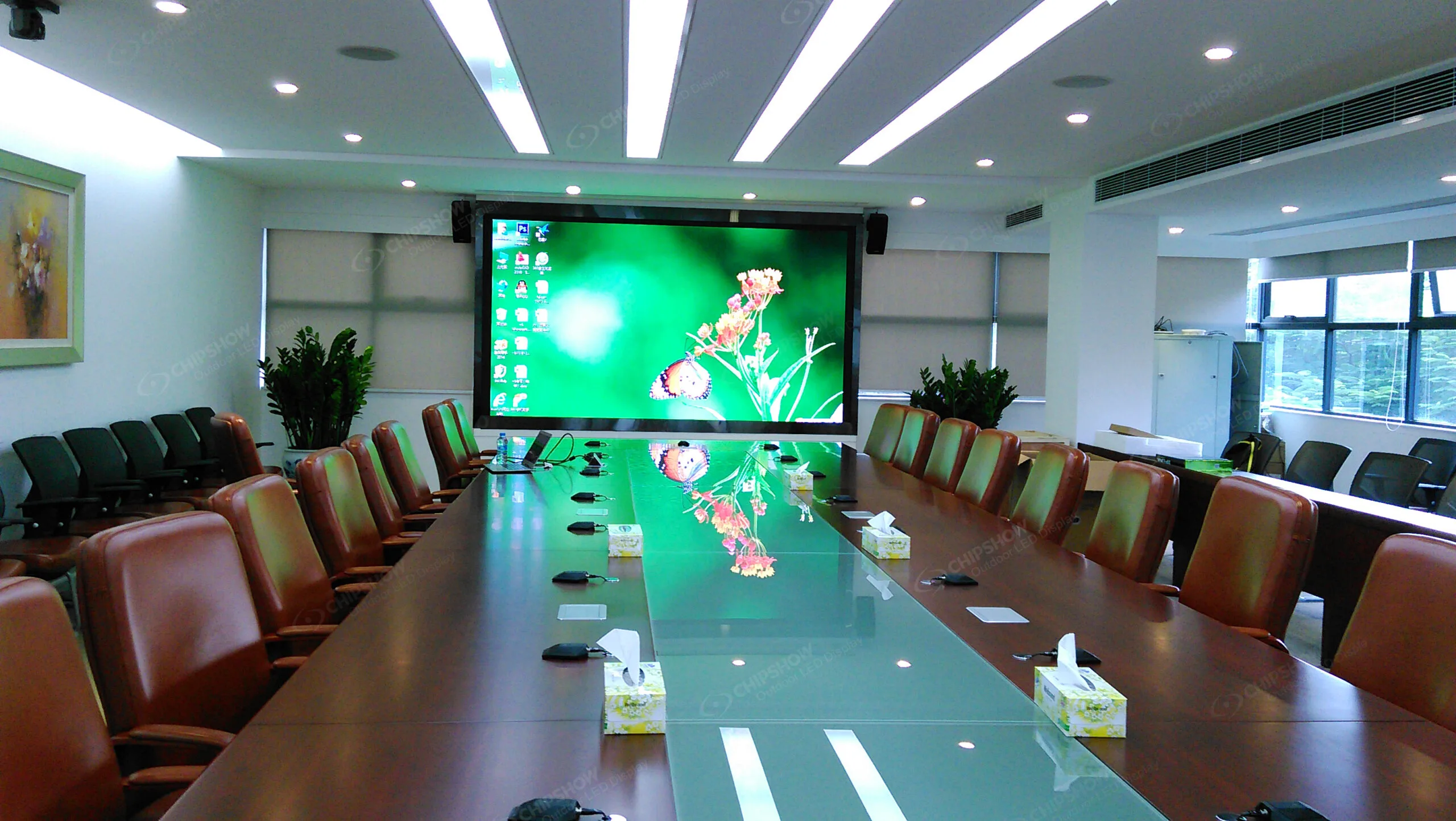
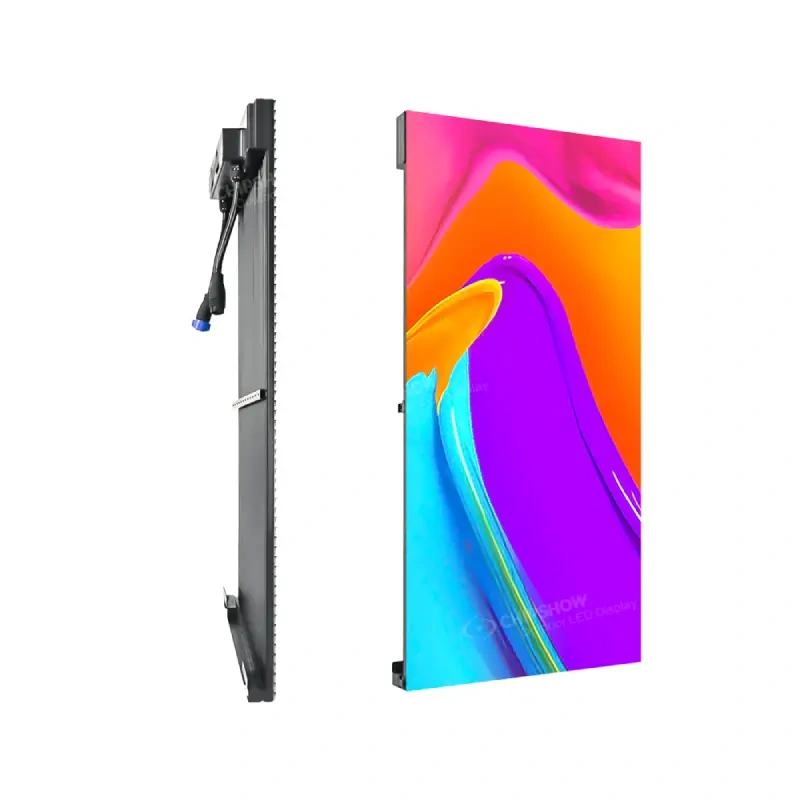
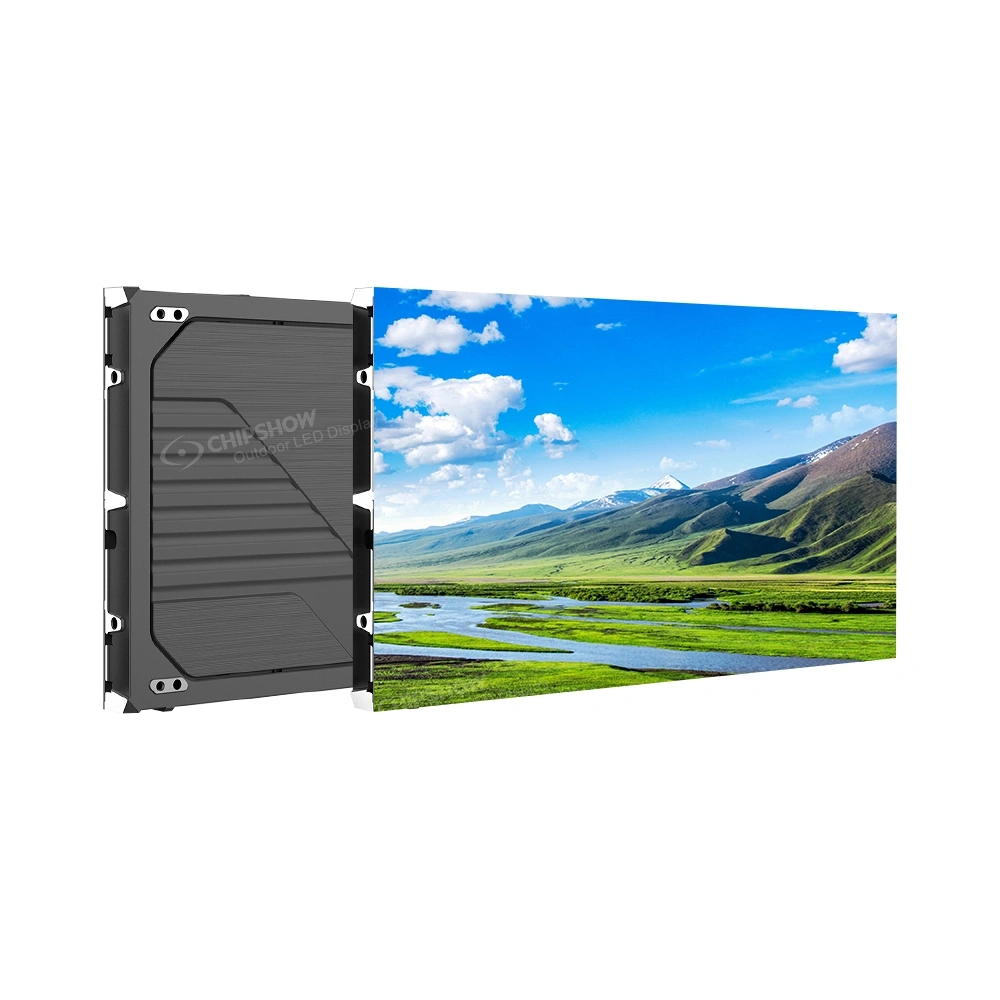
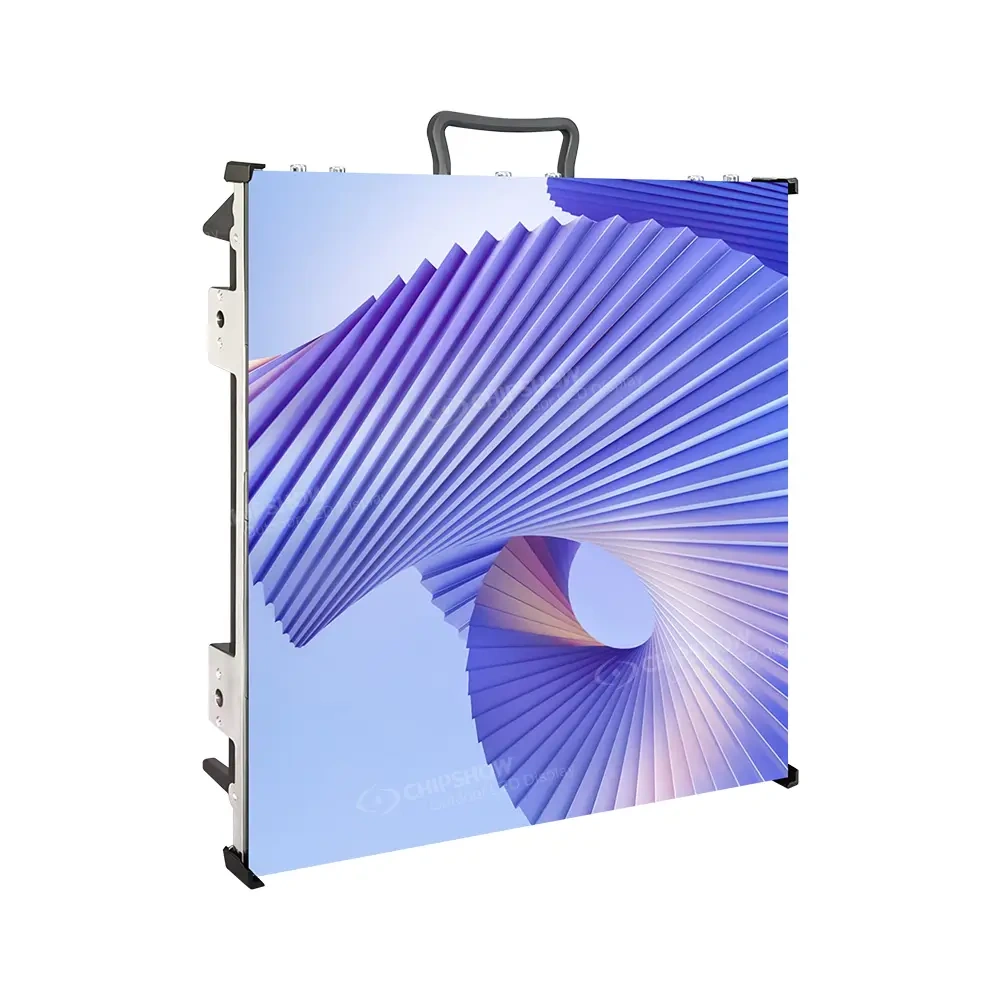
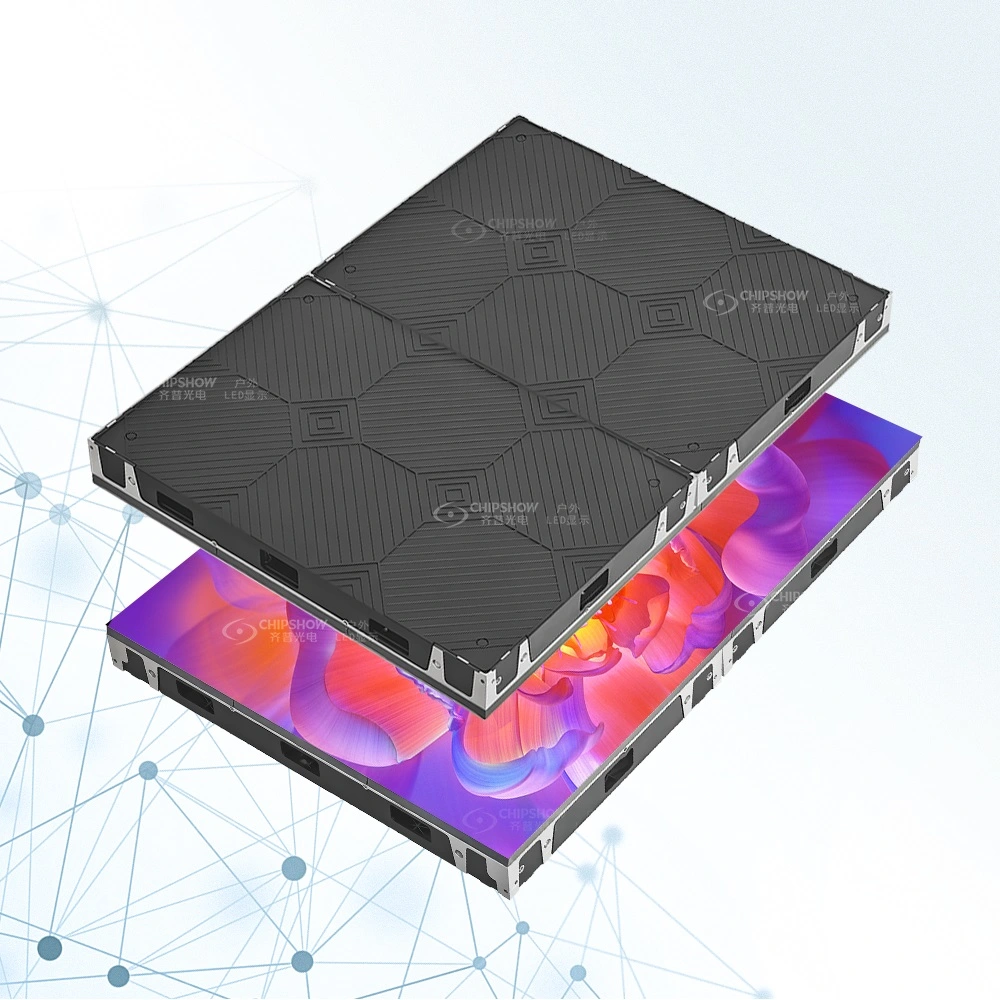
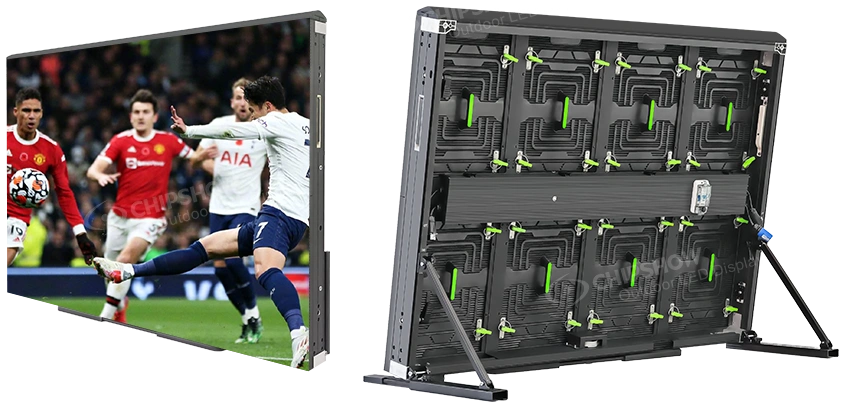
A direct-view LED wall is a large-format display endpoint built from coordinated LED cabinets or modules. It may suit a commercial lobby, shared information area, or architectural feature where a broad image must remain visible across a larger space.
An integrator should confirm the finished physical dimensions and the resolution the content workflow can realistically supply. A tall or unusually wide wall may require a custom canvas and different scaling arrangements from a standard landscape screen. A visually attractive wall that receives an incorrectly formatted source can still deliver a poor message.
LED Ribbon Displays for Architectural Spaces
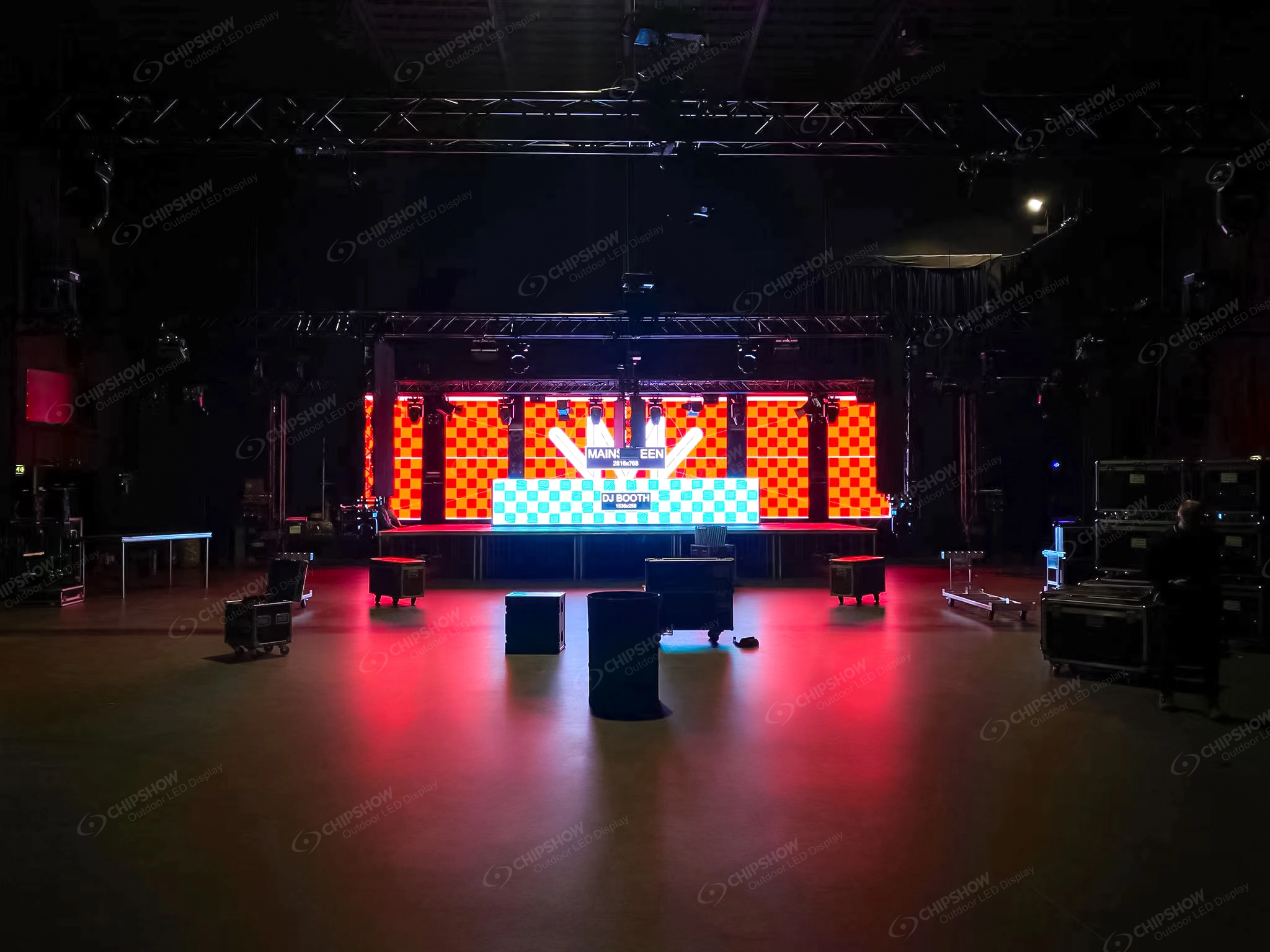
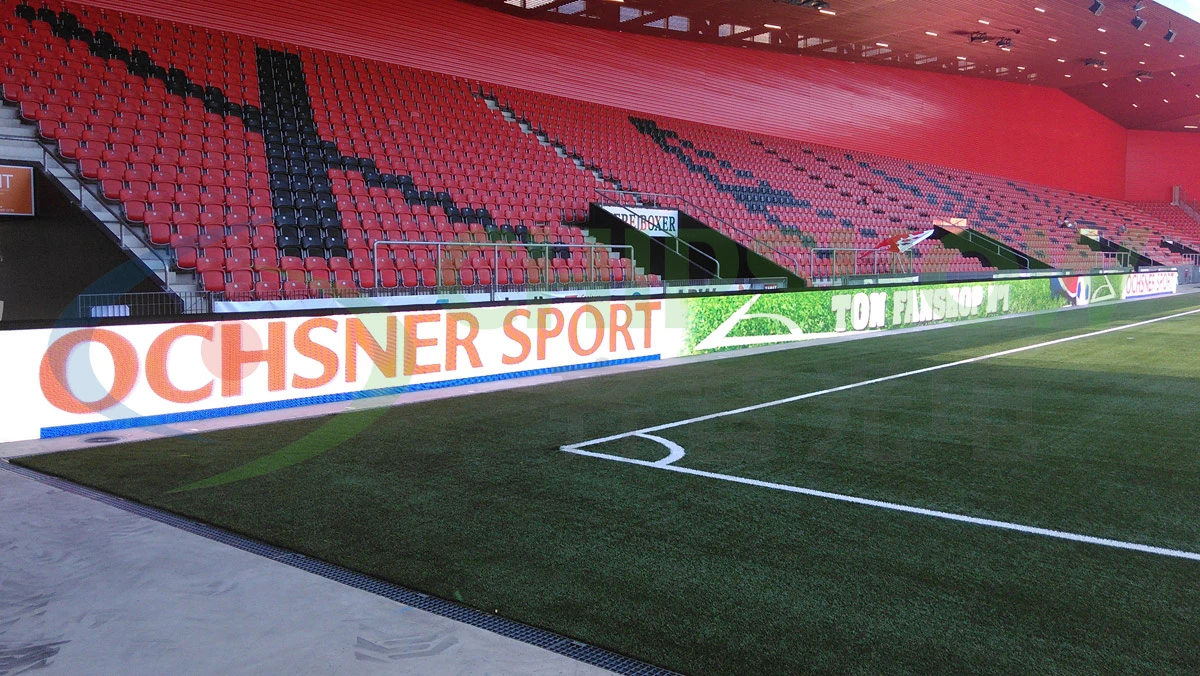
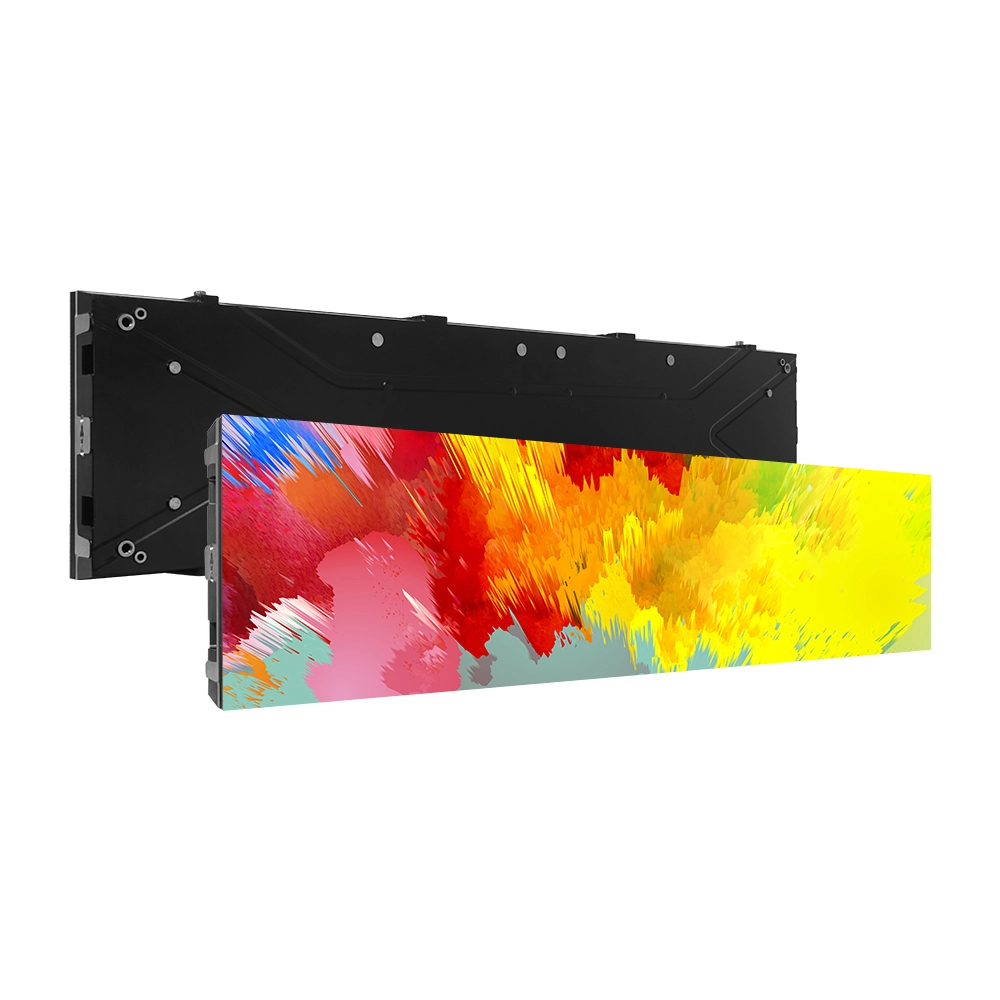
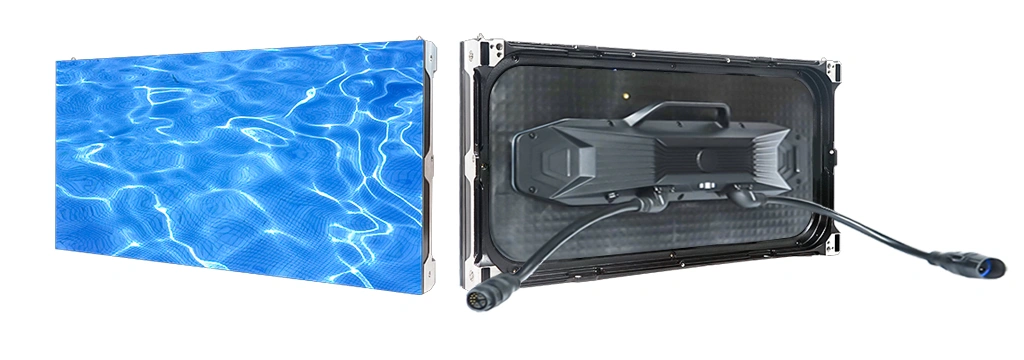
Ribbon displays serve long horizontal surfaces, architectural bands, and spaces where a conventional rectangular display would interrupt the interior design. Their format can be useful for short notices, movement cues, and graphics designed specifically for narrow aspect ratios. Content should be produced for the ribbon rather than simply squeezed from a standard presentation slide.
For this node type, the key questions are physical proportions, intended viewing angle, input resolution, and how the controller maps source content to a nonstandard pixel canvas. The architectural contractor and AV integrator must also account for mounting and signal routing. A ribbon is one endpoint in the broader plan, not automatically an independent content management platform.
LED Posters for Flexible Promotional Locations
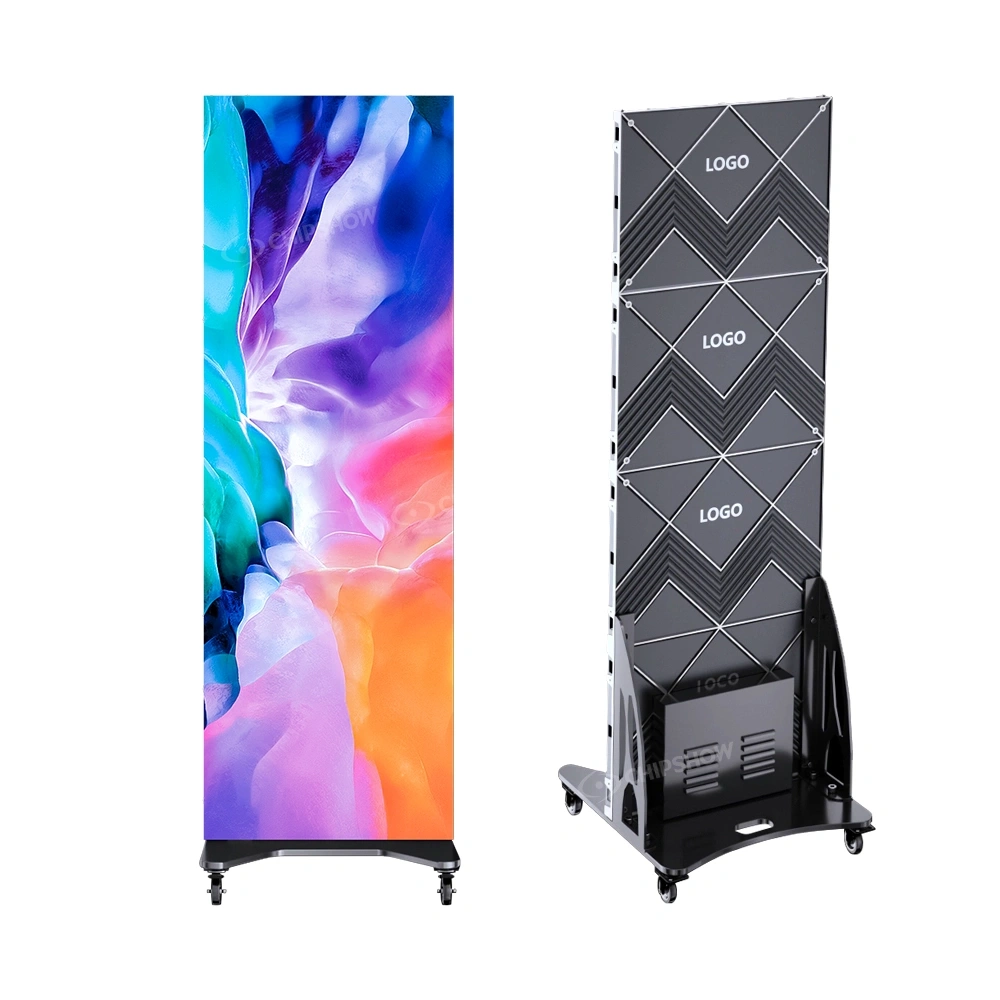
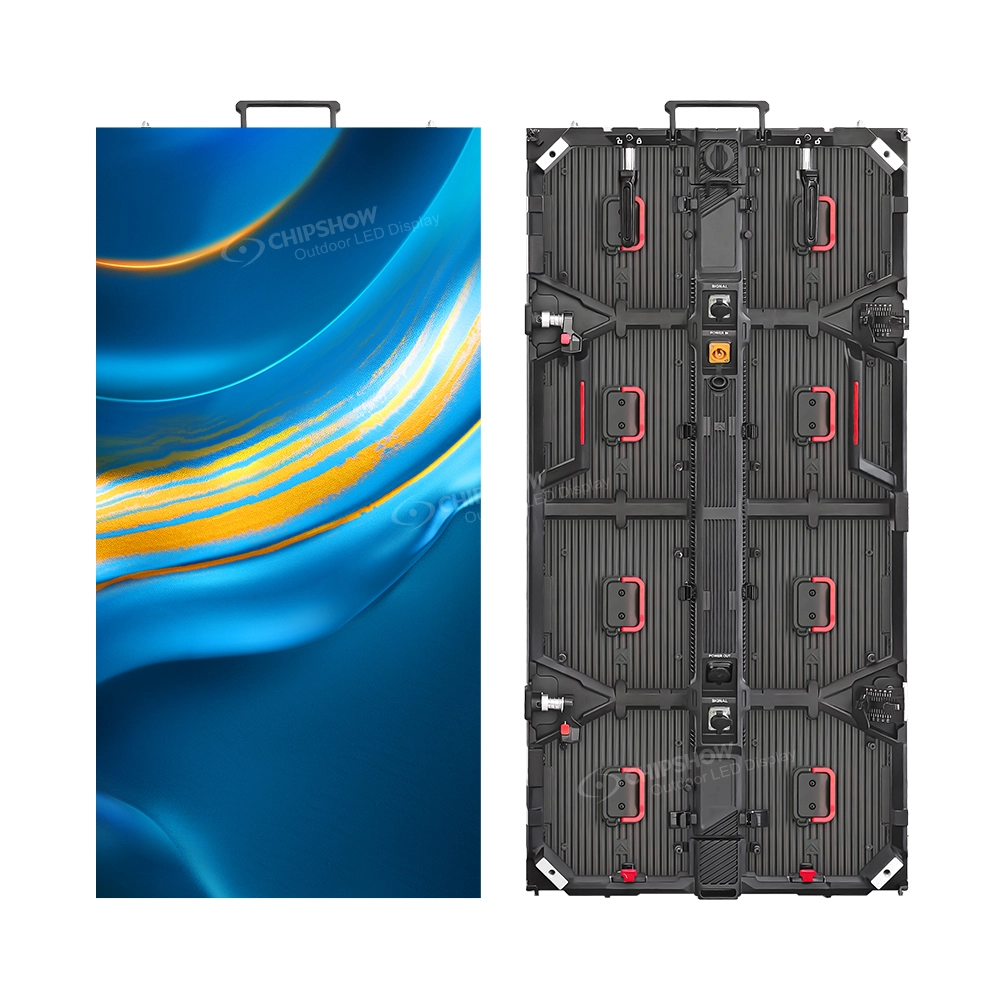
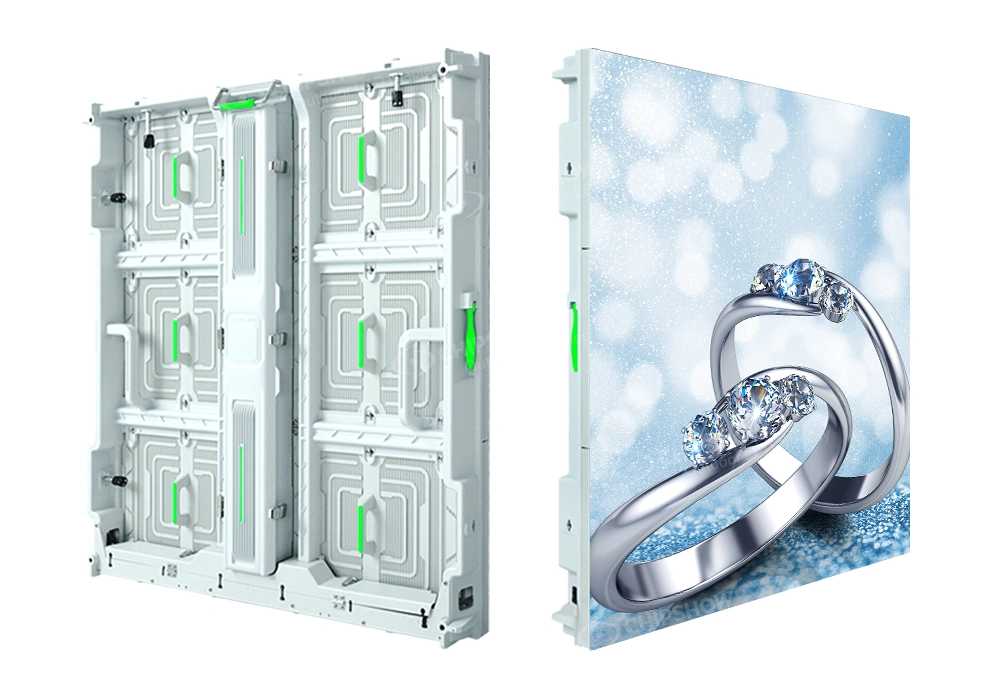
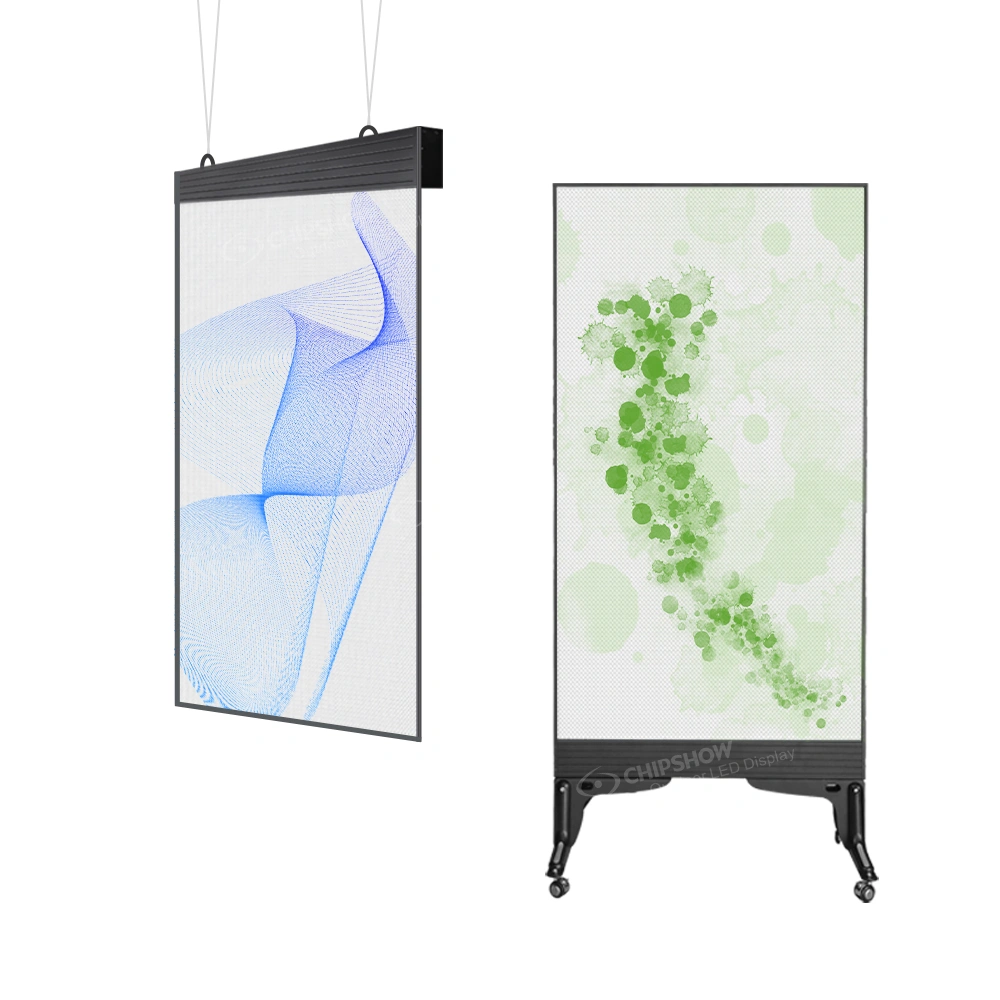
A vertical LED poster can work as a self-contained visual feature in a retail zone, showroom, or entrance area. Its comparatively narrow footprint may make it attractive for locations where a wide wall is not practical. Buyers searching for a fast delivery LED poster display often focus first on how soon the unit can arrive.
A poster used for rotating promotional content might connect to a specified external player, or a particular product configuration might have other playback capabilities. The arrangement must be checked against the selected model. Screen form factor alone does not confirm Wi-Fi access, cloud publishing, scheduled playlists, or compatibility with a buyer’s existing CMS. These are project-specific questions to discuss with the supplier.
Digital Directories and Menu Board Displays
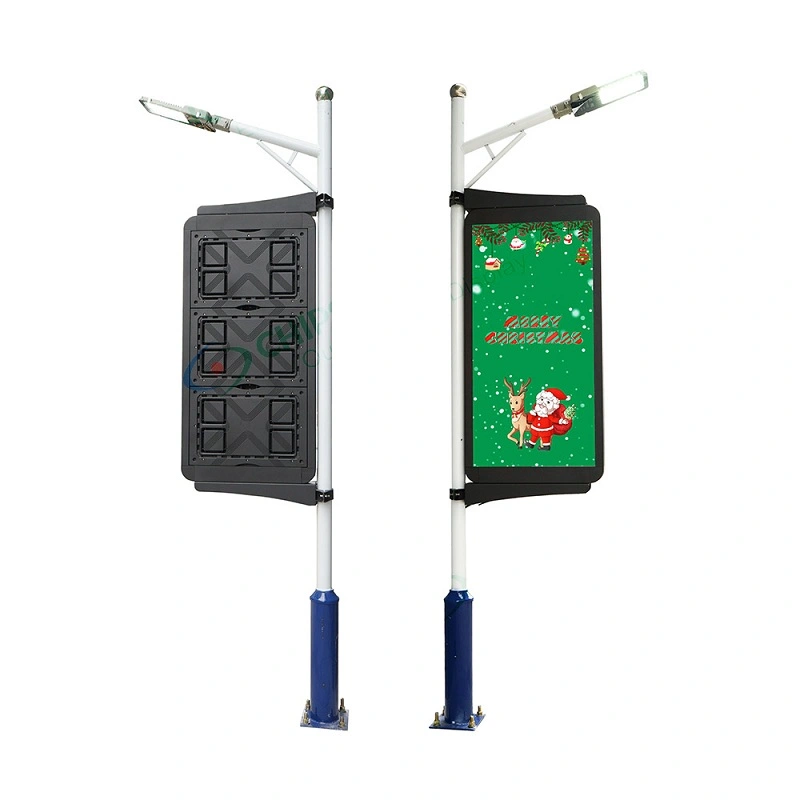
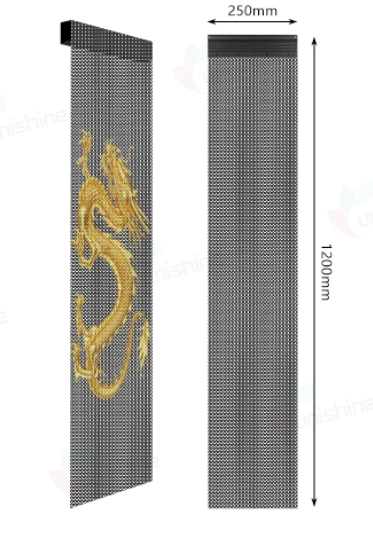
A building directory and a restaurant menu may both use electronic displays, yet they serve very different information tasks. A directory must make names, floors, destinations, and changes easy to read, frequently in a portrait orientation.
A digital menu board usually emphasizes product names, images, prices, and rapid scanning from a service queue. Several panels may form one menu canvas, or each may present a separate category. Menu updates, POS integration, and scheduling depend on the system selected; they are not features a display manufacturer can safely imply merely by offering an LED screen. Buyers exploring turnkey digital menu board solutions should separate the actual display purchase from menu software, content setup, player configuration, and installation responsibilities.
Multiple Displays Across Buildings and Commercial Zones
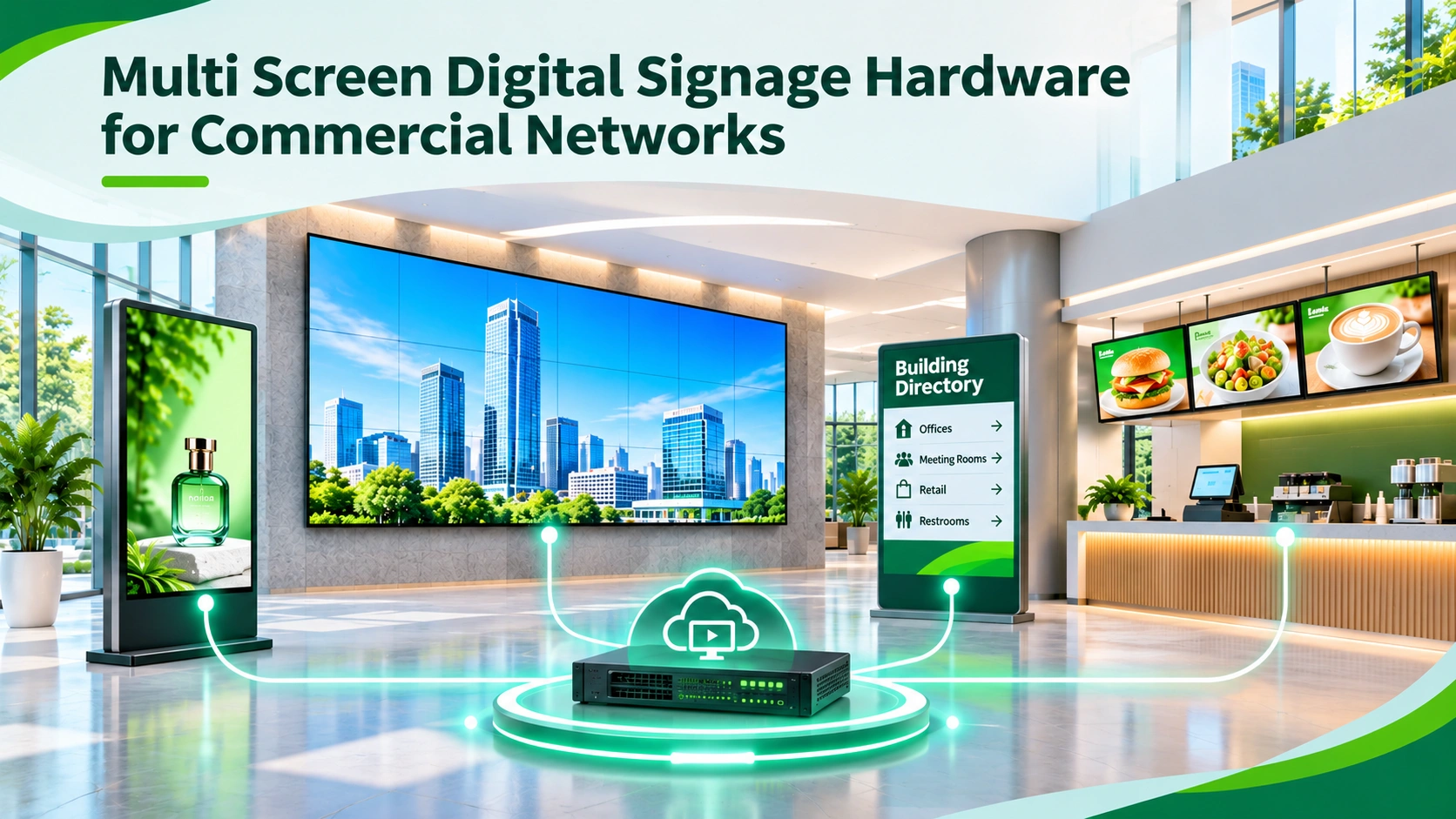
The fifth node is the collection of endpoints itself. A property may have an LED wall at the main entrance, a ribbon in a circulation area, posters near shops, and directory or menu displays in specialized zones. Their shared characteristic is not necessarily one cabinet style or controller.
Define the number of physical endpoints, the intended content owner, and the required update frequency for each zone. A single site can include independently operated displays and a centrally administered group. Likewise, multiple buildings may use different network segments or local playback arrangements. Treating every screen as identical simplifies a spreadsheet but usually hides important integration differences.
How Digital Signage Hardware Connects Across a Network
Content Sources and CMS Platforms
A content management system can prepare, schedule, publish, and in some configurations monitor digital signage content. Different platforms have different device support, user permissions, security arrangements, and subscription structures. The CMS is a software and workflow decision.
Enterprise teams should identify the system of record for content, who may edit it, and how publication is approved. A directory might receive updates from a property manager, while a menu board might depend on a restaurant’s content process.
Media Players and Content Endpoints
A media player takes content from a local source or supported network service and outputs a video signal suitable for the downstream display equipment. It may be a separate computer, a dedicated signage player, or another approved endpoint.
One player is not necessarily one screen. Some systems can drive multiple outputs, while others use one player per endpoint. Physical distances, cable limitations, video distribution hardware, synchronization, and independent content scheduling all affect the design.
LED Controllers and Display Processing
An LED controller serves a different purpose from signage CMS software. It receives and processes an appropriate video signal and addresses the LED receiving hardware so the cabinets render the intended image. Its input capacity, output arrangement, and mapping should match the selected wall or ribbon configuration.
This distinction is central to turnkey digital signage network solutions. A quotation that includes an LED controller does not necessarily include content scheduling, media players, network access, cloud licenses, or remote monitoring. Conversely, a subscription to a digital signage platform does not replace an LED controller where one is required.
One Content Network Does Not Mean One Hardware Configuration
Consider a hypothetical property with a lobby LED wall, two vertical posters, and a building directory. A content team may wish to publish approved messages from one location.
A practical architecture record names the content source, player or endpoint, signal interface, display controller where applicable, and final screen at each location. Network permissions and remote access belong to the client’s IT design.
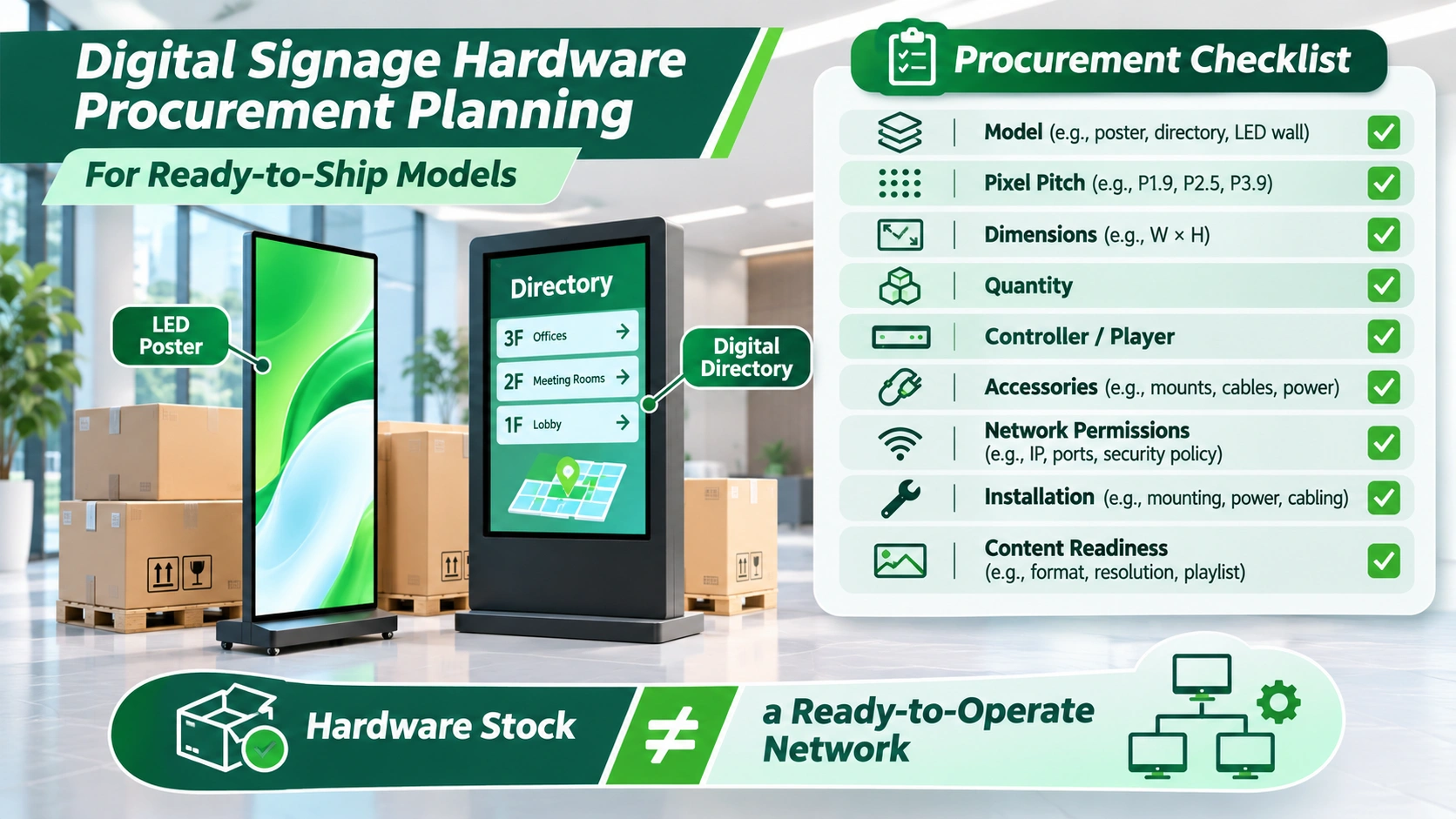
What Turnkey Digital Signage Solutions Actually Include
Turnkey Digital Signage Hardware vs Full System Deployment
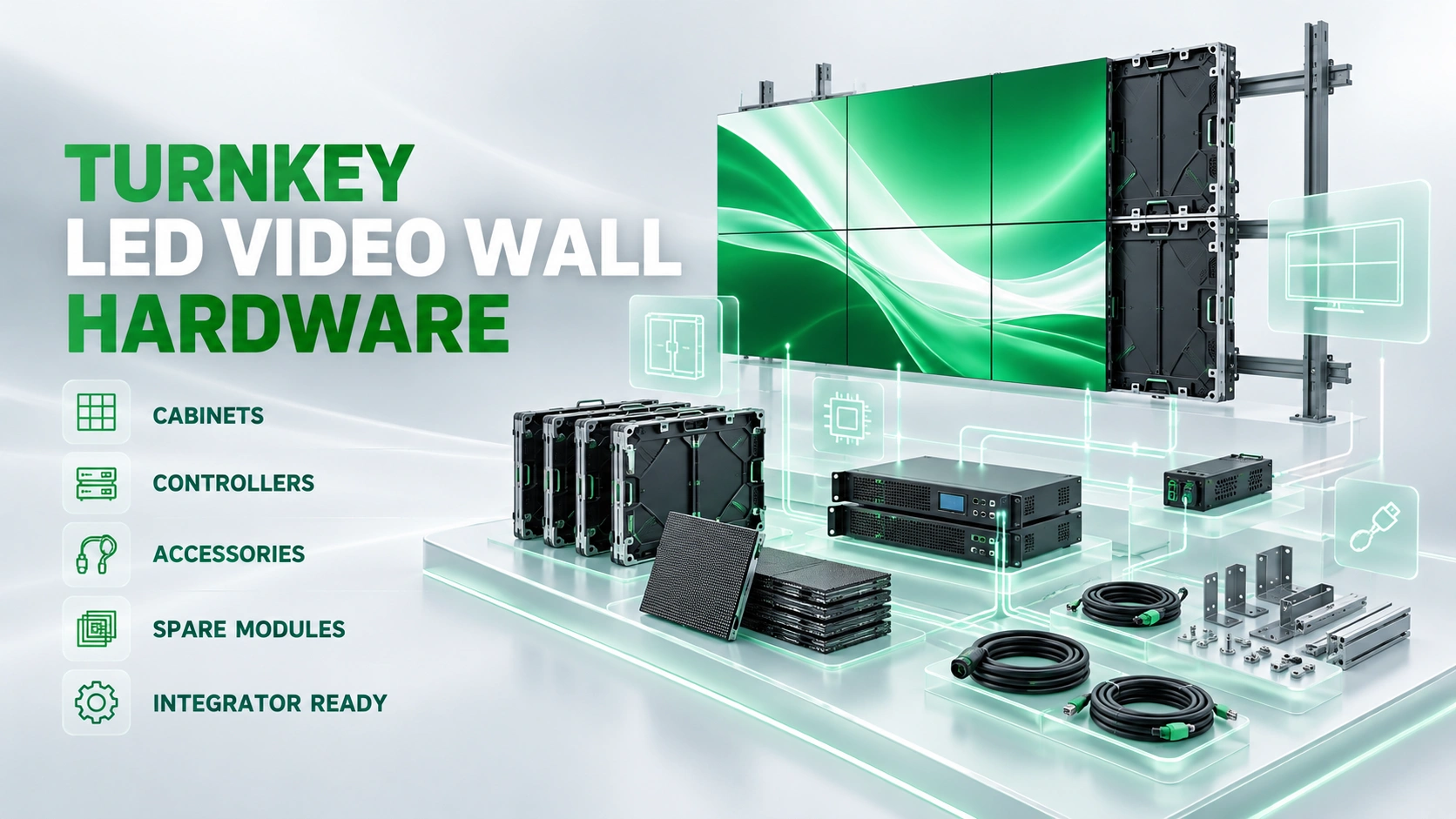
The word turnkey does not have one universal scope in digital signage procurement. One quotation may cover display hardware and essential accessories. Another may include a specified media player or controller. A broader offer from a systems integrator may combine hardware, CMS licensing, content configuration, network deployment, and local installation. Buyers should read the agreed scope rather than rely on the label.
At Chipshow, our relevant role is the supply of commercial LED display hardware and the product information associated with a selected configuration. We do not treat a request for an LED display as authorization to promise a complete software network or local construction work.
What to Verify With a Turnkey Digital Signage Provider
When selecting a turnkey digital signage provider, distinguish the display manufacturer, hardware Supplier, CMS vendor, AV integrator, network administrator, and installing contractor. One company may fill several roles under a particular contract, but they should still be listed separately in the scope.
The same separation helps with support questions. The party offering the software subscription may not be the party responsible for display hardware. Warranty coverage, replacement arrangements, service fees, and response times should only be understood from the applicable written terms.
Turnkey Digital Menu Board Solutions
A multi-panel menu board can combine displays with media players, power and signal interfaces, mounting, and an approved content workflow. It may also involve restaurant-specific menu software or POS connections. Those software functions are separate from the display’s image quality and physical format.
For a proposed LED-based menu installation, first establish how many display surfaces the site needs and whether they must show independent content. Then confirm who supplies the content source and player, what display input is available, and whether the selected screen meets the site’s viewing and placement requirements.
Turnkey Digital Signage Network Solutions
A complete network typically spans display endpoints, playback, content management, connectivity, governance, and local deployment. Calling it a network does not mean every screen receives exactly the same content or uses the same controller. Some zones require local playback resilience; others prioritize frequent centralized updates. Application owners and IT teams must decide those requirements before selecting a service architecture.
Projects described as turnkey digital signage ready to ship need particular scrutiny. A shipment of displays cannot by itself establish that corporate network permissions have been granted, that licensed software has been configured, or that mounting and electrical work are complete.
Ready to Ship Digital Signage Hardware and Delivery Planning
Fast Delivery LED Poster Displays
A buyer may find an attractive LED poster configuration and need it for a scheduled opening. The term fast delivery should prompt a configuration check, not an automatic delivery promise. Confirm the exact model, pixel pitch, physical size, unit count, controller or player requirements, and accessories before assessing availability. Packaging, destination, and the project’s intake or installation arrangements may also affect the overall schedule.
For projects considering our poster products, please contact Chipshow with the requested configuration and delivery location. Our team can confirm what product information, current availability, and quotation details can be provided for that request.
Ready to Ship Digital Building Directories
The query ready to ship digital building directory can describe very different purchases. One offer may be a display with an enclosure. Another may include a media player and directory templates. A third may be a fully specified package from an integrator with software and setup. The device may look similar from the visitor’s side while the purchased scope is materially different.
Buyers researching fast delivery digital directory signs should distinguish a display intended for a directory application from a complete directory solution. Confirm orientation, legibility, mounting or freestanding structure, playback source, interactive requirements, and who maintains tenant information.
Hardware Stock Is Not the Same as a Ready to Operate Network
Hardware availability is one part of deployment readiness. A chosen screen may still need approved video content, a compatible playback device, an LED controller where applicable, signal cabling, network permissions, local electrical preparation, and a commissioned mounting structure. These are distinct tasks with different owners.
A realistic procurement schedule therefore separates hardware confirmation, software or player selection, local installation planning, and content readiness. If the site has a firm opening date, the project team should review these dependencies together rather than asking only whether a product is in stock. The goal is a system that functions at handover, not simply a screen delivered to an address.
Confirming Availability With the Supplier
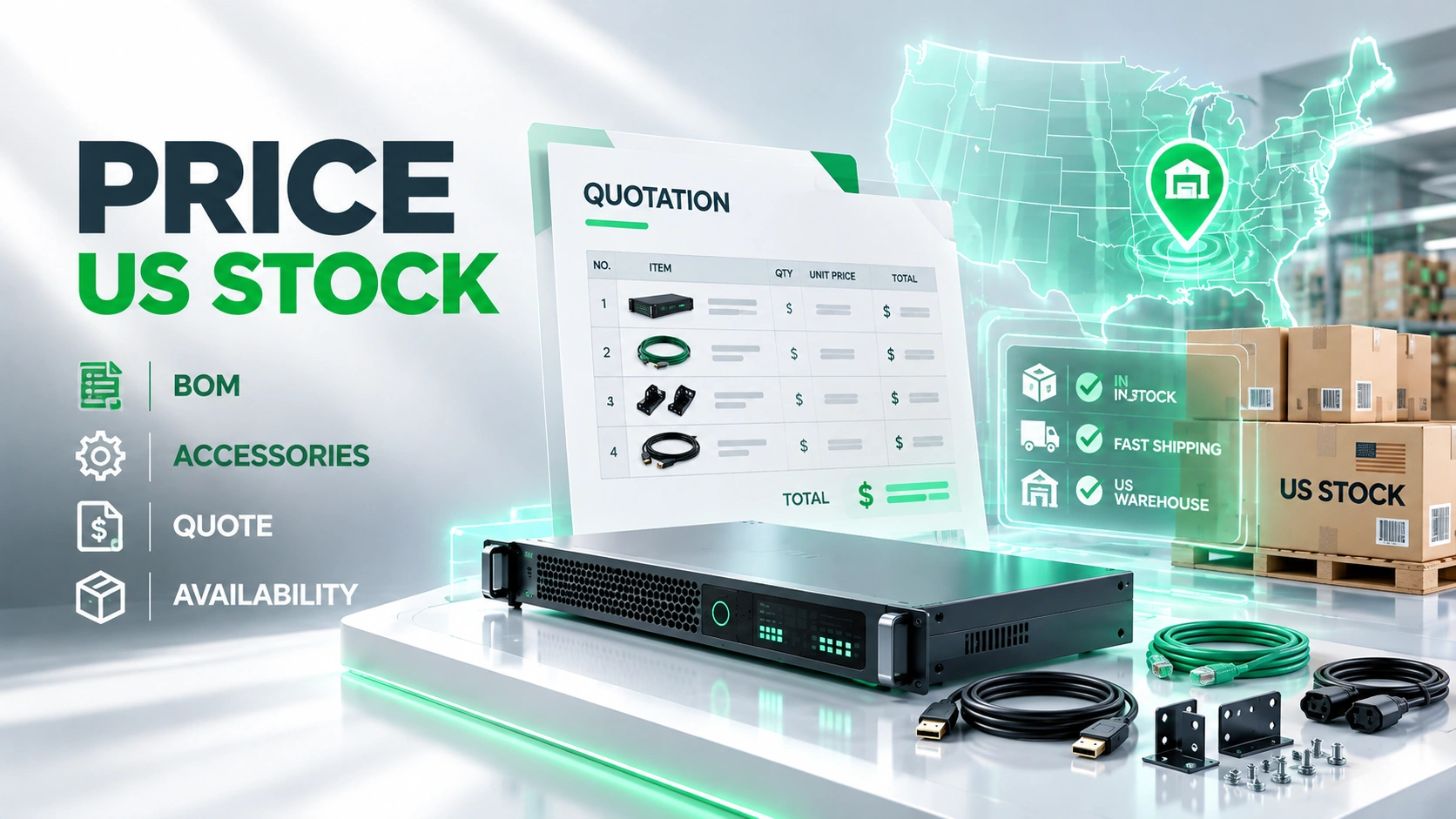
US warehouse access may be valuable when a project needs a particular display quickly, but inventory is always configuration-specific. Model, pitch, quantity, production batch, controller compatibility, and replacement units can change what is available.
At Chipshow, we encourage buyers to contact us to verify current California inventory for their selected hardware rather than depend on a universal ready-to-ship statement. Available configurations and delivery details should be confirmed for the actual order.
Choosing Display Hardware for Different Commercial Zones
A zone-based comparison helps separate the job of each display from its software environment. The following matrix is a planning aid, not a promise that any one manufacturer supplies every listed integrated application.
| Commercial Zone | Display Hardware to Consider | Primary Planning Factor |
|---|---|---|
| Corporate lobby | Direct view LED video wall | Finished dimensions and viewing environment |
| Retail promotion area | Vertical LED poster | Footprint and content input |
| Office building entrance | Digital directory display | Readability and update method |
| Restaurant counter | Digital menu display arrangement | Number of menu surfaces and content source |
| Campus information zone | Multiple signage endpoints | Connectivity and content ownership |
| Architectural feature area | Ribbon LED display | Display geometry and control interface |
| Public healthcare information area | Commercial information display | Legibility and approved nonclinical use |
Match the Form Factor to the Space
Start with how people encounter the information. A viewer walking through a lobby may need a large visual message, while someone reading a directory from close range needs distinct text and an appropriate layout. A menu customer may be standing in a queue at an angle.
Environmental conditions and physical access matter as well. A narrow wall recess can rule out certain cabinet formats; a location with no rear maintenance corridor may require a compatible front-access arrangement. A decorative ribbon needs a content format suited to its proportions.
Plan the Number of Endpoints Before Selecting the Network
An endpoint inventory should capture the location, purpose, physical display format, expected content source, and responsible owner of each proposed screen. This is not another installation checklist.
For example, a restaurant may decide that three overhead menu surfaces need coordinated but different content, while a lobby wall carries a separate promotional feed. Those are four display destinations even if two departments approve their messages. The network should reflect the content and signal relationships rather than merely the number of CMS users.
Comparing Digital Signage Price and Hardware Suppliers
What Affects the Price of a Multi Screen Digital Signage Project
The price of multi screen digital signage depends on more than the cost of the visible screens. Display type, dimensions, pixel pitch where relevant, player requirements, controller capability, mounting hardware, accessories, shipping, and the number of endpoints all influence the hardware quotation. Software licenses, network implementation, local installation, content creation, and ongoing operation may be separate commercial items.
This is why a price comparison should not combine a display-only listing with another provider’s integrated software and installation offer. The apparently cheaper quotation may simply exclude more work. The more expensive one may include services the project already has.
Comparing Manufacturers and Factory Supply Options
LED display manufacturers and Factory operations address the physical product, while a distributor or systems integrator may handle a different part of the purchasing relationship. A factory-direct proposition does not automatically mean the lowest price, fastest shipment, or broadest software support.
At Chipshow, our manufacturer background informs our display hardware offering. The particular model and available documentation should be the basis of a technical conversation, not an unsupported statement about universal system compatibility.
What to Verify When Digital Signage Hardware Is for Sale
A listing of digital signage hardware for sale may identify only a screen size and an image. That is rarely enough for commercial purchasing.
Ask for the commercial supply scope in writing. If an accessory, media player, software license, enclosure, warranty service, or delivery date is not clearly identified, contact the relevant supplier before ordering.
Chipshow Digital Signage Hardware for Commercial Projects
Our C Max LED Displays for Large Format Applications
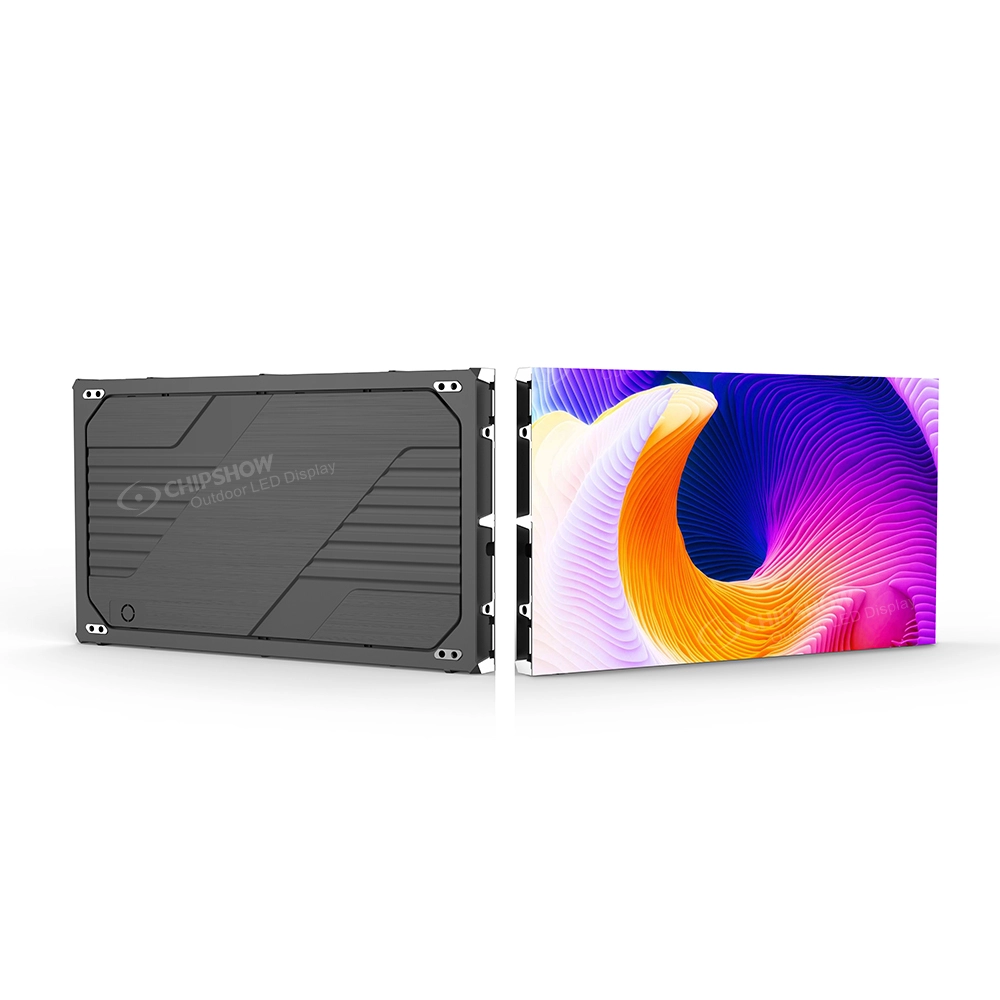
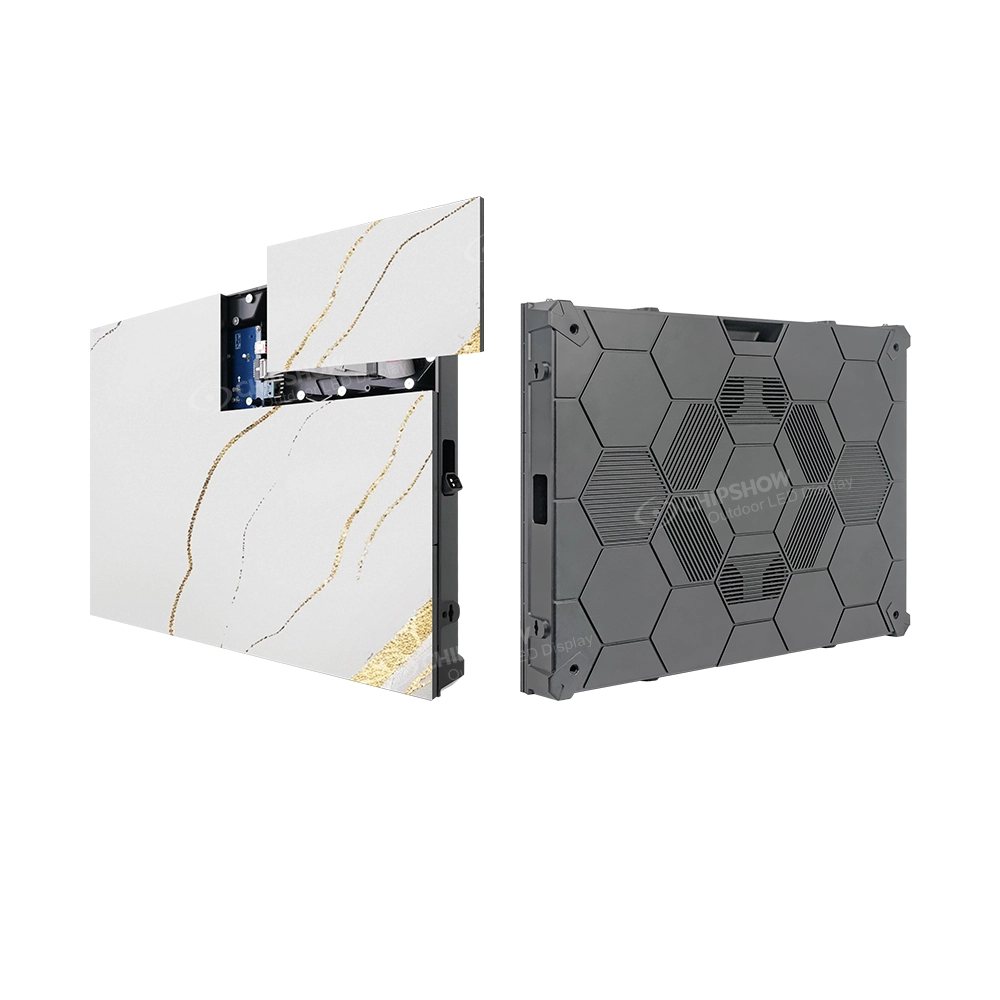
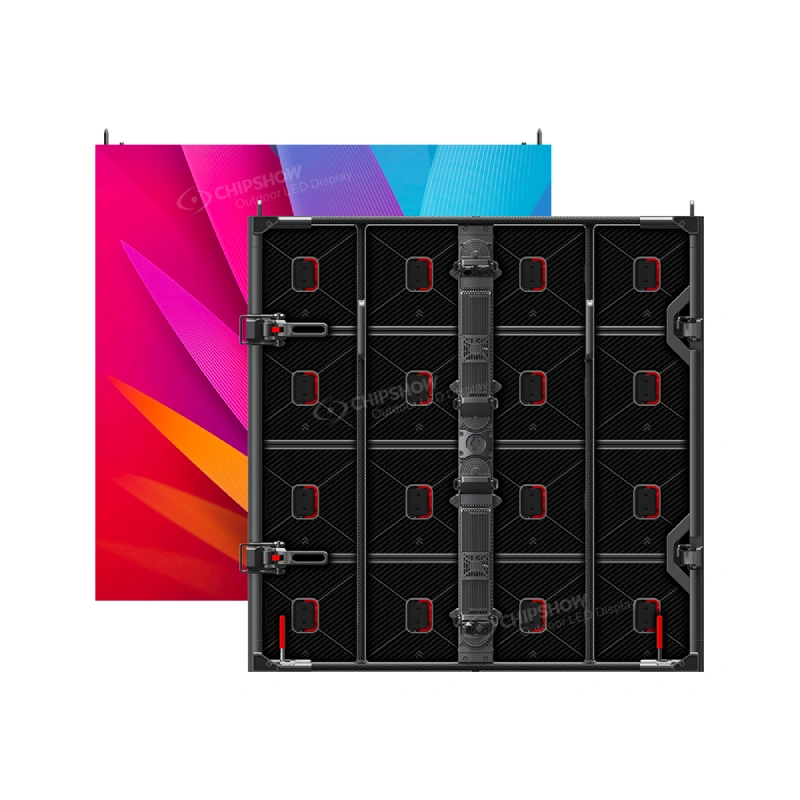
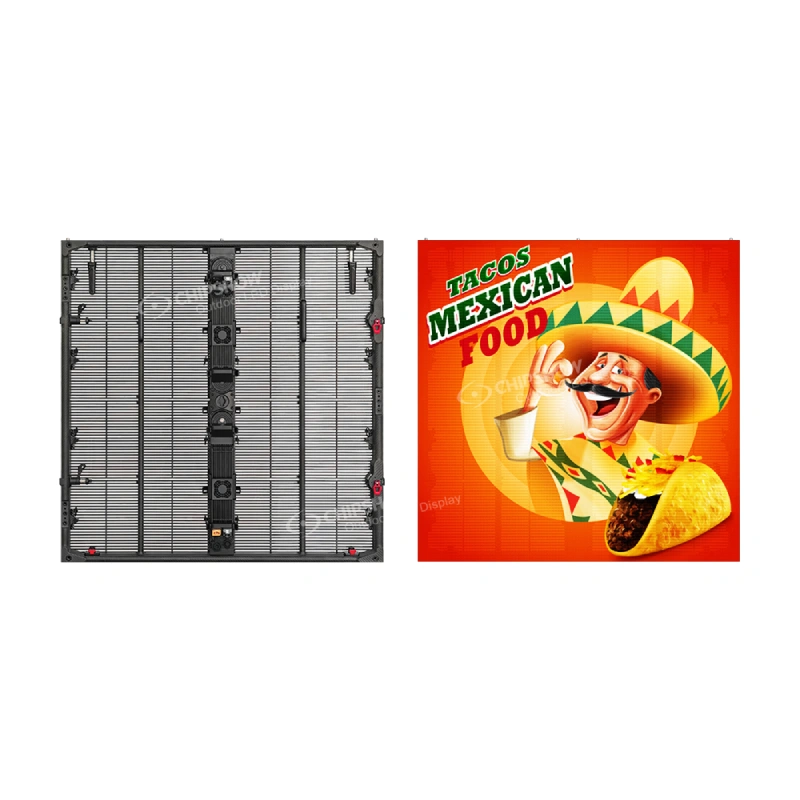
Our C-Max commercial LED display family provides hardware options for projects where a direct-view LED wall fits the visual and physical requirements. For example, our C-Max Commercial SMD line includes documented cabinet and front-service features on the product pages.
For an enterprise network, an LED wall can function as a prominent endpoint without being the content management system. Integrators should establish the source signal and controller requirements for the proposed wall and coordinate those with the separate player or CMS design.
Our C Max C Displays for Architectural Formats
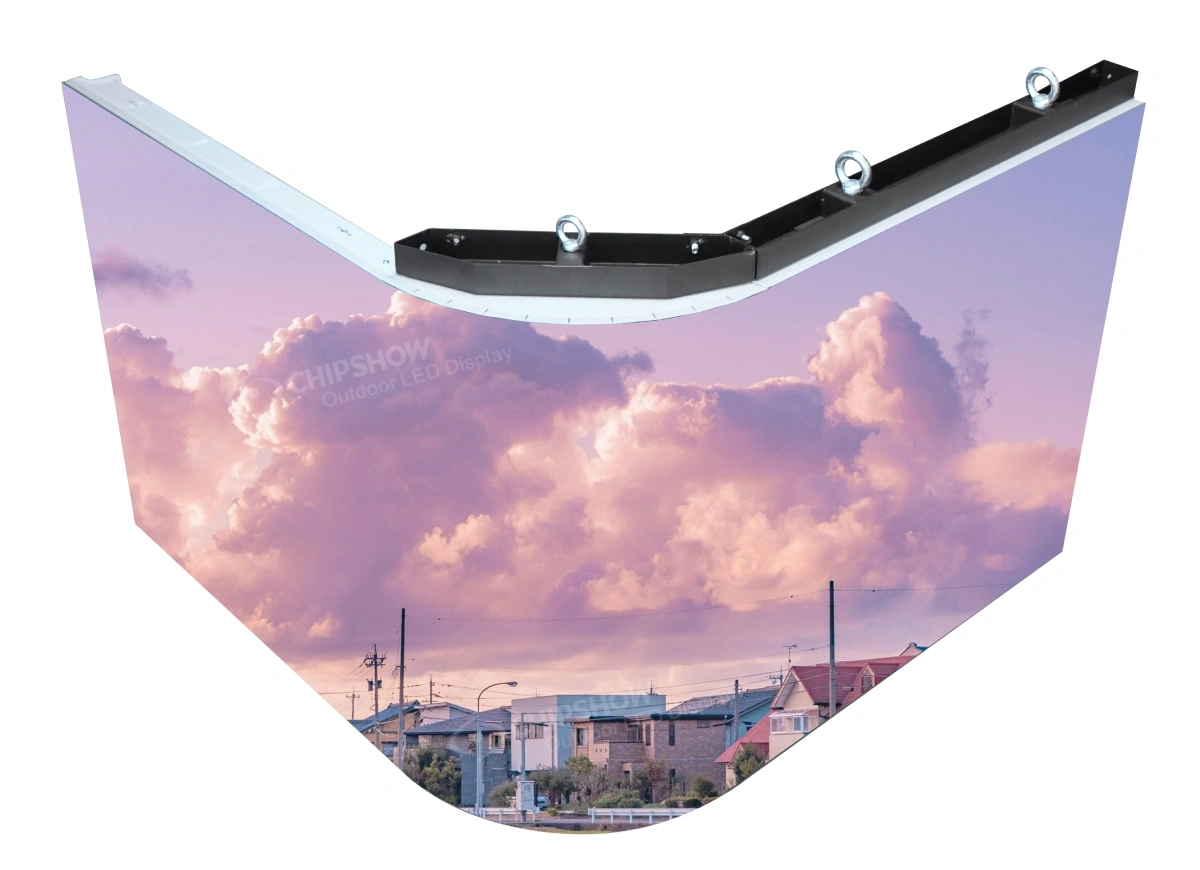
Our C-Max-C retail ribbon range addresses long horizontal and architectural formats where ordinary display proportions may not suit the space. The published product information identifies multiple cabinet widths and relevant pitch options.
For a ribbon feature, the project team should determine the content canvas, source signal, controller design, and physical integration with the building. Contact us for model-specific information and current availability before using an illustration or product family name as a final specification. The ribbon’s value in a mixed network comes from its physical format, not an assumed CMS bundle.
Our LED Poster Hardware for Commercial Signage
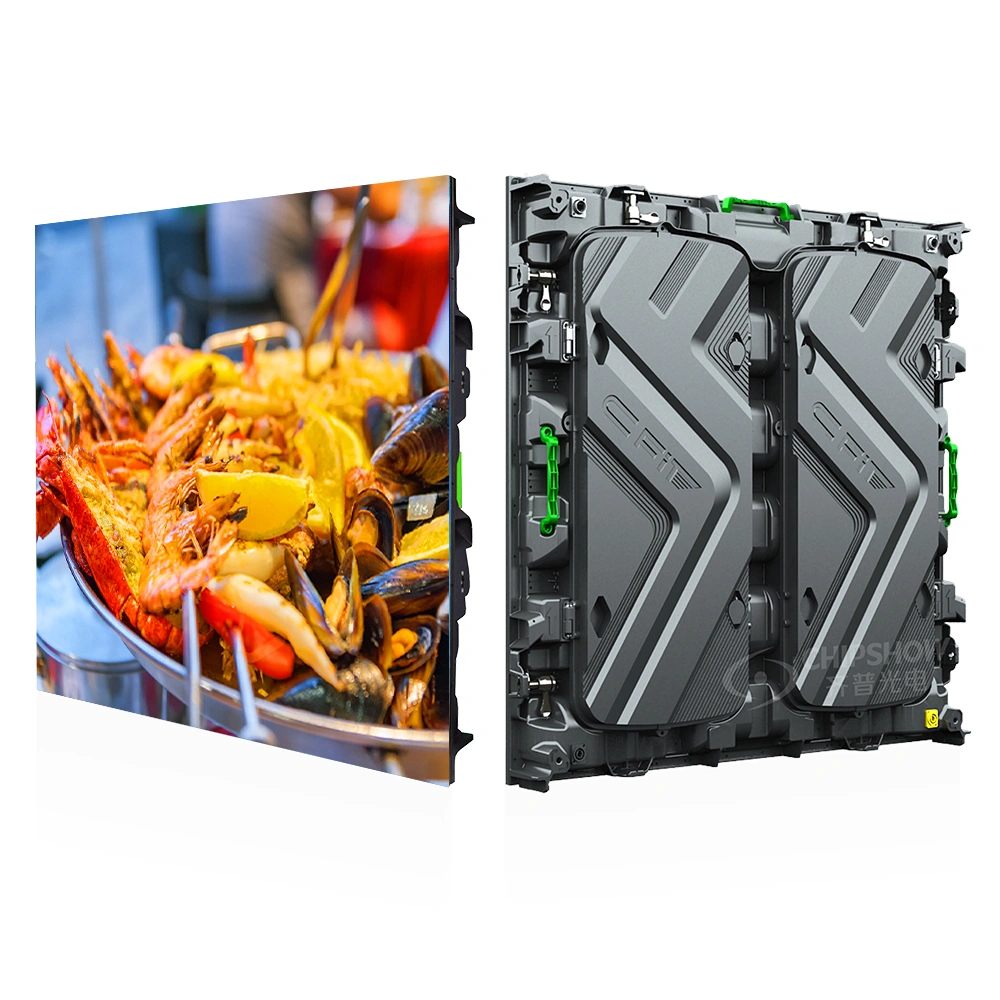
Our C-Poster range offers an LED poster direction for commercial communication and promotion. A vertical format may be appropriate for a retail display point or an information area where available floor or wall space does not support a broad video wall. The particular poster configuration must be checked before specifying playback features, bundled accessories, or stock status.
We do not assume that a product labeled poster includes directory software, POS integration, remote scheduling, or a media player with the functions required by every application. Buyers can share the intended content source, mounting conditions, and number of units with our team so we can confirm the relevant product details. The local deployment team remains responsible for its own integration and installation tasks.
Discussing Hardware Configuration and Availability With Our Team
To discuss a mixed-display project, tell us how many zones you are planning, the approximate dimensions of each display, the intended content format, and any existing player or CMS environment. This gives the hardware conversation a useful starting point.
Not every question can be resolved from a general product page. Specific pricing, documentation, accessory availability, shipping arrangements, warranty scope, and support terms should be confirmed directly with Chipshow for the chosen product and order.
Frequently Asked Questions
Can Different Display Brands Share the Same Digital Signage CMS
They may be able to, but compatibility depends on the CMS, operating systems, supported players, video interfaces, and features needed on each screen. Confirm the precise combinations with the CMS and device providers; a shared network connection by itself does not prove compatibility.
Does a Ready to Ship LED Poster Include a Media Player
Not necessarily. A ready-to-ship label describes a supply status for a particular configuration, not a universal accessory list.
Can a Digital Building Directory Work Without Internet Access
Some signage architectures can display locally stored information while disconnected, but update and synchronization behavior depends on the chosen player and application. For a tenant directory, agree on an offline-content policy with the relevant software provider before specifying the hardware.
Can a Digital Menu Board Be Updated Without Changing the Display Hardware
Often the displayed content can change through a compatible playback or software system without replacing the screen. Whether updates are remote, scheduled, or linked to a POS platform depends on that system, not simply on the display model.
Does Turnkey Digital Signage Include Software Licensing and Installation
The term turnkey is not a standardized bill of materials. Obtain a written scope identifying hardware, players, CMS licenses, content setup, electrical work, mounting, and local labor. Contact each contracted provider for the services and terms it actually offers.
Can One Media Player Run Multiple Digital Signage Screens
Some players support multiple displays or outputs; others are designed for a single destination. The answer depends on resolution, output count, synchronization needs, distance, and whether screens require independent content. Ask the player provider and integrator to verify the specific design.
Plan Your Multi Screen Digital Signage Hardware With Chipshow
The best next step is a conversation about the physical display needs of your project. Share your proposed display zones, approximate dimensions, quantities, intended uses, content source, and deployment timeline with our team. We can discuss the relevant Chipshow LED hardware and confirm what model-specific information, quotation details, and current California inventory may be available for your request.
If the project also involves directory applications, menu management, CMS software, network administration, local installation, or after-sales arrangements, identify those requirements explicitly so the responsible providers can confirm their scope and terms. Contact Chipshow to discuss your display hardware requirements and current product availability before finalizing a purchase or deployment schedule.